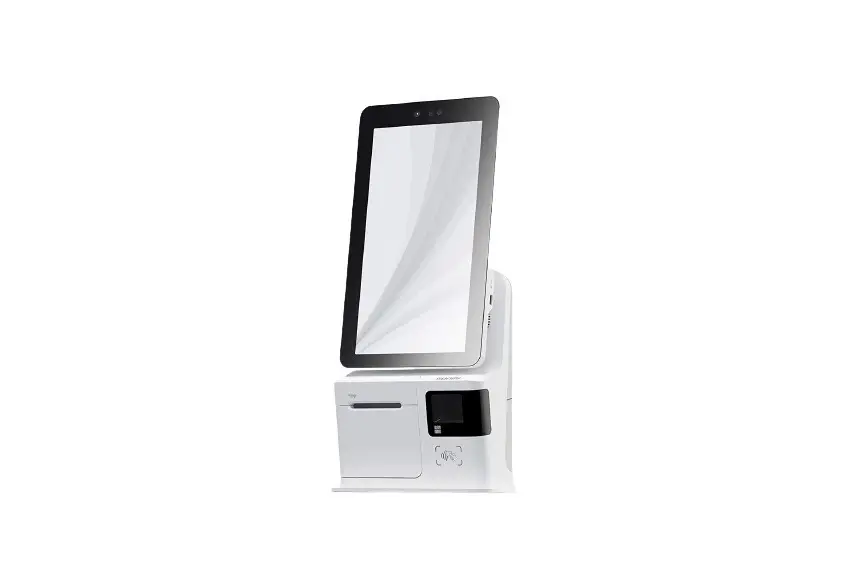
D2s LITE FHD Thermal Touch Screen
Product Information:
The product is a smart device manufactured by Shanghai Sunmi
Technology Co., Ltd. It is equipped with a touch screen display and
various ports, including a cash drawer port, USB ports, TF card
slot, power port, LAN port, serial port, audio jack, and USB debug
port. The device also features a facial recognition camera and a
power button for easy operation.
Product Usage Instructions:
- Cable Hole Installation: Put the power cable through the
cable hole on the back of the device’s prop. Turn the display
upward to locate the cable hole on the front side of the prop. Plug
the power adapter into the power port on the back of the display.
Finally, plug the other side of the adapter into an AC socket. - Configuration Options: The device offers three
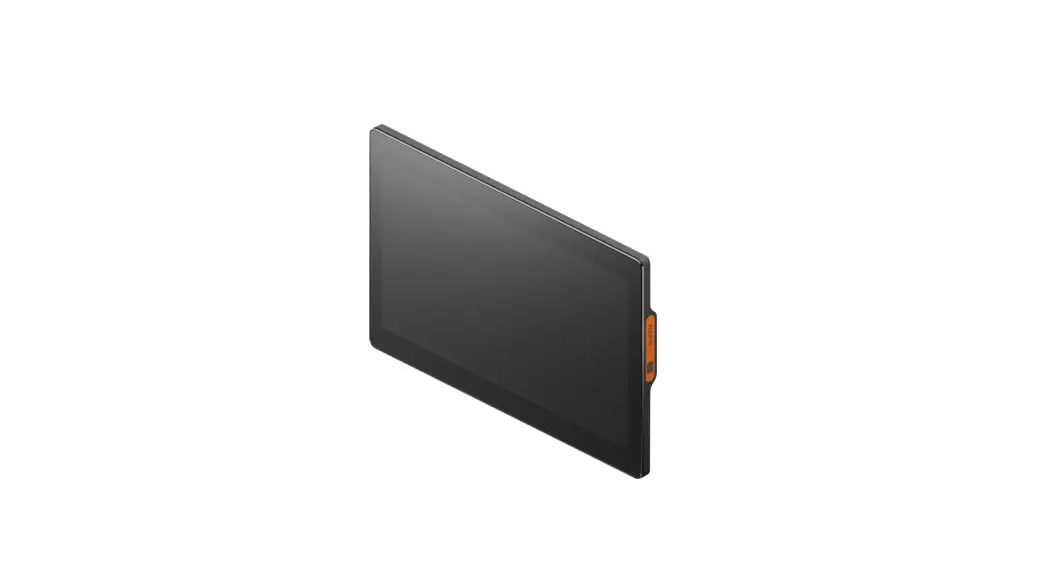
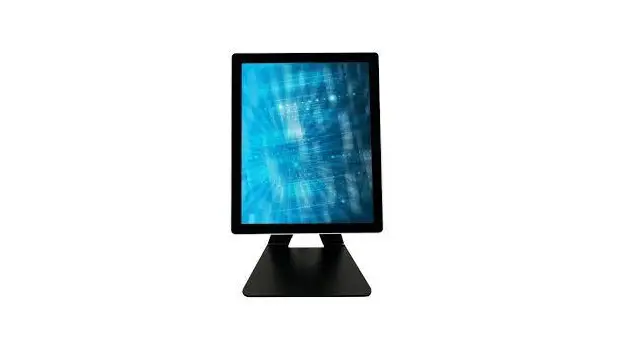
configuration options:- 15.6″ Touch Screen
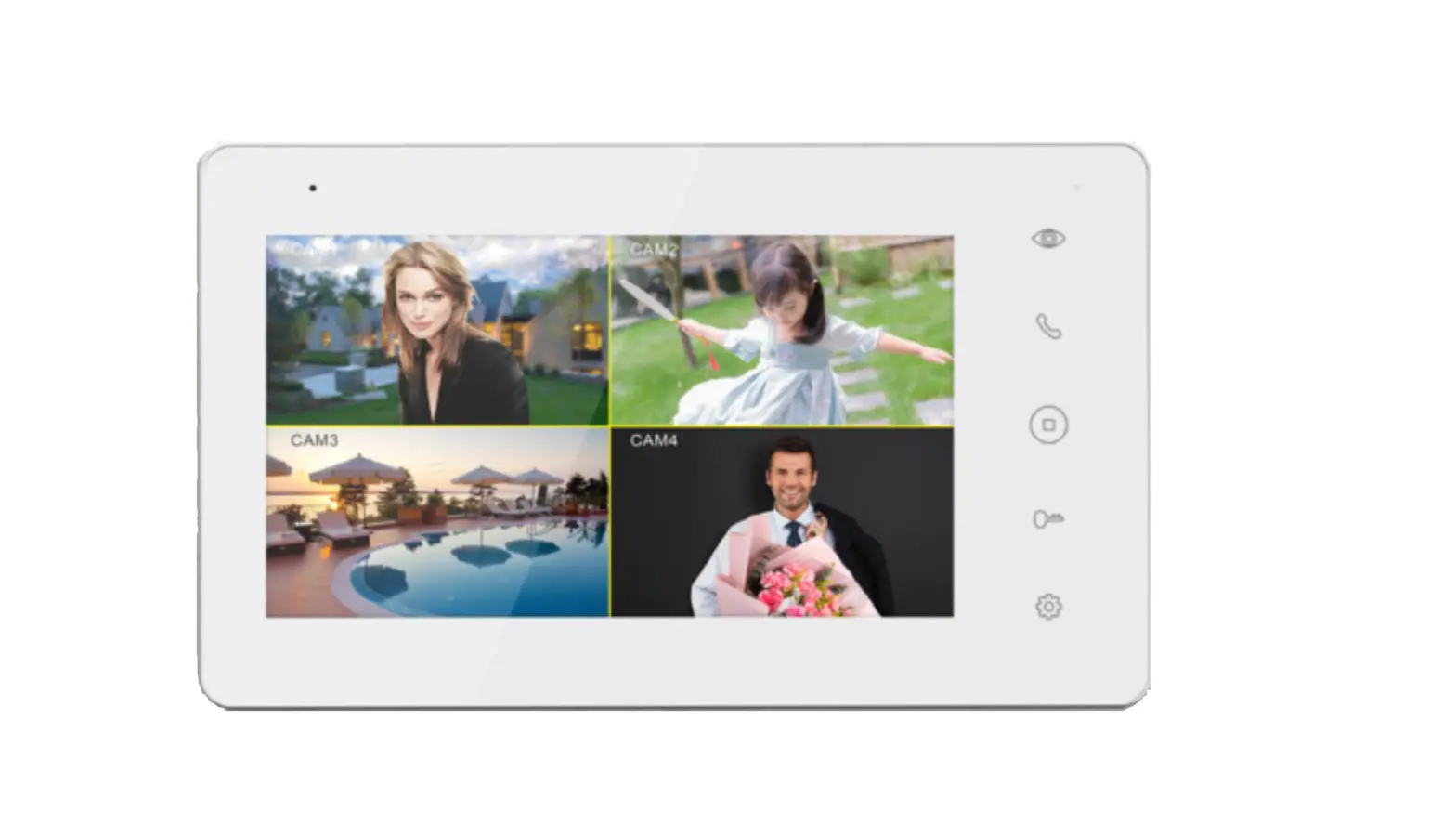
- 15.6″ Touch Screen + 10.1″ Customer Screen
- 15.6″ Touch Screen + 15.6″ Customer Screen
Choose the desired configuration based on your requirements.
- Simple Settings: Follow these steps to get the device
ready for use:- Press the power button to turn on the screen and enter the boot
interface. - Operate in accordance with the provided guidance.
- Select one of the two network modes available for the
device.
- Press the power button to turn on the screen and enter the boot
- How to Download/Use Apps: Connect the device to a
network and access the App Store to find and download relevant apps
for installation. - List of System Preset Software: For further assistance,
refer to the Help App available on the device.
For any safety reminders, cautions, suggestions, declarations,
or disclaimers, please consult the user guide provided with the
device.
Package Items List:
- Device x 1
- User Guide x 1 (includes package items list, product warranty
card, product certificate of approval) - Power Adapter x 1
If you have any questions regarding compliance statements, refer
to the relevant sections in the user manual or visit the internet
addresses provided.
Quick Start Guide
Cable Hole
Installation
Put the power cable through the cable hole on the prop back; Turn the display upward to find the cable hole on the front side of the prop; Plug the power adapter into the power port on the back of the display; Plug the other side of the adapter into the AC socket.
Three Configuration Options
15.6″Touch Screen
15.6″Touch Screen +10.1″Customer Screen
15.6″Touch Screen +15.6″Customer Screen
Simple Settings
Get this intelligent device ready for use in few steps.
1 Press the power button to turn on the screen and enter into the boot interface, then you can operate in accordance with guidance. For this device, two network modes can be selected.
2 Wi-Fi Setting · Click the button [Setting], and open WLAN to enter into the interface for WLAN searching. Wait for the list of available WLAN hotspot list; · Click the WLAN to be connected. An access password is required if you want to connect to an encrypted network.
3 LAN Setting
How to download/use Apps
With network connection, you can find and download relevant Apps in the App Store for installation.
List of System Preset Software
· System Update · Instruction · Feedback · POS Steward · Remote Assistance · Gallery · Music · Downloads · Calculator · ShopCenter For the details of the above software: select “Settings Apps”, and you can select an App to check its detailed information. Remark: The preset software list may change as the system upgrades.
For more helps, please refer to the Help App in the device.
Package Items List
Device x 1 User Guide x 1 (includes package items list, product warranty card, product certificate of approval) Power Adapter x 1
Introduction to the Device
“Take facial recognition version as an example”
Facial Recognition Camera
Display Screen Power Button
Power Button
Press the button to boot the device when it is off; Press and hold the button for 2-3 seconds to power off or reboot the device when the device is on. Press and hold the button for 11 seconds to power off the device when the device crashes.
Touch Screen
A touch screen for operators to use.
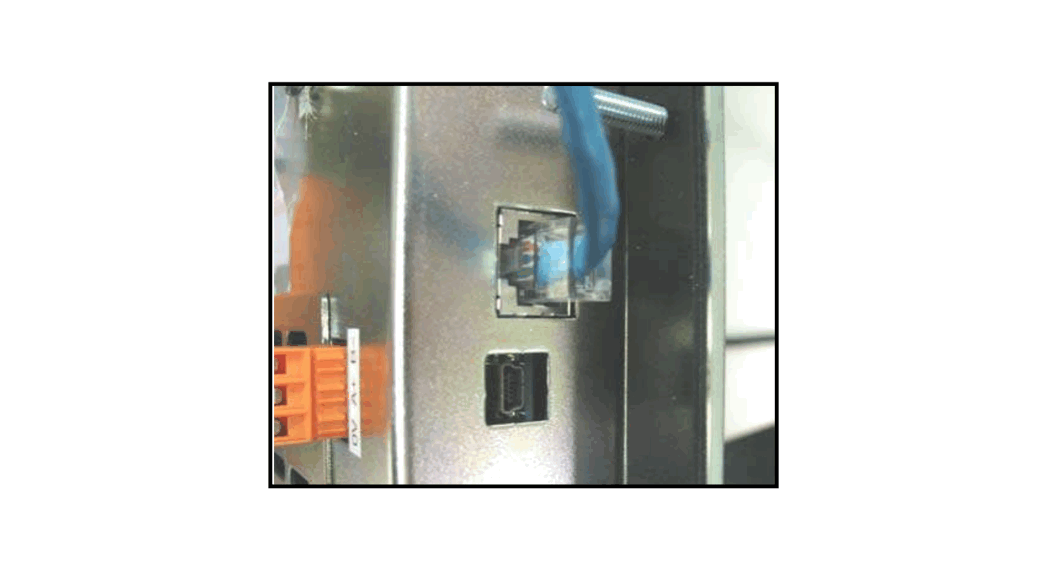
Cash drawer port
USB port
USB port TF card slot
Power port
LAN port
Serial port Audio jack USB debug port
Attentions
Cautions
· Please plug the AC power plug into the AC socket which complies to the input marked on the power adapter of the accessory;
· Use in any environment with potential explosive gas is strictly prohibited;
· No one other than professionals shall open the power adapter casually to avoid dangers;
· This device is a class B product and may cause radio jamming in the living environment. Under this circumstance, users need to take practical anti-jamming measures.
· Battery replacement: 1. Using the battery with a wrong model may lead to explosion! 2. The battery replaced shall be given to the maintenance staff for handling. Please Do not throw it into fire!
Important Safety Reminder
· Do not install or use the device during the weather of thunder and lightning to avoid being hit by thunder and lightning; · Please cut off the power supply immediately when you find a suspicious smell, overheated device or smoke!
PRODUCT SAFETY WARNINGS
To prevent possible injury, please read all instructions and safety information before you use the product. Operating temperature: 0°C ~ 40 °C, Storage temperature: -20 °C ~ 60 °C.
Suggestions
· Do not use the device close to water or in moist environment to prevent liquid from getting inside the device;
· Do not use the device in extremely cold or hot environment. For example: do not use the device close to fire or a lighted cigarette;
· Do not drop, throw or bend the device;
· Use the device in clean environment to prevent small items from getting inside the device; · Do not use the device close to medical facilities without permission.
Declaration
Our company is not responsible for the following actions: · Damages caused by the usage or maintenance which are not in accordance with the user guide;
· Damages or problems caused by options or consumables (not provided or approved by our company);
· Modifying or changing the product without our company’s permission is not allowed;
· The OS of the product can be updated with update ROM released officially by our company. If users use a third-party ROM system to update or crack and change the system file, the system may be unstable and will bring safety risks and threats.
Disclaimer
Due to the updates of products, the details listed in this guide might be different from the products, and the products shall take precedence. Our company reserves the right to interpret this guide as well as the right to amend this guide without prior notice.
FCC compliance statement
This device complies with Part 15 of the FCC Rules. Operation is subject to the following two conditions: (1) this device may not cause harmful interference, and (2) this device must accept any interference received, including interference that may cause undesired operation. Note: This equipment has been tested and found to comply with the limits for a Class B digital device, pursuant to part 15 of the FCC Rules. These limits are designed to provide reasonable protection against harmful interference in a residential installation.This equipment generates, uses and can radiate radio frequency energy and, if not installed and used in accordance with the instructions, may cause harmful interference to radio communications. However, there is no guarantee that interference will not occur in a particular installation. If this equipment does cause harmful interference to radio or television reception, which can be determined by turning the equipment off and on, the user is encouraged to try to correct the interference by one or more of the following measures: –Reorient or relocate the receiving antenna. –Increase the separation between the equipment and receiver. –Connect the equipment into an outlet on a circuit different from that to which the receiver is connected. –Consult the dealer or an experienced radio/TV technician for help. Caution: The user is cautioned that changes or modifications not expressly approved by the party responsible for compliance could void the user’s authority to operate the equipment. the device for operation in the band 51505250 MHz is only for indoor use to reduce the potential for harmful interference to co-channel mobile satellite systems.
RF Exposure Statement (SAR)
· This equipment complies with EU, FCC and IC RSS-102 radiation exposure limits set forth for an uncontrolled environment. · This equipment should be installed and operated with minimum distance 20cm between the radiator & your body.
ISED Canada compliance statements
This device complies with ISED Canada licence-exempt RSS standard(s). Operation is subject to the following two conditions: (1) this device may not cause interference, and (2) this device must accept any interference, including interference that may cause undesired operation of the device.
Le présent appareil est conforme aux CNR d’ISDE Canada applicables aux appareils radio exempts de licence. L’exploitation est autorisée aux deux conditions suivantes:(1) L’appareil ne doit pas produire de brouillage, et (2) L’appareil doit accepter tout brouillage radioélectrique subi, même si le brouillage est susceptible d’en compromettre le fonctionnement.
The device for operation in the band 5150-5250 MHz is only for indoor use to reduce the potential for harmful interference to co-channel mobile satellite systems; Les dispositifs fonctionnant dans la bande 5150-5250 MHz sont réservés uniquement pour une utilisation à l’intérieur afin de réduire les risques de brouillage préjudiciable aux systèmes de satellites mobiles utilisant les mêmes canaux.
Manufacturer: Shanghai Sunmi Technology Co., Ltd. Address: Room 505, No.388 Song Hu Road, Yang Pu District, Shanghai, China.
EU regulatory conformance
Conformity CE
Hereby, Shanghai Sunmi Technology Co., Ltd. declares that this device is in compliance with the essential requirements and other relevant provisions of Radio Equipment Directive 2014/53/EU.The full text of the EU declaration of conformity is available at the following internet address: https://developer.sunmi.com/docs/read/en-US/maaeghjk480.
INFORMATION ABOUT THE SOFTWARE
The description of accessories and components, including software, which allow the radio equipment to operate as intended, can be obtained in the full text of the EU declaration of conformity at the following internet address: https://developer.sunmi.com/docs/read/en-US/maaeghjk480.
RESTRICTIONS OF USE
This product may be used in the following European member states subject to the following restrictions. For products that operate in the frequency band 5.150 to 5.350 GHz, wireless access systems (WAS), including radio local area networks (RLANs), shall be restricted to indoor use.
AT BE BG CY CZ DE DK EE ES FI FR
GR HU IE IT LT LU LV MT NL PL PT
RO SE
SI
SK
UK (NI)
EU Representative :SUNMI France SAS 186,avenue Thiers,69006 Lyon,France
This symbol means that it is forbidden to dispose the product of with normal household waste. At the end of the product life cycle, waste equipment should be taken to designated collection points, returned to the distributor when purchasing a new product, or contact your local authority representative for detailed information on WEEE recycling.
Technical features and characteristic
the product includes the following features and characteristics
Mode/Band BT BLE
2.4G Wifi 5G Wifi 5.8G WiFi
Frequency 2402-2480MHz(TX/RX) 2402-2480MHz(TX/RX) 2412-2472MHz(TX/RX) 5150-5250MHz(TX/RX) 5725-5850MHz(TX/RX)
PowercdBm 11 9 23 13.5 16
 developer.sunmi.com/docs/read/en-US/maaegh-