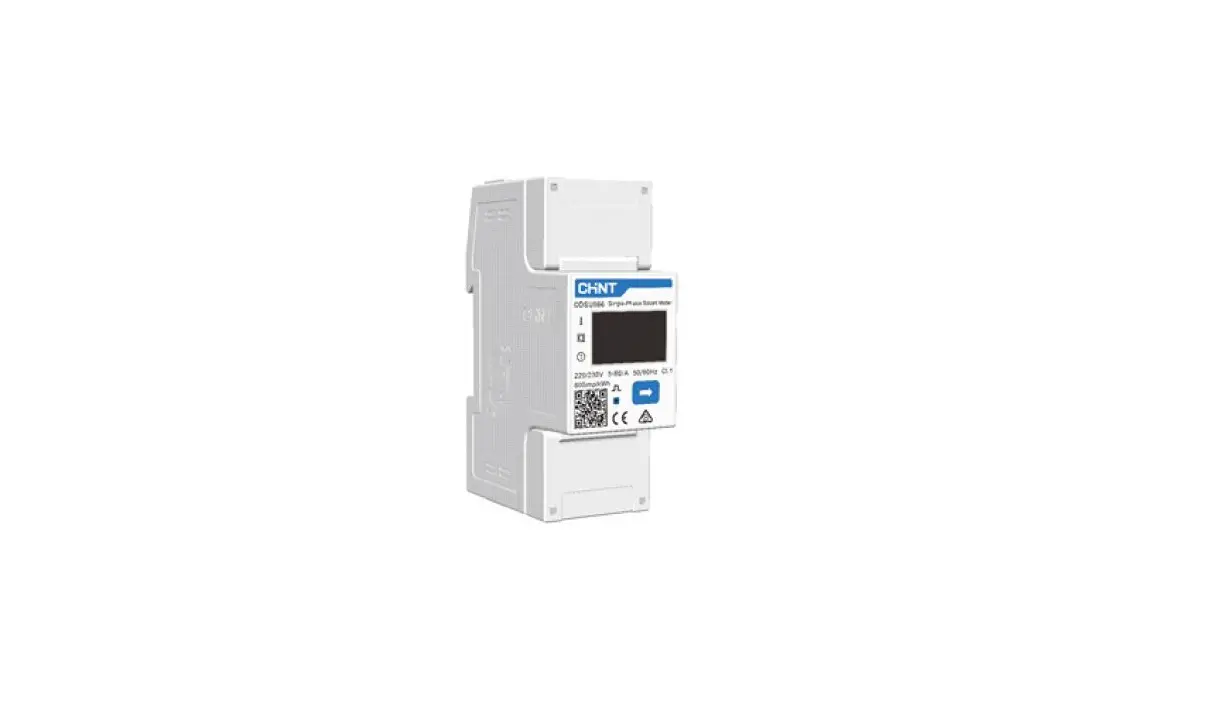
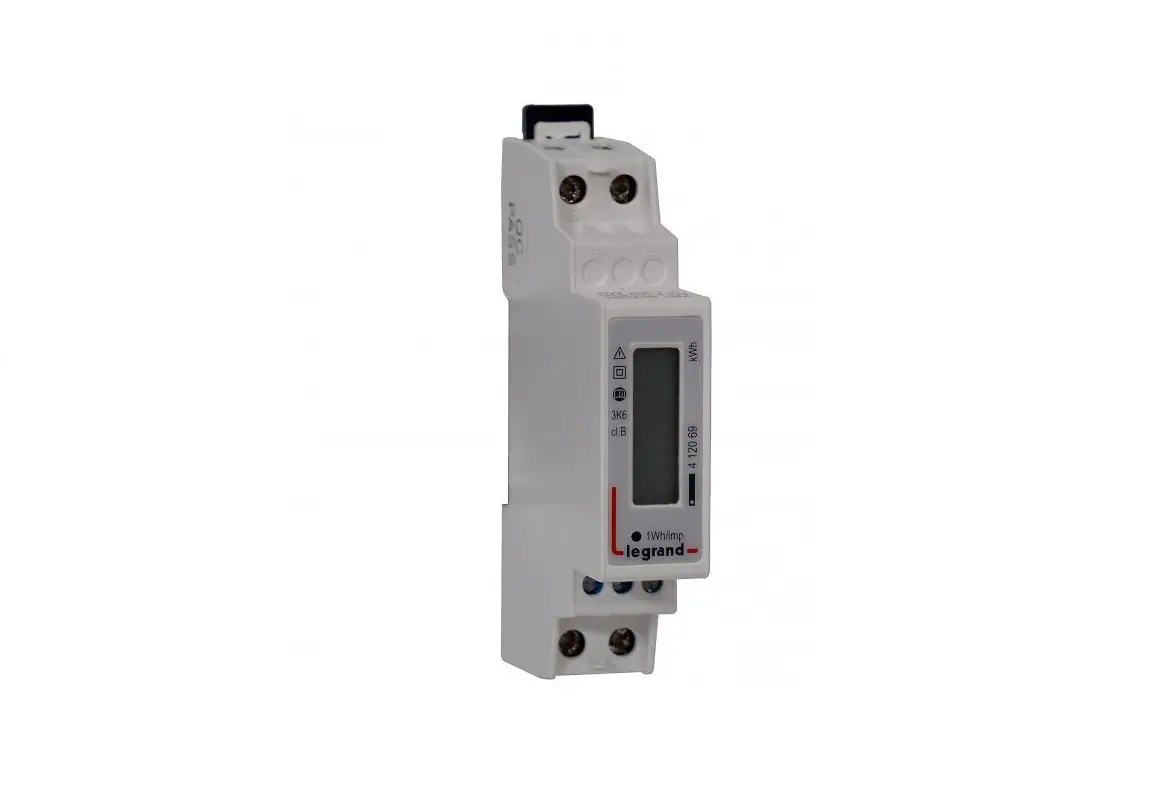
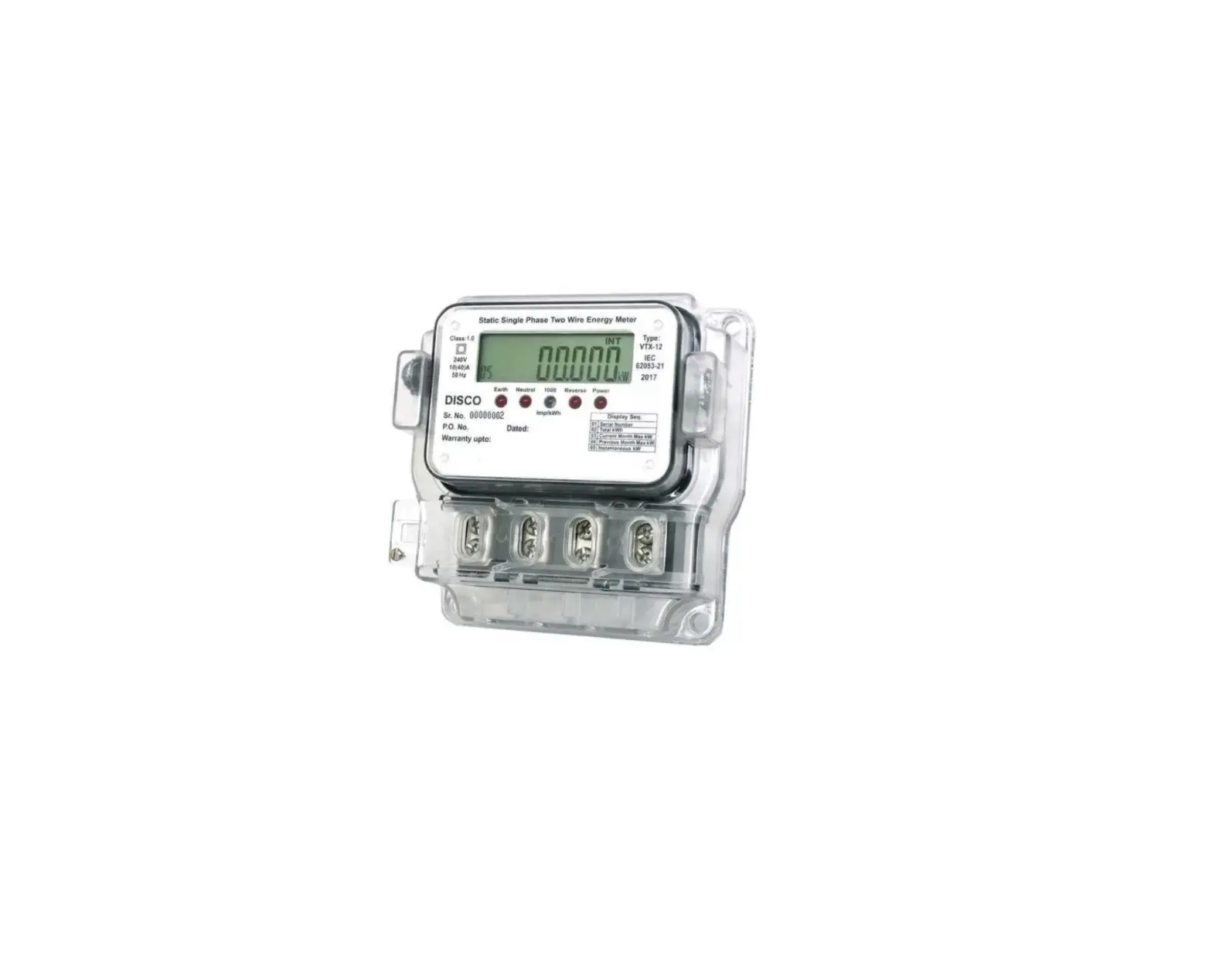
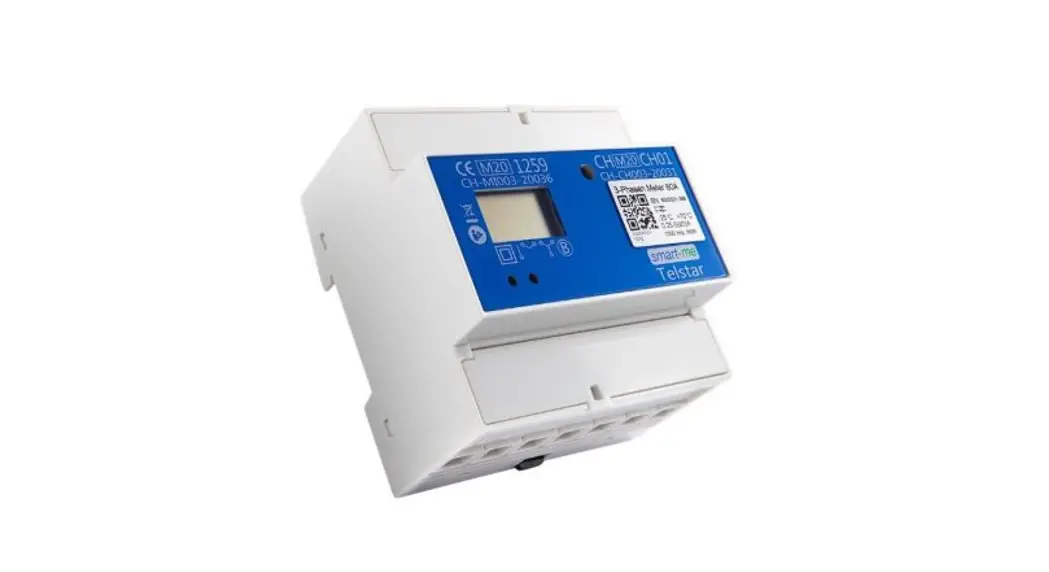
SDM230 Modbus Single Phase Meter
Product Information:
The SDM230-Modbus Single-phase Meter is an energy meter with a
blue back-lighted LCD screen that is used to measure single-phase
electricity consumption in residential, utility, and industrial
applications. It is designed to accurately measure and display
various electrical parameters and also provides a communication
port for remote reading and monitoring. The meter is capable of
bi-directional energy measurement, making it suitable for solar PV
energy metering.
Product Usage Instructions:
Step 1: Unpacking
Open the packaging and take out the SDM230-Modbus Single-phase
Meter.
Step 2: Overview
Read the user manual to understand the features and
specifications of the meter. The meter measures and displays
important electrical parameters such as voltage, current, power
consumption, frequency, power factor, active power, reactive power,
active energy, and reactive energy.
Step 3: Technical Parameters
The meter has the following technical parameters:
- Voltage range: 0.5% of range maximum
- Base current (Ib): 0.5% of nominal
- Current range: 0.2% of mid-frequency
- Power consumption: 1% of Unity
- Frequency: 1% of range maximum
- Power factor: 2% of range maximum
- Accuracy: Class 1 IEC62053-21
- Communication: RS485 output for Modbus RTU at 9600 Baud
rate - Dimensions: 36x99x63 mm (WxHxD)
- Mounting: DIN rail dimensions 35mm
- Sealing: IP51 (indoor), self-extinguishing UL94V-0
material
Step 4: Dimension
The meter dimensions are as follows:
| Item | A | B | C |
|---|---|---|---|
| Number | 1 | Single phase meter | |
| Description | RS485 cable standard length 5m | ||
| User Manual |
Step 5: Installation
Before installing the meter, make sure to check the wire
diagram. The meter has an Ingress Protection rate of IP51 and a
pollution degree of PD2, which means it must be installed indoors.
Follow the installation chart provided in the manual.
Important Note:
When wiring the meter, ensure that the input and output wires
for L/N are correctly connected. Incorrect wiring may damage the
meter.
Step 6: LCD Display
The meter’s LCD display provides information as follows:
- Measured values or RTC displayed on a 7-digit screen
- Total kWh, import kWh, export kWh, resettable kWh
- Total kVarh, import kVarh, export kVarh, resettable kVarh
- Max. power demand, voltage, current, W, Var, VA, power factor,
frequency - Pulse constant, Modbus ID, baud rate, continuous running
time
When the meter is powered on, it will initialize and perform
self-checking. After initialization, the meter will display the
measured values. Use the scroll button on the front panel to view
different information.
SDM230-Modbus Single-phase Meter User Manual
Step3. Unpacking
Step1. Overview
The energy-meters “with a blue back-lighted LCD screen for prefect reading” are used to measure single-phase like residential, Utility and Industrial application. The unit measures and displays various important electrical parameters, and provide a communication port for remote reading and monitoring. Bi-directional energy measurement makes the unit a good choice for solar PV energy metering.
Step2. Technical Parameters
General Specifications Voltage Voltage range Base current(Ib) Current range Power consumption Frequency AC voltage withstand Impulse voltage withstand Max. Reading Accuracy Voltage Current
230Vac 176~276Vac 10A 0.5~100A 2W/10VA 50/60Hz(±10%) 4KV for 1 minute 6KV-1.2uS wavform 999999.9kWh
0.5% of range maximum 0.5% of nominal
Frequency Power factor Active power Reactive power
Active energy
Reactive energy Enviroment Operating temperature Storage and transportation temperature Referencetemperature Relative humidity Altitude Installation category Degree of pollution Communication Communication Baud rate Mechanics Din rail dimensions Mounting Sealing Material
0.2% of mid-frequency 1% of Unity 1% of rangemaximum 2% of range maximum Class 1 IEC62053 -21 Class B EN50470 -3 1% of range maximum
-25 to +55 – 40 to +70 23±2 0 to 95%, non-condensing up to 2500m CAT III 2
RS485 output for Modbus RTU 9600
36x99x63 (WxHxD) DIN 43880 DIN rail 35mm IP51 (indoor) self-extinguishing UL94V-0
Step4.Dimension (Unit: mm)
Item A B C
Number 1
Description Single phase meter
1
RS485 cablestandard length 5m
1
User Manual
Step5.Installation
Wire diagram:
The Ingress Protection rate is IP51 and the pollution degree is PD2, So meter must be install in door. The whole installation chart shows as below:
before screw the cable. Please open the cover of meter:
The standard communication cable between meter and inverter is 5m, if it is not enough, Customers can be extended through the network cable. Note: be careful the wire of input and output of L/N, if lines are wrong, it may destroy the meter.
Step6. LCD display
Item Descriptions Item Descriptions
1 7 digits used to display measured values or RTC 1 7 digits used to display measured values or RTC
2 2
ToTotatal vl avaluluee
4 4 ImImppoortrtininfoformrmaattioionn,,EExxppoorrttiinnffoorrmmaattiioonn
5 5 MMaxa.xD. DeemmaannddfoforrPPoowweerroorrCCuurrrreenntt
6 6 PPuulsleseoouutptpuutt11aannddPPuulslseeoouuttppuutt 22
7 7 MMeeaasusureremmeennttuunnititss
8 8 PPFF==ppoowweerrfafacctotorr HHzz==ffrreeqquueennccyy
9 9 BBararddisipsplalayyooffPPoowweerr
1010 CCoommmmuunnicicaatitoionnininddicicaattoorr
1111 TiTmimeeininfoformrmaatitoionn
1212 LoLowwbbaattteteryrywwaarrnniningg
1313 LoLockcksysymmbbool l
When it is powered on, the meter will initialize and do selfchecking.
Scroll display by Button
After initialization and self-checking program, the meter display the measured values. The default page is total kWh. If the user wants to check other information, he needs to press the scroll button on the front panel.
The display order by scroll button
Total kwh import kwh export kwh resettable kwh total kVarh import kVarh export kVarh resettable kVarh Max. power demand voltage current W Var VA power factor frequency pulse constant Modbus ID baud Fate continuous running time.
Full screen software version Modbus ID Baud rate total kWh