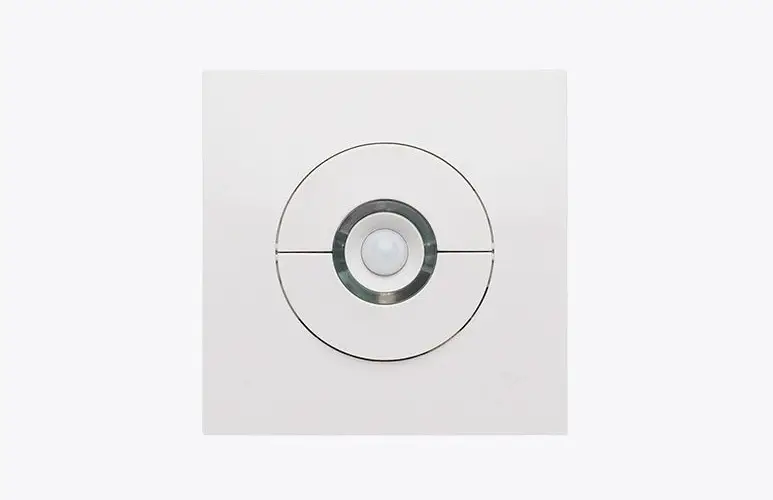
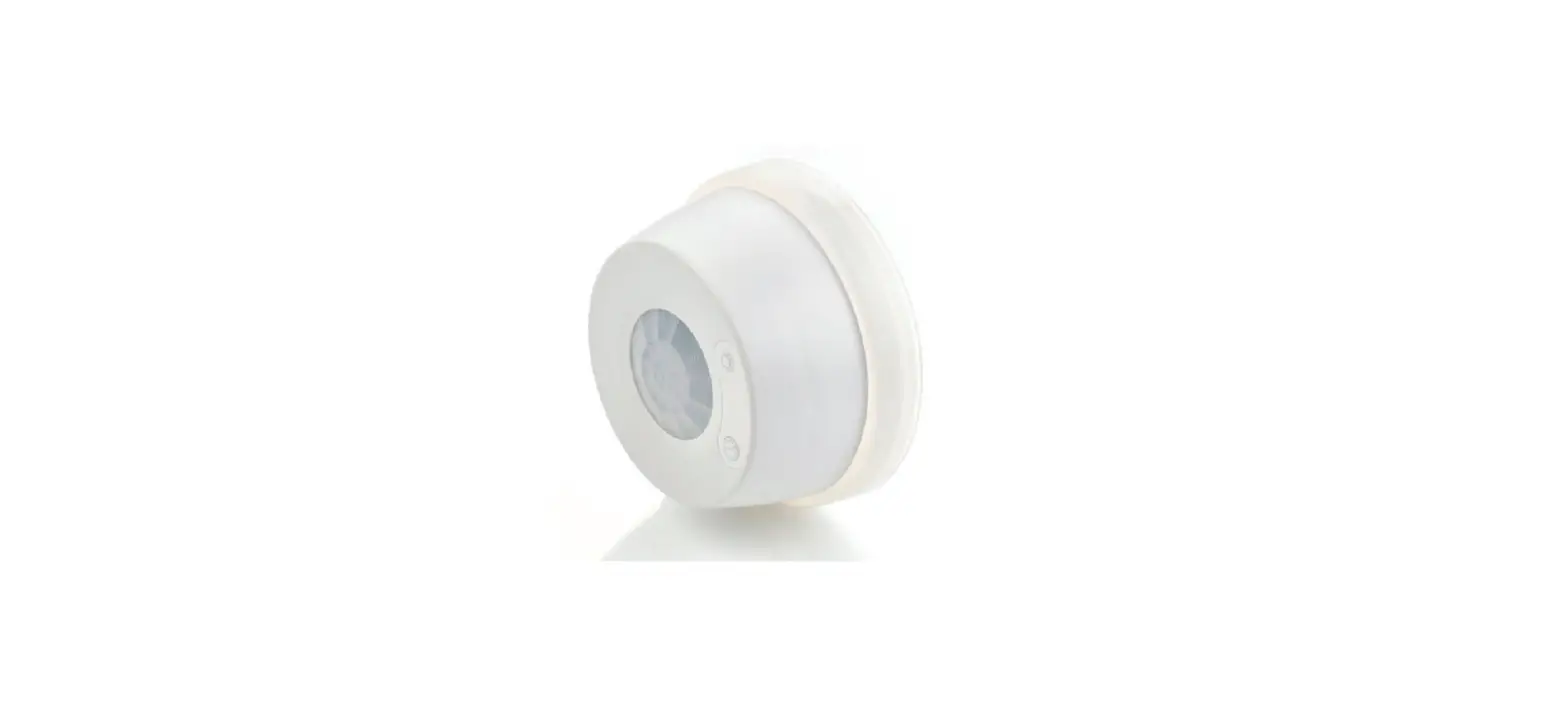
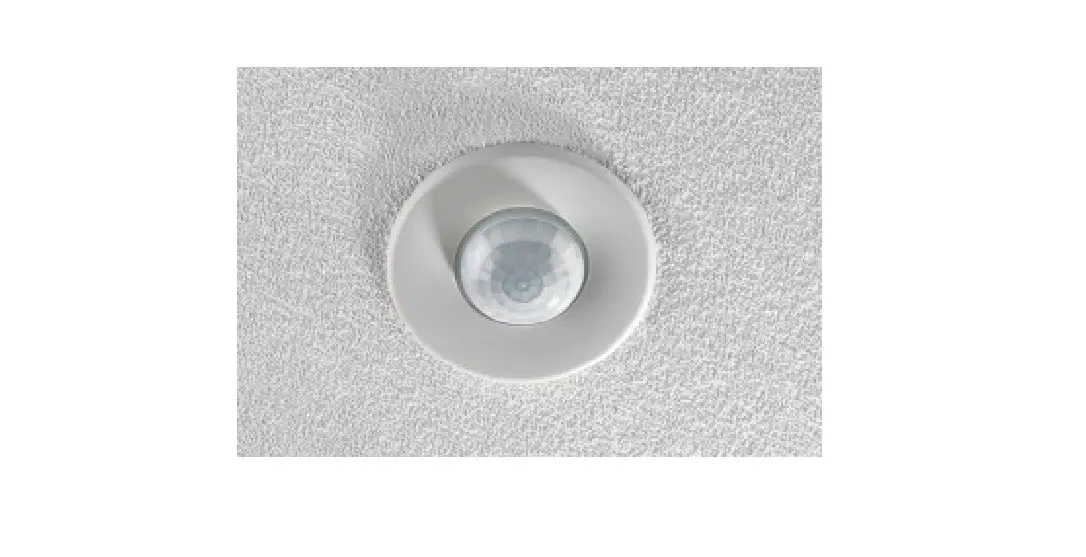
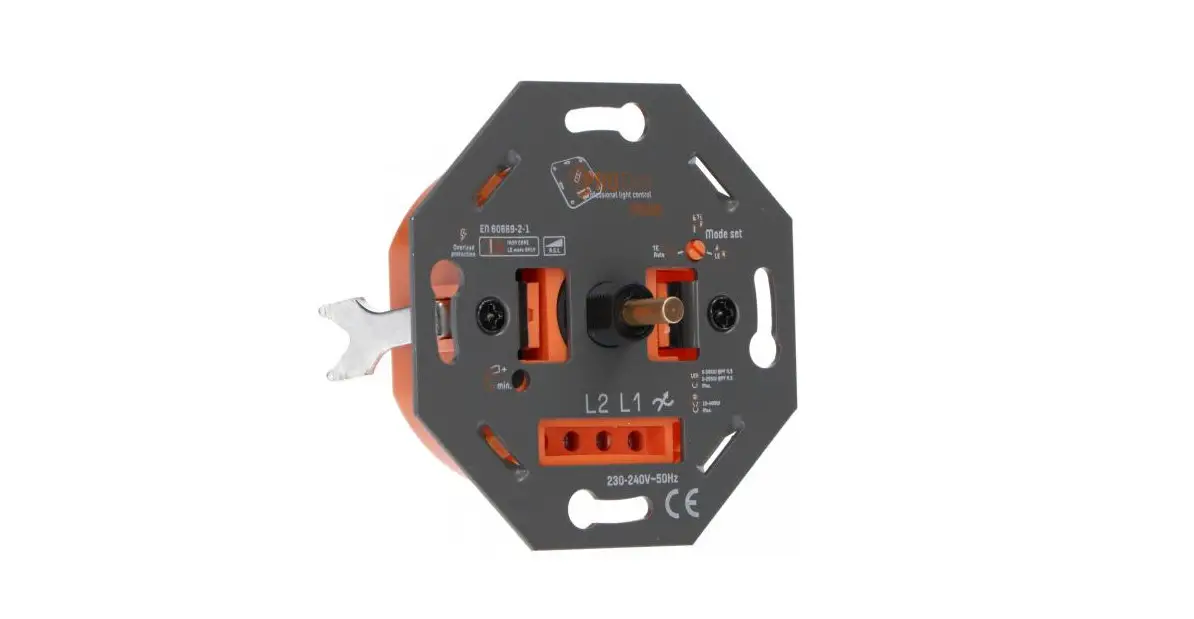
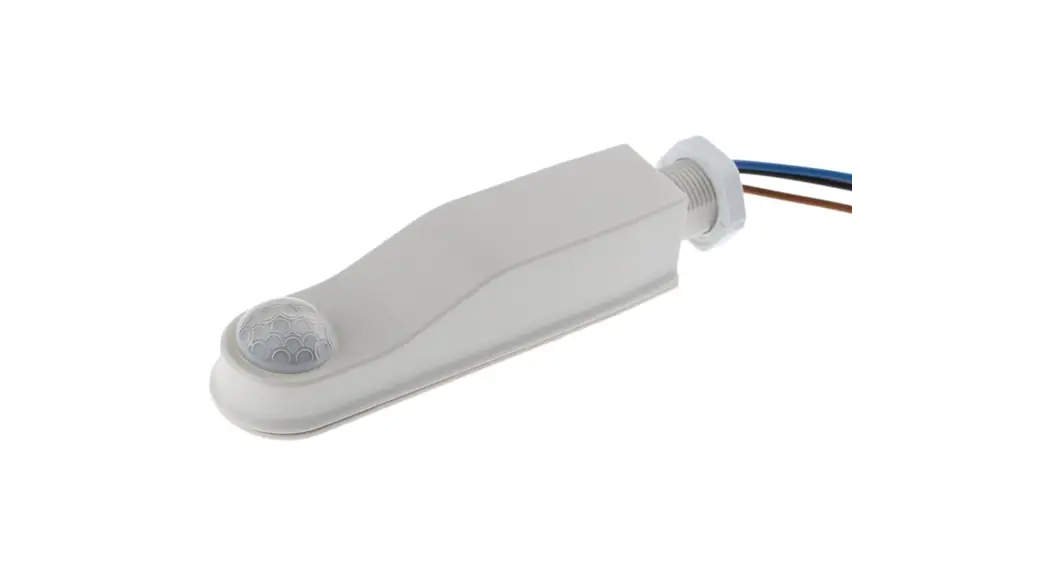
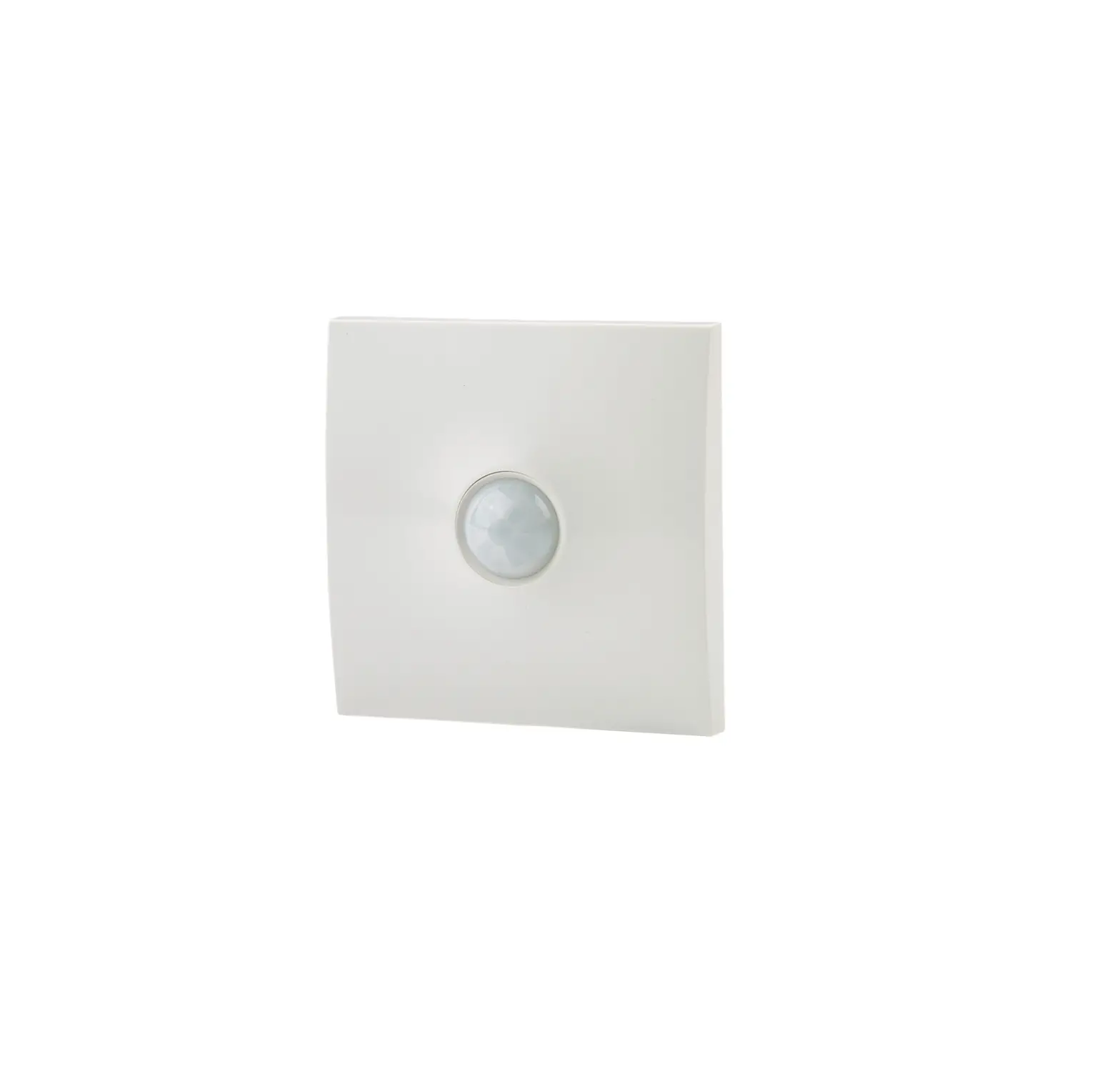
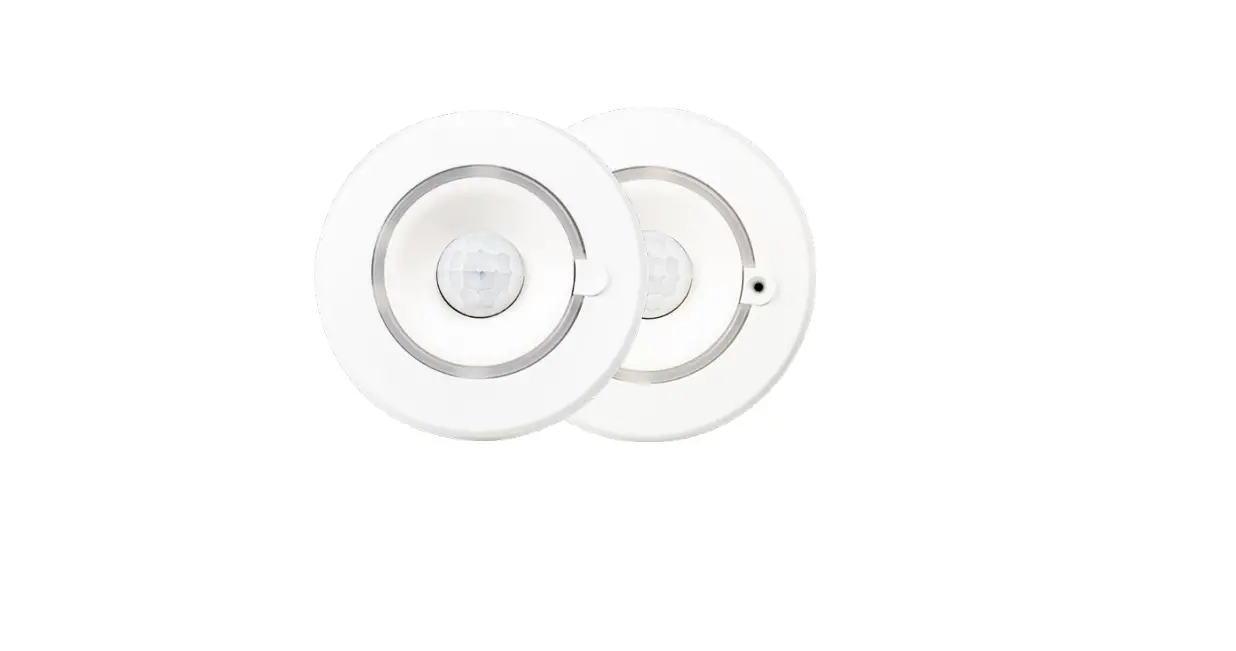
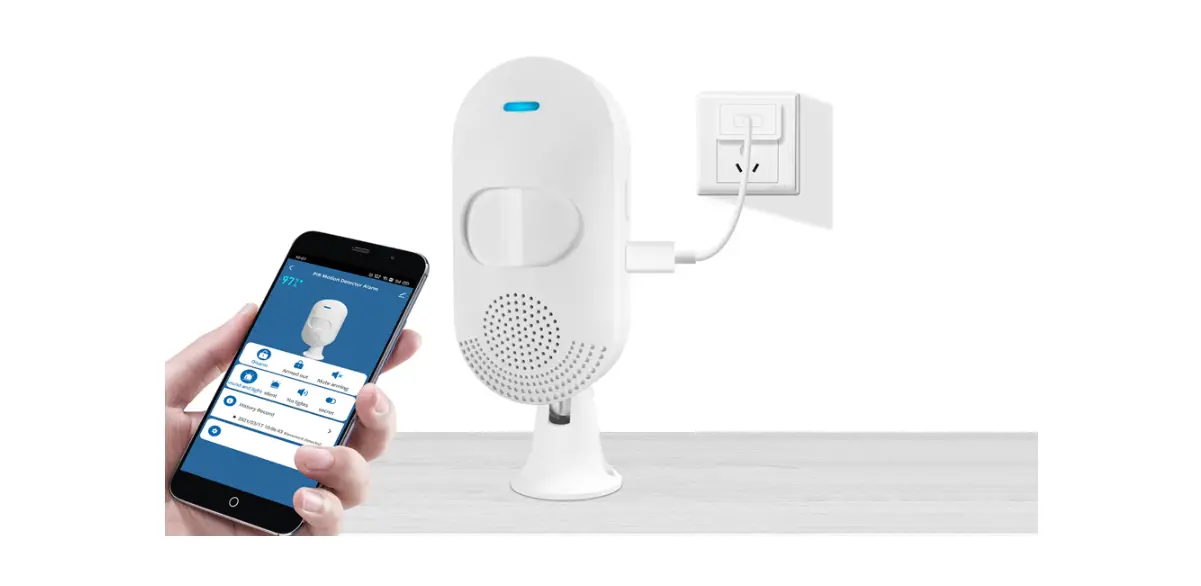
PDS-PRM Wall Mounted PIR Sensors and Dimmers
Product Information
Product Name: PDS-PRM
Product Type: Wall Mounted PIR Presence
Detector
Model Number: No Neutral
Ref: #WD298 Issue 7
Overview: The PDS-PRM presence detector
switches are designed to provide automatic control of lighting,
heating, or ventilation loads. They detect movement using a PIR
sensor and turn the load on. When an area is no longer occupied,
the load will switch off after an adjustable time out period. An
internal light sensor provides additional energy saving in lighting
applications. When an area is occupied, lighting is only switched
on when the level of natural light is below a preset level.
Ratings:
- Supply Voltage: 220-240 VAC
- Power: 10A
- Time out period: Adjustable from 1 minute to
30 minutes - Light level: Optional adjustment by thumbwheel
from light to dark - Terminal Capacity: 2.5mm2
- Material Type: Flame retardant ABS
- Temperature: Not specified
- Conformity: EMC-2014/30/EU,
LVD-2014/35/EU
Installation and Wiring
- Compatible with all BS4662 dimensions back boxes.
- Remove top and bottom lugs if fitted.
- Do not overtighten.
- IMPORTANT NOTICE! This device should be
installed by a qualified electrician in accordance with the latest
edition of the IET wiring regulations. - Use the extender if there is less than 25mm free space.
Remember to put the wires through the extender before
connecting. - The detector should be sited so that the occupants of the room
fall inside the detection pattern shown below, at a recommended
height of 1.2m to 1.5m for wall sensors. Note that the higher the
sensor is installed, the shorter the detection range will be. - Avoid direct sunlight entering the sensor.
- Do not site within 1m of forced air heating or
ventilation. - Do not site within 1m of any lighting.
- Do not fix to a vibrating surface.
Product Usage Instructions
- Activate the unit by setting DIL switch 1 on.
- Allow about 60 seconds for the unit to settle.
- Set the LUX level thumbwheel fully clockwise and the time
setting to minimum (fully anticlockwise). - Check that the load switches on when movement is detected and
turns off again about 1 minute after the area has been
vacated. - To set the final LUX level, wait until the level of natural
daylight is just enough that lighting is required. Starting with
the LUX thumbwheel fully anticlockwise, very slowly turn the
thumbwheel clockwise until the lights come on. Note that when the
LUX thumbwheel is fully clockwise, the lights will always come on
with occupancy. - If the unit is not going to be used for a prolonged period of
time, deactivate it by setting DIL switch 1 off. This will preserve
battery life.
Battery:
- Unit deactivated: Battery life is preserved.
- Unit activated: Battery usage is active.
Fault Finding:
No specific fault finding instructions are provided in the user
manual.
Part Numbers:
PDS-PRM – No Neutral, Wall mounted PIR presence detector
Due to our policy of continual product improvement, CP
Electronics reserves the right to alter the specification of this
product without prior notice.
PDS-PRM
INSTALLATION GUIDE
Ref: #WD298 Issue 7
No Neutral Wall Mounted PIR Presence Detector
Overview
The PDS-PRM presence detector switches are designed to provide automatic control of lighting, heating or ventilation loads. They detect movement using a PIR sensor and turn the load on. When an area is no longer occupied the load will switch off after an adjustable time out period.
An internal light sensor provides additional energy saving in lighting applications. When an area is occupied lighting is only switched on when the level of natural light is below a preset level.
Installation and wiring
Compatible with all BS4662 dimensions back boxes.
Remove top and bottom lugs if fitted.
Do not overtighten
IMPORTANT NOTICE! This device should be installed by a qualified electrician in accordance with the latest edition of the IET wiring regulations.
< 25mm
Use the extender if there is less than 25mm free space. REMEMBER–put the wires through the extender before connecting.
The detector should be sited so that the occupants of the room fall inside the detection pattern shown below, at a recommended height of 1.2m to
1.5m for wall sensors. Note that the higher the sensor is installed the shorter the detection range will be.
·
Avoid direct sunlight entering the sensor.
·
Do not site within 1m of forced air heating or ventilation.
·
Do not site within 1m of any lighting.
·
Do not fix to a vibrating surface.
1 way switching If the lights are controlled
from one location only, wired as in the diagram.
2 way switching If more than one detector is required to switch the lighting (e.g. at
the top and bottom of a staircase) they can be wired in parallel, as in the diagram.
KEY LEGEND:
L1 — COM —
LIVE IN COMMON
Com L1
Com L1
PDS-PRM
PDS-PRM
PDS-PRM
Setup
1.
Activate the unit by setting DIL switch 1 on.
2.
Allow about 60 seconds for the unit to settle.
3.
Set the LUX level thumbwheel fully clockwise, and
the time setting to minimum (fully anticlockwise).
4.
Check that the load switches on when movement
is detected, and turns off again about 1 minute
after the area has been vacated.
5.
To set the final LUX level wait until the level of
natural daylight is just enough that lighting is re-
Time Setting
quired. Starting with the LUX thumbwheel fully anti 1min –
-clockwise. Very slowly turn the thumbwheel clock- 30 min
wise until the lights come on. Note that when the
LUX thumbwheel is fully clockwise then the lights
will always come on with occupancy.
6.
If the unit is not going to be used for a prolonged
period of time, deactivate by setting DIL switch 1
Battery
off. This will preserve battery life.
Lux setting
Unit deactivated Unit activated
Batteries
· The internal battery should last in excess of 3 years, dependent on usage.
· When it needs replacing, a red LED will flash on the front of the unit. · Follow the steps below to replace the battery.
1. Remove front cover 2. Lever out battery 3. Replace battery 4. Push into holder 5. Replace front cover · Use only good quality, 9V alkaline batteries type PP3.
Fault finding
LOAD DOES NOT COME ON Check to see if the live supply to the circuit is good. Strap across the L and LIVE OUT terminal to turn the load on. If the supply and wiring are good, check the LUX level setting. Increase the LUX level setting to allow the controller to turn on at higher ambient natural light level. LIGHTS DO NOT GO OFF Ensure that the area is left unoccupied for a greater time period than the time out period set using the switch. Make sure that the sensor is not adjacent to circulating air, heaters or lamps.
Part numbers
PDS-PRM
No Neutral, Wall mounted PIR presence detector
Ratings
Supply Voltage Power Time out period Light level Terminal Capacity Material Type Temperature Conformity
220-240 VAC 50 Hz 10A
Adjustable 1minute to 30 minutes Optional adjustment by thumbwheel light to dark. 2.5mm2 Flame retardant ABS
Class 2 0°C to 35°C
EMC-2014/30/EU
LVD-2014/35/EU
Due to our policy of continual product improvement CP Electronics reserves the right to alter the specification of this product without prior notice.
C.P. Electronics
a business unit of Legrand Electric Limited
Brent Crescent
London
NW10 7XR
United Kingdom
Tel:
+ 44 (0) 333 900 0671
Fax:
+ 44 (0) 333 900 0674
www.cpelectronics.co.uk
 CP Electronics | Brands | Legrand United Kingdom