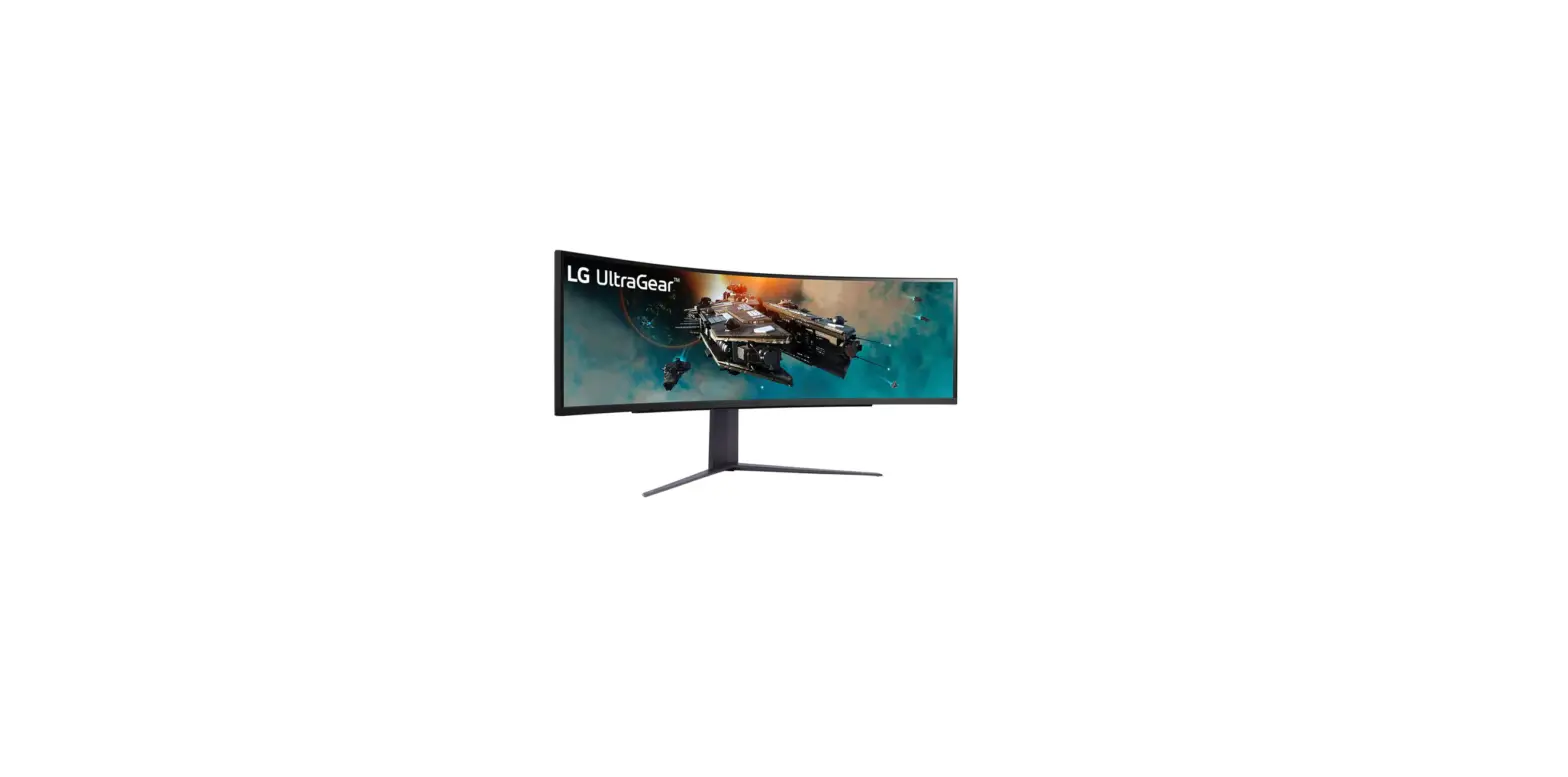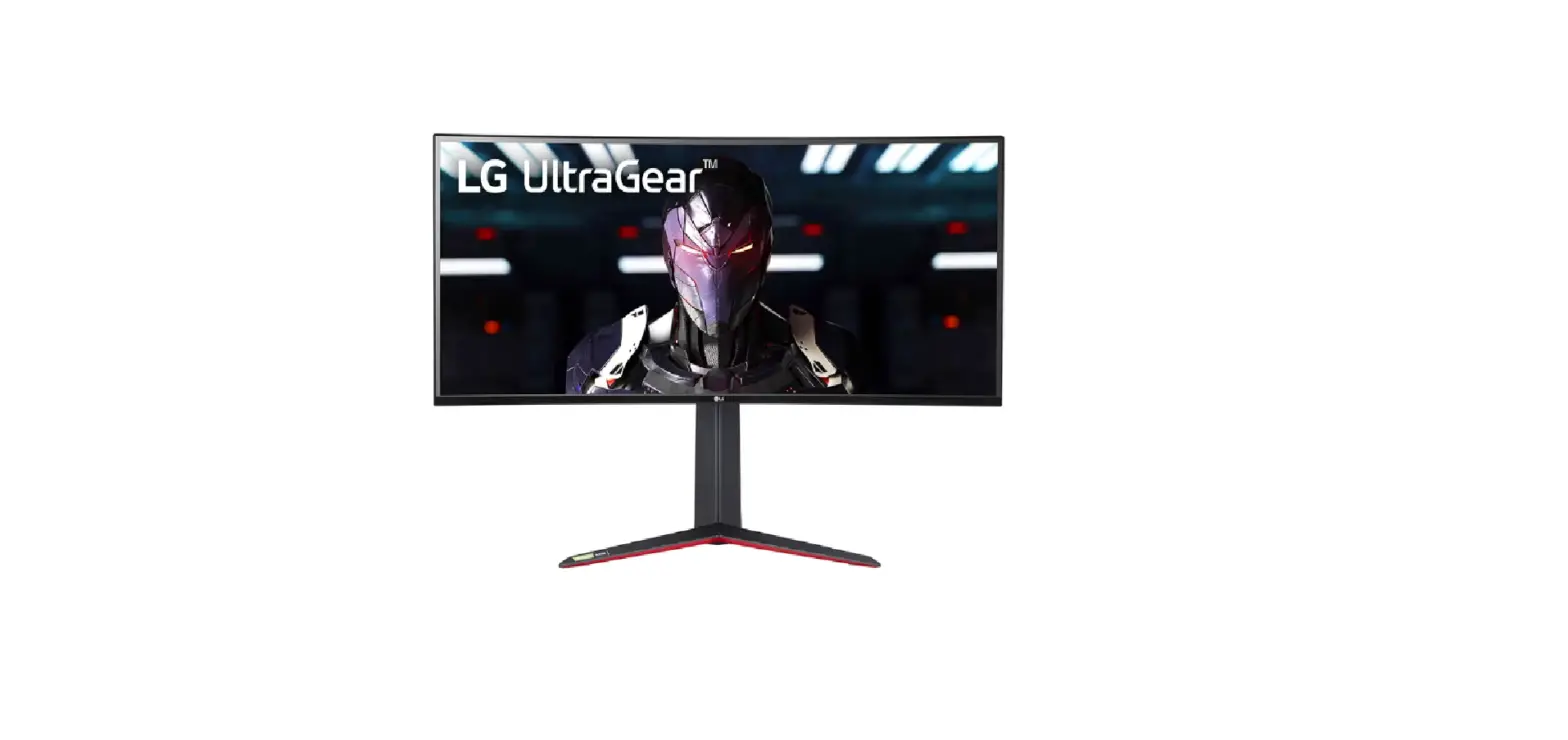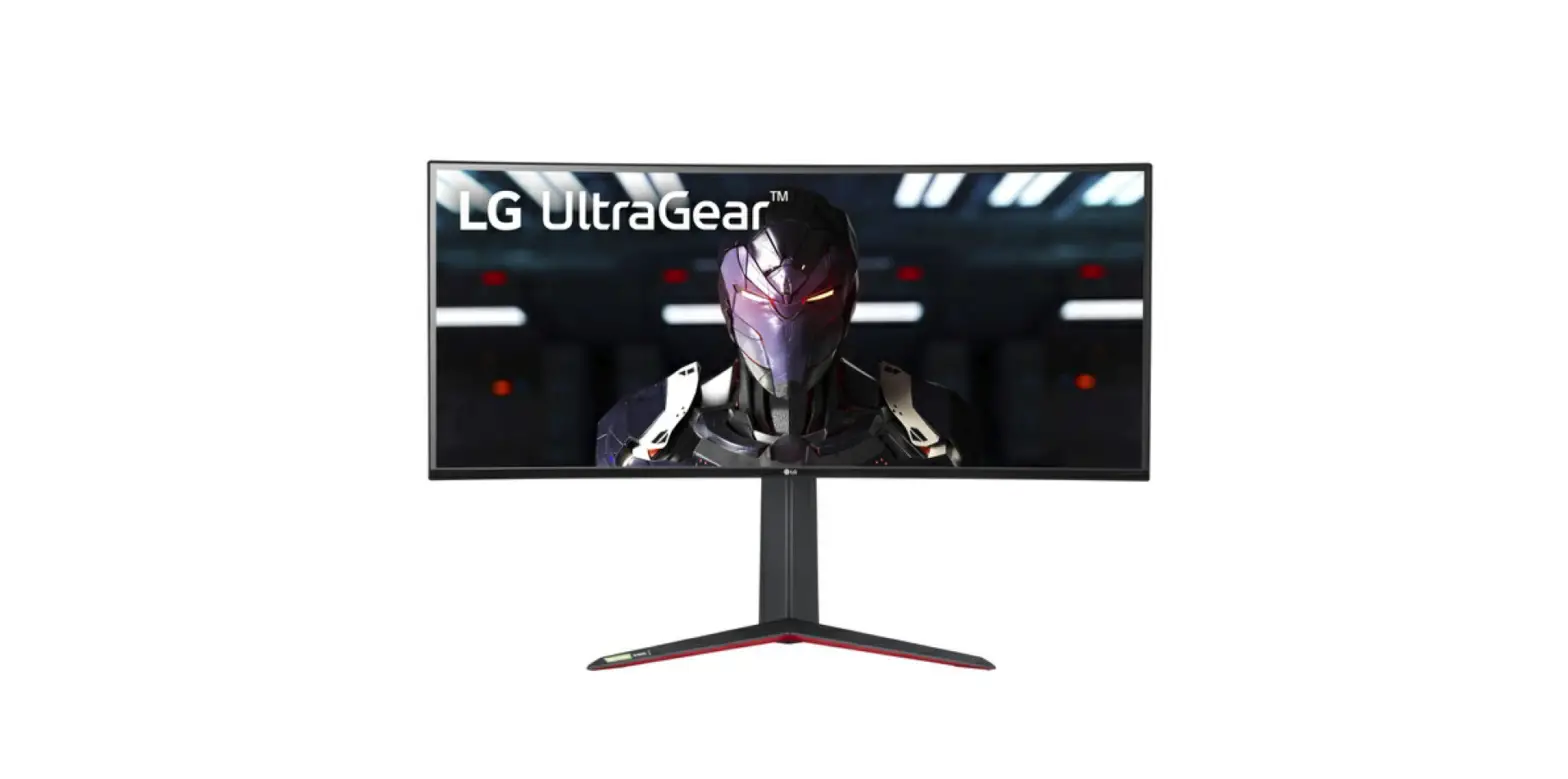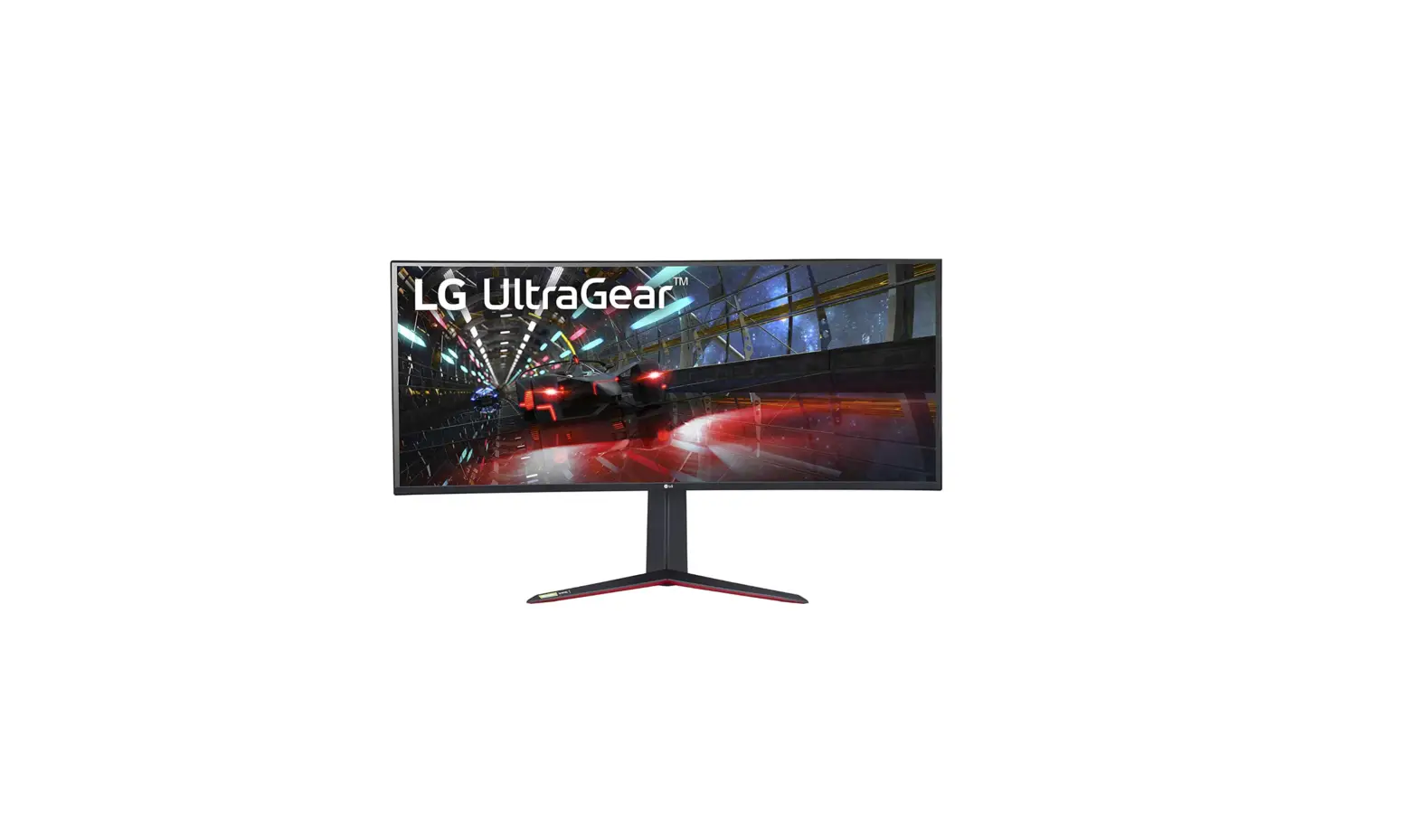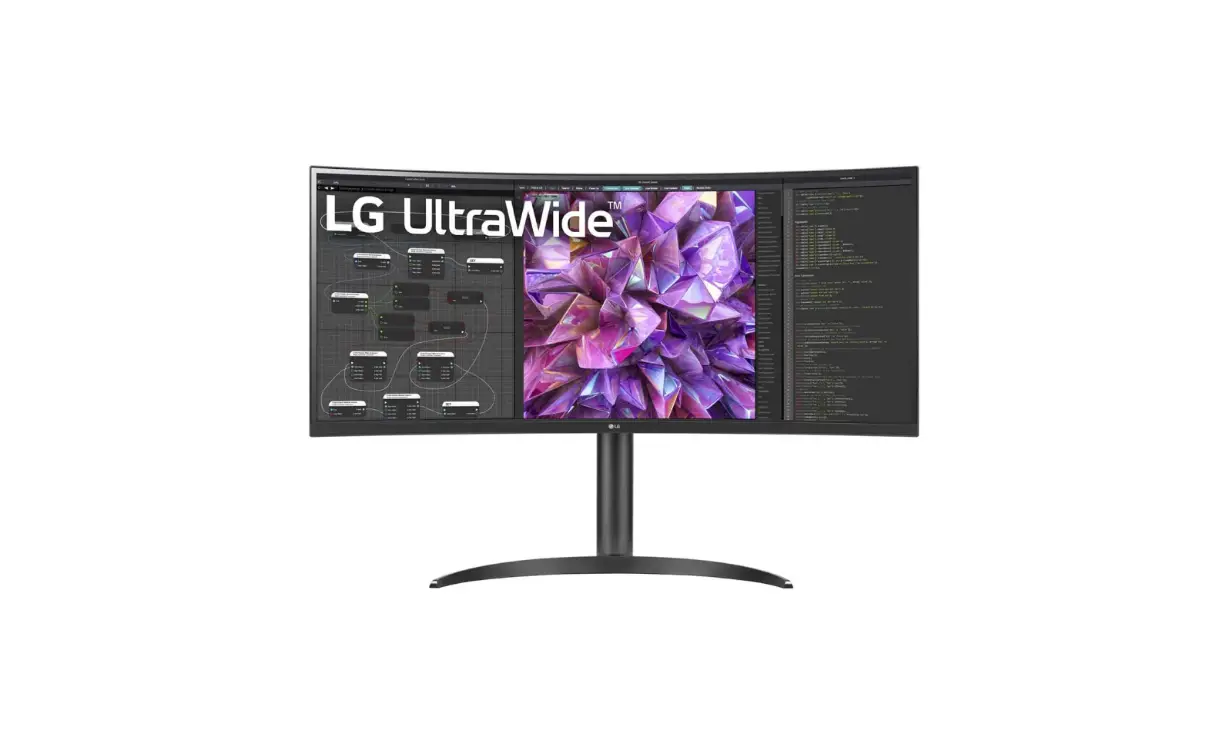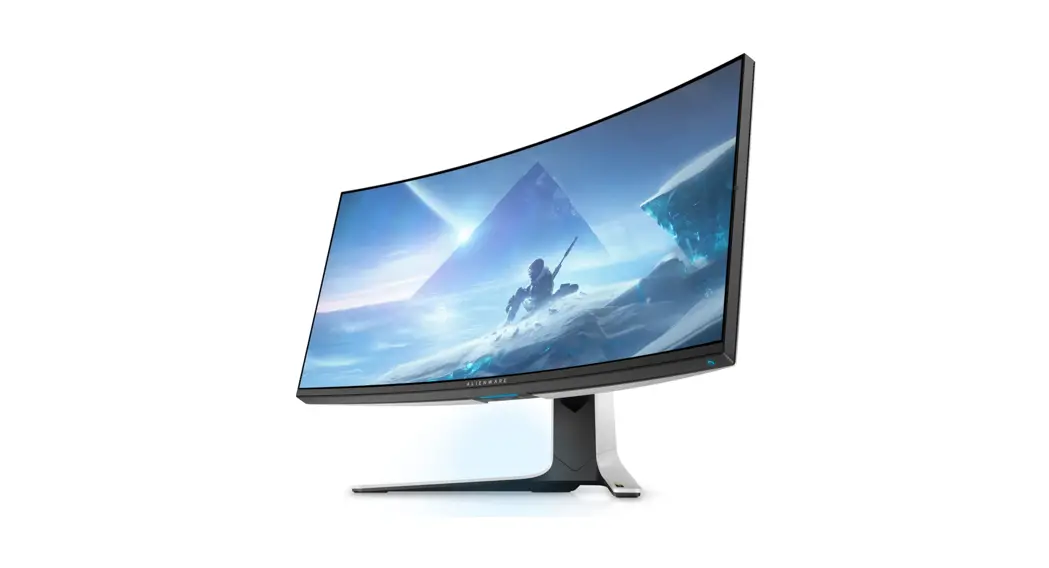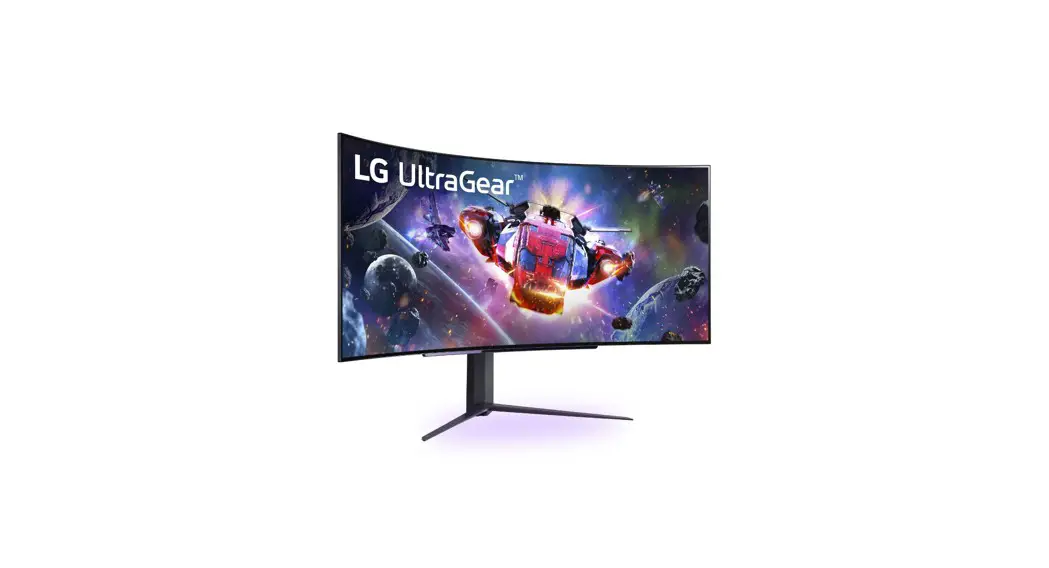

Lg 45gr95qe Curved Gaming Monitor User Guide

Lg 45gr95qe Curved Gaming Monitor User Guide

LG - LogoQuick Setup GuideLG 45GR95QE Curved Gaming Monitor - icon 1(OLED Monitor)

45GR95QE Curved Gaming Monitor
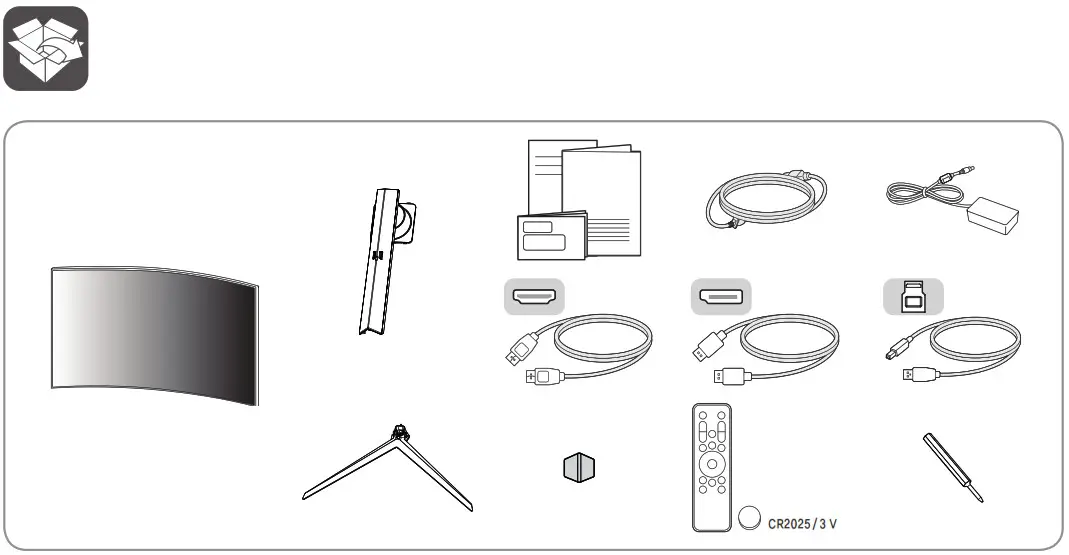
LG 45GR95QE Curved Gaming Monitor - Product Overview 1

LG 45GR95QE Curved Gaming Monitor - icon 2 It is recommended that use the supplied components.

LG 45GR95QE Curved Gaming Monitor - icon 3www.lg.com
You can download manuals from the LGE website.
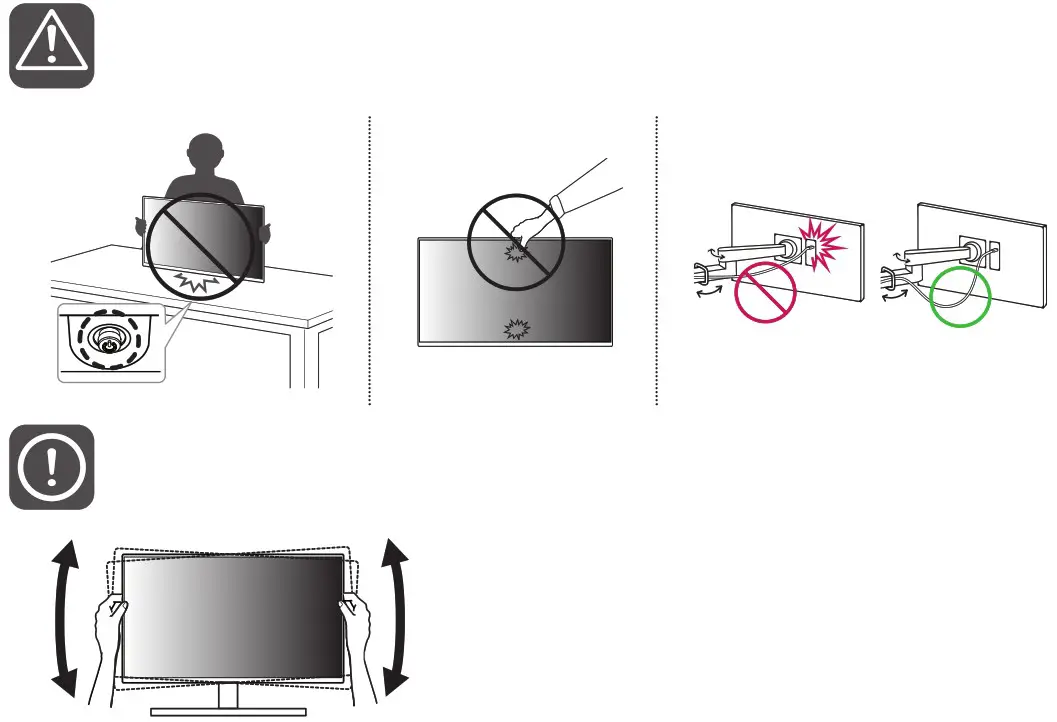
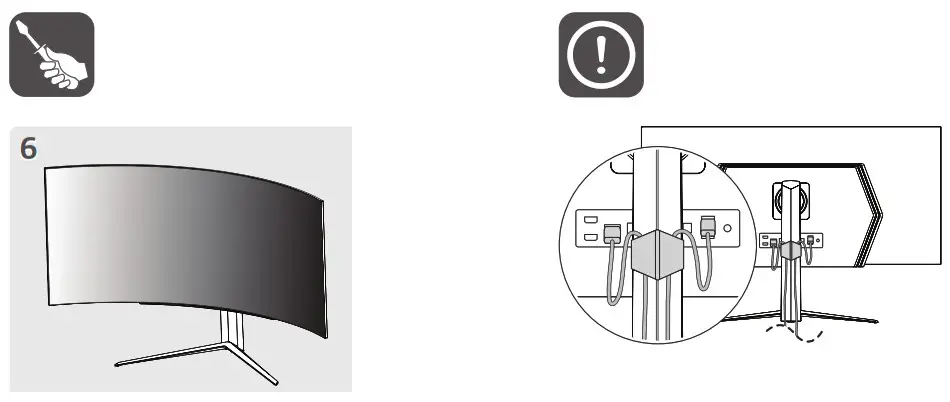
LG 45GR95QE Curved Gaming Monitor - Product Overview 2

LG 45GR95QE Curved Gaming Monitor - Product Overview 3

LG 45GR95QE Curved Gaming Monitor - Product Overview 4

LG 45GR95QE Curved Gaming Monitor - Product Overview 5

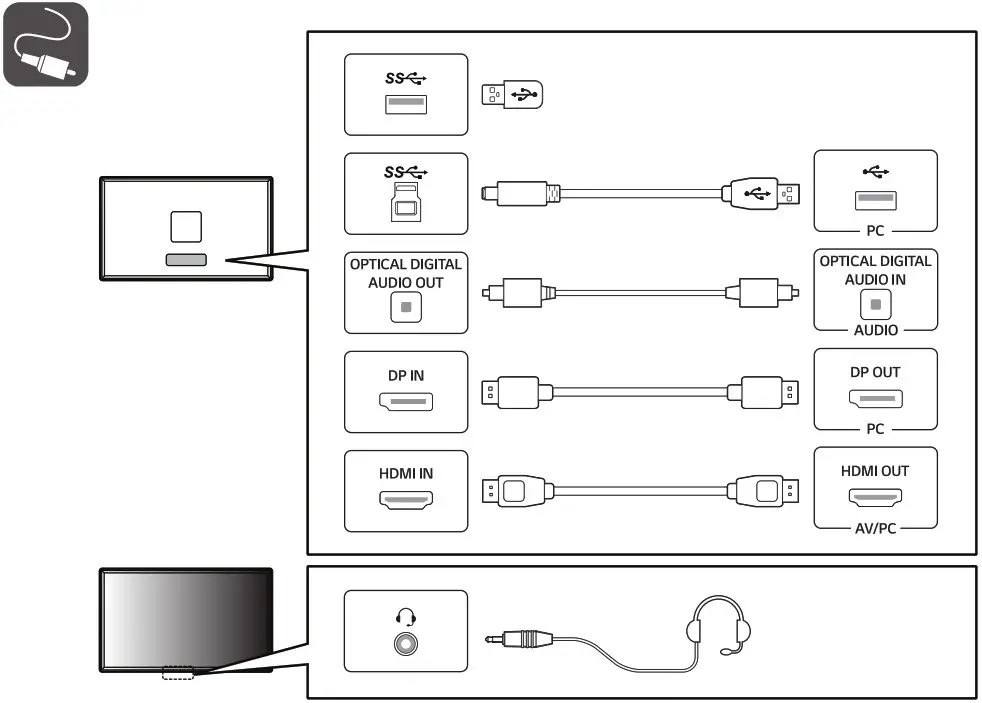
LG 45GR95QE Curved Gaming Monitor - icon 4

  • Using a DVI to HDMI / DP (DisplayPort) to HDMI cable may cause compatibility issues.
  • The USB port on the product functions as a USB hub.
  • Make sure to use the supplied cable. Otherwise, this may cause the device to malfunction.
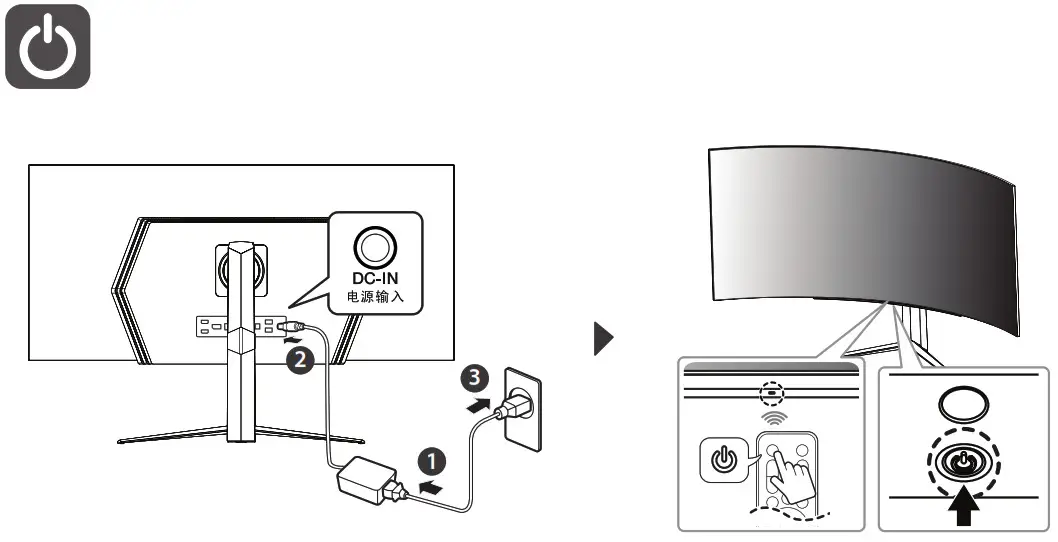
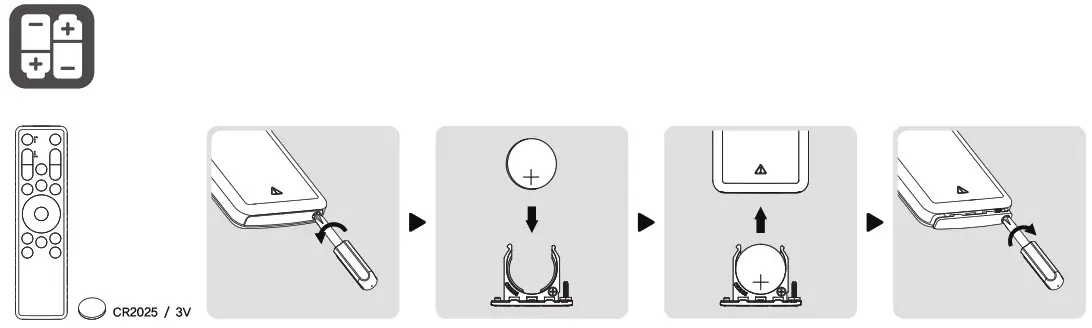
LG 45GR95QE Curved Gaming Monitor - Product Overview 6

LG 45GR95QE Curved Gaming Monitor - Product Overview 7

LG - Logo45GR95QELG 45GR95QE Curved Gaming Monitor - Barcode 1

References

Documents / Resouces

Download manual
Here you can download full pdf version of manual, it may contain additional safety instructions, warranty information, FCC rules, etc.


Related Manuals