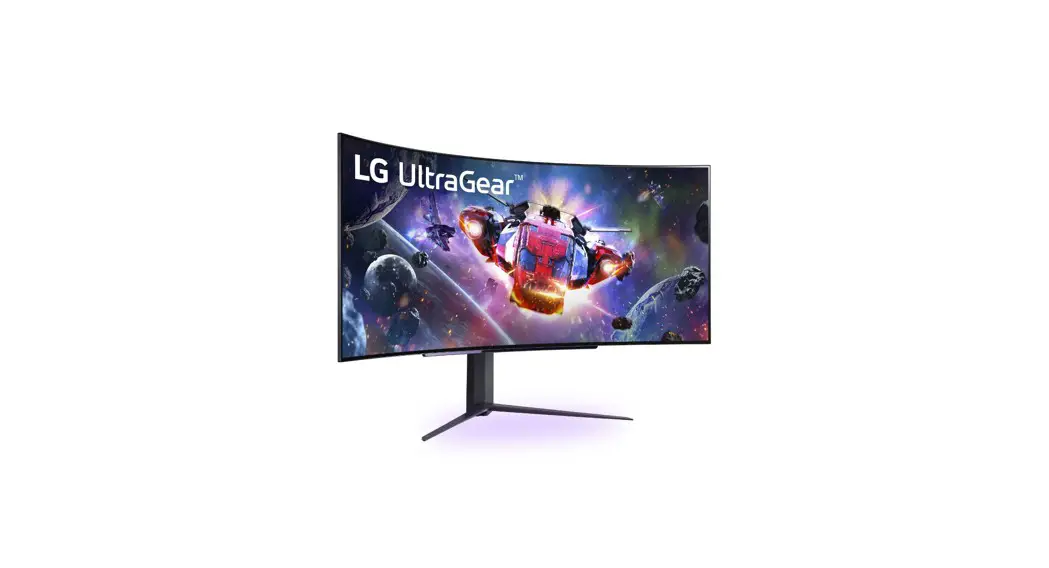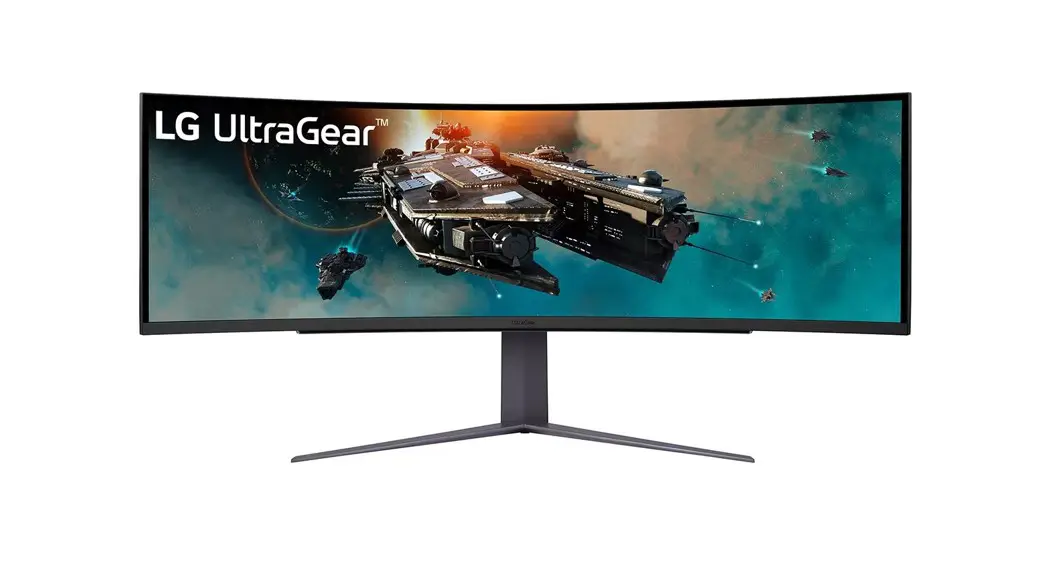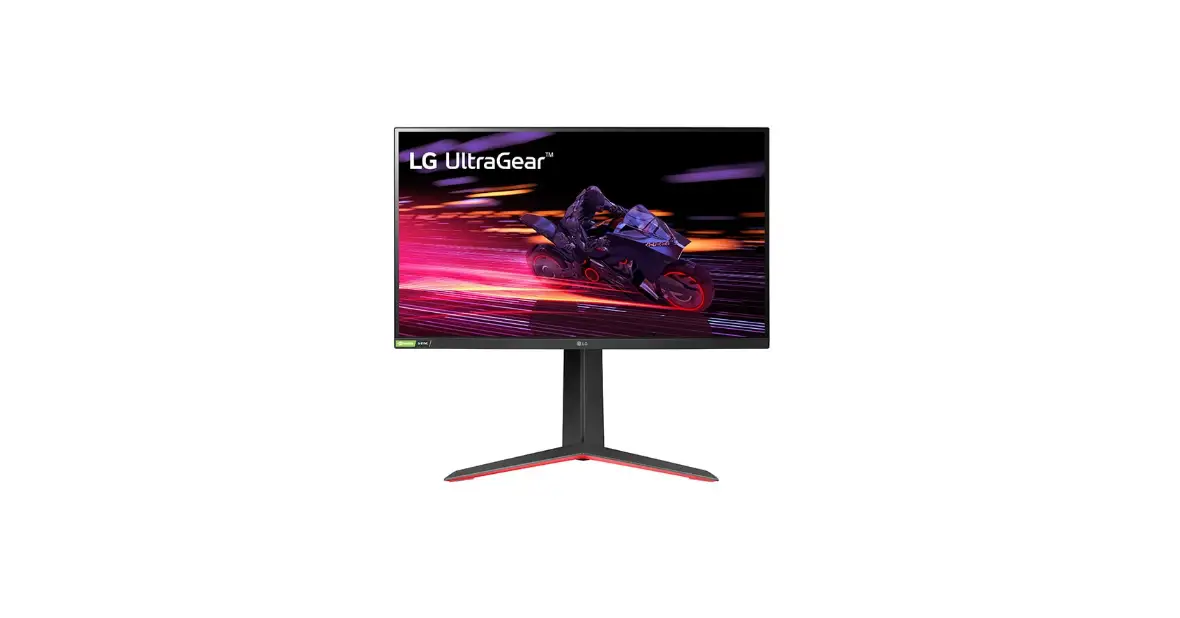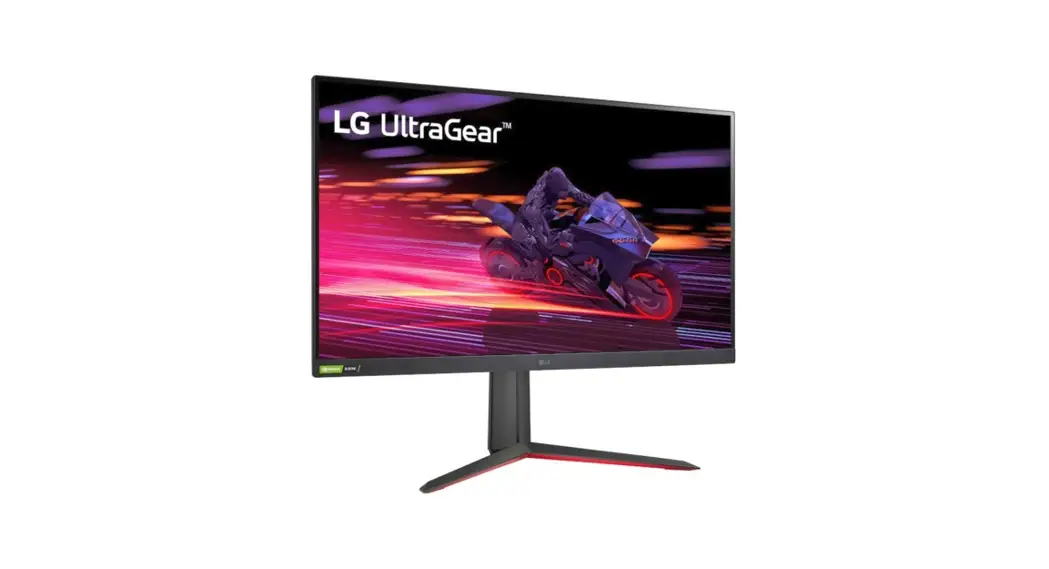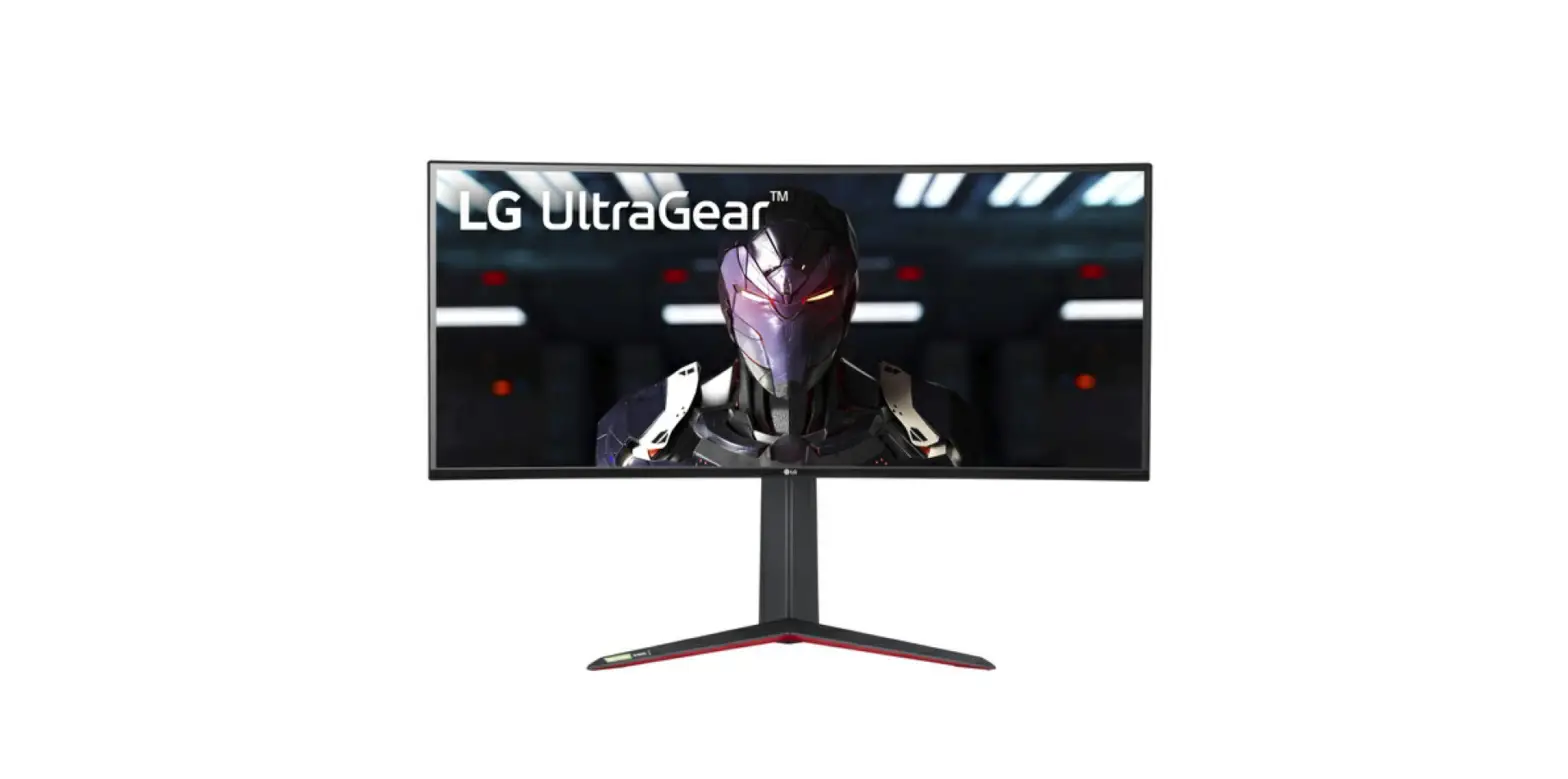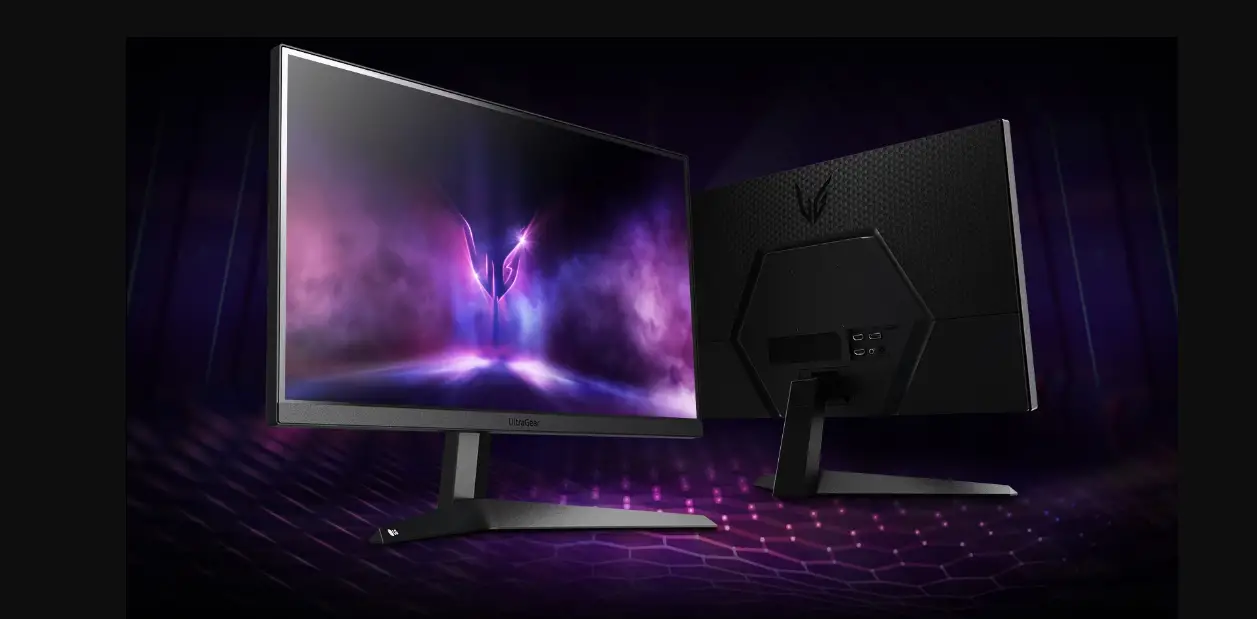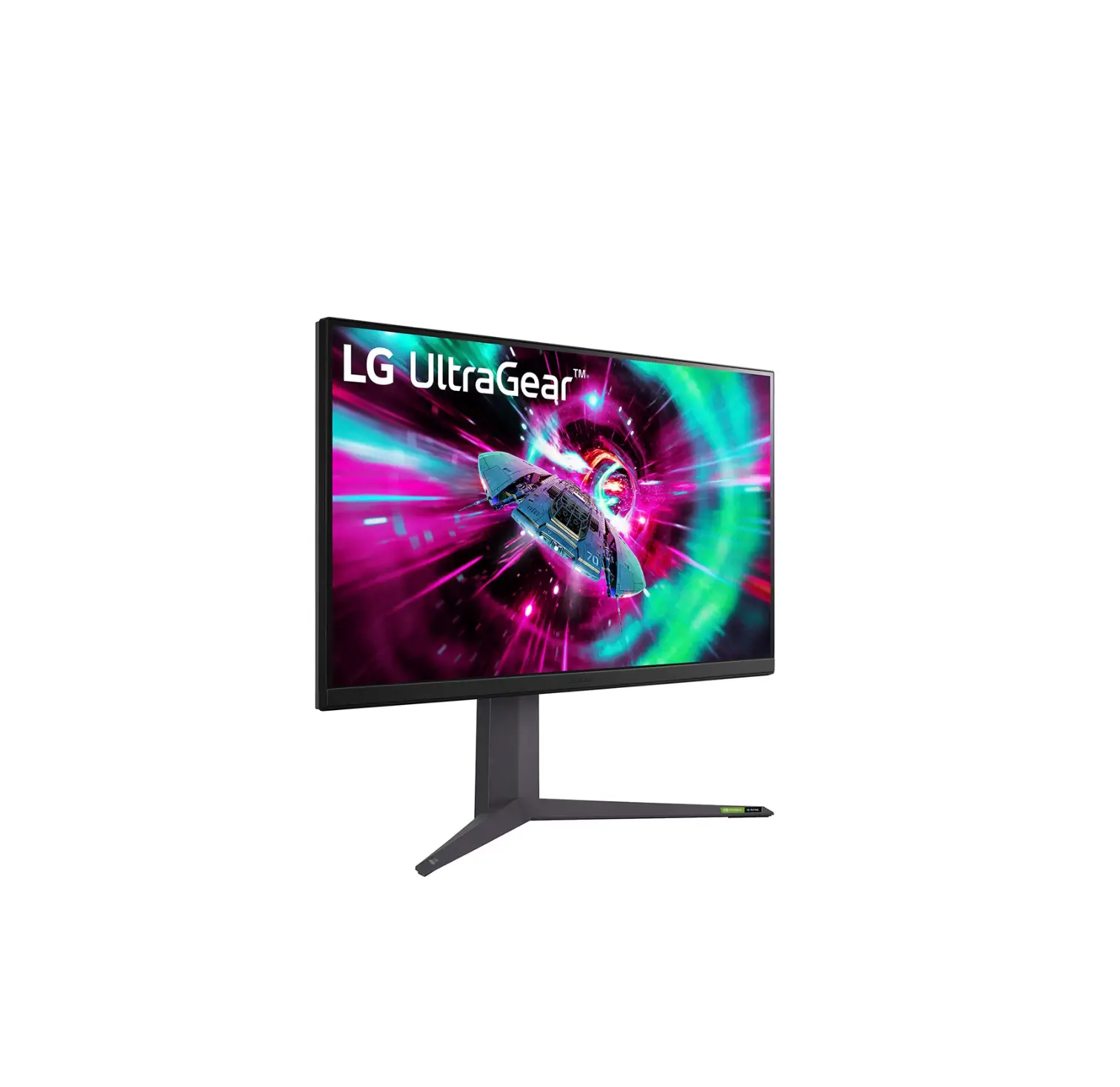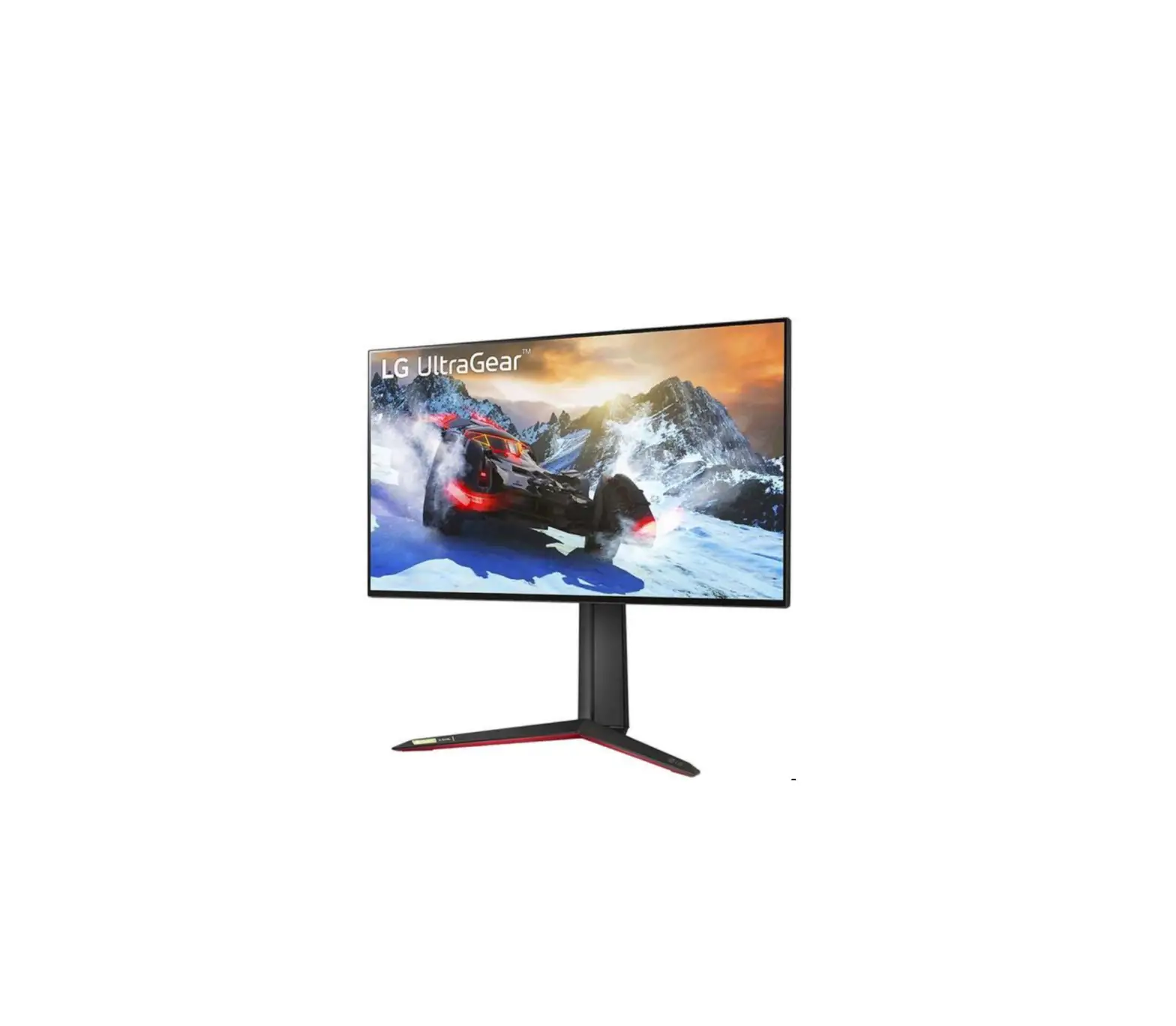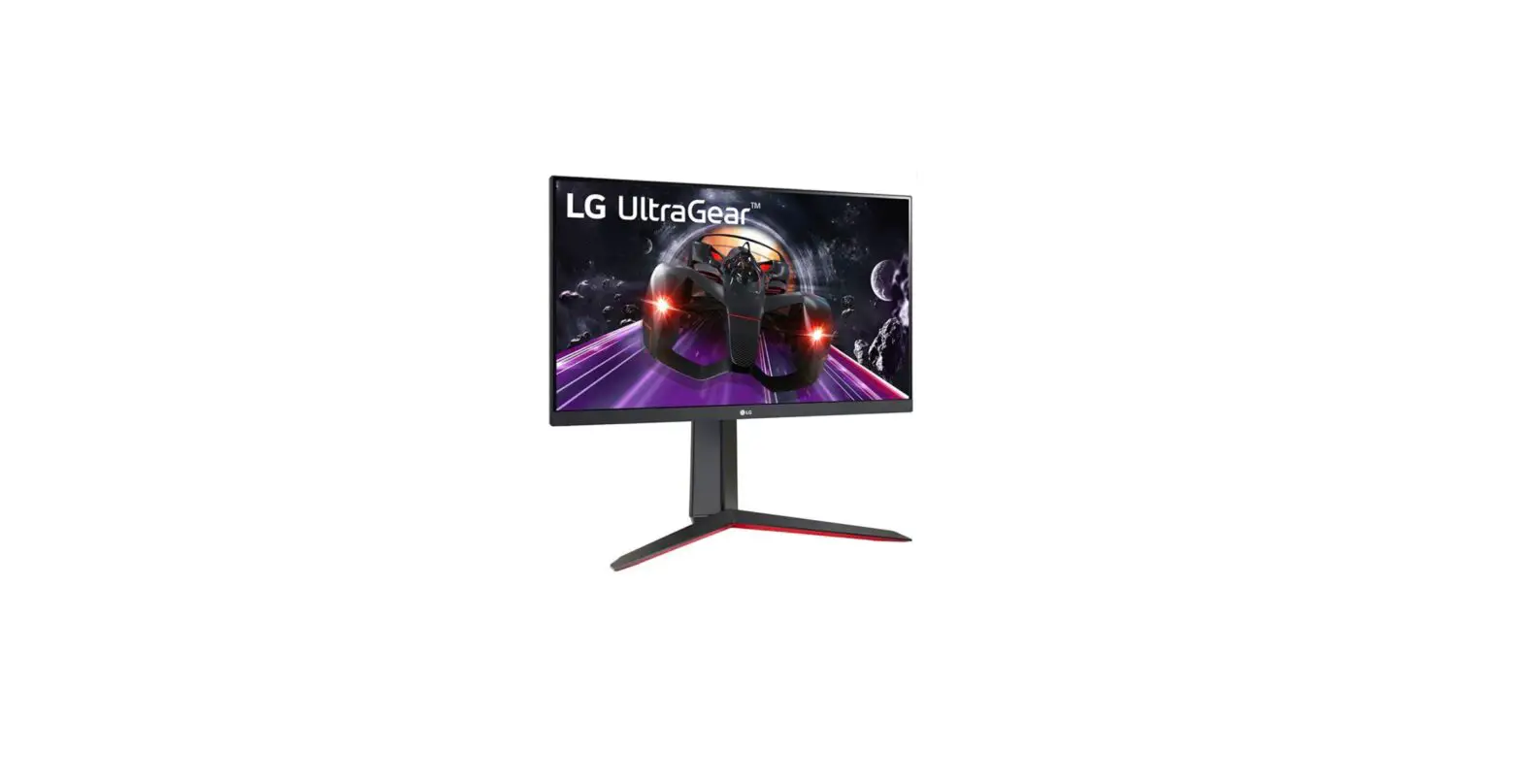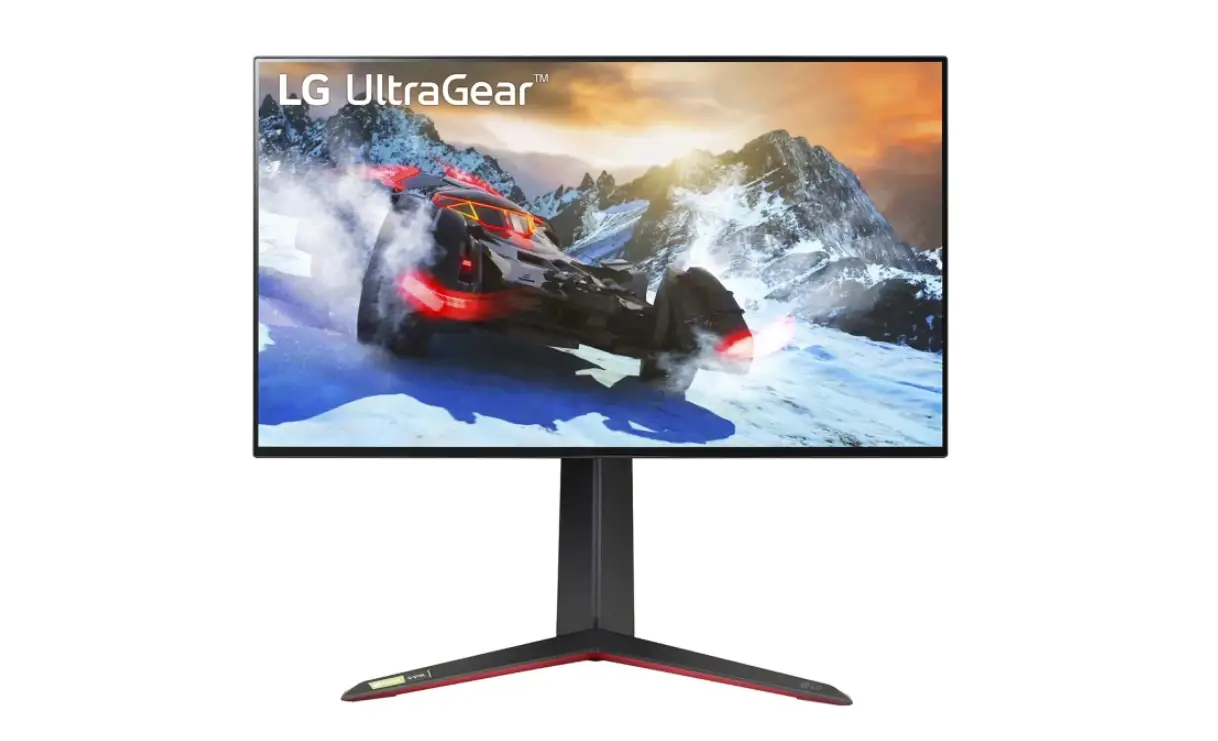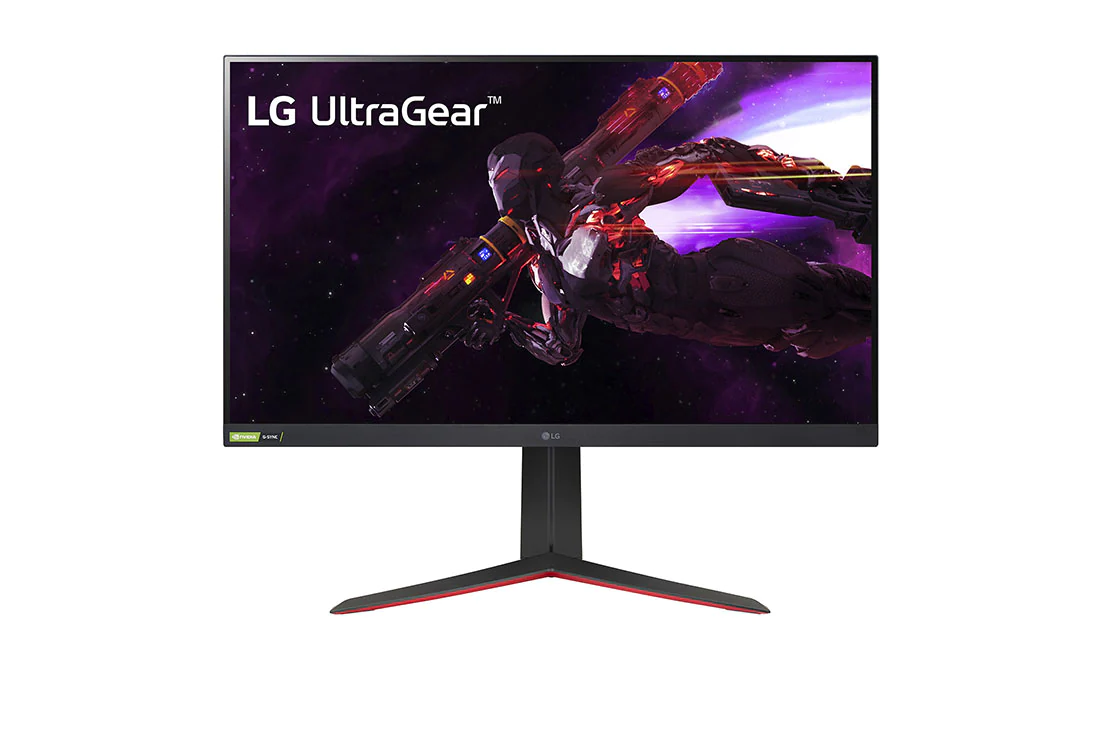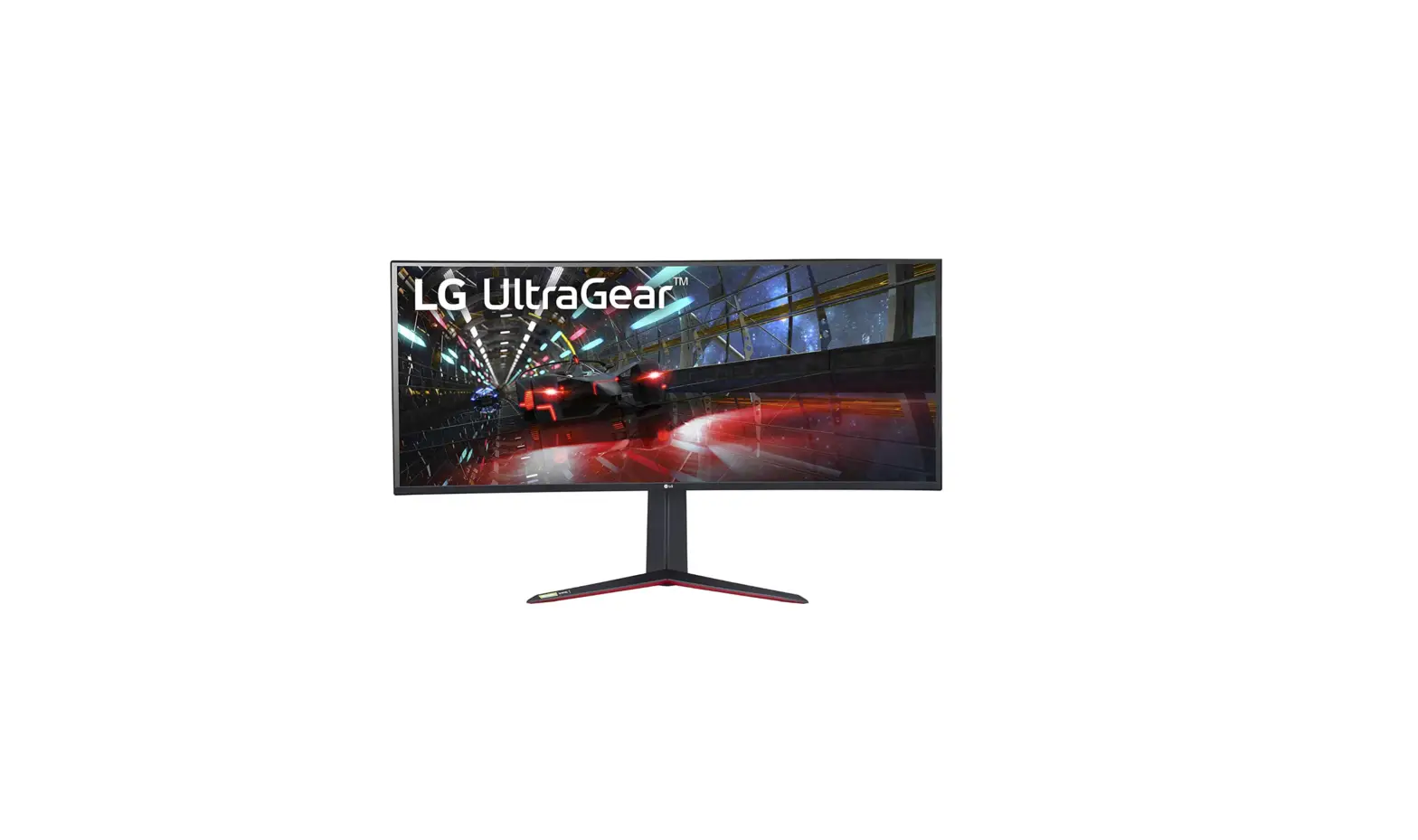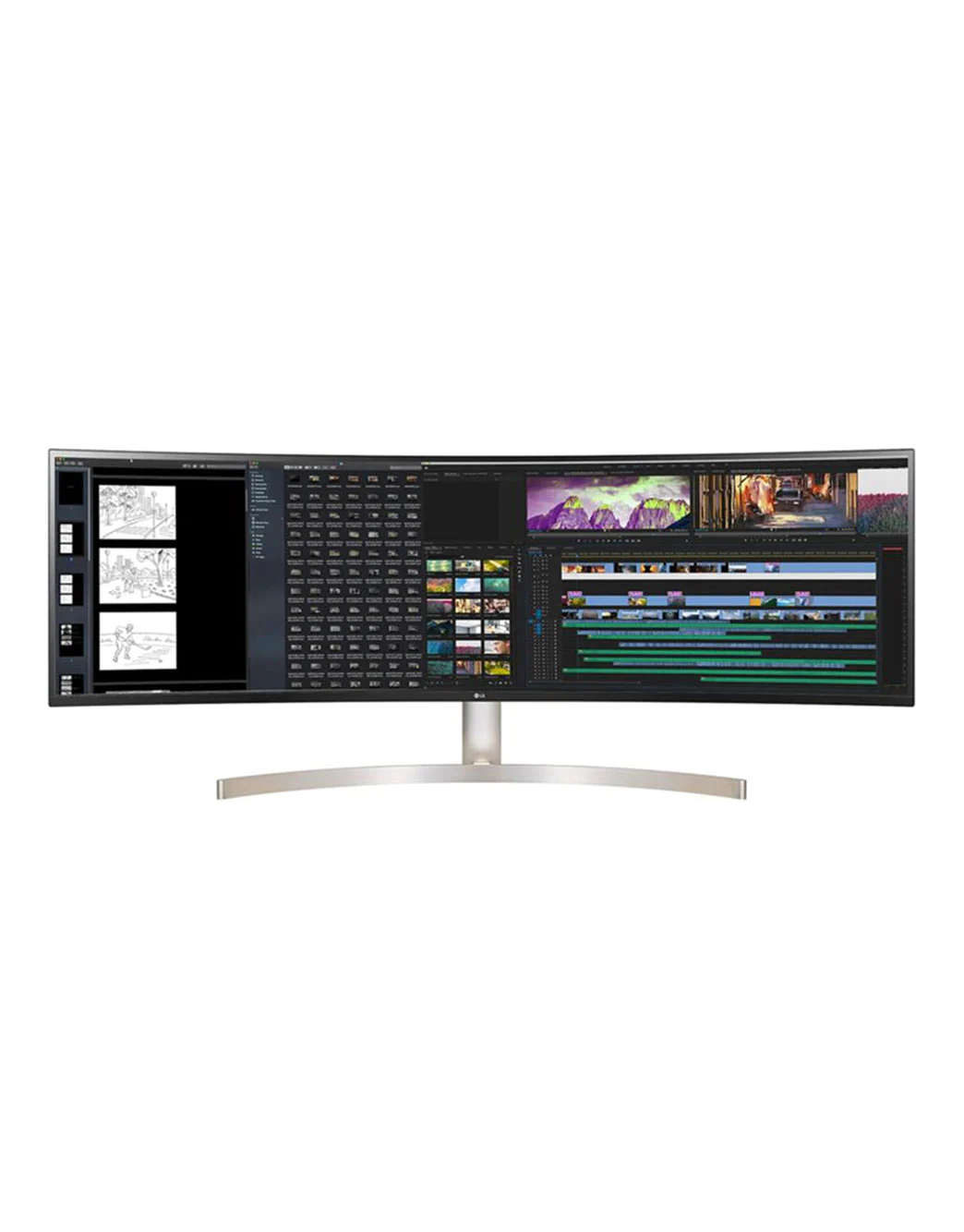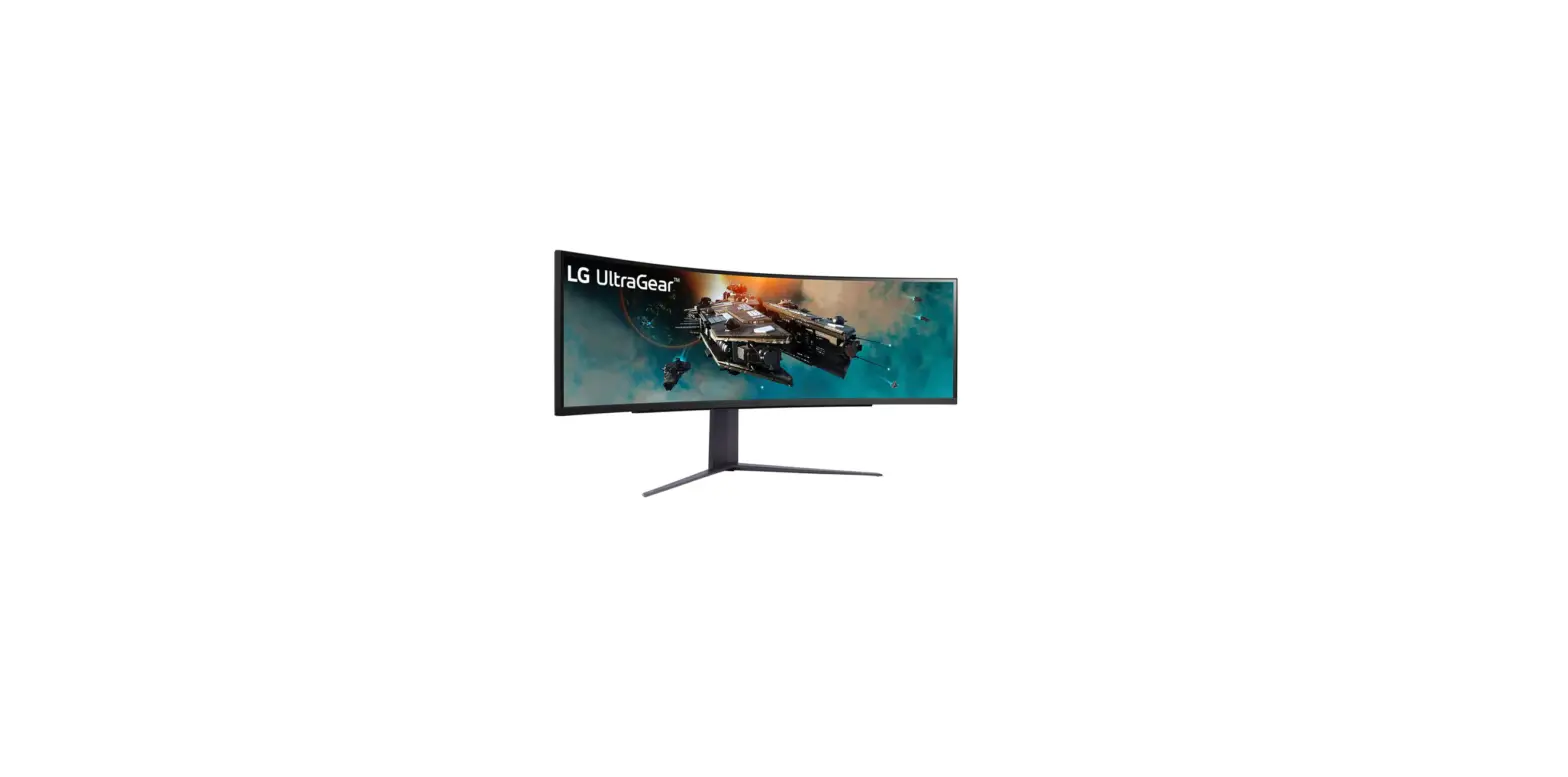

LG 49GR85DC 49 Inch Curved UltraGear Gaming Monitor
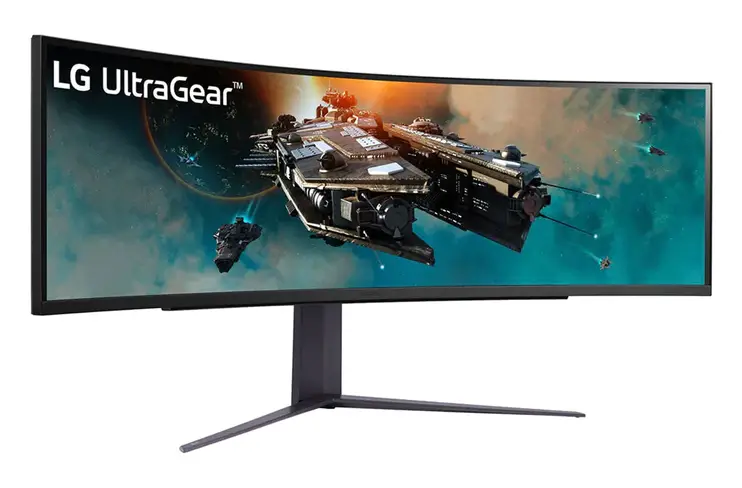
Product Information
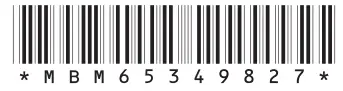
This is a Quick Setup Guide for the LG 49GR85DC LED Computer Monitor. The owner’s manual and regulatory information can be downloaded from the LGE website at https://www.lg.com/au/support/manuals. The monitor model number is 49GR85DC and the manufacturing number is *MBM65349827* (2304-REV01). The product is manufactured by LG Electronics Inc. and all rights are reserved under copyright law. It is recommended to use the supplied components with the product. The number of components may vary depending on the country.
Product Usage Instructions
1. Before installation and use, please read the safety information provided in the owner’s manual and regulatory information. 2. Use the supplied components to set up the monitor. 3. Scan the QR code provided to access additional information and support. 4. Download the owner’s manual and regulatory information from the LGE website at https://www.lg.com/au/support/manuals. 5. Follow the instructions provided in the owner’s manual to properly install and use the monitor. 6. Contact customer support if you have any questions or issues with the product.
You can download manuals from the LGE website.
OWNER’S MANUAL AND REGULATORY INFO. are available at https://www.lg.com/au/support/manuals. PLEASE READ SAFETY INFORMATION BEFORE INSTALLATION AND USE. SCAN QR CODE TO ACCESS.
WHAT IS IN THE BOX
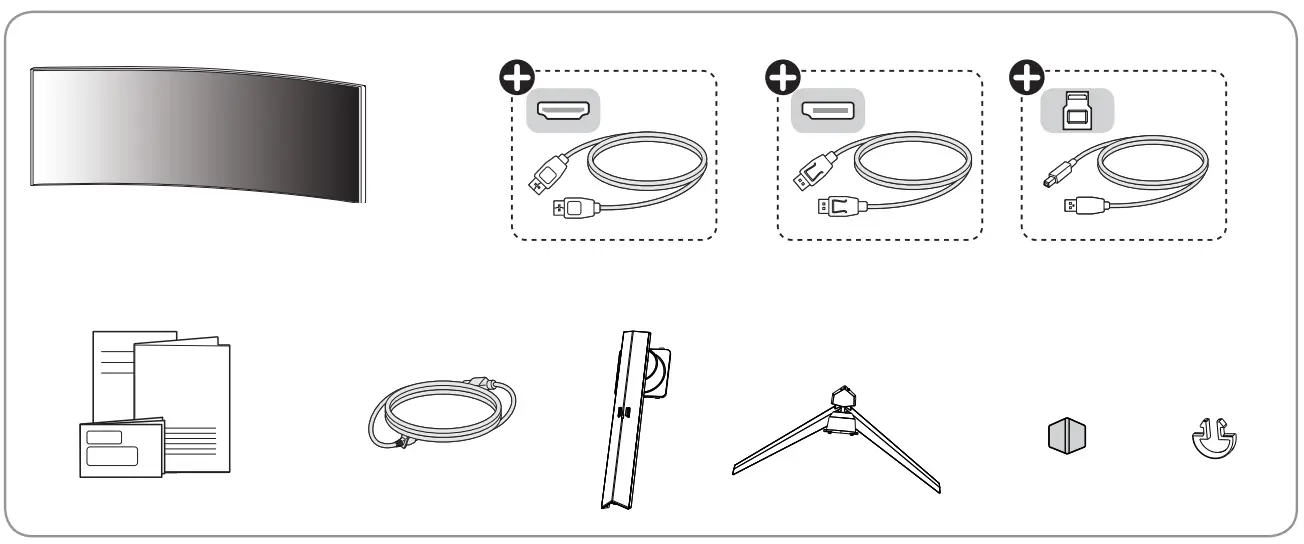
It is recommended that use the supplied components.
+ Depending on country
CAUTION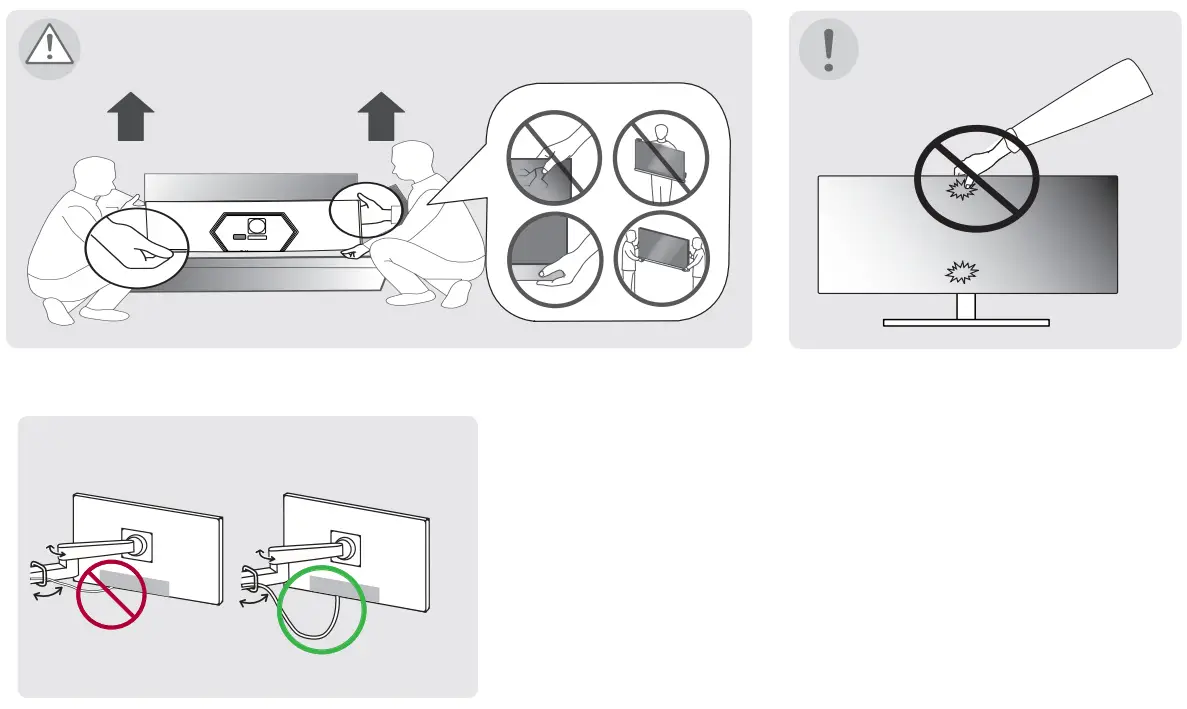
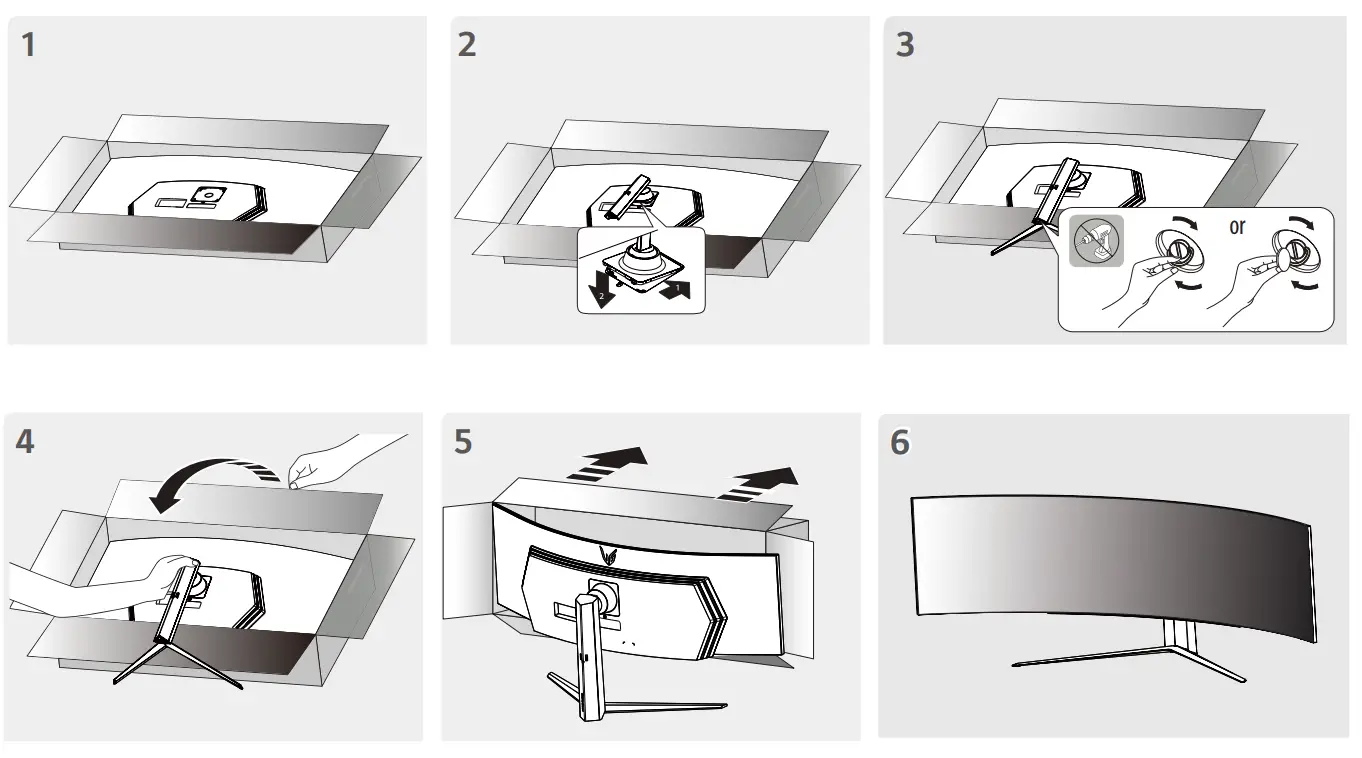
INSTALLATION INSTRUCTION
HOW TO FIXED
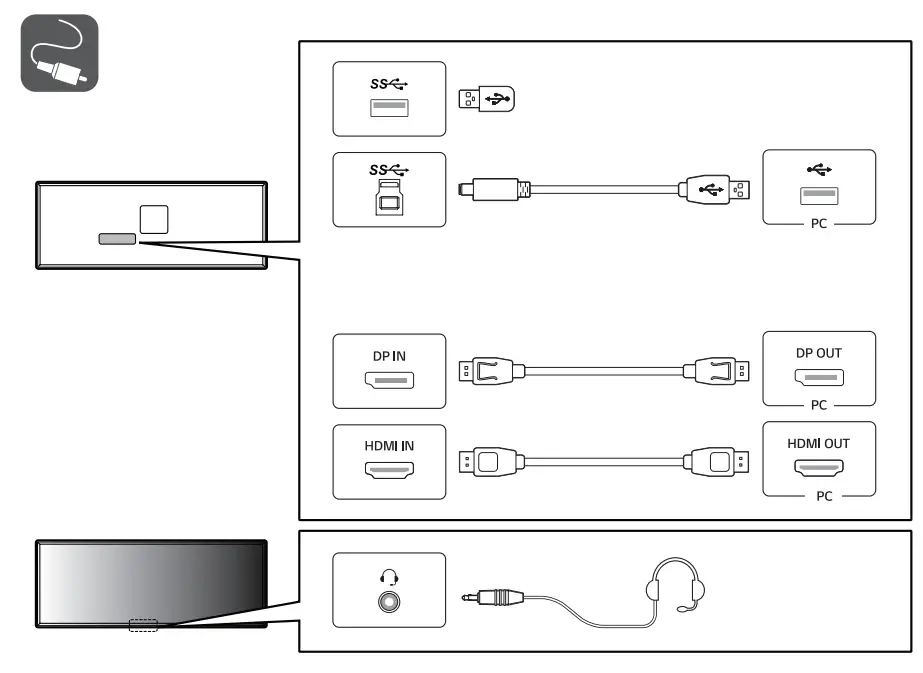
- Using a DVI to HDMI / DP (DisplayPort) to HDMI cable may cause compatibility issues.
- The USB port on the product functions as a USB hub.
- Make sure to use the supplied cable. Otherwise, this may cause the device to malfunction.
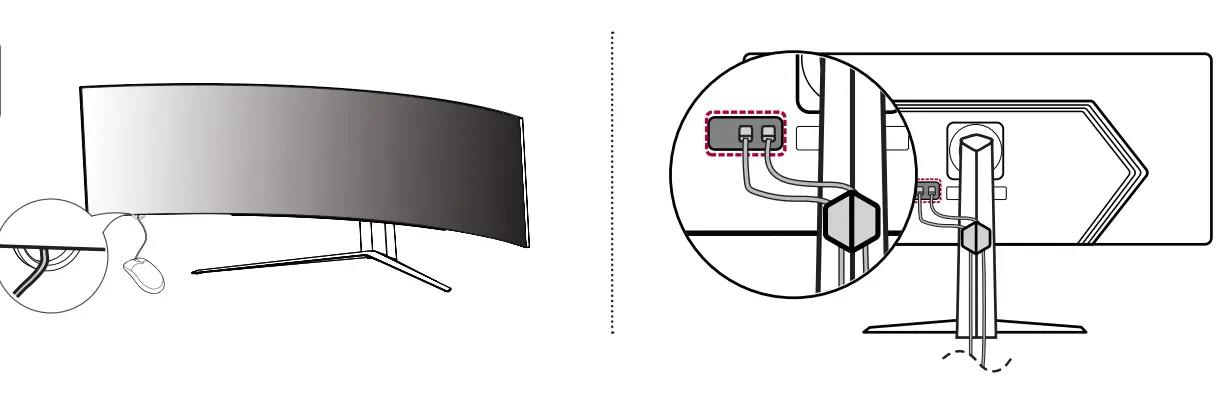
HOW TO CONNECT
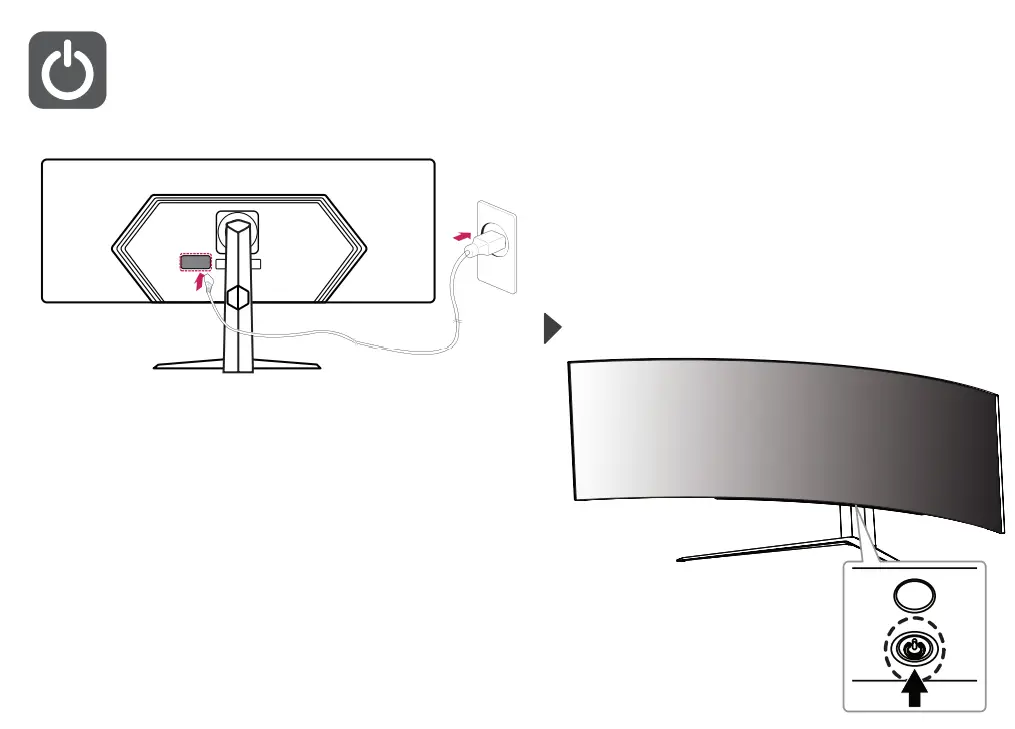
HOW TO POWER ON
www.lg.com
Copyright 2022 LG Electronics Inc. All Rights Reserved.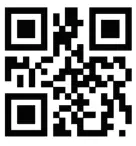
 LG Electronics & Home Appliances | Shop Now | LG USA