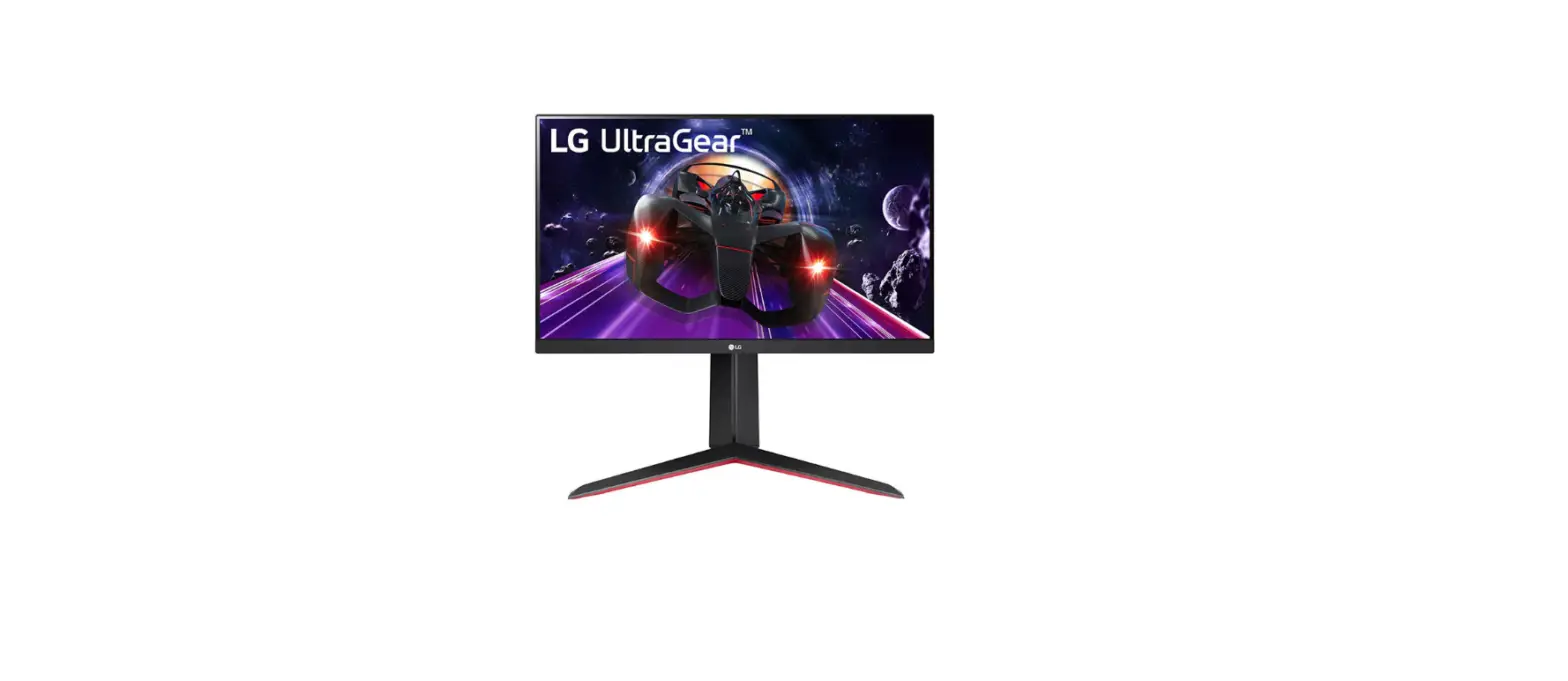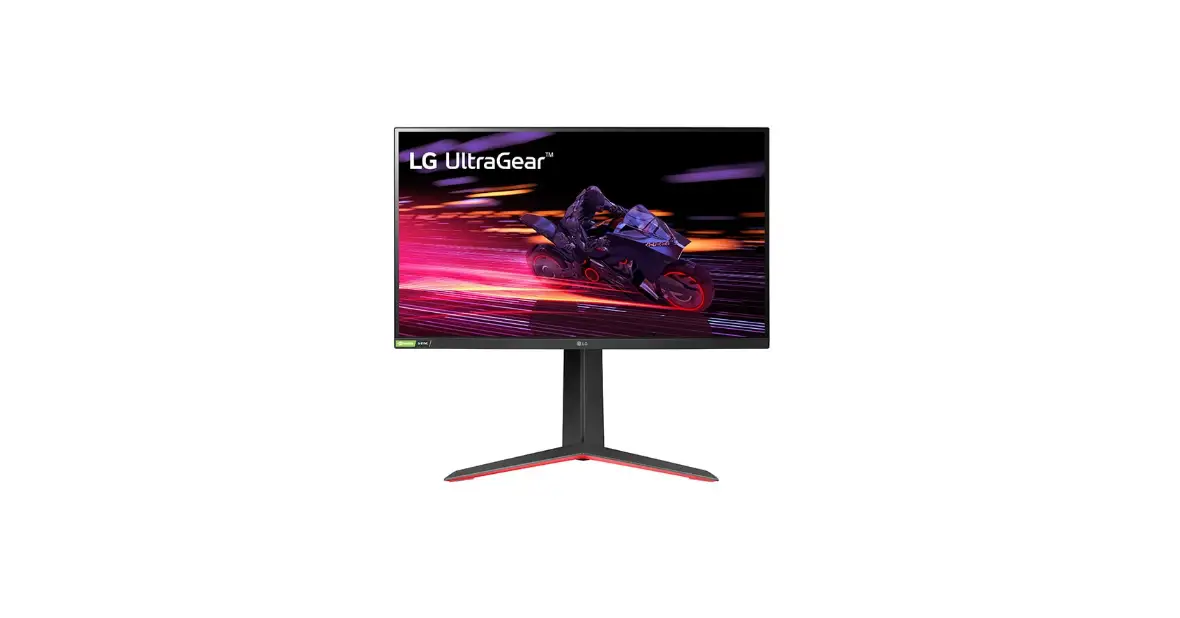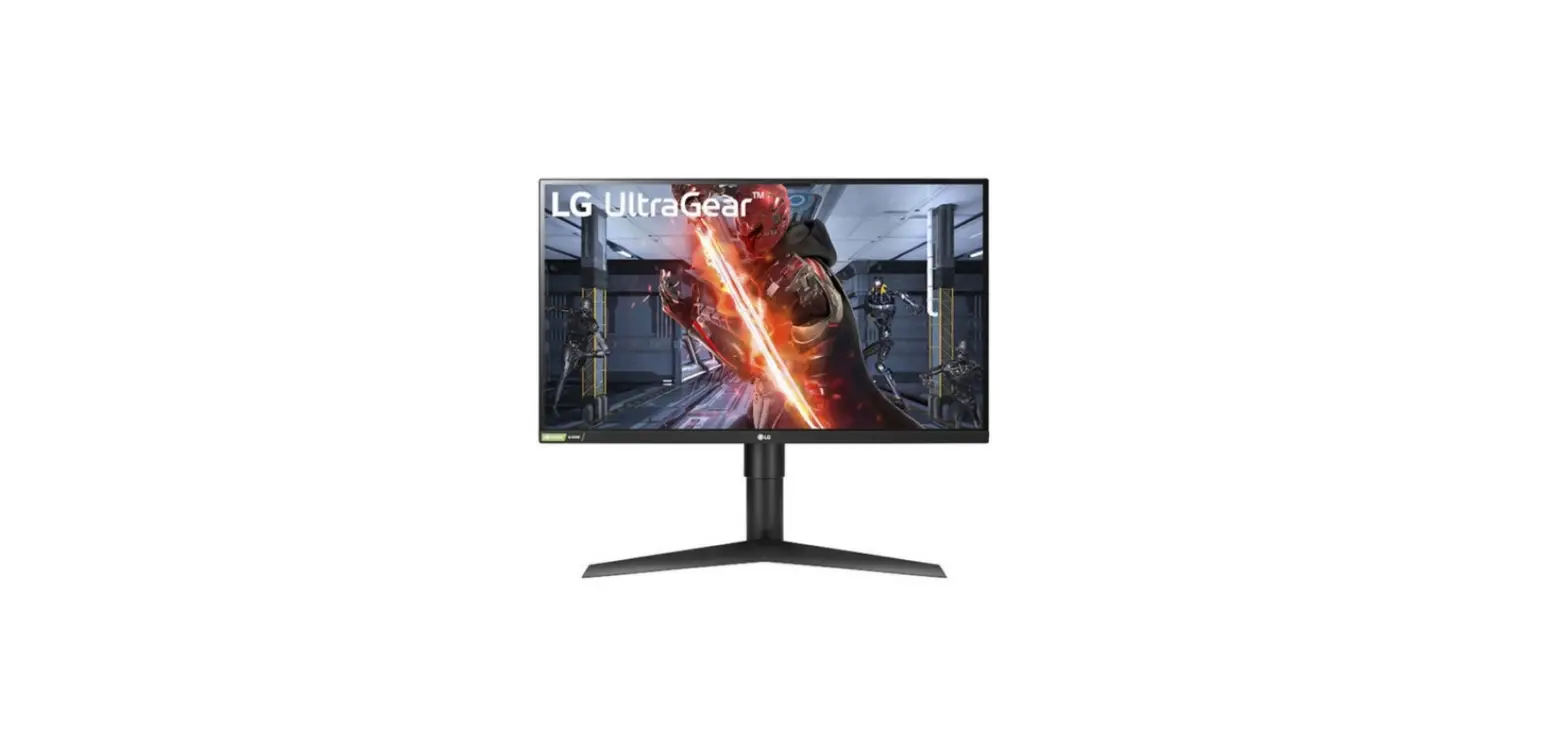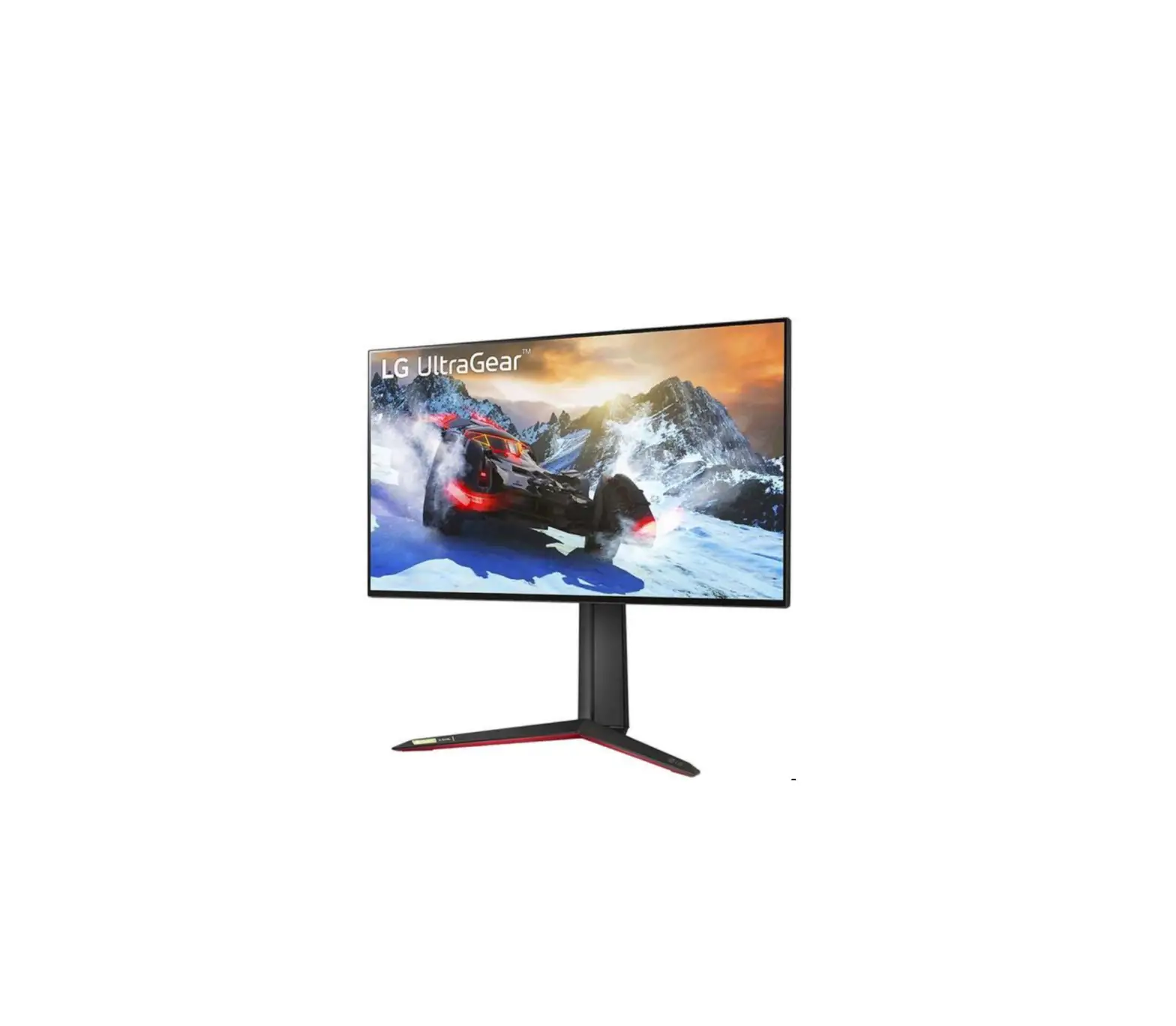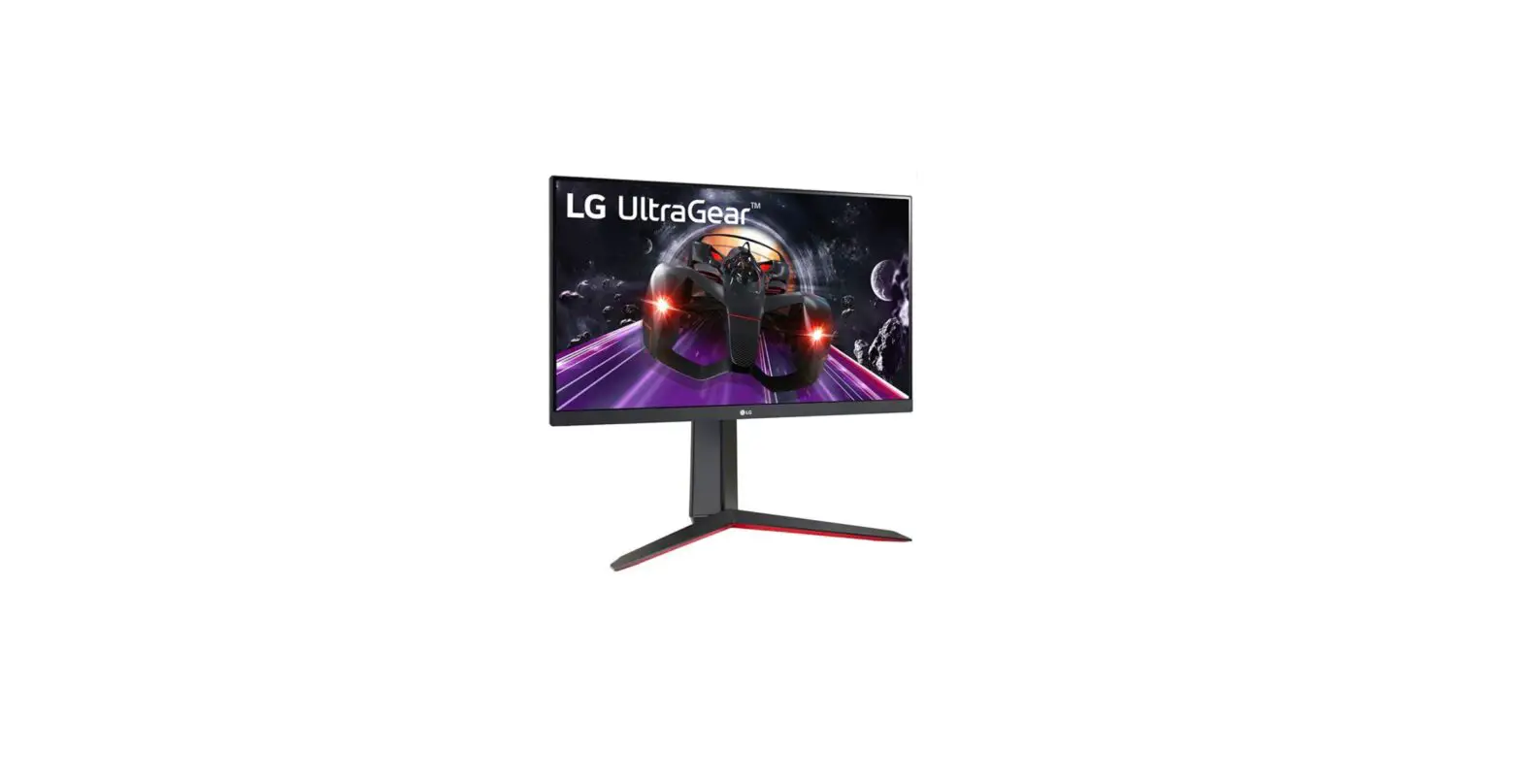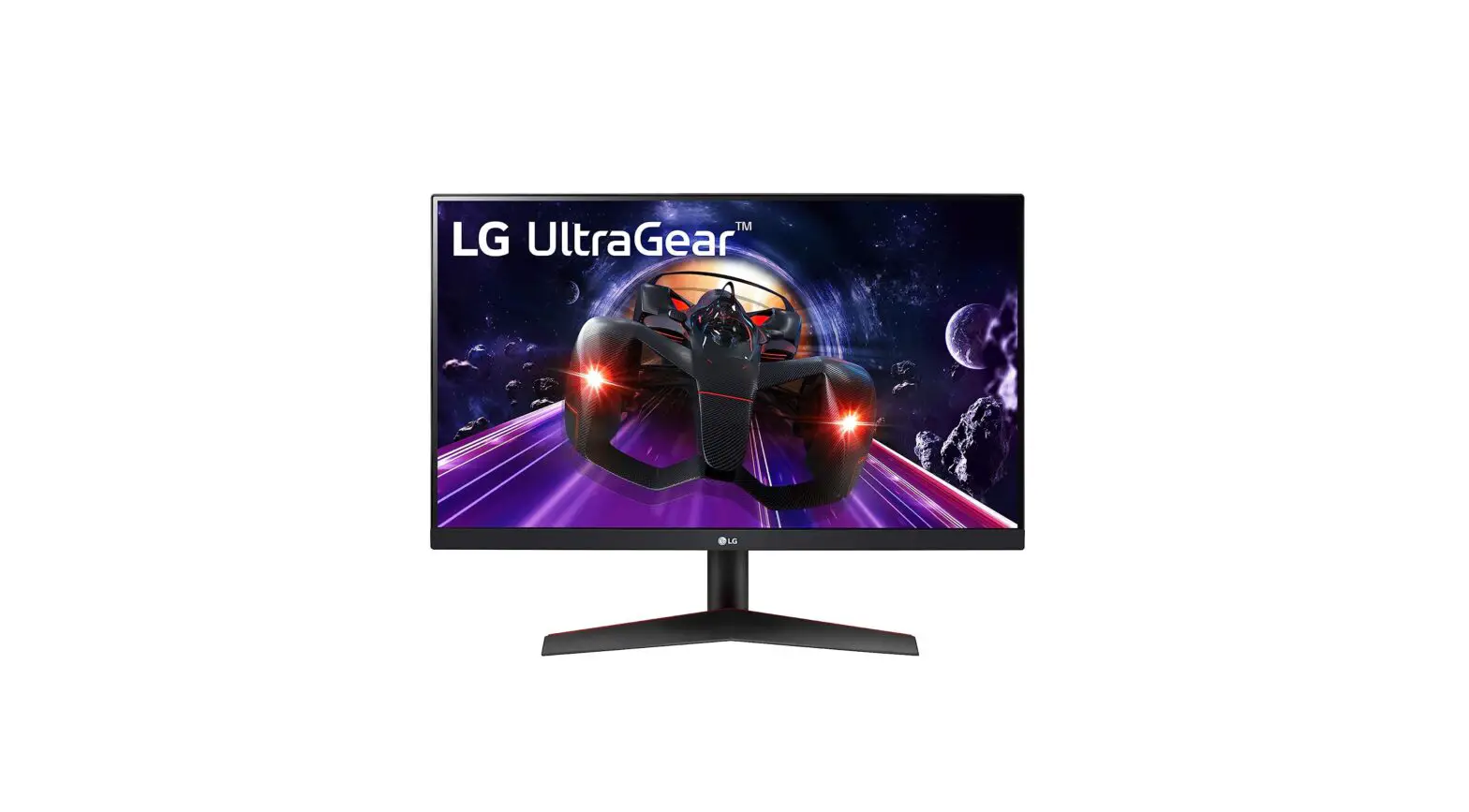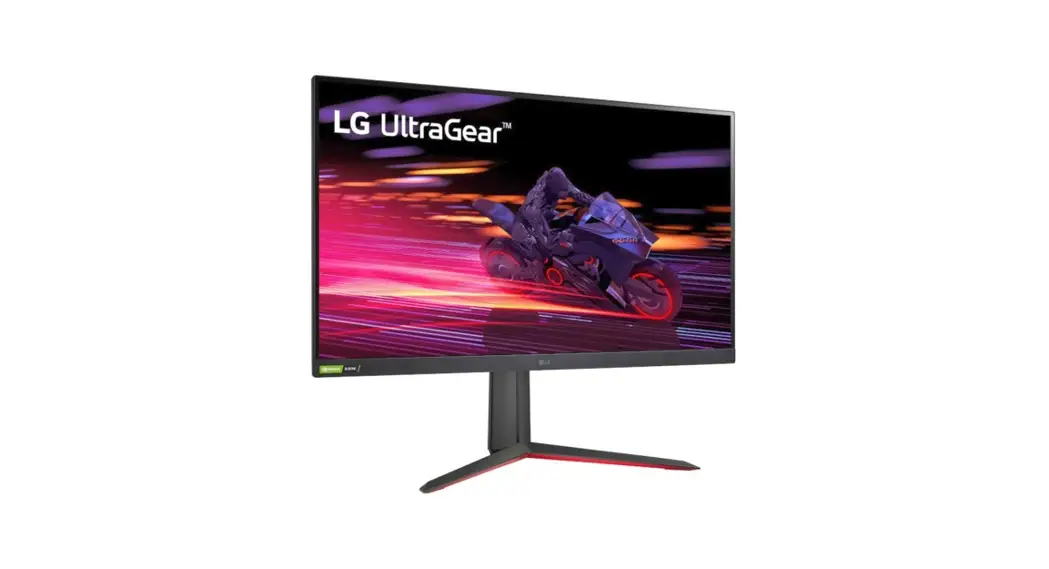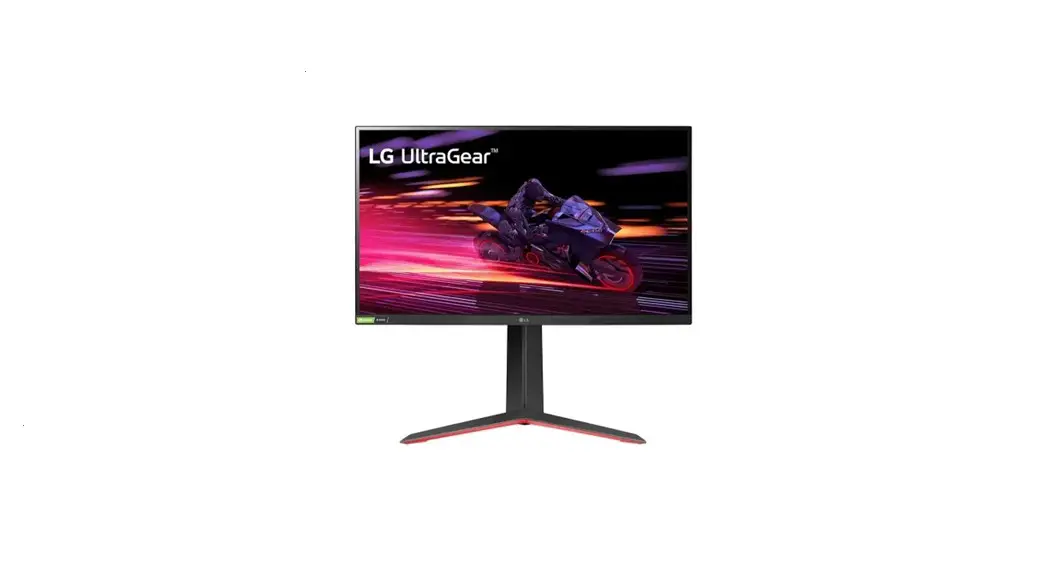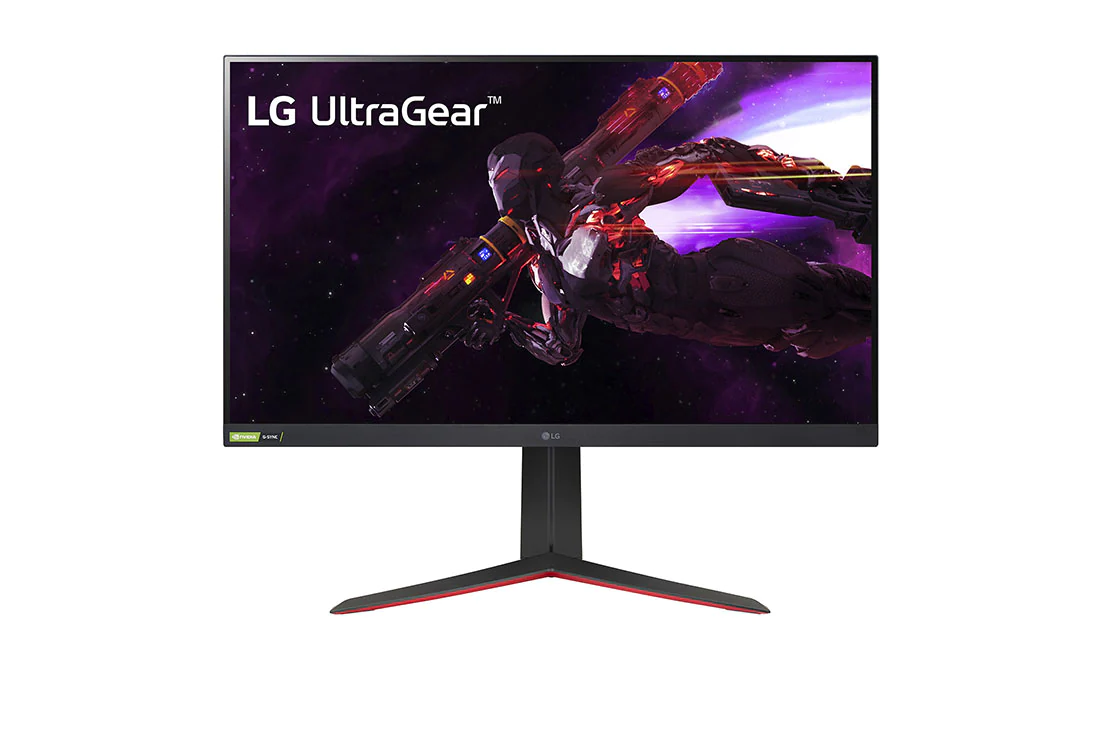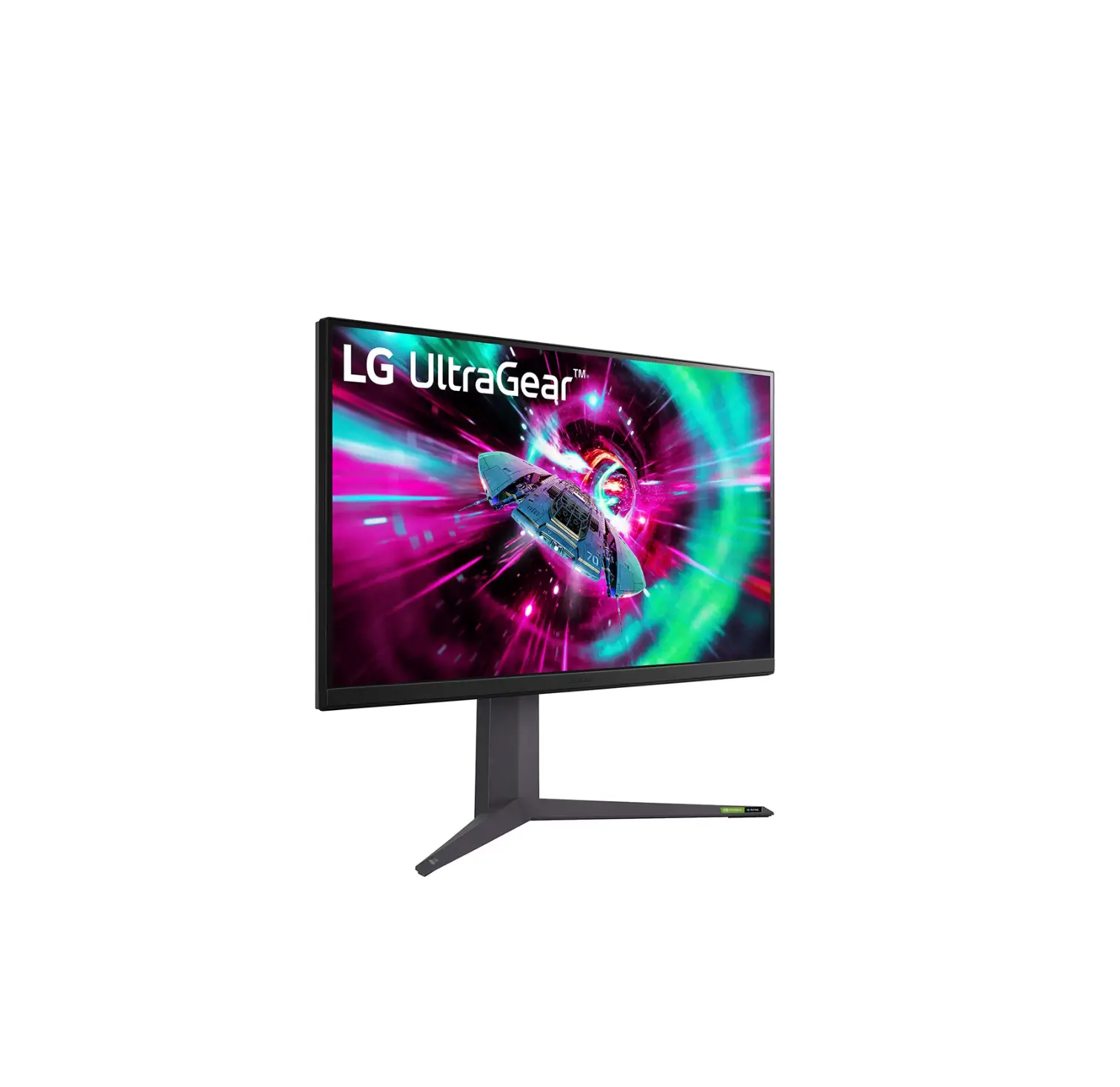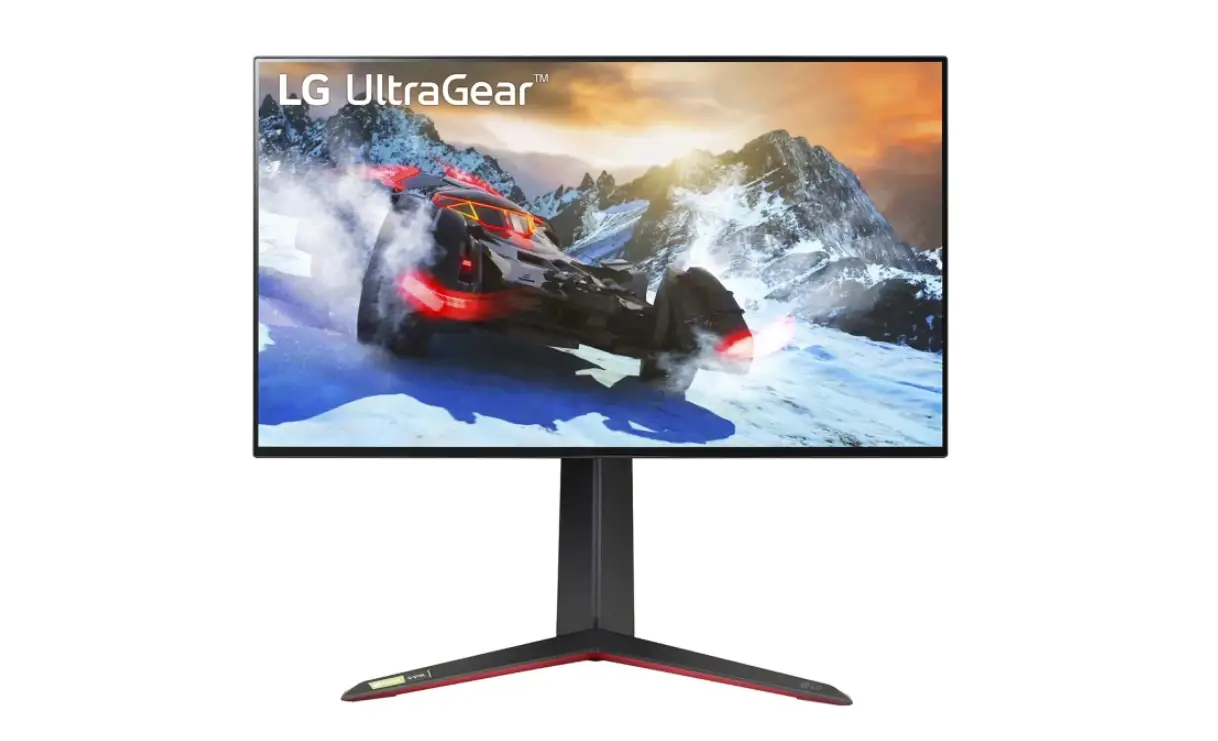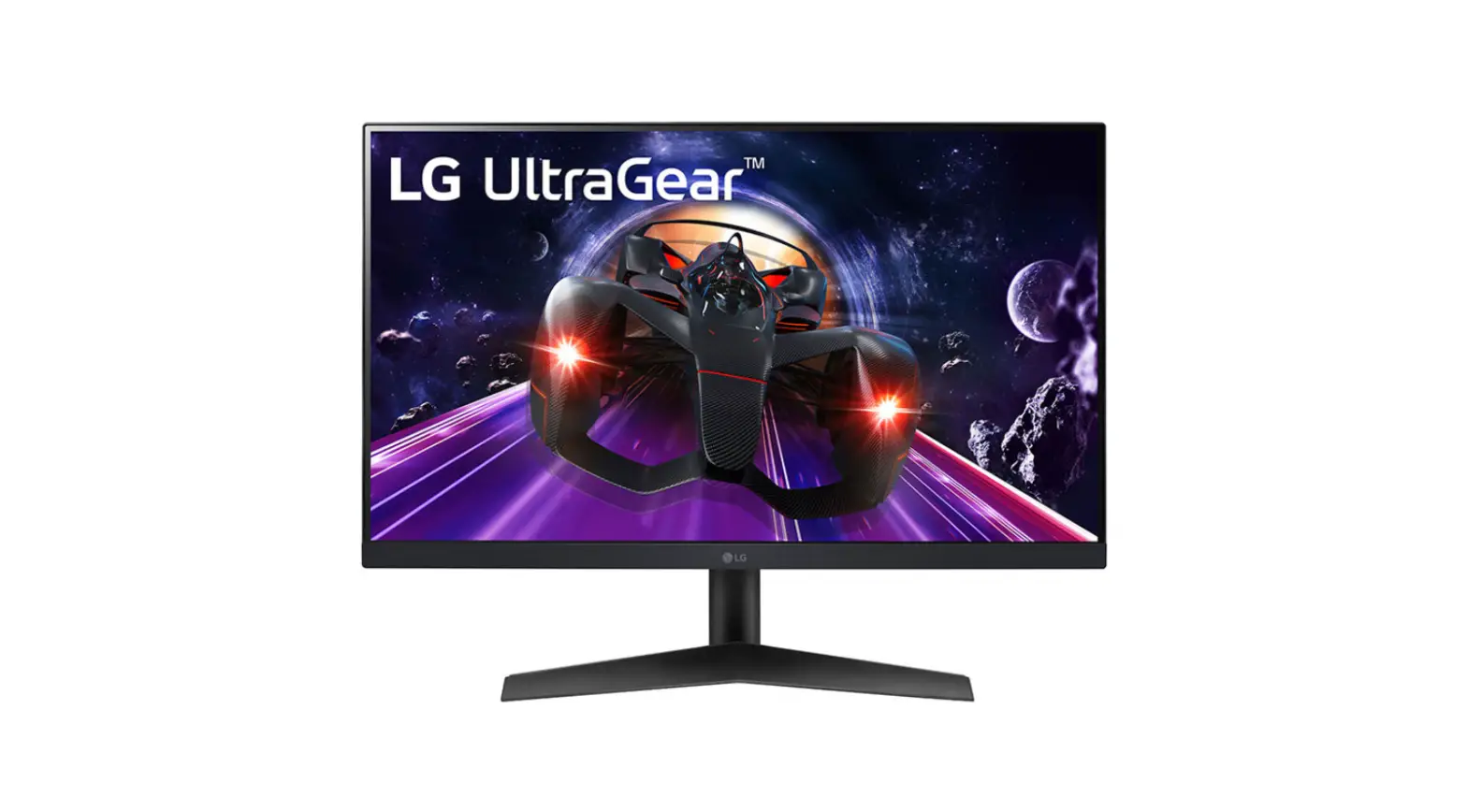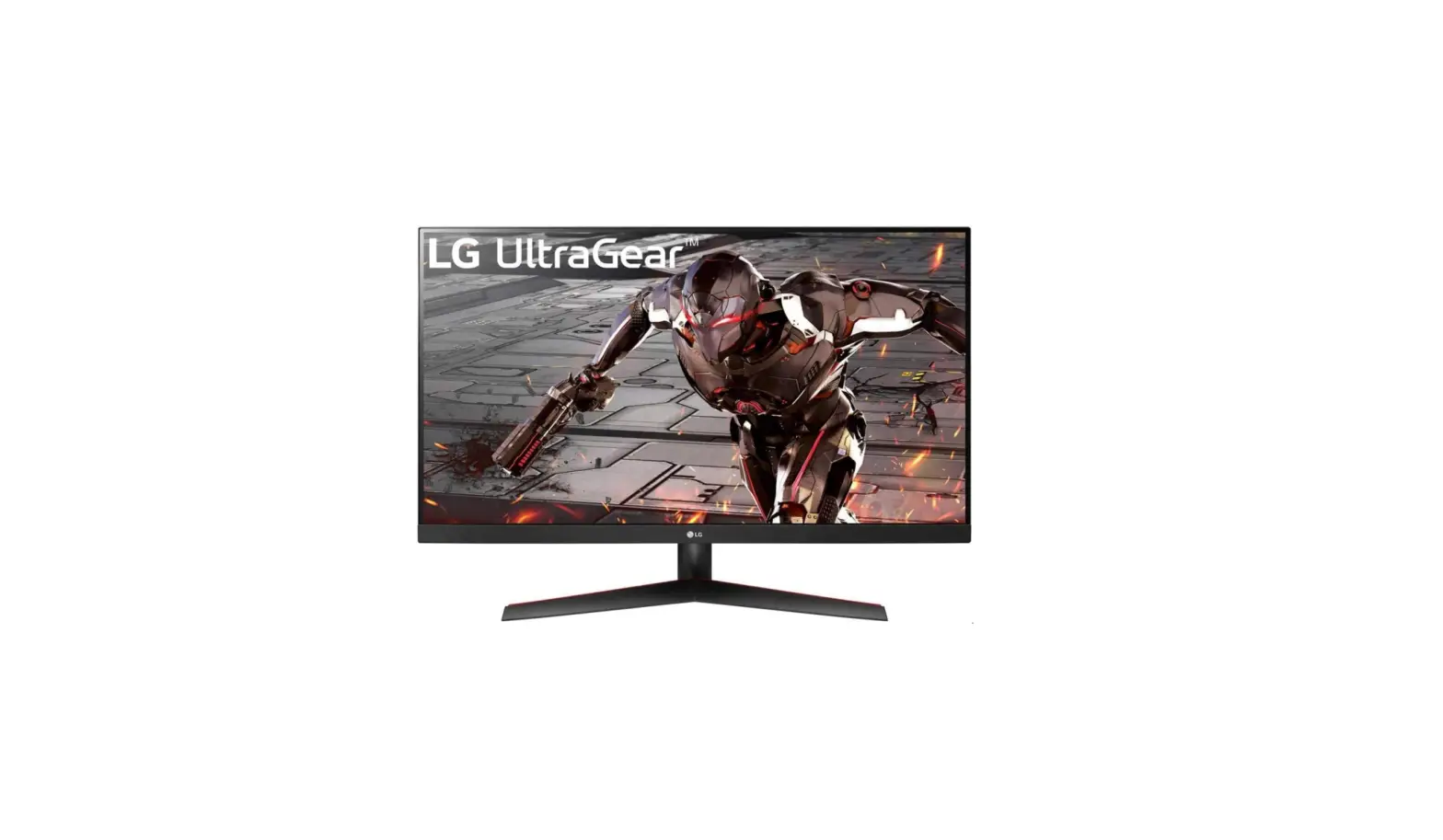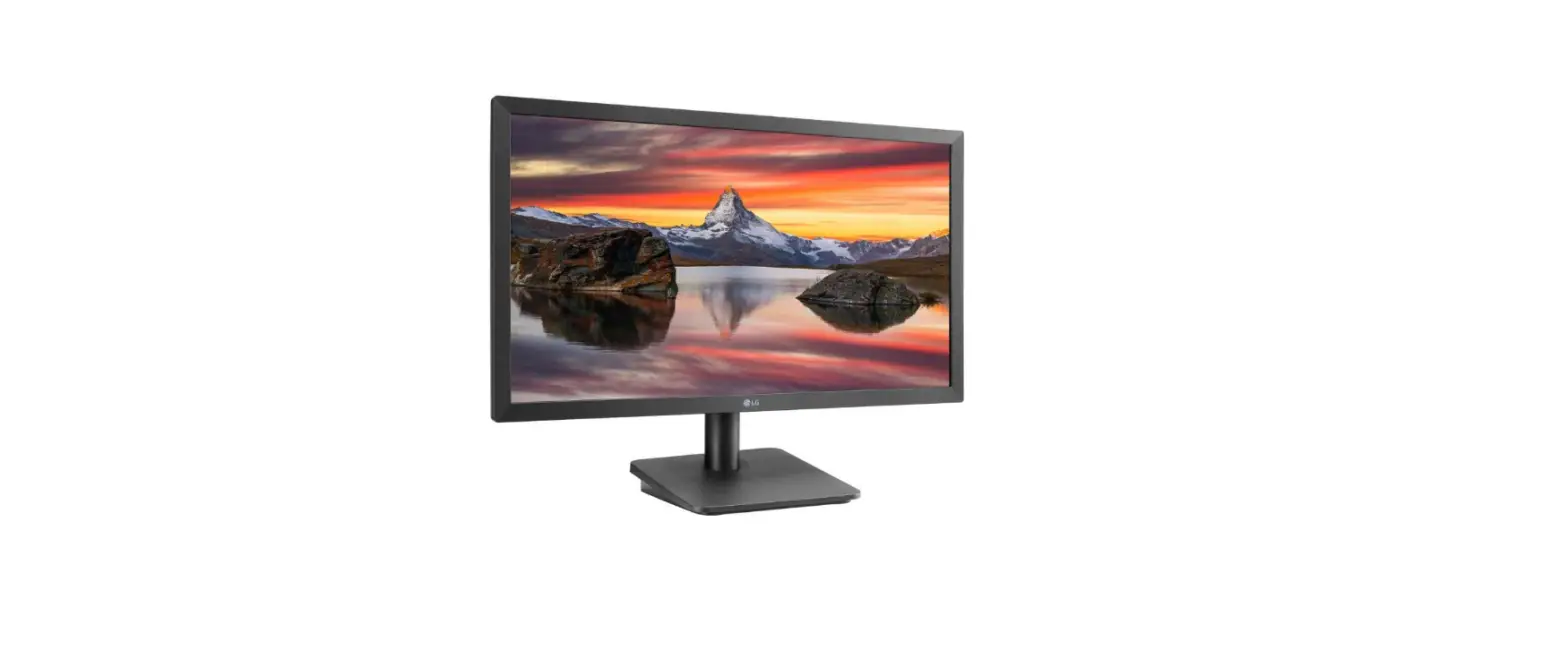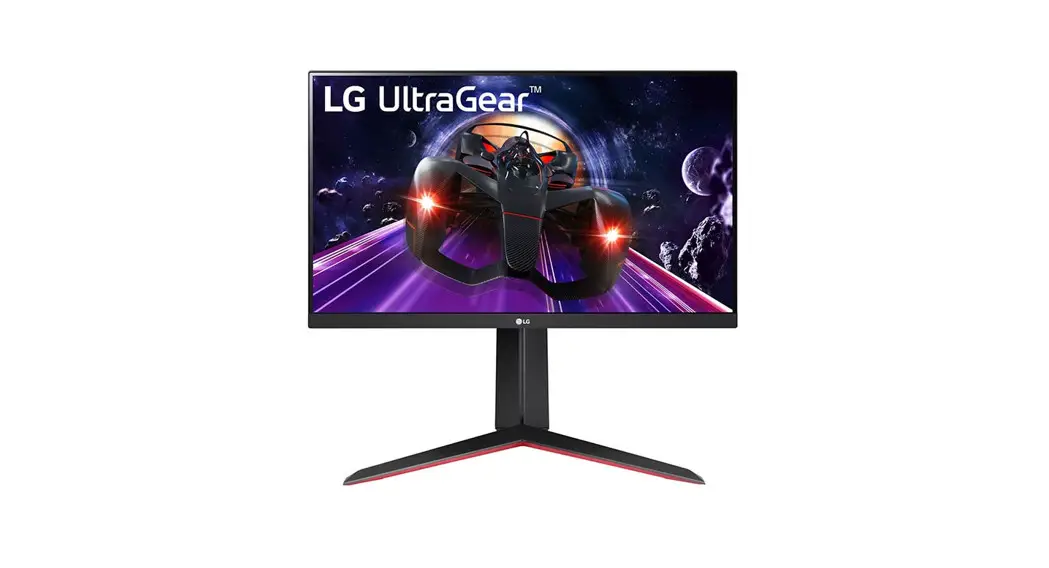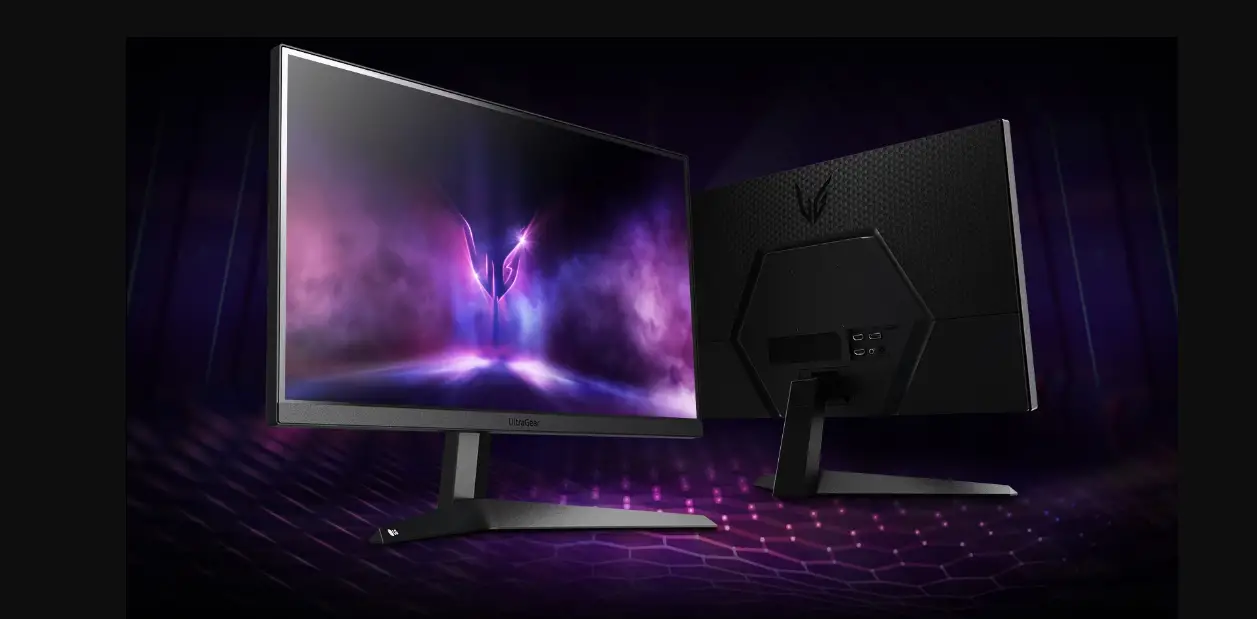

LG 24GQ50F 24 Inch UltraGear Full HD Gaming Monitor
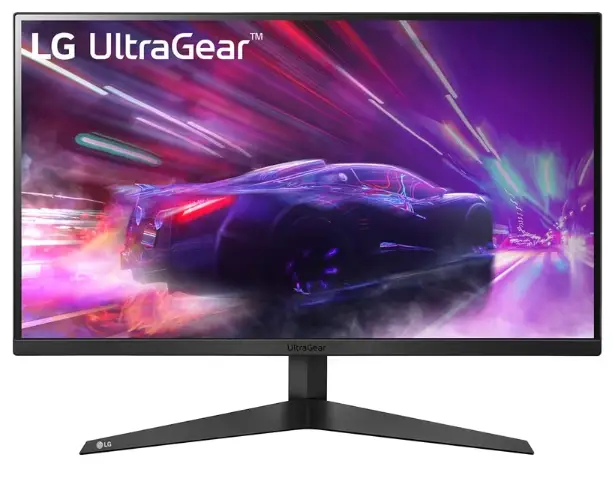
Product Information
The product is a monitor with the model numbers 24GQ50F, 24GQ50B, 24GQ40W, 27GQ50F, 27GQ50B, and 27GQ40W. It is manufactured by LG and is printed in China. The monitor comes with a quick setup guide in English.
Specifications
- Dimensions (Width x Depth x Height):
- With Stand:
- 24GQ50F/ 24GQ50B/ 24GQ40W: 539.5 x 196.0 x 414.2 (mm)
- 27GQ50F/ 27GQ50B/ 27GQ40W: 613.7 x 201.6 x 456.1 (mm)
- Without Stand:
- 24GQ50F/ 24GQ50B/ 24GQ40W: 539.5 x 39 x 322.2 (mm)
- 27GQ50F/ 27GQ50B/ 27GQ40W: 613.7 x 39.3 x 364.1 (mm)
- With Stand:
- Weight:
- With Stand:
- 24GQ50F/ 24GQ50B/ 24GQ40W: 3.57 kg (7.87 lbs)
- 27GQ50F/ 27GQ50B/ 27GQ40W: 3.87 kg (8.53 lbs)
- Without Stand:
- 24GQ50F/ 24GQ50B/ 24GQ40W: 2.97 kg (6.54 lbs)
- 27GQ50F/ 27GQ50B/ 27GQ40W: 3.25 kg (7.16 lbs)
- With Stand:
- Recommended Resolution: 1920 x 1080
- Vertical Frequency:
- HDMI: 144 Hz
- DisplayPort: 165 Hz
- Power Adapter Specifications:
- Output: 19 V
- Input:
- 24GQ50F/ 24GQ50B/ 24GQ40W: 1.5 A
- 27GQ50F/ 27GQ50B/ 27GQ40W: 1.9 A
- Input Voltage: 100-240 V~
- Input Frequency: 50/60 Hz
Product Usage Instructions
Please follow these instructions for operating the monitor:
- Read the quick setup guide carefully.
- Make sure the monitor is placed on a stable surface.
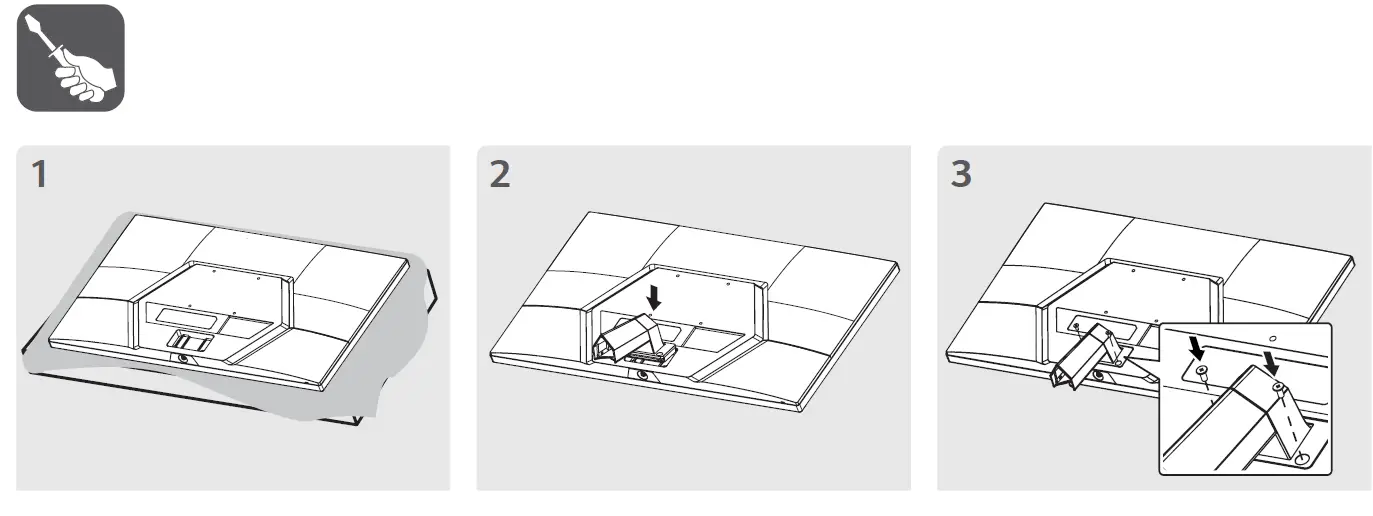
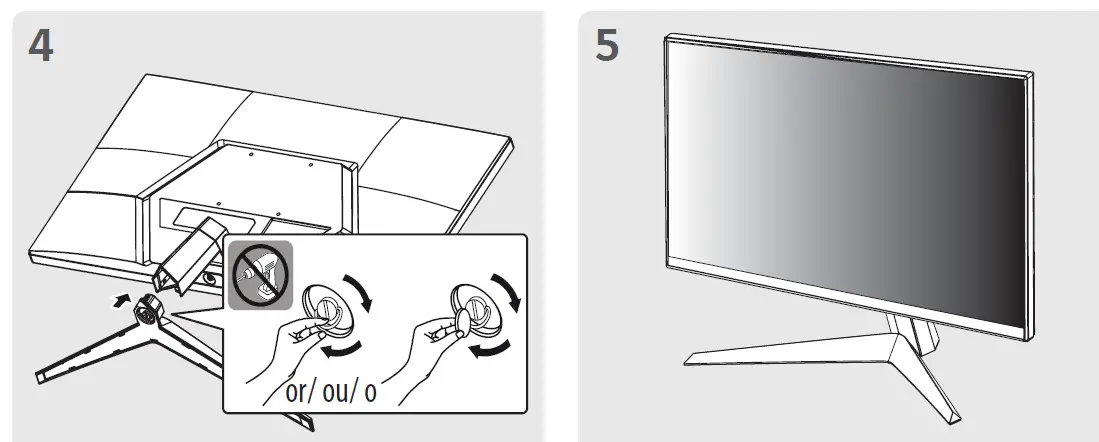
- If using the stand, attach it securely to the monitor.
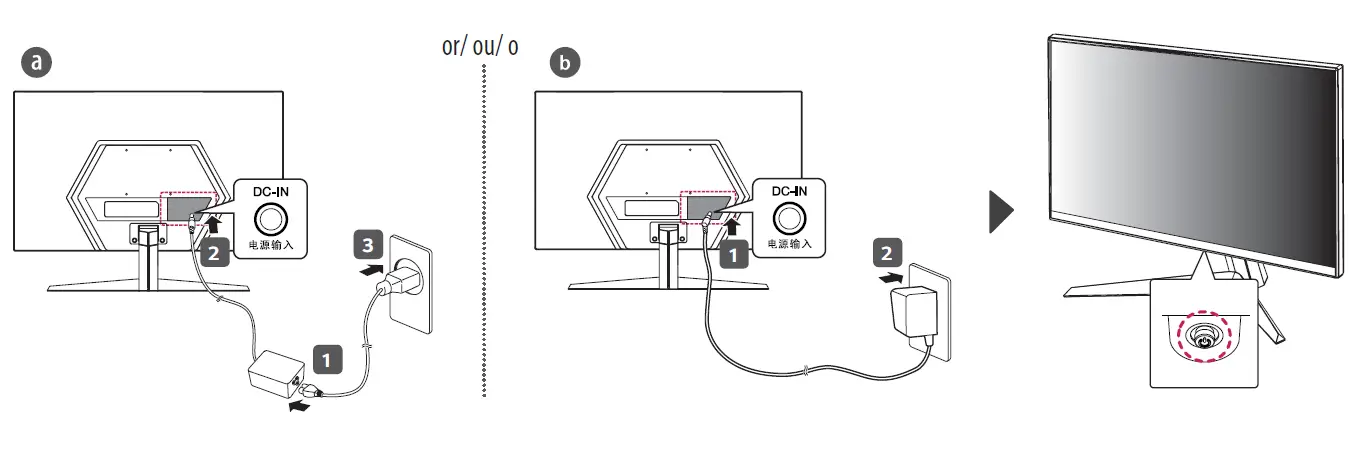
- Connect the power adapter to the monitor and plug it into a power outlet.
- Connect the appropriate input cables (HDMI or DisplayPort) to the monitor and your device.
- Adjust the monitor settings according to your preference using the on-screen menu.
For further information and detailed instructions, please refer to the user manual that came with the monitor.
LED Monitor
24GQ50F
27GQ50F
24GQ50B
27GQ50B
24GQ40W
27GQ40W
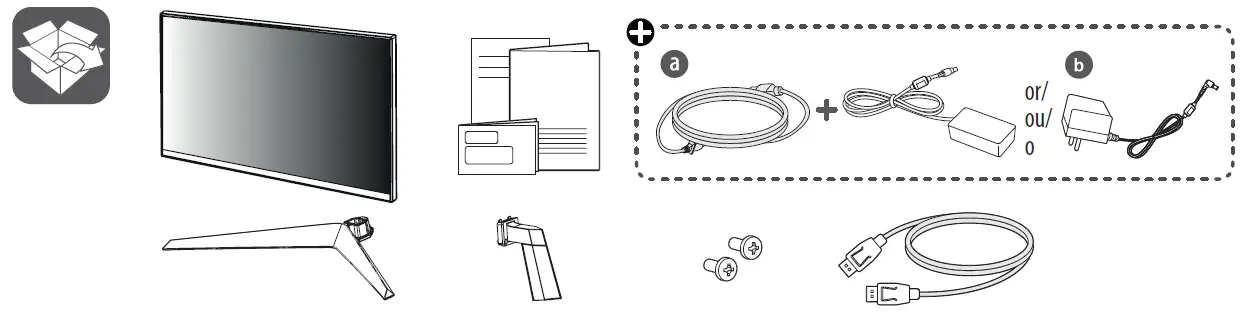 Depending on country
Quick Setup Guide
Please read this manual carefully before operating your set and retain it for future reference.
It is recommended that use the supplied components.
You can download manuals from the LGE website.
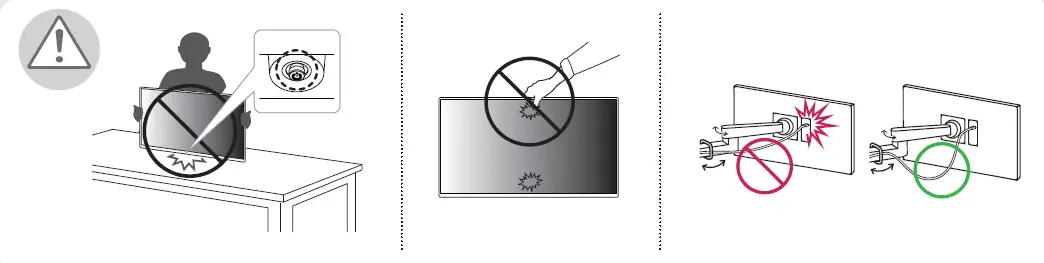
Safety Instructions
Assembly
Wiring
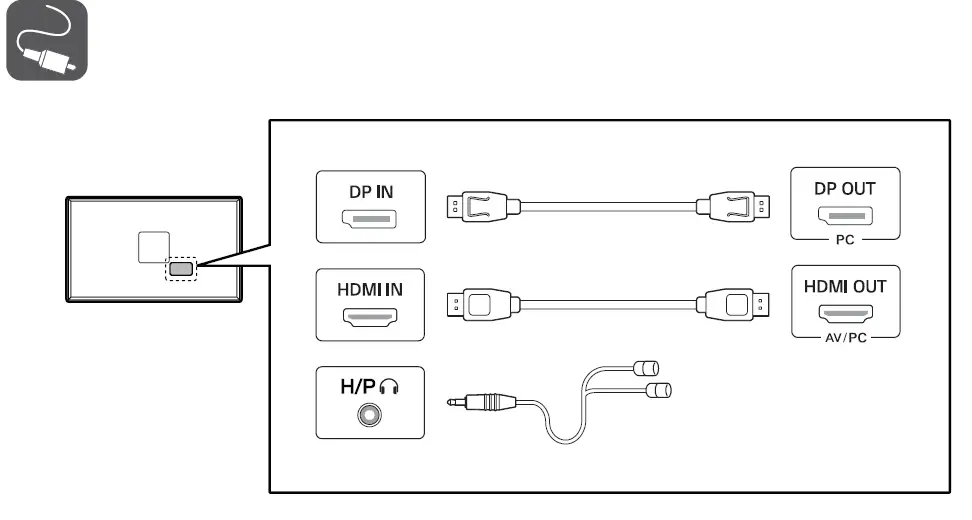
- Using a DVI to HDMI / DP (DisplayPort) to HDMI cable may cause compatibility issues.
- Make sure to use the supplied cable. Otherwise, this may cause the device to malfunction.
Power On/Off
24GQ50F/ 24GQ50B/ 24GQ40W
| Dimensions (Width x Depth x Height) | Weight | Recommended Resolution | Vertical Frequency | ||
| With Stand 539.5 x 196.0 x 414.2 (mm) 21.2 x 7.7 x 16.3 (inches) | Without Stand 539.5 x 39 x 322.2 (mm) 21.2 x 1.5 x 12.6 (inches) | With Stand 3.57 kg (7.87 lbs) | Without Stand 2.97 kg (6.54 lbs) | 1920 x 1080 | HDMI: 144 Hz DisplayPort: 165 Hz |
27GQ50F/ 27GQ50B/ 27GQ40W
| Dimensions (Width x Depth x Height) | Weight | Recommended Resolution | Vertical Frequency | ||
| With Stand 613.7 x 201.6 x 456.1 (mm) 24.1 x 7.9 x 17.9 (inches) | Without Stand 613.7 x 39.3 x 364.1 (mm) 24.1 x 1.5 x 14.3 (inches) | With Stand 3.87 kg (8.53 lbs) | Without Stand 3.25 kg (7.16 lbs) | 1920 x 1080 | HDMI: 144 Hz DisplayPort: 165 Hz |
 LG Electronics & Home Appliances | Shop Now | LG USA