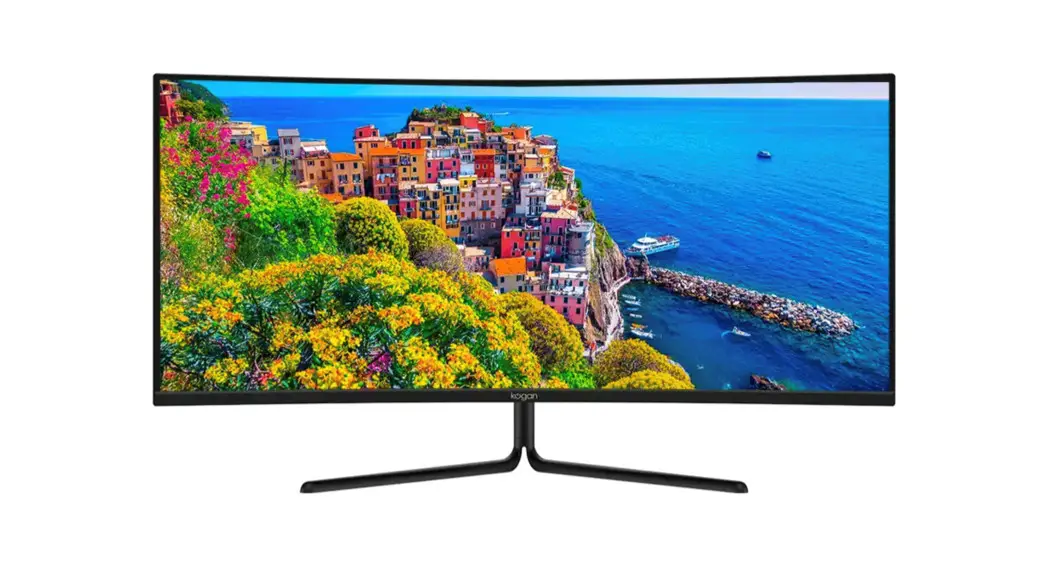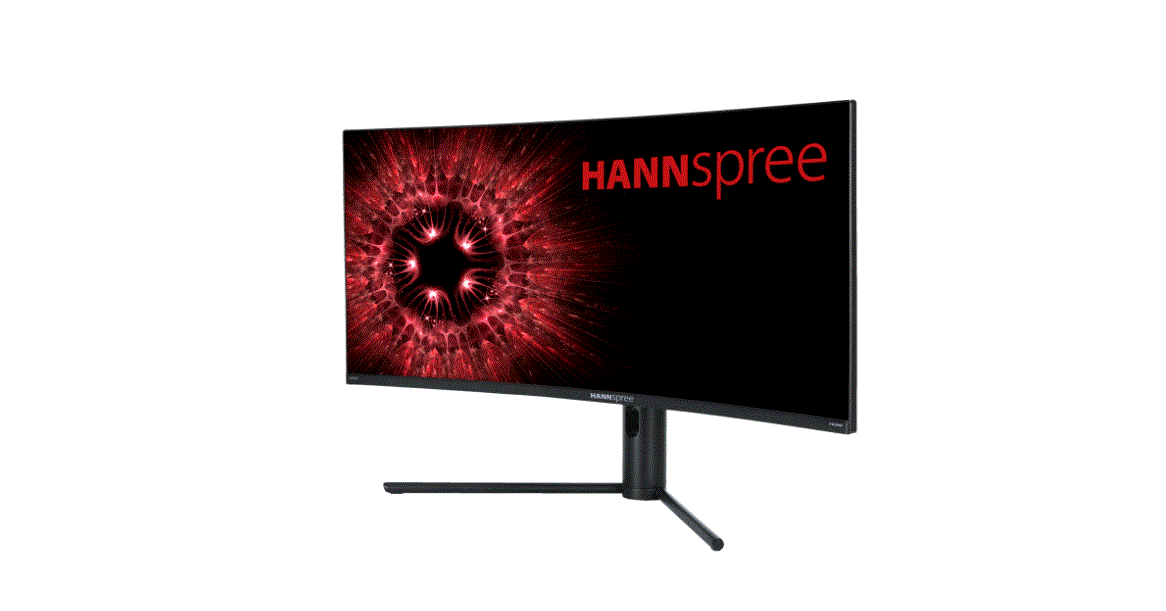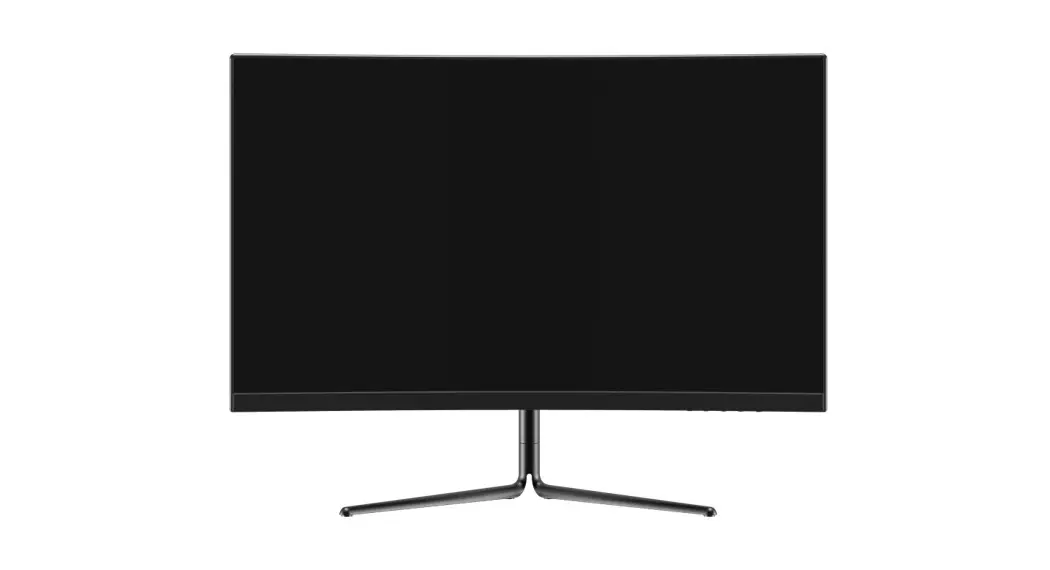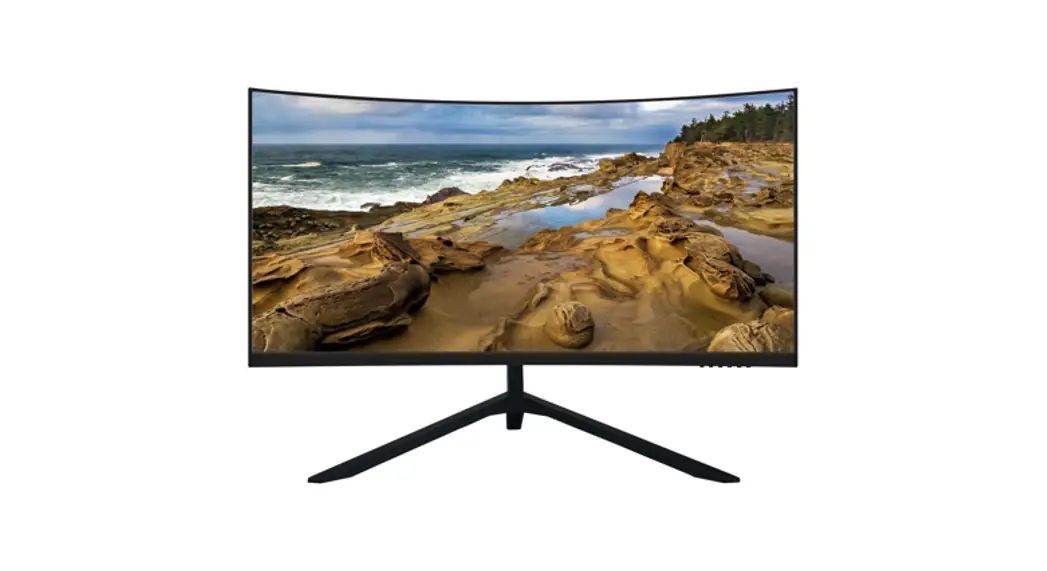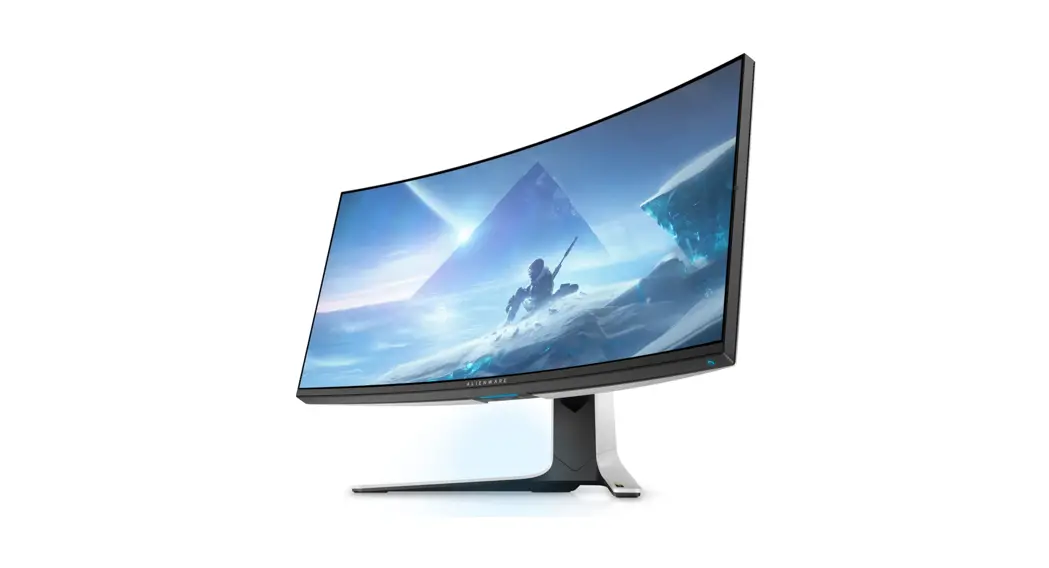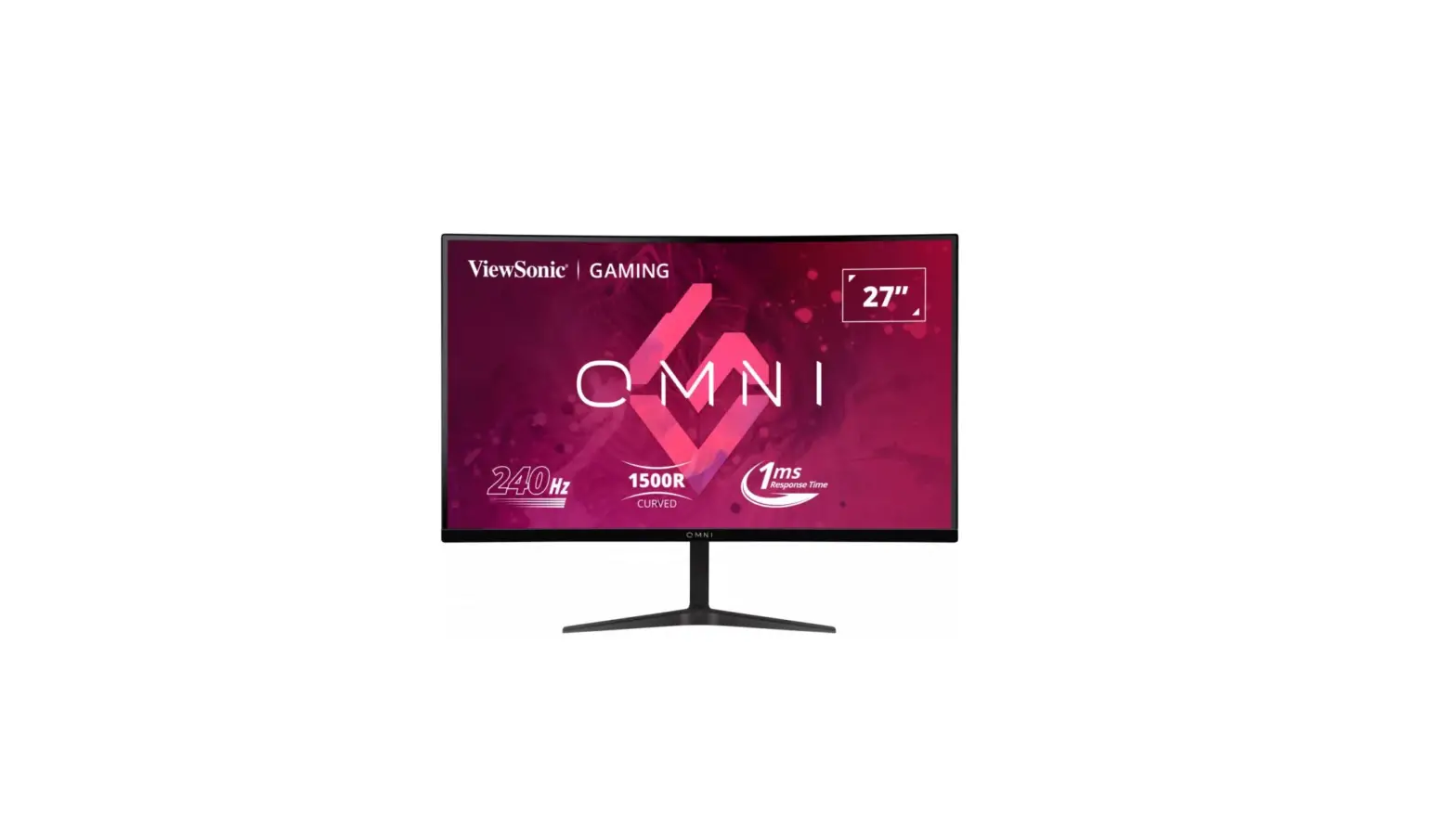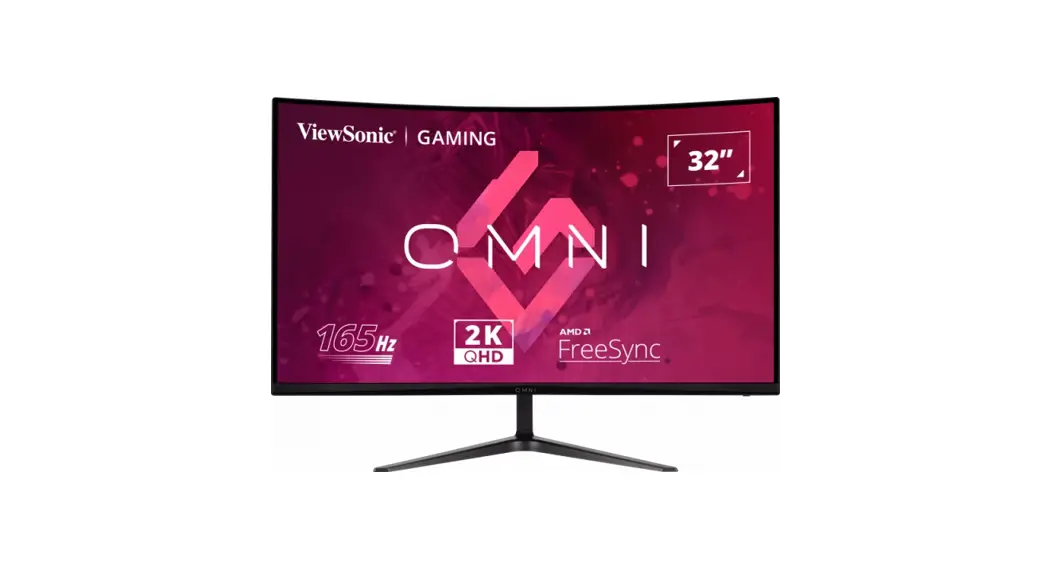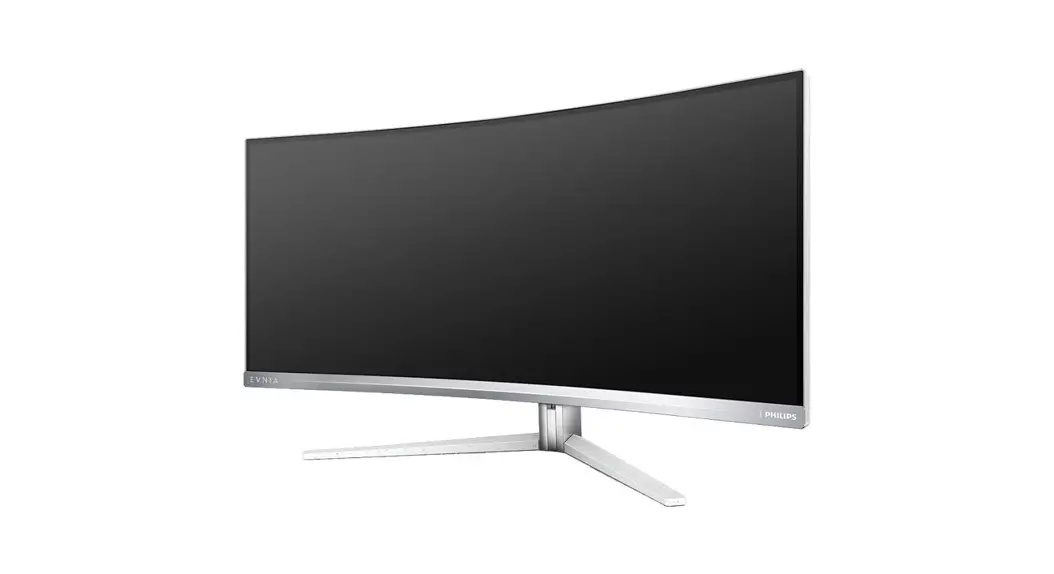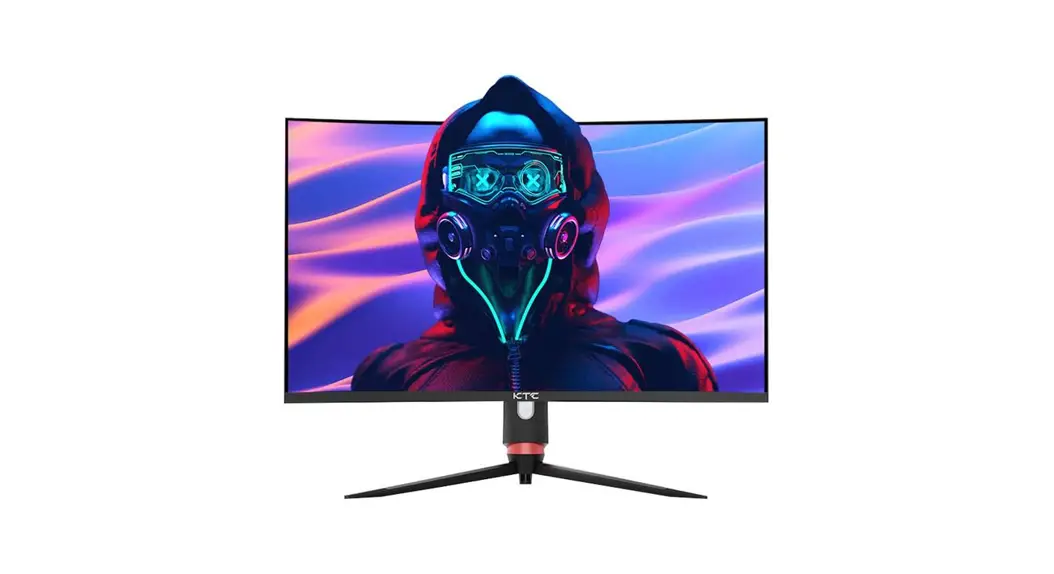
 H32S17
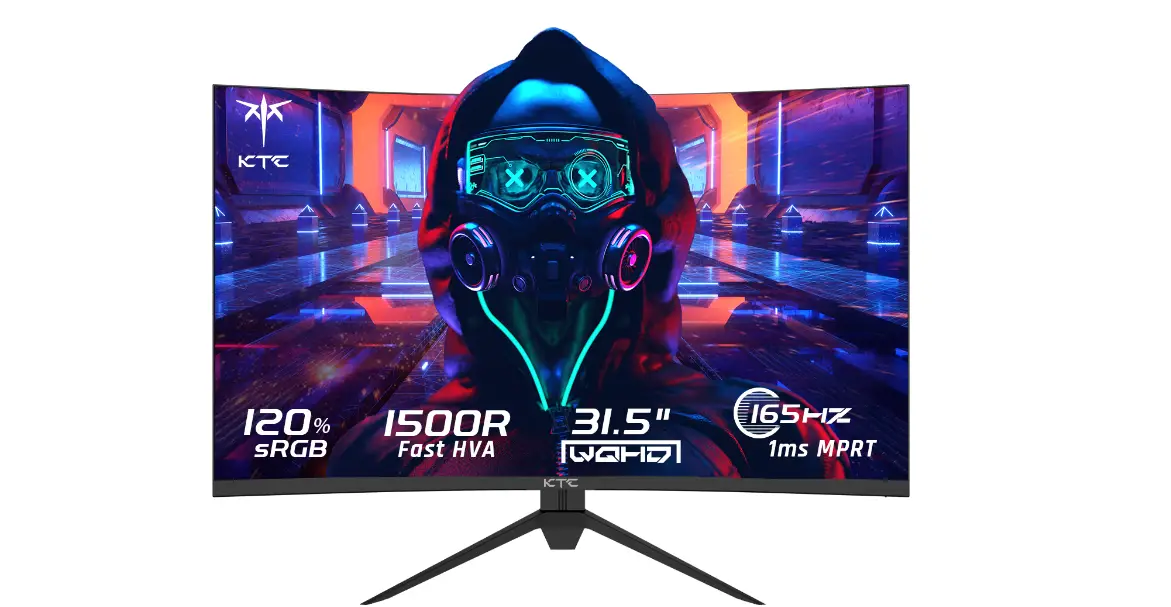
WQHD Curved Gaming Monitor
User Guide
H32S17 WQHD Curved Gaming Monitor
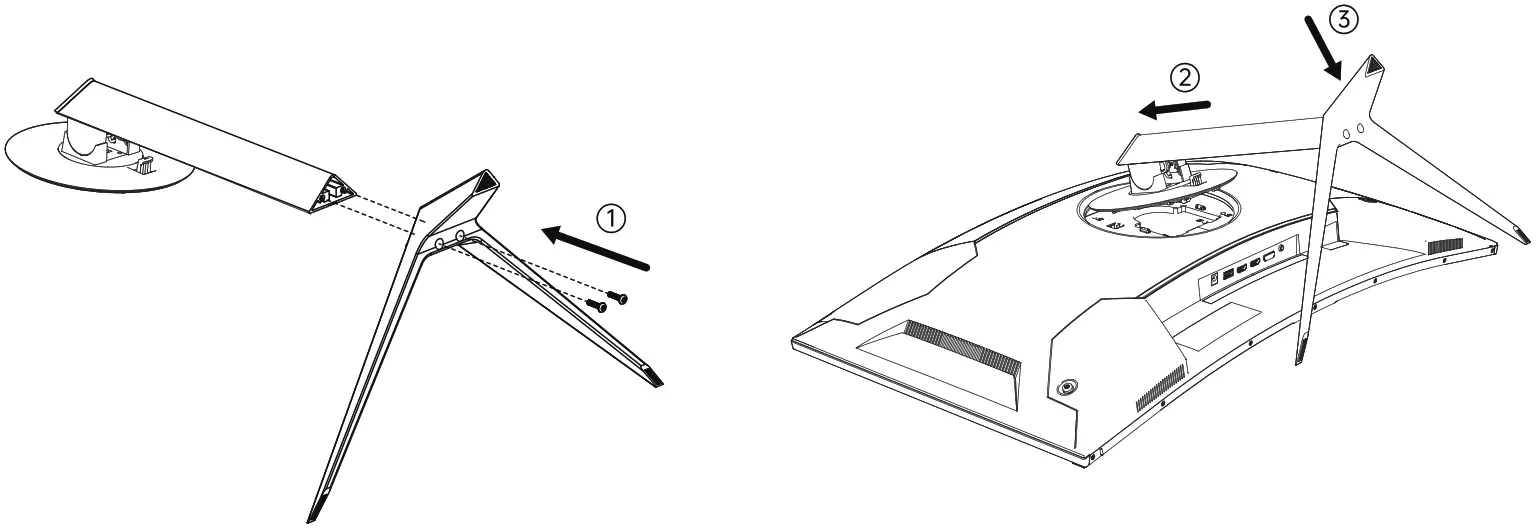
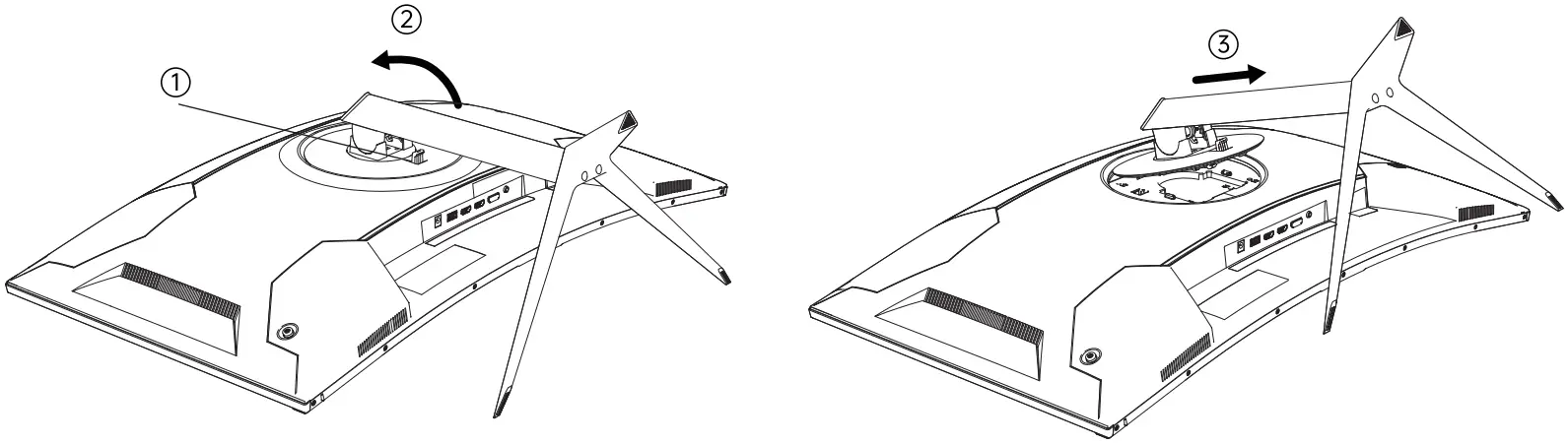
- Installing the Base:
a. Install the base onto the stand and fasten it with two M4 x 16 screws;
b. Tilt the base in the direction of the second arrow and instoll it into the backshell hole.Then press and lock the whole base in the direction of the third arrow.
- If you want ta remove the whole base, do the following:
a. Push the quick release button which is neor the VESA;
b. Remove the whole base in the direction of the arrow.
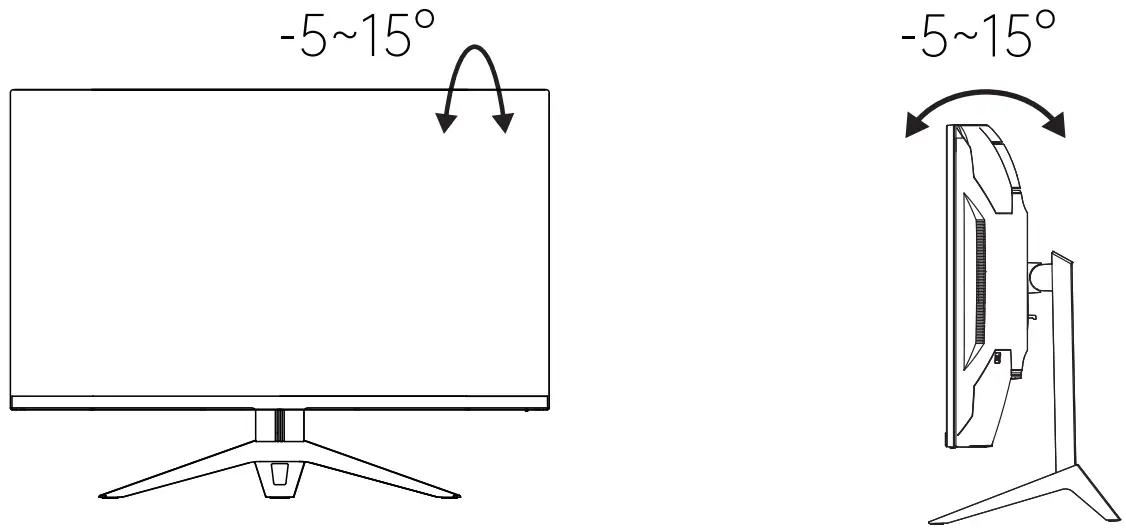
- Bracket to tilt the screen up and down

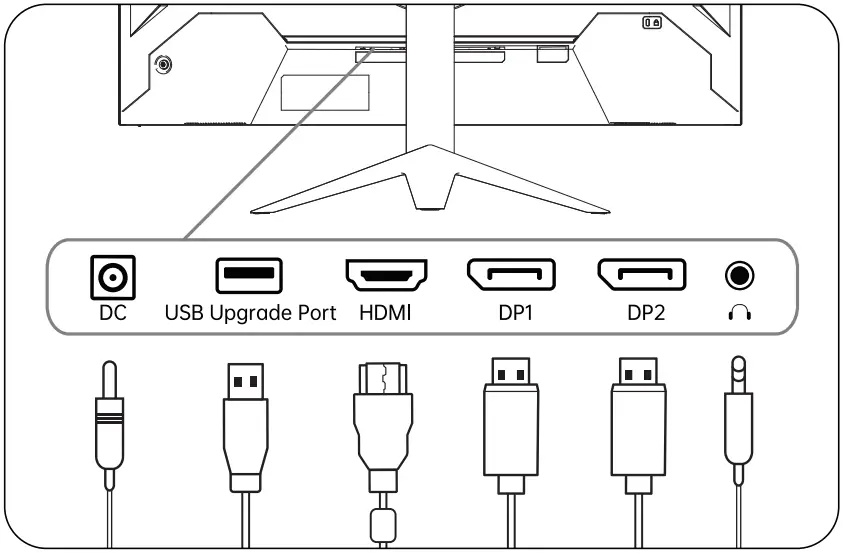
Port Description
Key Definitian
| Initial Shortcut Keys | Enter the Function Menu | 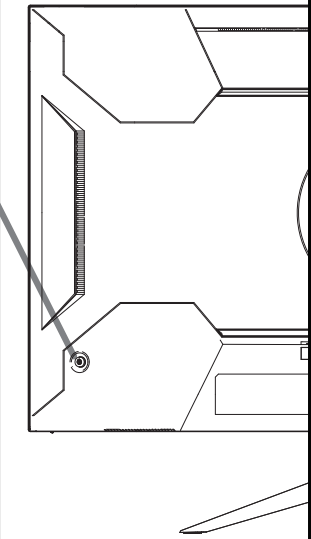 | |
| ↑ | Signal Source Input | Move Up | |
| ↓ | Volume | Move Down | |
| ← | Shortcut Key for Gaming Assistance | Exit and Return Previous Menu | |
| → | Preset Modes Shortcut Button | Open Sub-menu and Select an Option | |
 | Turn on the display by short-pressing turn off the display by pressing and holding for 3 seconds | Turn off the display by pressing and holding for 3 seconds | |
Shenzhen KTC Technology Co., Ltd.
www.ktcplay.com
Floor 1-5, Building 1, No.4023,
Wuhe Road, Bontian Subdistrict,
Langgang District, Shenzhen,China