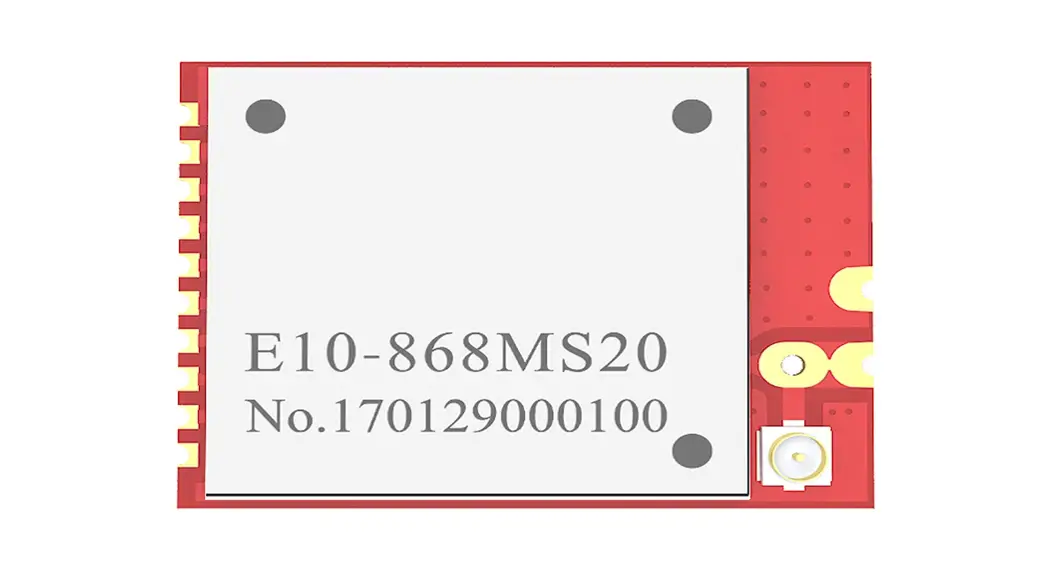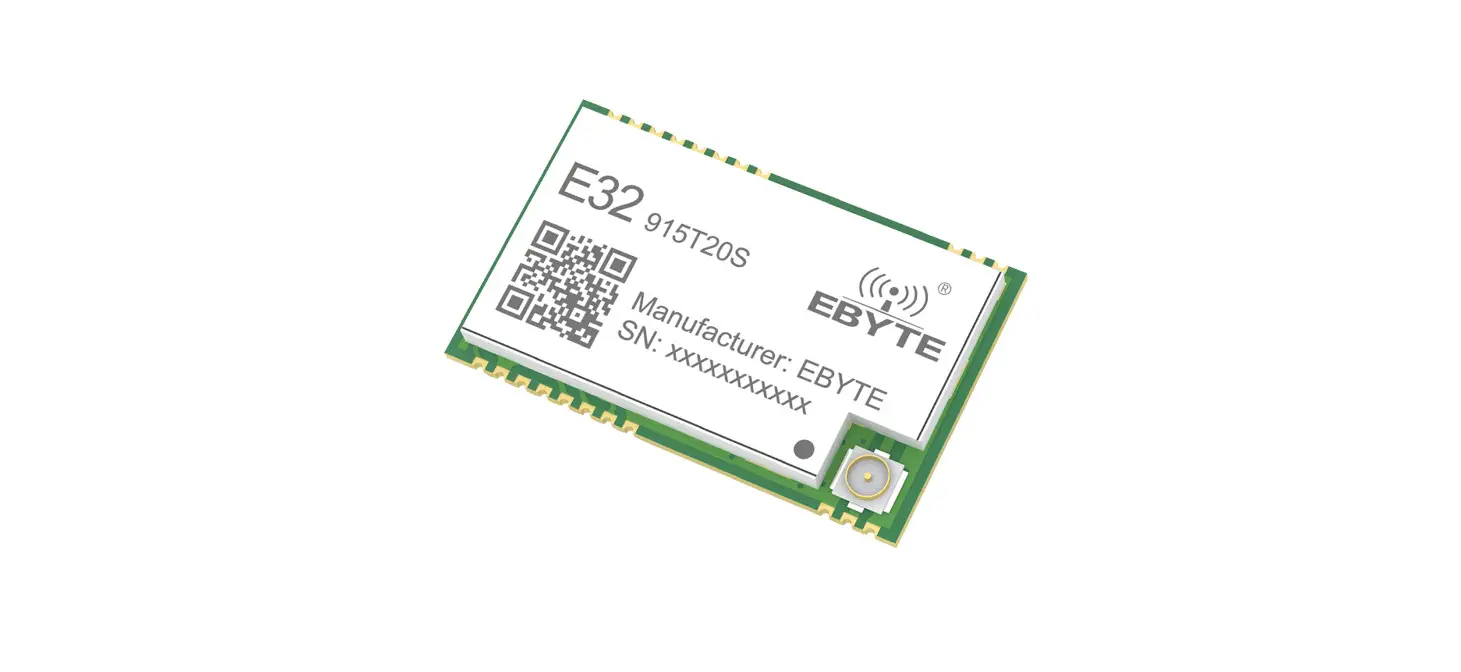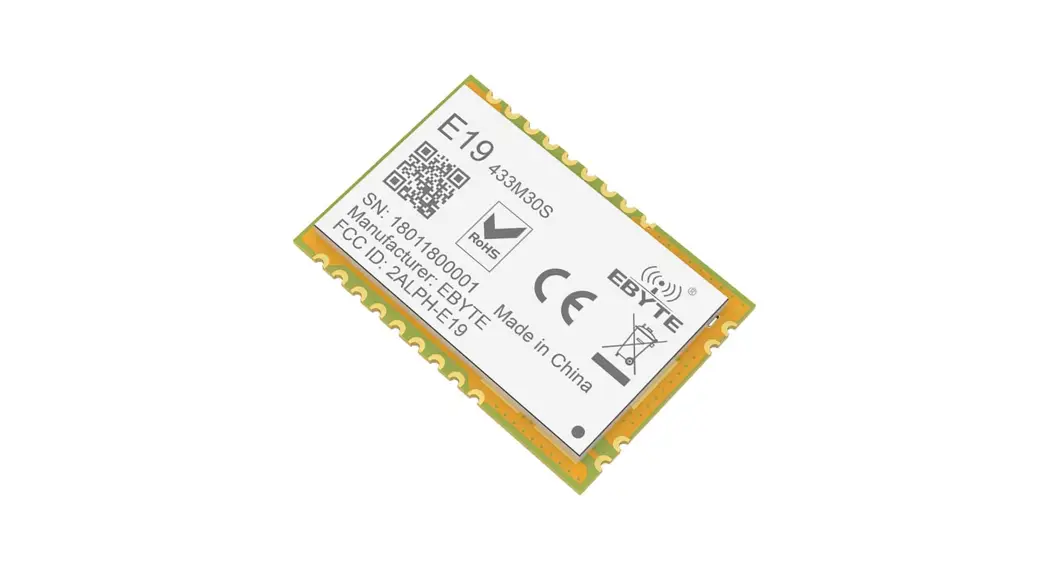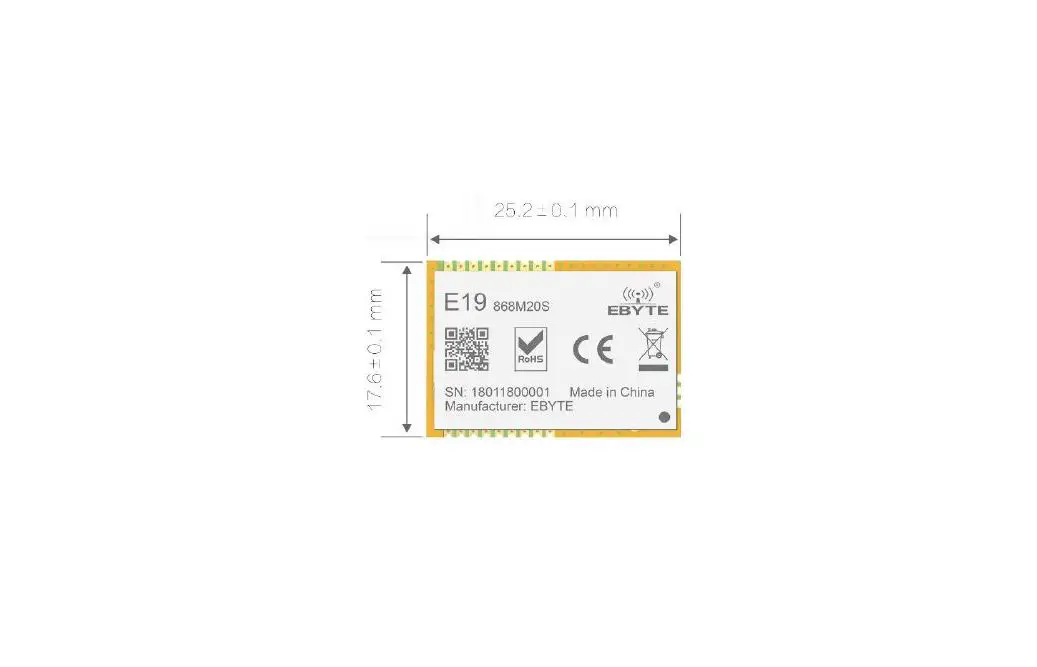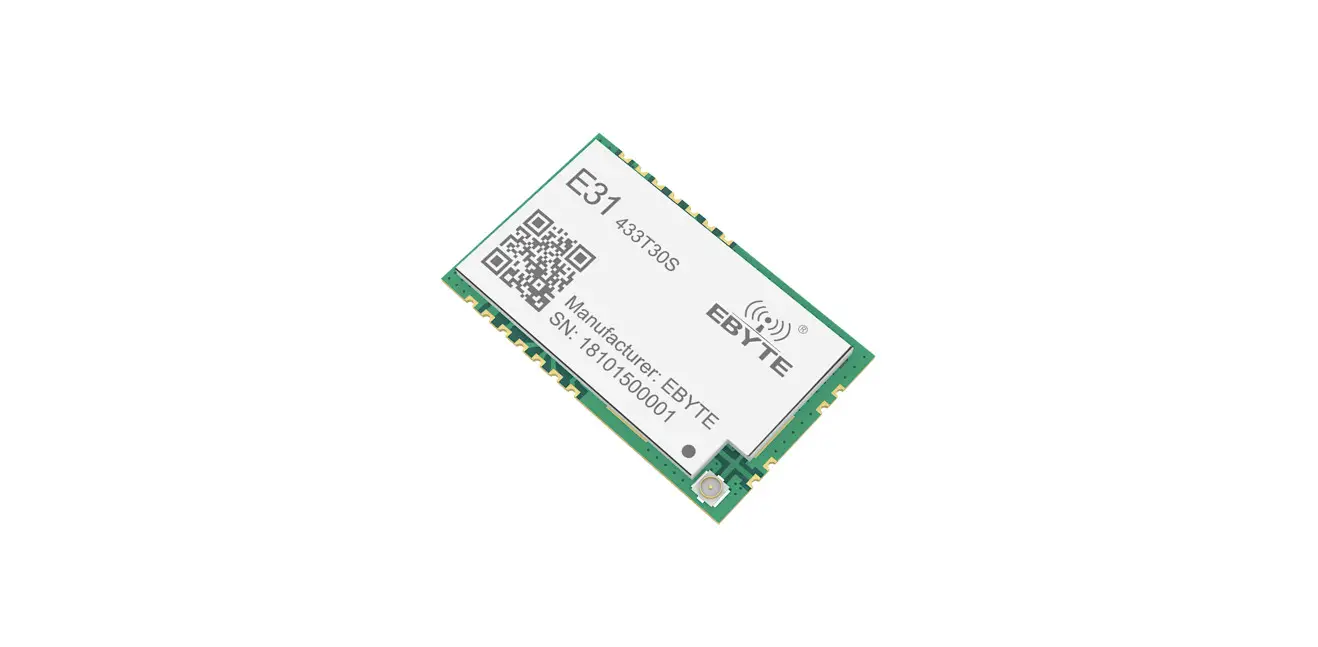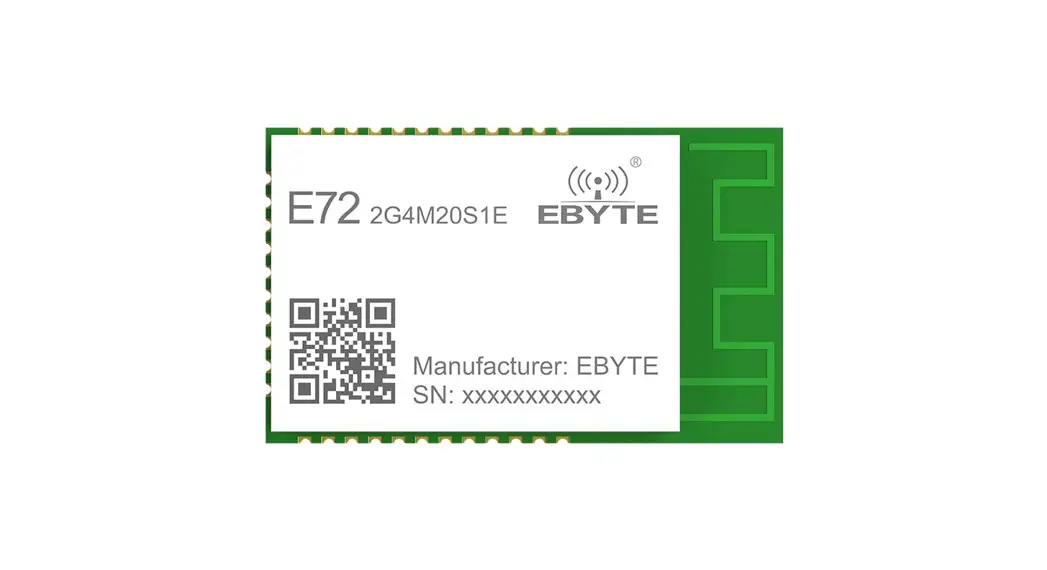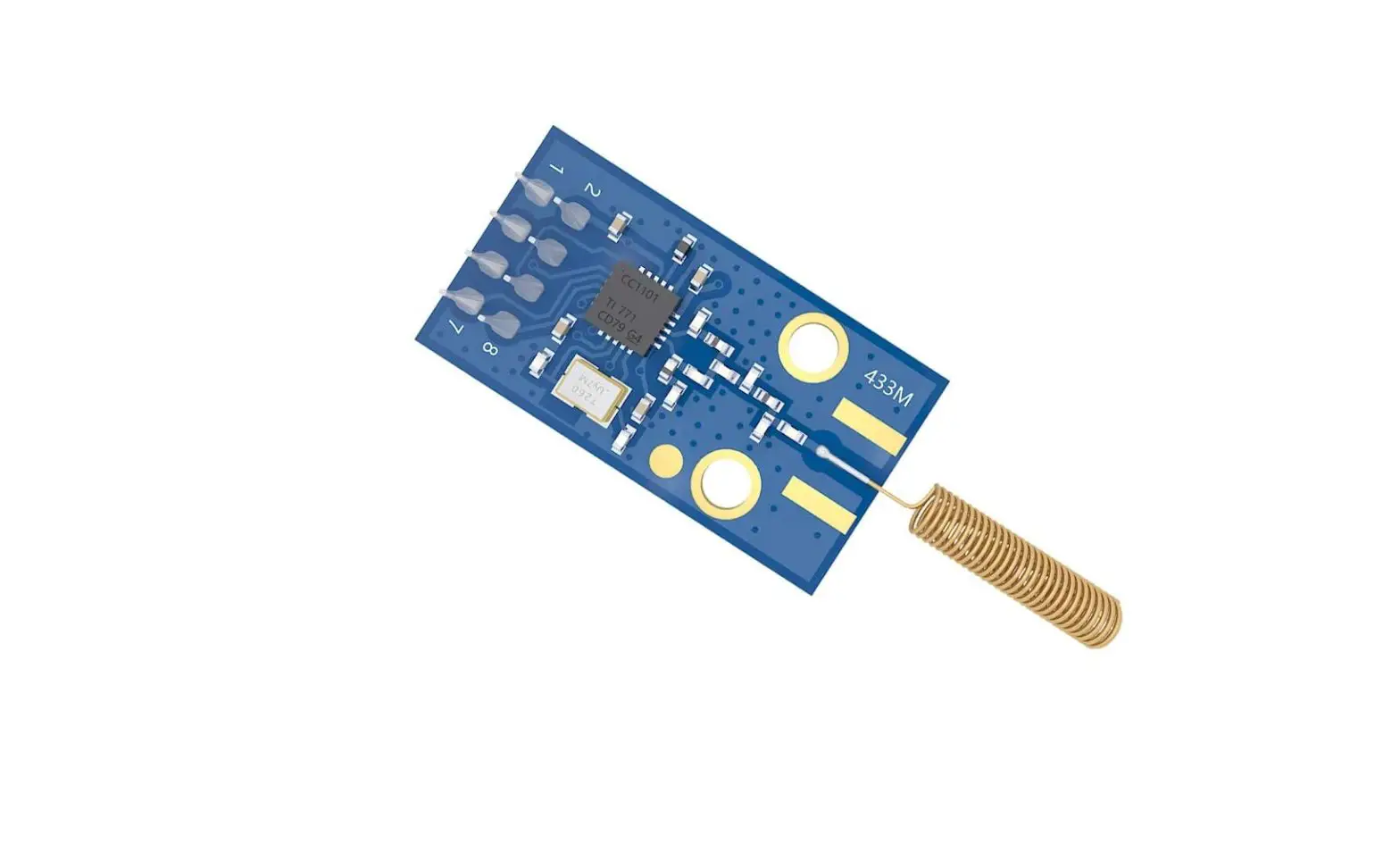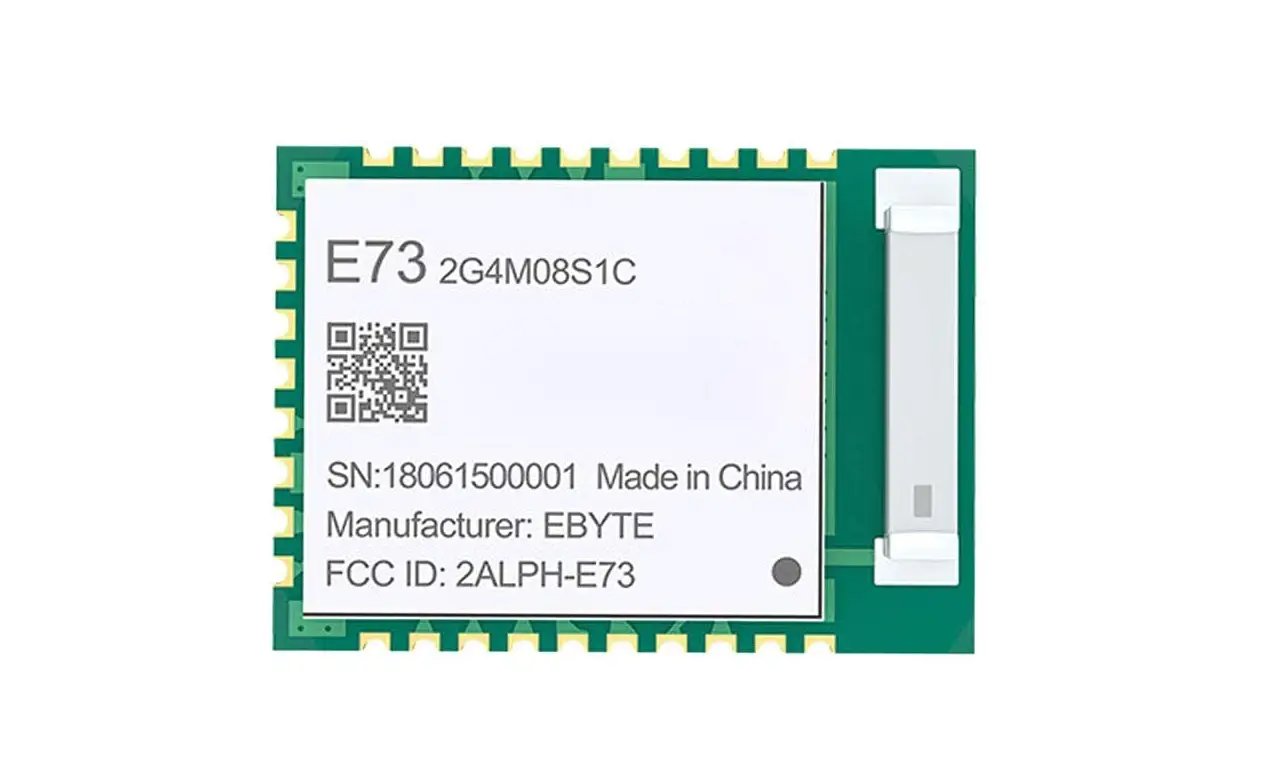
EBYTE E73-2G4M08S1C 2.4GHz SMD Wireless Module User Manual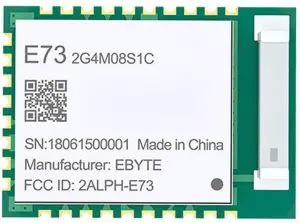
Product overview
Brief Introduction
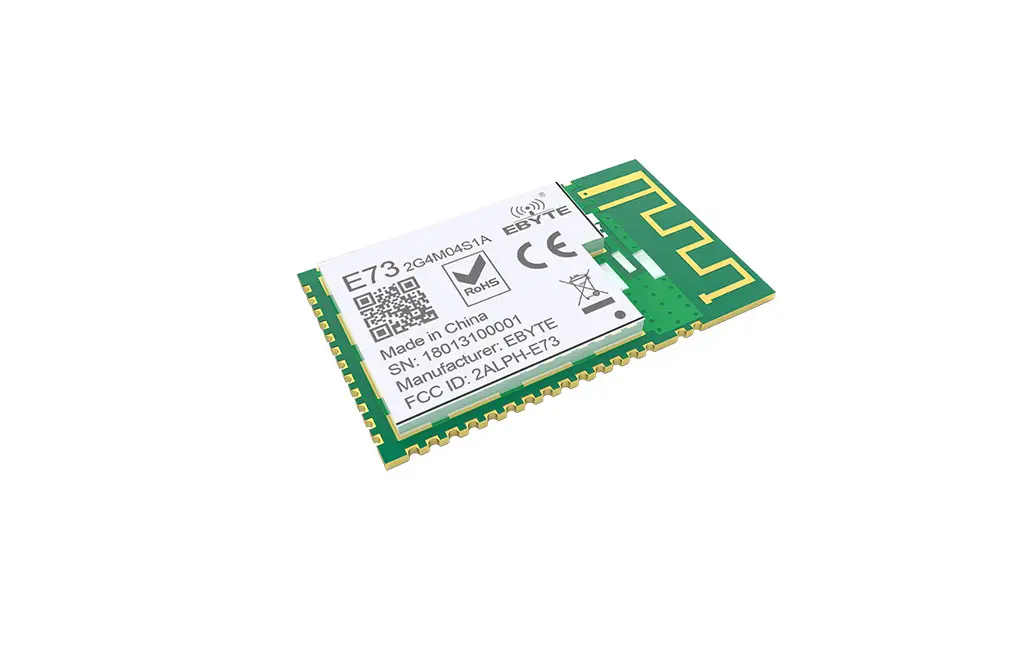
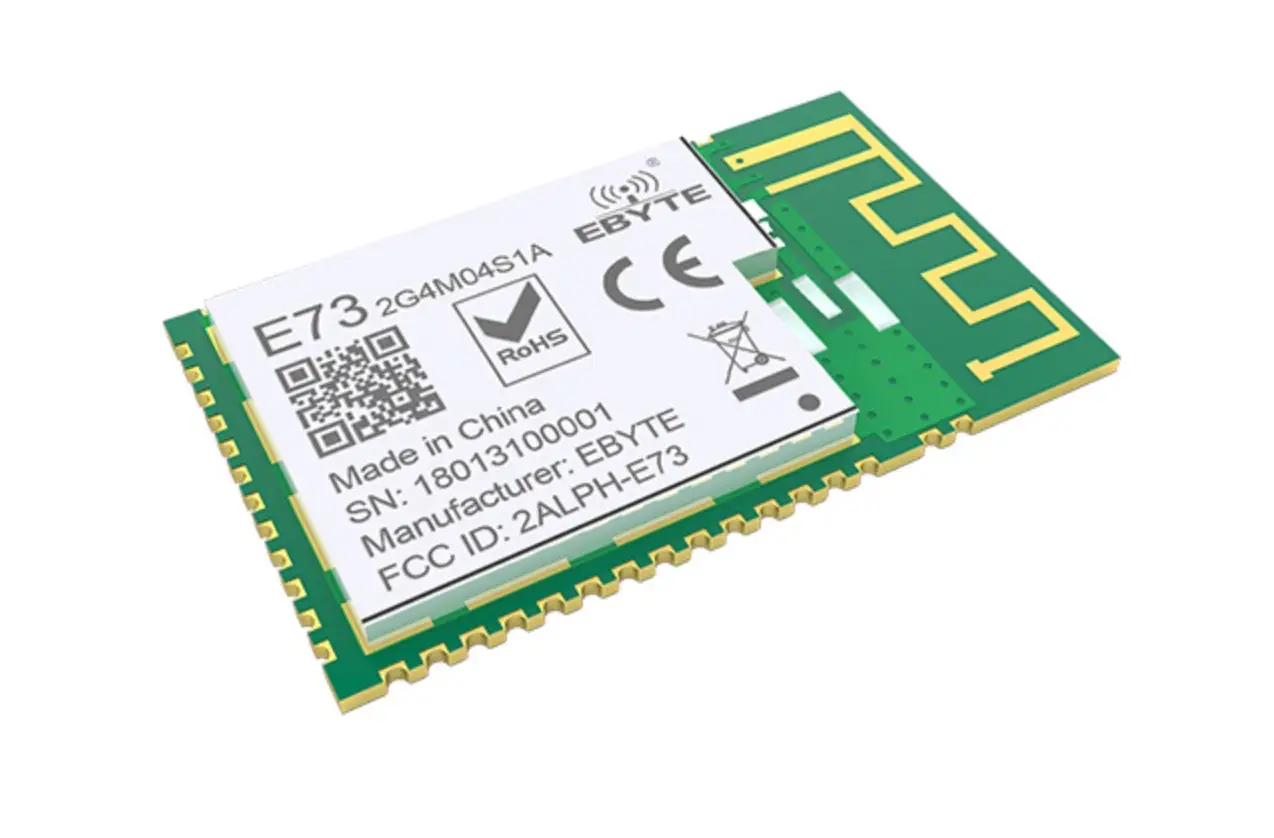
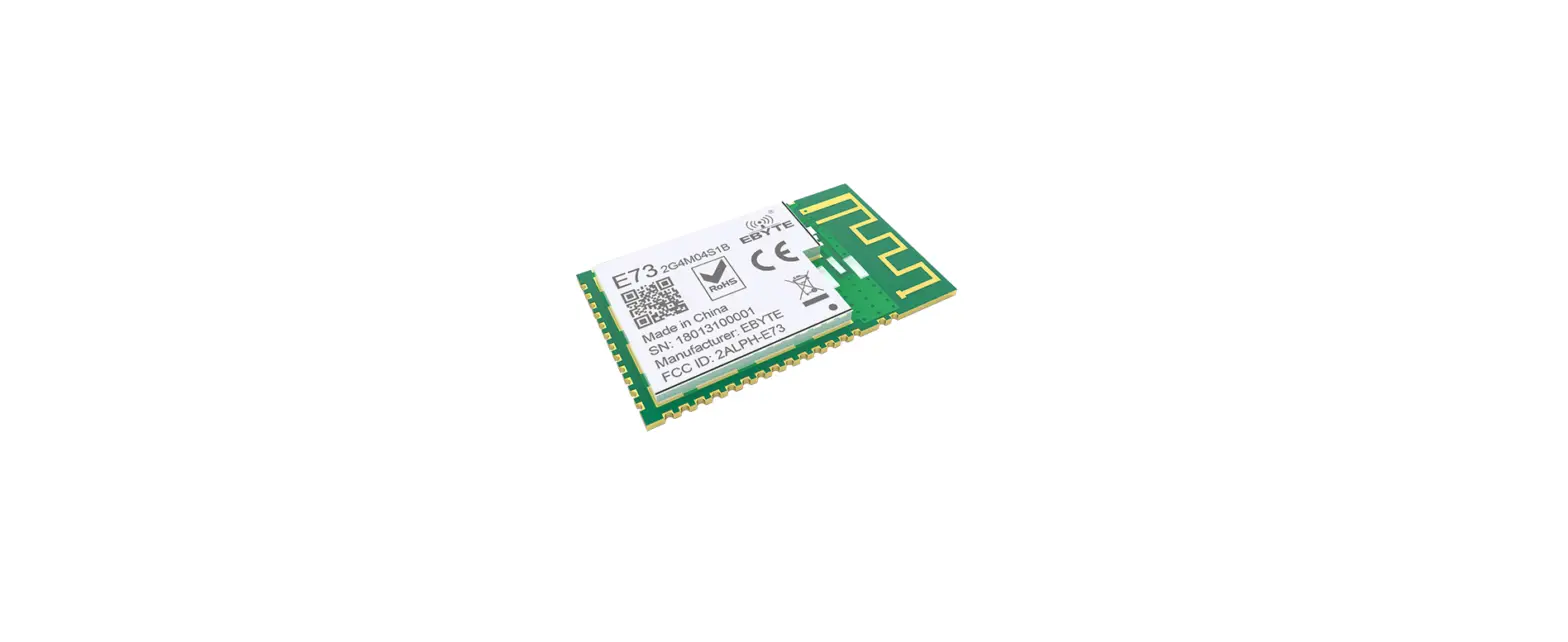
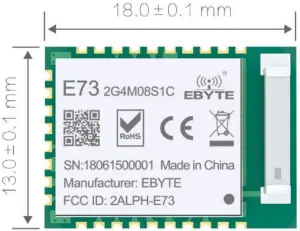
E73-2G4M08S1C are wireless Bluetooth modules designed by Chengdu Ebyte which feature small size, low power consumption. It adopt the originally imported RFIC nRF52840 of NORDIC, supporting BLE 4.2 and BLE 5.0. The chip has high-performance ARM CORTEX-M4F kernel and other peripheral resources, such as UART, I2C, SPI, ADC, DMA, PWM etc. The module led out most IO Port of nRF52840 for multilateral development.Please see the pin definition for details.
E73-2G4M08S1C is hardware platform without firmware, so users need to conduct a secondary development.The characteristics of the nRF52840 chip can be found in the official Datasheet.
Features
- Small size: 13x18mm;
- Support BLE4.2 and BLE 5.0;
- The measured communication distance is up to 120m;
- Maximum transmission power of 6mW, software multi-level adjustable;
- Support the global license-free ISM 2.4GHz band;
- Built-in high performance low power ARM® and Cortex ® -M4 dual core processor;
- Rich resources, 1024KB FLASH, 256KB RAM;
- Support 1.7V~5.5Vpower supply, power supply over 3.3Vcan guarantee the best performance;
- Industrial grade standard design, support -40 ~ 85 °C for working over a long time;
- Built-in ceramic antenna, no antenna is required for the built-in antenna.
Application
- Smart homes and industrial sensors;
- Security system, positioning system;
- Wireless remote control, drone;
- Wireless game remote control;
- Health care products;
- Wireless voice, wireless headset;
- Automotive industry applications.
Specification and parameter
Limit parameter
Main parameter | Performance | Remark | |
Min | Max | ||
| Power supply (V) | 0 | 5.5 | Voltage over 5.5V will cause permanent damage to module |
| Blocking power(dBm) | – | 10 | Chances of burn is slim when modules are used in short distance |
| Operating temperature(℃) | -40 | 85 | |
Operating parameter
Main parameter | Performance | Remark | |||
| Min | Type | Max | |||
Operating voltage(V) | 1.7 | 3.3 | 5.5 | ≥3.3 V ensures output power | |
Communication level (V) | – | 3.3 | – | For 5V TTL, it may be at risk of burning down | |
Operating temperature (℃) | -40 | – | 85 | Industrial grade | |
| Operating frequency(GHz) | 2360 | – | 2500 | Support ISM band | |
| Transmitting current | TX only run current (DC/DC, 3 V) PRF = +8 dBm | – | 17.05 | – | mA |
| TX only run current (DC/DC, 3 V) PRF = +4 dBm | – | 12.68 | – | mA | |
| TX only run current (DC/DC, 5 V, REG0 out = 3.3 V)PRF = 0dBm | – | 7.25 | – | mA | |
| TX only run current (DC/DC, 3 V)P RF = 0 dBm | – | 7.63 | – | mA | |
| Transmitting current | TX only run current (DC/DC, 3 V) PRF = +8 dBm | – | 17.05 | – | mA |
| Receiving current | RX only run current (DC/DC, 3 V) 1 Mbps / 1 Mbps BLE | – | 7.71 | – | mA |
| RX only run current (DC/DC, 3 V) 2 Mbps / 2 Mbps BLE | – | 8.27 | – | mA | |
| Transmitting power | 7 | 8 | 9 | dBm | |
| Receiving sensitivity | -103 dBm@BLE 125kbps(long distance mode), -95 dBm@BLE 1M | ||||
Main parameter | Description | Remark |
| Reference distance | 120m | Clear and open area, antenna gain: 5dBi, antenna height: 2.5m,air data rate: 1Mbps |
| Crystal Oscillator | 32MHz | |
| Protocol | BLE 4.2/5.0 | |
| Package | SMD | |
| Interface | 1.27mm | Stamp hole/Ceramic antenna |
| IC | nRF52840-QIAAC0/ aQFN ™ 73 | |
| FLASH | 1024KB | |
| RAM | 256KB | |
| Core | ARM® Cortex ® -M4 | |
| Size | 13.0 * 18.0 mm | |
| Antenna | ceramic antenna | 50 ohm impedance |
Size and pin definition
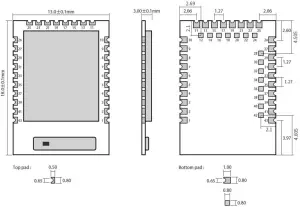
Pad quantity: 43
Unit: mm
| No. | Pin item | Corresponding chip pin item | Pin direction | Application |
| 1 | P1.11 | P1.11 | Common I/O | See details about nrf52840 datasheet on Nordic website |
| 2 | P1.10 | P1.10 | Common I/O | Low frequency I/O, standard drive |
| 3 | P0.03 | P0.03/AIN1 | Common I/O | Analog input 1, low frequency I/O, standard drive |
| 4 | AI4 | P0.28/AIN4 | Common I/O | Analog input 4 |
| 5 | GND | – | – | Single ground line , connect to the power reference ground |
| 6 | P1.13 | P1.13 | Common I/O | Low frequency I/O, standard drive |
| 7 | AI0 | P0.02/AIN0 | Common I/O | Analog input 0, low frequency I/O, standard drive |
| 8 | AI5 | P0.29/AIN5 | Common I/O | Analog input 5, low frequency I/O, standard drive |
| 9 | AI7 | P0.31/AIN7 | Common I/O | Analog input 7, low frequency I/O, standard drive |
| drive | ||||
| 10 | AI6 | P0.30/AIN6 | Common I/O | Analog input 6, low frequency I/O, standard drive |
| 11 | XL1 | P0.00/XL1 | Common I/O | Connect to 32.768 kHz crystal |
| 12 | P0.26 | P0.26 | Common I/O | See details about nrf52840 datasheet on Nordic website |
| 13 | XL2 | P0.01/XL2 | Common I/O | Connect to 32.768 kHz crystal |
| 14 | P0.06 | P0.06 | Common I/O | See details about nrf52840 datasheet on Nordic website |
| 15 | AI3 | P0.05/AIN3 | Common I/O | Analog input 3 |
| 16 | P0.08 | P0.08 | Common I/O | See details about nrf52840 datasheet on Nordic website |
| 17 | P1.09 | P1.09 | Common I/O | See details about nrf52840 datasheet on Nordic website |
| 18 | AI2 | P0.04/AIN2 | Common I/O | Analog input 2 |
| 19 | VDD | – | – | Power supply |
| 20 | P12 | P0.12 | Common I/O | See details about nrf52840 datasheet on Nordic website |
| 21 | GND | – | – | ground line , connect to the power reference ground |
| 22 | P0.07 | P0.07 | Common I/O | See details about nrf52840 datasheet on Nordic website |
| 23 | VDH | VDDH | – | High-voltage power supply |
| 24 | GND | – | – | ground line , connect to the power reference ground |
| 25 | DCH | DCCH | – | DC/DC Converter output |
| 26 | RST | P0.18/RESET | Common I/O | QSPI/CSN/external reset |
| 27 | VBS | VBUS | – | USB power supply , 5V input , used to USB3.3V voltage regulator |
| 28 | P15 | P0.15 | Common I/O | See details about nrf52840 datasheet on Nordic website |
| 29 | D- | – | – | USB D- |
| 30 | P17 | P0.17 | Common I/O | See details about nrf52840 datasheet on Nordic website |
| 31 | D+ | – | – | USB D+ |
| 32 | P0.20 | P0.20 | Common I/O | See details about nrf52840 datasheet on Nordic website |
| 33 | P0.13 | P0.13 | Common I/O | See details about nrf52840 datasheet on Nordic website |
| 34 | P0.22 | P0.22 | Common I/O | QSPI |
| 35 | P0.24 | P0.24 | Common I/O | |
| 36 | P1.00 | P1.00 | Common I/O | See details about nrf52840 datasheet on Nordic website |
| 37 | SWD | SWDIO | – | Serial debug programming port data |
| 38 | P1.02 | P1.02 | Common I/O | See details about nrf52840 datasheet on Nordic website |
| 39 | SWC | SWDCLK | – | Serial debug programming port clock |
| 40 | P1.04 | P1.04 | Common I/O | Low frequency I/O, standard drive |
| 41 | NF1 | P0.09/NFC1 | Common I/O | NFC input |
| 42 | P1.06 | P1.06 | Common I/O | Low frequency I/O, standard drive |
| 43 | NF2 | P0.10/NFC2 | Common I/O | NFC input |
Development and Application
No. | Item | Notes |
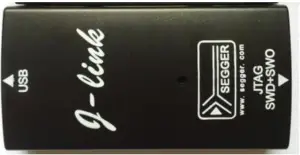
| 1 | Burn Firmware |
|
| 2 | Testing Board | Testing board is not available. |
Basic operation
Hardware design
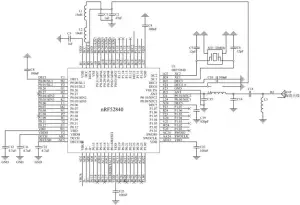
- It is recommended to use a DC stabilized power supply. The power supply ripple factor is as small as possible and the module needs to be reliably grounded.
- Please pay attention to the correct connection of the positive and negative poles of the power supply, reverse connection may cause permanent damage to the module.
- Please check the power supply to ensure that between the recommended supply voltage, if exceeding the maximum, the module will be permanently damaged;
- Please check the stability of the power supply. Voltage can not fluctuate greatly and frequently;
- When designing the power supply circuit for the module, it is often recommended to reserve more than 30% of the margin, so the whole machine is beneficial for long-term stable operation;
- The module should be as far away as possible from the power supply, transformers, high-frequency wiring and other parts with large electromagnetic interference;
- Bottom Layer High-frequency digital routing, high-frequency analog routing, and power routing must be avoided under the module. If it is necessary to pass through the module, assume that the module is soldered to the Top Layer, and the copper is spread on the Top Layer of the module contact part(well grounded), it must be close to the digital part of the module and routed in the Bottom Layer;
- Assuming the module is soldered or placed over the Top Layer, it is wrong to randomly route over the Bottom Layer or other layers, which will affect the module’s spurs and receiving sensitivity to varying degrees;
- It is assumed that there are devices with large electromagnetic interference around the module that will greatly affect the performance. It is recommended to keep them away from the module according to the strength of the interference. If necessary, appropriate isolation and shielding can be done;
- Assume that there are traces with large electromagnetic interference (high-frequency digital, high-frequency analog, power traces) around the module that will greatly affect the performance of the module. It is recommended to stay away from the module according to the strength of the interference.If necessary, appropriate isolation and shielding can be done;
- If the communication line uses a 5V level, a 1k-5.1k resistor must be connected in series (not recommended, there is still a risk of damage);
- Try to stay away from some physical layers such as TTL protocol at 2.4GHz , for example: USB3.0;
- The mounting structure of antenna has a great influence on the performance of the module. It is necessary to ensure that the antenna is exposed, preferably vertically upward. When the module is mounted inside the case, use a good antenna extension cable to extend the antenna to the outside;
- The antenna must not be installed inside the metal case, which will cause the transmission distance to be greatly weakened.
FAQ
Communication range is too short
- The communication distance will be affected when obstacle exists;
- Data lose rate will be affected by temperature, humidity and co-channel interference;
- The ground will absorb and reflect wireless radio wave, so the performance will be poor when testing near ground;
- Sea water has great ability in absorbing wireless radio wave, so performance will be poor when testing near the sea;
- The signal will be affected when the antenna is near metal object or put in a metal case;
- Power register was set incorrectly, air data rate is set as too high (the higher the air data rate, the shorter the distance);
- The power supply low voltage under room temperature is lower than recommended value, the lower the voltage, the lower the transmitting power;
- Due to antenna quality or poor matching between antenna and module.
Module is easy to damage
- Please check the power supply and ensure it is within the recommended range. Voltage higher than the peak will lead to a permanent damage to the module.
- Please check the stability of power supply and ensure the voltage not to fluctuate too much.
- Please make sure anti-static measures are taken when installing and using, high frequency devices have electrostatic susceptibility.
- Please ensure the humidity is within limited range for some parts are sensitive to humidity.
- Please avoid using modules under too high or too low temperature.
BER(Bit Error Rate) is high
- Here are co-channel signal interference nearby, please be away from interference sources or modify frequency and channel to avoid interference;
- Poor power supply may cause messy code. Make sure that the power supply is reliable;
- The extension line and feeder quality are poor or too long, so the bit error rate is high.
Production guidance
Reflow soldering temperature
Profile Feature | 曲线特征 | Sn-Pb Assembly | Pb-Free Assembly |
| Solder Paste | Solder paste | Sn63/Pb37 | Sn96.5/Ag3/Cu0.5 |
| Preheat Temperature min (Tsmin) | Min preheating temp. | 100℃ | 150℃ |
| Preheat temperature max (Tsmax) | Max preheating temp. | 150℃ | 200℃ |
| Preheat Time (Tsmin to Tsmax)(ts) | Preheating time | 60-120 sec | 60-120 sec |
| Average ramp-up rate(Tsmax to Tp) | Average ramp-up rate | 3℃/second max | 3℃/second max |
| Liquidous Temperature (TL) | Liquid phase temp | 183℃ | 217℃ |
| Time(tL)Maintained Above(TL) | Time below liquid phase line | 60-90 sec | 30-90 sec |
| Peak temperature(Tp) | Peak temp | 220-235℃ | 230-250℃ |
| Aveage ramp-down rate(Tp to Tsmax) | Average ramp-down rate | 6℃/second max | 6℃/second max |
| Time 25℃ to peak temperature | Time to peak temperature for 25℃ | 6 minutes max | 8 minutes max |
Reflow soldering curve
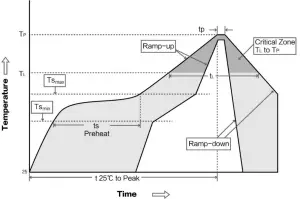
E73 series
| Model | IC | Frequency Hz | Tx power dBm | Distance km | Protocol | Package | Size mm | Antenna |
| E73-2G4M08S1C | nRF52840 | 2.4G | 8 | 0.1 | BLE 4.2/5.0 | SMD | 13.0 * 18.0 | Ceramic antenna/Sta mp hole |
| E73-2G4M04S1A | nRF52810 | 2.4G | 4 | 0.1 | BLE 4.2/5.0 | SMD | 17.5 * 28.7 | PCB/IPX |
| E73-2G4M04S1D | nRF51822 | 2.4G | 4 | 0.1 | BLE 4.2 | SMD | 17.5 * 28.7 | PCB/IPX |
| E73-2G4M04S1B | nRF52832 | 2.4G | 4 | 0.1 | BLE 4.2/5.0 | SMD | 17.5 * 28.7 | PCB/IPX |
Antenna recommendation
Recommendation
The antenna is an important role in the communication process. A good antenna can largely improve the communication system.
Model No. | Type | Connector | Gain dBi | Height | Cable | Feature |
| TX2400-NP-5010 | Flexible Antenna | IPEX | 2 | 50*10mm | – | FPC soft antenna |
| TX2400-XP-150 | Sucker antenna | SMA-J | 3.5 | 15cm | 150cm | High Gain |
| TX2400-JK-20 | Rubber antenna | SMA-J | 3 | 200mm | – | Flexible&omnidirectional |
| TX2400-JK-11 | Rubber antenna | SMA-J | 2.5 | 110mm | – | Flexible&omnidirectional |
| TX2400-JZ-3 | Rubber antenna | SMA-J | 2 | 30mm | – | Short straight &omnidirectional |
Revision history
Version | Date | Description | Issued by |
| 1.00 | 2018/8/30 | Initial version | huaa |
1.10 | 2018/9/28 | Version split | huaa |
| 1.40 | 2018/11/6 | new version update | Huaa |
1.5 | 2019/2/19 | Content modification | Ray |
| 1.7 | 2019/8/20 | Contect updated | lyl |
1.8 | 2019/11/06 | Content modification | Ren |
| 1.9 | 2020/03/30 | Ren |
About us
Technical support: [email protected]
Documents and RF Setting download link::www.ebyte.com
Thank you for using Ebyte products! Please contact us with any questions or suggestions: [email protected]
Official hotline:028-61399028 ext. 821
Web: www.ebyte.com
Address: Innovation Center D347, 4# XI-XIN Road,Chengdu, Sichuan, China
Copyright ©2012–2018,Chengdu Ebyte Electronic Technology Co., Ltd