Quick Start Guide
BG-MAESTRO
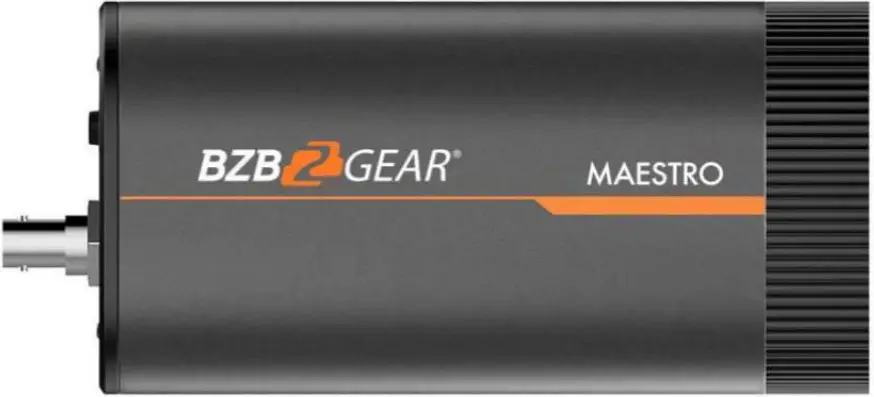
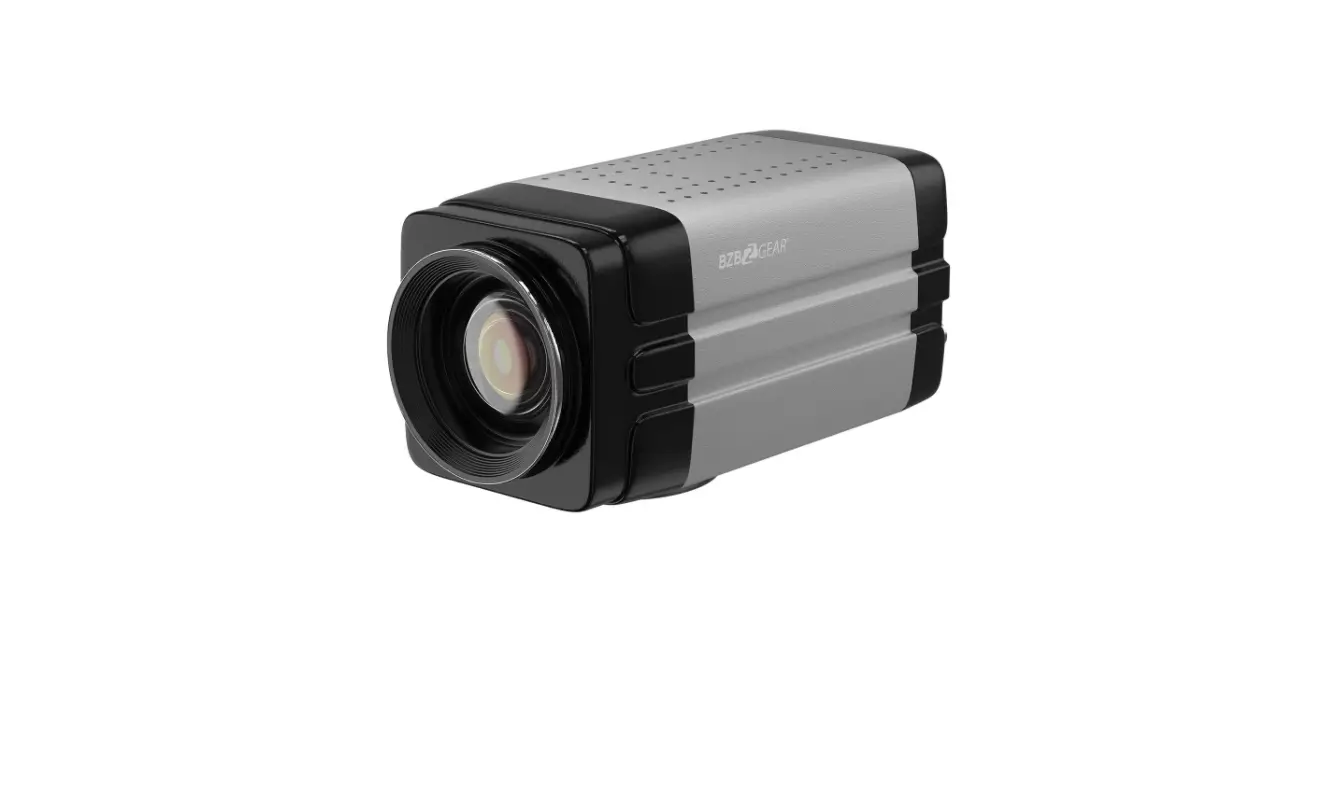
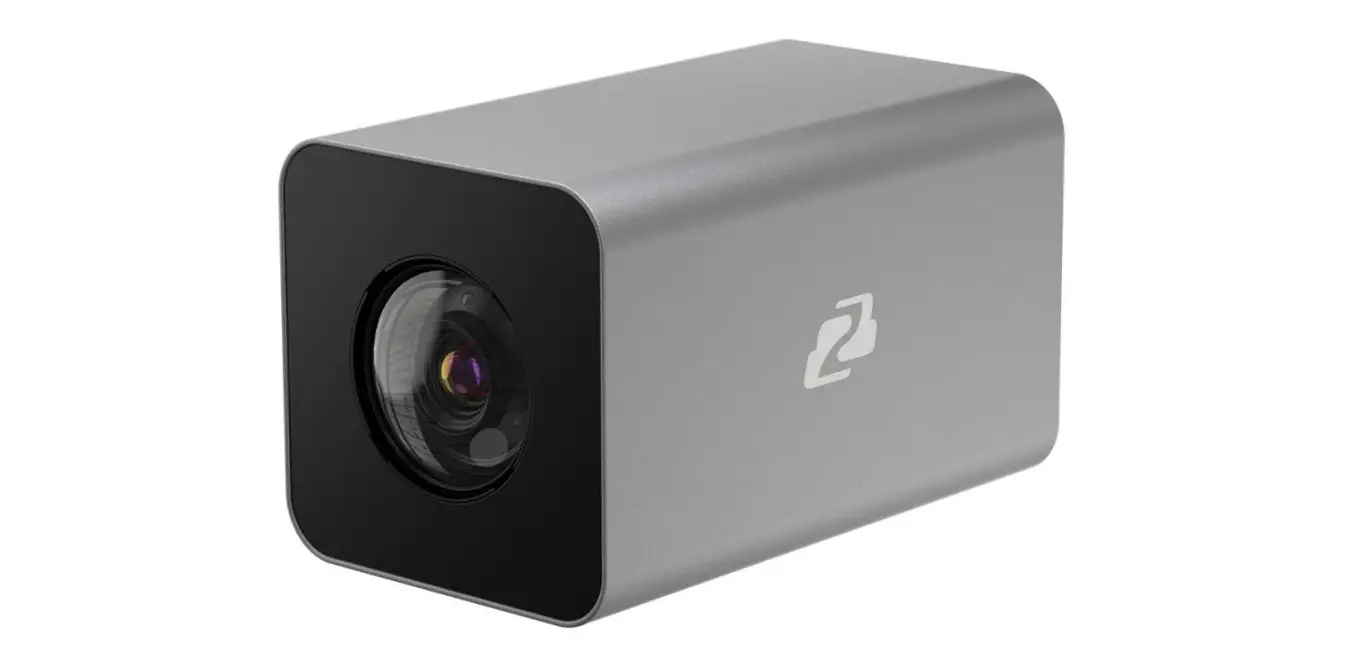
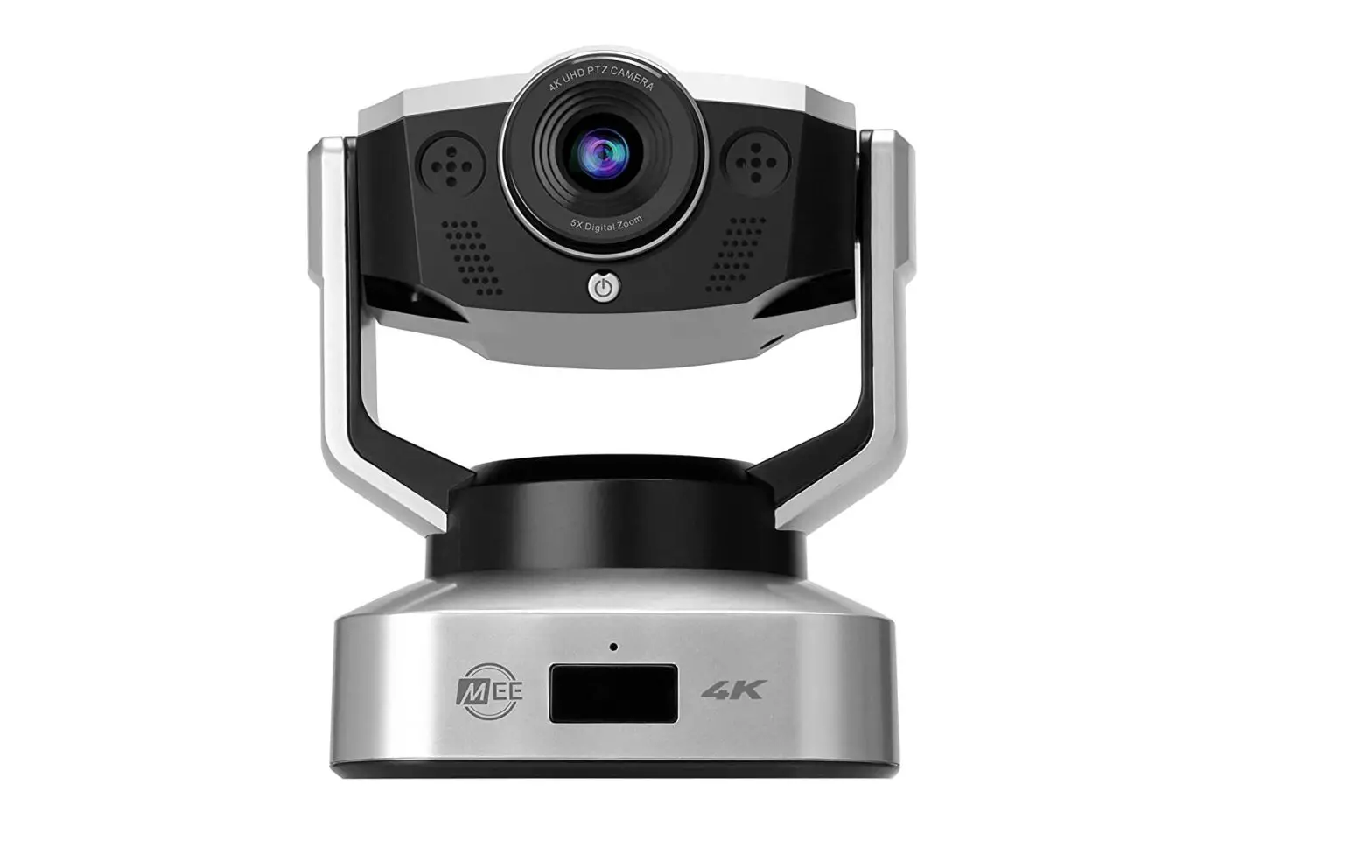
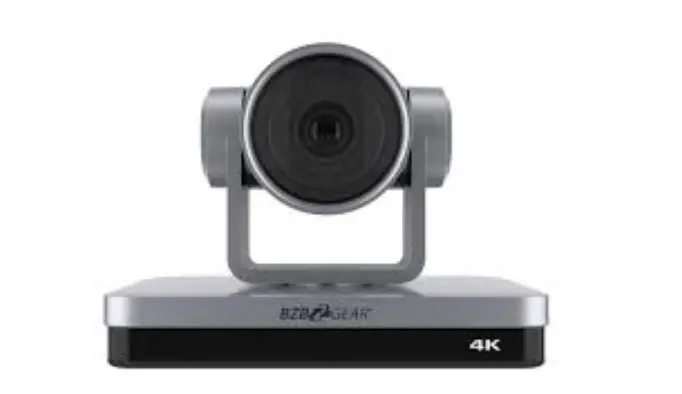
The Maestro auto-tracking camera represents yet another breakthrough by the BZBGEAR engineering team. The High-Quality 4K Sony® CMOS sensor delivers breathtakingly clear imaging at 1080P. The simplified setup process makes it easy for anyone to configure and start the auto-tracking process in minutes.
Traditional auto-tracking cameras require two cameras integrated within the same chassis to operate. This adds cost and complexity, placing them out of the reach of many users. The ePTZ function of the Maestro delivers auto-tracking ability in a compact, reliable, and affordable format. With its high-speed image processing and analysis algorithm, the Maestro provides fast and accurate detection for movement tracking. The lack of moving mechanical parts allows stealthy operation and excellent reliability.
Featuring USB, 3G-SDI, and IP Streaming outputs the Maestro integrates easily with nearly any video system. The audio input allows for the connection of a microphone or another external audio source. Four simultaneous RTSP streams allow multiple angles to be broadcast from a single camera. The Maestro is the perfect solution for remote education, hobbyists, content creators, lecture halls, houses of worship, and fitness instruction. With the true set-and-forget operation, you can let the camera do the work while you focus on what you do best!
Package Contents
1 x BG-MAESTRO 1 x 12V/1.5A Power Supply 1 x User Manual | 1 x Mounting Bracket 1 x USB 3.0 Cable |
Connections Overview
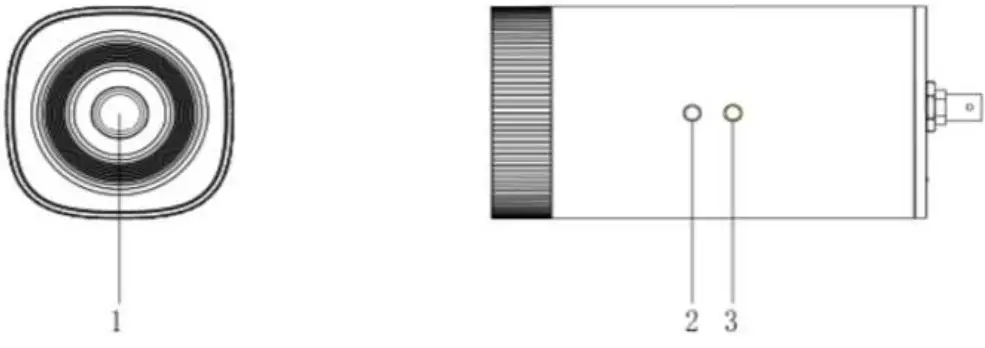
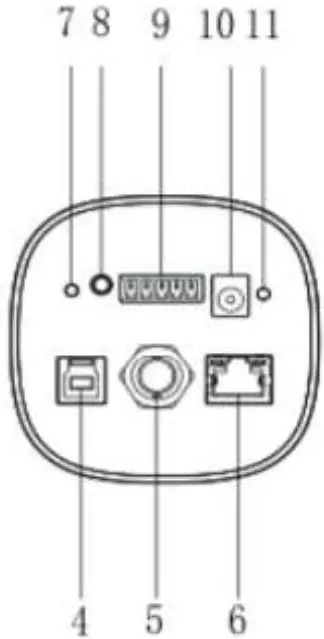
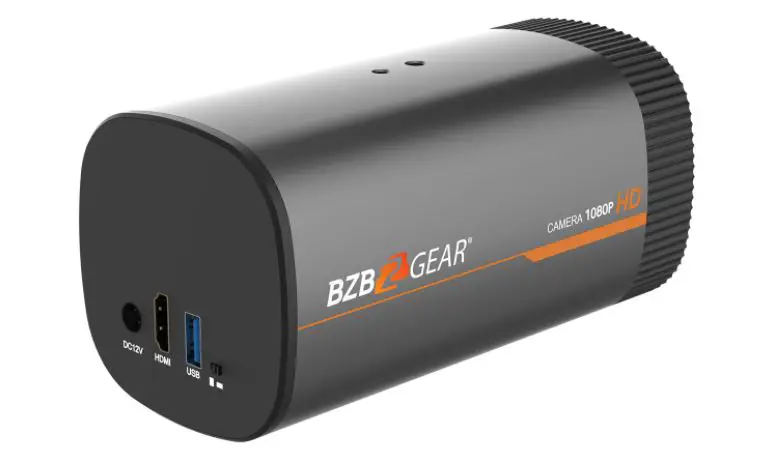
| 1. Camera Lens 2. Tripod Screw Hole 3. Tripod Screw Hole 4. USB3.0 Interface | 5. SDI Interface 6. LAN Interface 7. Reset button 8. A-1N | 9. RS232/ RS485 10. Power Interface 11. Power Indicator |
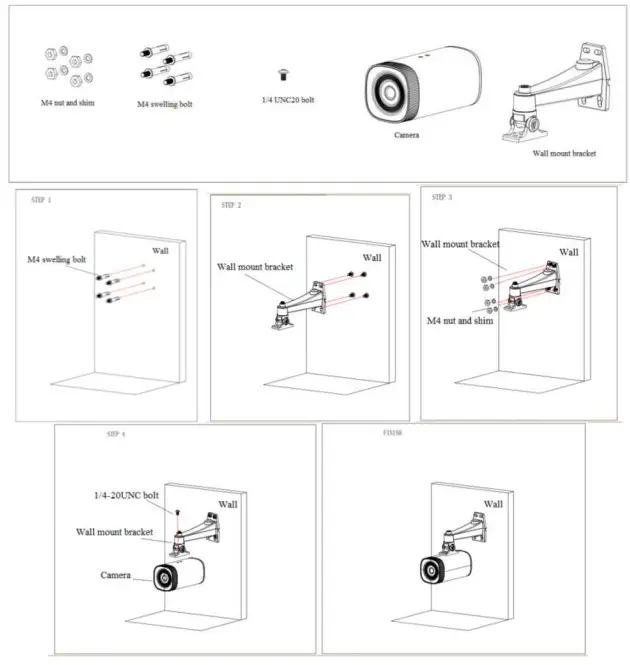
Mounting Instructions
WebGUI
The BG-UPTZ camera includes a built-in WebGUI allowing for control and management of advanced features. Use the following instructions to access the WebGUI.
- Launch a web browser and enter the IP address of the unit (default 192.168.5.163).
- The BZBGEAR login page will appear.
- Enter your login information (by default Username = admin Password = admin).
- Select the Login button.
Problems connecting to your camera?
Check out our Knowledge Base at https://bzbgear.com/knowledge-base/ for more information and a step-by-step guide.
| My IR remote control doesn’t work
| The camera’s IR sensor is blocked, batteries are dead, sunlight is interfering with the IR signal
| • Ensure you have a clear line of sight from the remote to the front of the camera base • Replace the batteries • Ensure the camera is out of direct sunlight |
| I cannot access the camera’s WebGUI | The camera has not connected to the network | • Check connections • Verify your camera’s IP address using an IP scanning tool • Ensure your computer is connected to the same network as the camera |
| I have no image from my USB connection | Your USB device is not being discovered | • Make sure you’re using a USB 3.0 cable • Replace the cable with a shorter one (6 feet or less) • Try a different USB port on your computer |