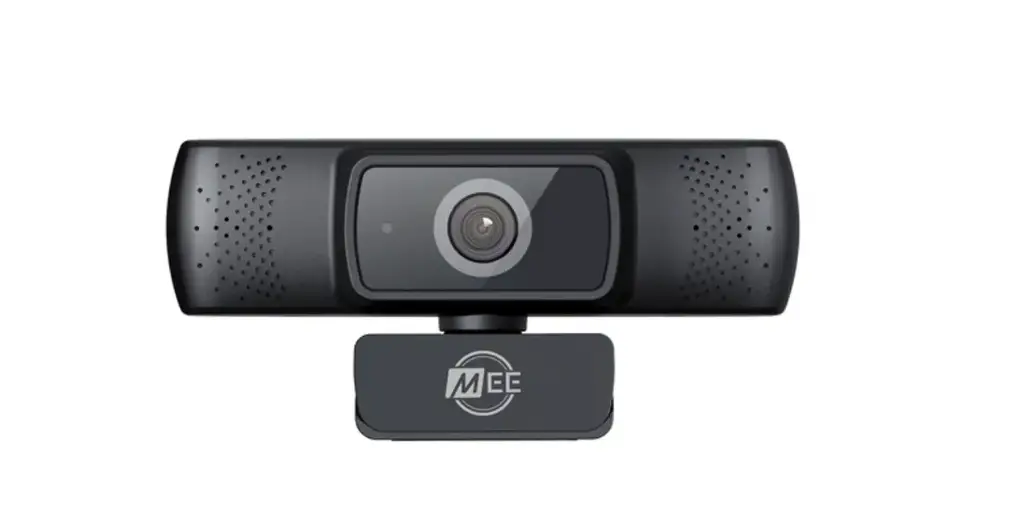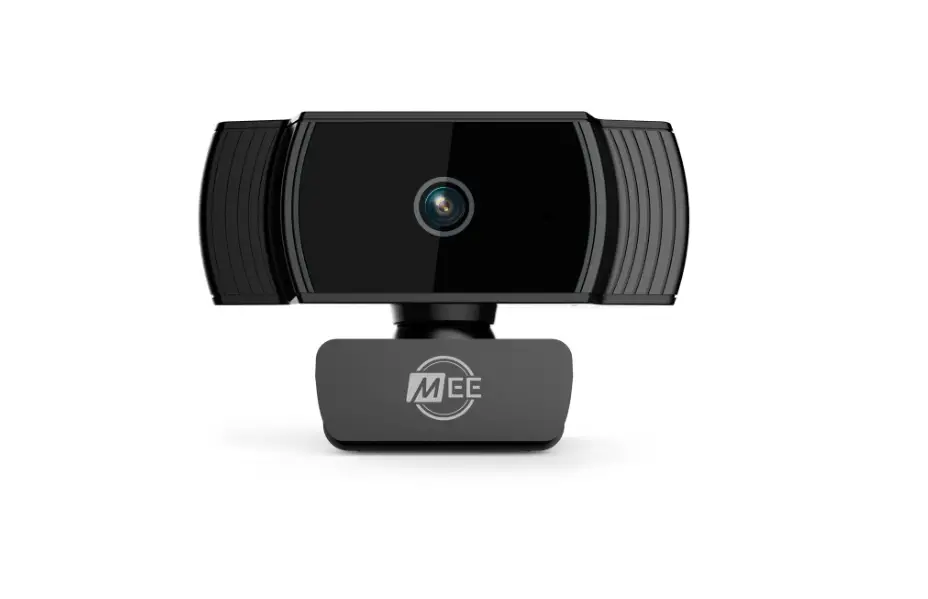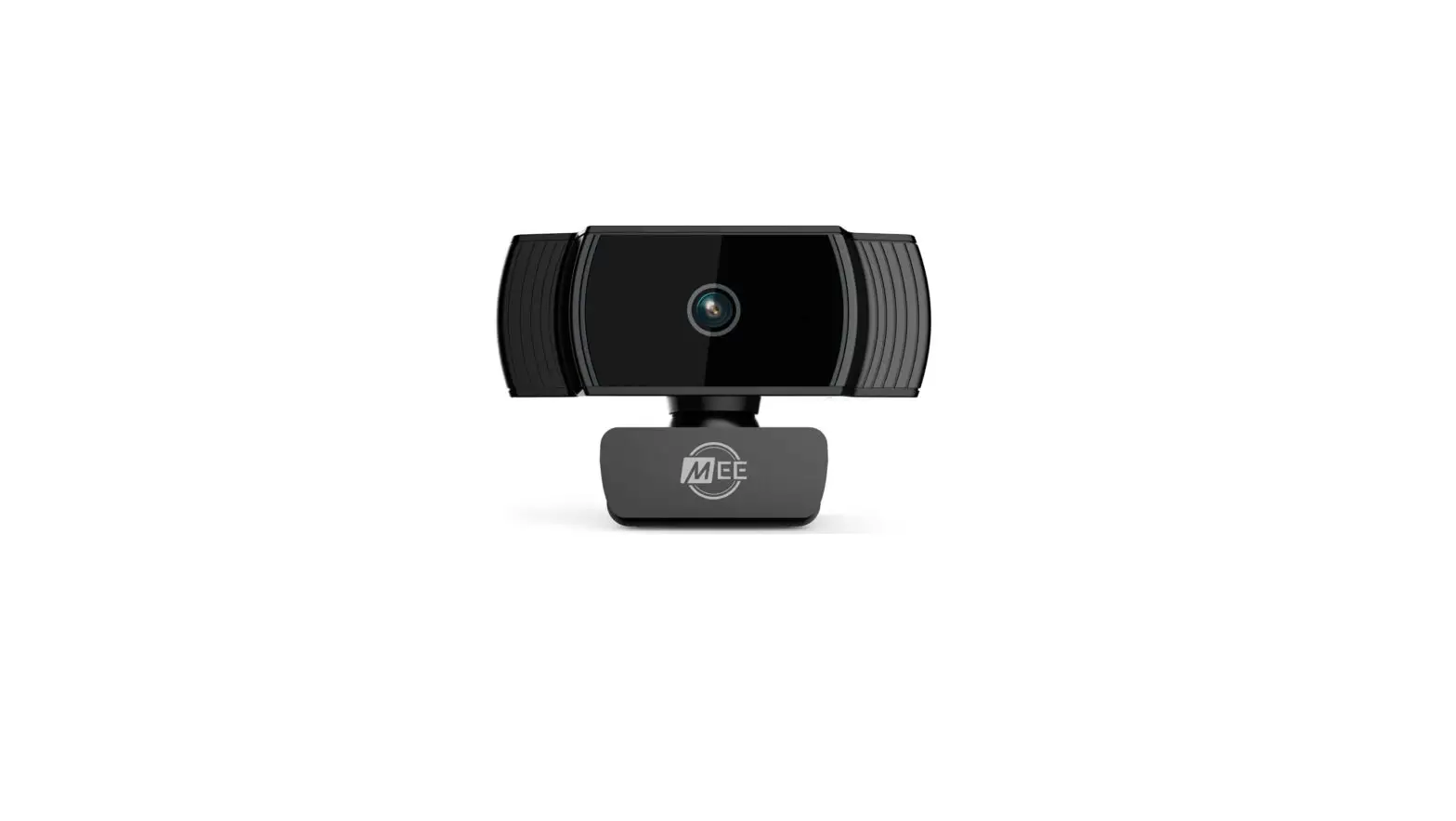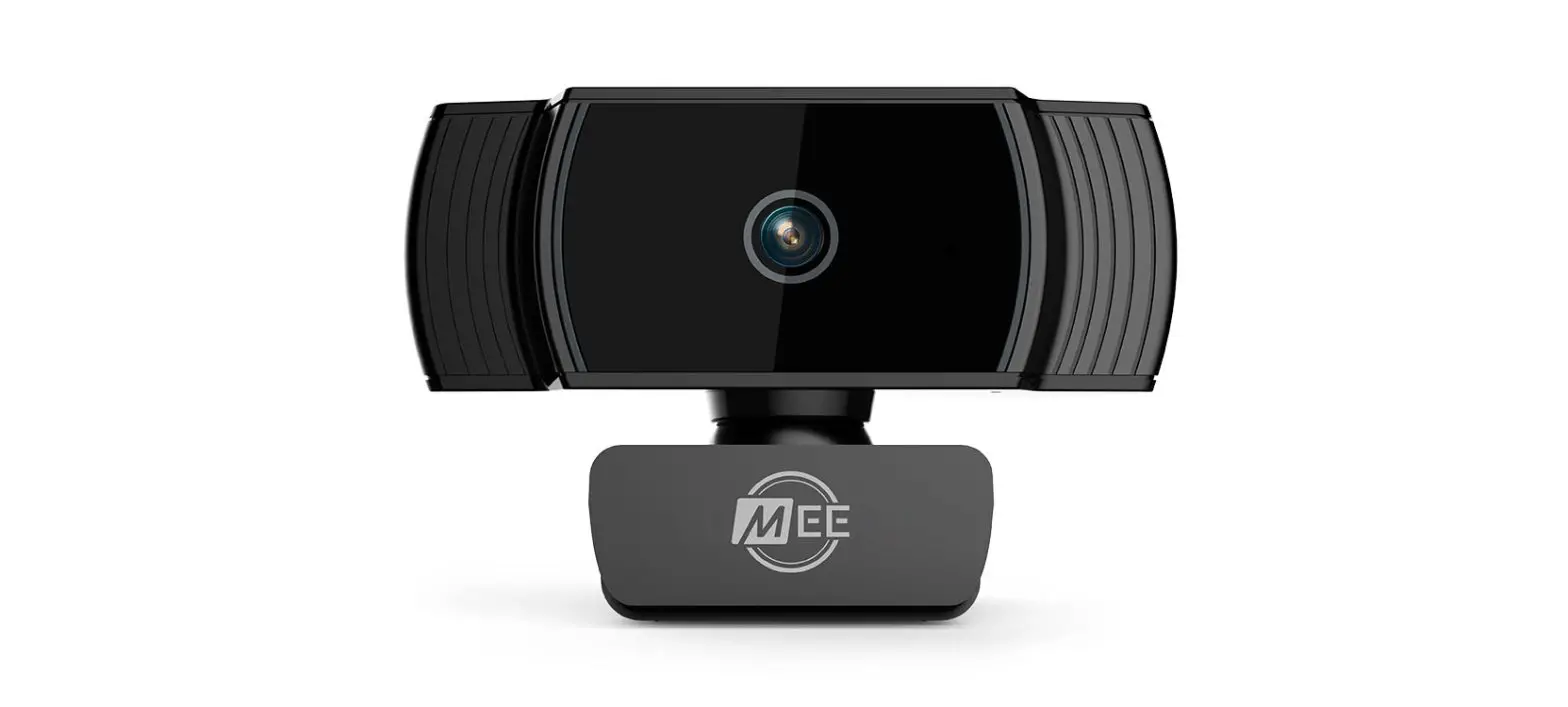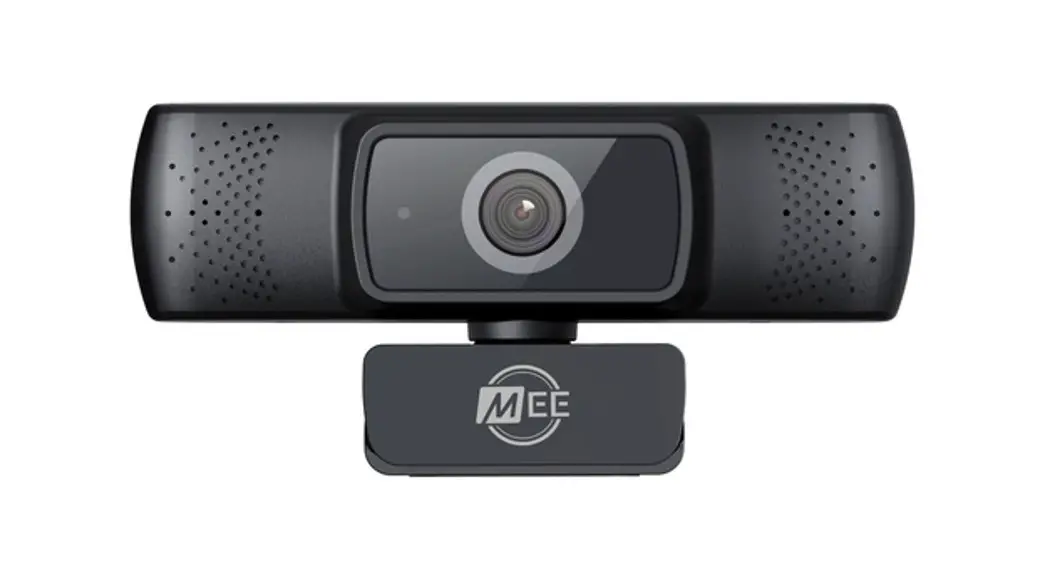

USER MANUAL
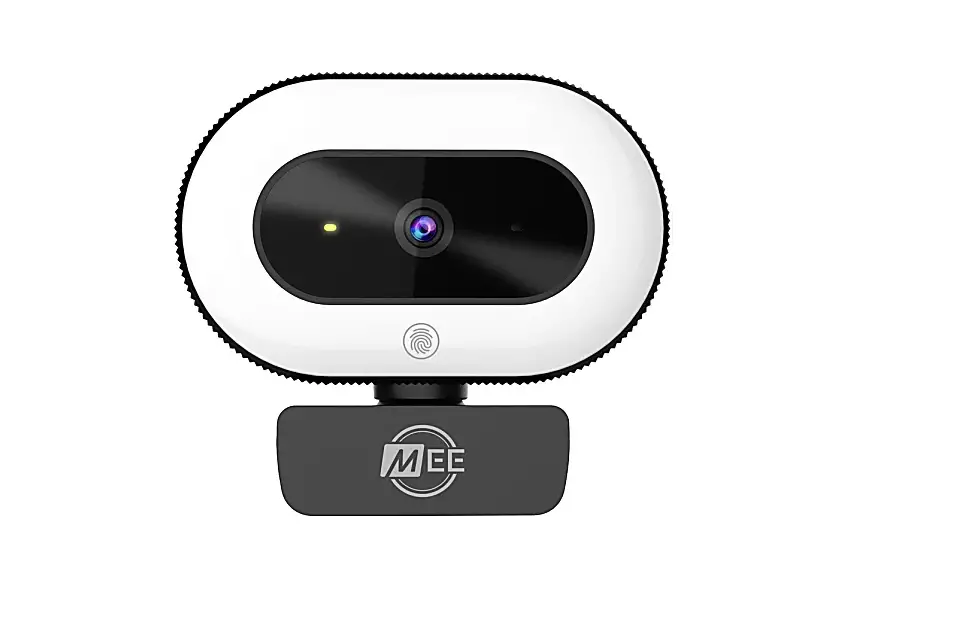
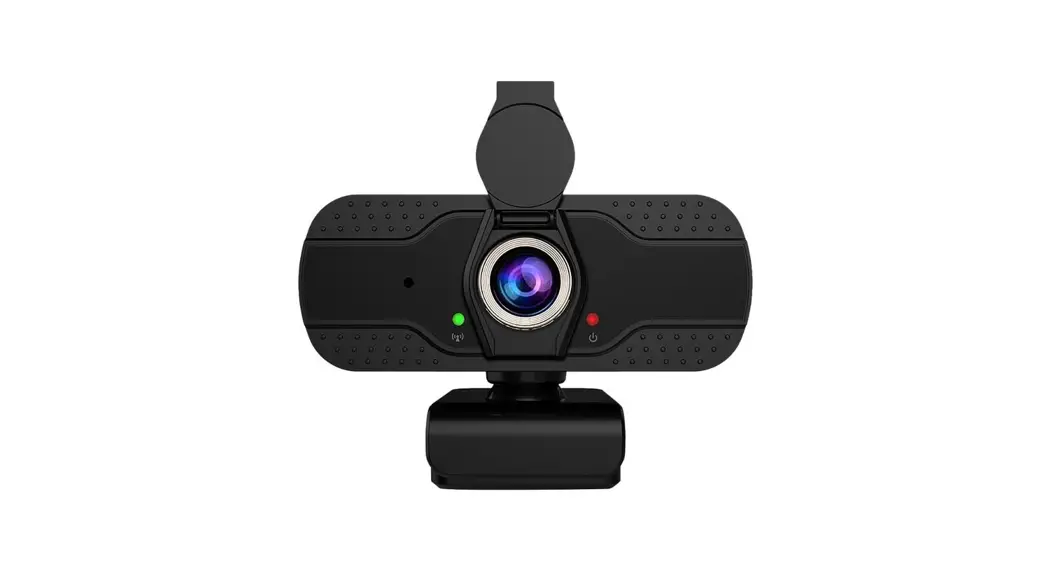
 1080P WIDE ANGLE
USB CAMERA WITH AUTOFOCUS
Model: CAM-201W
SETUP GUIDE
To learn more about using your camera, scan the QR code or enter the URL below into your web
Getting Started
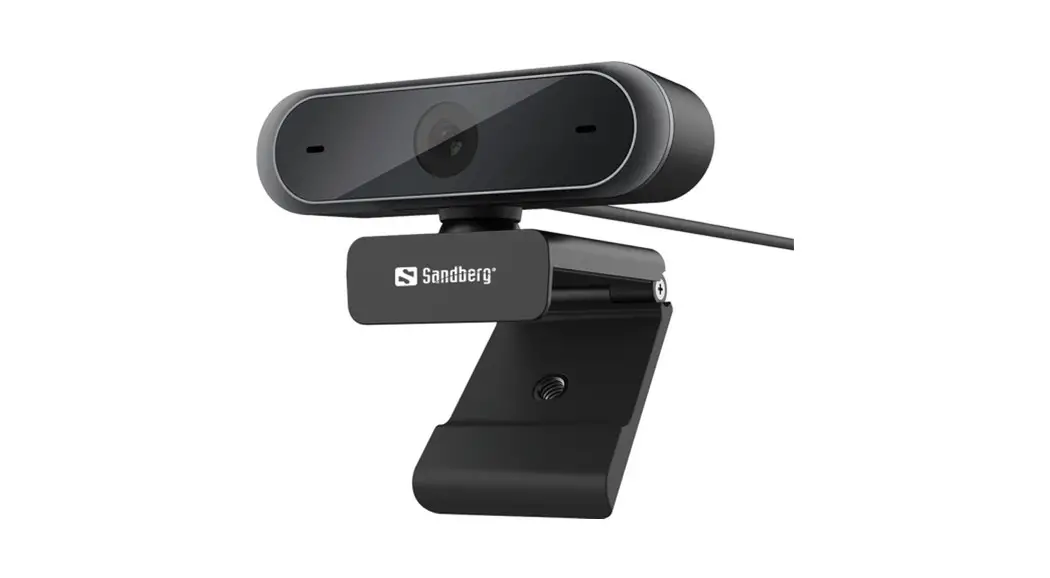
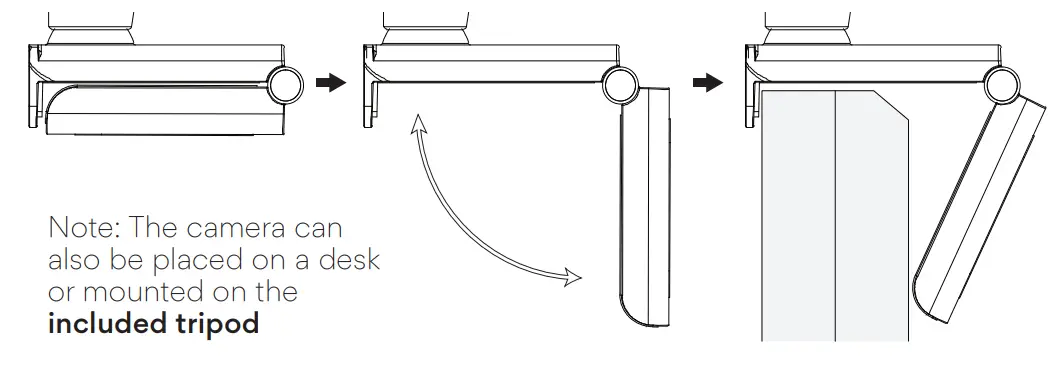
Open the base of the camera and mount it securely on your monitor or laptop screen
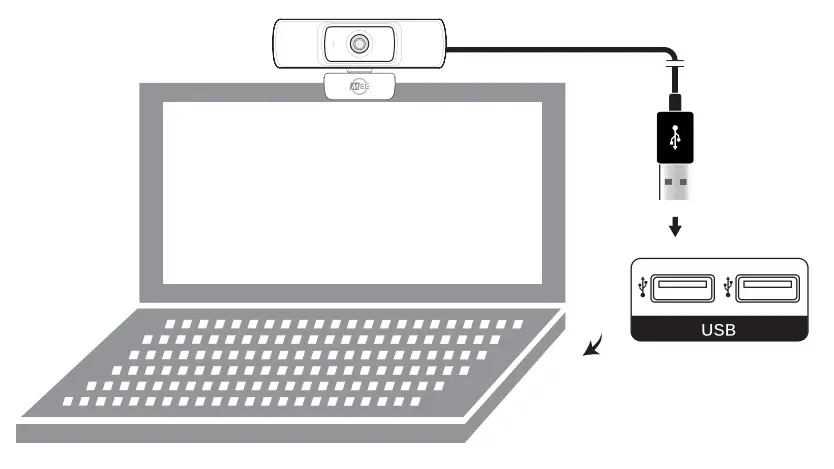
Connect your camera to your computer’s USB port.
Setup
This camera is plug-and-play and does not require additional software but you may have to select it as the default video device in your video recording or teleconferencing app: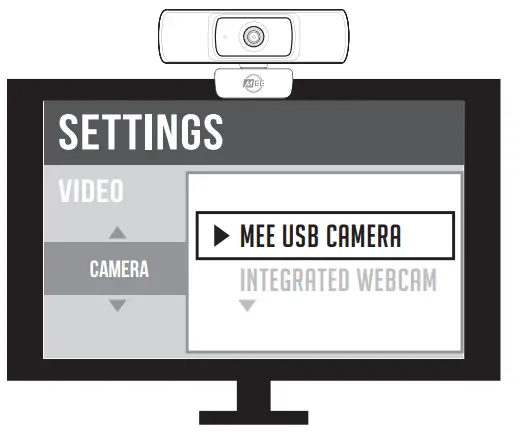
To use the integrated microphone, you may also need to select it from your video recording or teleconferencing app: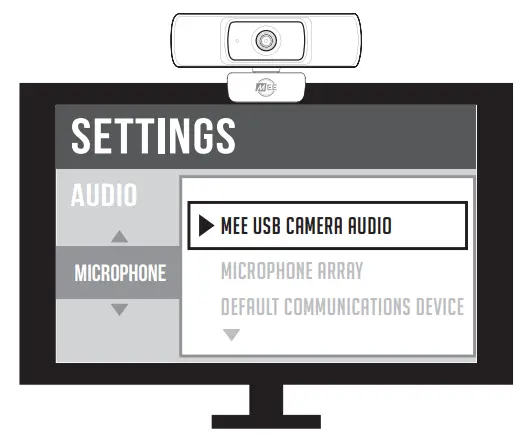 For more information about using your camera with different applications, scan the QR code or enter the URL below into your web browser:

Note: If the computer does not automatically recognize the camera, try plugging it into a different USB port. If the issue persists, restart your computer.
Additional Information
Safety and Care
- Avoid touching the camera lens with your fingers, sharp objects, and coarse materials.
- Use a clean, soft cloth to clean the camera if needed. Do not use chemical cleaners.
- Avoid dropping the camera as the impact may damage its internal components or scratch its lens
- There are no user-replaceable/reparable parts in this device. Disassembling it will void your warranty.
Disposal and Recycling
Dispose of this product in accordance with all local laws and regulations. Because this product contains electronic components, it must be disposed of separately from household waste. Contact local authorities to learn about disposal and recycling options.
Warranty
MEE audio products purchased from authorized resellers are covered by a 1-year manufacturer warranty. For more information, visit MEEaudio.com/support
MEE audio and its logo are registered trademarks of S2E, Inc.
All rights reserved.
Microsoft® Windows® is a registered trademark of Microsoft Corporation in the United States and other countries. ©2018 Google LLC All rights reserved. Chrome OS™ operating system is a trademark of Google LLC.
macOS® is a registered trademark of Apple Inc.
All other trademarks are the property of their respective owners.
 WARNING: Cancer and Reproductive Harm – www.P65Warnings.ca.gov
For more information about this warning visit MEEaudio.com/prop65
Warnings
This device is designed and manufactured to operate within its defined design limits. Misuse may result in electric shock or fire. Read and follow these instructions carefully.
- To prevent fire or shock hazards, do not expose this unit to rain or moisture. If the device comes in contact with liquids, quickly wipe it away. If submerged in water, do not turn the device on until completely dried. Note: liquid submersion voids the warranty.
- Only use attachments/accessories specified by the manufacturer
Changes or modifications to this unit not expressly approved by MEE audio could void the user’s authority to operate the equipment.
Keep the device and packaging out of reach of children.
For Additional Support
View meeaudio.com/CameraHelp for easy-to-follow setup videos and the latest troubleshooting information.
Still, Have Questions?
Email Support: [email protected]
 Webcam Support Guide
 P65Warnings.ca.gov