 Quick Start Guide
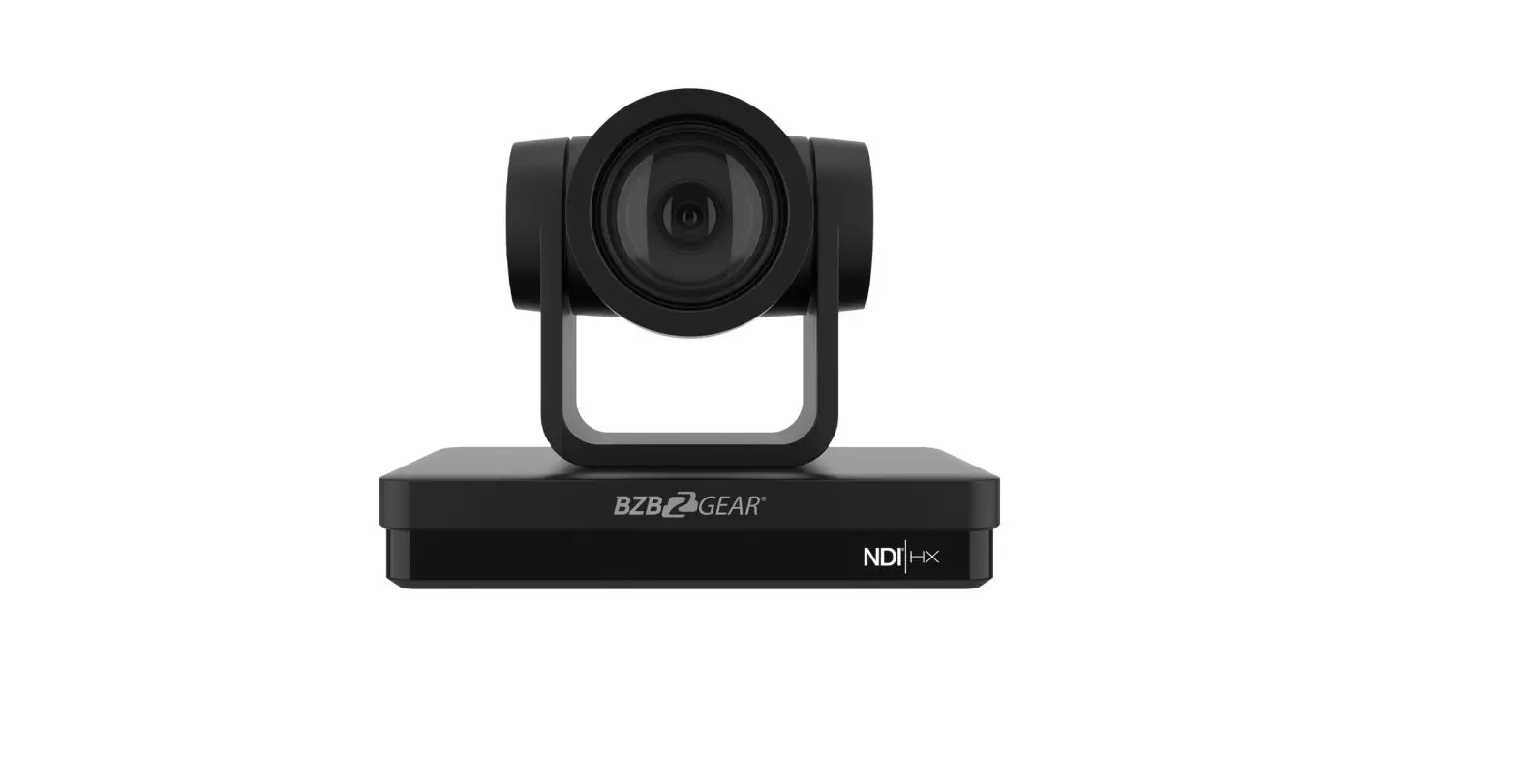
BG-ND Series
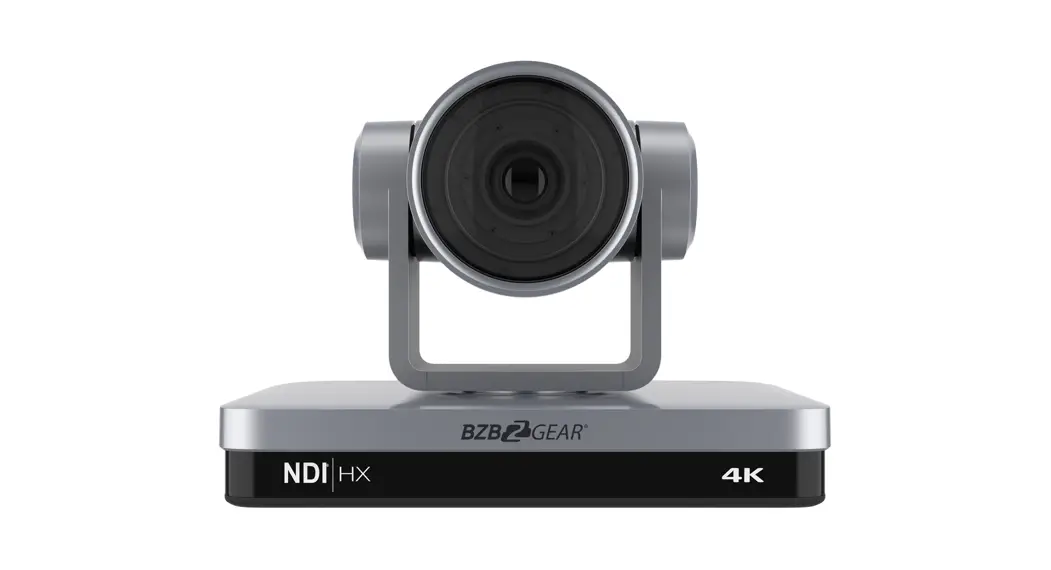
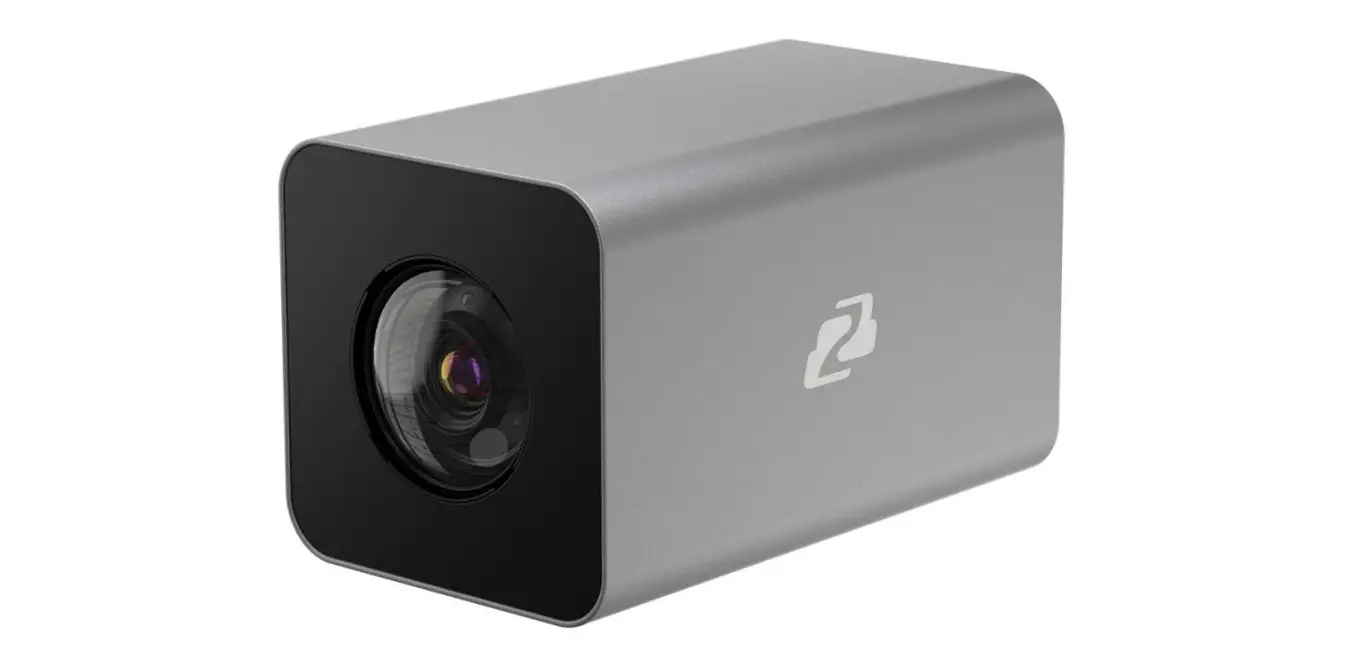
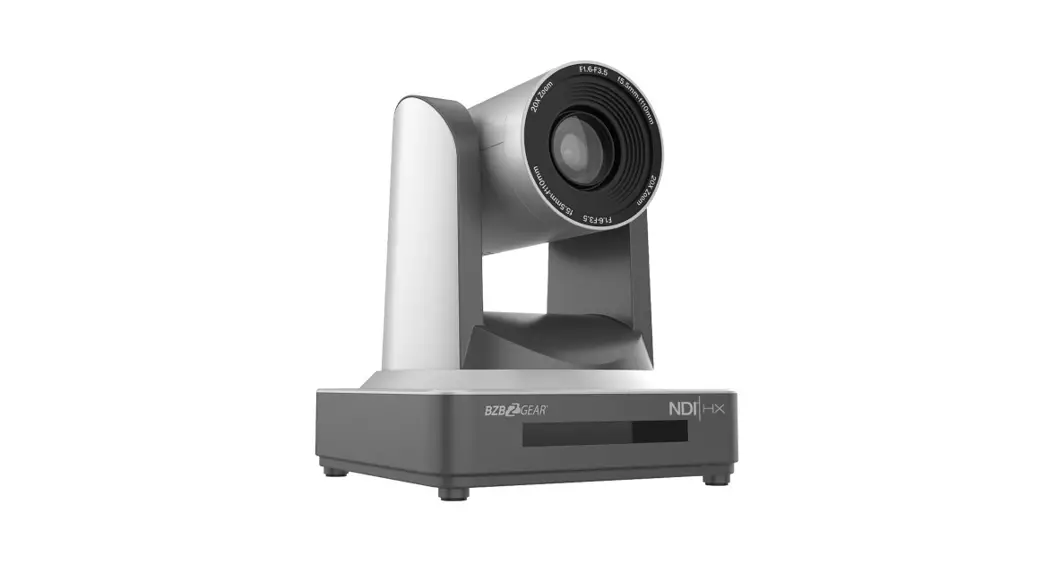
The BG-ND series cameras combine top-of-the-line 1080P@60Hz pictures and compatibility with the widest range of video software and hardware. Advanced onboard video processing provides vivid, accurate imaging. 20x and 30x zoom options allow close-ups from a distance. The implementation of the NDI|HX protocol allows for the easy distribution of your IP stream to multiple devices and platforms simultaneously without massive bandwidth requirements.
NDI|HX provides low latency, support for multi-GPU acceleration, support for the most advanced compression formats currently available, and the ability to operate over a wireless network. There has never been a simpler way to connect video equipment together. New devices are automatically discovered and made available to all other systems on the network. Removing the need for running bulky cables makes video production, streaming, and conferencing applications easy to deploy, manage, and scale. BZBGEAR’s line of NDI cameras delivers everything you need to easily create a professional quality broadcast.
Package Contents
| 1 x BG-ND 1 x 12V/1.5A Power Supply 1 x User Manual | 1 x RS232 Control Cable 1 x IR Remote Control |
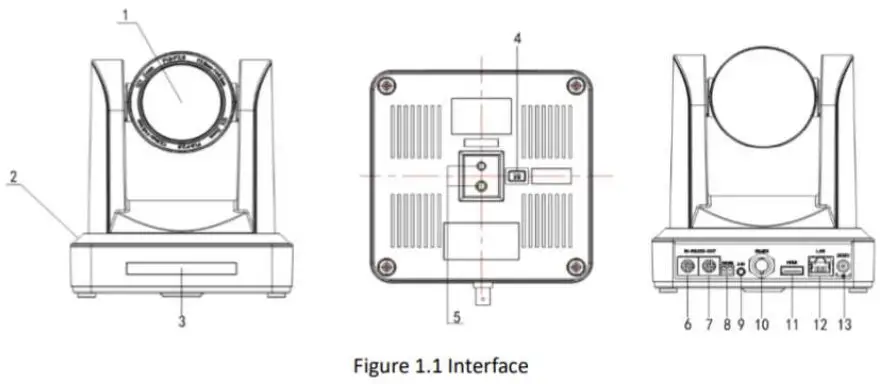
- Camera Lens
- Camera Base
- Remote Controller Receiver Light
- Bottom Dial Switch
- Tripod Screw Hole
- RS232 Control Interface (input)
- RS232 Control Interface (output)
- RS485 Input (left +, right-)
- Audio Input Interface
- 3G-SDI interface
- HDMI Interface
- 10/100M NDI/LAN Network Interface
- DC12V Input Power Supply Socket
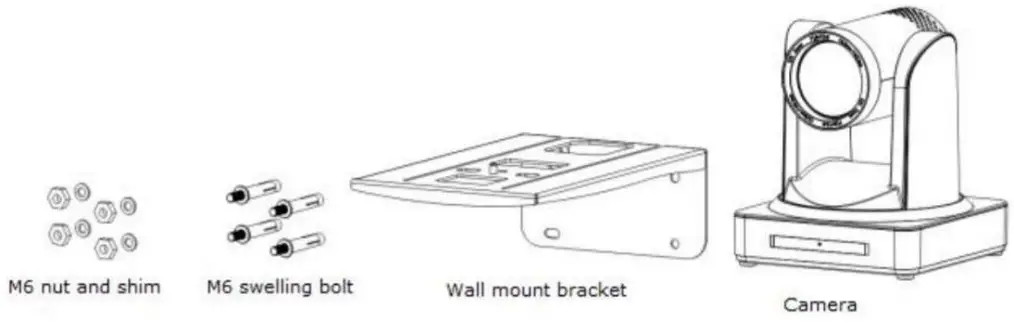
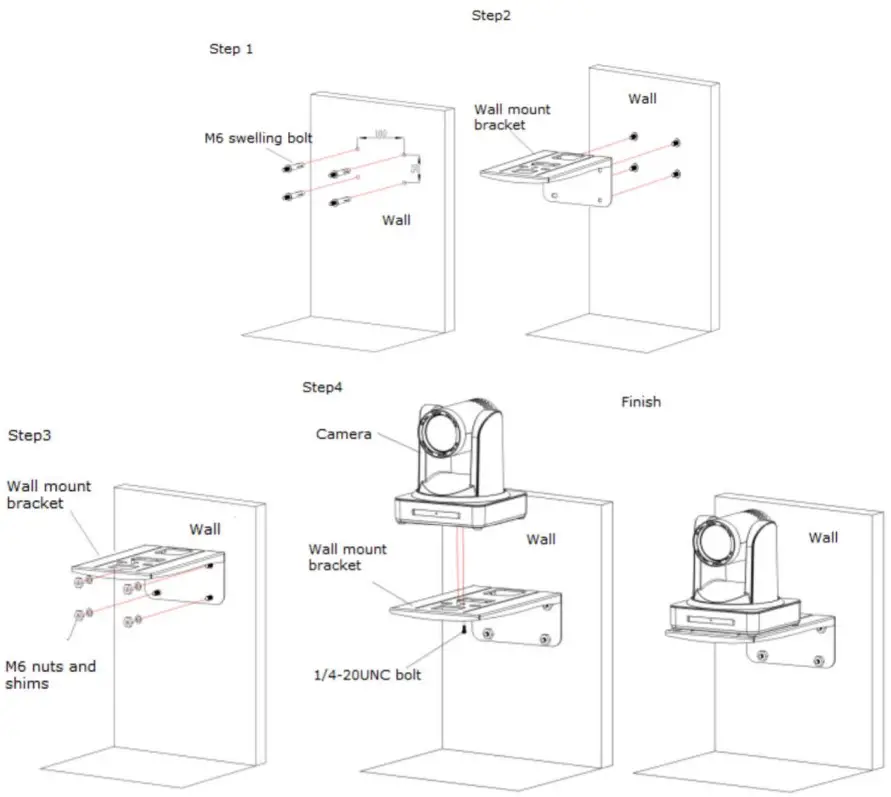
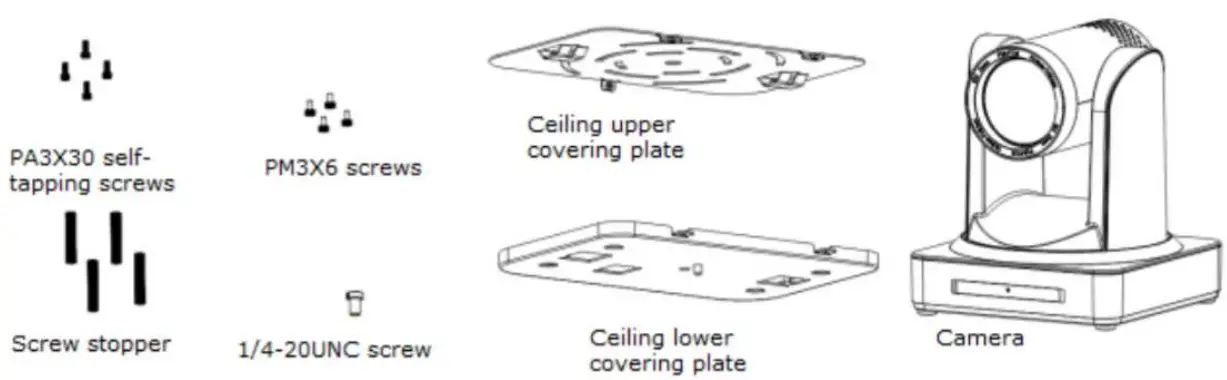
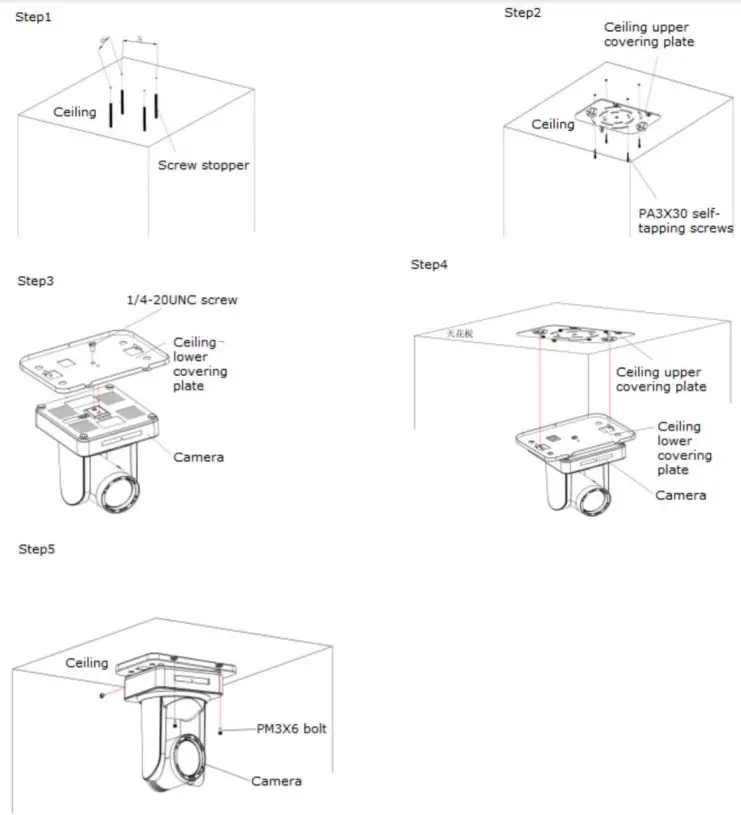
Mounting Instructions
- Wall mount guide


- Ceiling mount guide


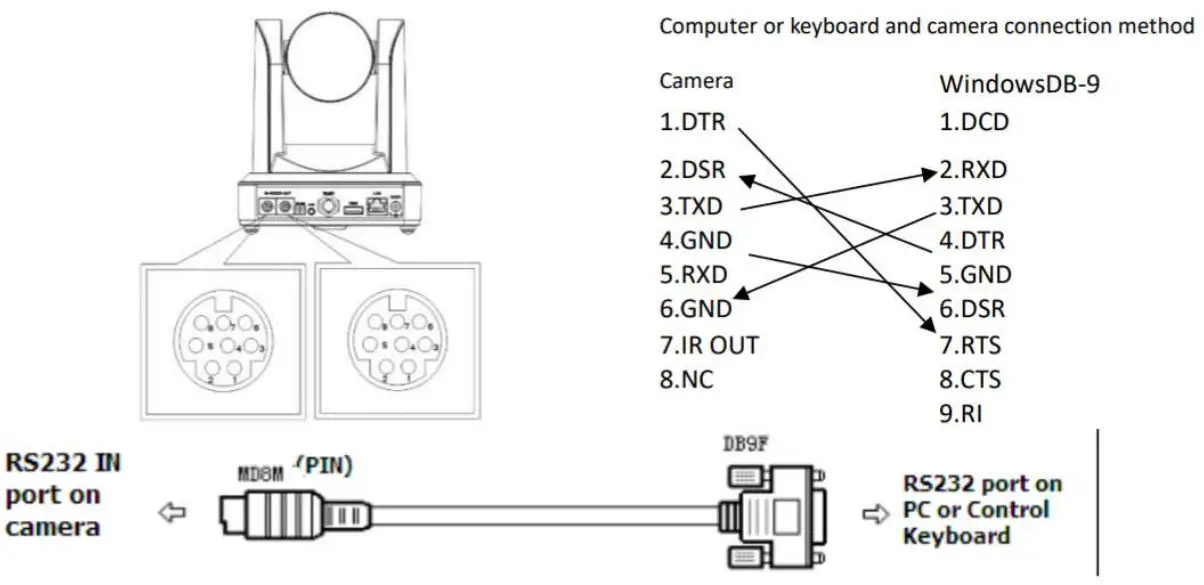
RS-232 Interface
- RS-232C interface specification as shown below

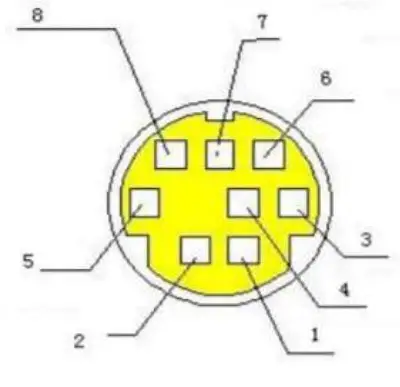
- RS-232 Mini-DIN 8-pin Definition

NO. Port Definition
1
DTR
Data Terminal Ready
2
DSR
Data Set Ready
3
TXD
Transmit Data
4
GND System Ground
5
RXD
Receive Data
6
GND
System Ground
7
IR OUT IR Commander Signal
8
NC No Connection
WebGUI
The BG-ND camera includes a built-in WebGUI allowing for control and management of advanced features. Use the following instructions to access the WebGUI.
- Launch a web browser and enter the IP address of the unit (default 192.168.5.163).
- The BZBGEAR login page will appear.
- Enter your login information (by default Username = admin Password = admin).
- Select the Login button.
Problems connecting to your camera?
Check out our Knowledge Base at https://bzbgear.com/knowledge-base/ for more information and a step-by-step guide. https://bzbgear.com/support/
| My camera has no picture | Power is off, bad connection, incompatible resolution, the camera lens is obstructed | • Check the power connection on the back of the camera • Check connections/replace cables with new ones • Use IR remote or WebGUI to change to a resolution that is compatible with your display • Check computer and program settings to ensure USB is discovered |
| My IR remote control doesn’t work | The camera’s IR sensor is blocked, batteries are dead, sunlight is interfering with the IR signal | • Ensure you have a clear line of sight from the remote to the front of the camera base • Replace the batteries • Ensure the camera is out of direct sunlight |
| I cannot access the camera’s WebGUI | The camera is not connected to the network | • Check connections • Verify your camera’s IP address using an IP scanning tool • Ensure your computer is connected to the same network as the camera |
https://bzbgear.com/support/ | 1.888.499.9906 | [email protected]