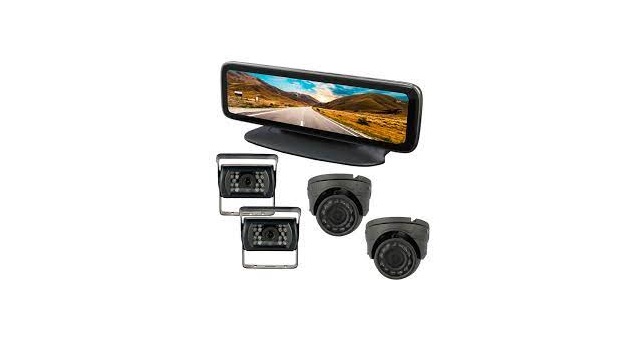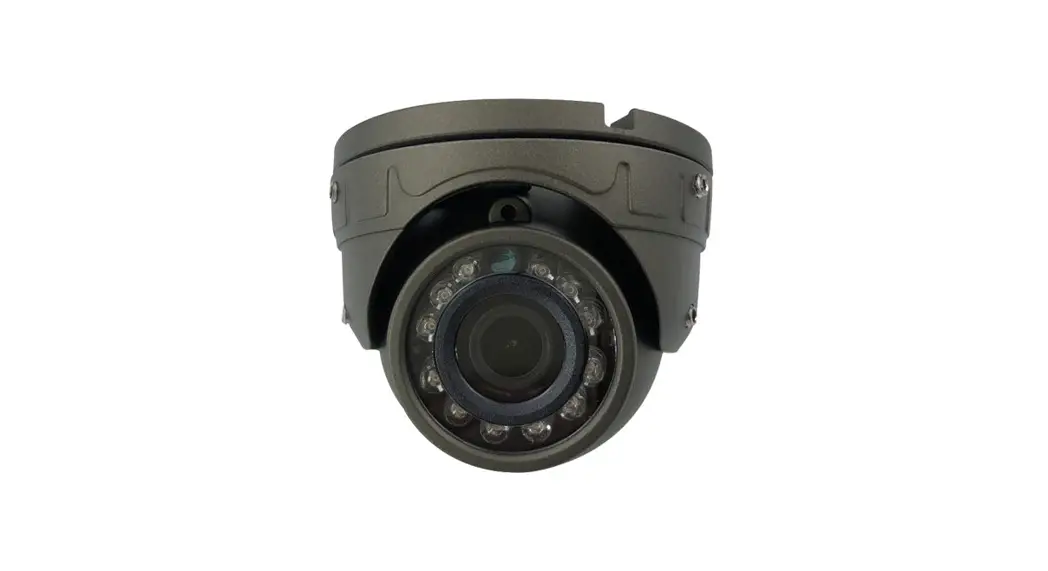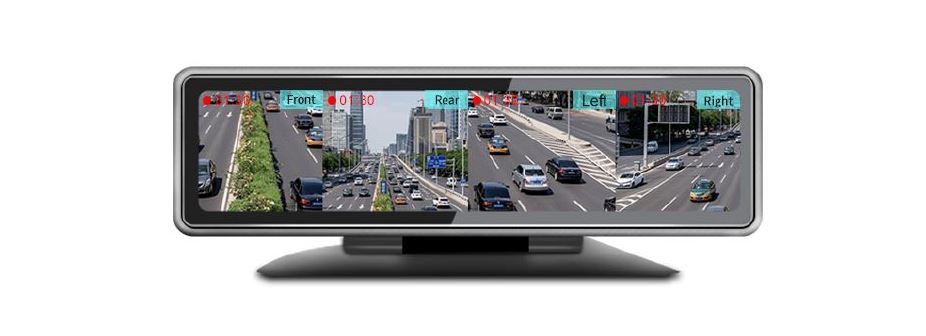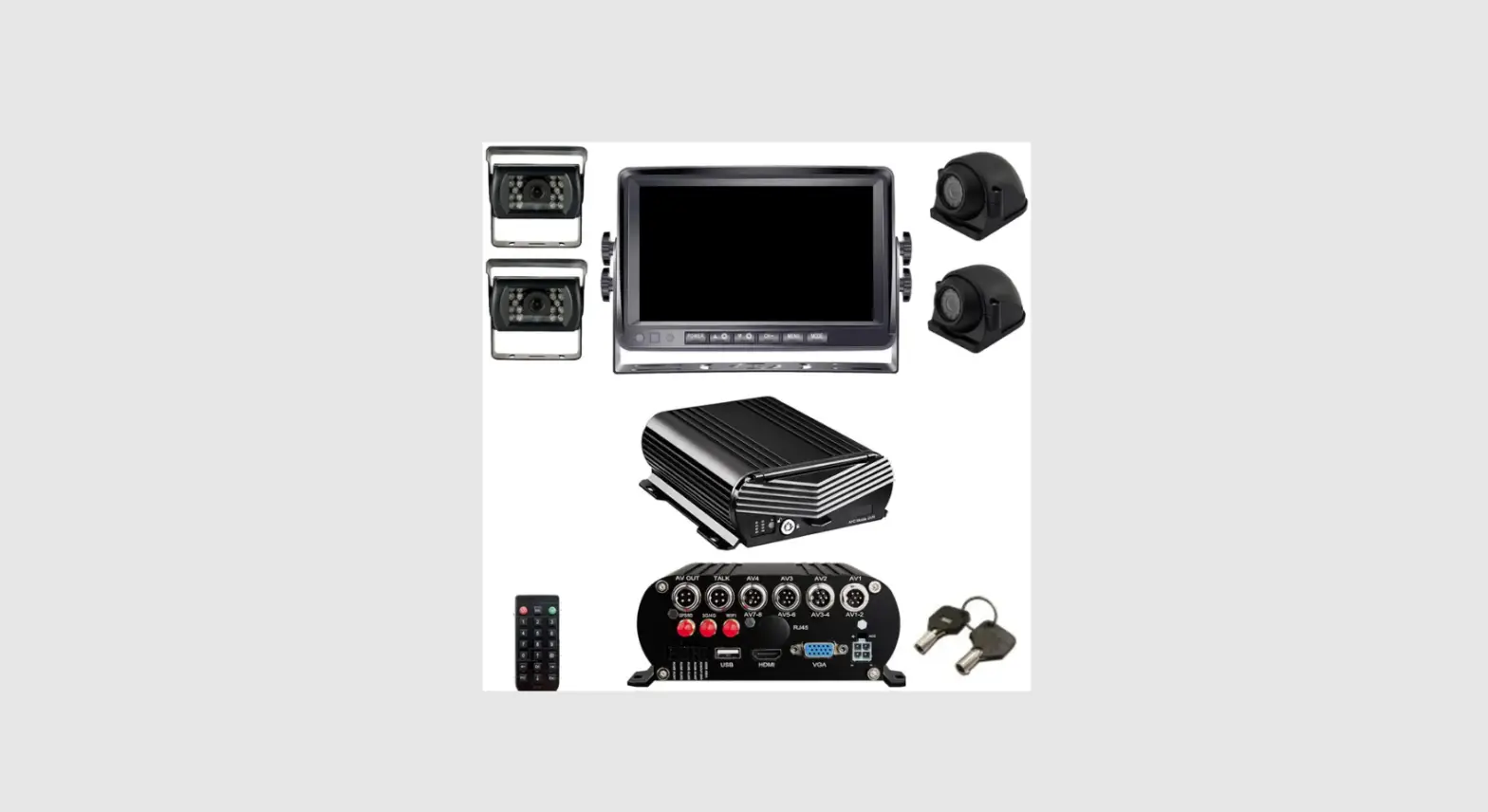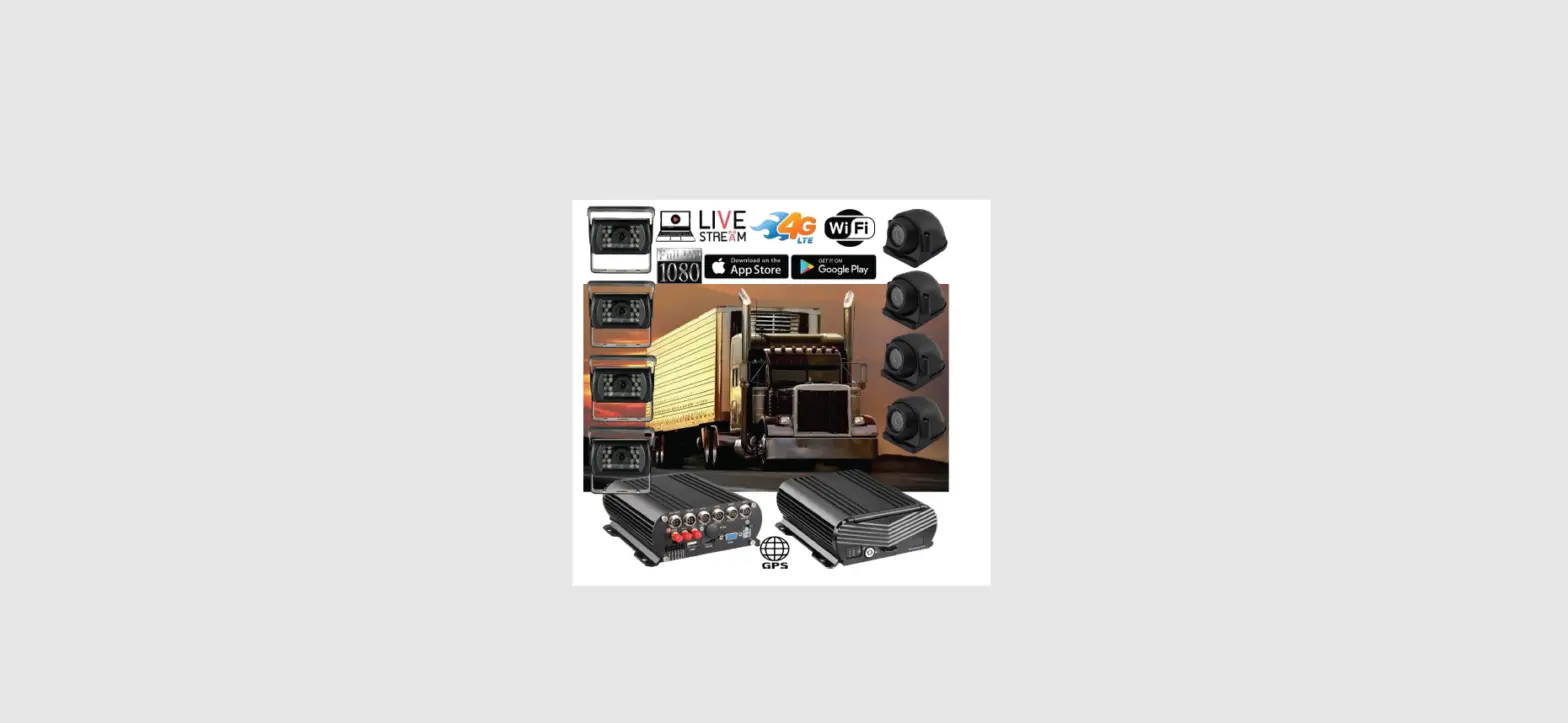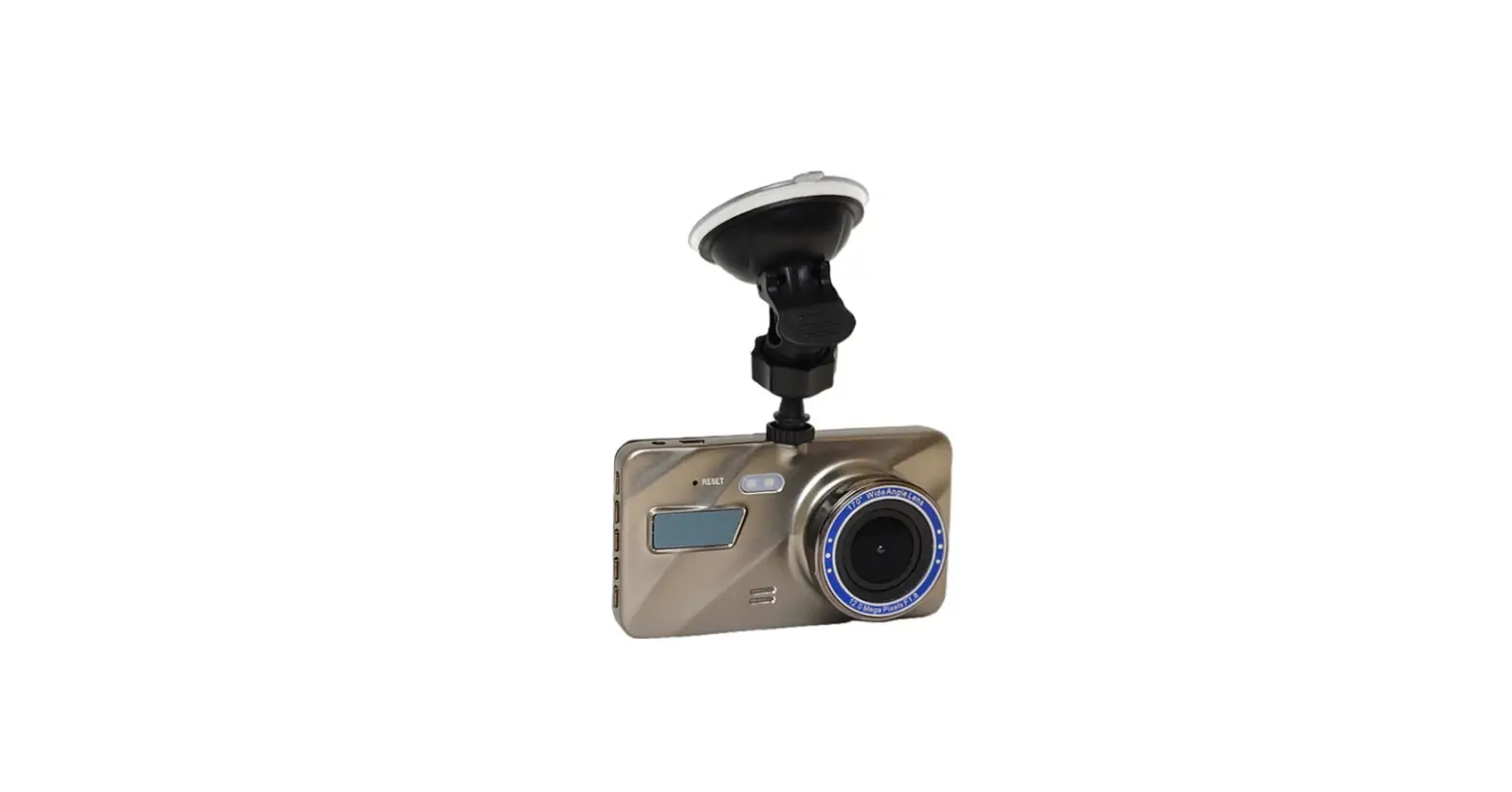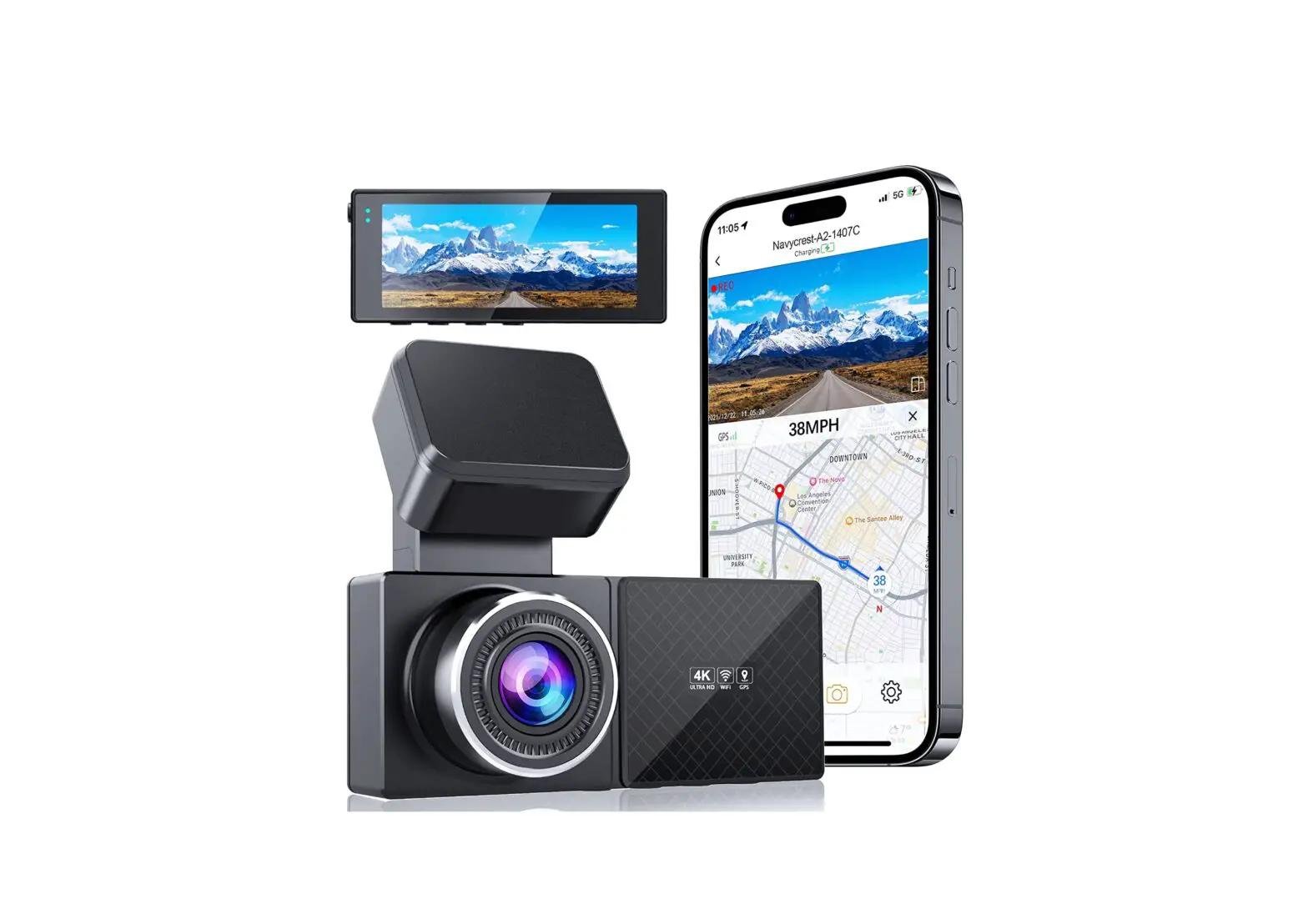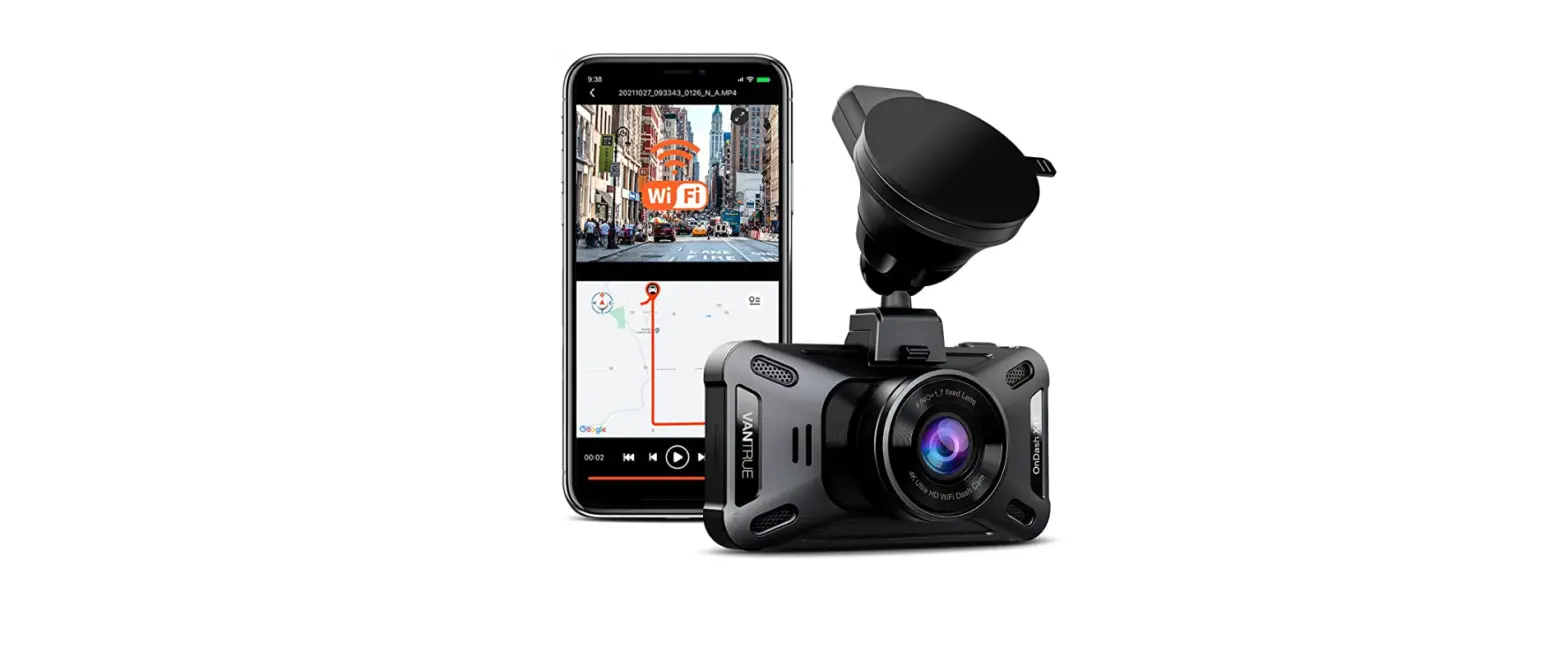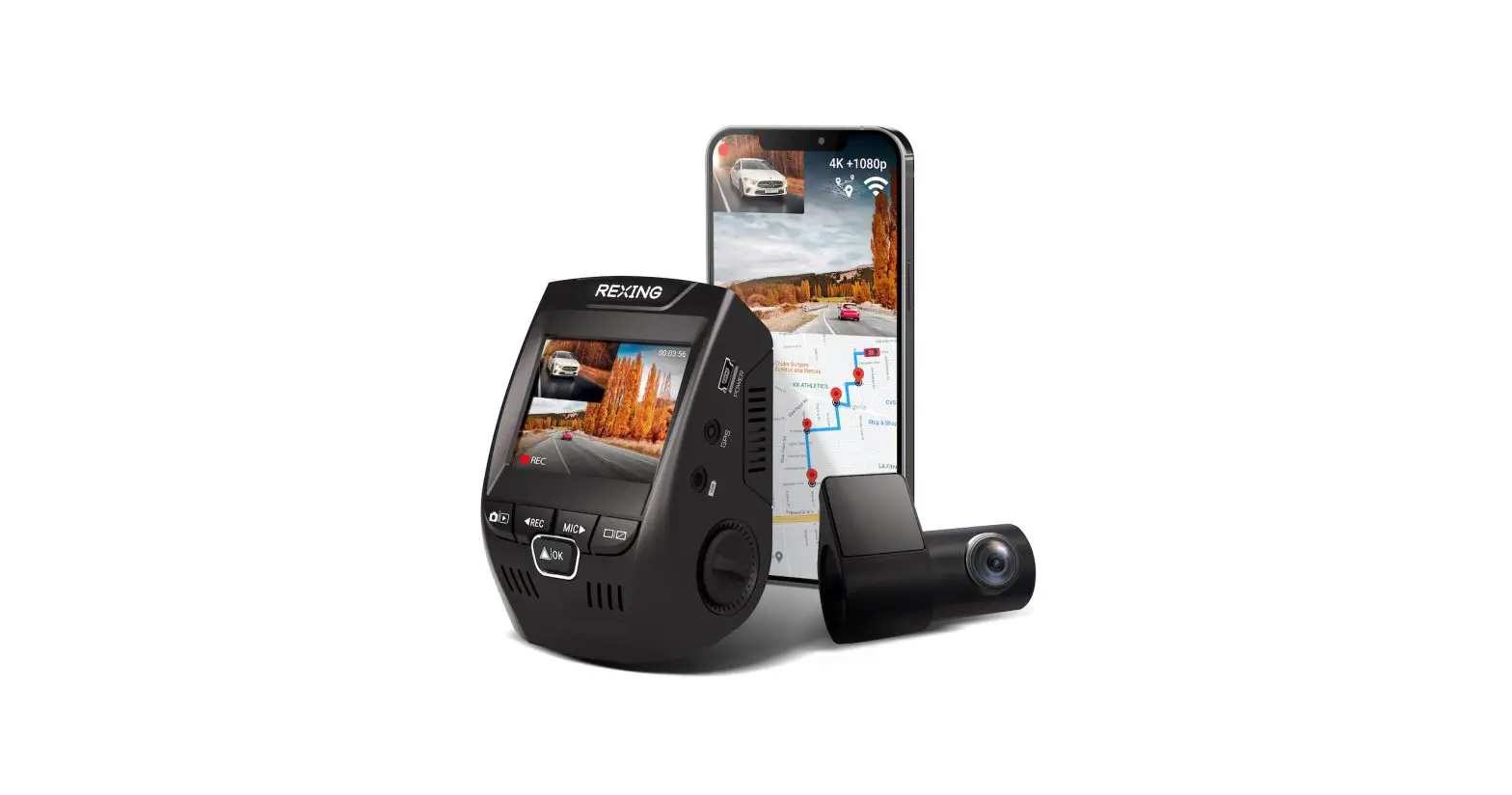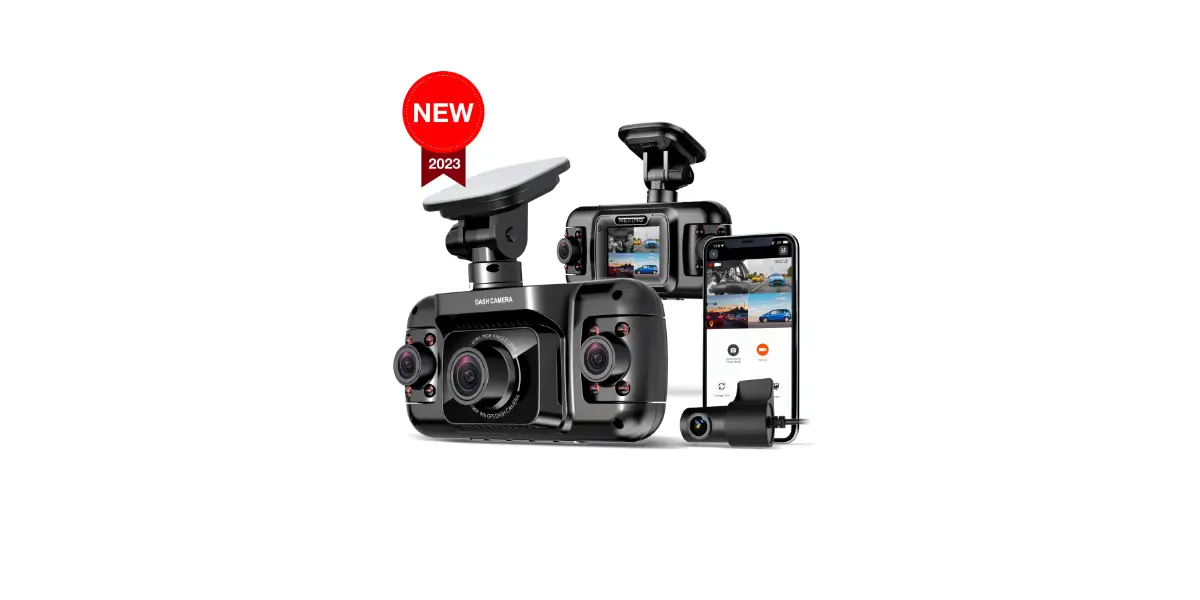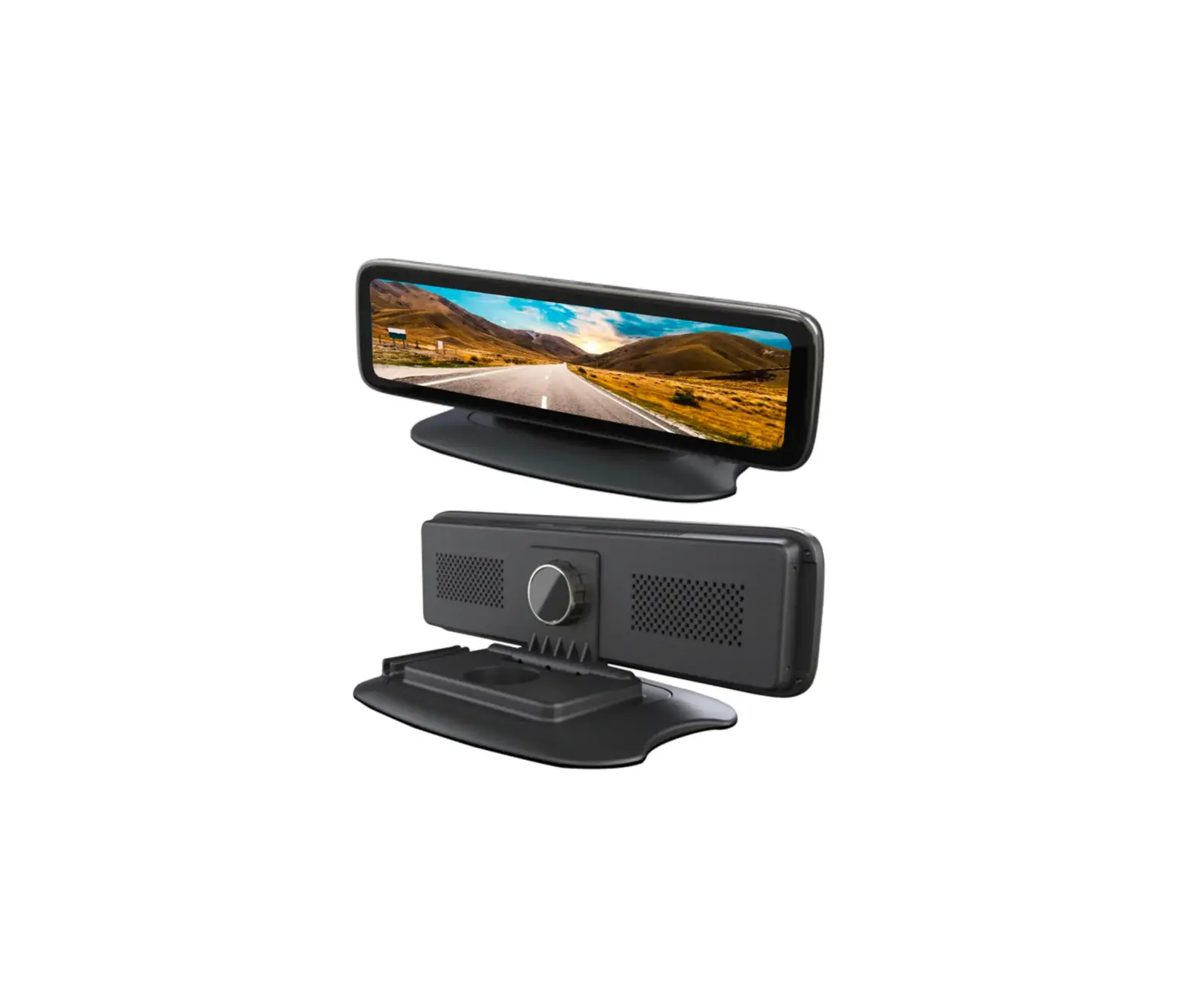
FALCON ELECTRONICS FELE4GCAM1 LiveEye 1-4 Cam Live Streaming 4G/WIFI Dash Cam System
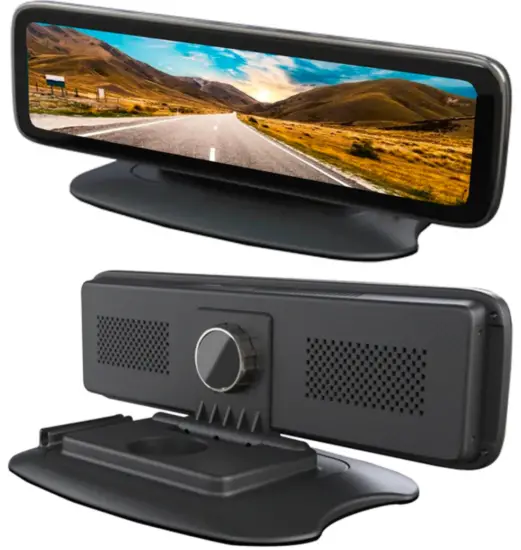
DESCRIPTION

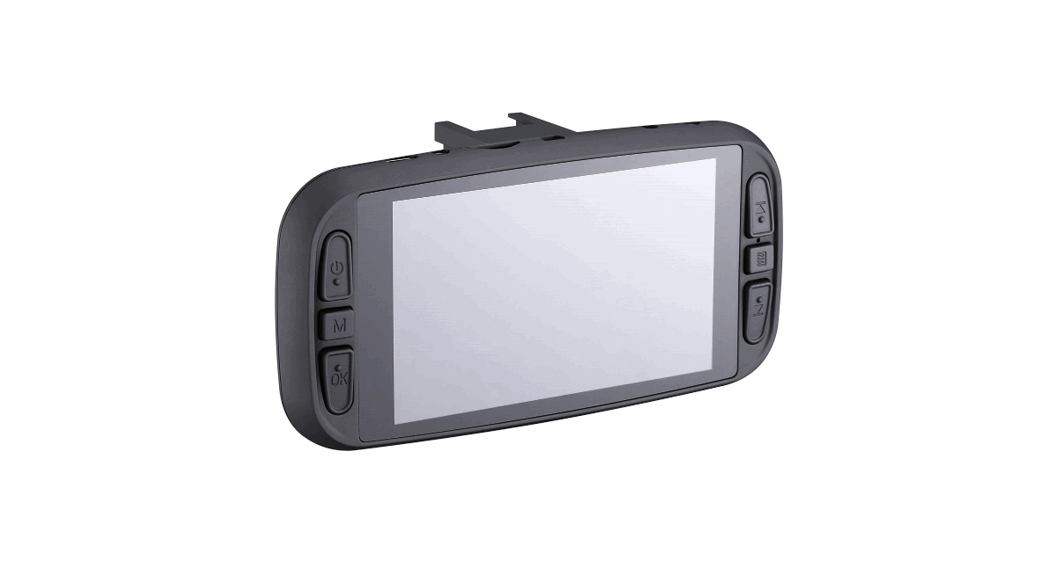
❶ Screen Power Button
❷ Installation Bracket
❸ Touch Screen Monitor
❹ DVR Menu
❺ 4-CH Video Camera Showing
❻ SIM Card & SD Card Lock
❼ USB Port
❽ SIM Card Slot
❾ Micro SD Card Slot
❿ Tale Cable: 4-CH Video Input,Power cable, Channels trigger cable etc
Press one time: Monitor will turn off – system is still recording and time will be displayed.
Press twice: Monitor will turn off – system is still recording and time will not be displayed.
Press three times: Screen powers back on to see main menu/cameras.
How to Shut Down Monitor: Must disconnect power wire harness from direct power source.
If device detects low voltage, the device will automatically power down.
Device Icons: Connected to Internal hot spot / 4G Signal / GPS Signal / WIFI Signal / Bluetooth
IP Web Server for remote desktop/laptop viewing: Copy and paste IP Server link to your browser.
76.184.134.40:8080/808gps/login.html?
Enter username / Password that was included in package
Mobile App IOS / Android viewing: Download “CarAssist” App

When entering into the Settings Menu, you must enter Password: 999999 (six nines)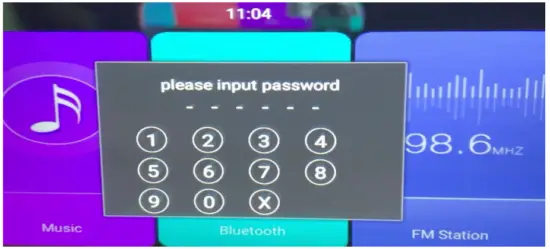
SETUP
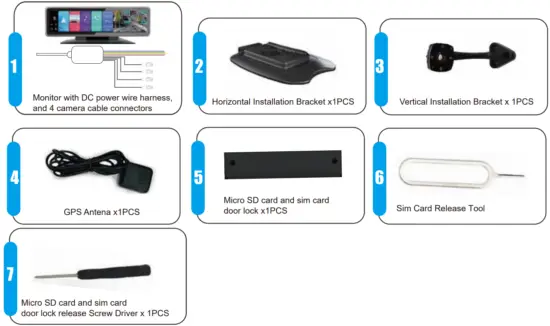
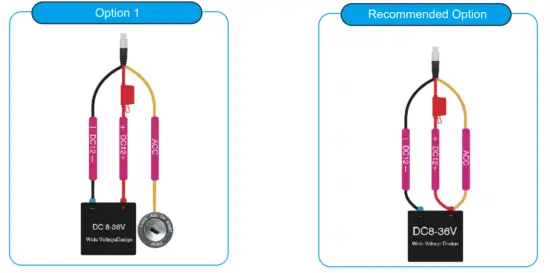
Power Wire Connections
The only way to fully power off device is to disconnect the power wire harness from the main power source.
How to change/enter APN based on the mobile 4G service sim card that is inserted in device.
STEP-01: Click Open “Settings”=> Enter Password: 999999 (six nines) => Other=>More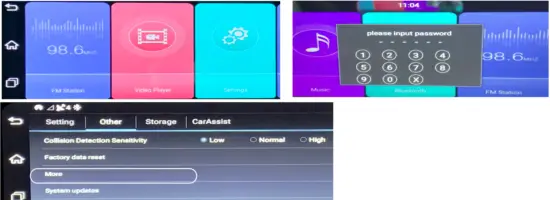
STEP-02: Click “Network & Internet”=>Mobile Network
STEP-03: Click “Advance”=>Click “Access Point Names”=> Edit APN of your 4G SIM Card=>Done
APN GUIDE
T-Mobile: fast.t-mobile.com
ATT: broadband
Verizon: vzwinternet
Copy and paste IP Server link to your browser. 76.184.134.40:8080/808gps/login.html?