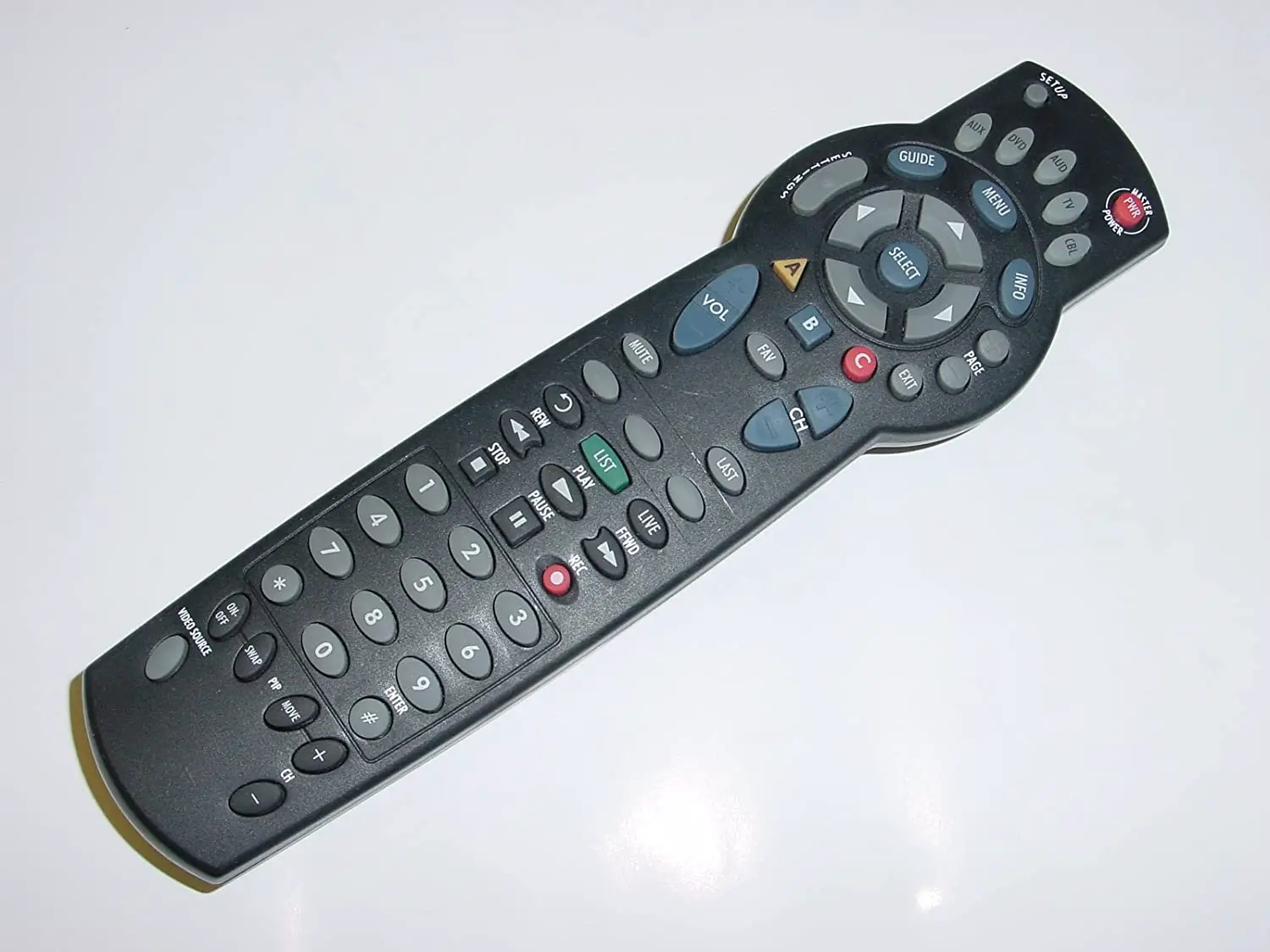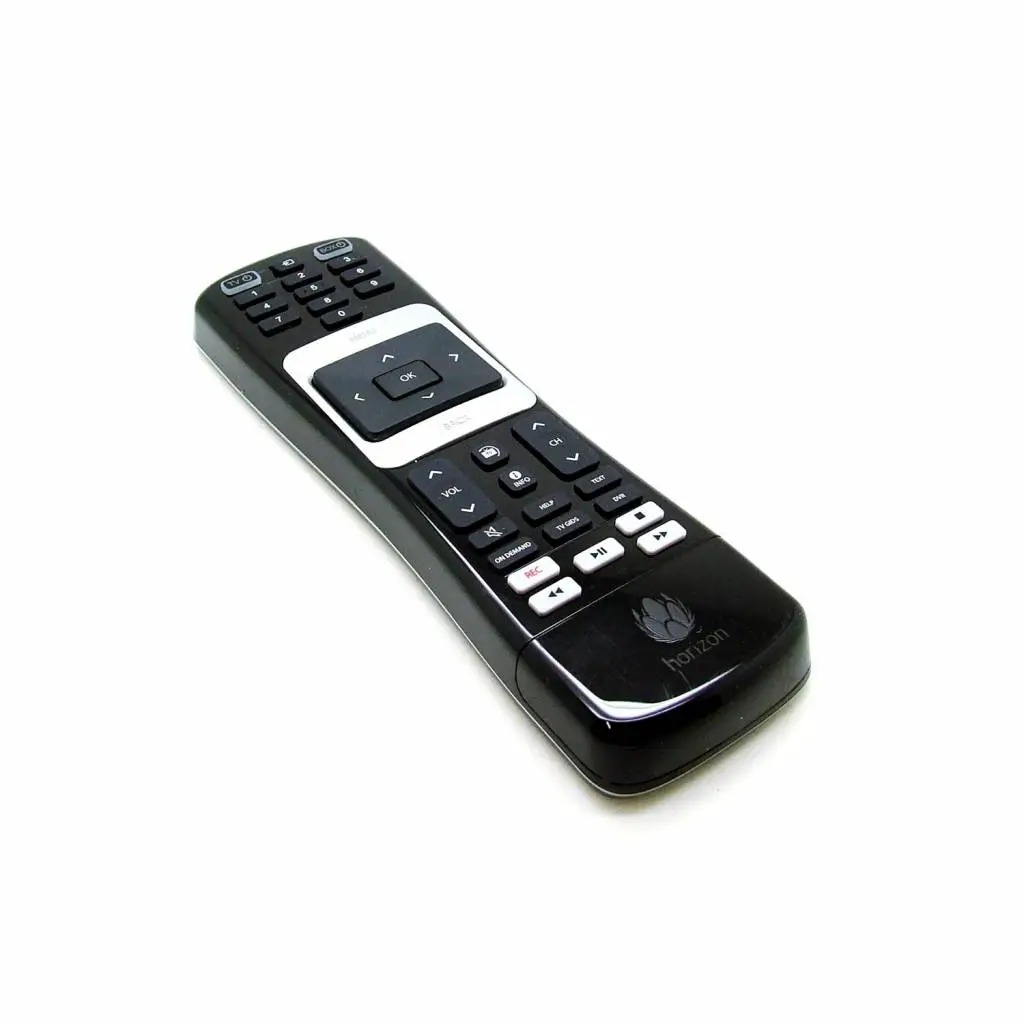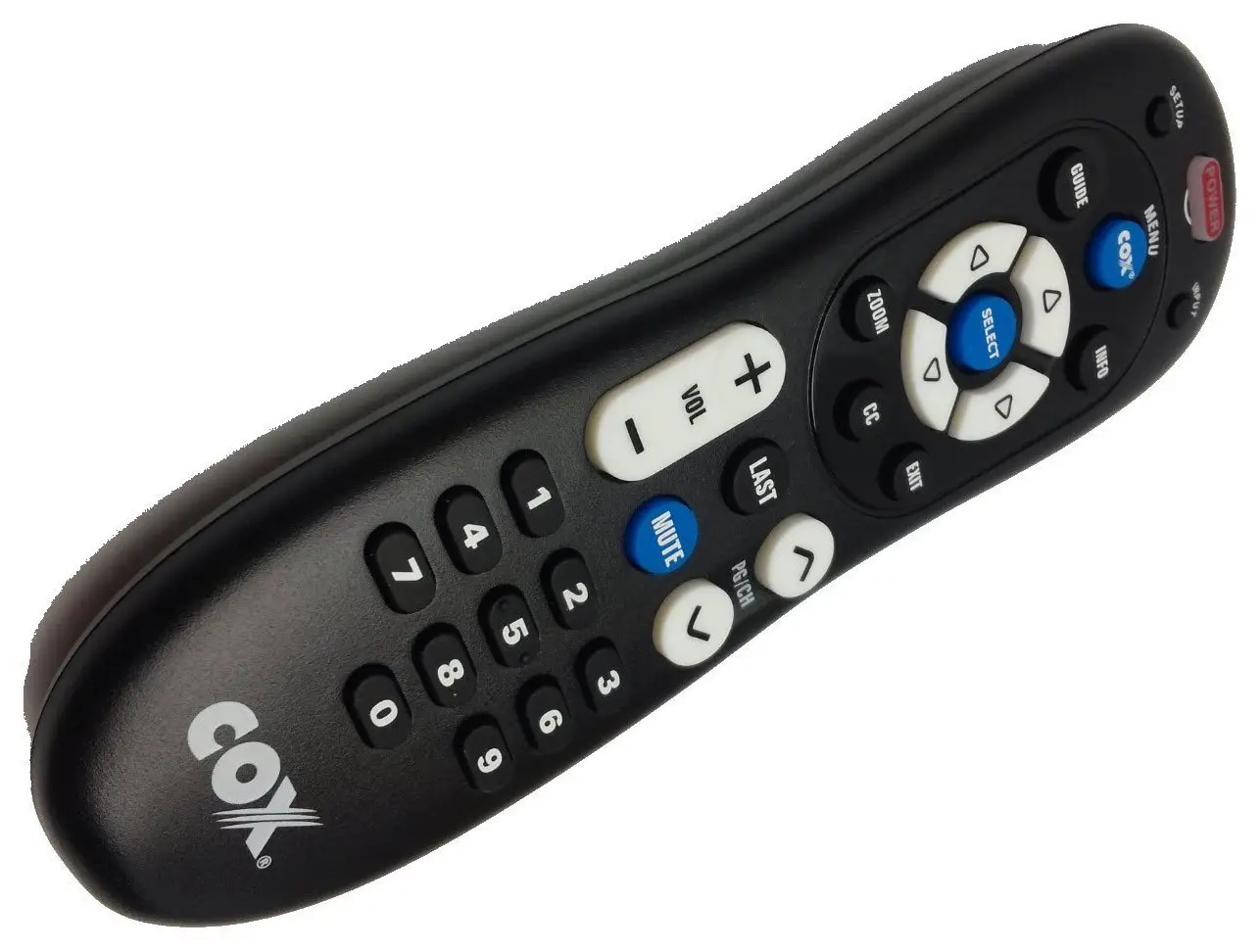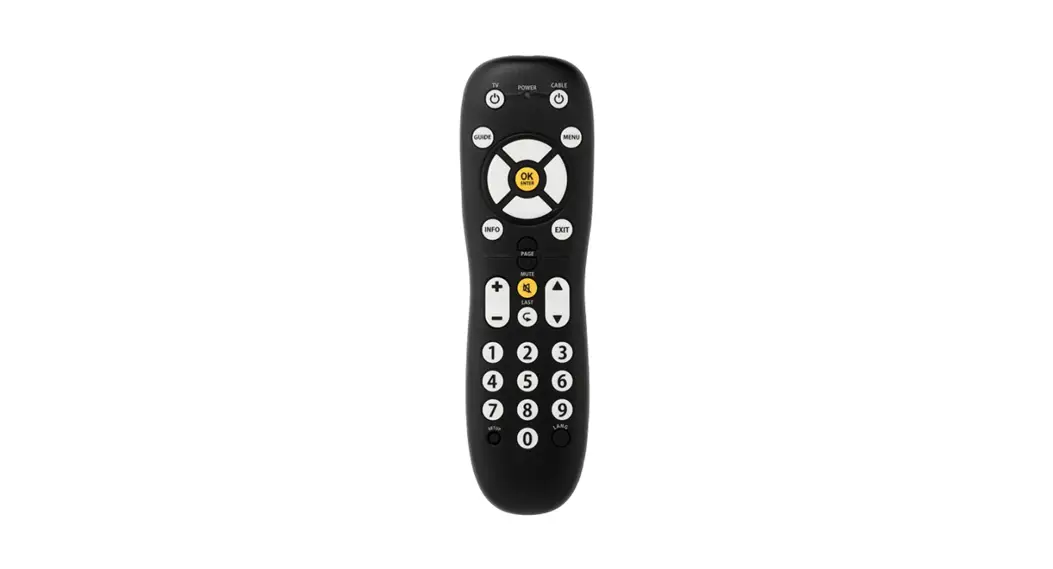

Using the Horizon URC2069 Pulse Remote
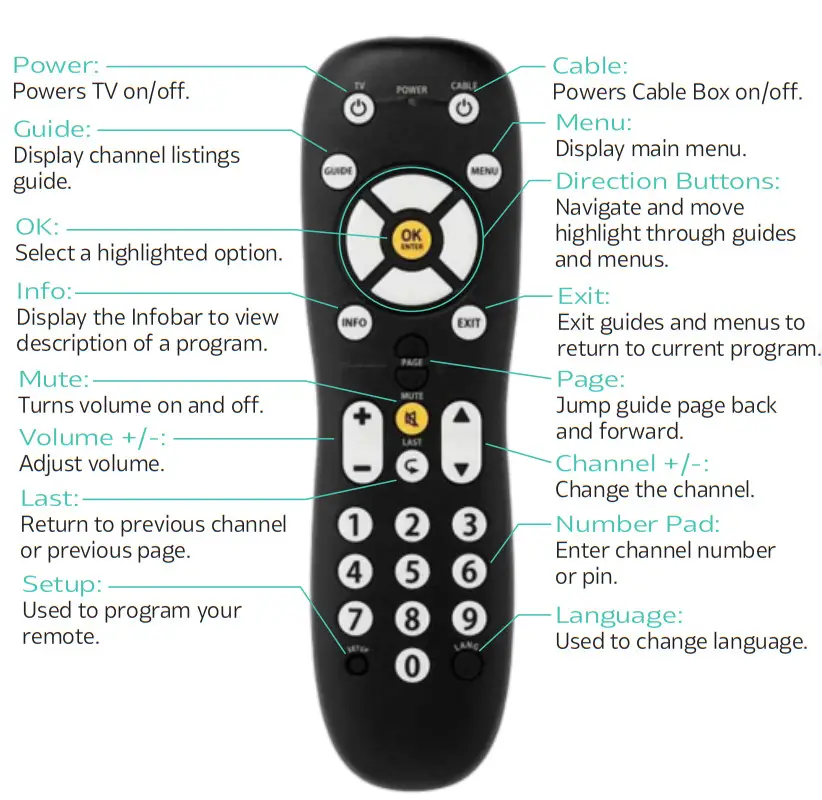
How to Program Your Remote:
- Turn on your TV.
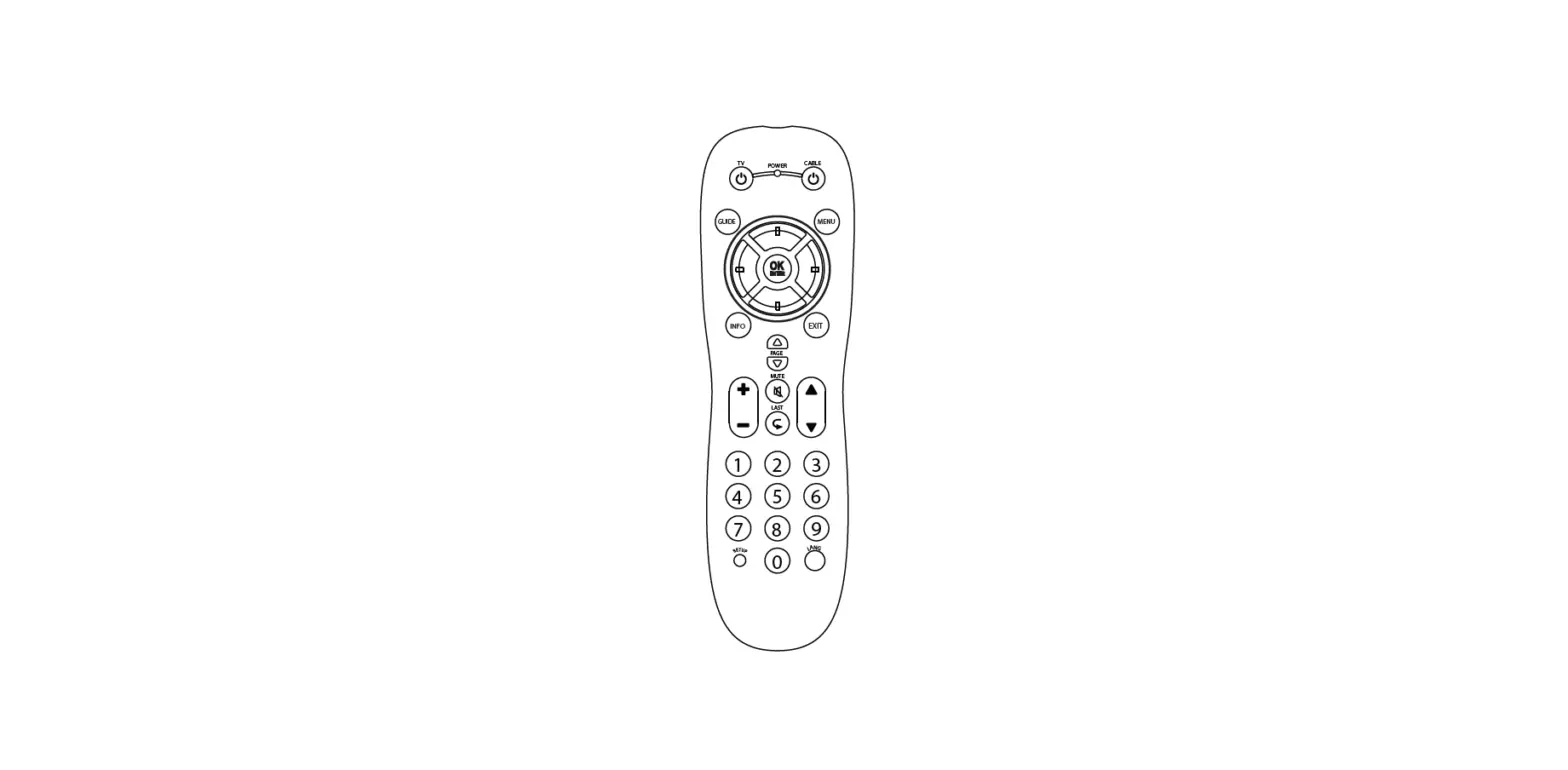
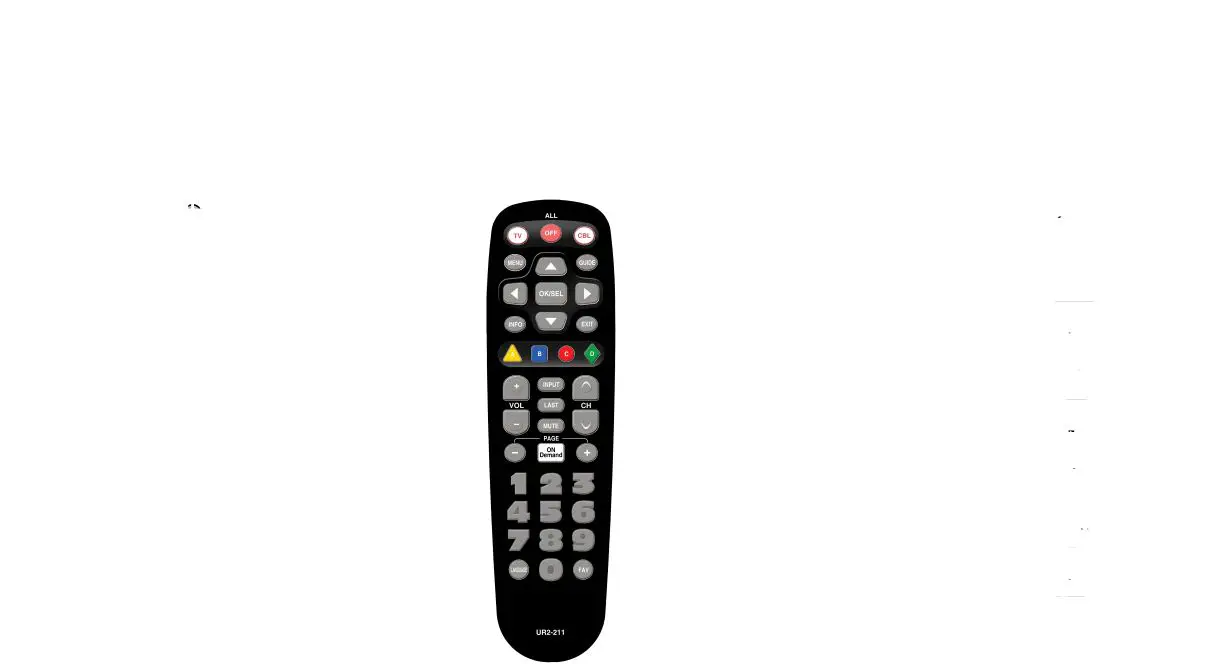
- On the remote control, press and hold SETUP until LED blinks twice.
- Press the “TV POWER” key.
- Aim the remote control at the device. Press and hold down the DIGIT key for your TV brand: 1. Insignia / Dynex 2. LG / Zenith 3. Mitsubishi 4. Panasonic 5. Philips / Magnavox 6. Samsung 7. Sharp 8. Sony 9. Toshiba 0. Vizio
- Let go of the key when your TV turns off. The setup is complete.
- If the power LED blinks twice, the code was successful. If there is one long blink, the setup failed.
NOTE: To locate a code for a TV brand that is not listed, press and hold SETUP until the LED blinks twice. Press and hold down the OK/SELECT key. Let go of the OK/SELECT key when the TV turns off.
* DVR service functionality is not compatible with this remote.