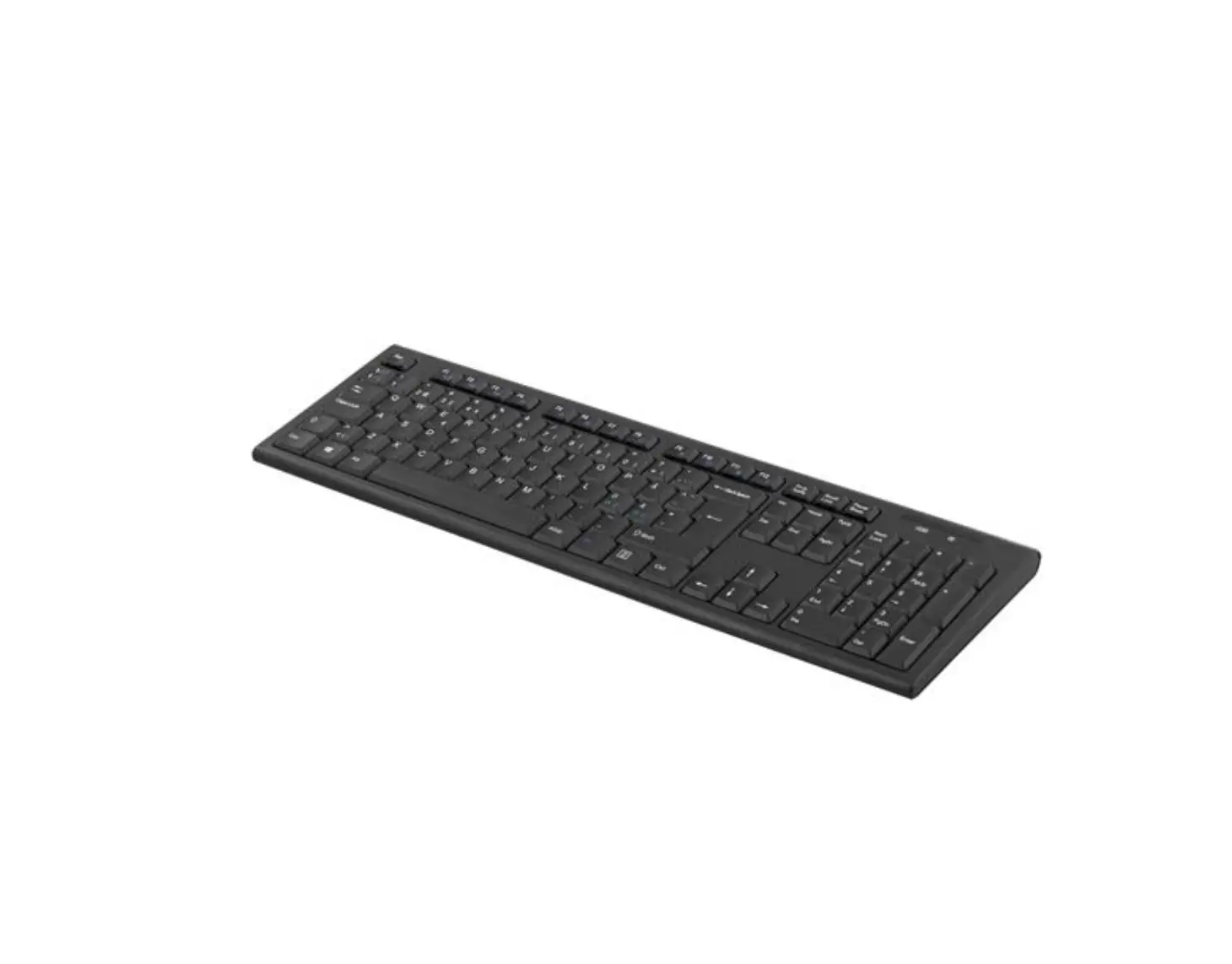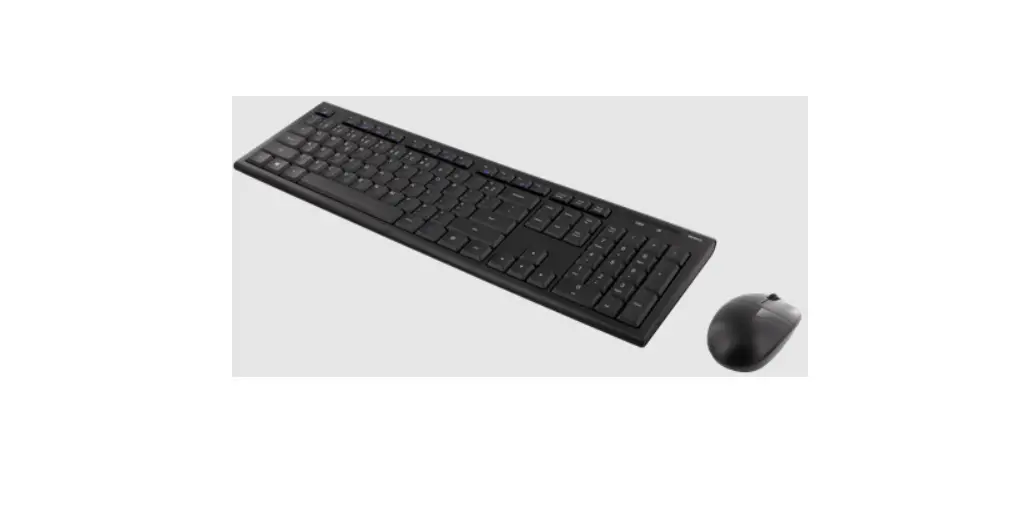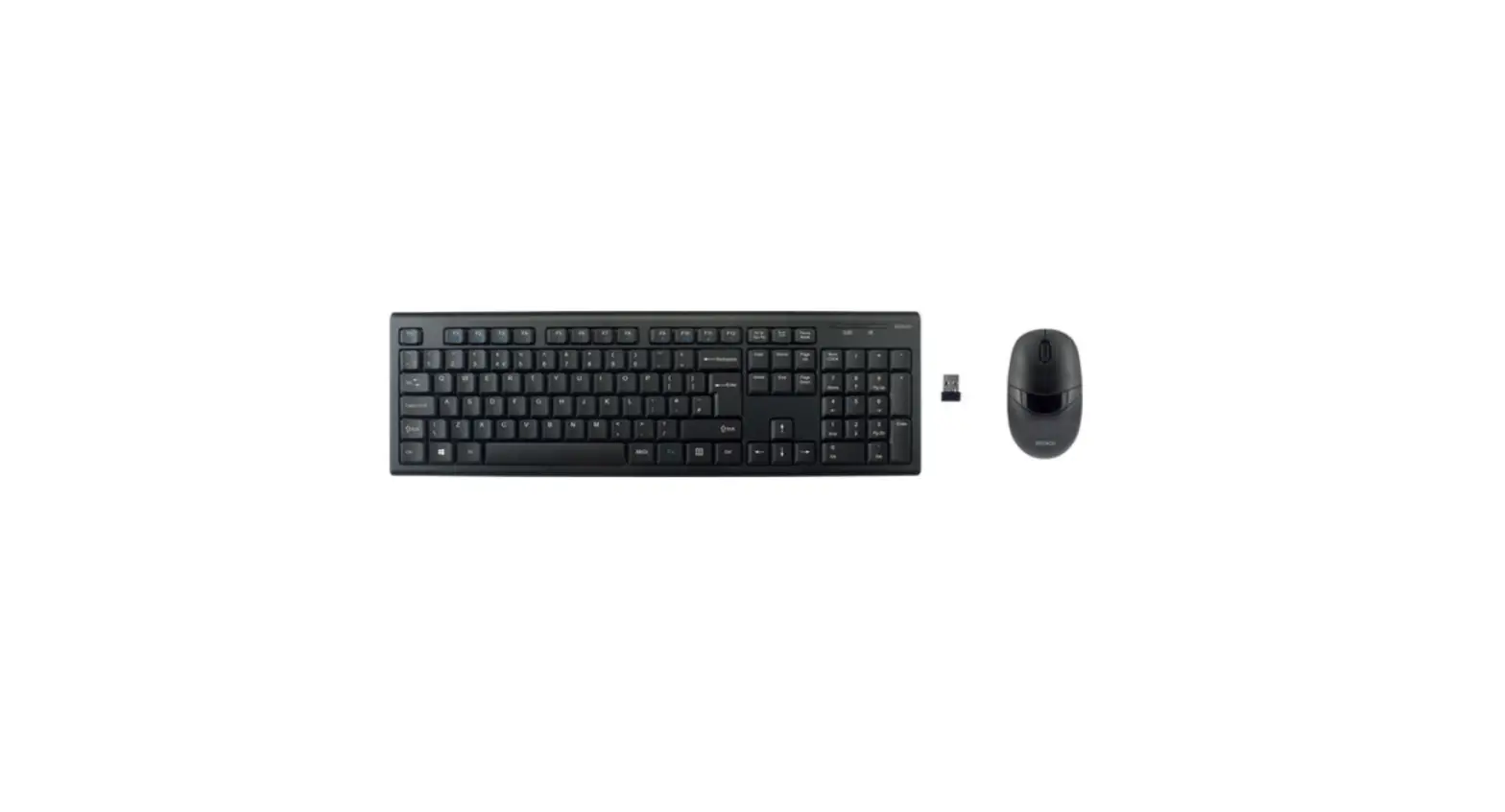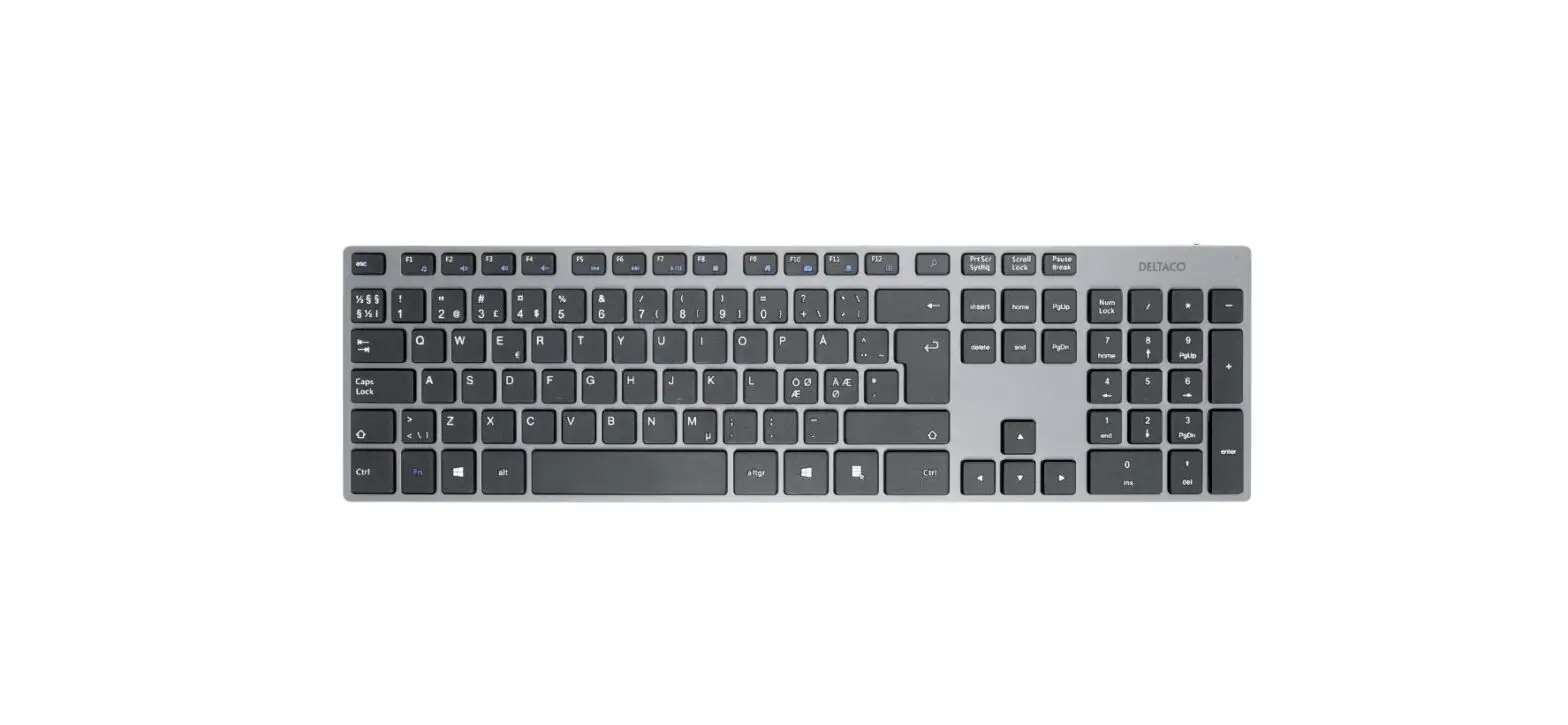

DELTACO TB-802 Wireless Keyboard
Charging the battery
Safety instructions
1. Keep the product away from water and other liquids.
Cleaning and maintenance
Clean the keyboard with a dry cloth. For difficult stains use a mild detergent.
Support
More product information can be found at www.deltaco.eu Contact us by e-mail: [email protected]
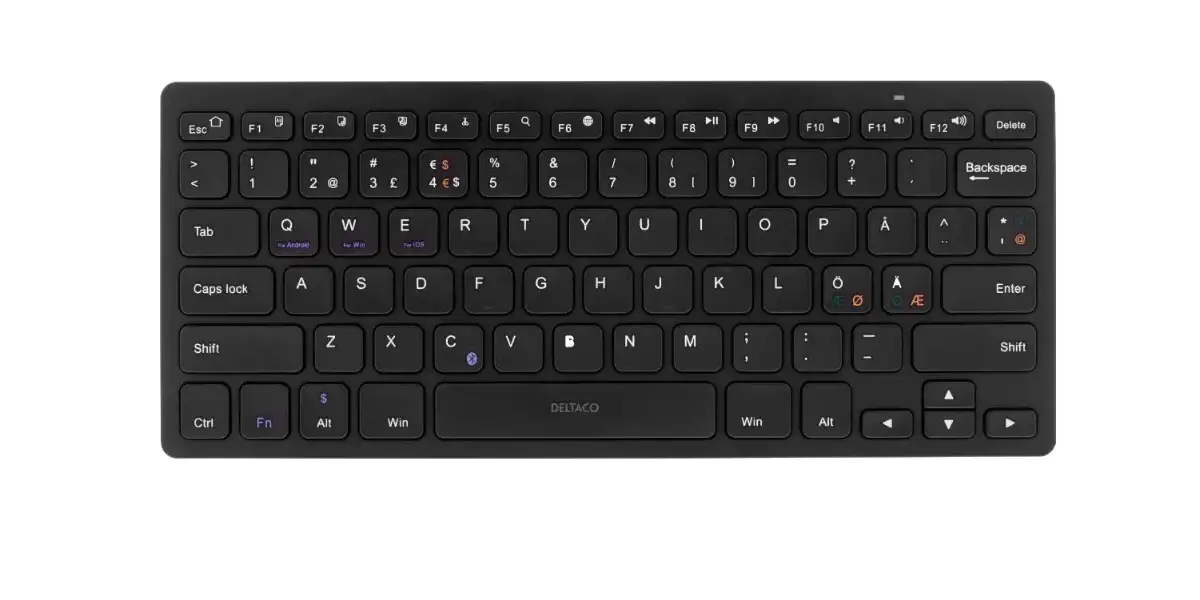
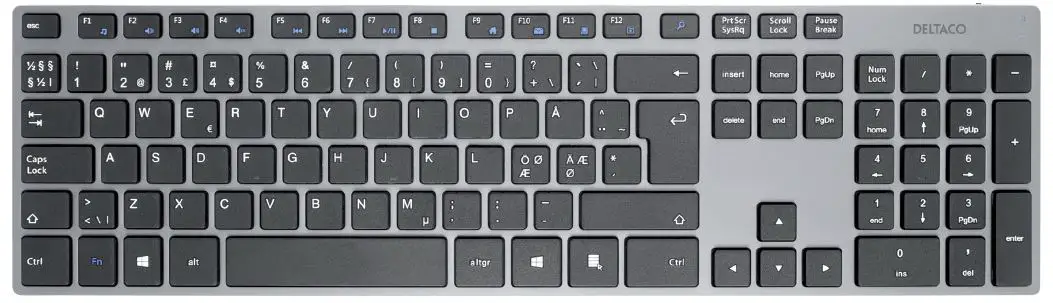
KEYBOARD
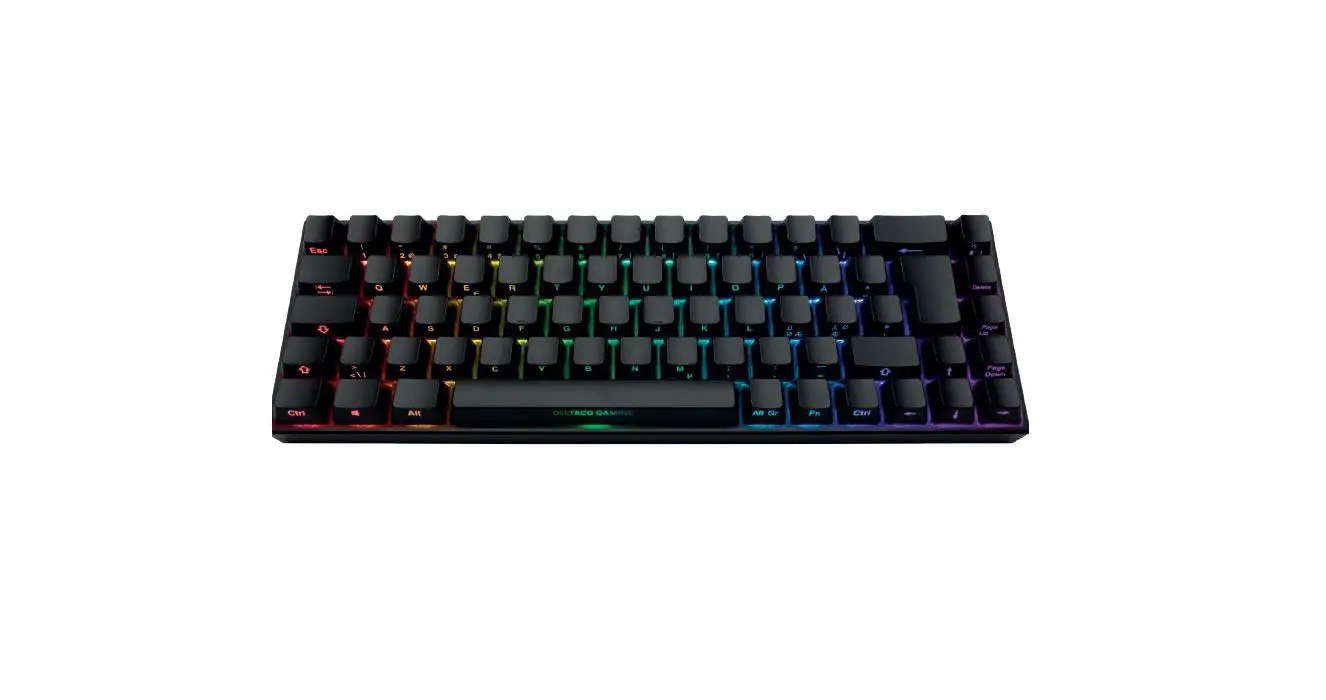
- FN + F1 = Open media player
- FN + F2 = Reduce volume
- FN + F3 = Increase volume
- FN + F4 = Turn sound on or off (mute)
- FN + F5 = Previous song
- FN + F6 = Next song
- FN + F7 = Play / pause
- FN + F8 = Stop
- FN + F9 = Open browser
- FN + F10 = Open email
- FN + F11 = Open my computer window
- FN + F12 = Open my favorites
- FN +
 = Open search window
 = Open search window
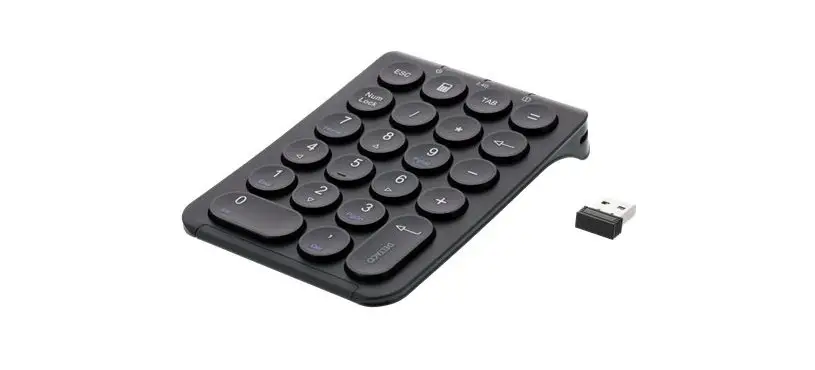
When Numlock is turned on, the LED changes to green for about 5 seconds, and then the LED turns off to save power.
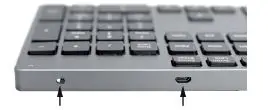
The power switch and Micro USB-B charge port.
LED status
Low battery: LED is yellow. Charging: LED is red. Caps lock is on: LED is blue. Numlock is on: LED is green.
Connect
Connect the USB receiver to a USB port on the computer. Use the power switch on the keyboard to turn it on. The keyboard will connect automatically.
 Pages - Home