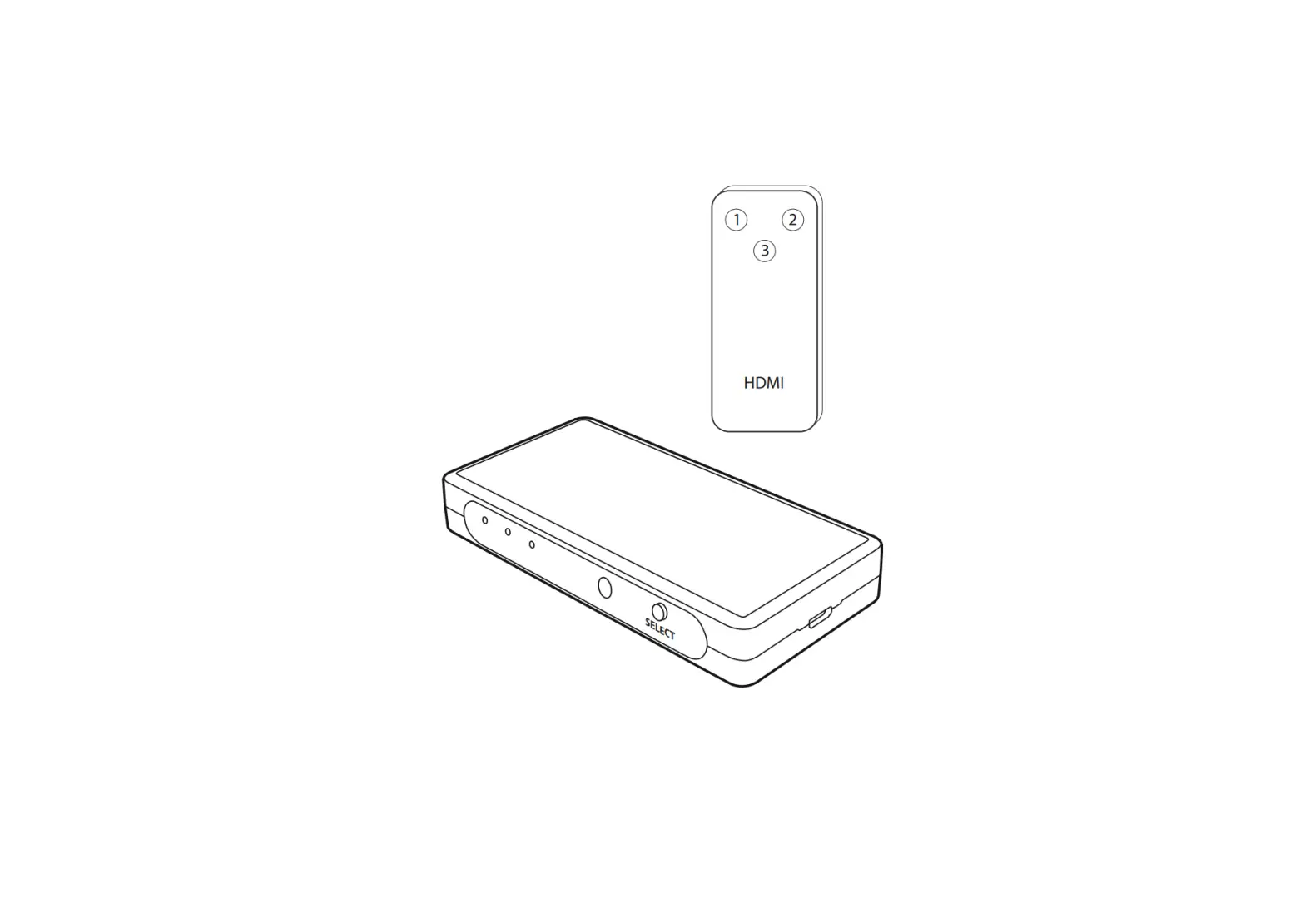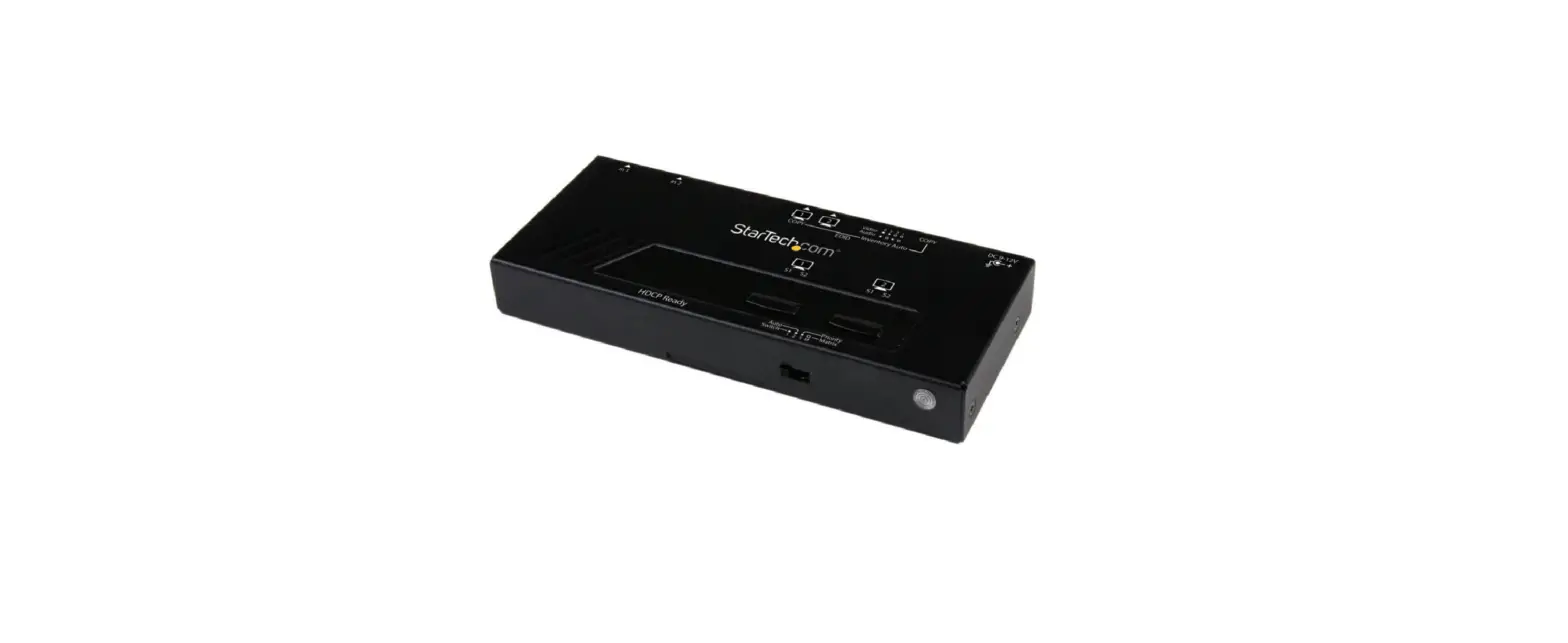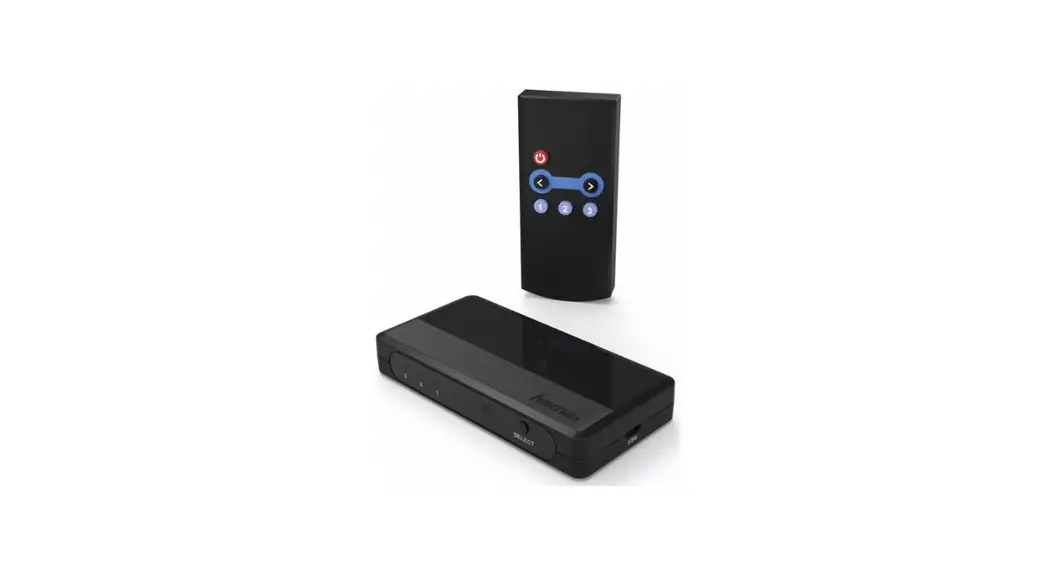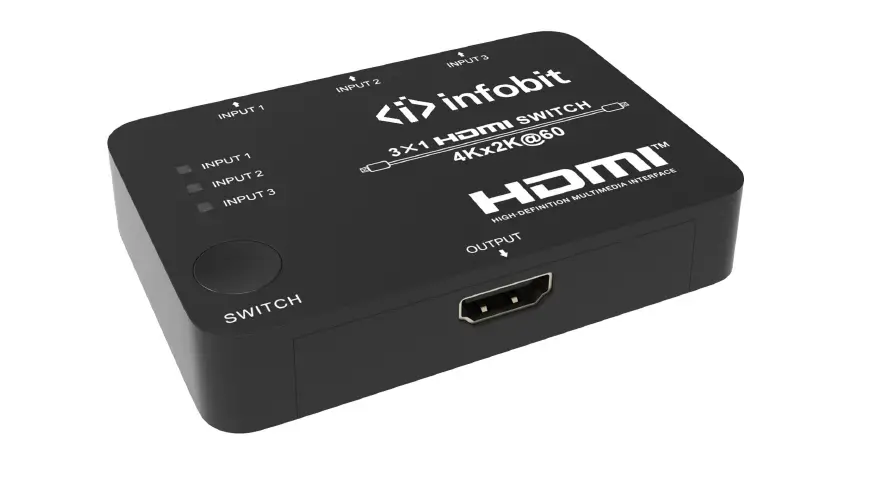
 iMeeting H31 HDMI 2.0 3×1 Multi-format Presentation Switcher
Instruction Manual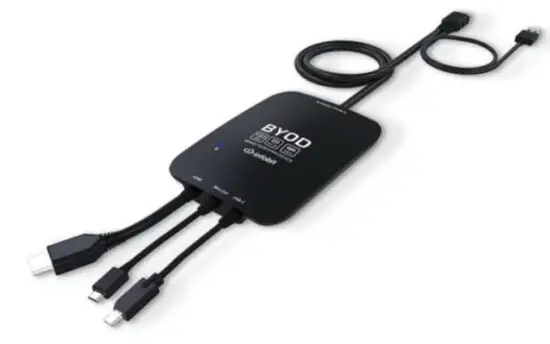 All Rights Reserved
Version: iMeeting H31_2021V1.0
Product Introduction
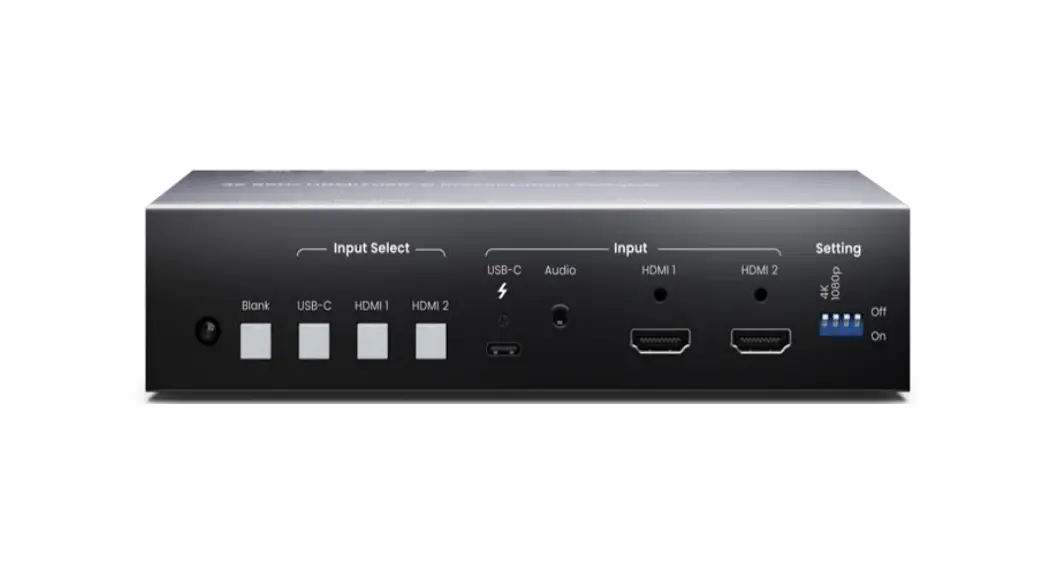
The meeting H31 is an HDMI 2.0 3×1 Multi-format Presentation Switcher converting AV signal from HDMI, Mini DP, and USB-C inputs to HDMI output.
The meeting H31 is a green low energy consumption product that has various applications in different places, such as classrooms, small meeting rooms, lecture halls, etc.
Features
- Supports HDMI, Mini DP and USB-C input signals to be converted to HDMI signals.
- Auto-detects the input signal, the last connected signal source will be switched to the output automatically.
- Starts to scan from HDMI to USB-C and switches the first detected source to output.
- Supports Mini DP and USB-C input video resolution up to 4K@60Hz 4:4:4.
- Supports HDMI input and output video resolutions up to 4K@60Hz 4:4:4 HDR and
- Dolby Vision.
- HDCP 2.2 compliant.
- Powered via USB-A from the display end.
- LED for power indicating.
Panel Description
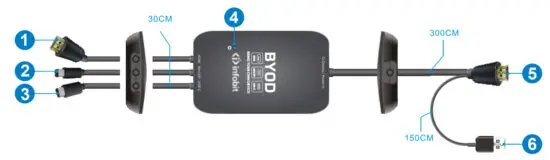
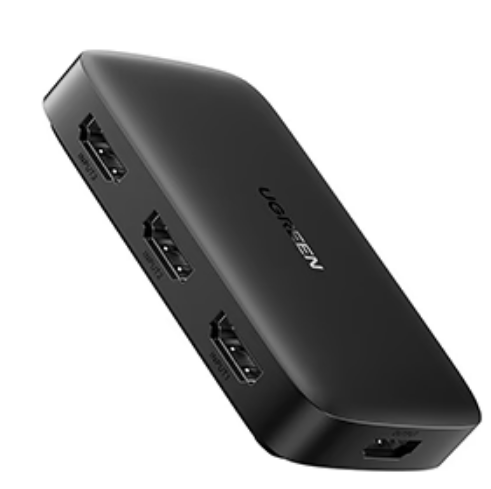
- Type-A HDMI input port to connect the device with HDMI output.
- Mini DP input port to connect Mac MINI or other devices with Mini DP output.
- Type-C USB input port to connect MacBook, Chromebook, or other devices with SlimPort output.
- The power LED illuminates blue when power is applied and is off when no power is present.
- Type-A HDMI output port to connect the display.
- Type-A USB port to connect the display or other device to power the switcher.
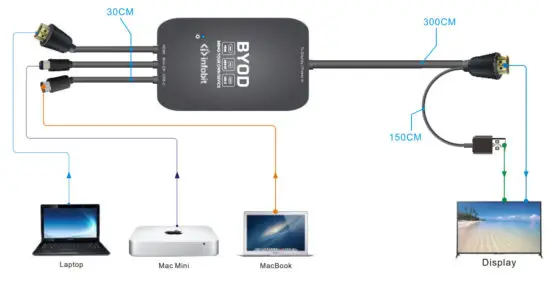
System Connection
Specification
| Input | |
| Connector Type | (1) Type-A HDMI. (1) Mini DP, (1) Type-C USB |
| HDMI Video Resolution | Up to 4K©60Hz 4:4:4. HOR |
| Mini DP Video Resolution | Up to 4K@60Hz 4:4:4 |
| USB-C Video Resolution | Up to 4K@60Hz 4:4:4 |
| HDMI Audio | LPCM 7.1 audio. Dolby Almost& Dolby®TrueHD. Dolby Digital® Plus, DTS90/4 and DTS-HD® Master Audion” pass-through. |
| HDMI Version | 2.0 |
| DP Version | 1. |
| HDCP Version | HDCP 2.2 compliant. |
| HDMI/Mini DP/USB-C Input Cable Length | 30cm |
| Output | |
| Connector Type | (1) Type-A HDMI. (1) Type-A USB |
| HDMI Version | 2.0 |
| DP Version | 1. |
| HDCP Version | 2.2, Pass-through |
| Video Resolution | Up to 4K©601-Iz 4:4:4. HDR |
| HDMI Output Cable Length | 300cm |
| USB-A Cable Length | 150cm |
| General | |
| Operation Temperature | -5 – +55°C |
| Storage Temperature | -25 – +70°C |
| Relative Humidity | 10%- 90% |
| Power Supply | Powered via USB-A from the display end. |
| Power Consumption | Max. 1.8w |
| Dimension (Wel-I’D) | 135mm x 83mm x 20mm |
| Net Weight | 370g (Including cables) |
INFO BIT AV
www.infobitav.com
[email protected]
 infobit AV- 4K Matrix Switchers, Wireless Presentation, Active Optical Cable and Conference Camera- Meeting Room Solutions