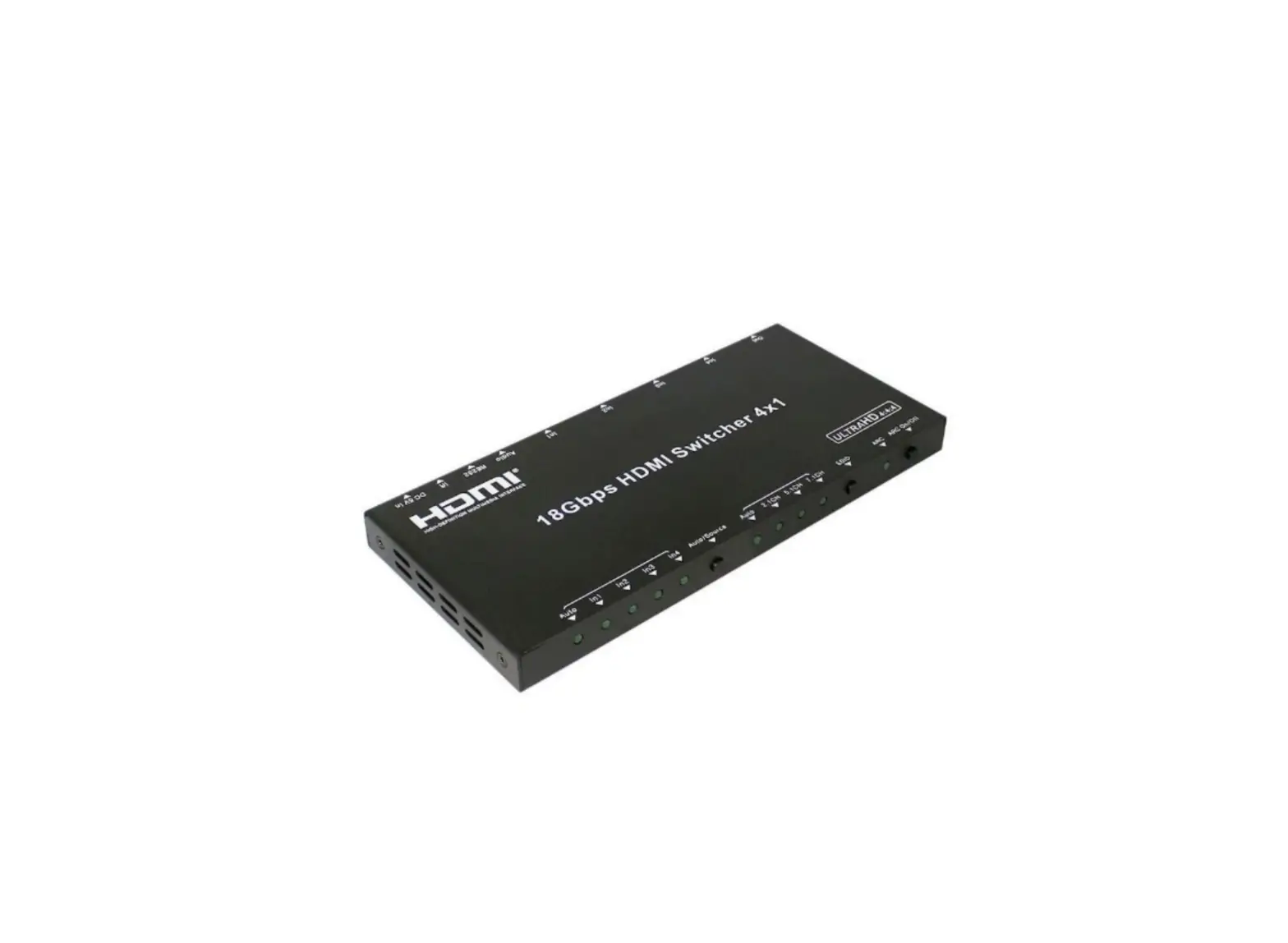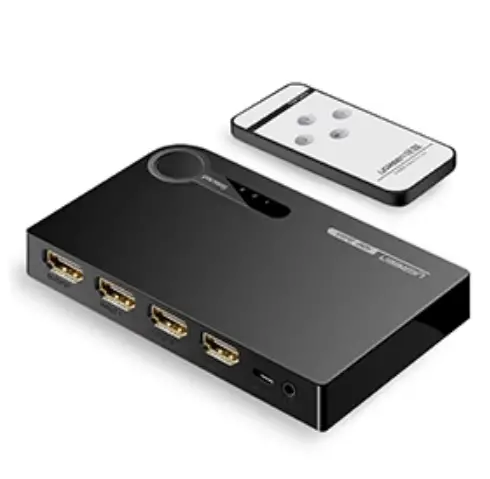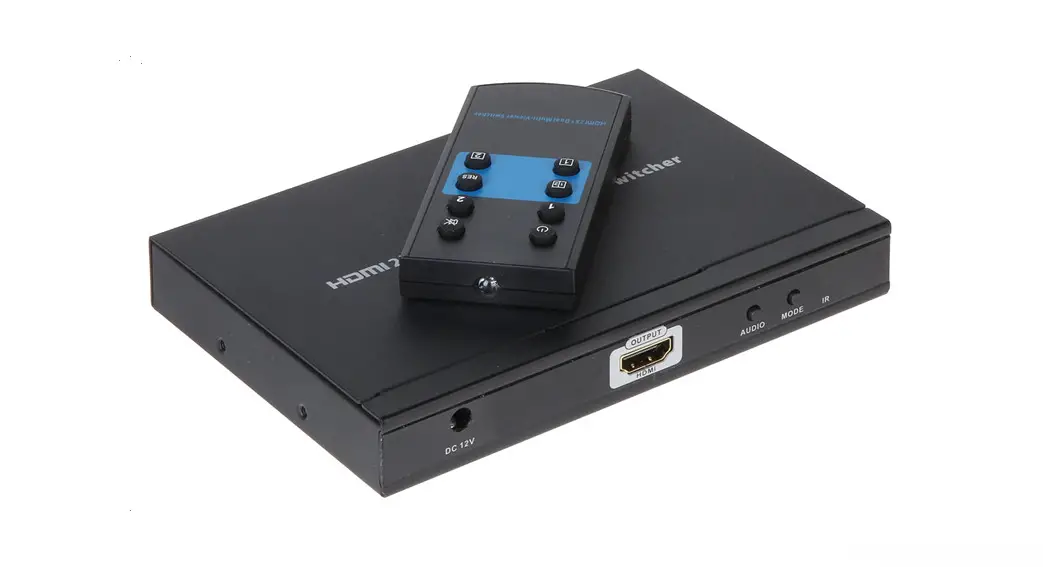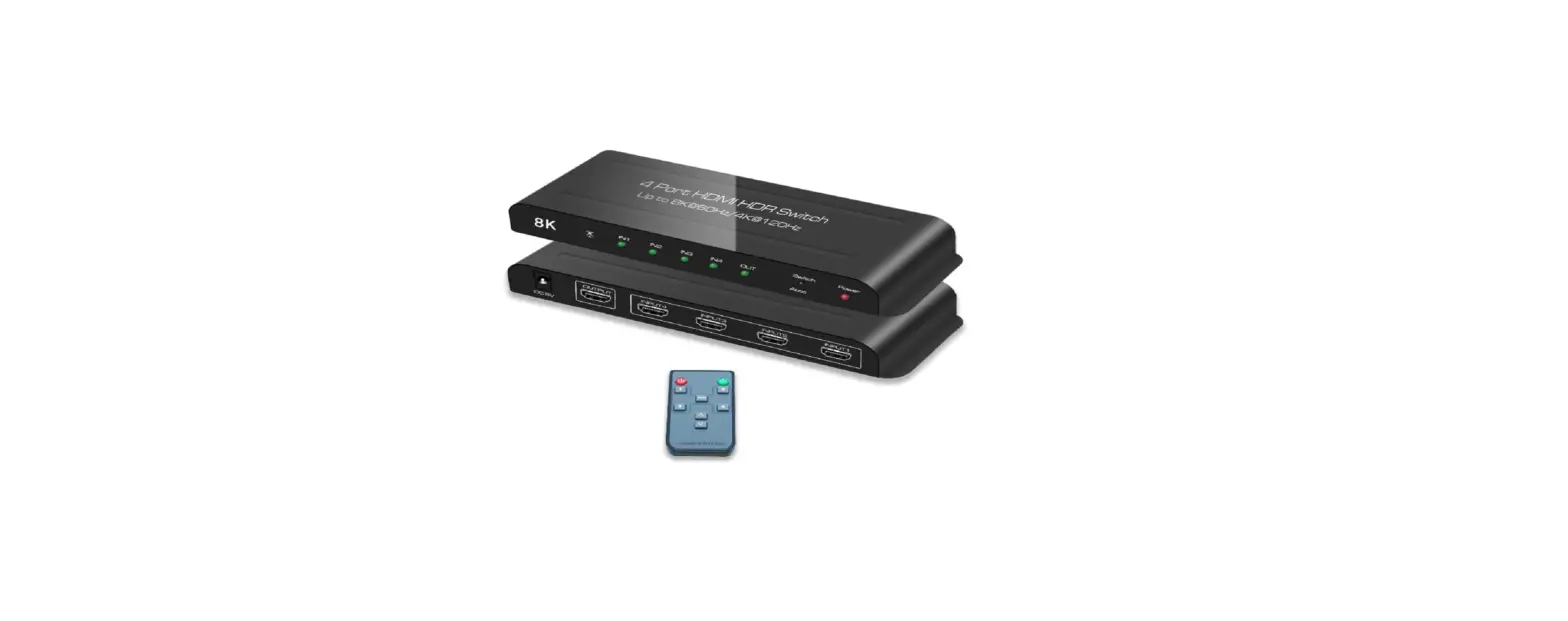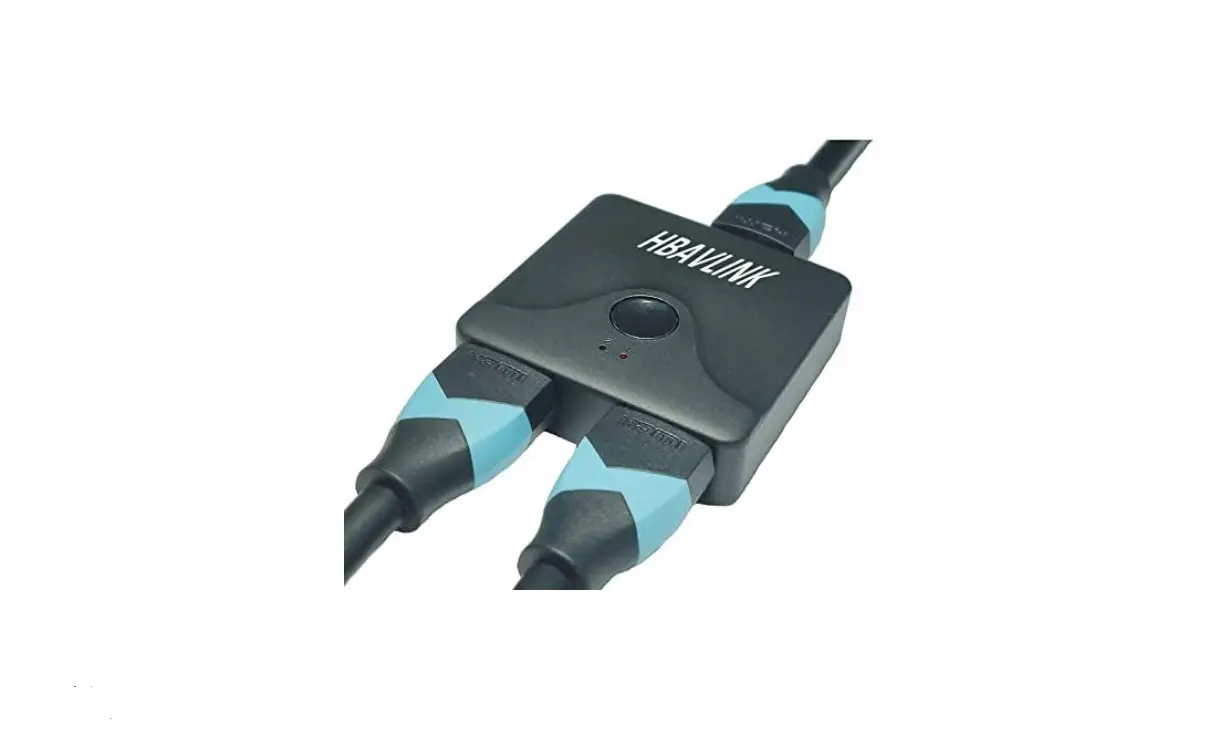

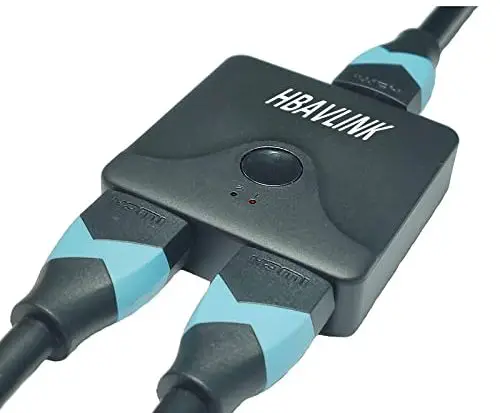
HBAVLINK HB-SW201A Bi-direction HDMI Switch
Introduction
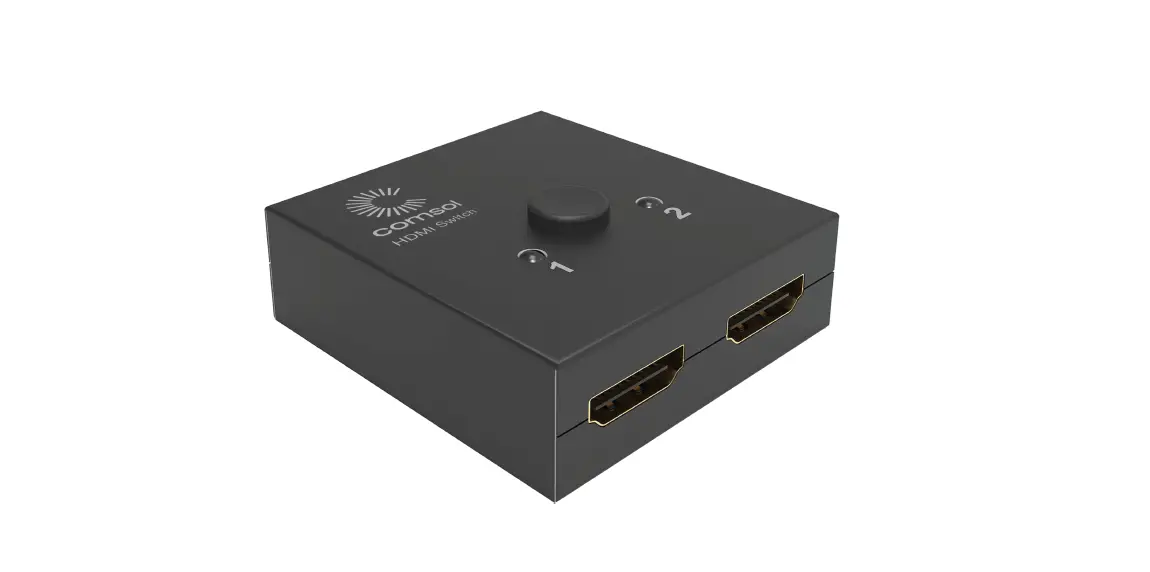
This Bi-direction manual HDMI switch can easily switch 2 roads HD signal to any HD display device or projector. At the same time, you can also split a HD signal to two monitors or the projector. Supports 30, 4K. II is a item that supports high definition resolution. 4K high quality mini HDMI bidirectional switch. The equipment is mainly used in security center, data control center and information division, conference exhibition hall, school and enterprise training environment.
Note
You can’t display one signal source on both monitors at the same time. You must switch to the signal source you want to display by pressing the button on panel.
Features
- Out 2 roads HDMl(DVD or PS3) signal into 1 road HDMI display or TV
- Out 1 road HDMl(DVD or PS3) signal into 2 roads HDMI display or TV
- No Power needed. If there is insufficient power supply, splash screen or snowflake happened,
- please buy your own Android
- Port Selected: Press button on panel
- 2 LED indicator
- 3 HDMI interface
- Easy installation
- Support 3D, 1080p, 4K.2K
- Dimension: 55•55•2omm (L • w•H)
- Housing: Plastic
Specification
| Input DOC signal | SVP-P(TTL) |
| Max. Signal chain range | 4K@30Hz |
| Vertical frequency frequency | 50/60Hz |
| Video Amplifier bandwidth | 600MHz/18Gpbs |
| Criss-Cross(50&60Hz) | 480i, 576i, 1080i |
| Progressive | 480p, 576p, 720p, 1080p, 2160p |
| Operation Temperature | Oto 50°( |
| Storage Temperature | -10 to 65°( |
| Operation Humidity | 10% to 85% RH(Non-Condensing) |
| Storage Humidity | 5% to 90% RH(Non-Condensing) |
| Power supply | No power supply needed |
| Consumption | SW |
Package list
- HDMI switch 1 pcs
- User manual 1 pcs
Connection Diagram
1 in 2 out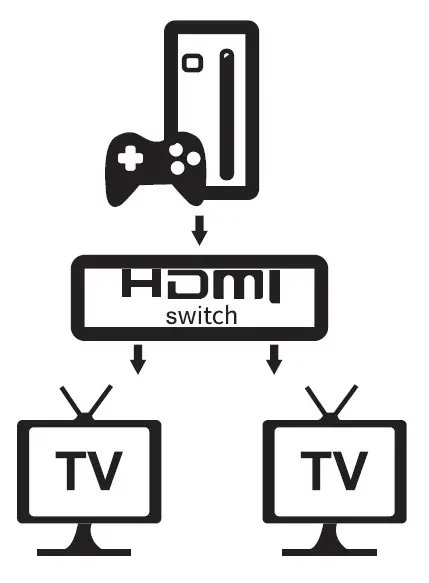 2 in 1 out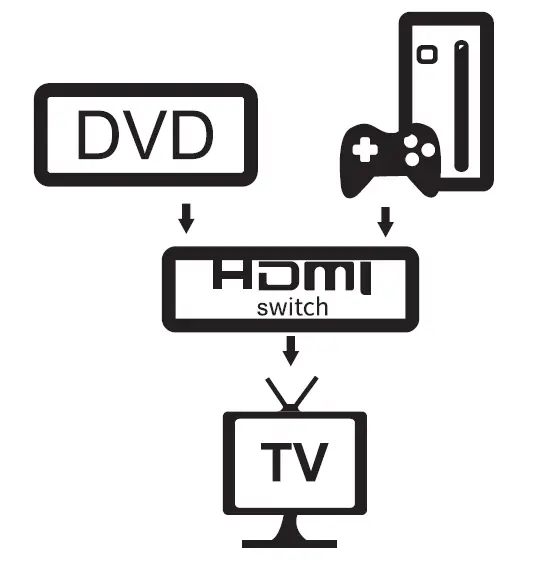
Note: please operate the equipment according to the instructions to ensure a long period of use life
- The equipment should be stored in a dry place, away from an environment that humidity, high temperature, dust, and prone to erosion and oxidation
- Avoid all parts from being collided, shaking violently, falling, please don’t open the shell and do not touch the internal parts.