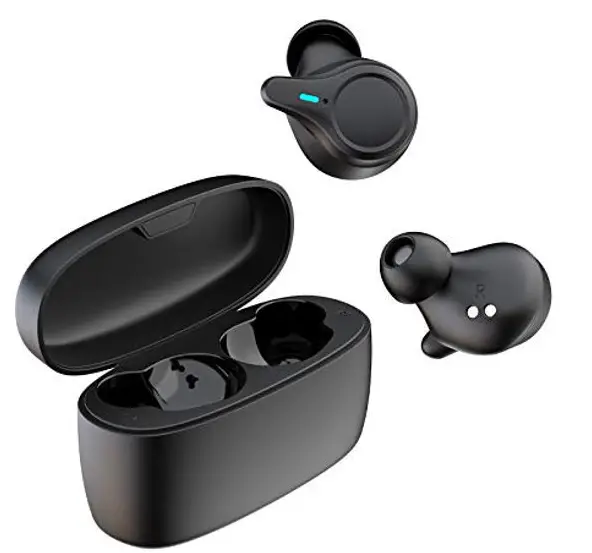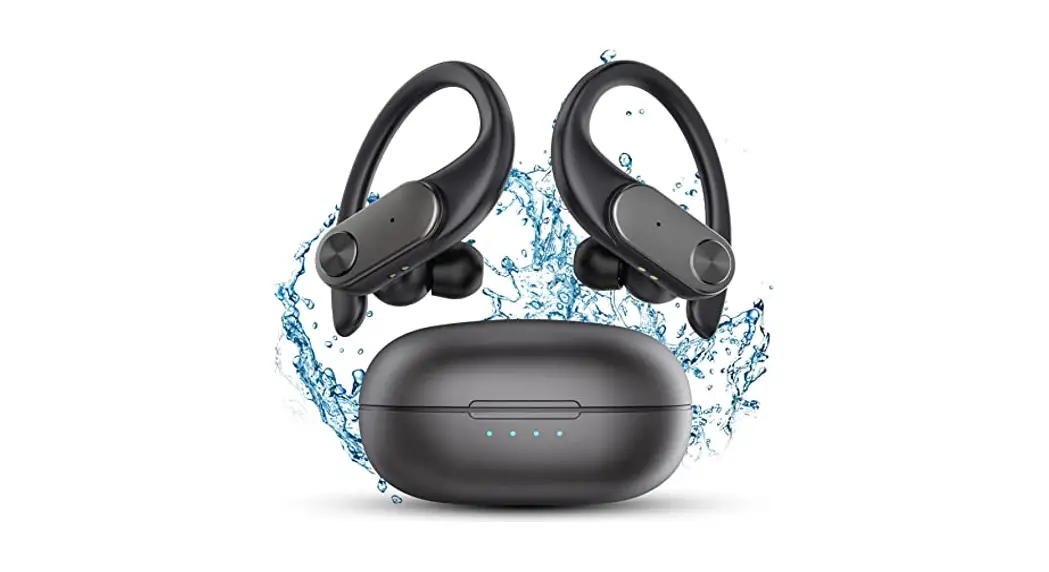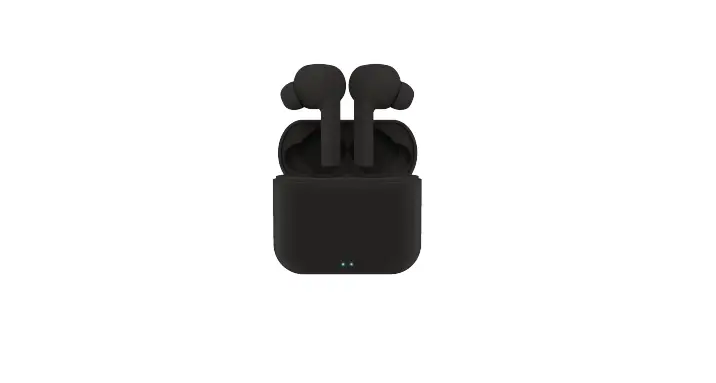
Thohia GEBH599AW Wireless Earbuds
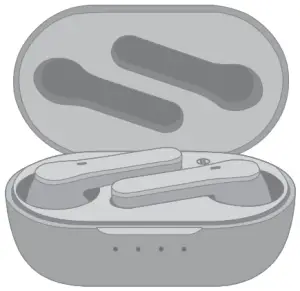
AUTO PAIRING SETUP
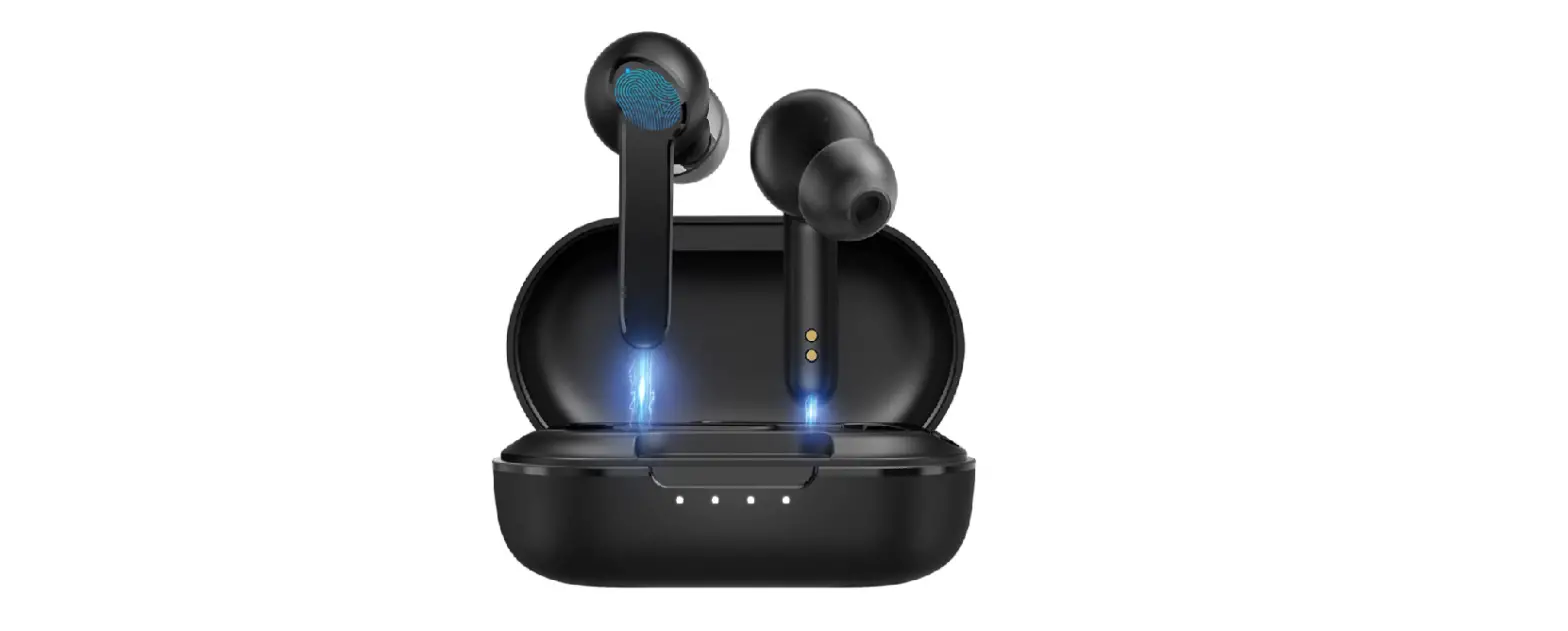
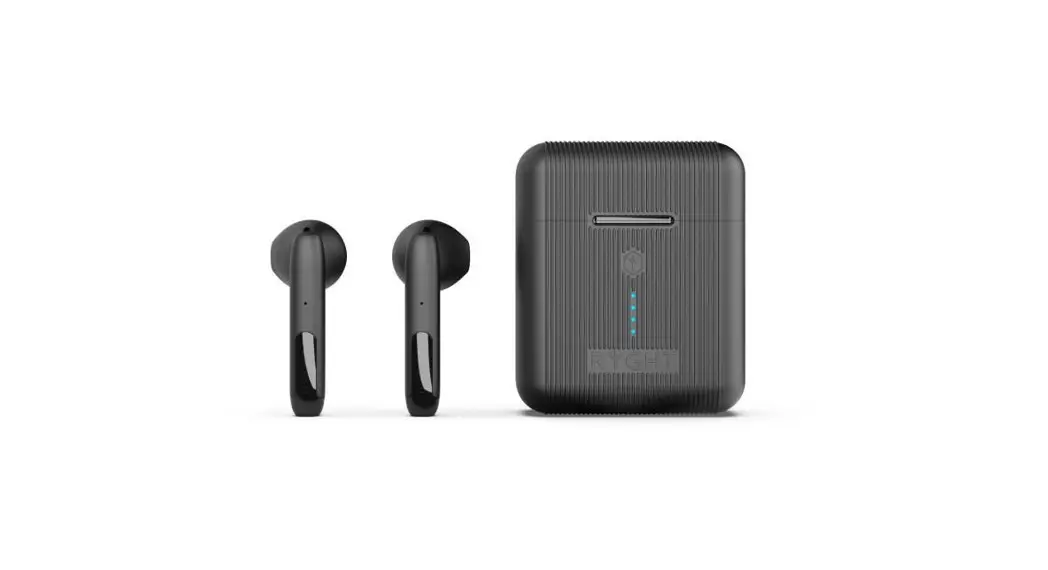
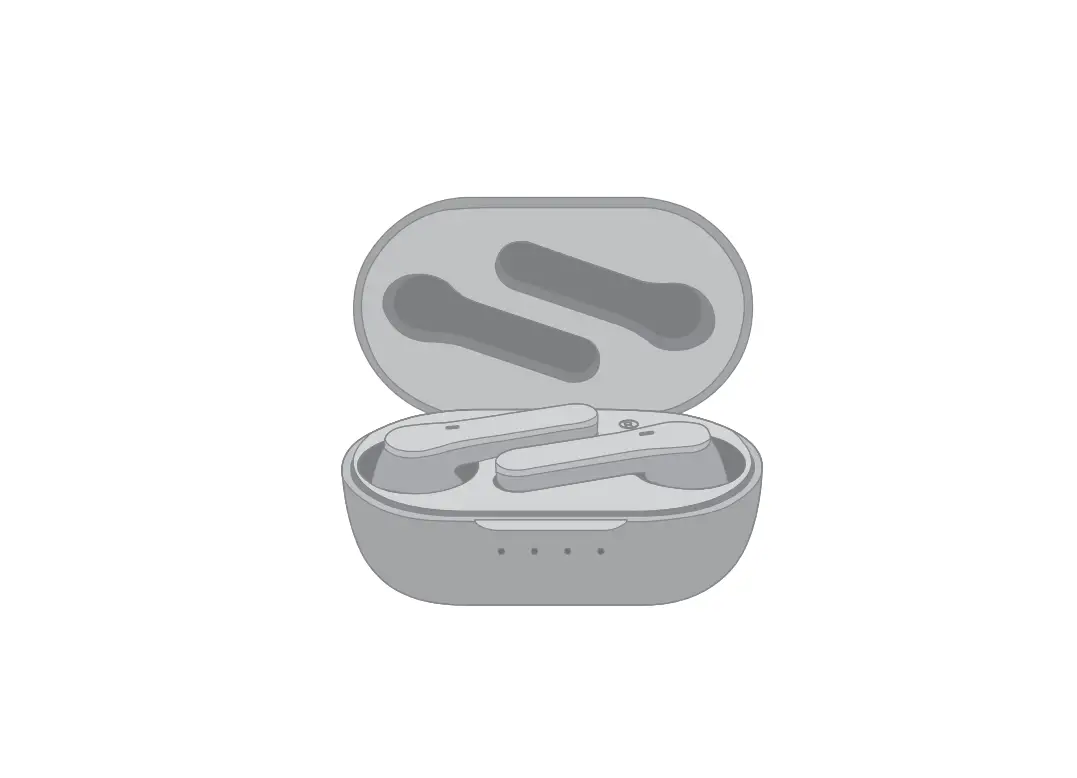
- Open the charging case. both earbuds will power on and enter pairing mode and the LED light will fiash red and blue alternately.
- Search Bluetooth name “Thohia T1” and select it in your mobile phone.

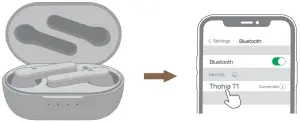
OPERATION GUIDE
RESET
Note:
If it claims “Unsuccessfully connected”, please delete all “Thohia T1” records on your phone.
Resetlhohia T1:
- Make sure Bluetooth is turned off in your device.
- When both earbuds are in the charging case. simultaneously press and hold both earbuds for 10 seconds to clear paired devices.
- The earbud’s light will fiash red and blue simultaneously, which means successful resetting.
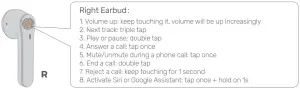
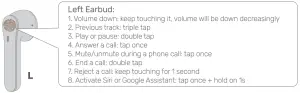
TOUCH CONTROL