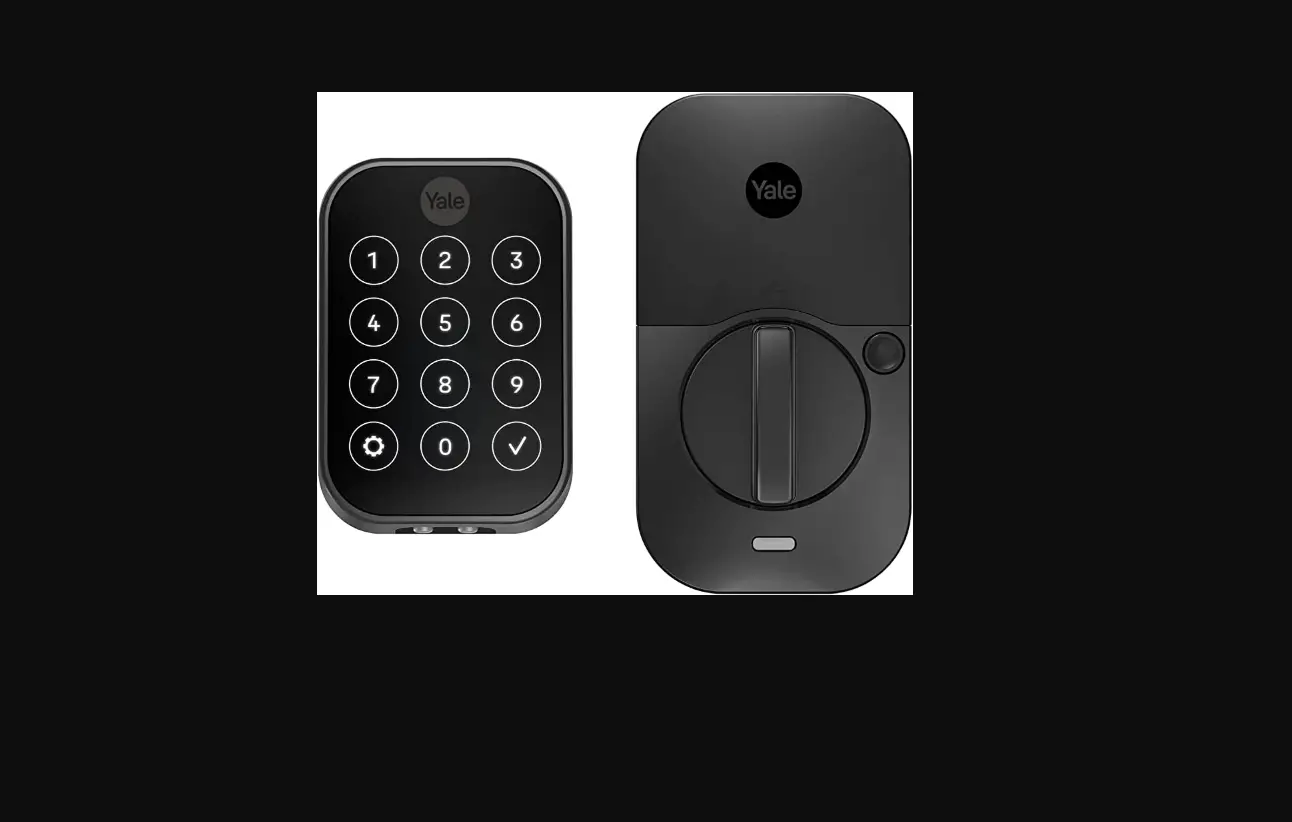
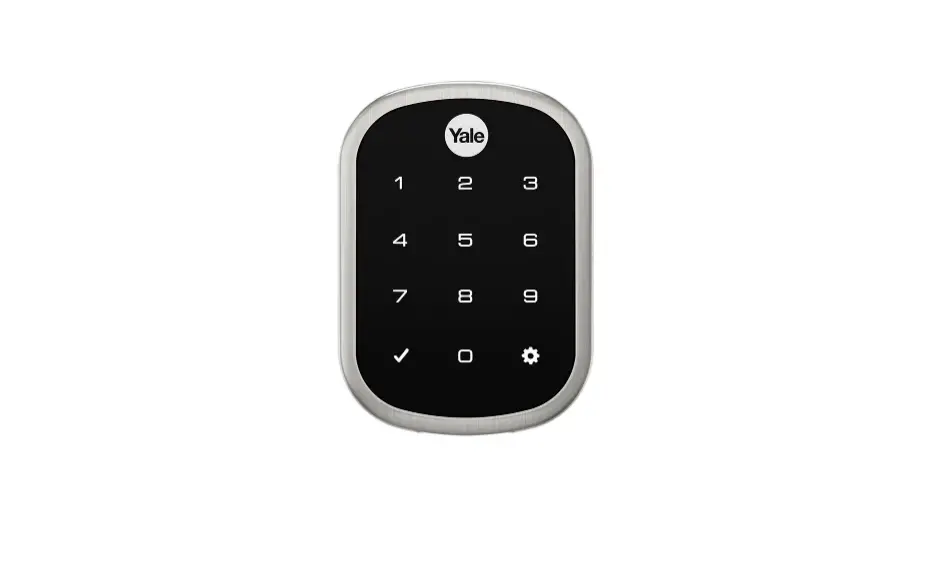
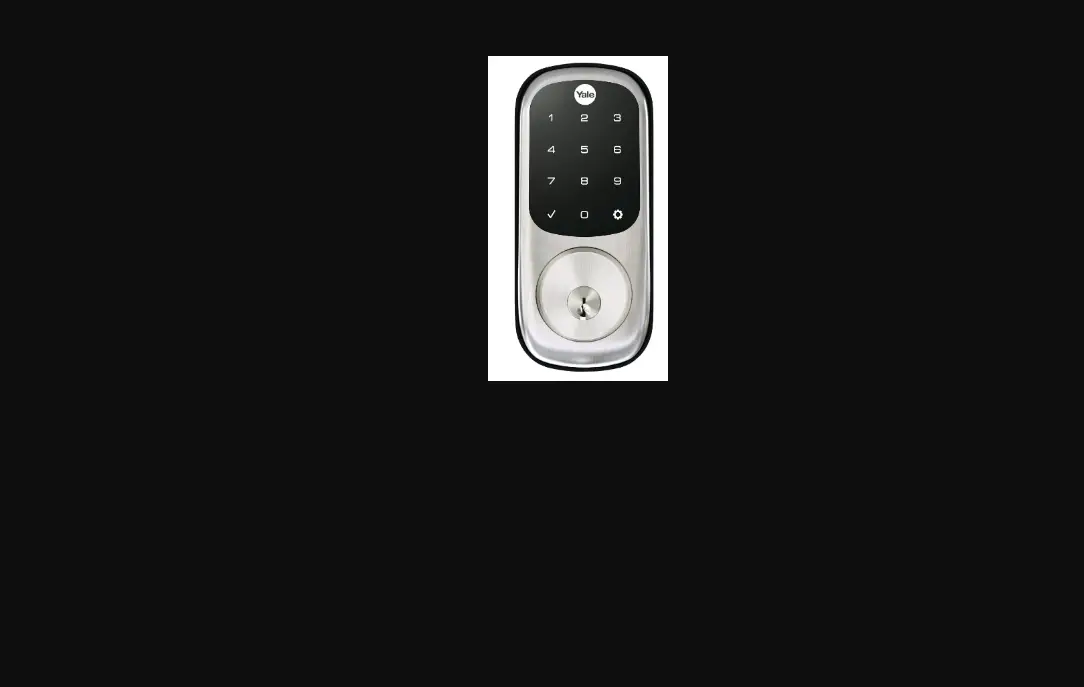
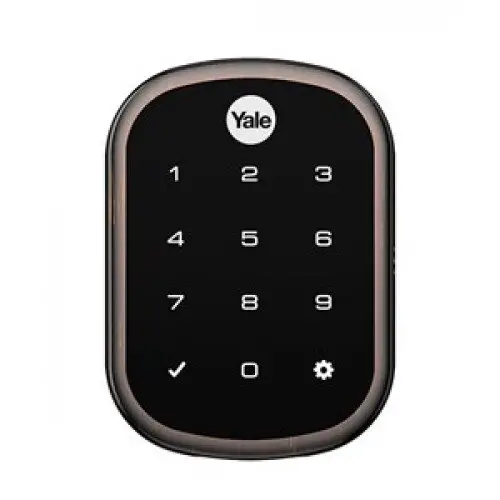
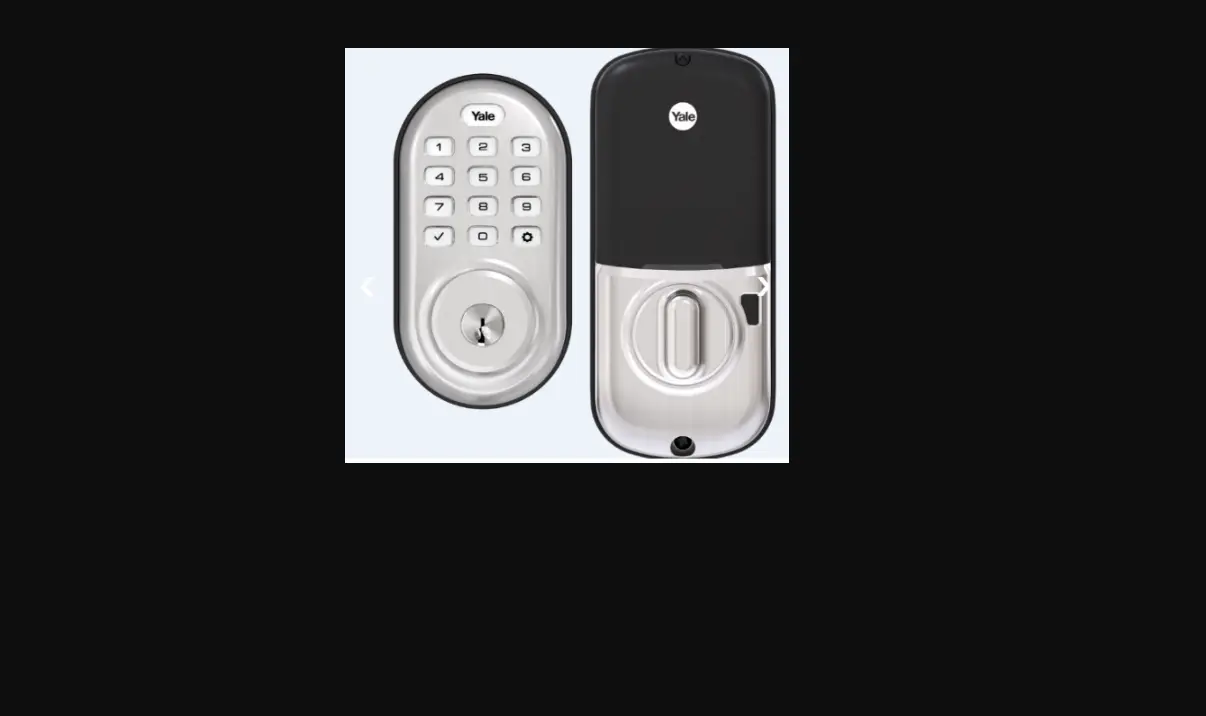
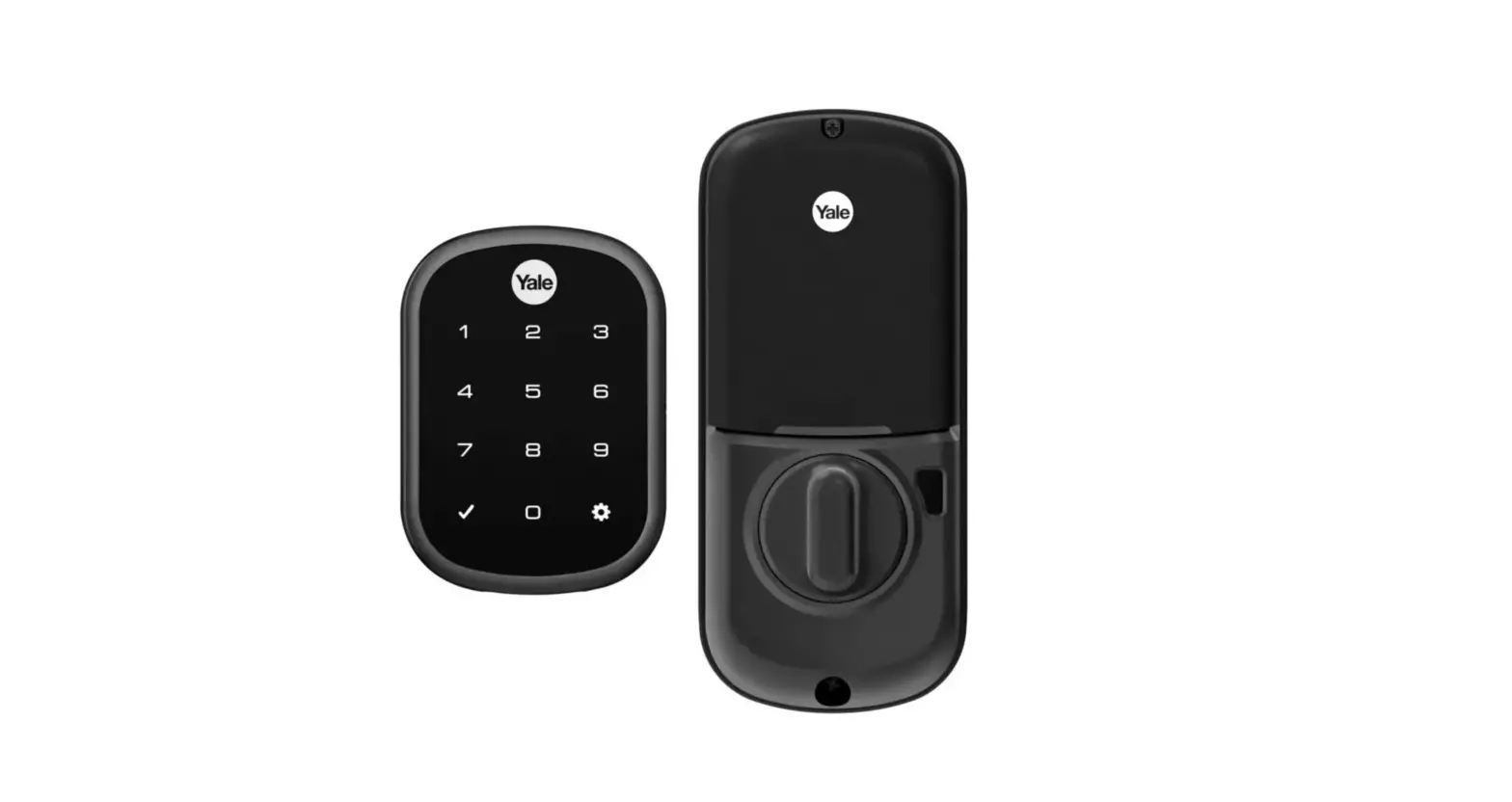
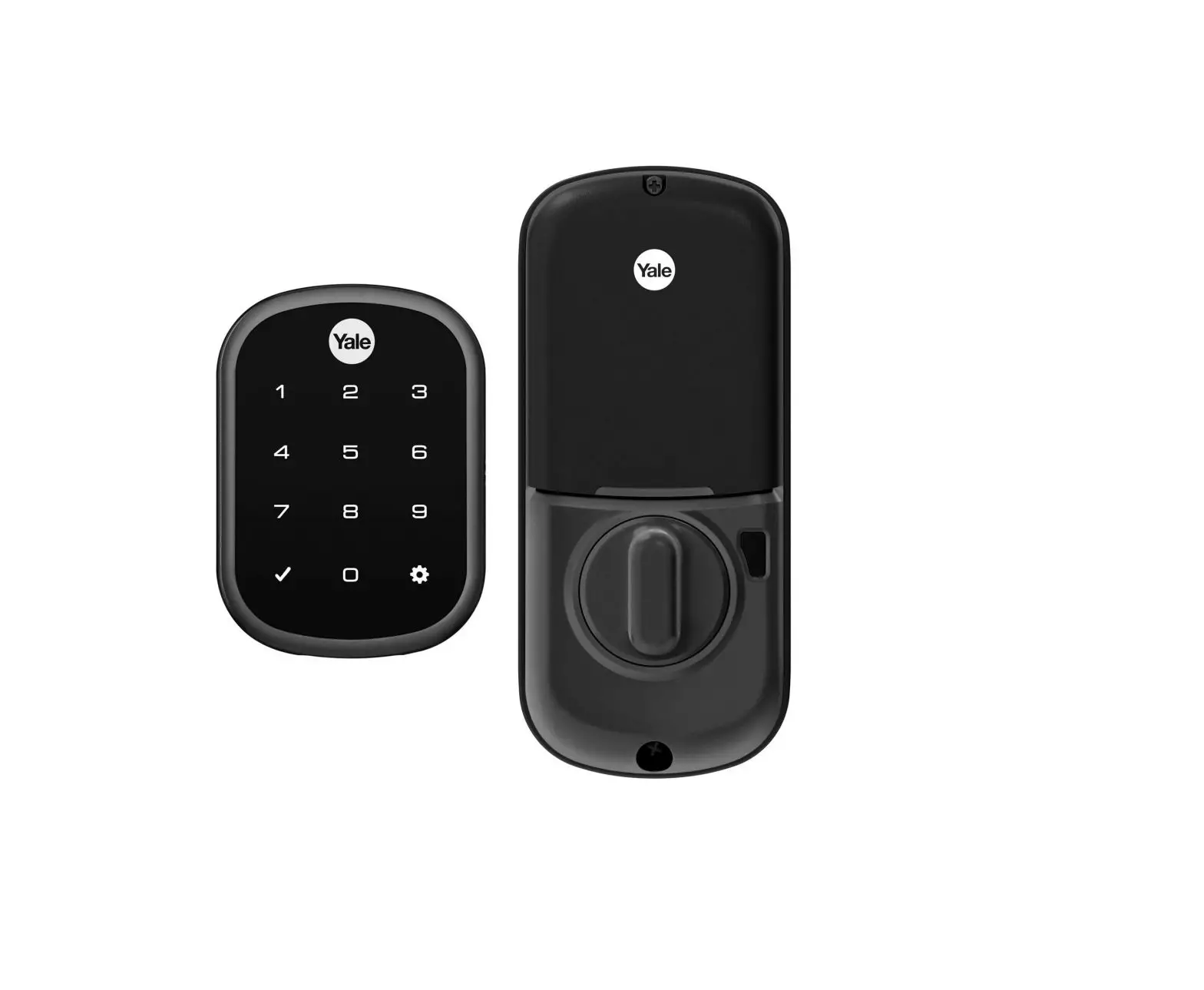
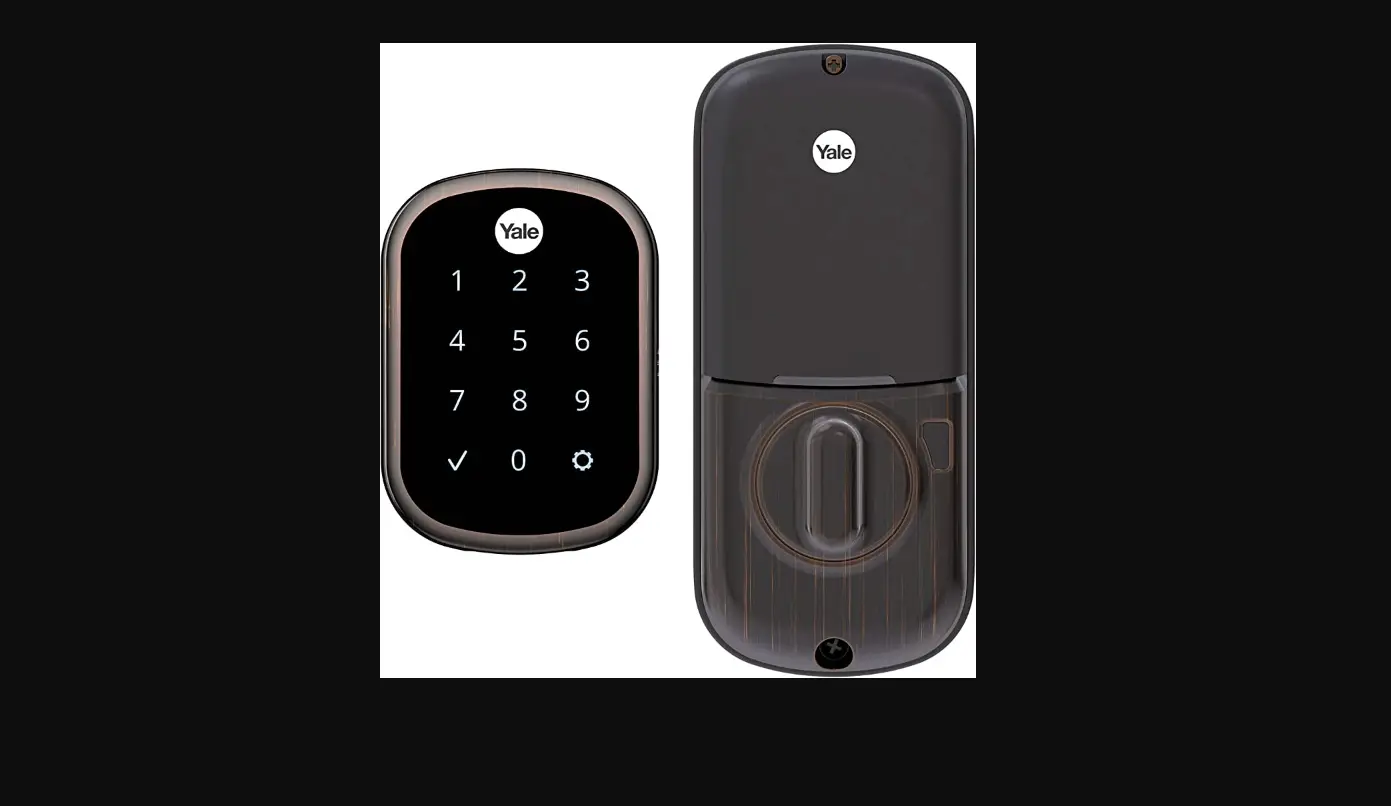
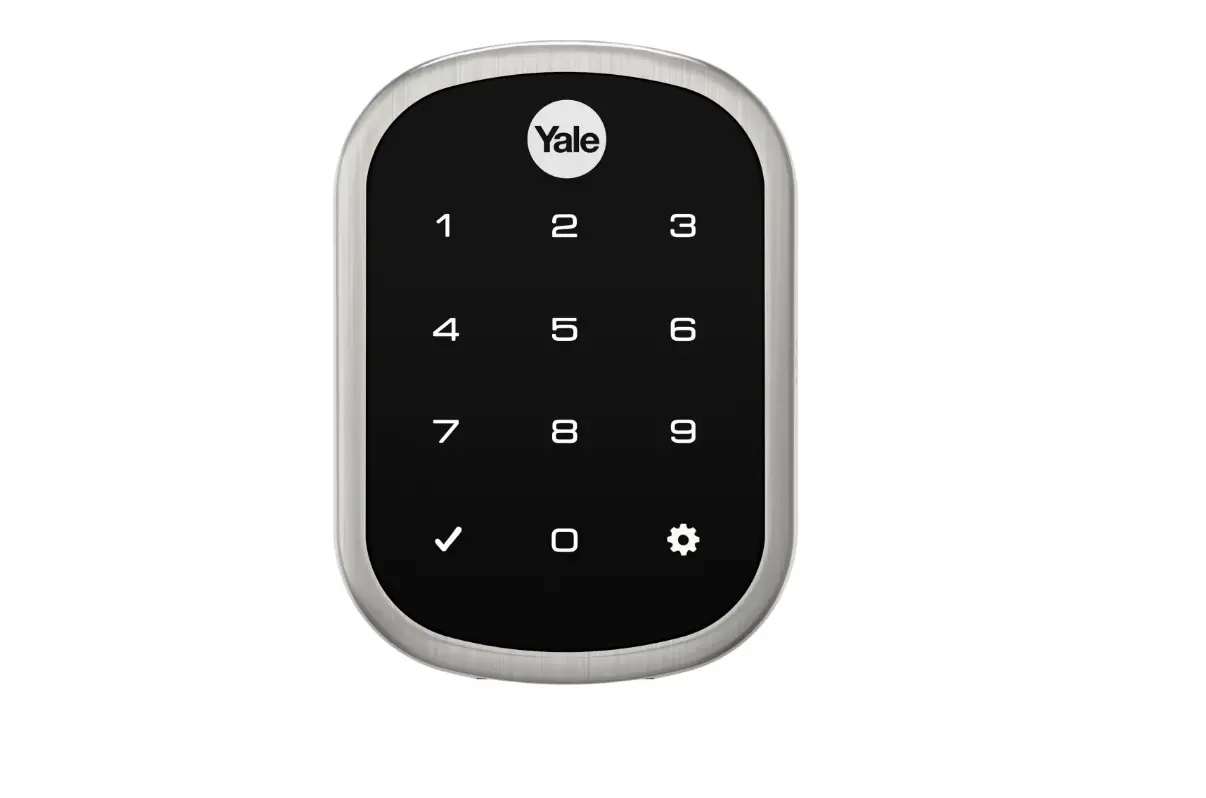
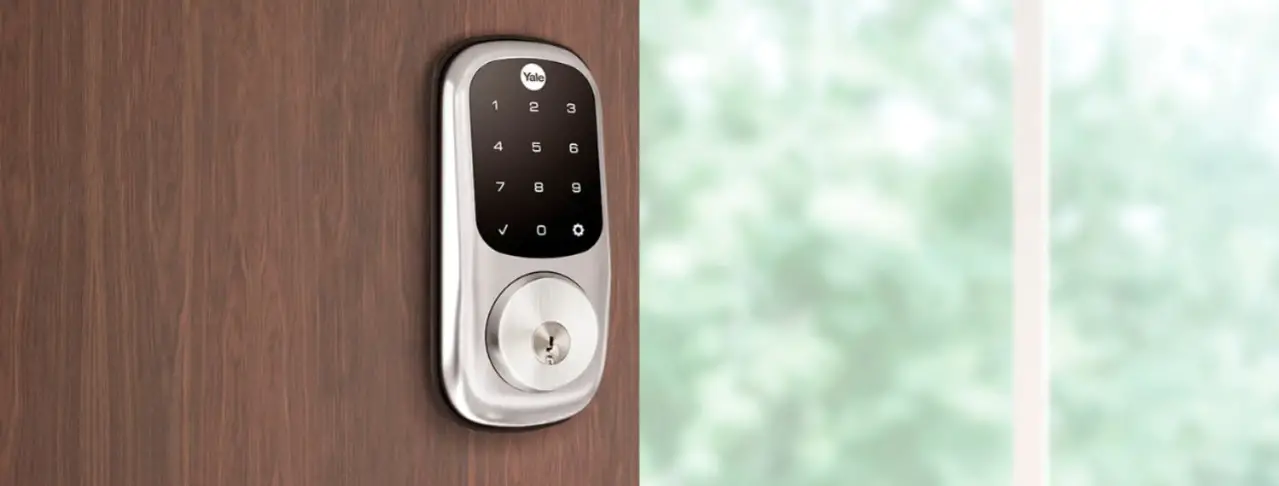
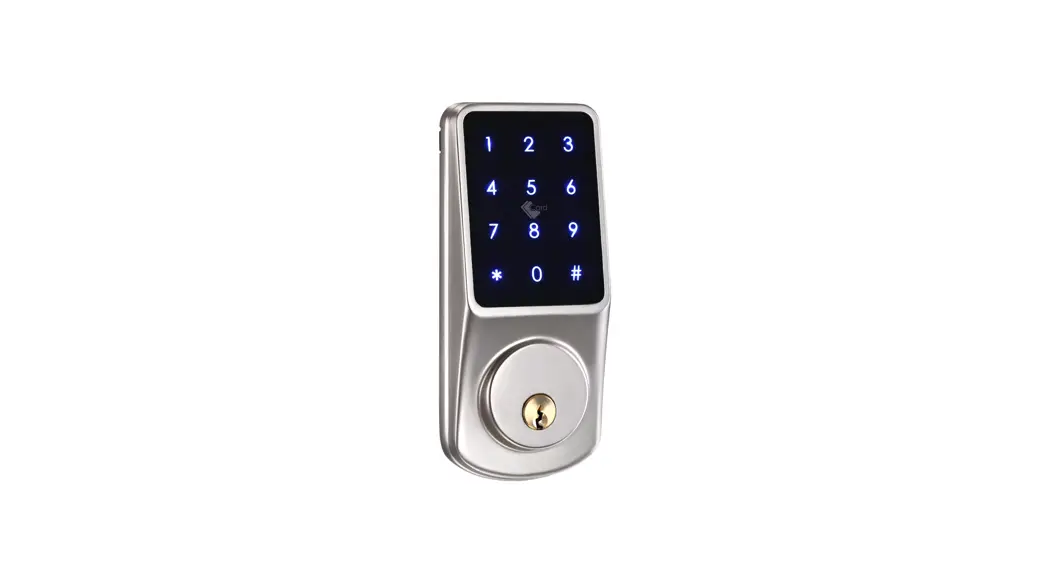
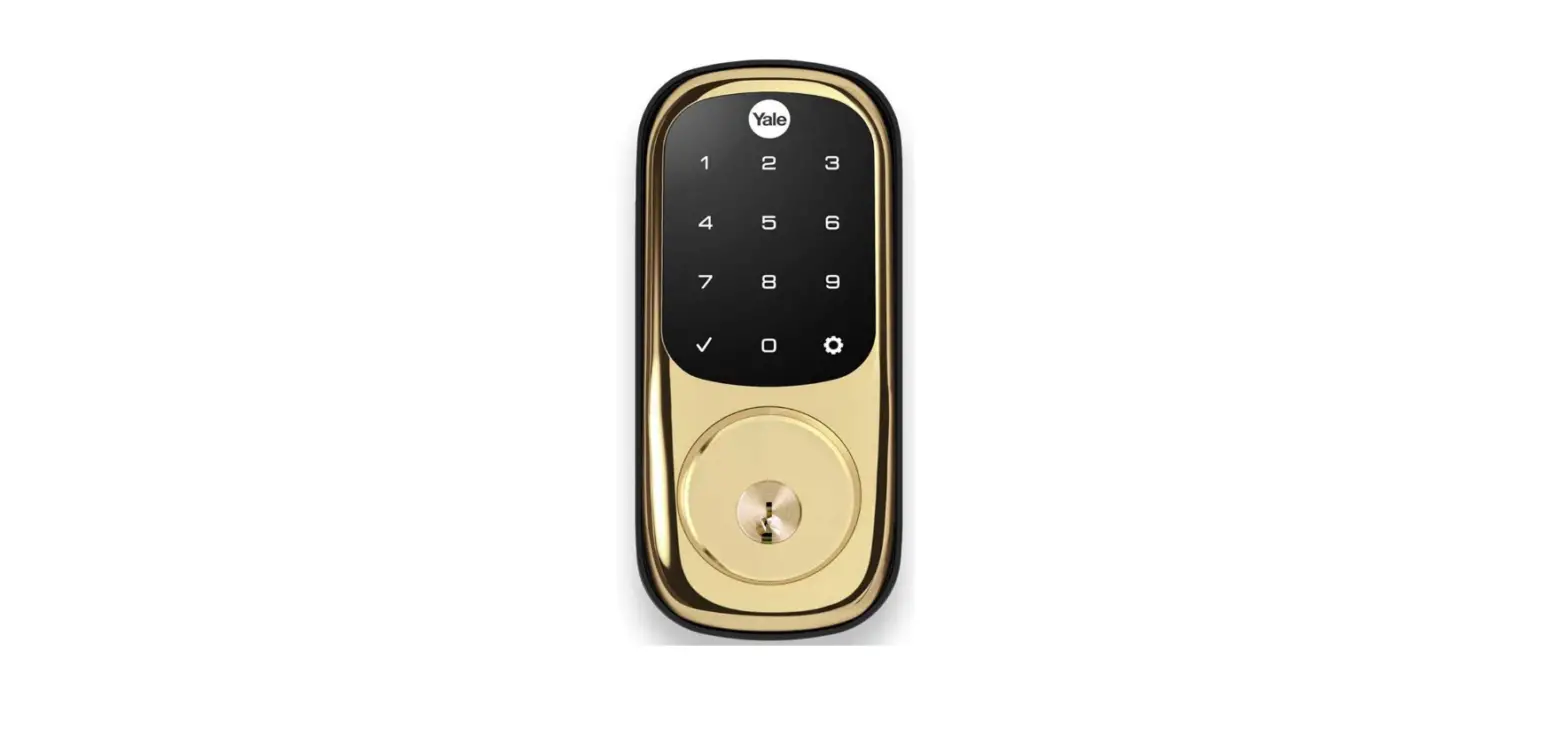
LiftMaster LM-YRD256-MQ1-619-A Smart Lock with Touchscreen Deadbolt
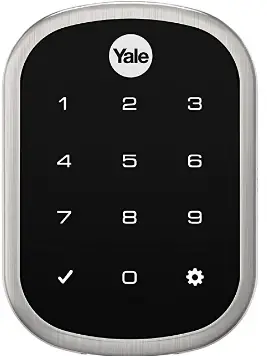
IMPORTANT INSTRUCTION
Install the Yale | LiftMaster Smart Lock
NOTE: Do not install the batteries or the myQ Network Module at this time.
Follow the printed installation manual in the box for instructions on how to install your Yale Liftmaster Smart Lock. You can view 3D, interactive instructions on your smartphone or tablet by downloading the BILT app and searching for your Yale lock.
Install your myQ° Network Module
Remove the battery cover and batteries. IMPORTANT: Batteries must be removed prior to removing and/or inserting the myQ Network Module. Insert the myQ® Network Module, with its visible pins in the bottom right corner, into the slot above the battery compartment.
- Reinstall batteries and battery cover.
- Enter your 4-8 digit Master Pin code followed by
- Press 7, followed by
- Press 1, followed by
Turn on Bluetooth®
Be sure your mobile device or tablet is Bluetooth enabled. Check that your mobile device’s Wi-Fi° is on or your cell phone displays a strong signal.
Download the myQ° App.
TIP: If you already have the mya App, Confirm you have the latest version to optimize your myQ° experience. Add a Device
Create or sign in to your account. Add a new lock and follow the instructions in the myQ App.
Need Help?
Visit support.chamberlaingroup.com, or call Chamberlain Technical Support at 1-833-620-0261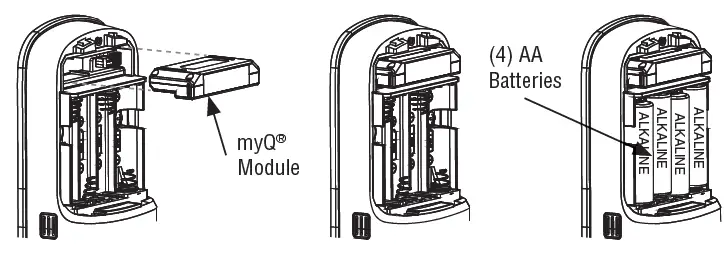
WARNING: This product can expose you to chemicals including lead, which are known to the State of California to cause cancer or birth defects or other reproductive harm. For more information go to www.P65Warnings.ca.gov.
Software Agreement
Software Agreement: Use of this product and the software embedded within the product are subject to the copyright notices, terms, and conditions accessible in the my0° App. Open the App Menu and select Help, and then License and Terms of Use for more information.
FCC
This device complies with Part 15 of the FCC rules and Industry Canada’s license-6xempt RSS. Operation is subject to the following two conditions:
- this device may not cause harmful interference, and
- this device must accept any interference received, including interference that may cause undesired operation.
Any changes or modifications not expressly approved by the party responsible for compliance could void the user’s authority to operate the equipment. This device has been tested and found to comply with the limits for a Class B digital device, pursuant to part 15 of the FCC rules and Industry Canada ICES standard. These limits are designed to provide reasonable protection against harmful interference in a residential installation. This equipment generates, uses and can radiate radio frequency energy and, if not installed and used in accordance with the instructions, may cause harmful interference to radio communications. However, there is no guarantee that interference will not occur in a particular installation. If this equipment does cause harmful interference to radio or television reception, which can be determined by turning the equipment off and on, the user is encouraged to try to correct the interference by one or more of the following measures:
- Reorient or relocate the receiving antenna.
- Increase the separation between the equipment and receiver.
- Connect the equipment into an outlet on a circuit different from that to which the receiver is connected.
- Consult the dealer or an experienced radio/TV technician for help.
FAQS
What locks does myQ work with?
By enabling delivery auto-lock in your myQ app with a Yale | LiftMaster smart lock, myQ will automatically lock your door during an in-garage delivery
Can I lock my garage door with myQ?
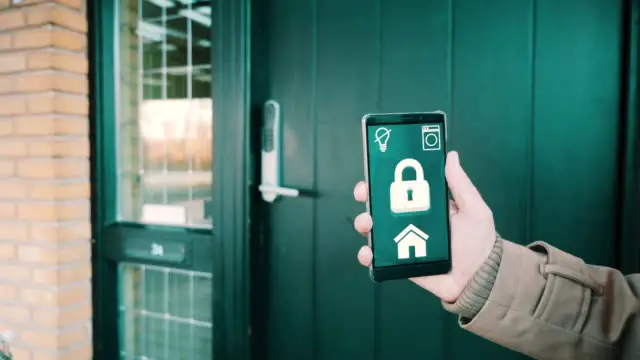
The myQ app allows you to check the status of your garage and entry doors to open and close or lock and unlock from anywhere.
Does Yale work with myQ?
Yale | LiftMaster Smart Lock with Touchscreen Deadbolt- Works with myQ App & Key by Amazon in-Garage Delivery when paired with Smart Garage Hub (sold separately), Satin Nickel.
Is myQ Wi-Fi or Bluetooth?
Your garage door opener with MyQ technology is connected to your home’s Wi-Fi.
Does LiftMaster myQ work without Wi-Fi?
An internet connection is required.
Is there a monthly fee for myQ?
Chamberlain MyQ offers a subscription for connecting your device to smart home services such as IFTTT, & Google assistant
Can someone open your garage door with their remote?
Burglars are keen on compromising garage security to gain access to homes. You might not think of someone stealing a garage door remote.
Is myQ compatible with LiftMaster?
If you have a Chamberlain®, LiftMaster or CRAFTSMAN® opener with a yellow, purple, red/ orange, or green learn button, your opener should be compatible with myQ
Does myQ work from far away?
Yes, when using the myQ app you can open/close and monitor you garage door from anywhere
Can myQ connect to 5g?
myQ Wi-Fi products only support 2.4 GHz band Wi-Fi and will not connect to 5 GHz band Wi-Fi.
How do I know if my garage door opener is compatible with myQ?
To determine if your garage door opener is compatible, look for the learn button on the motor head
Why won’t my garage door connect to myQ?
If you have issues connecting, remove the device from the myQ app, add the device back in using the Internet Gateway (even if not using), and enter the myQ serial number into the app
What is the difference between Wi-Fi and Bluetooth wireless?
Bluetooth allows for short-range data transfer between devices. As an example, it is commonly employed in headsets for mobile phones, enabling hands-free phone use. Wi-Fi, on the other hand, allows devices to connect to the Internet.
Can I open my LiftMaster garage door with my phone?
There are 2 ways to work your garage door opener with your iPhone or Android device. You can buy a new opener that is compatible with Liftmaster myQ.