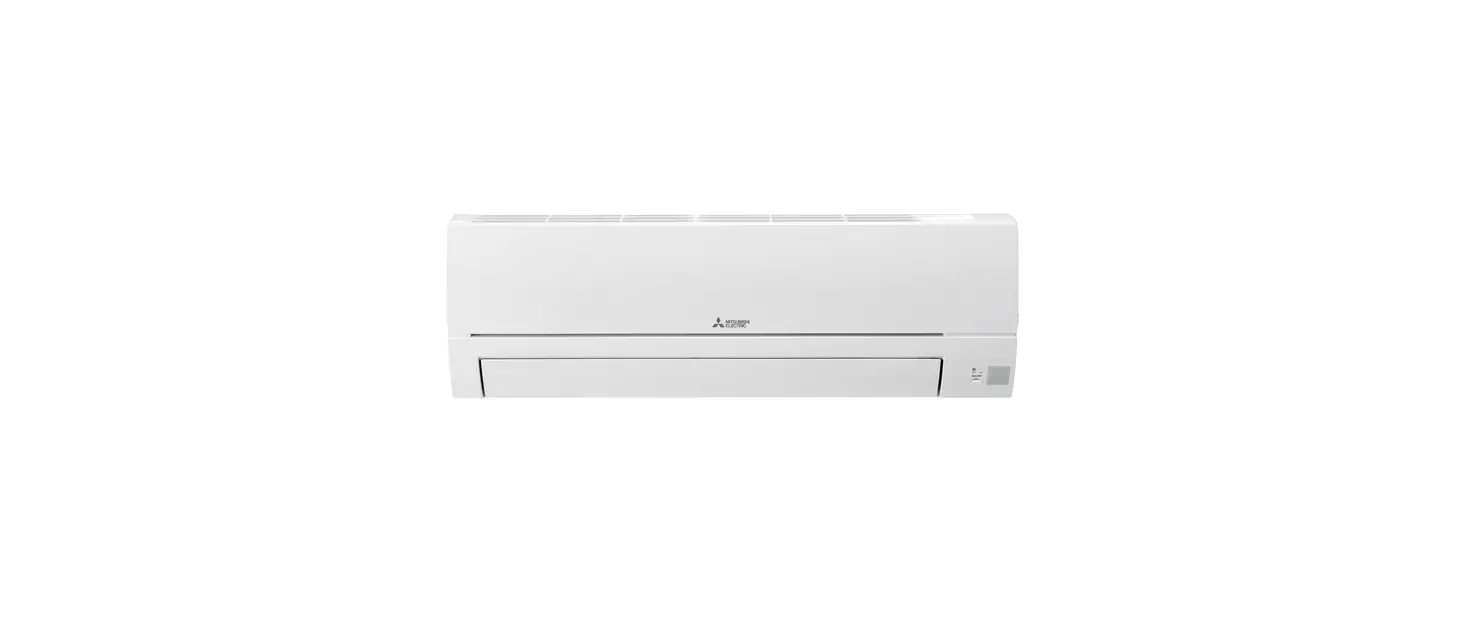
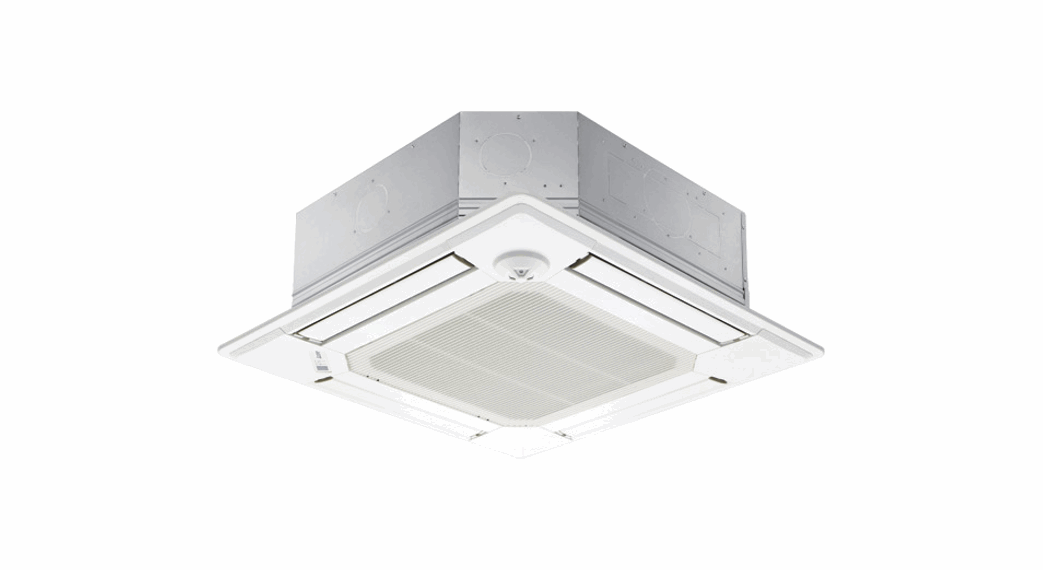
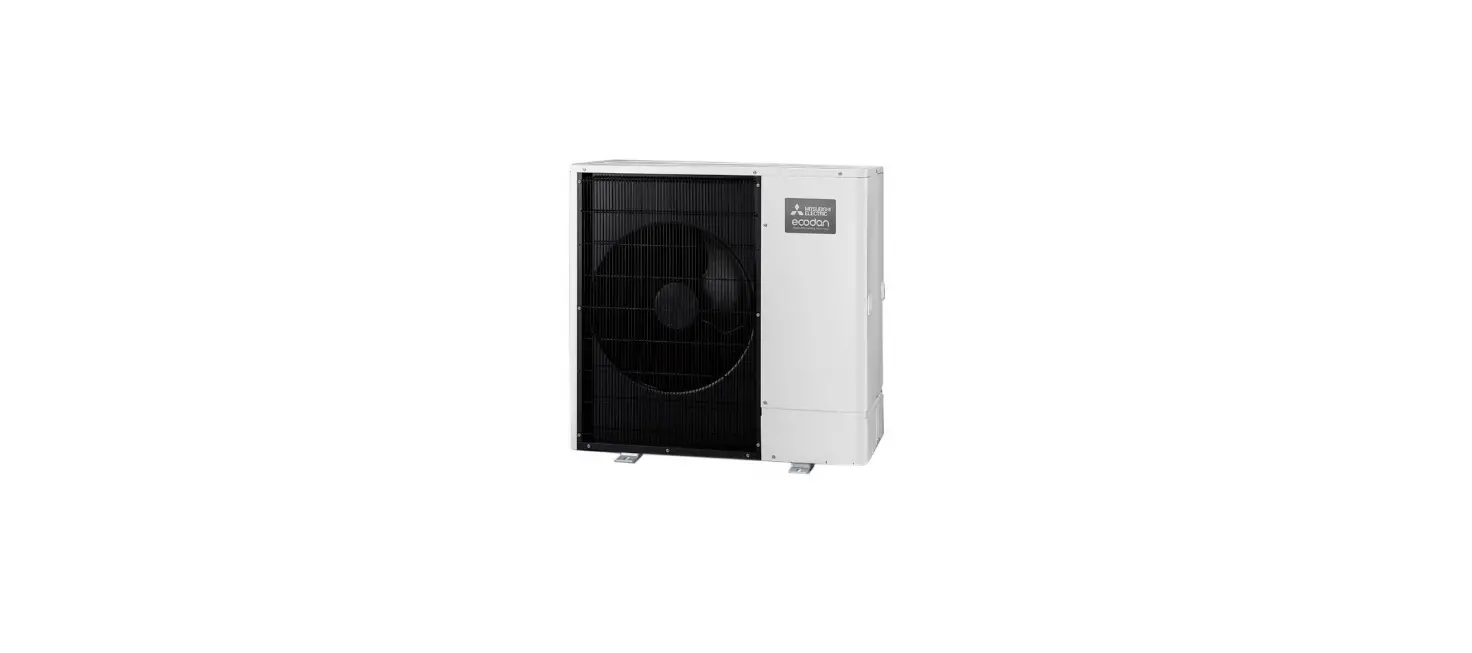
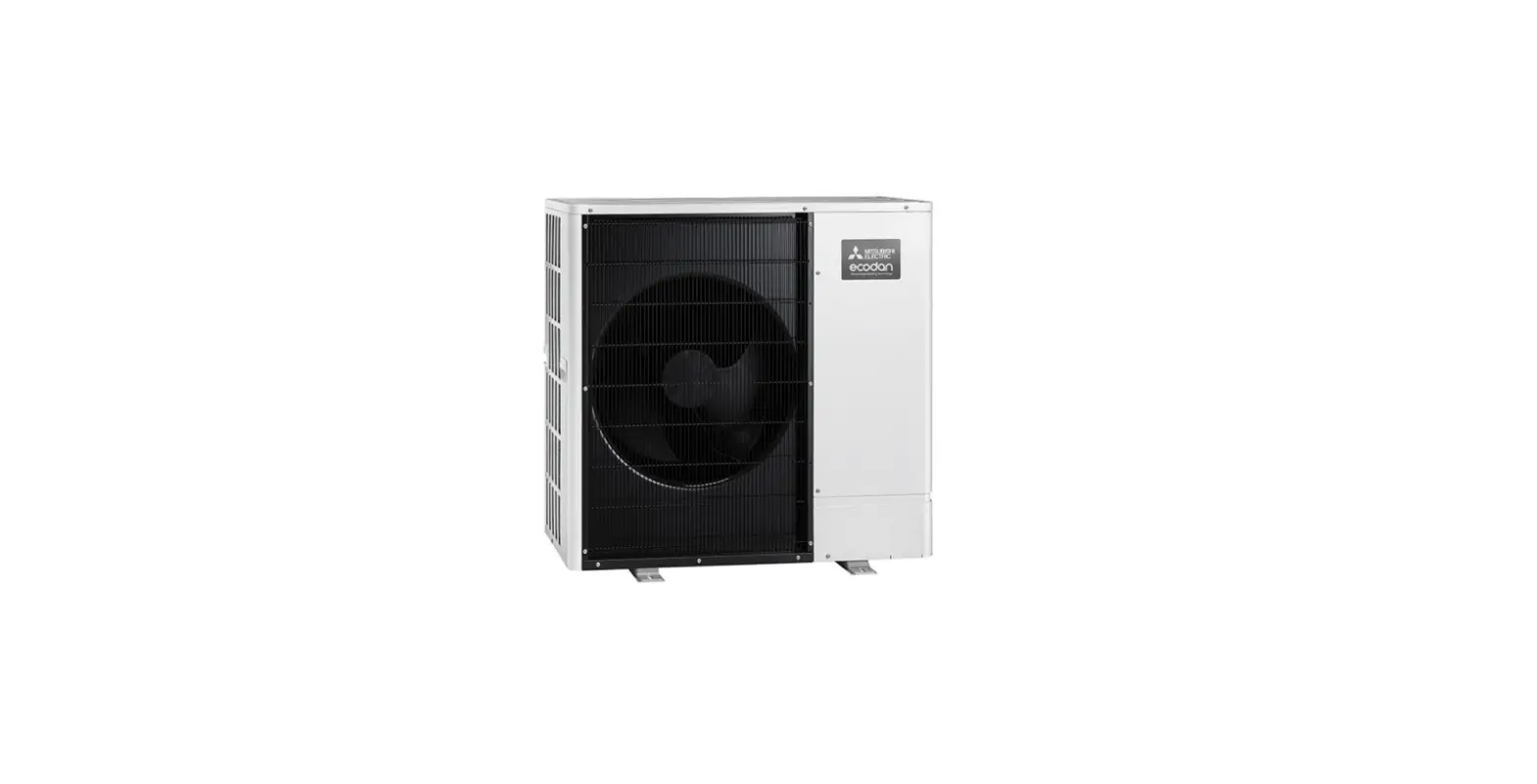
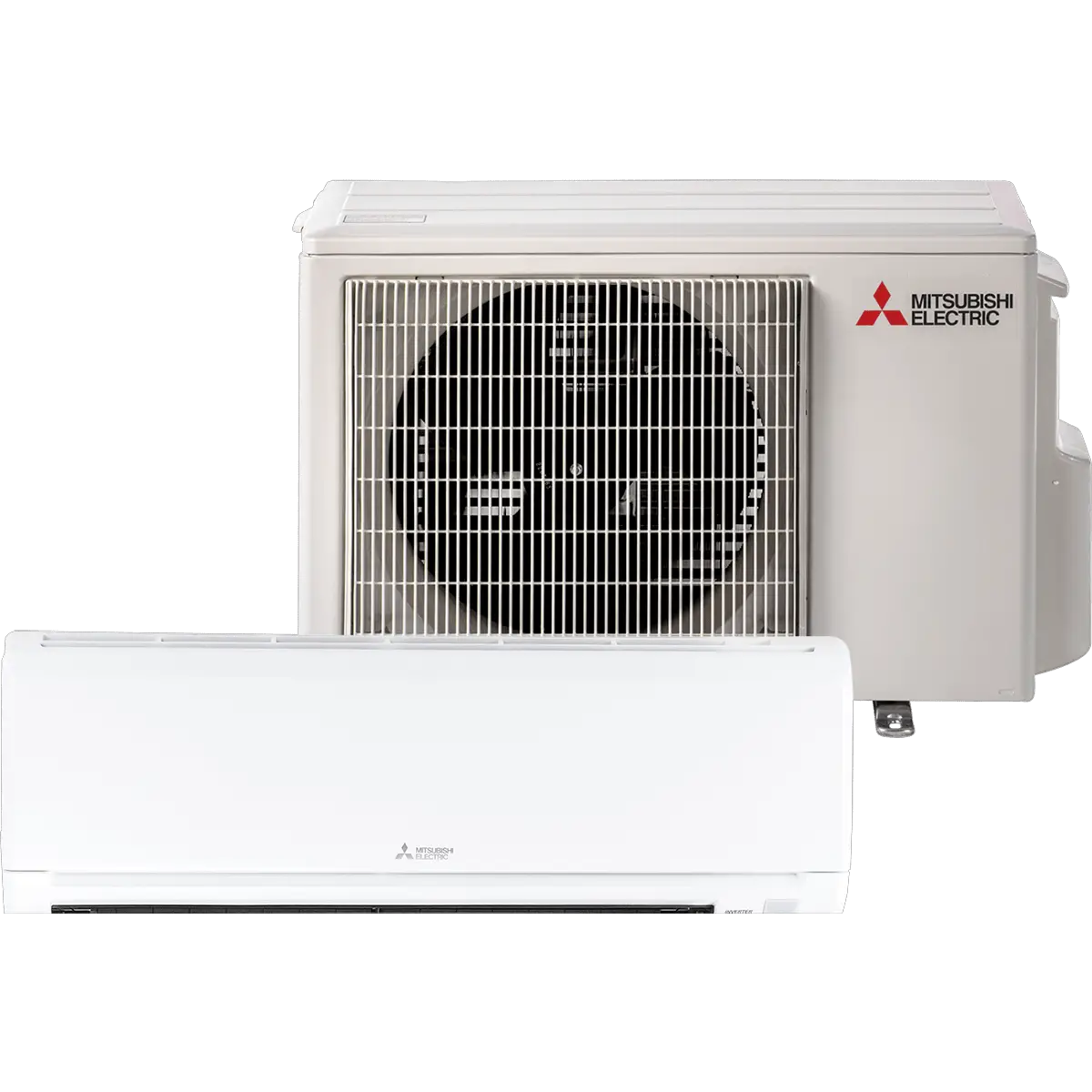
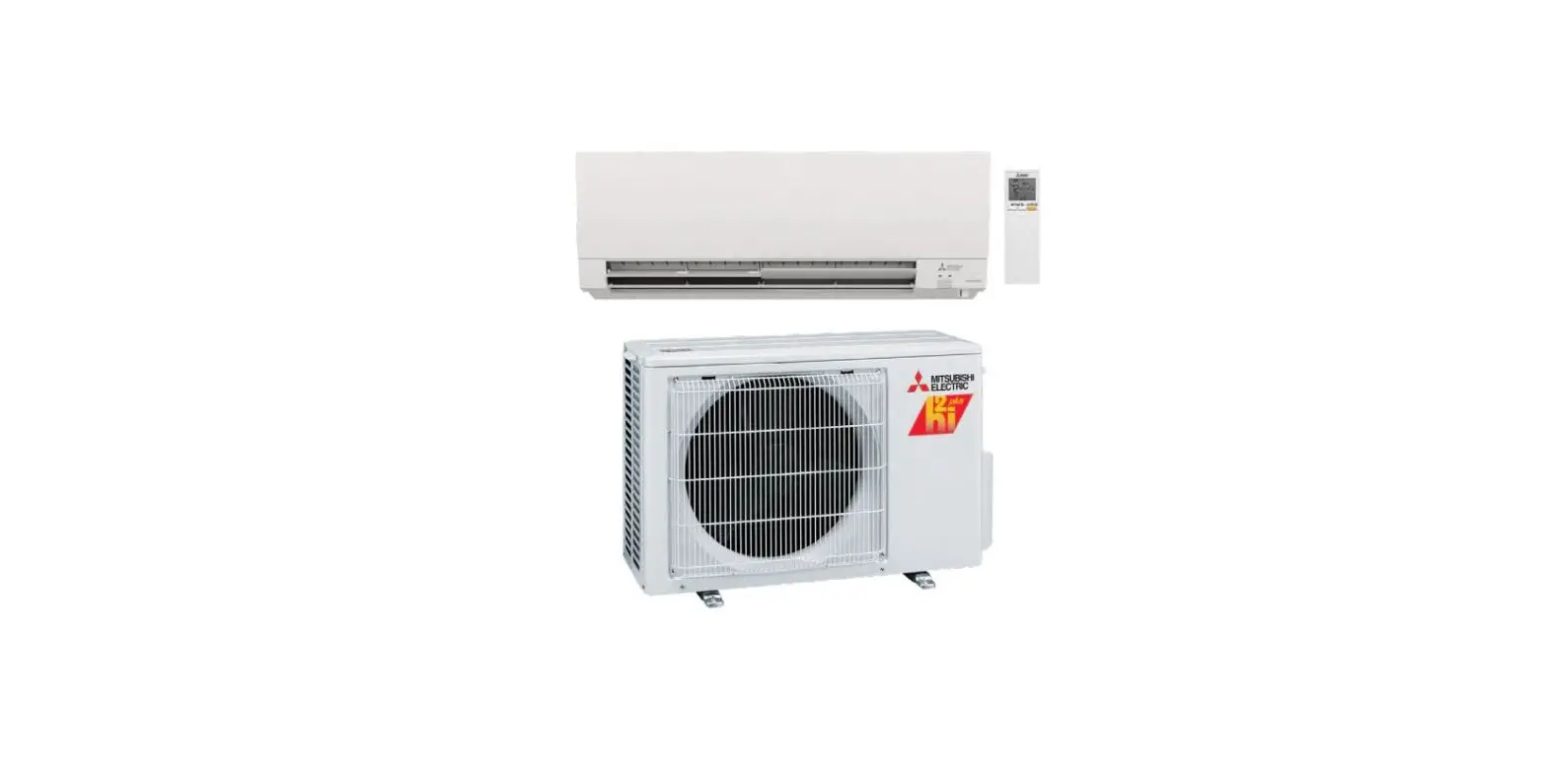
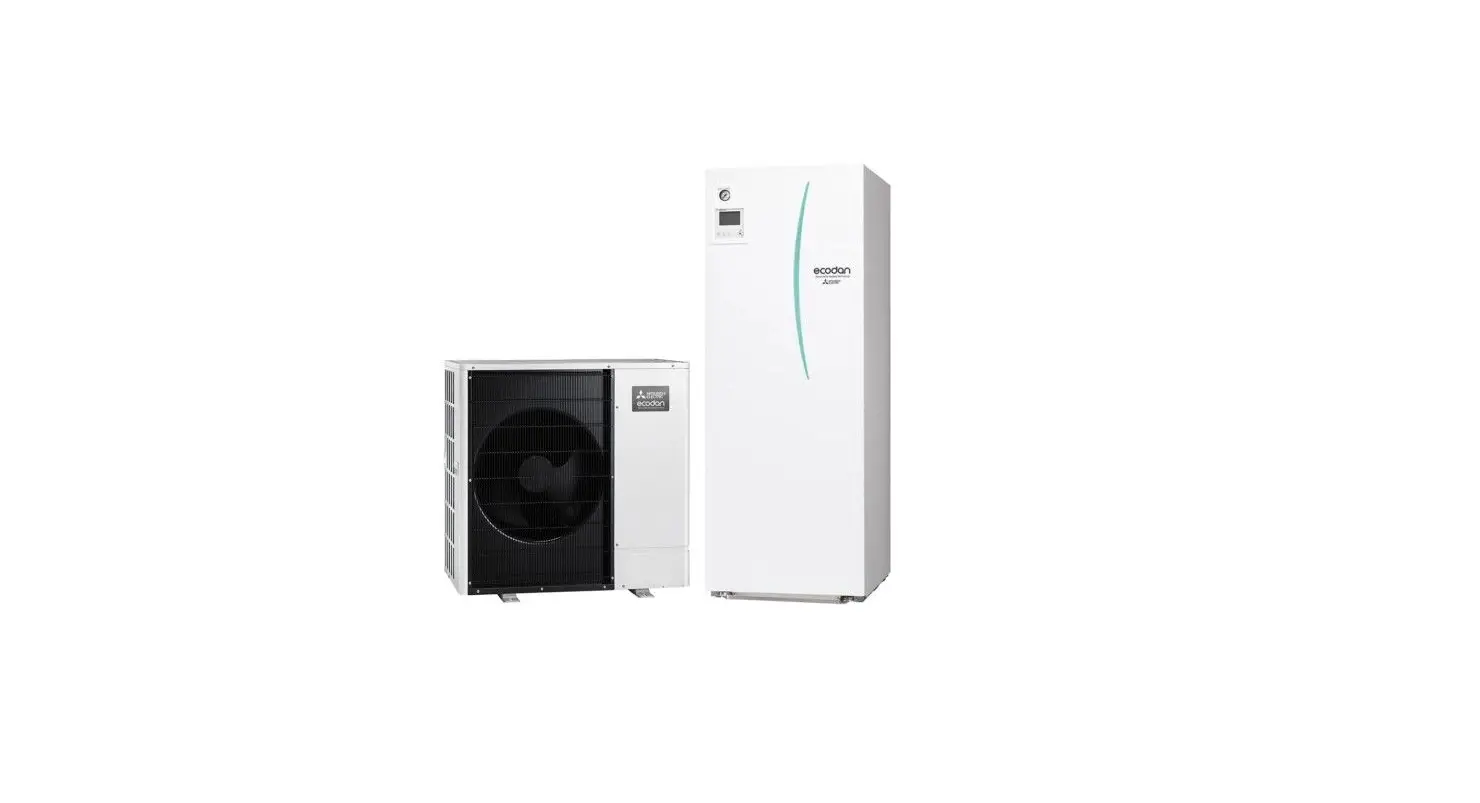
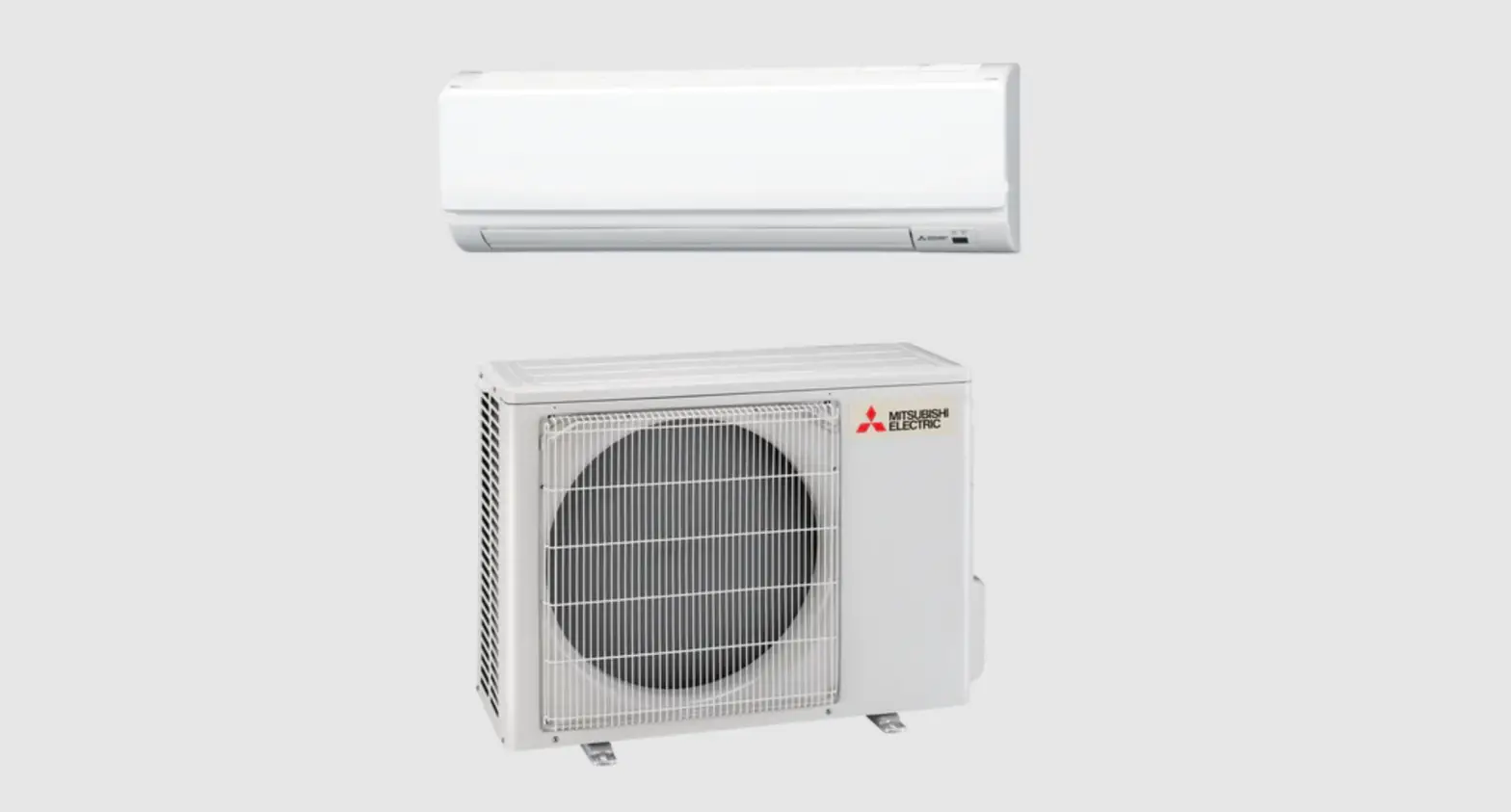
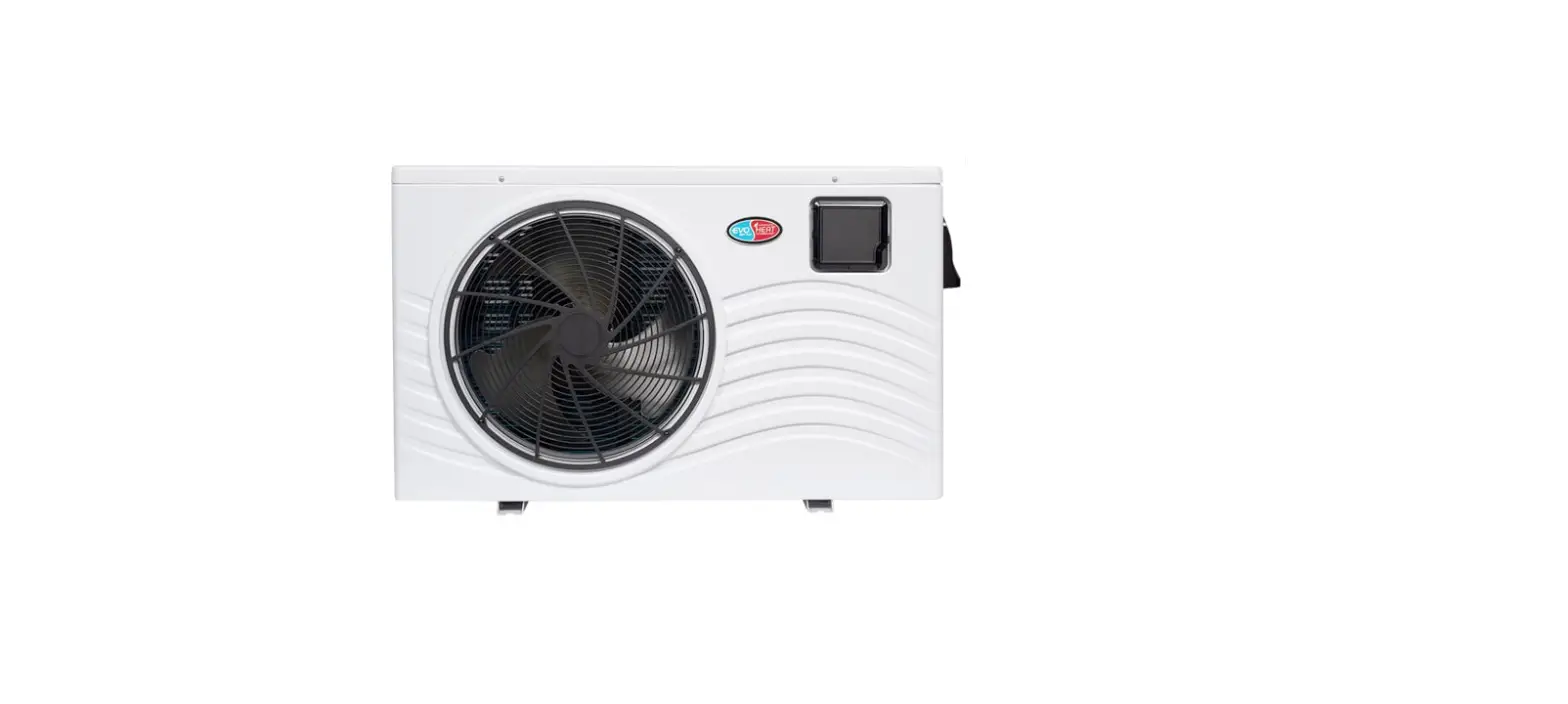
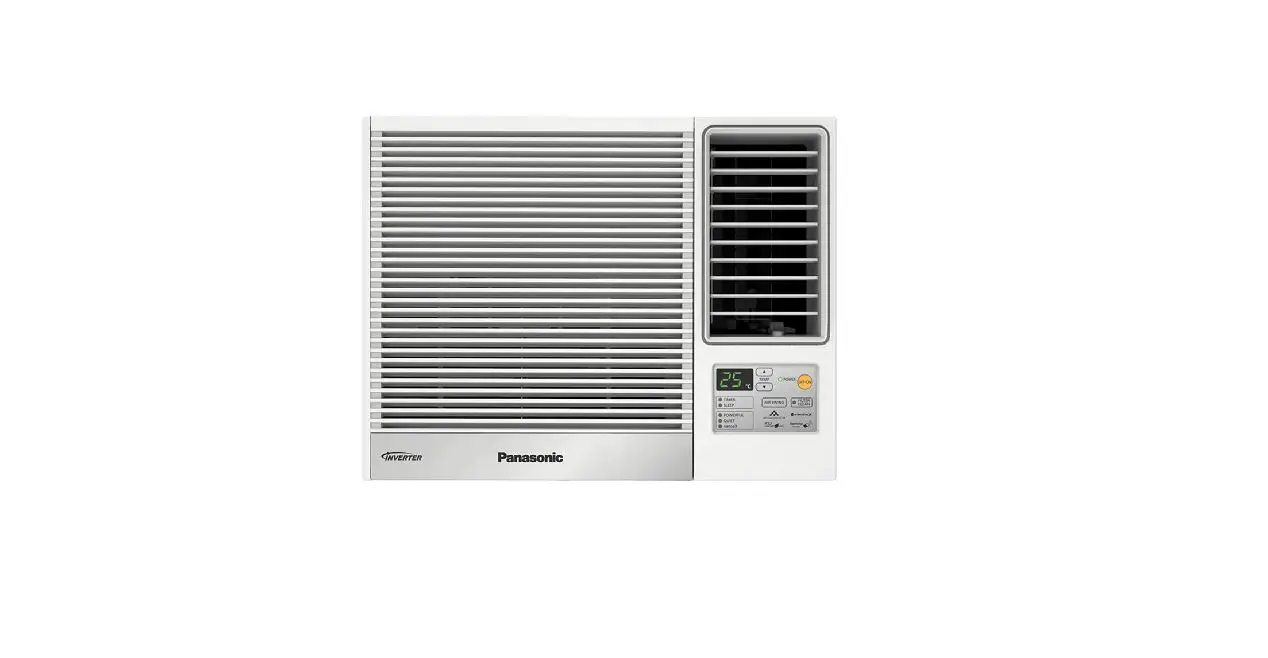
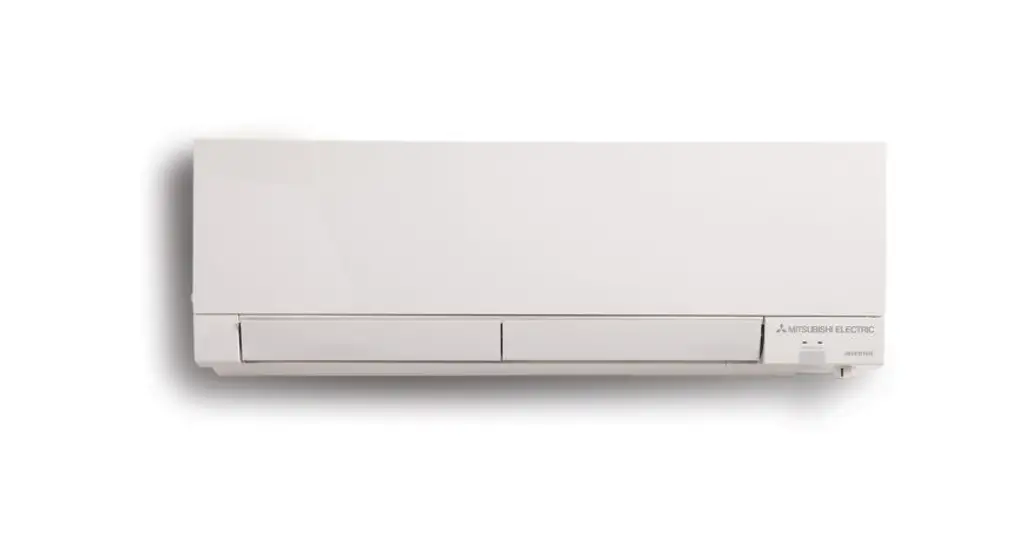
GS Series Air Conditioner Heat Pump
Product Information:
The GS Series heat pump is designed for superior performance in
New Zealand conditions. It comes with a remote controller that
allows you to easily control and navigate the heat pump
functions.
Operating Modes:
The heat pump can perform in several modes:
- Heating Mode: Press the MODE button and select
heating mode, represented by the sun symbol. - Cooling Mode: Press the MODE button and select
cooling mode, represented by the snowflake symbol. - Dry Mode: Press the MODE button to cycle
through different operation modes. - Fan Mode: Press the MODE button to cycle
through different operation modes.
Turning the Heat Pump ON and OFF:
To turn the heat pump on or off, press the orange OFF/ON button
on the remote controller.
Adjusting Temperature:
Use the up and down buttons to adjust the desired
temperature.
Controlling Airflow:
Adjusting Fan Speed:
- Press the FAN button repeatedly to select the appropriate fan
speed level. Higher fan speeds heat or cool a room more quickly,
while lower fan speeds offer a more gentle effect. - A fan speed of 1 or 2 (LOW or MEDIUM) is ideal for maintaining
a consistent environment. - Selecting Auto Fan Speed means that the fan speed will
automatically adjust to quickly reach the set temperature and then
maintain it.
Adjusting Airflow Direction:
- Press the VANE button repeatedly to select the appropriate
airflow direction. - Select AUTO mode to let the heat pump manage efficient airflow
direction for you. - In manual COOL/DRY mode, select upward positions 1 or 2 for
efficient air conditioning. - In manual HEAT mode, select downward positions 4 or 5 for
efficient airflow. - Swing mode allows the vane to move up and down.
Using the Timer:
You can set a 12-hour timer to turn your heat pump on or off at
a specific time. Press SELECT to set the start time.
Getting the Most From Your Heat Pump
A quick-start guide to your GS Series controller.
Superior Performance Made for New Zealand Conditions
How to Use Your GS Controller
This is your quick and simple guide on how to navigate your heat pump remote control so you can enjoy year-round comfort! Please note that these instructions only cover the basic heat pump functions. Also, your remote controller may look different depending on your chosen model with additional functions that are covered in your user manual.
Turning your Heat Pump ON and OFF
To turn your heat pump on or off, press the orange OFF/ON button.
Operating Modes
Your heat pump can perform in several modes, the main being Heating Mode and Cooling Mode. Other functions are Dry, and Fan Mode. Each time your press the MODE button a different operation mode is selected. The graphic below shows the sequence of the different operation modes. The corresponding symbols will be displayed at the top of the remote control screen.
Winter Heating Mode
STEP 1 Set Heating Mode
Press the MODE button and select heating which is represented by the (sun) symbol.
STEP 2 Set Temperature
Press the (down) and desired temperature.
(up) buttons to adjust the
Optimum Heating Temperature Guide
We recommend 1822°C for a comfortable environment. If you prefer your home on the warmer side then we suggest 22°C.
Important! Setting a higher temperature is not going to heat a room quicker. In fact the heat pump is forced to work harder to achieve this temperature and is likely to increase power usage!
Keep your curtains closed while the heat pump is in Heating Mode, to ensure that warm air is retained inside the room.
Summer Cooling Mode
STEP 1 Set Cooling Mode
Press the MODE button and select cooling which is represented by the (snow flake) symbol.
STEP 2 Set Temperature
Press the (down) and desired temperature.
(up) buttons to adjust the
Optimum Cooling Temperature Guide
We recommend 1820°C for a comfortable environment.
Controlling the Airflow
Adjusting the Fan Speed
Press the
FAN button repeatedly to select the
appropriate fan speed level. To heat or cool a room more
quickly, select a higher fan speed.
A fan speed of 1 or 2 (LOW or MEDIUM) is ideal to keep a consistent environment.
Setting a lower fan speed offers a more gentle heating or cooling effect. To heat or cool more quickly select a higher fan speed.
Auto Fan Speed
Selecting Auto Fan Speed (represented by the symbol) means that you no longer have to worry about which fan speed is best suited to any particular time of the day.
The fan speed will automatically adjust to quickly get the room to the set temperature (3 or 4 bars) and then drops back (1 or 2 bars) to maintain the room temperature.
Adjusting the Airflow Direction
Press the
VANE button repeatedly to select the
appropriate airflow direction.
AUTO sets the vane to the most efficient airflow direction.
If operating a manual COOL/DRY mode, select upward positions 1 or 2 for efficient air conditioning.
If operating a manual HEAT mode, select downward position 4 or 5 for efficient airflow.
Swing allows the vane to move up and down.
Select AUTO mode and let your heat pump manage efficient airflow direction for you.
Set a 12-hour Timer to Turn Your Heat Pump On or Off at a Specific Time
Using the 12-hour Timer function will require you to do this each day as it is a 12 hour timer only.
Press
SELECT to SET START TIME
Each press changes timer mode in the following order:
OFF TIMER
ON TIMER
TIMER RELEASE
Press
+
TIME to INCREASE or DECREASE
start or end time by 1 hour.
Press
SELECT until TIMER RELEASE is selected to
release timer.
Set to Turn On:
When you go to bed at night, instead of turning the unit off with the ON/OFF power button, press the SELECT button.
Now you can select the time frame in which you would like the unit to turn on in the morning by using the up and down arrow buttons.
Once the timer is set, the unit will automatically shut off until the pre-set time to come on again.
In the example on the right the heat pump is set to turn on in 8 hours. You can do this again during the day if you are going out and would like the unit to turn on before you arrive home.
Set to Turn Off:
You are also able to use the timer to select a time for
the unit to turn off. Press the
SELECT button and
choose OFF TIMER, select number of hours in which you
want the unit to turn off.
Important! Your remote controller will need to be set with the correct time and day for the Daily Timer function to operate. It is likely that your installer would have set the correct time on your controller, but if you have any problems please call our Customer Service Team on 0800 784 382.
Quick Overview of Your Remote Control
DIGITAL DISPLAY ICONS
Operating Mode
Fan Speed Airflow Direction Target Room Temperature h Timer
POWER AND TEMPERATURE CONTROLS ON/OFF press to turn your heat pump on and press again to turn it off Reduce Temperature press to move the target room temperature down by 1°C Increase Temperature press to move the target room temperature up by 1°C
MODE SELECTION
MODE
Press to select from the following operating modes:
COOL Cooling Mode. Your heat pump will be supplying cool air.
DRY Dehumidifying Mode. In this mode your heat pump is not trying to reach the set temperature.
HEAT Heating Mode. Your heat pump will be supplying warm air.
FAN Fan Mode. Circulate the air in your room without any heating or cooling.
ECONO COOL Press to start Econo Cool. This changes the unit to `swing’ airflow to create a breeze effect. Press again to turn Econo Cool off.
AIRFLOW CONTROL FAN SPEED Press to select a fan speed from the following options:
UP-DOWN AIRFLOW DIRECTION Press to select a vane position from the following options:
Airflow is best angled down, but avoid directing air where people sit or sleep.
TIMER CONTROL
SELECT
Press to SET START TIME Each press changes timer mode in the following order:
OFF TIMER
ON TIMER
TIMER RELEASE
TIME
Press to INCREASE or to DECREASE time by 1 hour
SELECT
Press until TIMER RELEASE is selected to release timer
NOTE: The clock and day need to be set correctly for the timer control settings to work.
Heat Pump Maintenance
Cleaning your heat pump regularly ensures optimum operation by reducing unnecessary power consumption; increasing energy efficiency and limiting exposure to condensation. Indoor Unit We recommend cleaning your heat pump filters with every seasonal change. You can do this yourself by using a domestic vacuum cleaner with a small brush attachment.
Outdoor Unit We recommend cleaning your outdoor unit every 6 months. You can do this yourself by clearing any rubbish, plant matter or debris from around the unit. Wash the outdoor unit and coil with a detergent (car wash liquid is ideal, do not use other detergent i.e. dish washing liquid) and hose down afterwards. It is also important that you do not place any outdoor furniture, plants or ornaments on or around your outdoor unit. Anything that compromises the airflow around the outdoor unit will compromise its performance.
If you prefer, you can organise a service company to regularly clean and service your heat pump indoor and outdoor unit for you. Please contact our Customer Service Team on 0800 784 382 for assistance.
Should you encounter any issue with your heat pump, please contact us.
Call Customer Service on 0800 784 382
or visit www.mitsubishi-electric.co.nz/support for additional support documentation.
PRINTED JUL 2023
 Service, Support and Manuals // Mitsubishi Electric