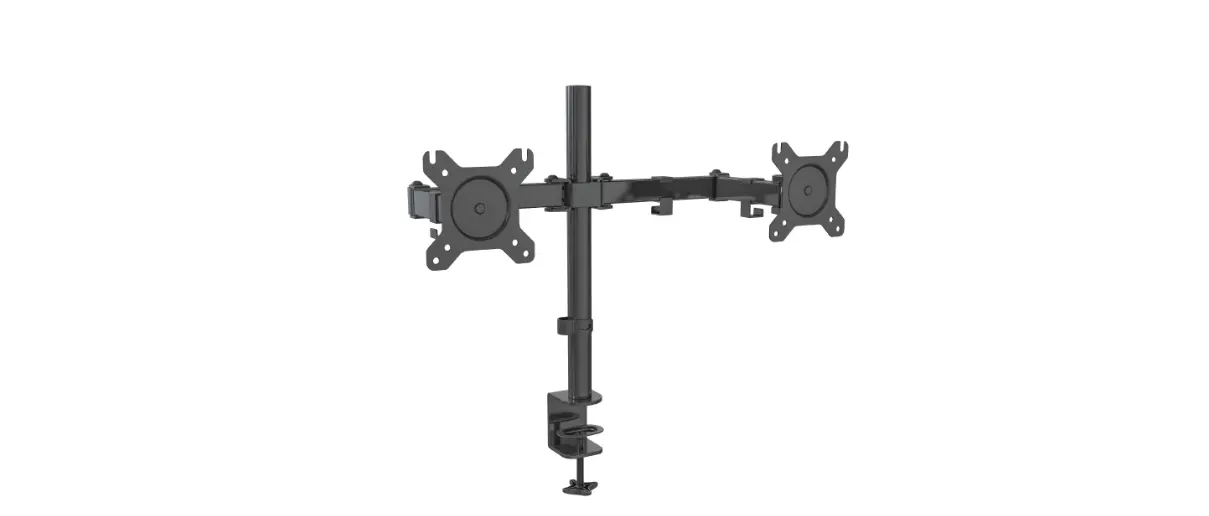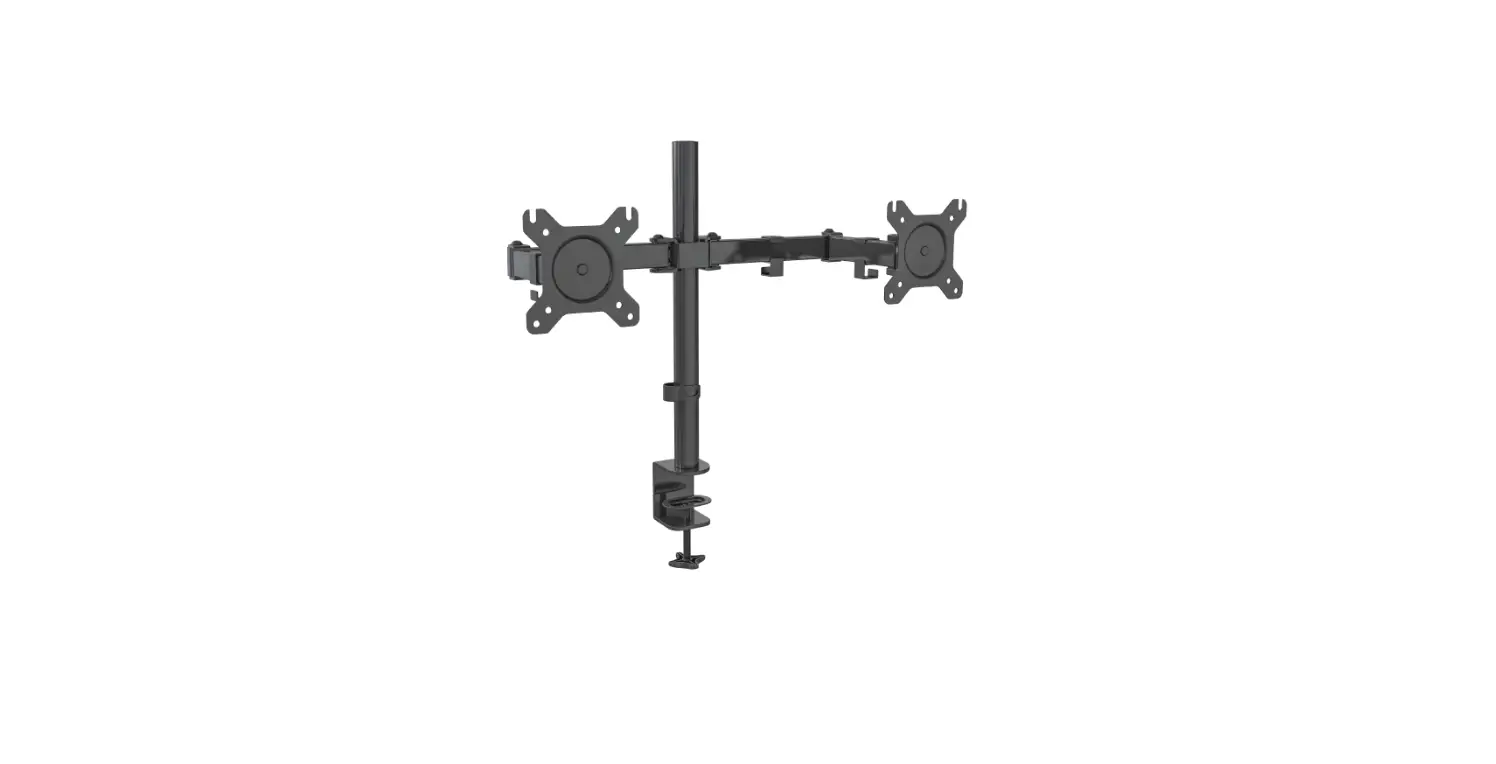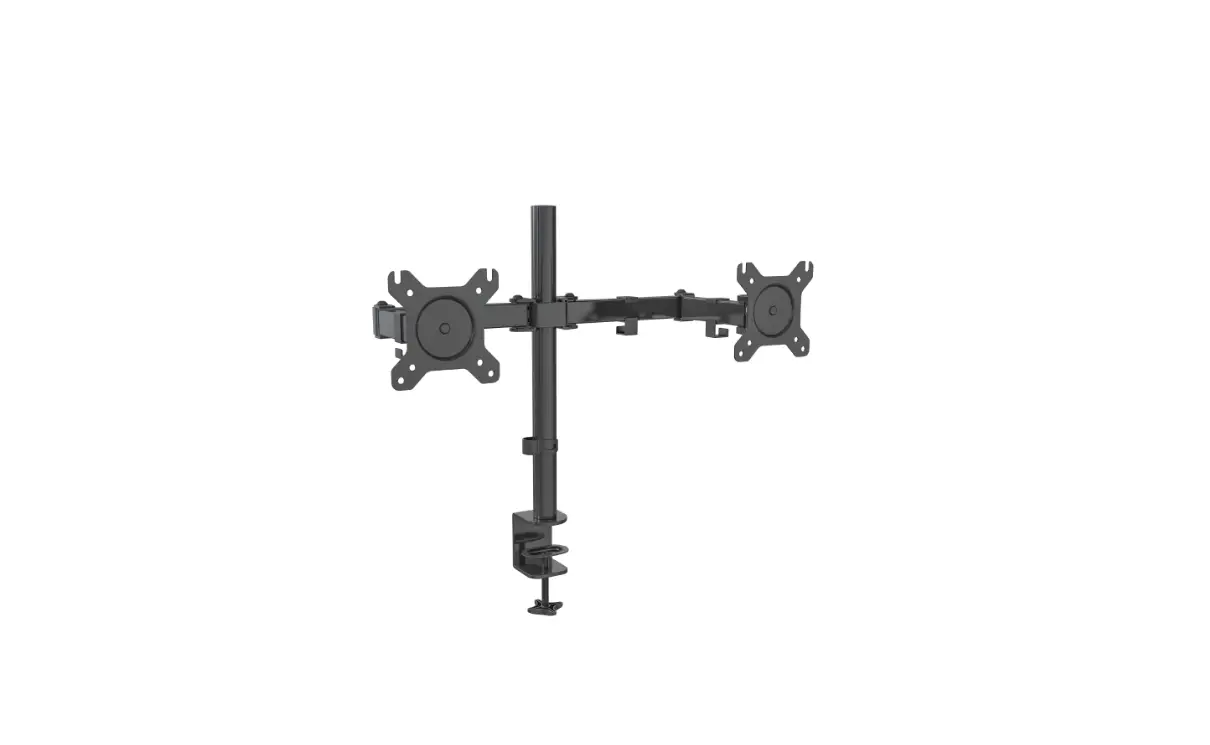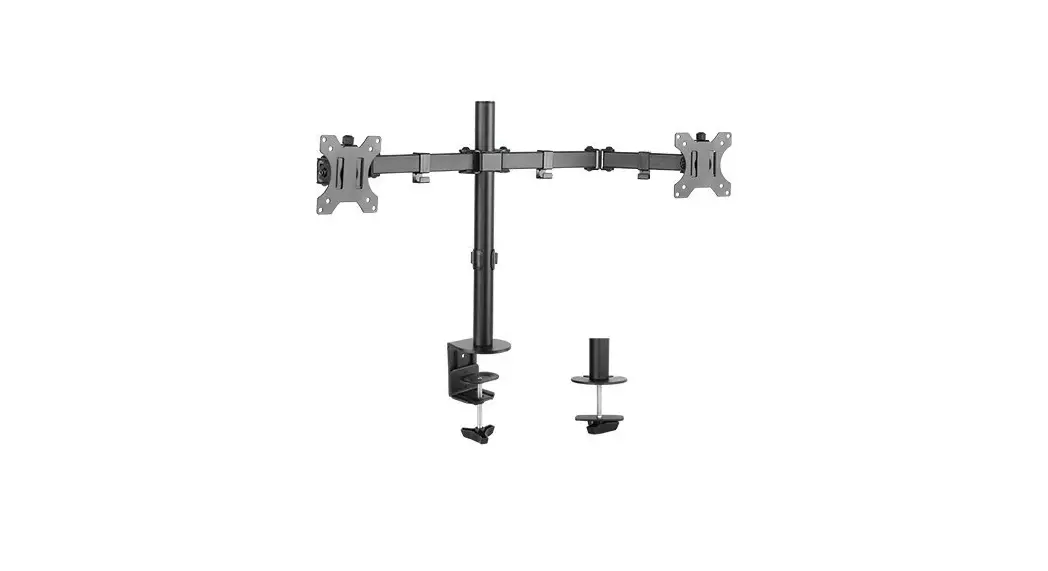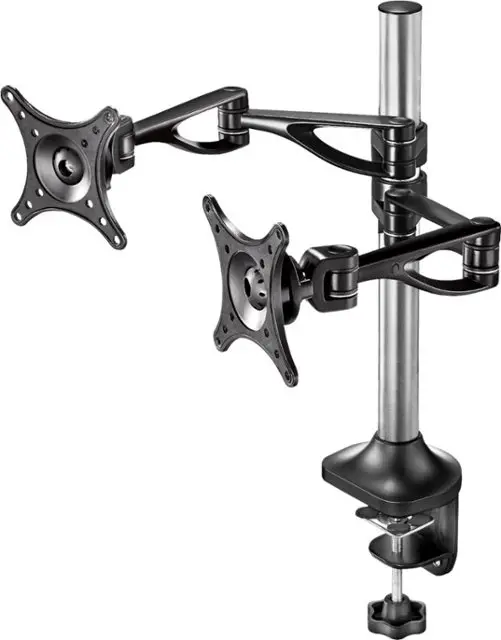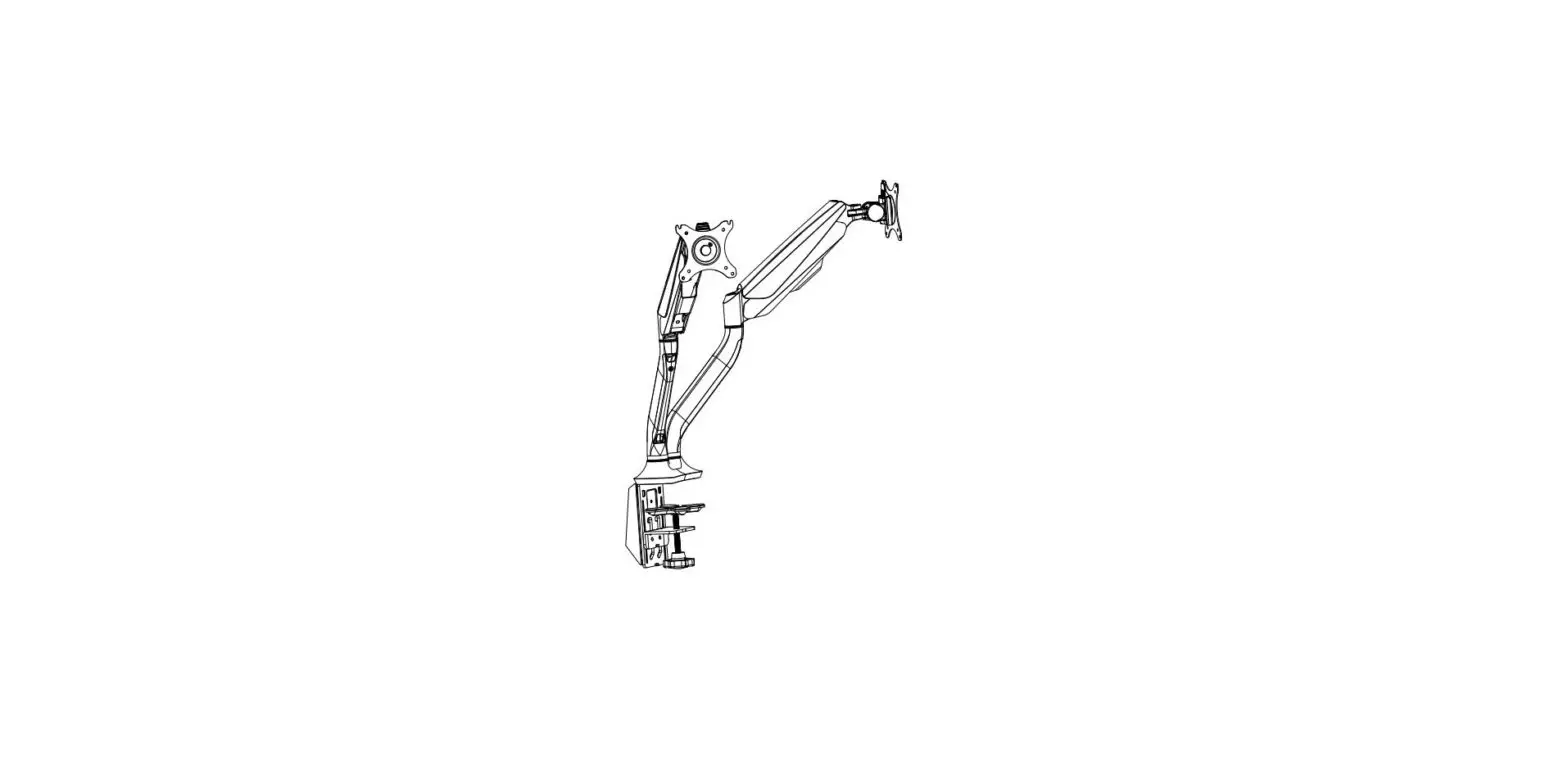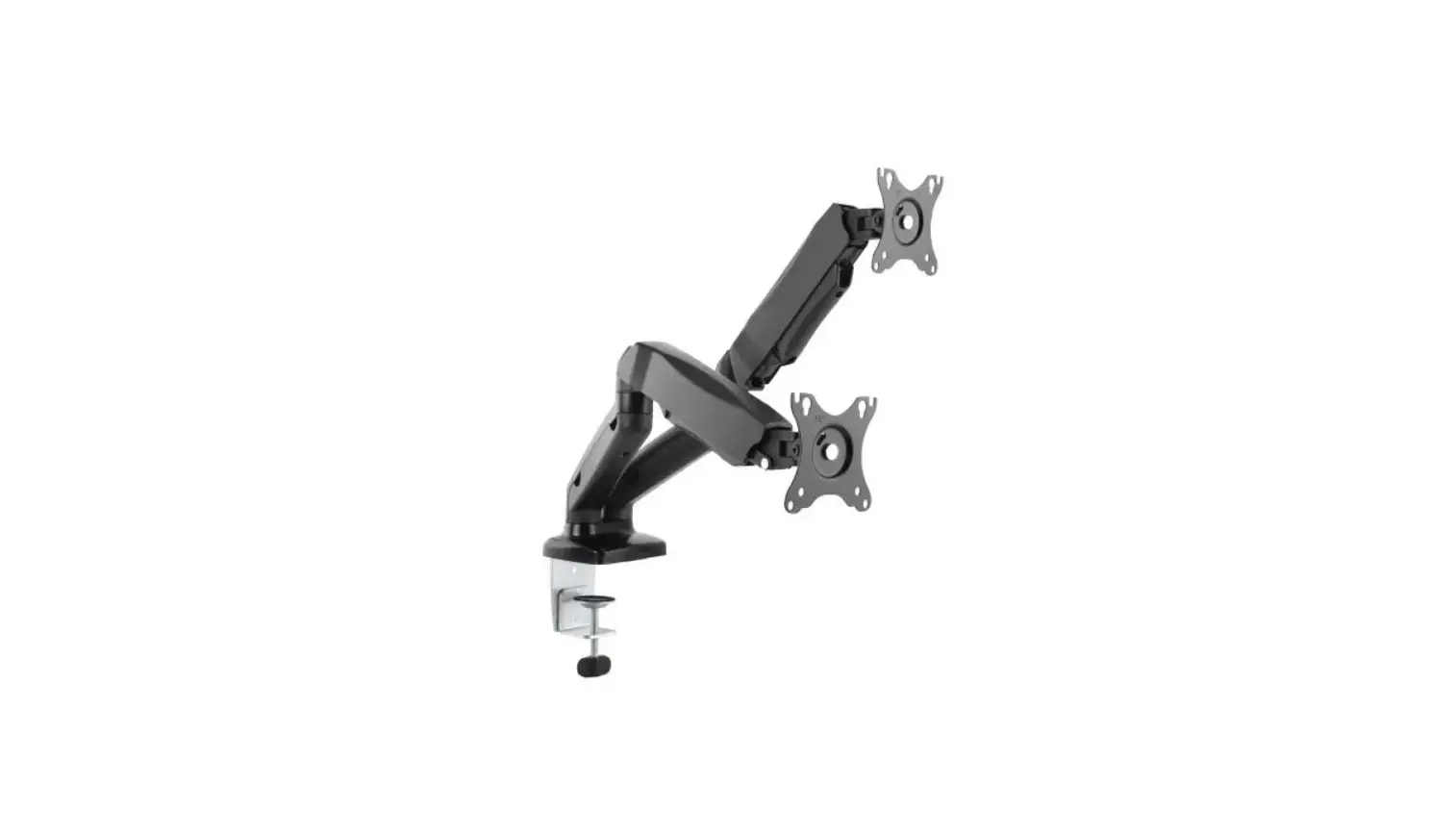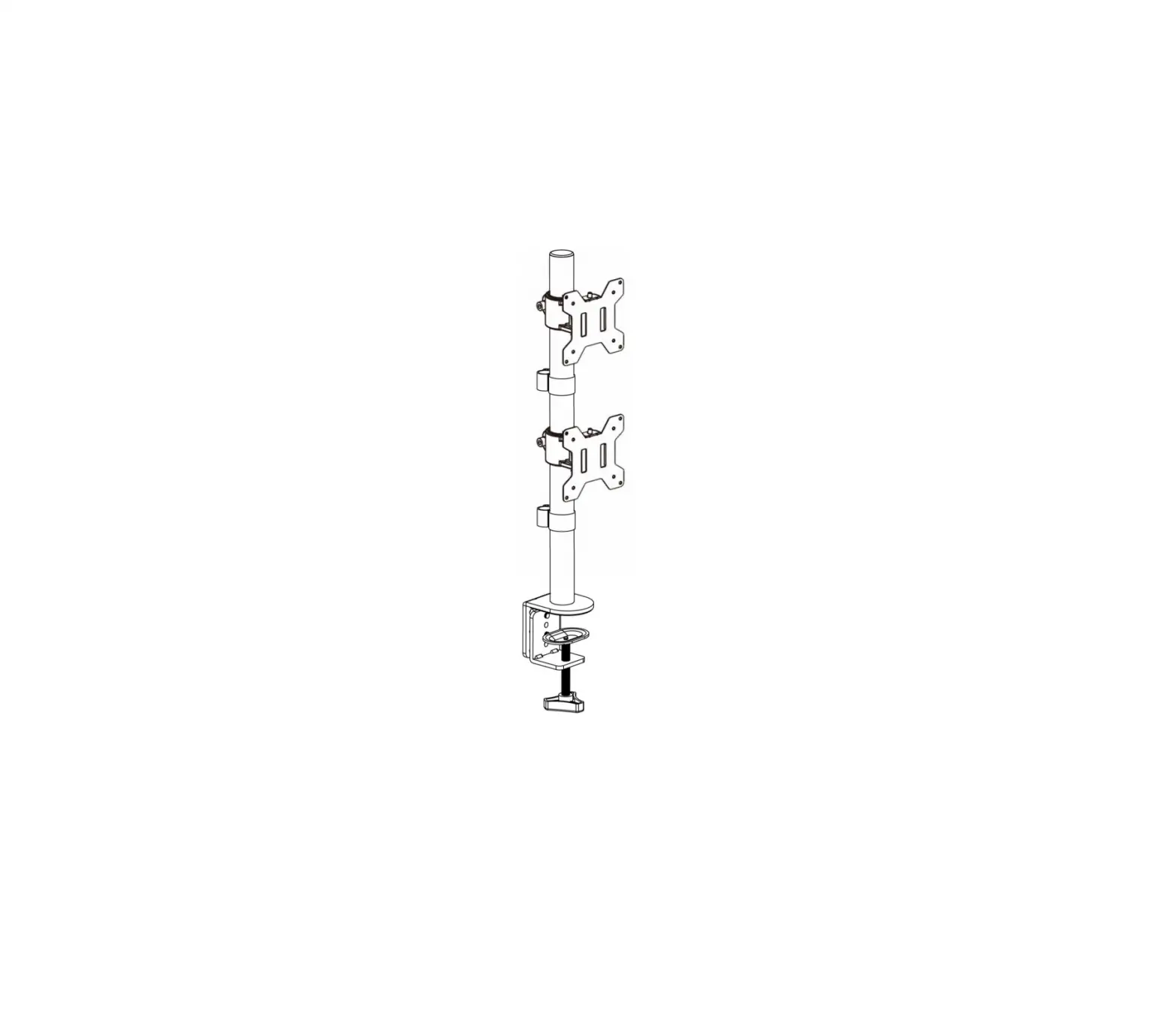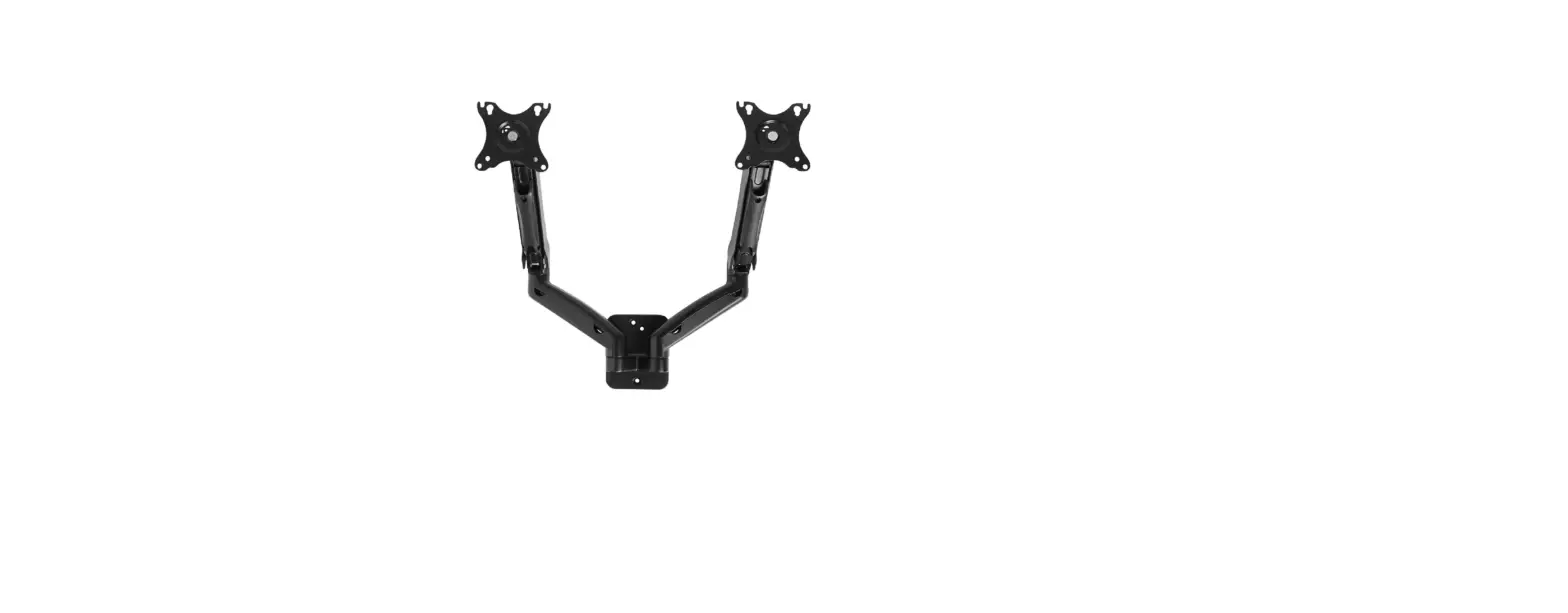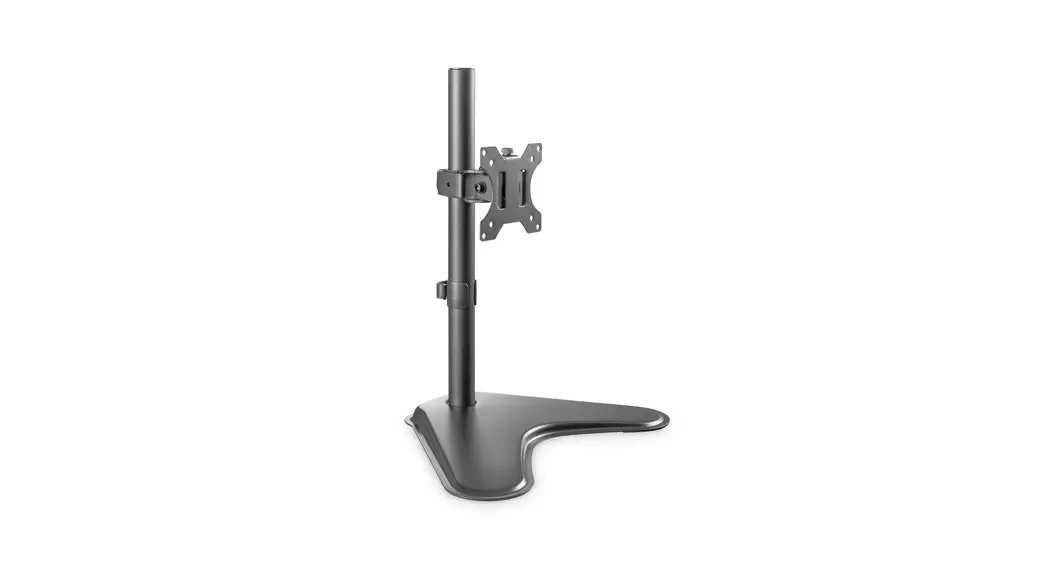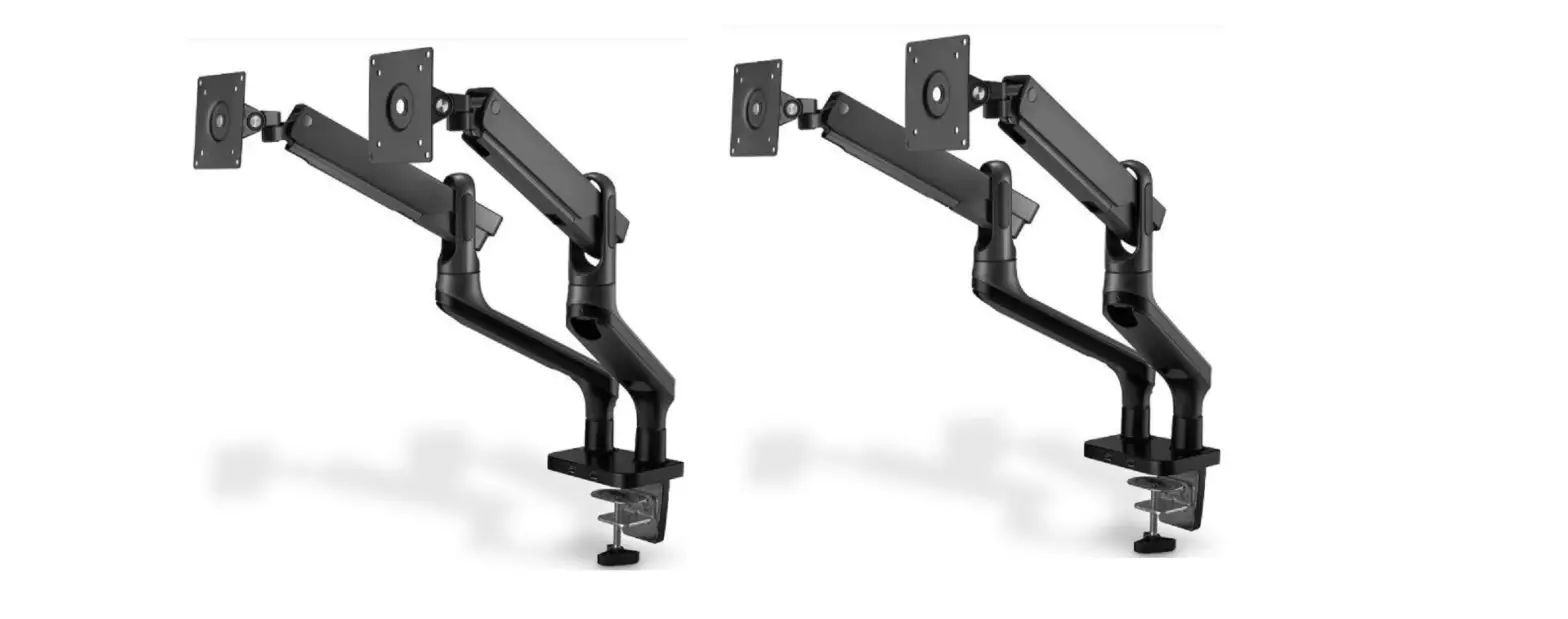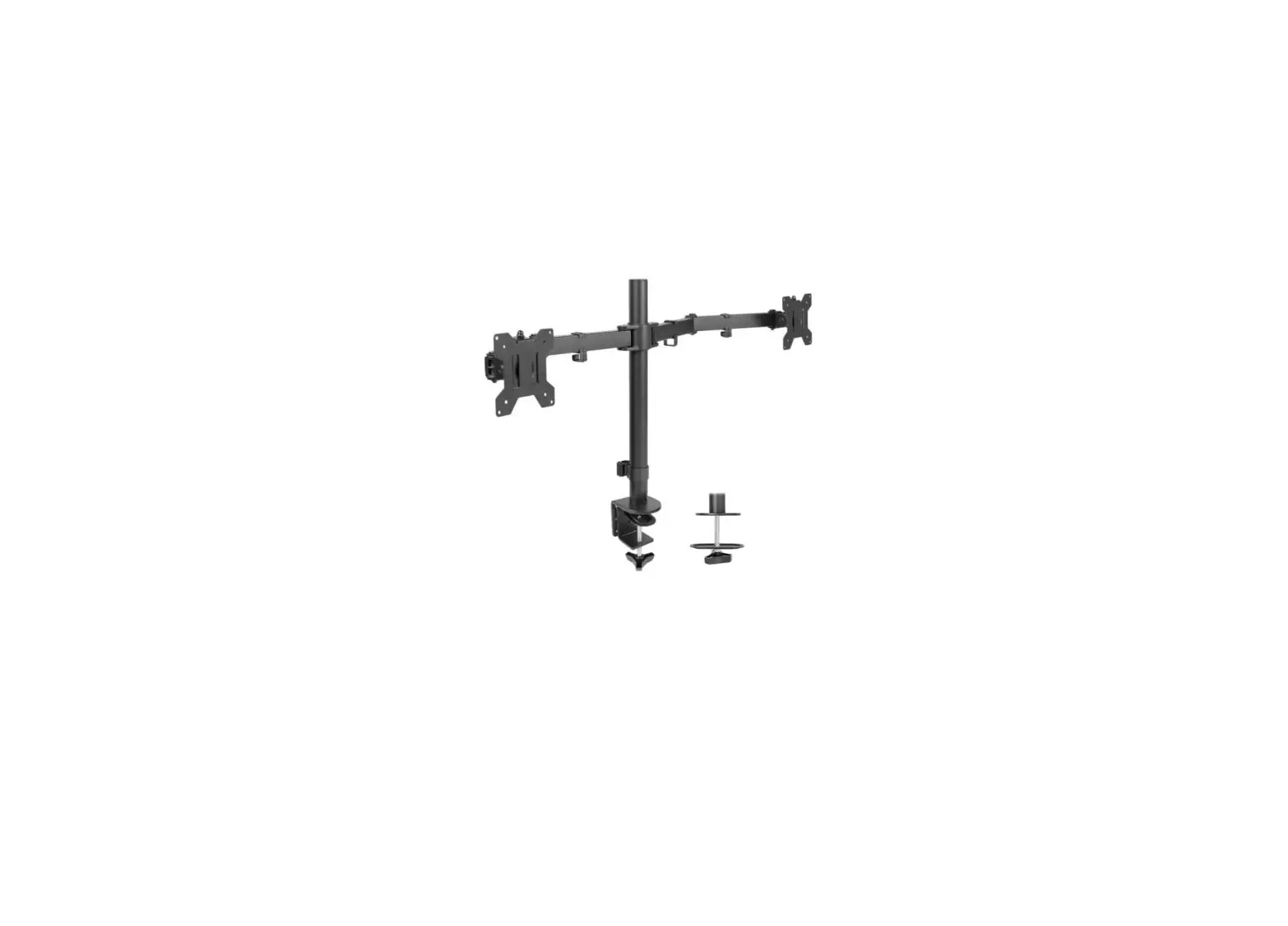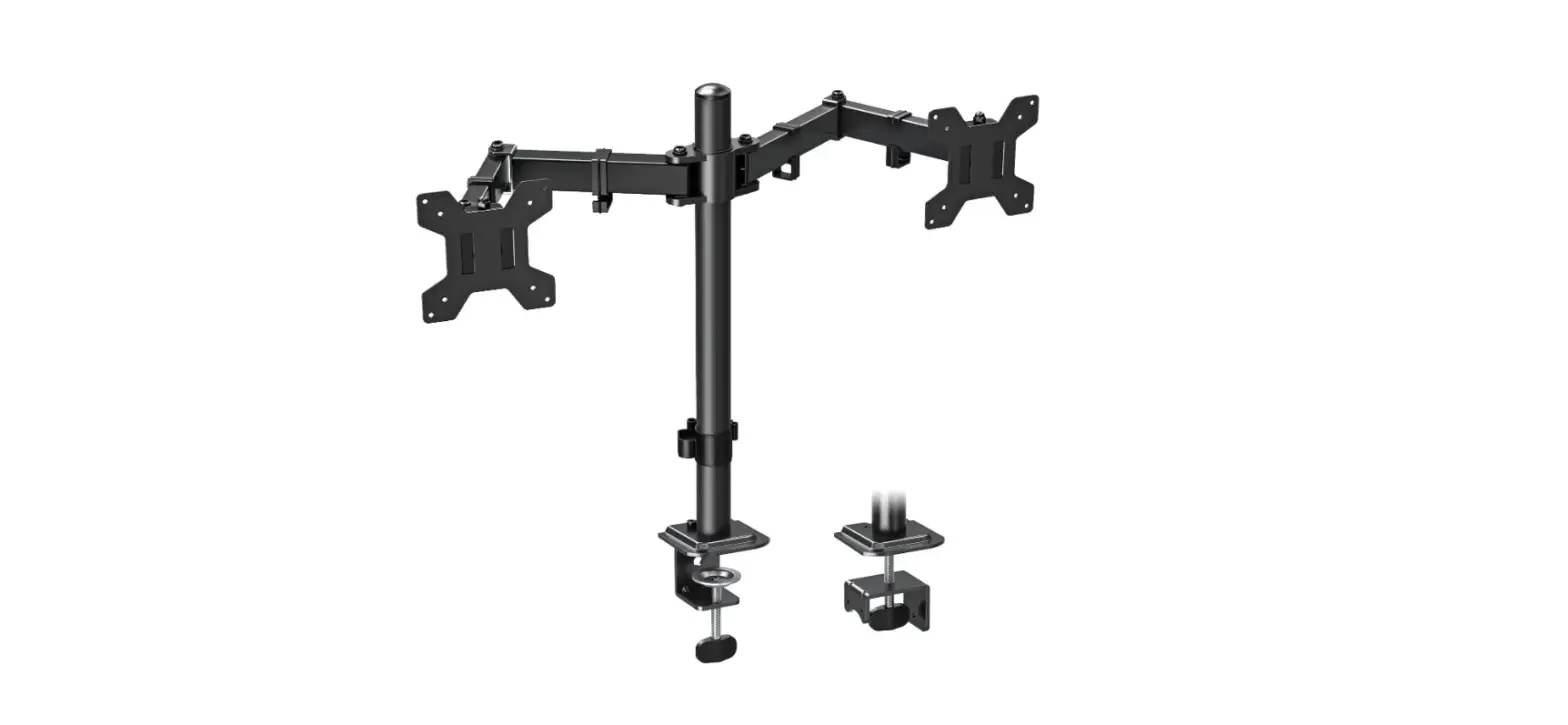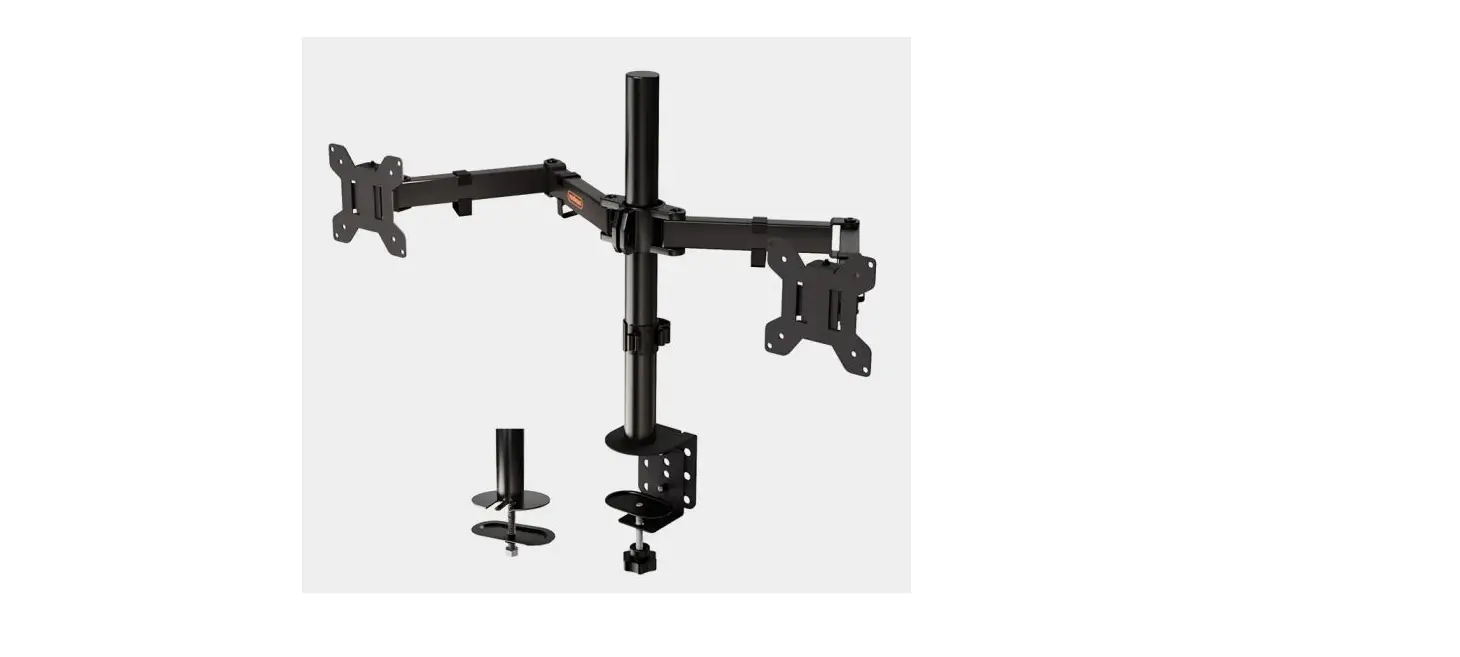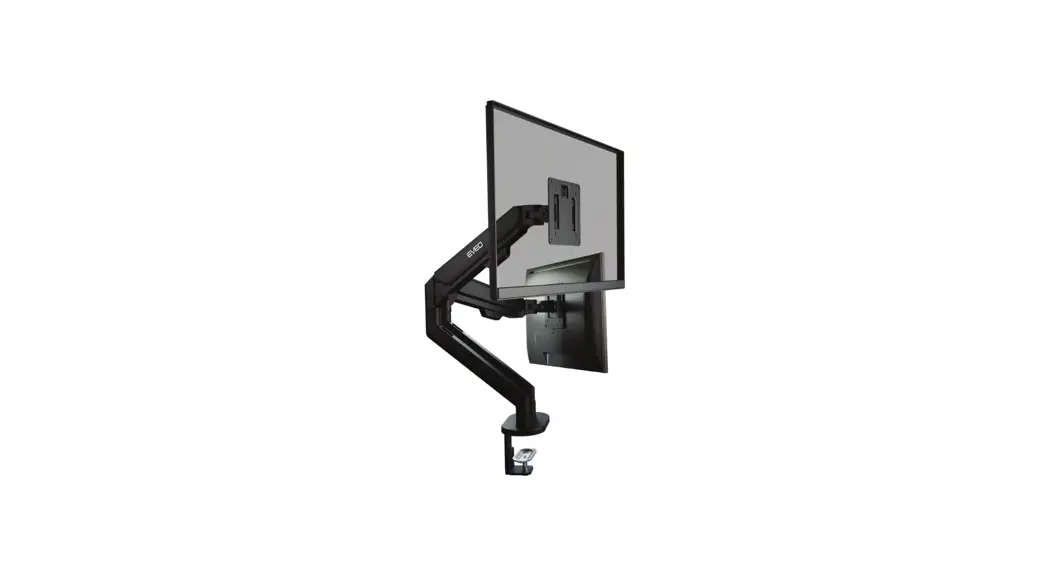
 DMM B07V1J81FB Dual Monitor Mount
Installation Guide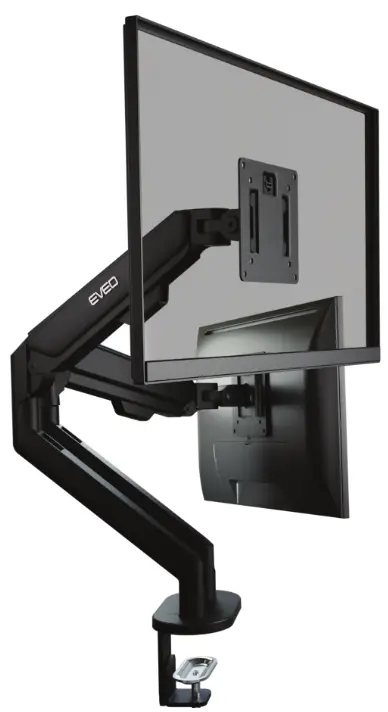
DMM B07V1J81FB Dual Monitor Mount
Required before installation Its important to paste Anti-slippery protiective pods to prevent accidential damage to your belongings.
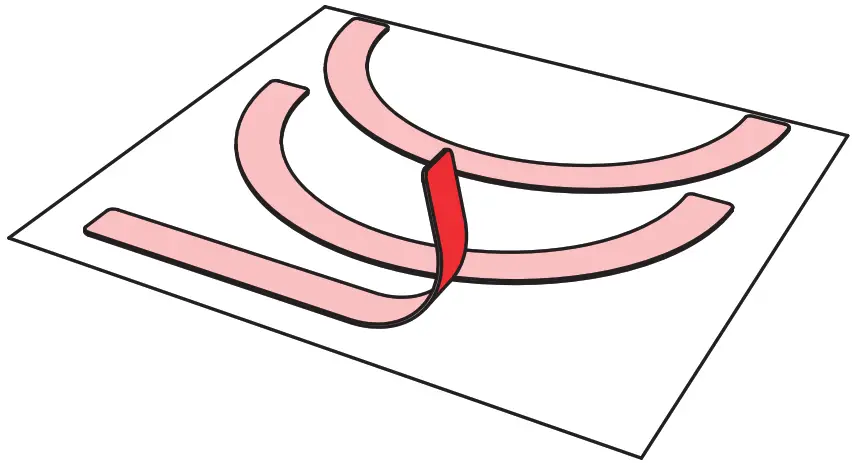
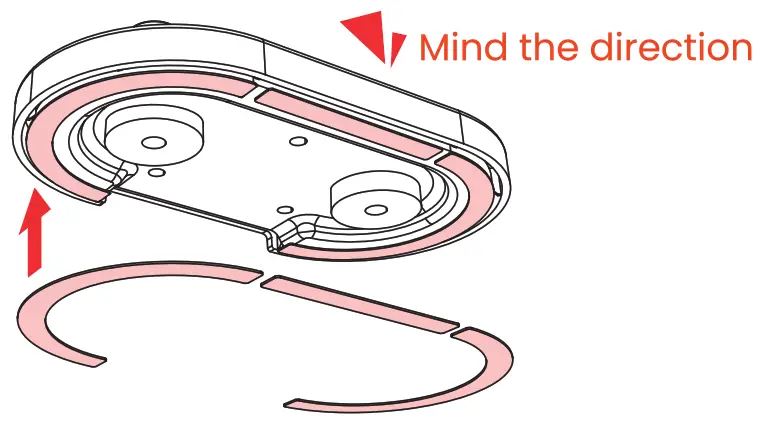
Peel the anti-slippery protective pads off, stick them on the base.
Setup the base
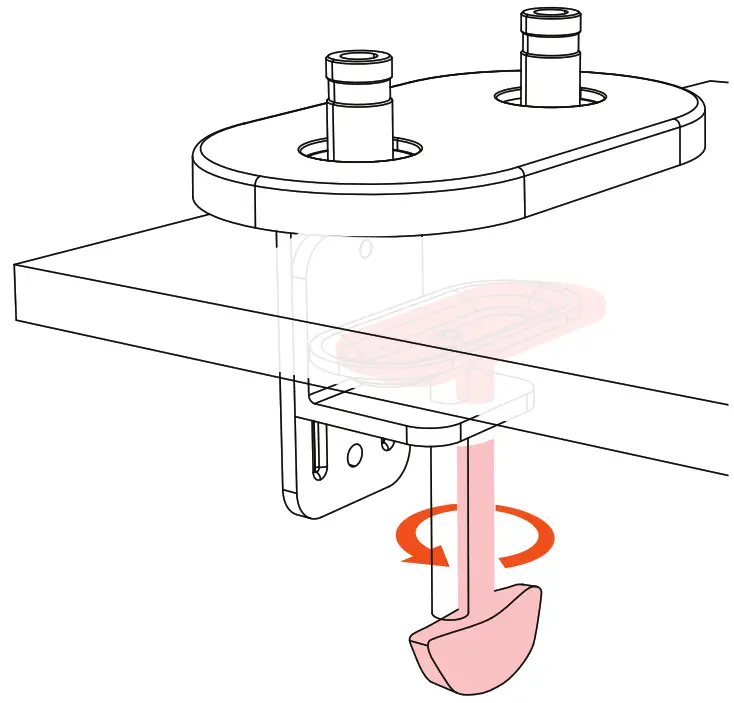
Make sure you pasted the Anti-slippery protiective pads before.
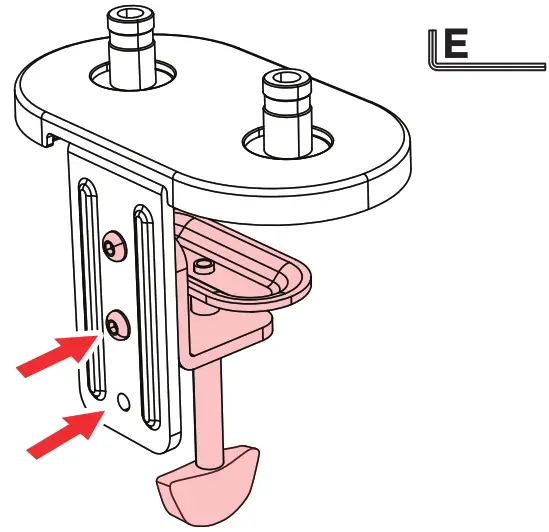 For a thicker table, use the bottom 2 holes
Clamp the base on the table and fix it in place.
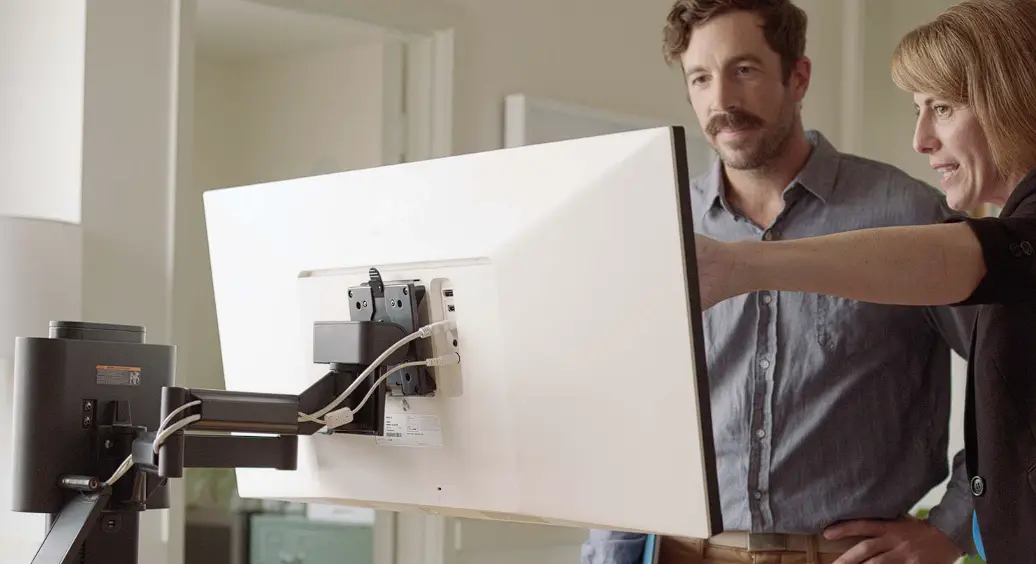
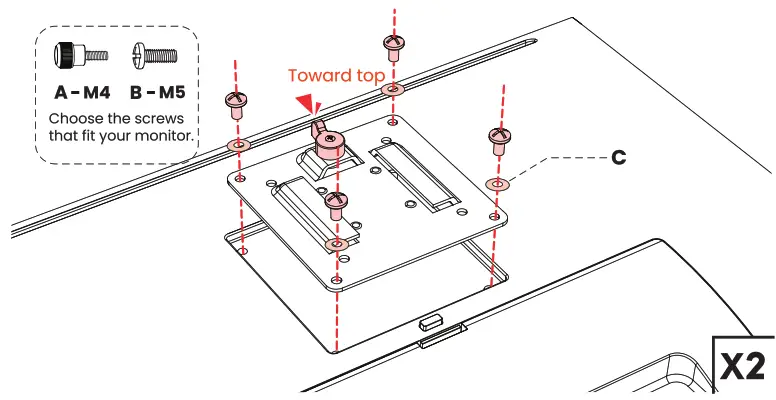 Attach the VESA plates on your monitors.
Arms and Monitors
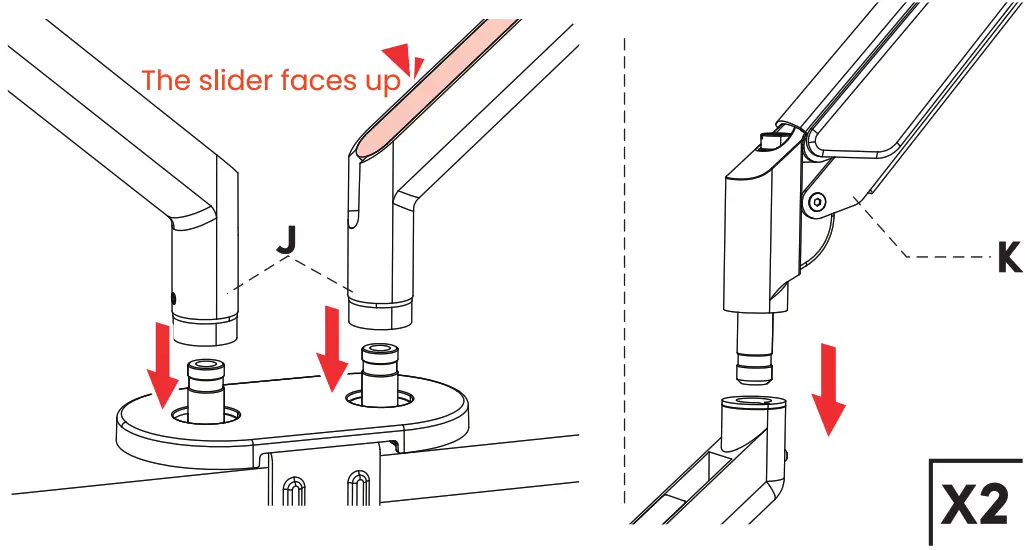 Place the lower arms and the upper arms.
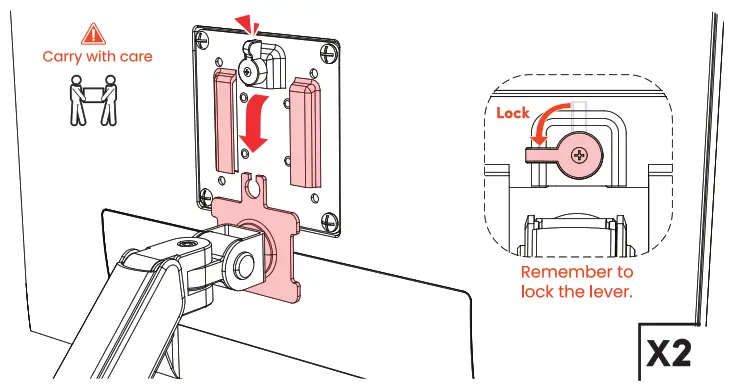 Attach the monitor to the arm and turn the lock.
Adjustments
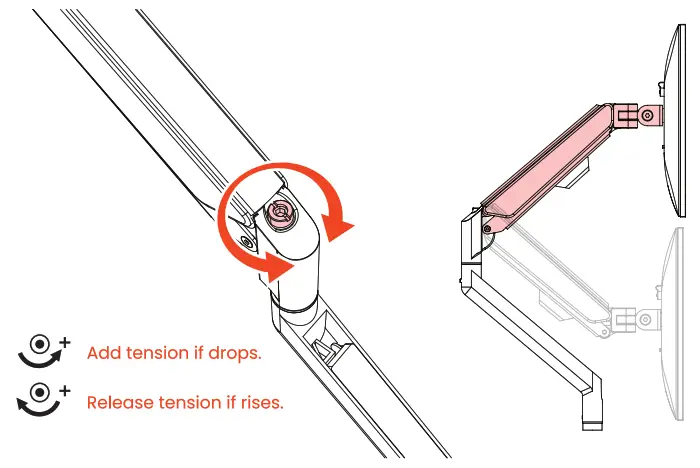
Adjust the tension by turning the screw.
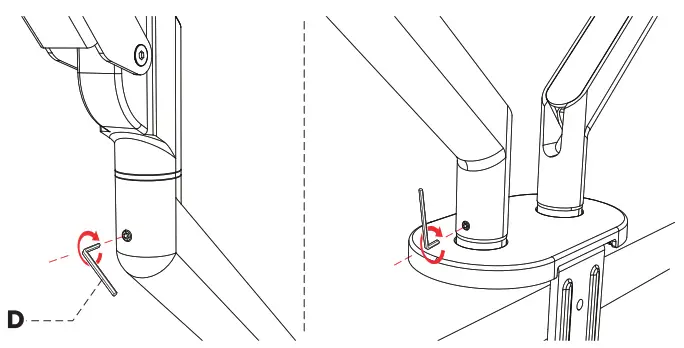
Tighten the screw to lock the rotation if needed.
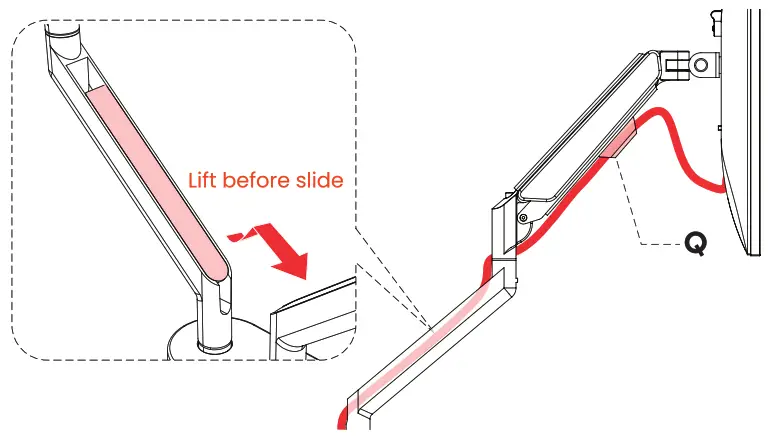 Attach the cable managing parts and let the cables.
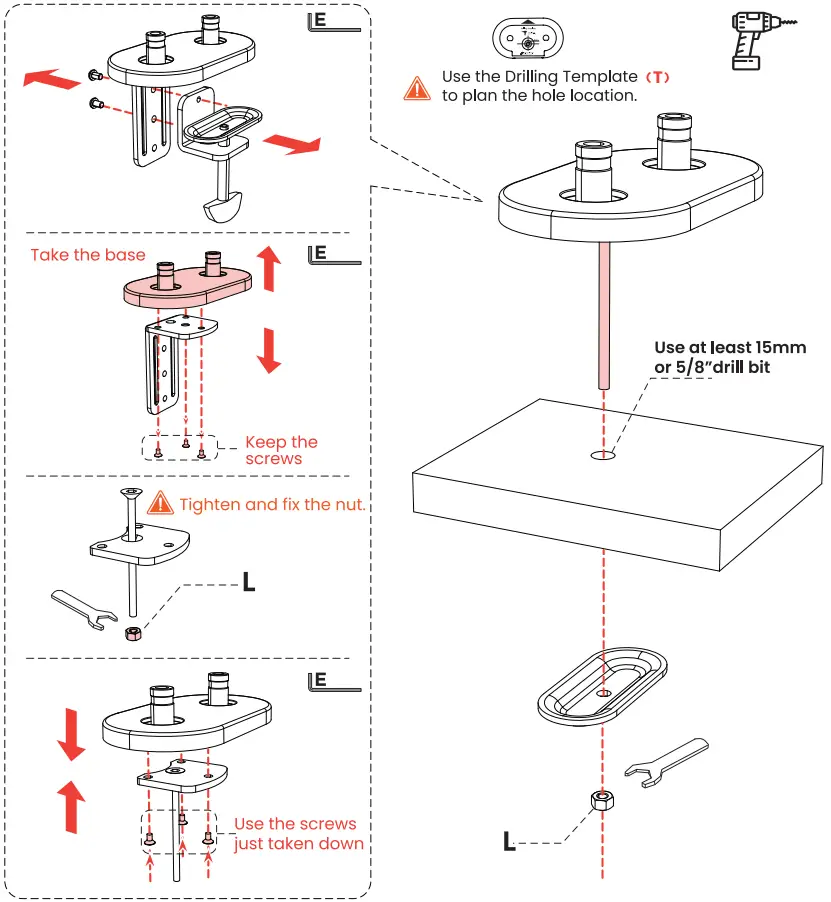
Fix the base through the hole. Then follow “2. Arms & Monitors”.