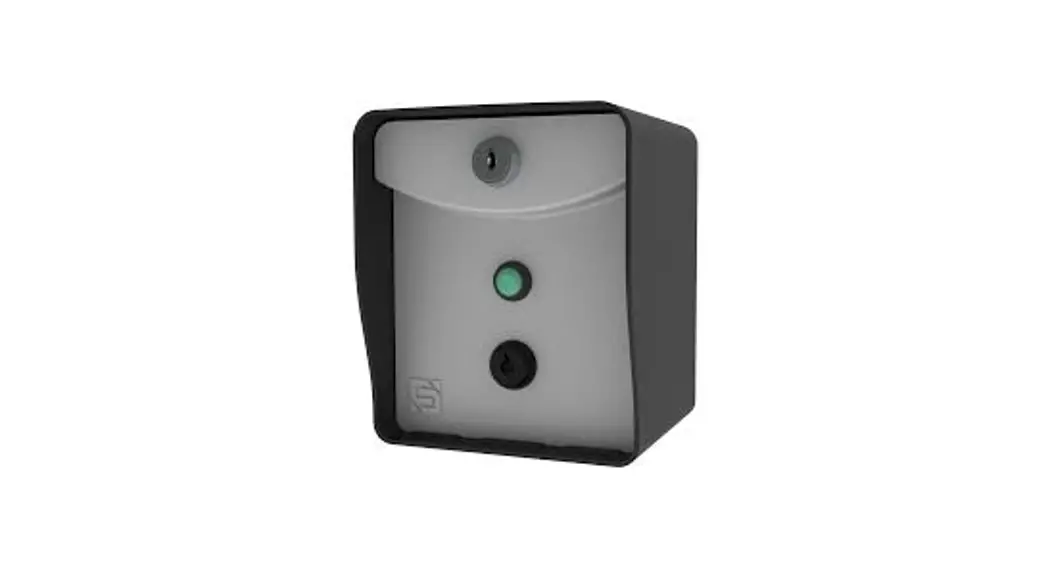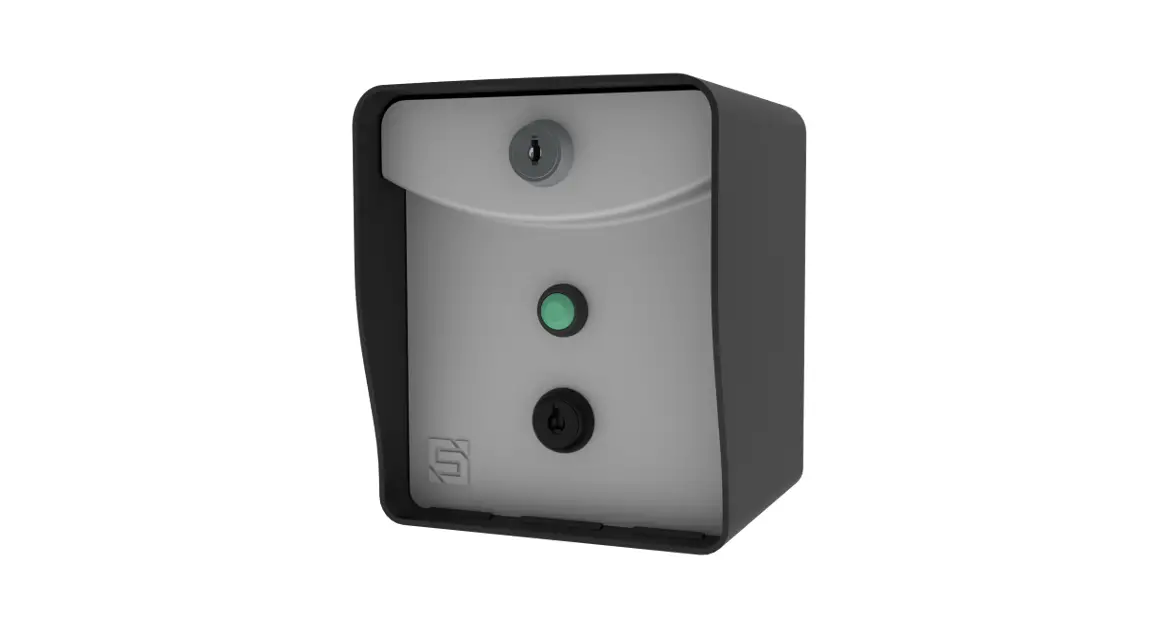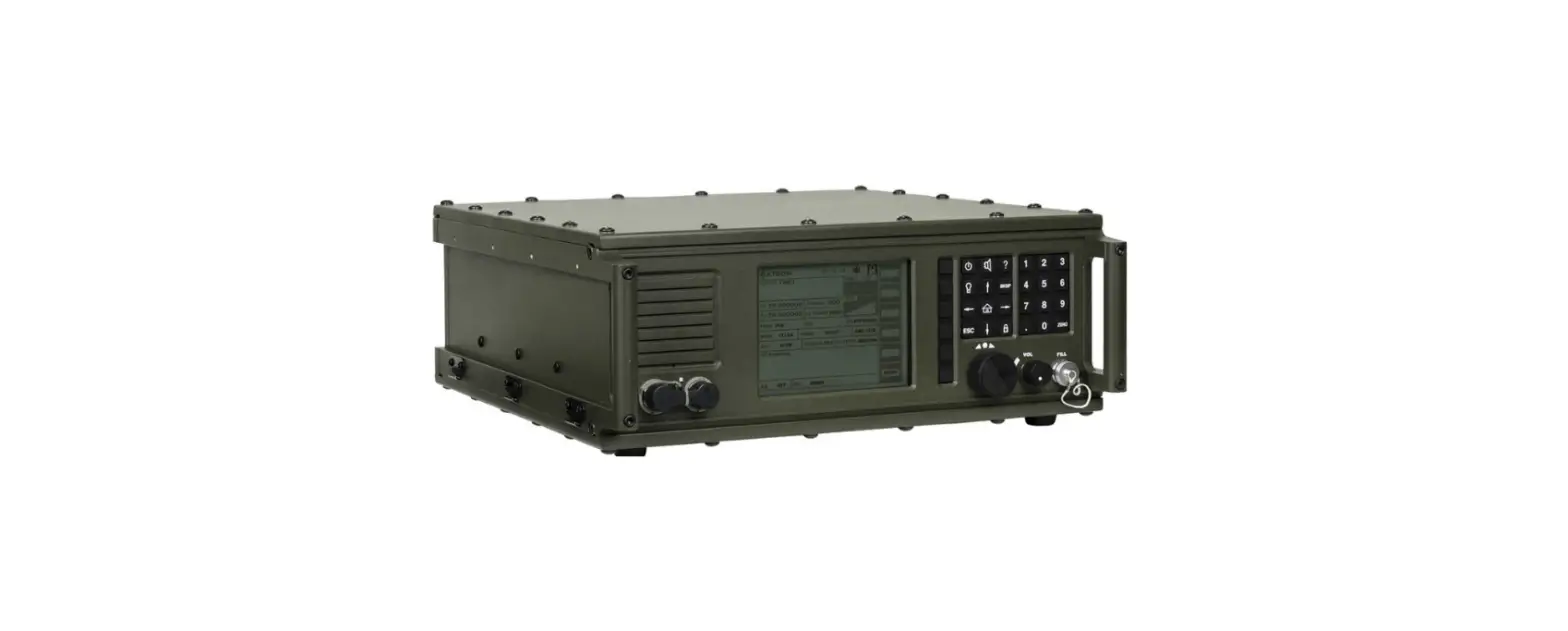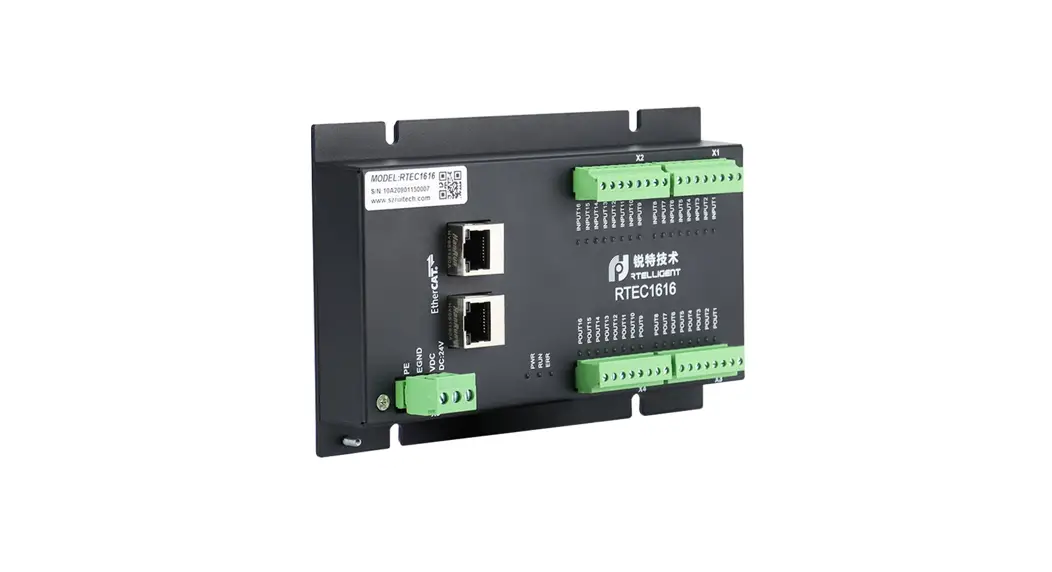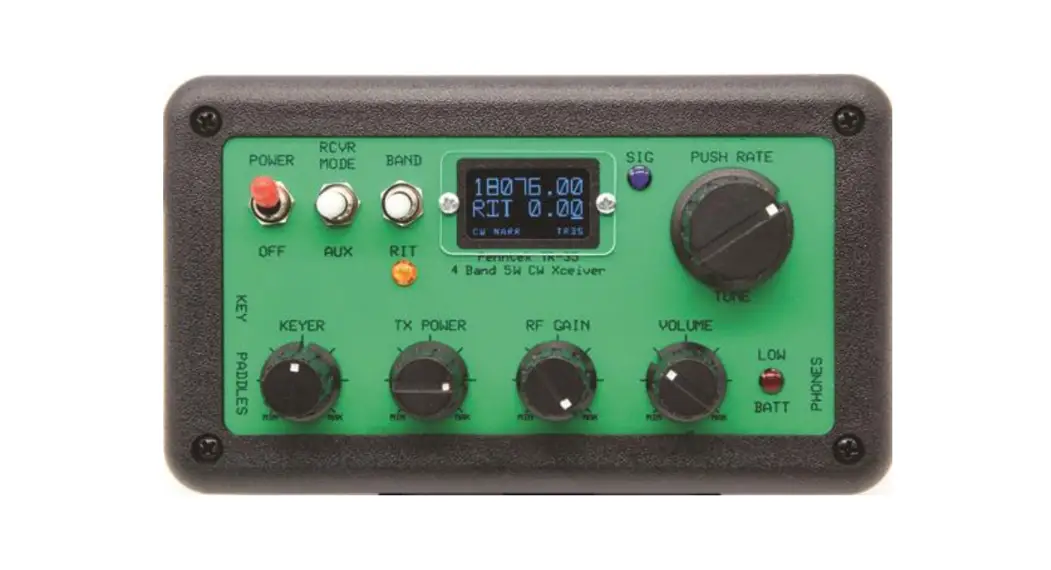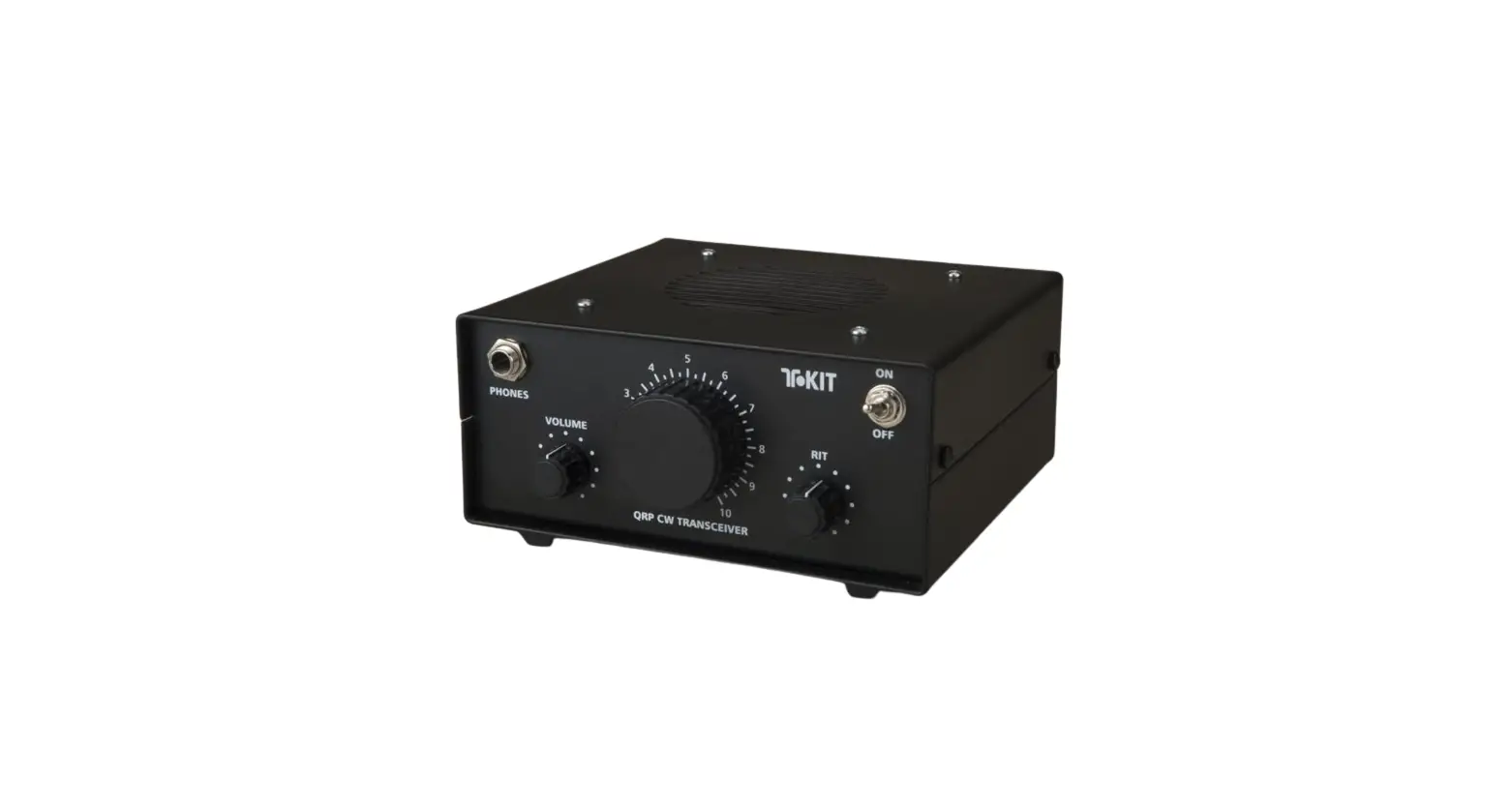

RIDGE RTE 14-RTE433 Transceiver
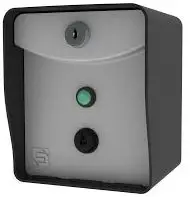
what’s inbox
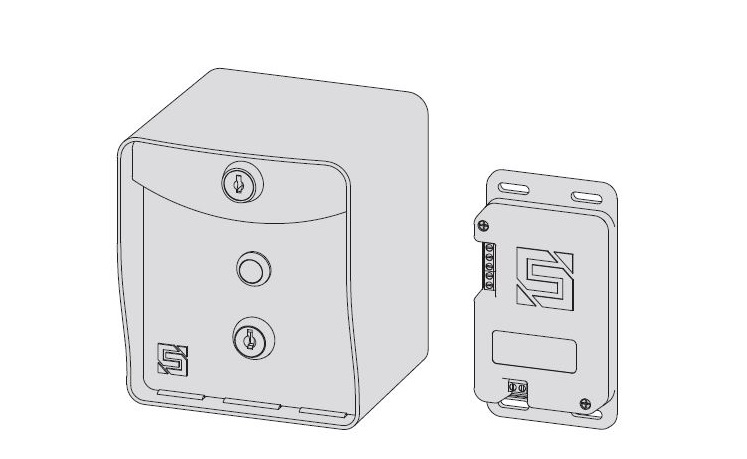
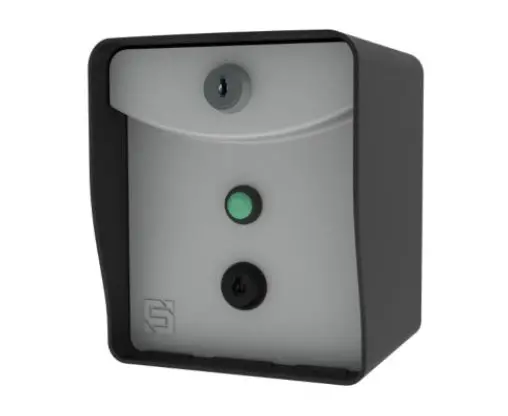
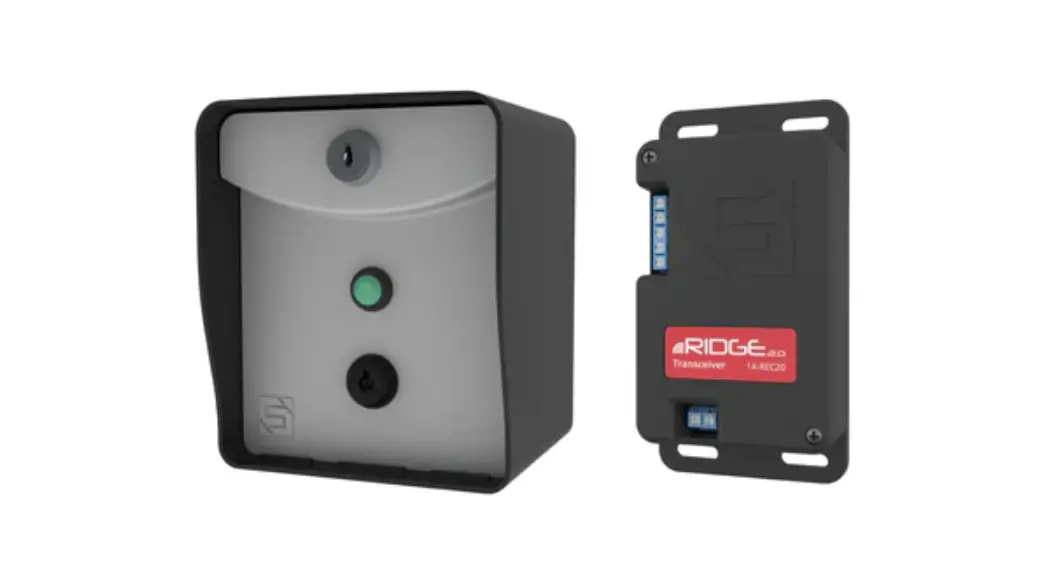
Make sure you have all items shown here. (Screwdriver not shown)
What’s what?
Important components labeled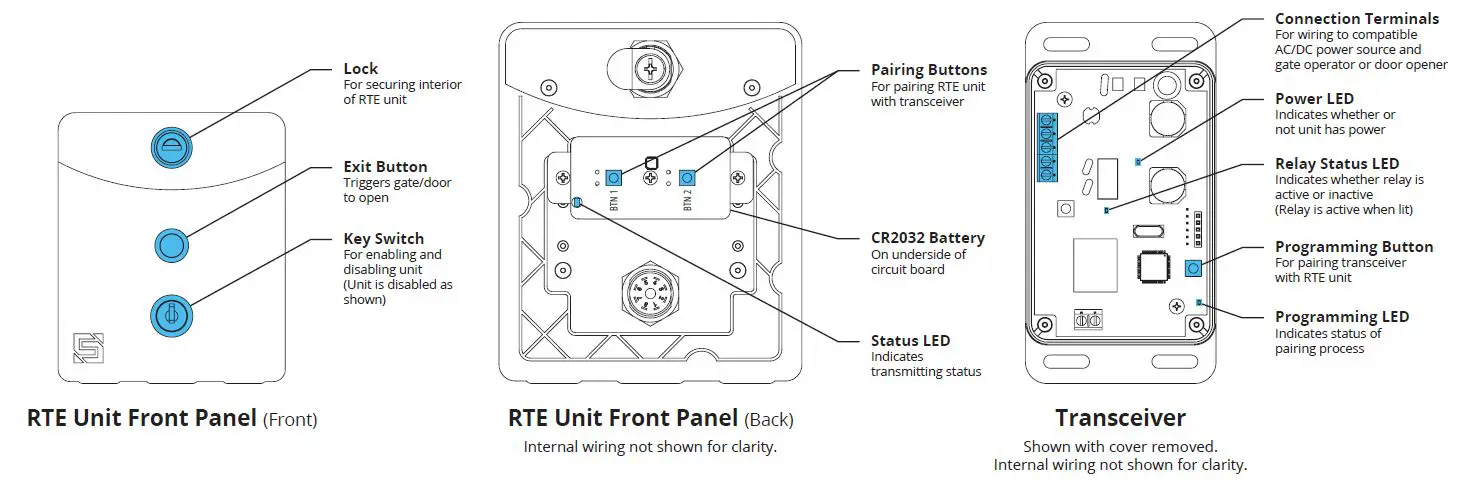
INSTALLATION
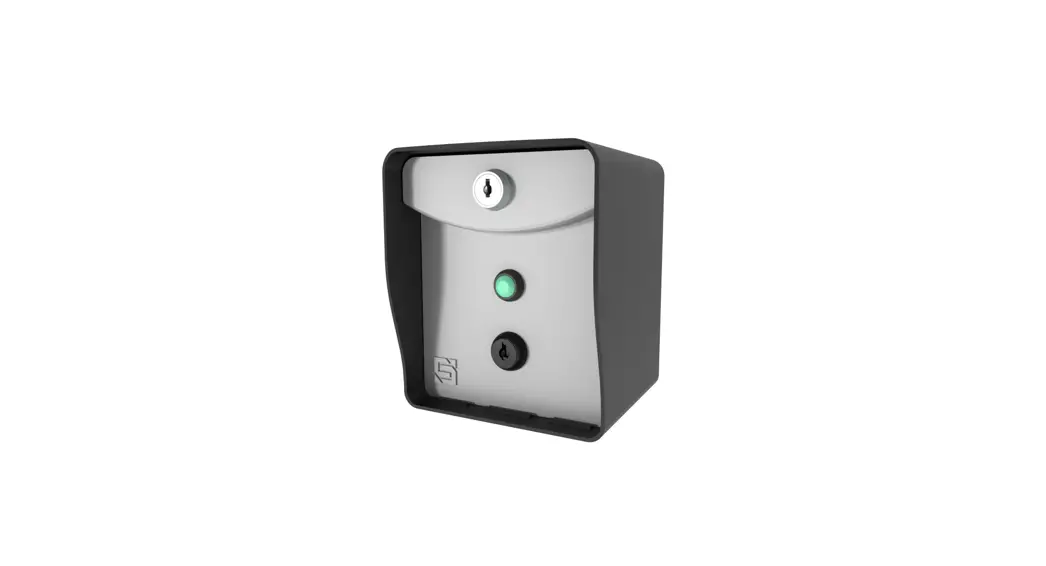
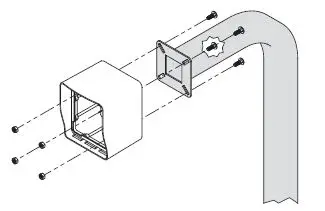
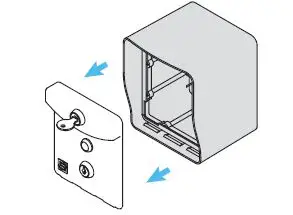
- Unlock and remove front panel of RTE unit; then using included carriage bolts and hex nuts, attach unit to pedestal as shown.
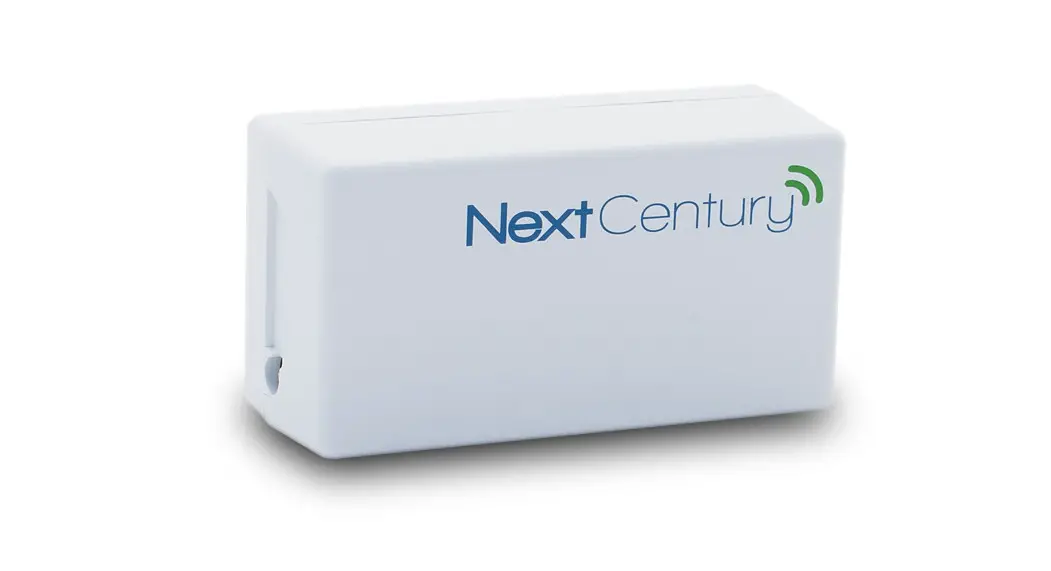
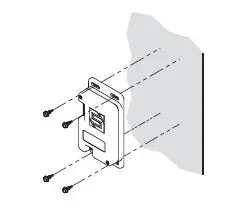
- Using Tek screws, zip ties, or included adhesive mounting pad, attach transceiver to inside wall or another surface of gate operator.
 CAUTION!
The transceiver is not weatherproof and must be mounted inside a weatherproof enclosure. Internal components can be damaged if exposed to the elements.
Failure to comply will VOID WARRANTY.
WARNING!
AUTOMATIC GATES CAN CAUSE SERIOUS INJURY OR DEATH!ALWAYS CHECK that the GATE PATH IS CLEAR BEFORE OPERATING!REVERSING or other SAFETY DEVICES SHOULD ALWAYS BE USED! - Connect transceiver

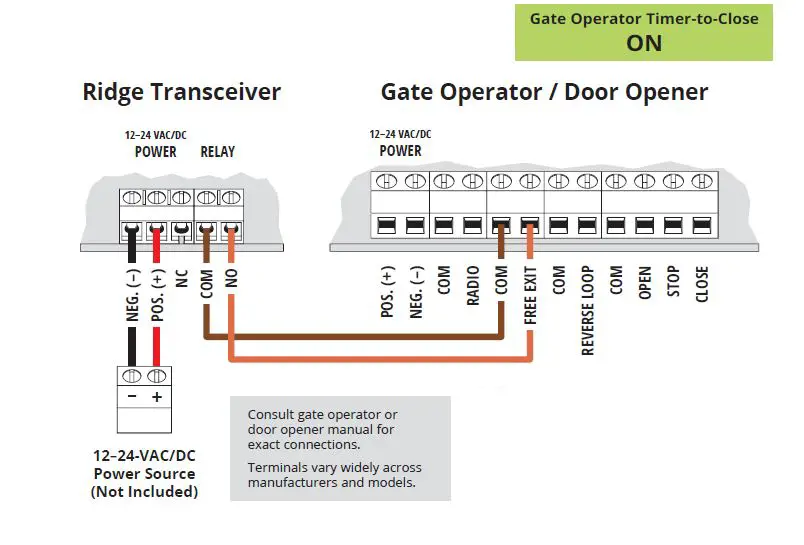
- Connect transceiver

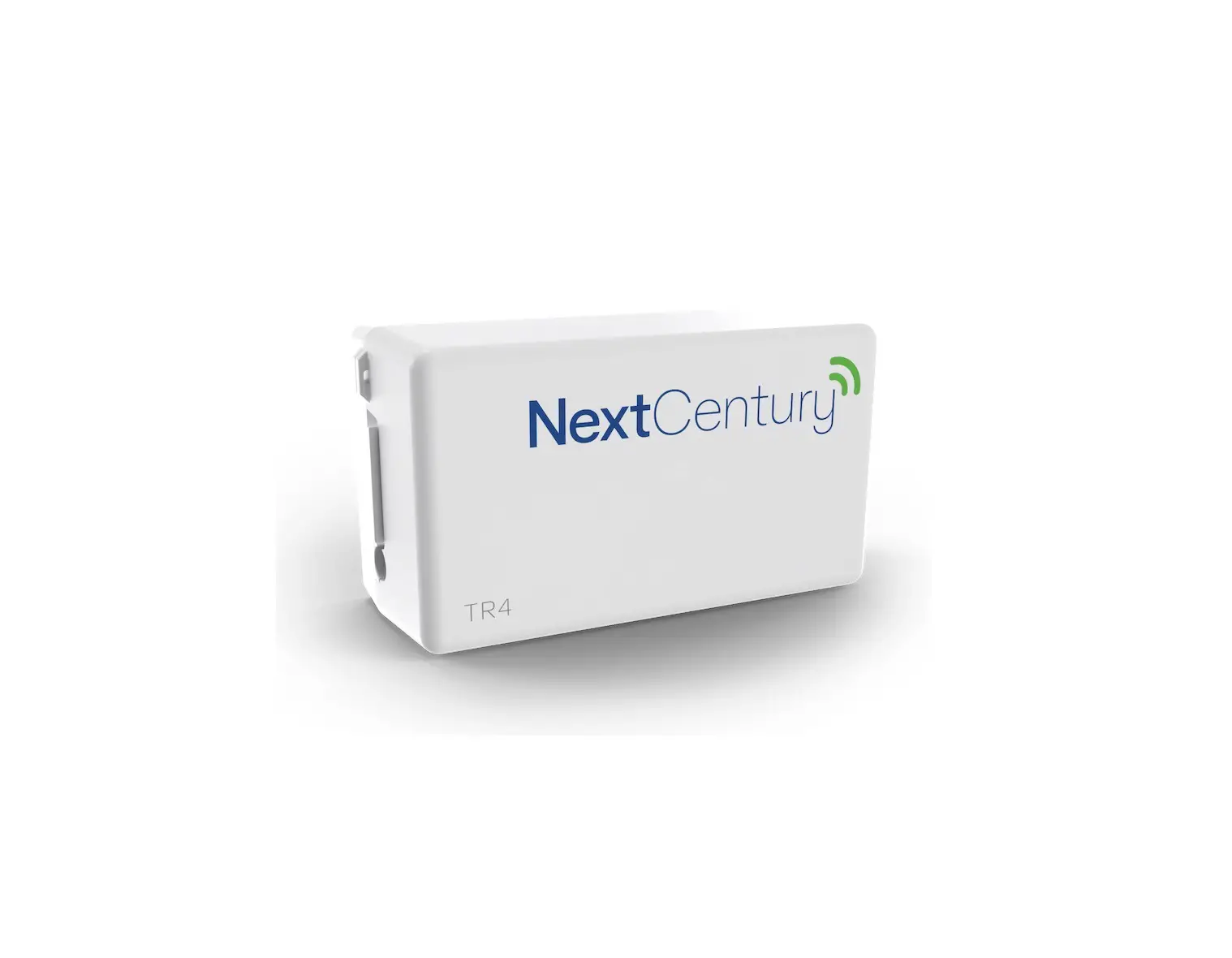
- .Remove transceiver cover; then hold down Programming button on circuit board for 3 seconds and let go.
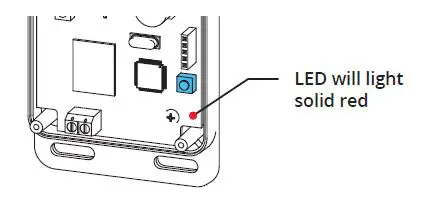
- Remove RTE unit front panel.

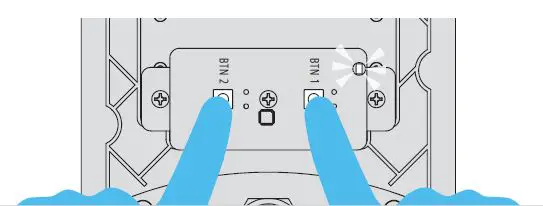
- Hold down both Pairing Buttons until Status LED flashes. Let go of Button 2 and continue holding Button 1 only until Status LED flashes again.
- Relay on transceiver should click and transceiver LED should go out. Pairing is complete.
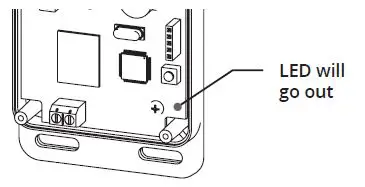
- Remove RTE unit front panel.
- Make sure gate/door path is clear; then press exit button on RTE unit and confirm gate/door opens. (If nothing happens, repeat Step 6)

- INSTALLATION COMPLETE! Your system is ready to use.
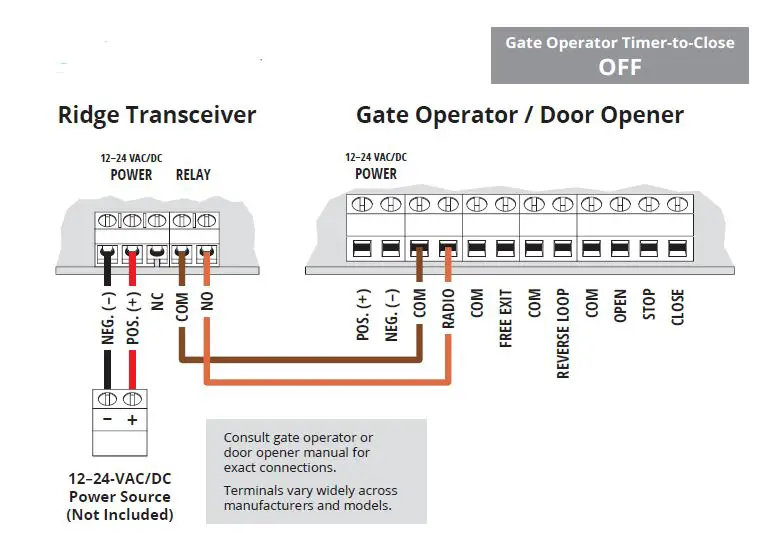
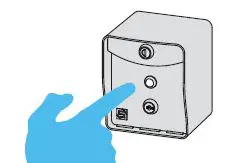
CHECK THAT THE GATE PATH IS CLEAR BEFORE COMPLETING THIS STEP AS IT TRIGGERS THE RELAY!
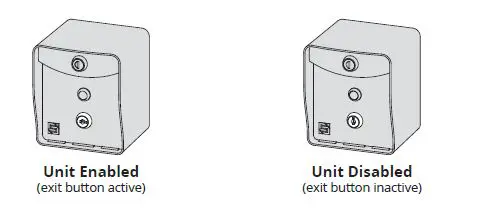
- The RTE unit can be disabled and re-enabled at any time by taking the key switch keys and using the key switch located below the exit button.

- Transceiver Reset Procedure
This procedure is used to unpair all devices from the transceiver.- Step 1 – Remove screws and remove transceiver cover.
- Step 2 – Press and hold Programming Button until Programming LED starts to flash. Button must be held for about 30 seconds. Once flashing stops, all devices have been unpaired from transceiver and reset is complete.
- Step 3 – Replace transceiver cover and secure screws.
Call (972) 474-6390
Email [email protected]
We are available Mon–Fri / 8am–5pm Central