
QUICK START GUIDE
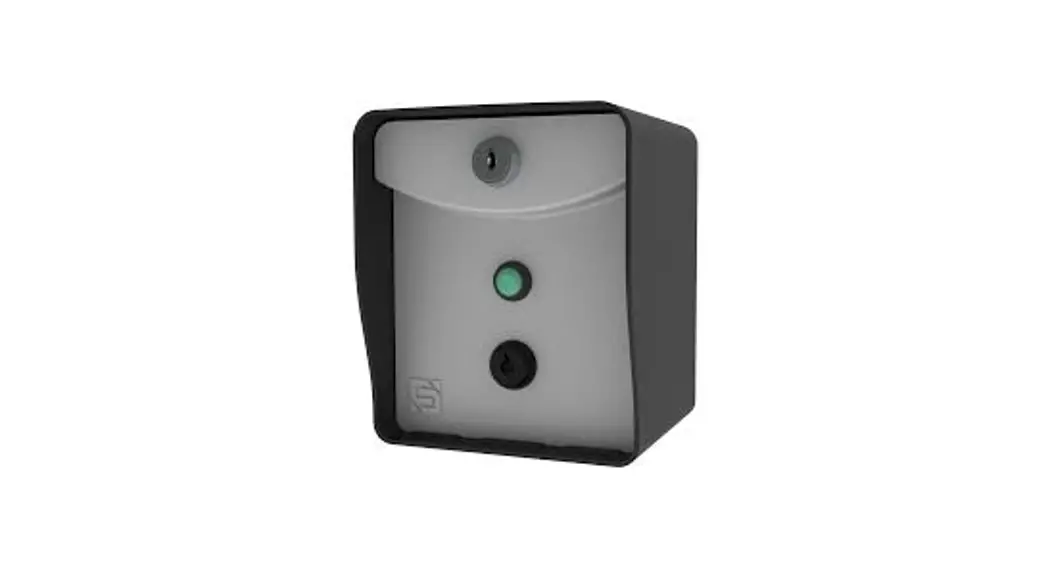
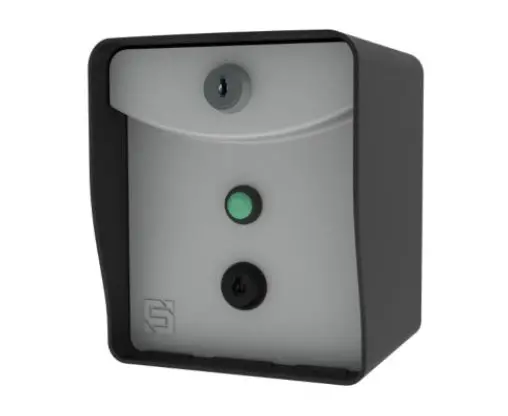
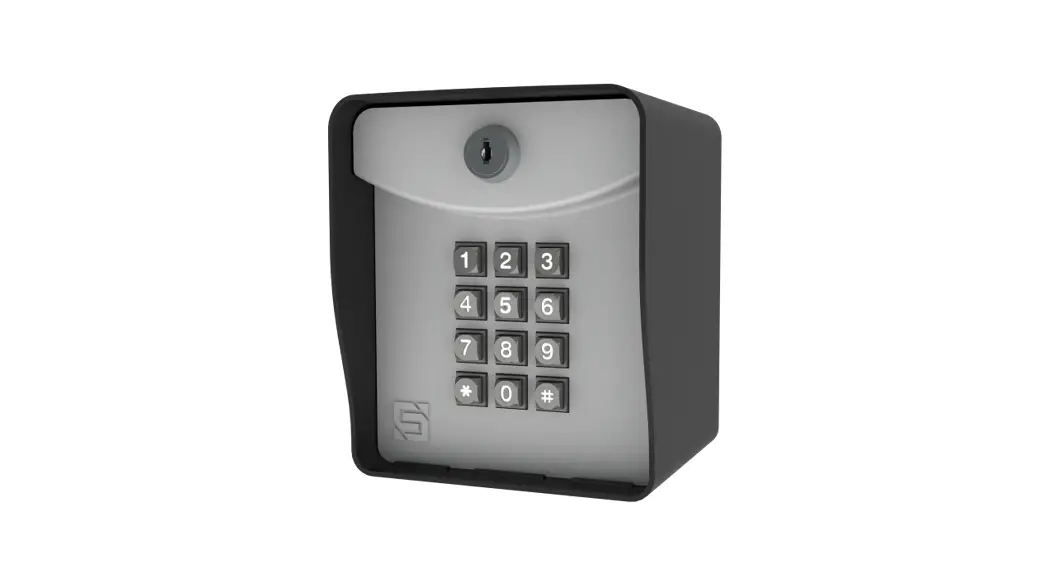
RTE 300
Model 14-RTE300
- Carefully unpack box.

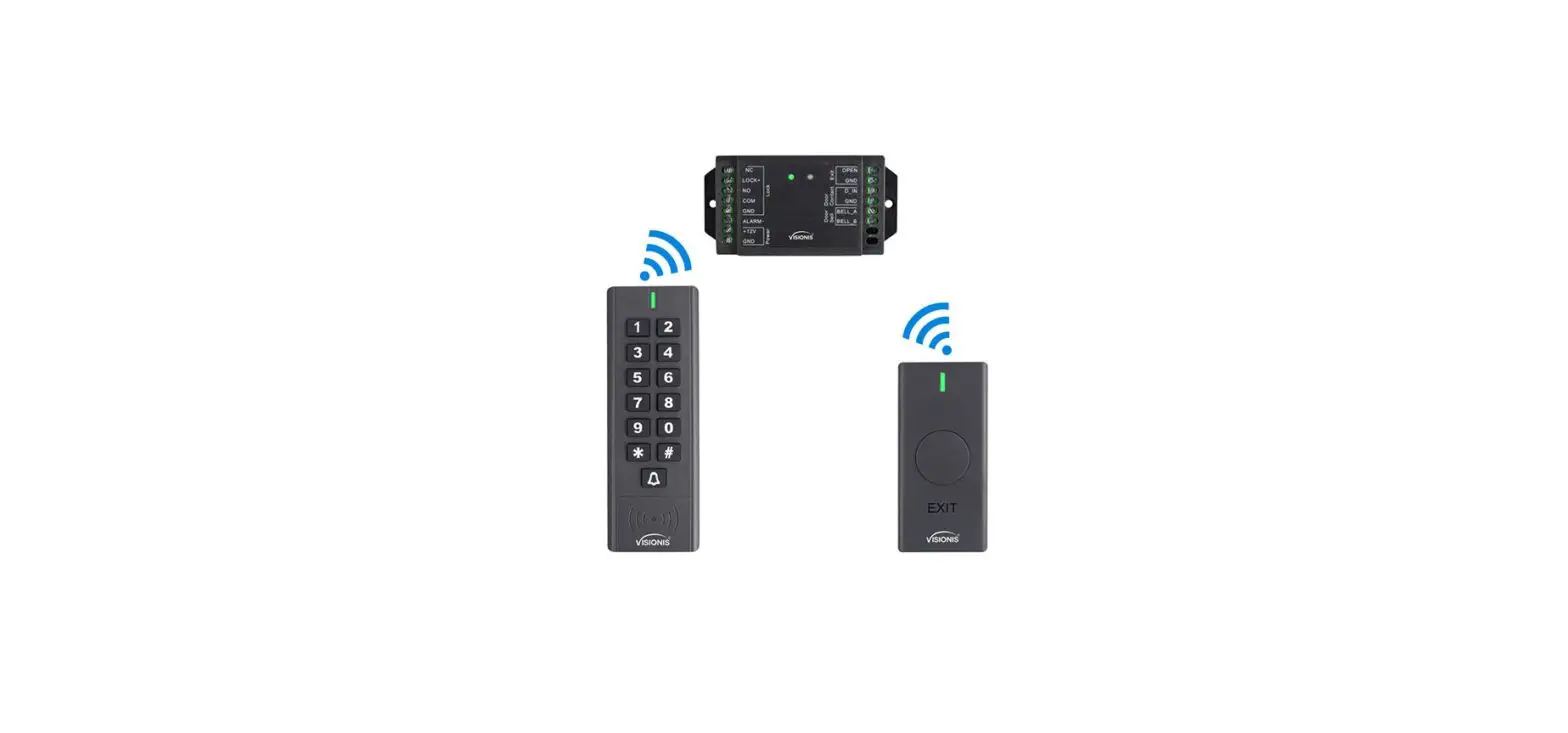
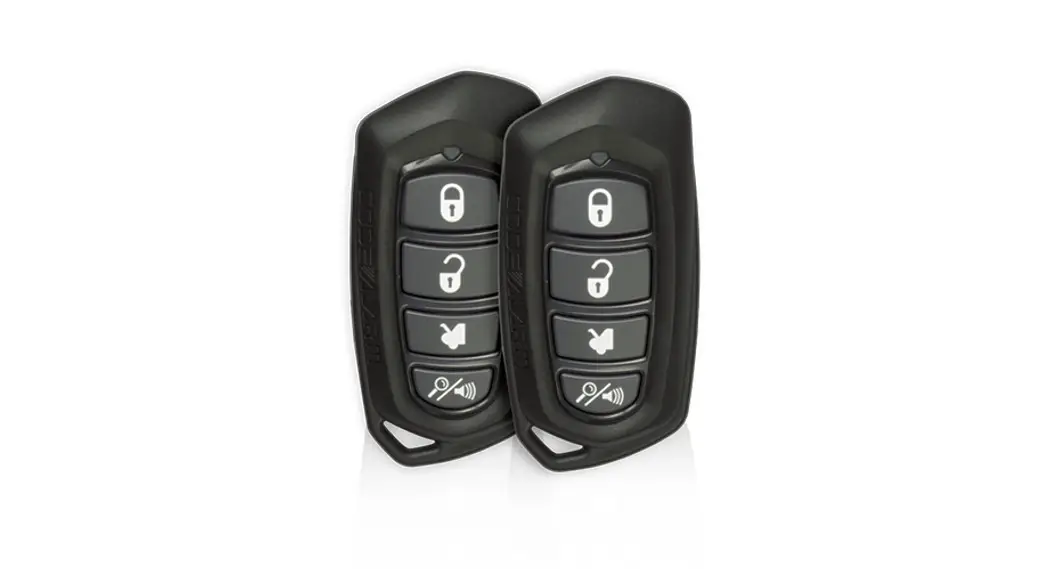
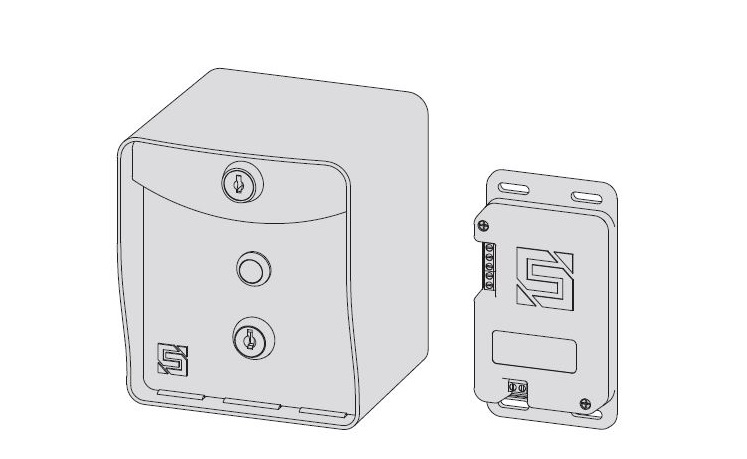
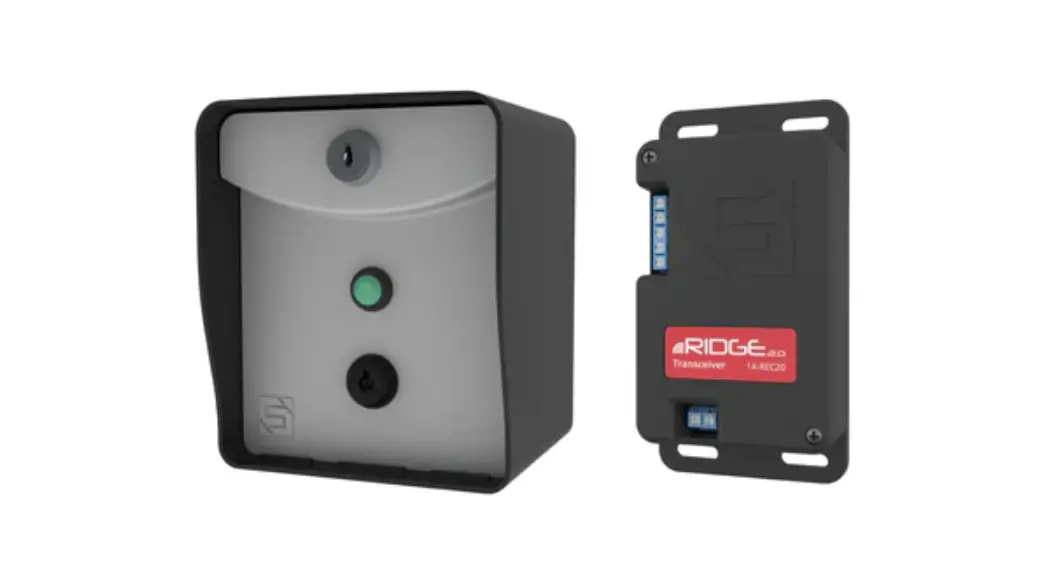
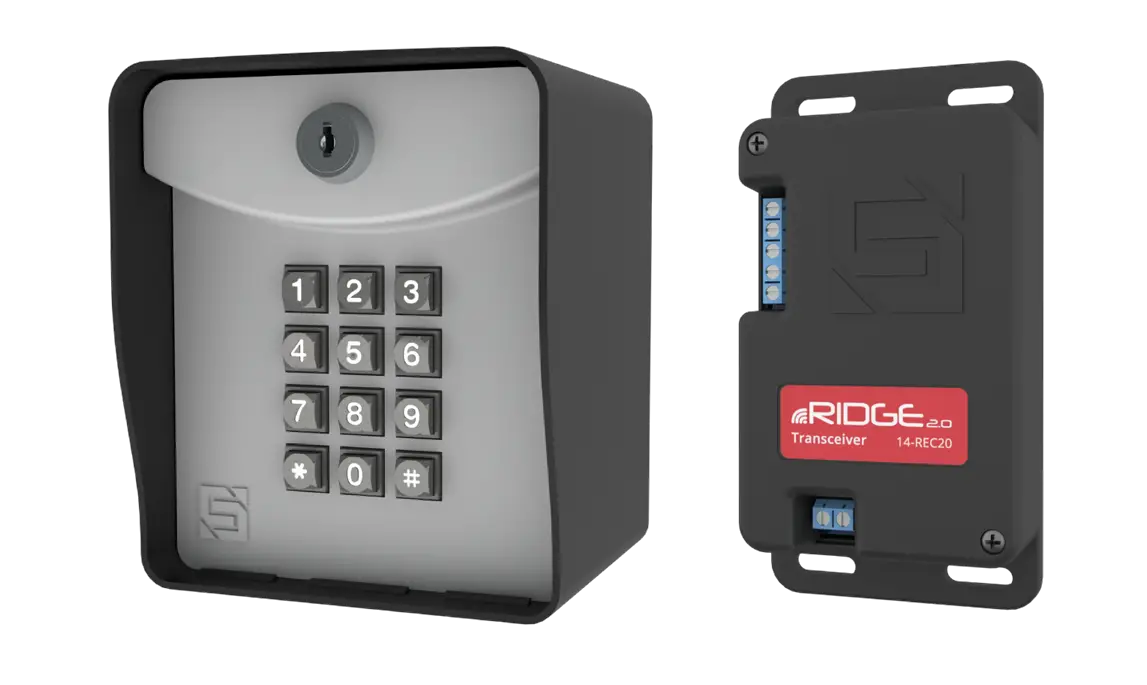
- Make sure you have everything shown here. (Screwdriver not shown)
 What’s what?
Important components labeled
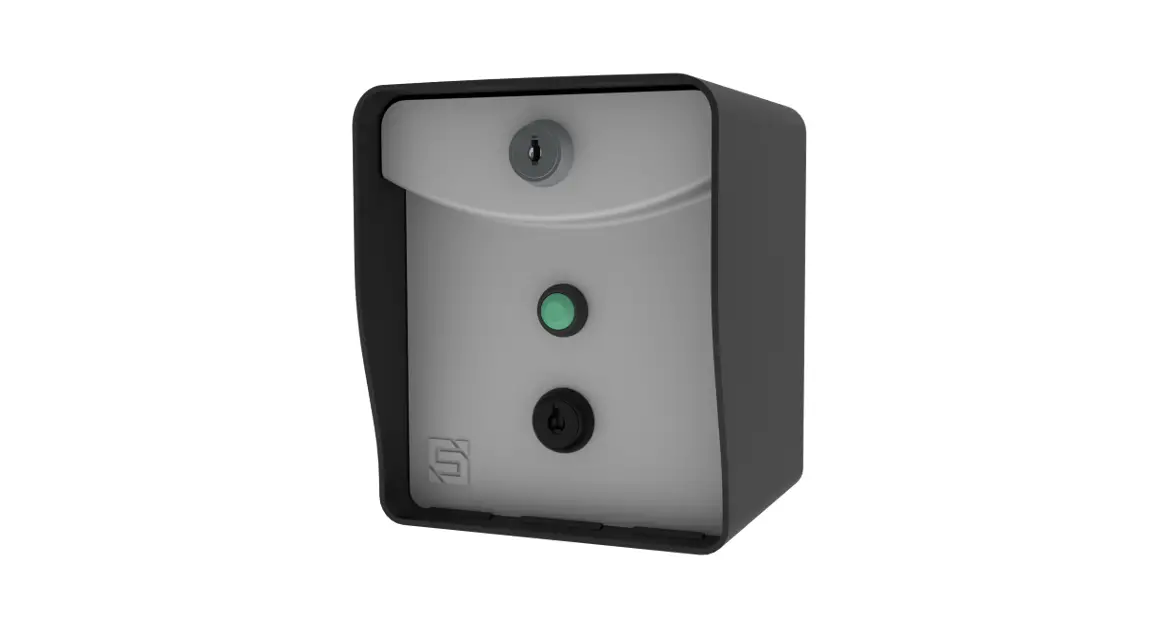
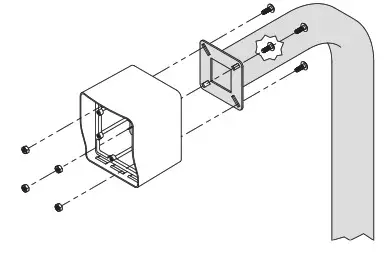
- Unlock and remove the faceplate of RTE unit; then using carriage bolts and hex nuts, attach to the pedestal as shown.

 WARNING!
AUTOMATIC GATES CAN CAUSE SERIOUS INJURY OR DEATH! ALWAYS CHECK that the GATE PATH IS CLEAR BEFORE OPERATING! REVERSING or other SAFETY DEVICES SHOULD ALWAYS BE USED! - Locate receiver (not included) and open for access to DIP switches.

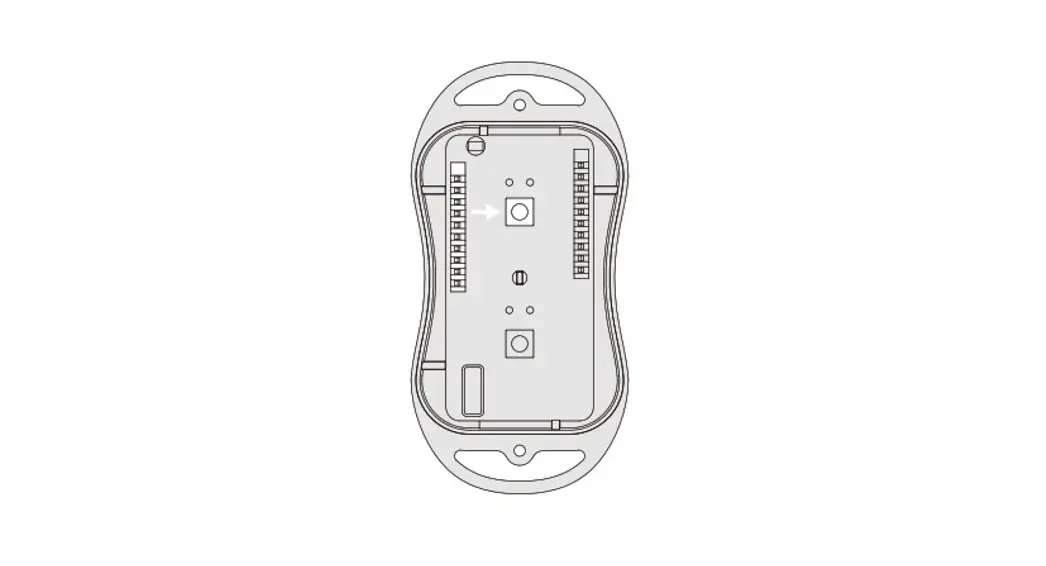
NOTE: For a gate installation, the receiver is typically installed inside the gate operator housing. - Carry RTE unit to a receiver; then set DIP switches on RTE unit to match DIP switches on the receiver. Double-check for a match.
 NOTE: Use the blanks above to note positions. Use an “X” for ON and leave blank for OFF. DIP switches may be labeled differently. The word, OPEN, means the same thing as OFF.
 - Make sure the gate/door path is clear; then press the exit button on the RTE unit and the confirm gate/door opens. (If nothing happens, go back to Step 5)

 What’s what?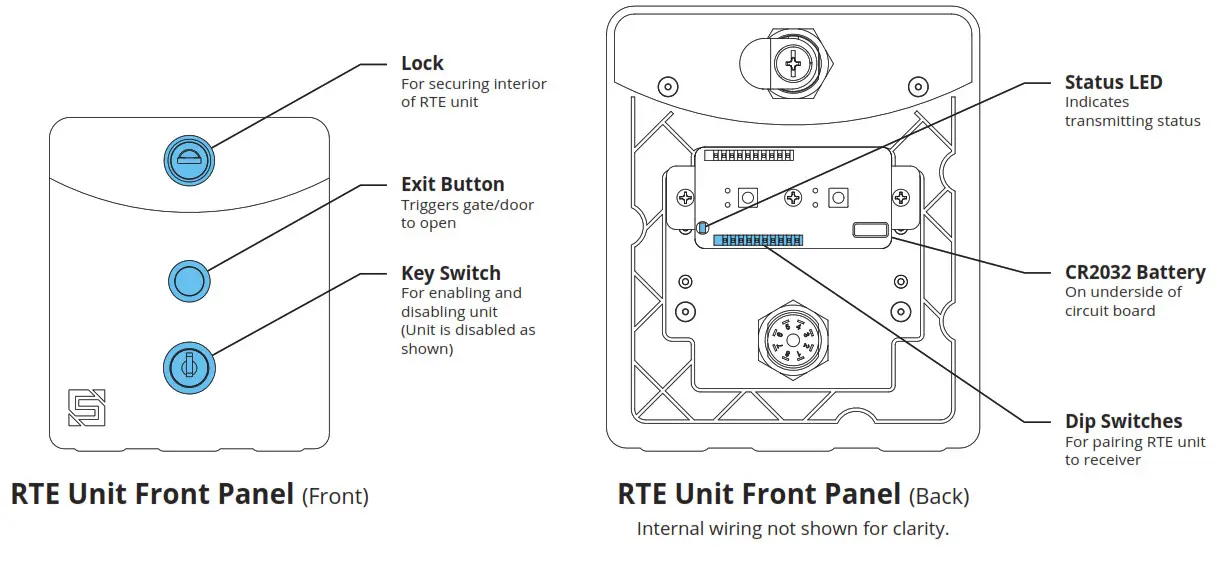
 WARNING!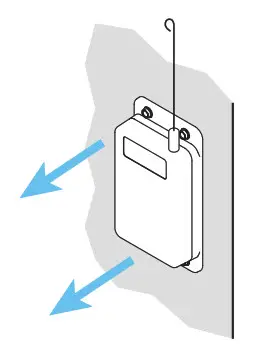
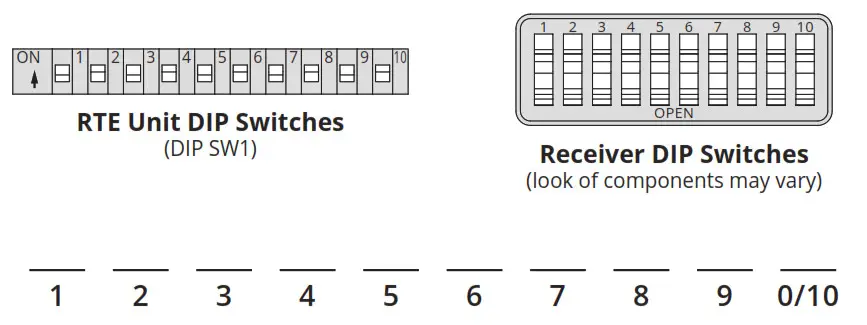 NOTE: Use the blanks above to note positions. Use an “X” for ON and leave blank for OFF. DIP switches may be labeled differently. The word, OPEN, means the same thing as OFF.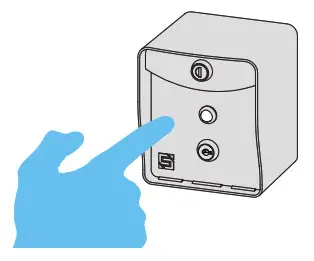
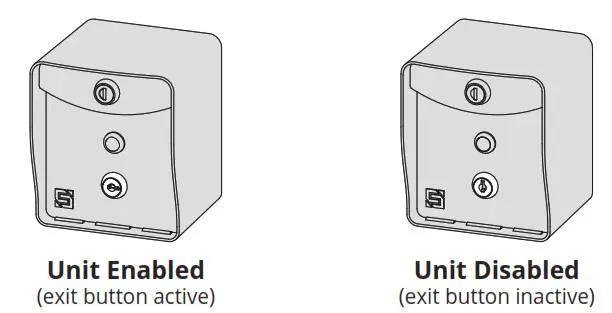
A The RTE unit can be disabled or enabled at any time using the key switch located below the exit button.
 IMPORTANT!
The RTE 300 is compatible ONLY with 300-MHz RECEIVERS that use 10 DIP SWITCHES, including those with the Digi-Code or Multi-Code®
brands.
This unit WILL NOT WORK with any other receivers!
If you are not sure what kind of receiver you have, check with your distributor.
 INSTALLATION COMPLETE!
Your system is ready to use.
 NEED HELP
Call (972) 474-6390
Email [email protected]
We are available Mon–Fri / 8 am–5 pm Central
© 2021 Security Brands, Inc. All rights reserved.
QSG-14RTE300-EN Rev. B (10/2021)

![First Alert Security System [fa168c, Fa168c-cn, Fa148cp, Fa148cp-cn] User Manual](https://static-data1.manualsee.com/1/img/186/17345/2020/12/First-Alert-Security-System-FA168C-FA168C-CN-FA148CP-FA148CP-CN.png "First Alert Security System [fa168c, Fa168c-cn, Fa148cp, Fa148cp-cn] User Manual")