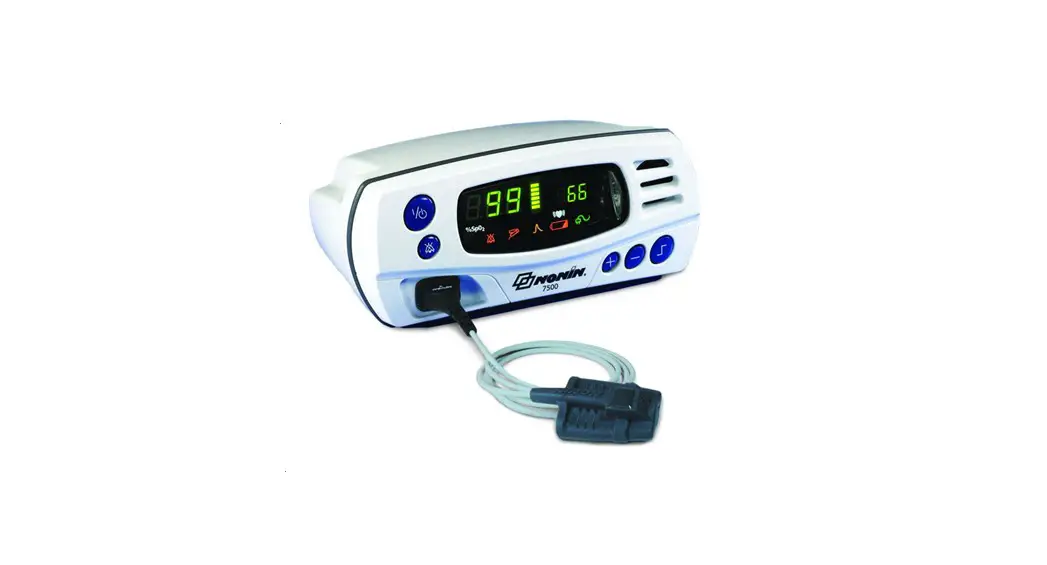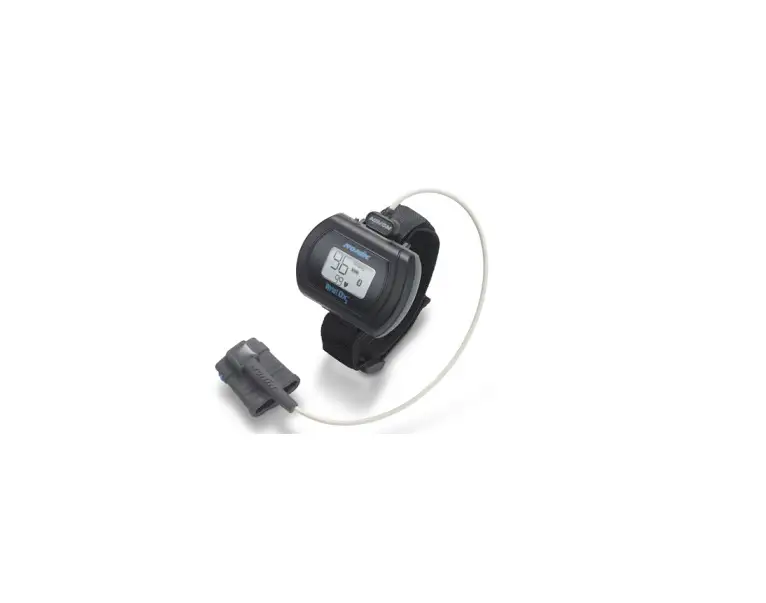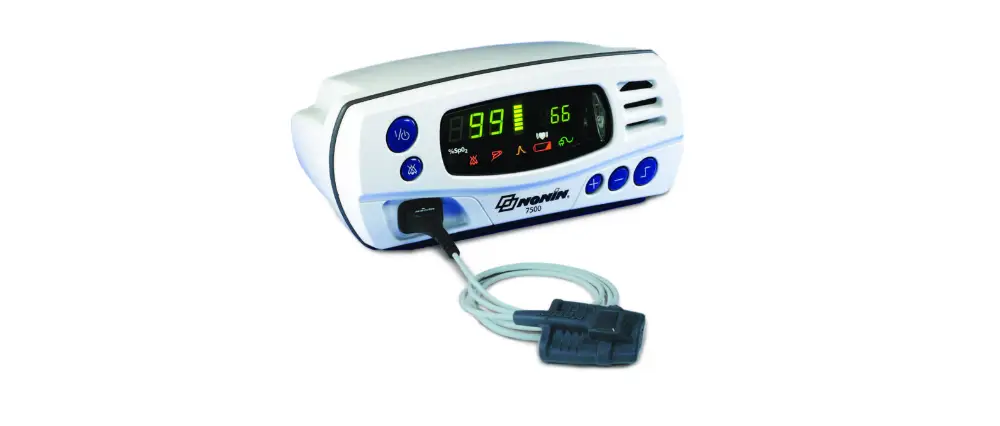

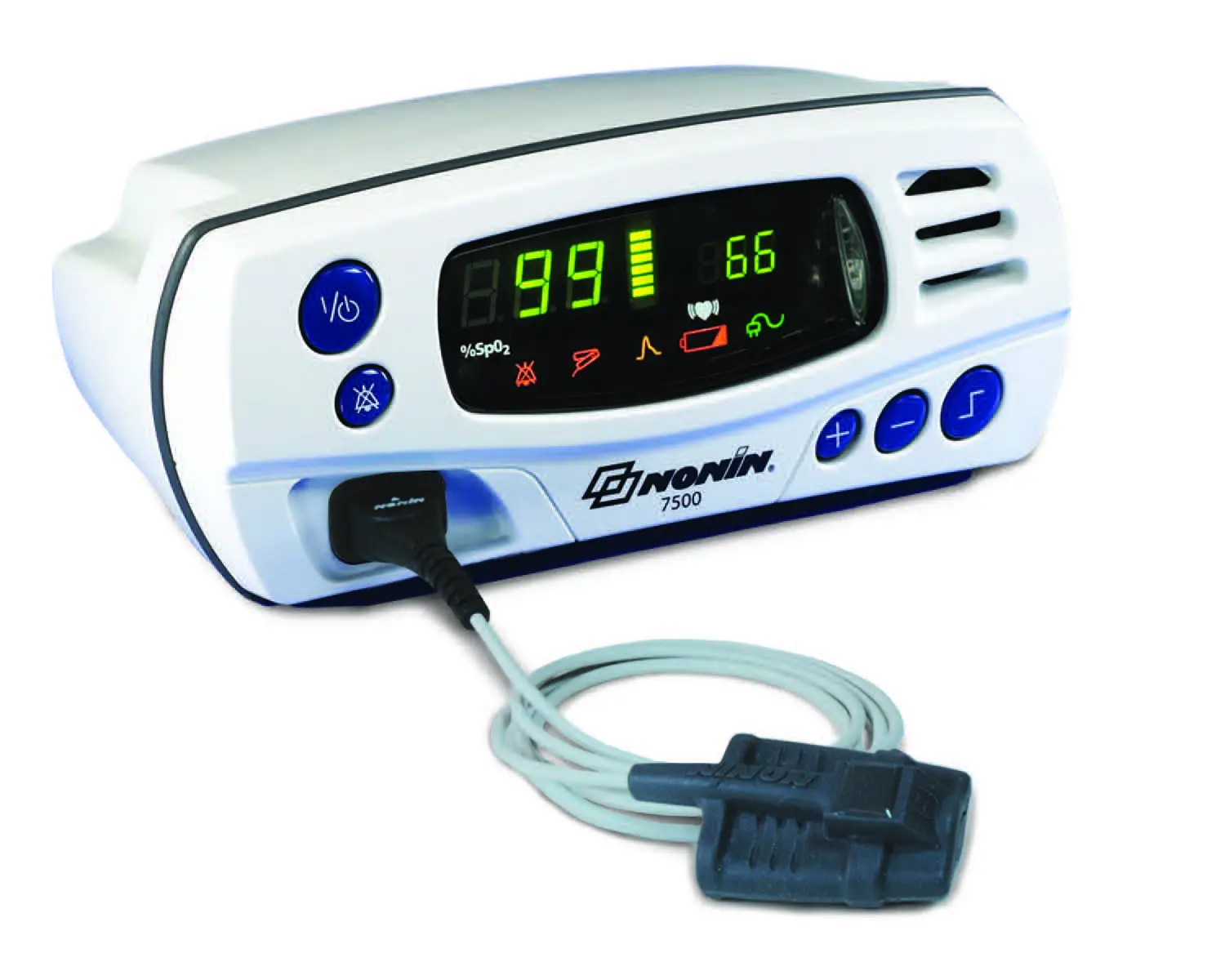
NONIN 7500 Portable Tabletop Pulse Oximeter
SET USER-DEFINED DEFAULTS
- Turn unit on power button Review factory settings below
- Step through ALL settings using LIMITS button
- Change desired settings using + or – buttons
- MUST push LIMITS button after each setting to confirm & move on
- Scroll to end of settings to 2nd
 symbol ( =minutes) and press LIMITS button
 - Unit will automatically review new settings
- TO SAVE SETTINGS – press and hold ALARM SILENCE button while briefly pressing LIMITS button – “dEF On” will flash
 symbol ( =minutes) and press LIMITS button
Return to Factory Defaults
Note: User-Defined Default values are lost when returned to Factory Defaults.
- Turn unit on power button – “dEF On” will appear
- Press and hold ALARM SILENCE button and briefly press – on – “dEF OFF” will flash
- Press POWER button until unit turns OFF, then turn back ON
Factory Default Settings
The values at right come pre-programmed in the Model 7500. The Patient Security Mode is OFF, unless turned on.
| KEY | Parameter | Factory Setting | Adjustment Options | Increment | ||
 | SpO2 Low Alarm Limit | 85% | Off, 50-95 | 1% | ||
 | Pulse Rate High Alarm Limit | 200 BPM | Off, 75-275 | 5 BPM | ||
 | Pulse Rate Low Alarm Limit | 50 BPM | Off, 30-110 | 5 BPM | ||
 | SpO2 High Alarm Limit | Off | Off, 80-100 | 1% | ||
 |  |  | Alarm Volume | High | Off, Low, High | N/A |
 |  |  | Oximetry Averaging | No | Yes, No | N/A |
SET PATIENT SECURITY MODE ON
- Turn unit on power button – Review factory settings below
- Step through ALL settings using LIMITS button
- Change desired settings using + or – buttons
- MUST push LIMITS button after each setting
- Scroll to end of settings to 2nd symbol ( =minutes) and press LIMITS button
- Unit will automatically review new settings
- TO SAVE SETTINGS – press and hold ALARM SILENCE button while briefly pressing LIMITS button – “dEF On” will flash
- Press POWER button until unit turns OFF
- TO SET – Press and hold ALARM SILENCE button while turning the unit back ON
- Screen will flash “SEC On”
Note: To set “Low O2” alarm below 85%, must set in User-Defined Defaults first, then follow steps above.
Turn Off Patient Security Mode
- Press POWER button until unit turns OFF
- Together hold down ALARM SILENCE button, then LIMITS button and then POWER button
- Units reads “SEC OFF”
DATA COLLECTION & DOWNLOAD
Data Collection
- Turn unit on – Recording begins automatically
Note: Data less than 1 minute is not saved.
Downloading Data To PC
Note: Patient Security Mode must be OFF
- Press POWER button until unit turns OFF
- Connect unit to PC using 7500SC download cable
- Boot up nVISION and select FILE>New Data Capture, click 7500 oximeter option
- On 7500 unit press and hold + and POWER buttons – unit will display “PLA bAC” during download
- Unit returns to normal operating mode after download
TO CLEAR MEMORY
- Turn unit on
Note: Patient Security Mode must be OFF - Press LIMITS button until “CLr no” is displayed
- 3. Press + button until “CLr YES” appears
- Press LIMITS button to confirm
- “dEL no” appears, press + button so “dEL YES” appears
- Press LIMITS button to confirm
- “dnE CLr” confirms memory has been cleared
For complete specifications, please refer to the Operator’s Manual.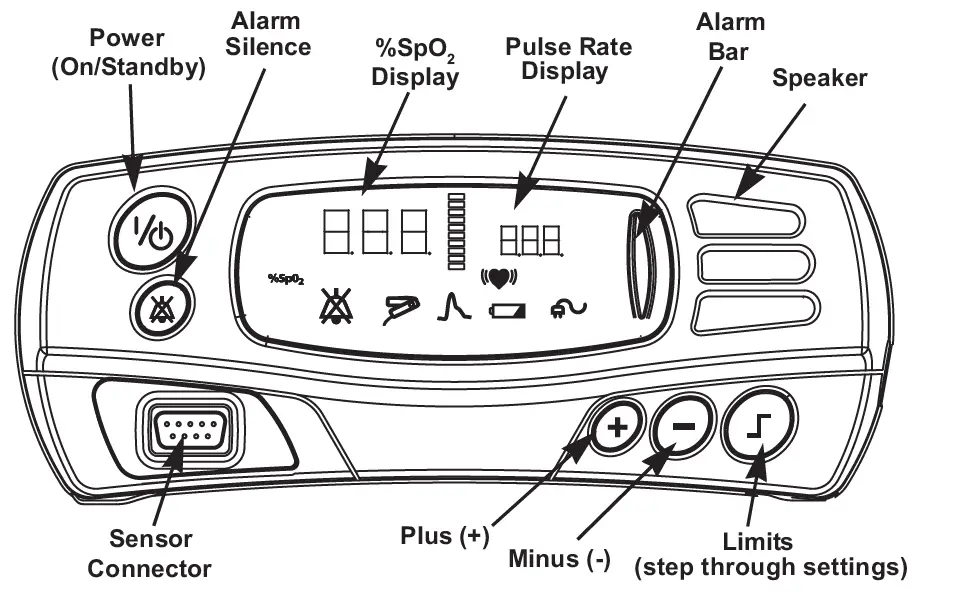

Translations of this quick start guide can be found using this QR code or on the USB for the Model 7500 operator’s manual.
©2021 Nonin Medical, Inc.
All trademarks are the property of Nonin Medical, Inc. unless otherwise noted. P/N 114527-001-01 07/2021