
White Plains Hospital
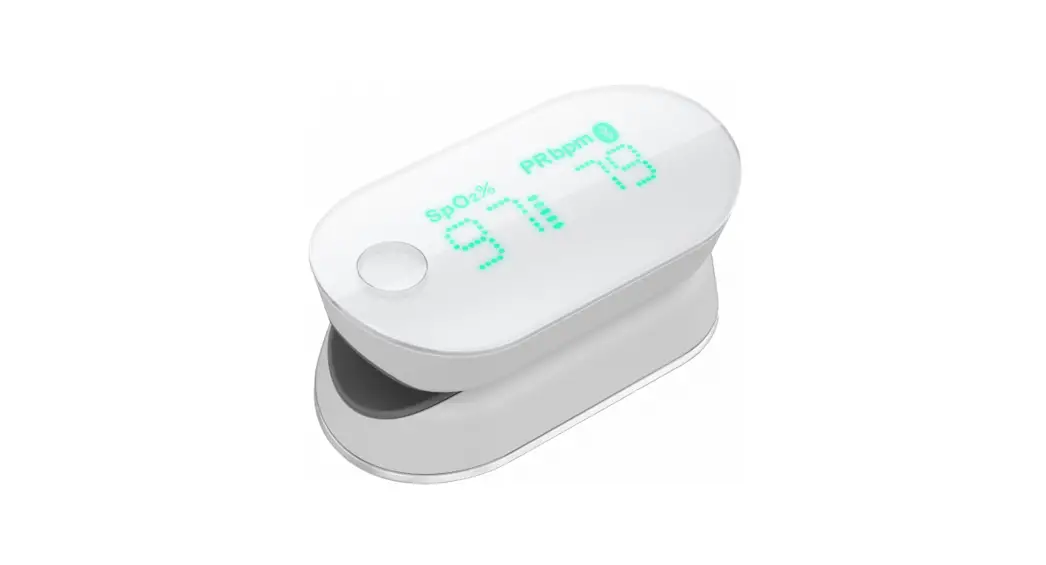
Using the iChoice Pulse Oximeter for the Remote Patient Monitoring Program
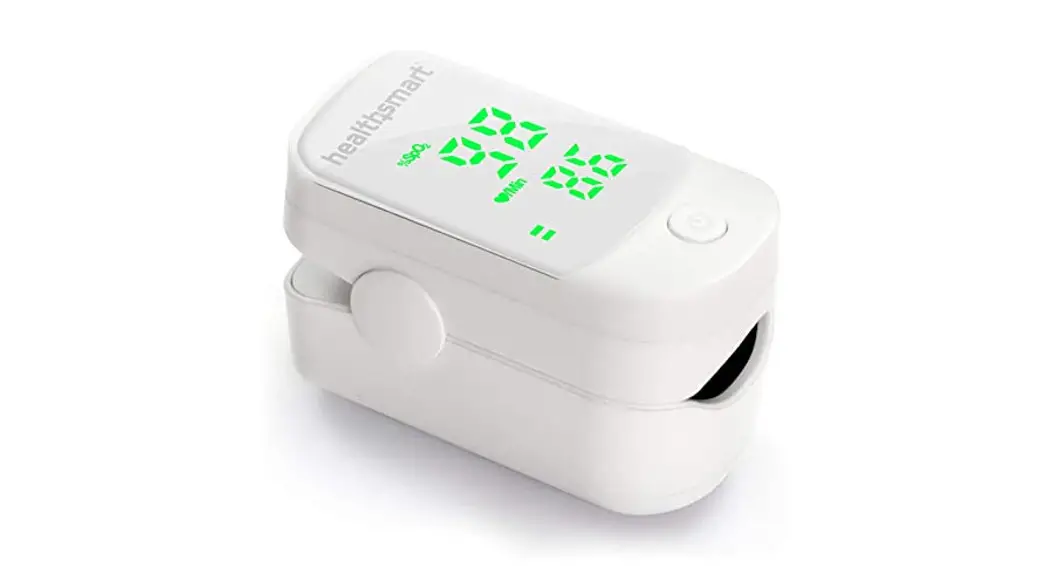
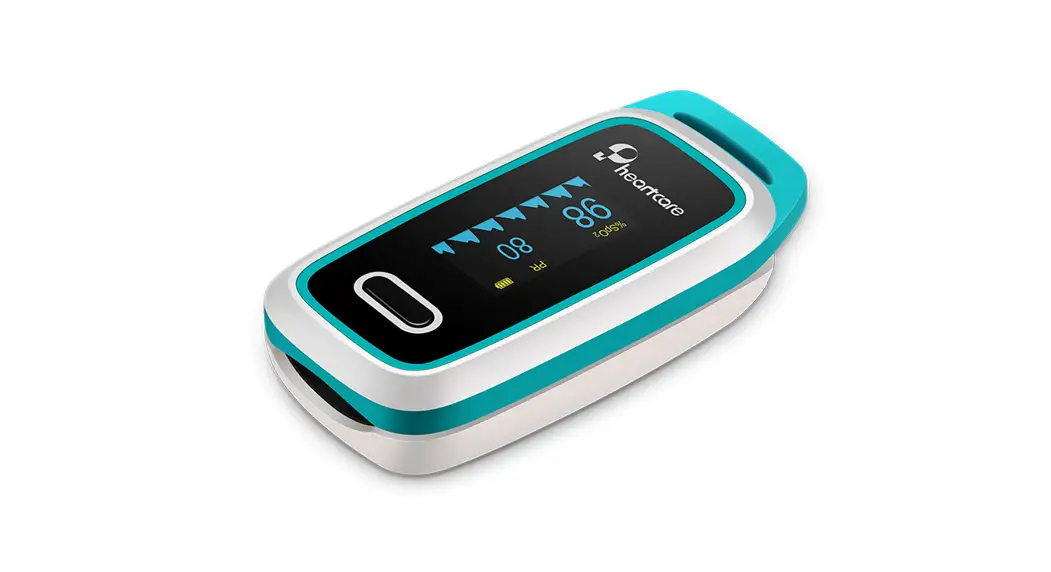
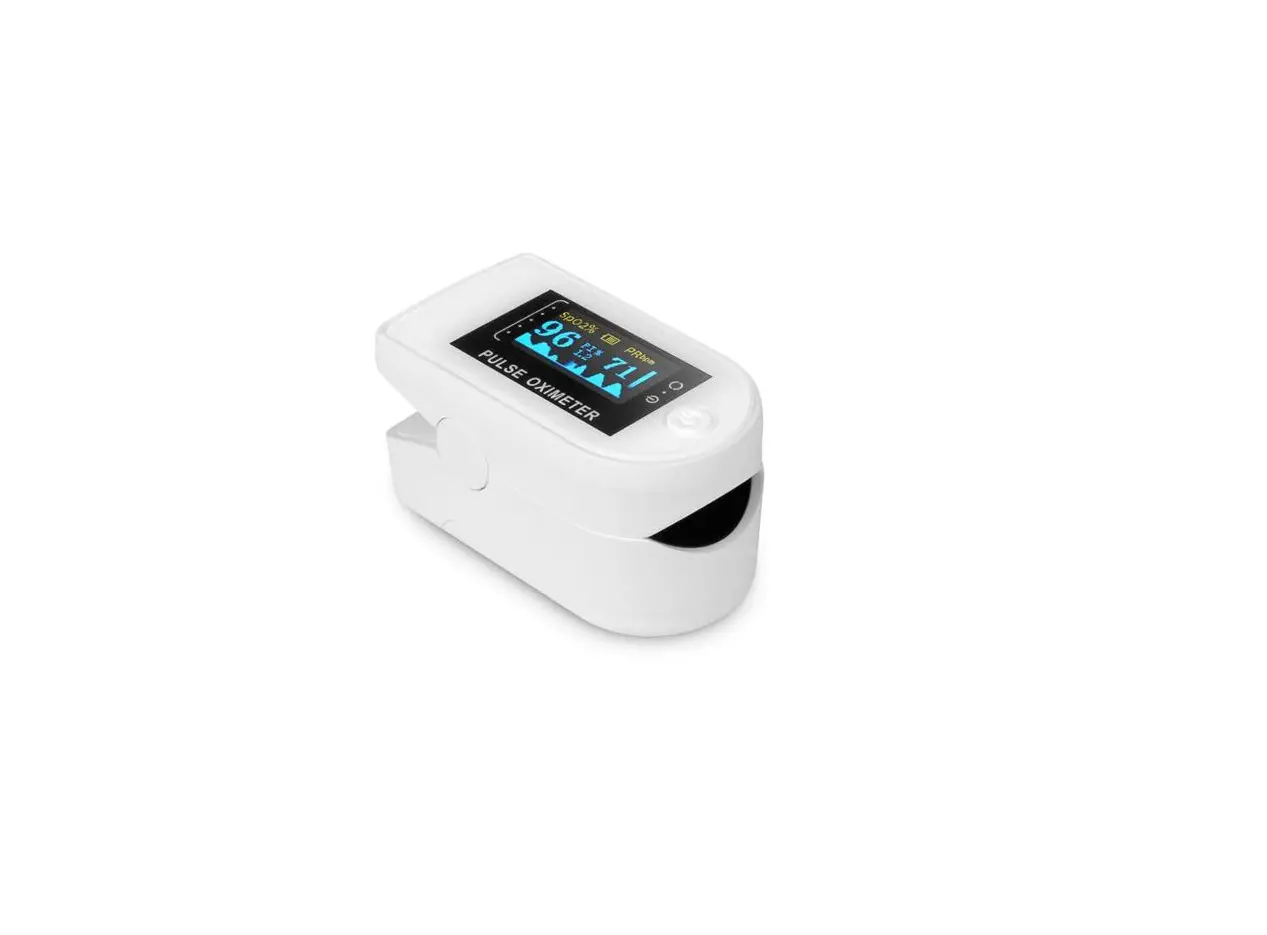
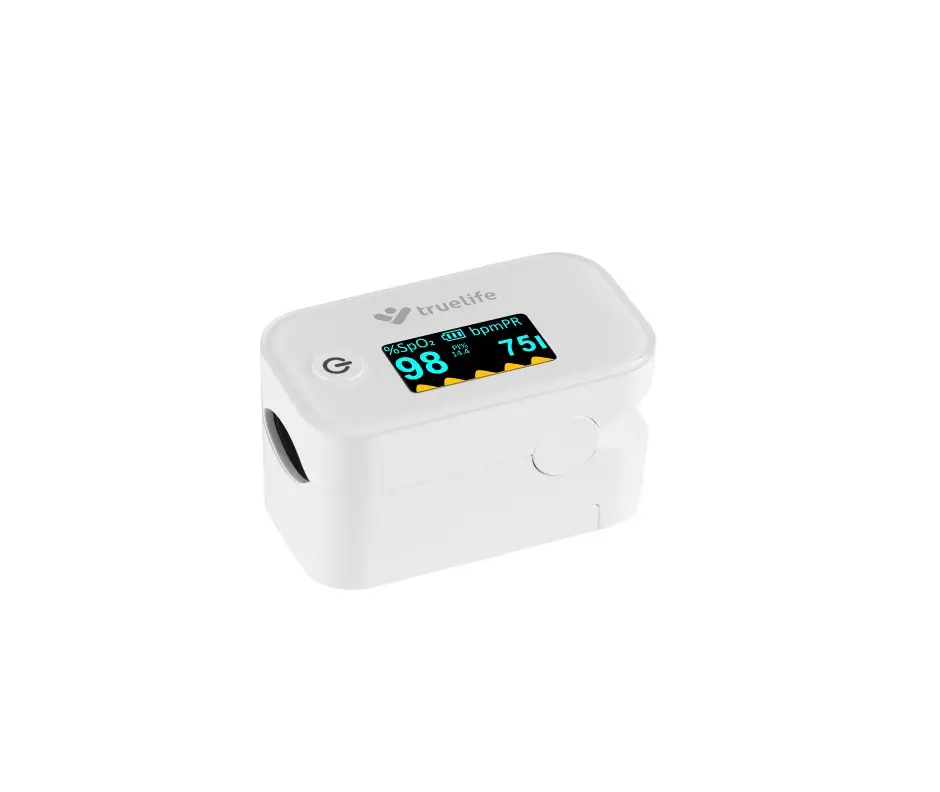
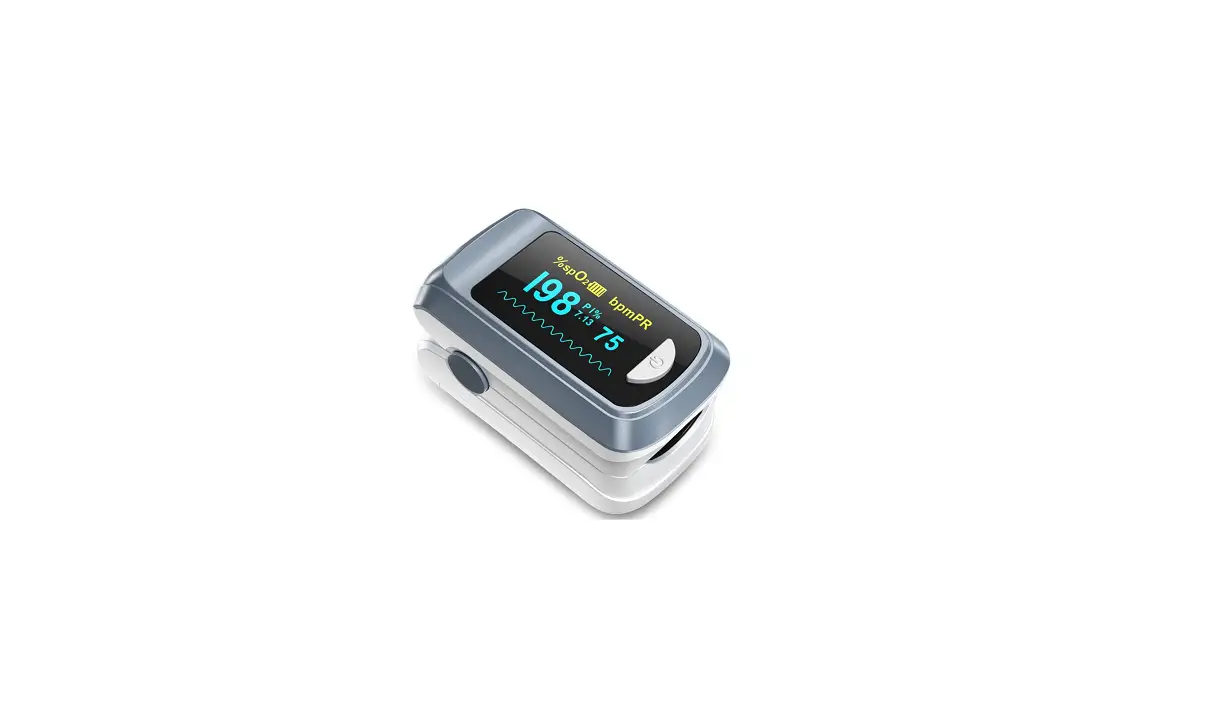
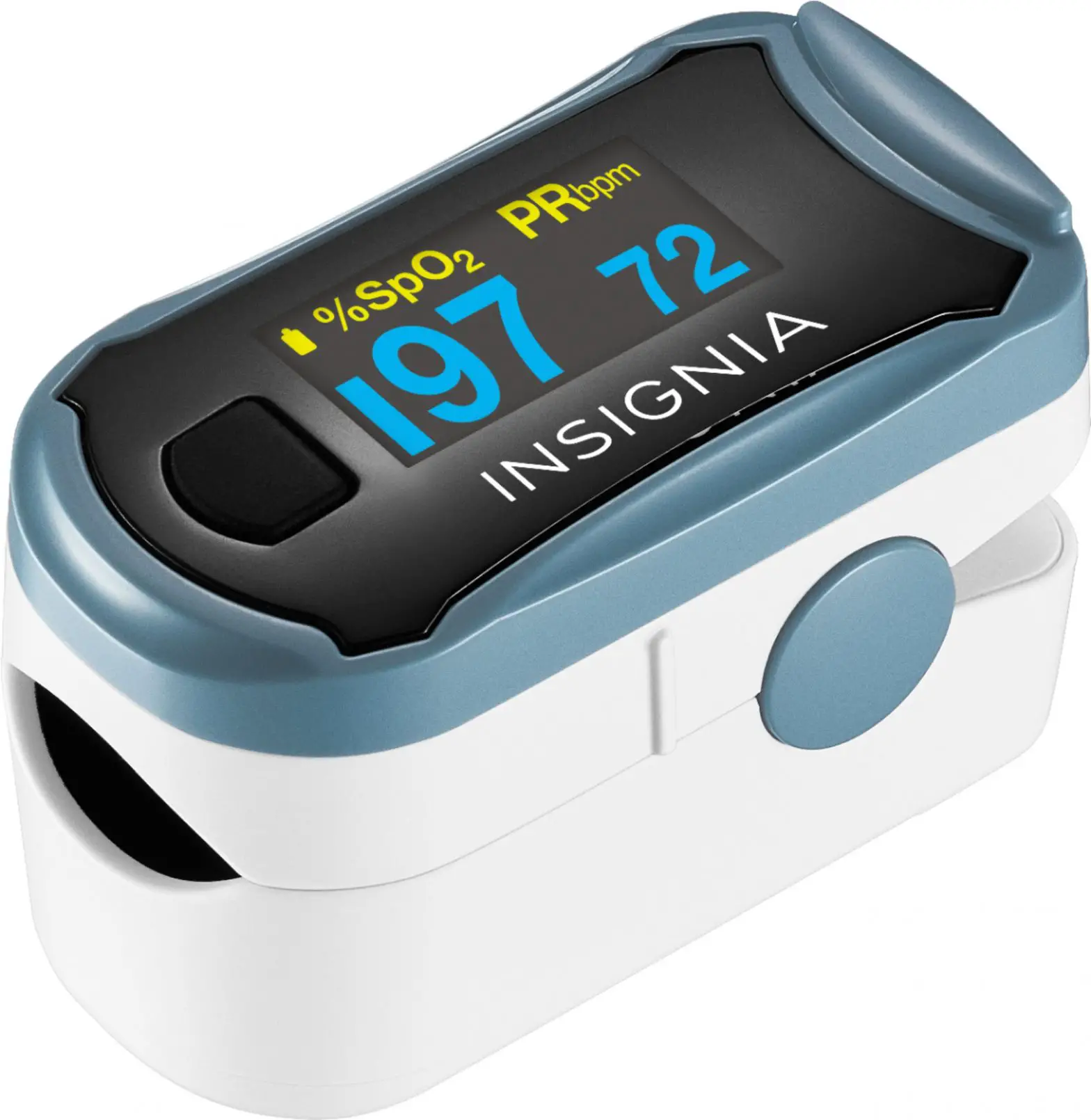
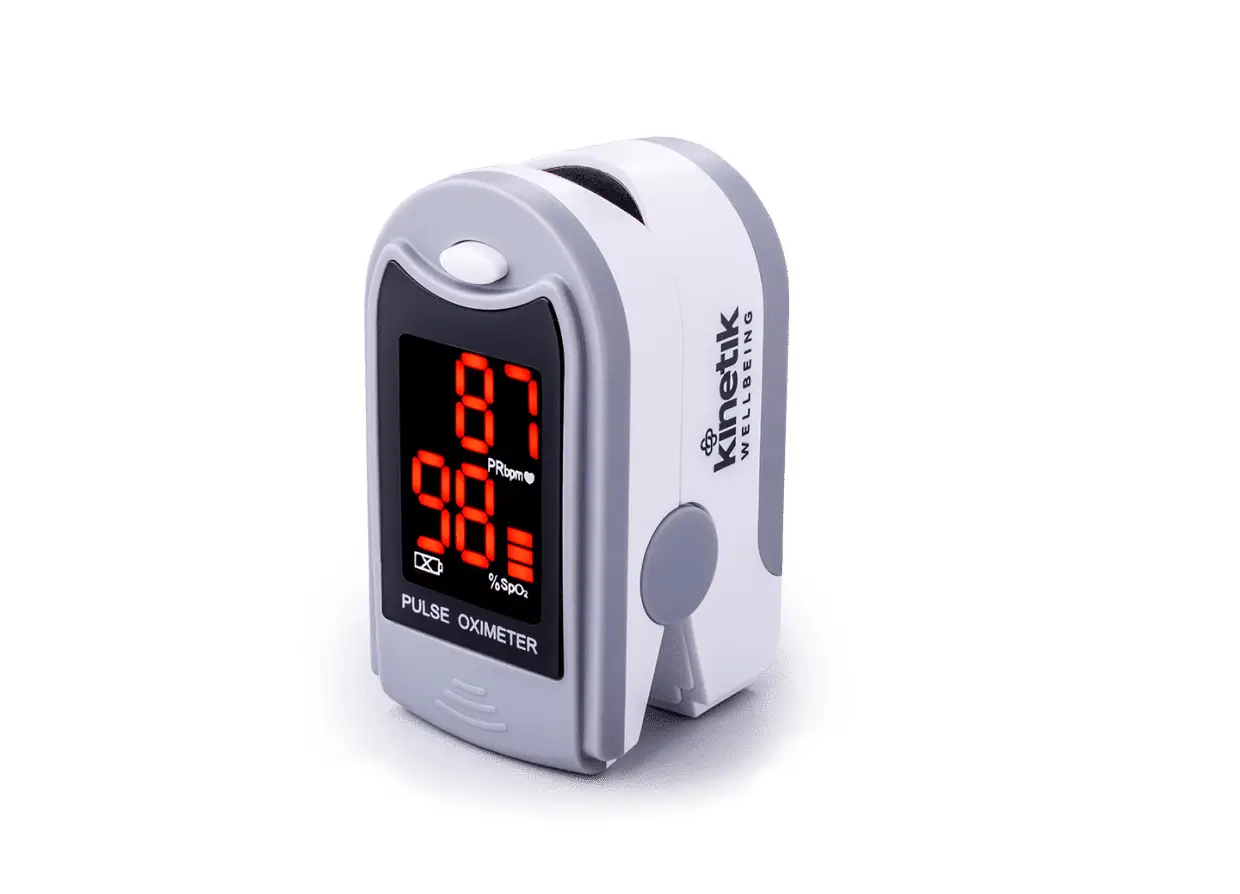
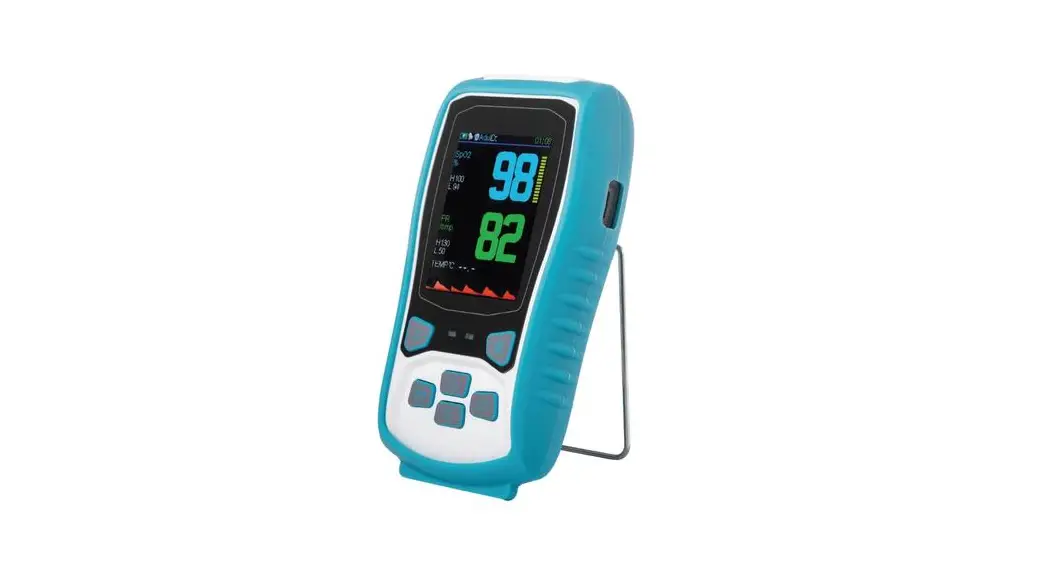
Pulse Oximeter
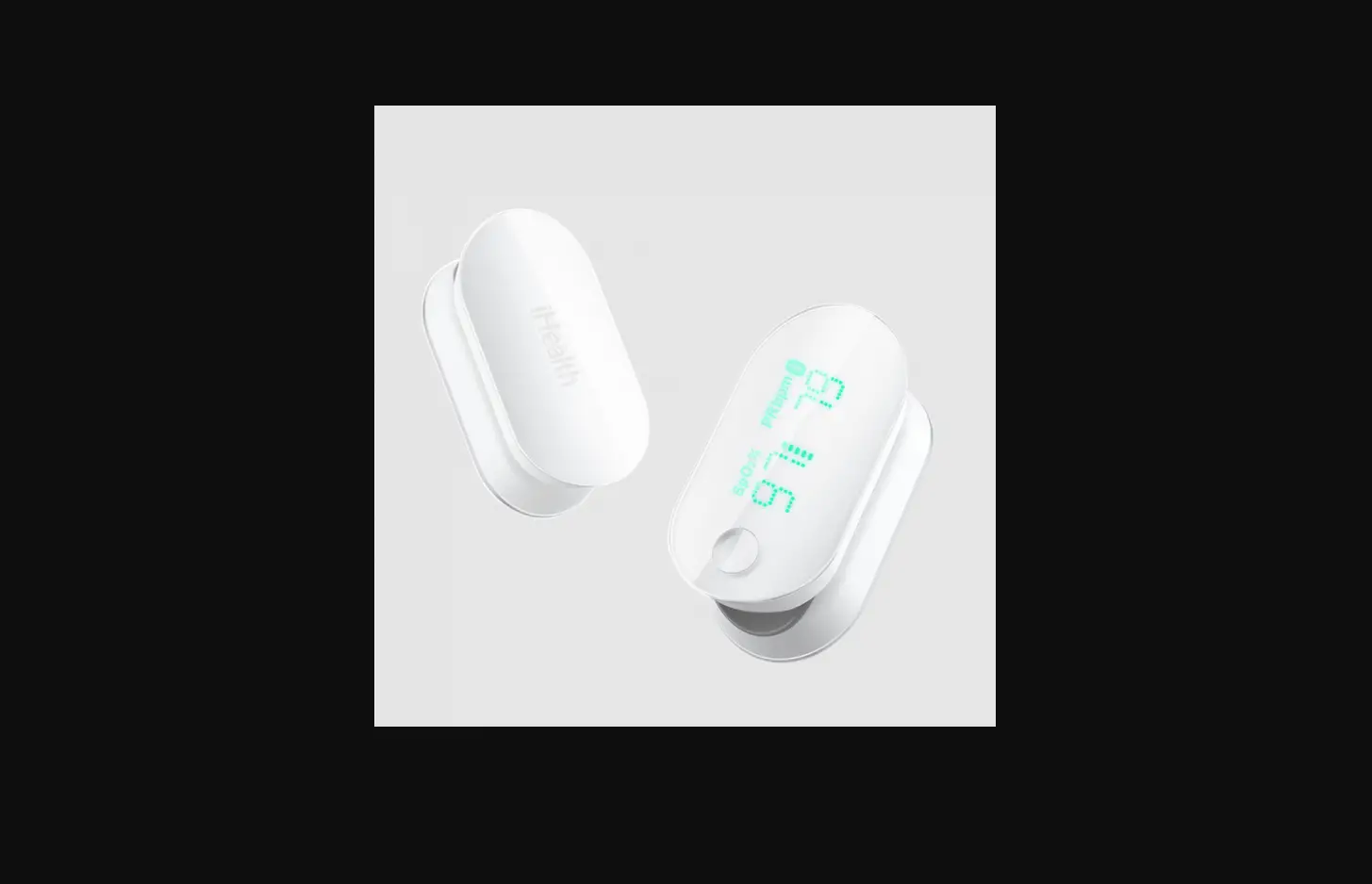
WELCOME! Now that you have successfully installed the Life365 Health app and enabled the Bluetooth settings on your smart device you are ready to begin setting up your monitoring devices. We are so glad you have decided to take control of your health with the iChoice Pulse Oximeter included in this package.
What is a Pulse Oximeter?
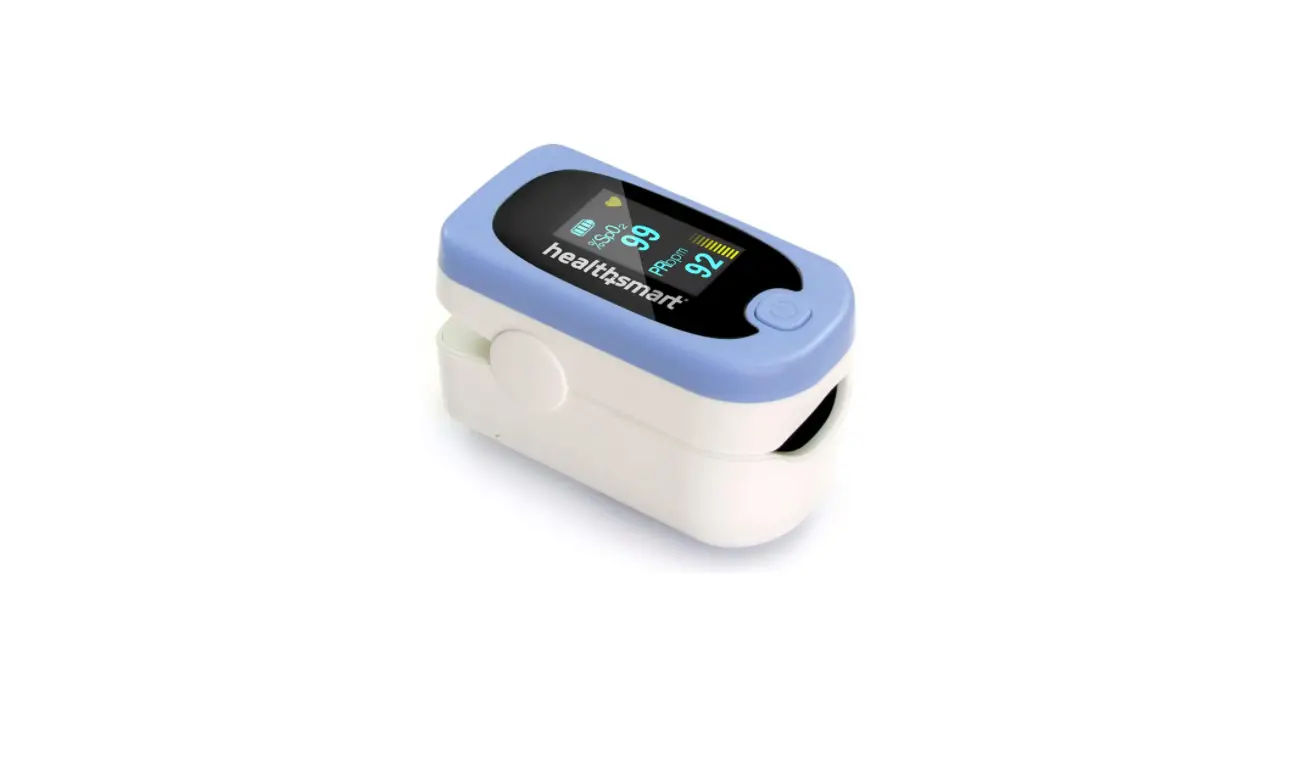
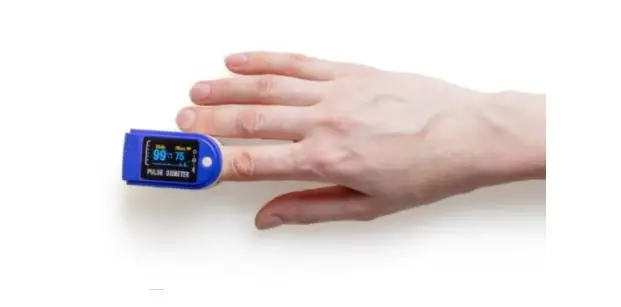
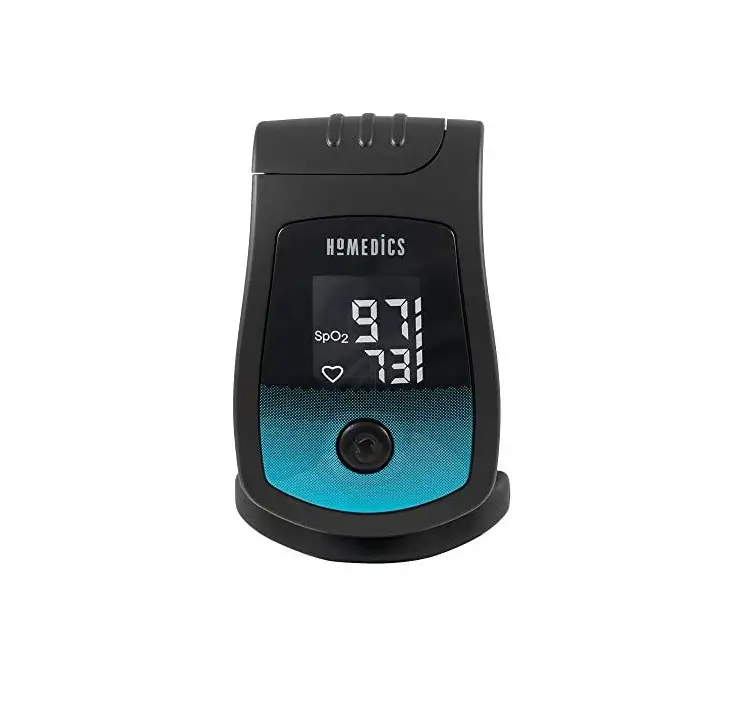
A pulse oximeter is a small device that clips to your finger and measures how much oxygen is in a person’s blood. People who have a lung or heart condition may use a pulse oximeter at home to check how they are doing, and their results will be read by a health care provider. Low oxygen levels can be an early warning sign that medical care is needed.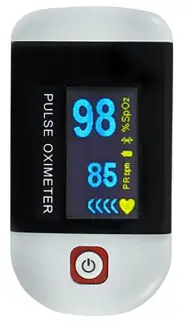
How Remote Patient Monitoring Works
WHAT THE PATIENT WILL DO:
- Use this device as instructed by your doctor
- Call WPH Cares at 914-681-2273 (M-F, 10am-4pm) for clinical questions
- Call Life365 at 888-818-2322, ext: 2 for technical support (M-F, 8am-8pm)
- In an emergency, call 911 or go to the Emergency Department
WHAT THE CARE TEAM WILL DO:
- Monitor your device readings
- Be available to support you through the monitoring process
- Contact you and/or your doctor if:
- No readings are logged
- Readings are above or below target
Using Your Pulse Oximeter
Your provider has asked that you use this device every day. However, your plan is individual to you and your health needs. Make sure you write down how often your provider would like you to record your levels. Taking your reading only requires a few minutes!
NOTE: For measurement readings to be recorded in your Life365 account, the Life365 Health App must be open when a measurement reading is being taken.
MY PERSONAL PULSE OXIMETER PLAN IS:
…………………times per day*
……………………number of days
………..is my O2 goal level
*You should take more readings if:
- You are short of breath
- You suspect the reading was not accurate or improperly recorded
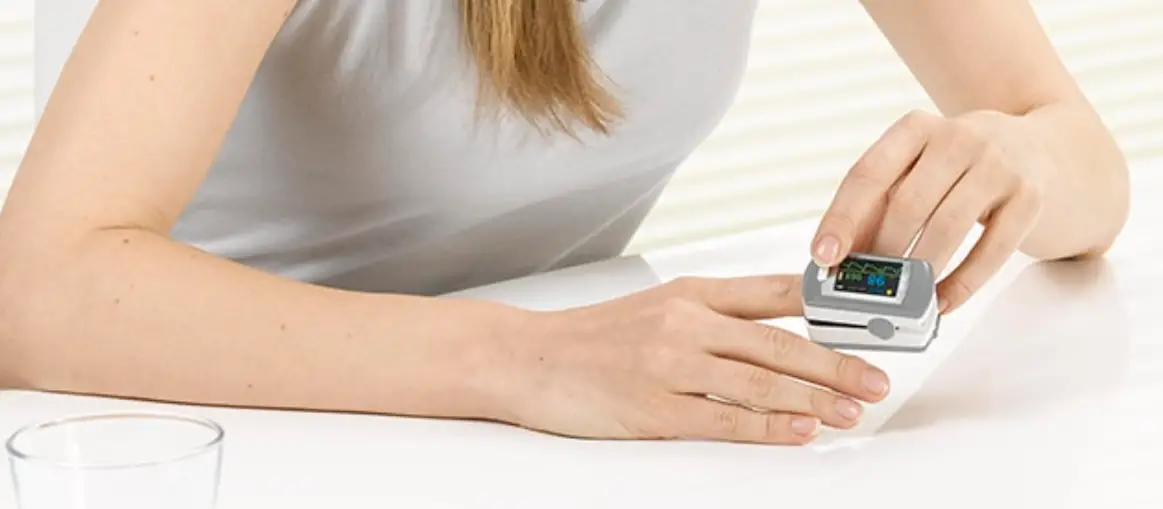
 Make sure to place finger properly into the device.
- Sit still while taking the readings.
- Position the probe correctly.
- Remove any nail polish, tattoos or henna dye.
- Warm up your fingers before starting the test.
 Make sure to place finger properly into the device.
Now You Are Ready to Start Monitoring!
The last step on your way to personalized health monitoring is to pair your medical devices with your smartphone/mobile device at home via Bluetooth.
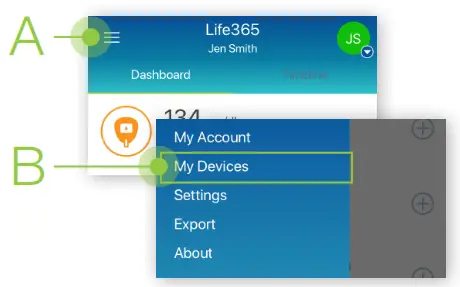
- Tap the Hamburger Menu (three lines), located in the upper left of the app screen (A). In the menu list, select My Devices (B).

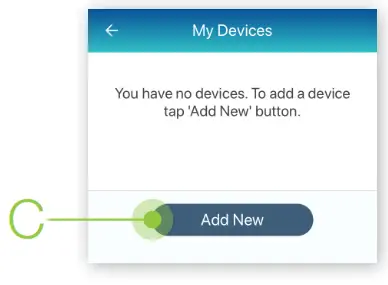
- In My Devices, select the Add New button.
The app will search for the Bluetooth device (C). Make sure the Bluetooth device is located near the smart device. For Bluetooth device pairing instructions and other resources, visit https://www.life365.health/en/support/app.
 - To pair, take a measurement reading.
Turn ON the pulse oximeter by pressing the power button.
Insert a finger into the pulse oximeter.
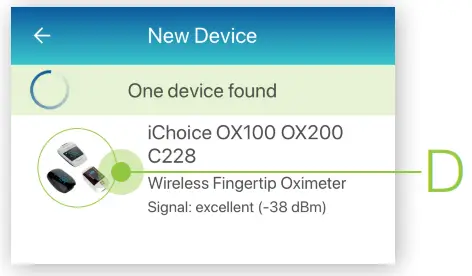
- Allow a few moments for the app to find the pulse oximeter.
Once found in the app, select the Bluetooth device name on the app screen (D).
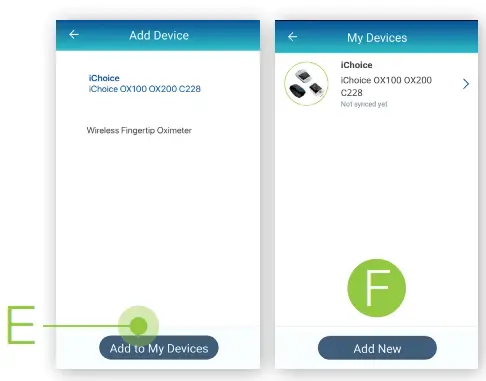
- Select the Add to My Devices button (E).
The app will return to the My Devices screen.
The new Bluetooth device will now be listed (F).
- Allow a few moments for the measurement reading to sync and record in the app.
The pulse oximeter screen will blink the measurement reading when the reading has been successfully captured.
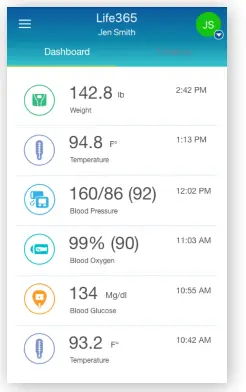
Navigate to the main app Dashboard to review all measurement readings. - Take a measurement reading with the pulse oximeter. Turn ON the pulse oximeter by pressing the power button. Insert a finger into the pulse oximeter.
- Allow a few moments for the measurement reading to sync and record in the app.
The pulse oximeter screen will blink the measurement reading when the reading has been successfully captured.
Navigate to the main app Dashboard to review all measurement readings.
 Make sure the Bluetooth device is located near the smart device. For Bluetooth device pairing instructions and other resources, visit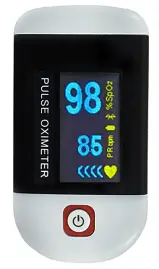
You have successfully paired and taken a measurement reading!
Life 365.healtth
©2021 Life365 Inc. / MKT-DOC-004 / RevB-FEB2021
 Life365 App Support Resources