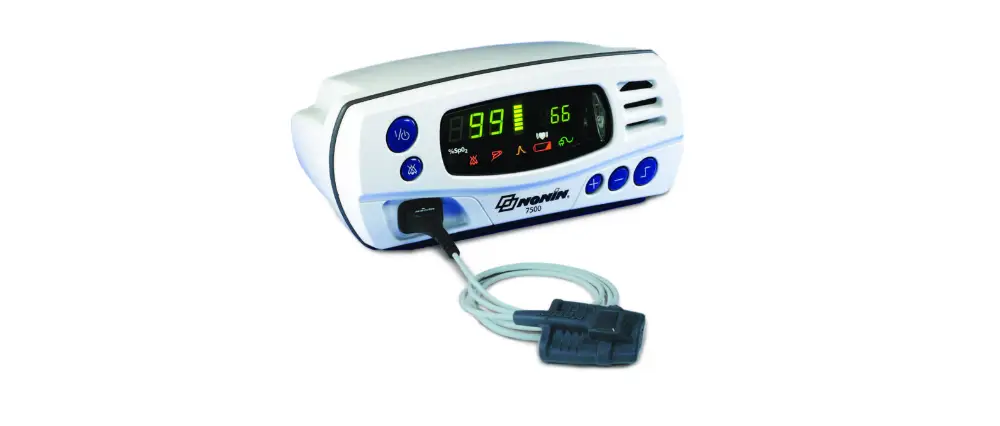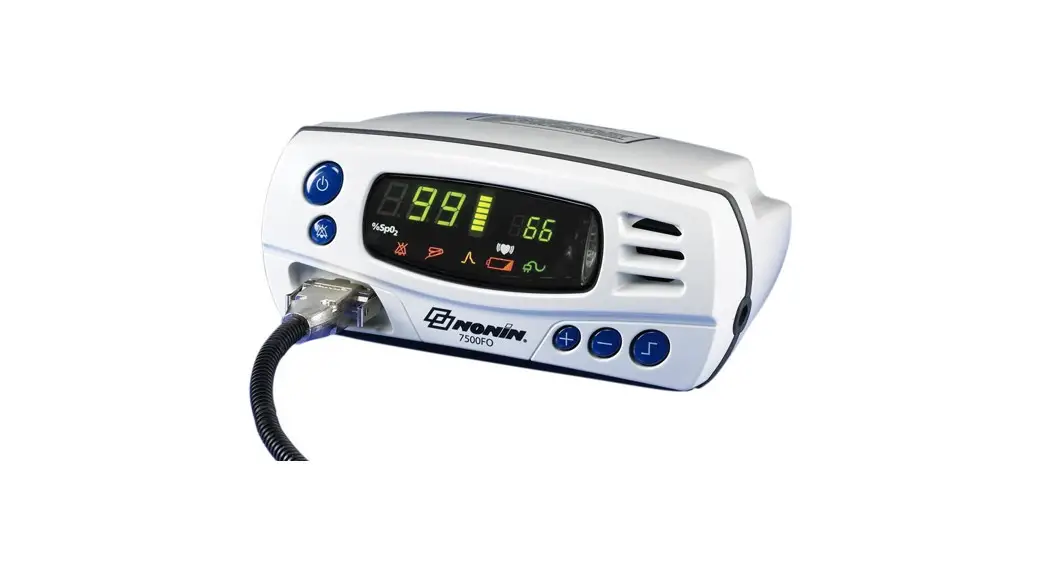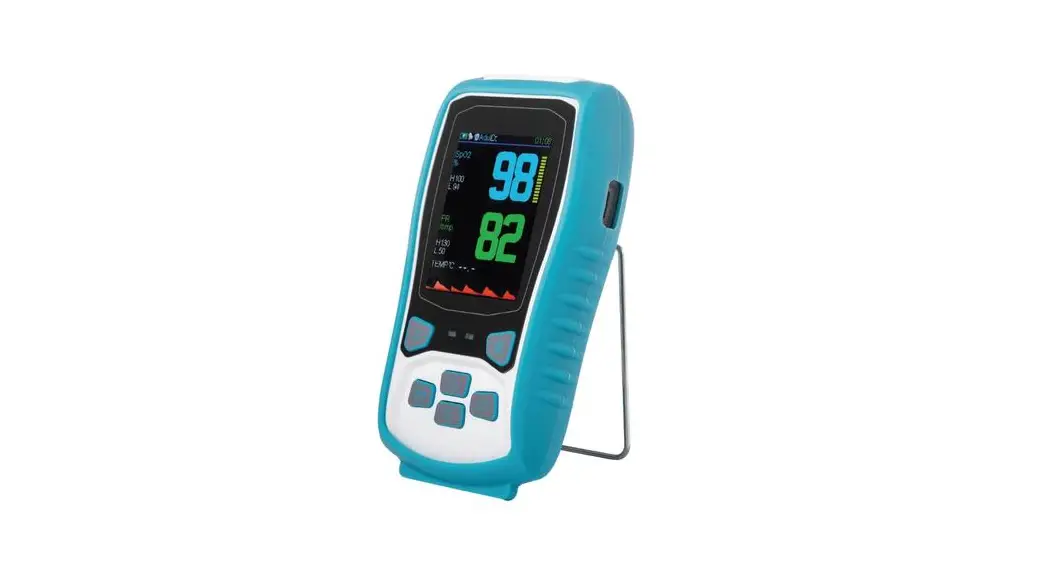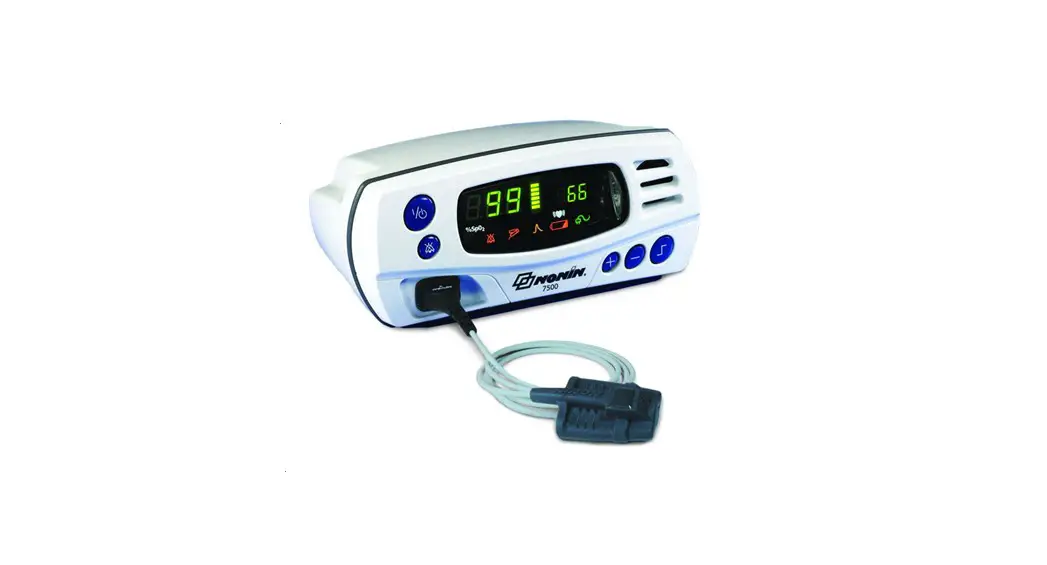

Model 7500
Quick Start-up Guide
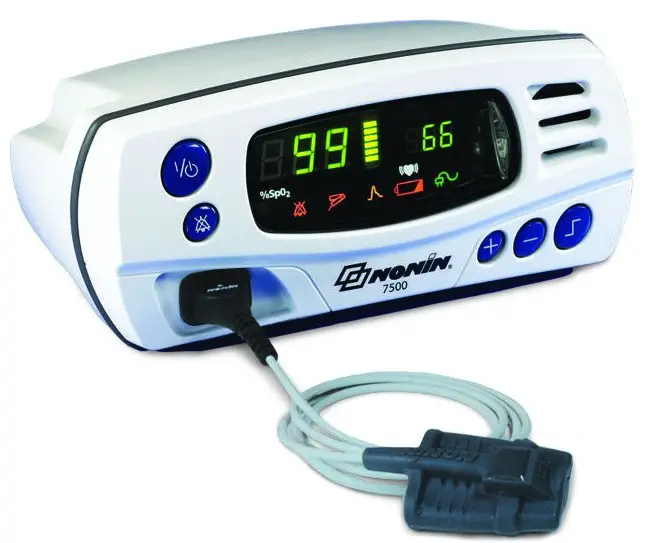
SET USER-DEFINED DEFAULTS
- Turn unit on
 – Review factory settings below
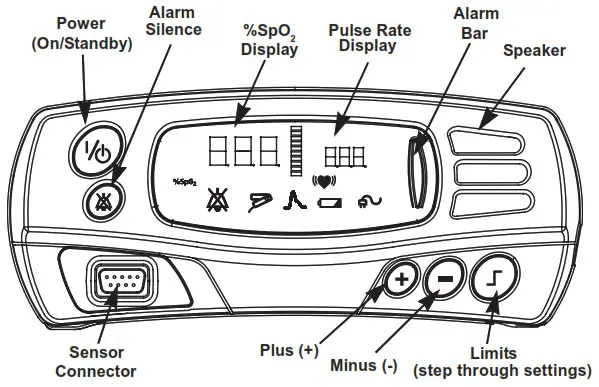
 - Step through ALL settings using
 LIMITS button
 - Change desired settings using
 or buttons
 - MUST push LIMITS button after each setting to confirm & move on
- Scroll to end of settings to
 2nd symbol ( =minutes) and press LIMITS button
 - Unit will automatically review new settings
- TO SAVE SETTINGS – press and hold
 ALARM SILENCE button while briefly pressing LIMITS button – “dEF On” will flash
 – Review factory settings below
 LIMITS button
 or
or  buttons
 2nd symbol (
  ALARM SILENCE button while briefly pressing
 Return to Factory Defaults
Note: User-Defined Default values are lost when returned to Factory Defaults.
- Turn unit on – “dEF On” will appear
- Press and hold ALARM SILENCE button and briefly press button – “dEF OFF” will flash
- Press POWER button until unit turns OFF, then turn back ON
Factory Default Settings
The values at right come pre-programmed in the Model 7500. The Patient Security Mode is OFF, unless turned on.
| KEY | Alarm Limit | Factory Setting | Adjustment Options | Increment |
 | Sp02 Low Alarm Limit | 85% | Off, 50-95 | 1% |
 | Pulse Rate High Alarm Limit | 200 BPM | Off, 75-275 | 5 BPM |
 | Pulse Rate Low Alarm Limit | 50 BPM | Off, 30-110 | 5 BPM |
 | Sp02 High Alarm Limit | Off | Off, 80-100 | 1% |
 | Alarm Volume | High | Off, Low, High | N/A |
 | Oximetry Averaging | No | Yes, No | N/A |
SET PATIENT SECURITY MODE ON
- Turn unit on – Review factory settings below
- Step through ALL settings using LIMITS button
- Change desired settings using or buttons
- MUST push LIMITS button after each setting
- Scroll to end of settings to 2nd symbol ( =minutes) and press LIMITS button
- Unit will automatically review new settings
- TO SAVE SETTINGS – press and hold ALARM SILENCE button while briefly pressing LIMITS button – “dEF On” will flash
- Press POWER button until unit turns OFF
- TO SET – Press and hold ALARM SILENCE button while turning the unit back ON
- Screen will flash “SEC On”
Note: To set “Low O2” alarm below 85%, must set in User-Defined Defaults first, then follow steps above.
 LIMITS button after each setting
Turn Off Patient Security Mode
- Press POWER button until unit turns OFF
- Together hold down ALARM SILENCE button, then LIMITS button and then POWER button
- Units reads “SEC OFF”
DATA COLLECTION & DOWNLOAD
Data Collection
- Turn unit on – Recording begins automatically
Note: Data less than 1 minute is not saved.
Downloading Data To PC
Note: Patient Security Mode must be OFF
- Press POWER button until unit turns OFF
- Connect unit to PC using 7500SC download cable
- Boot up nVISION and select FILE>New Data Capture, click 7500 oximeter option
- On 7500 unit press and hold and POWER buttons – unit will display “PLA bAC” during download
- Unit returns to normal operating mode after download
TO CLEAR MEMORY
- Turn unit on
Note: Patient Security Mode must be OFF - Press LIMITS button until “CLr no” is displayed
- Press button until “CLr YES” appears
- Press LIMITS button to confirm
- “dEL no” appears, press button so “dEL YES” appears
- Press LIMITS button to confirm
- “dnE CLr” confirms memory has been cleared
For complete specifications, please refer to the Operator’s Manual.

https://www.nonin.com/support/7500/
Translations of this quick start guide can be found using this QR code or on the USB for the Model 7500 operator’s manual.
©2021 Nonin Medical, Inc.
All trademarks are the property of Nonin Medical, Inc. unless otherwise noted.
114527-001-01 06/2021