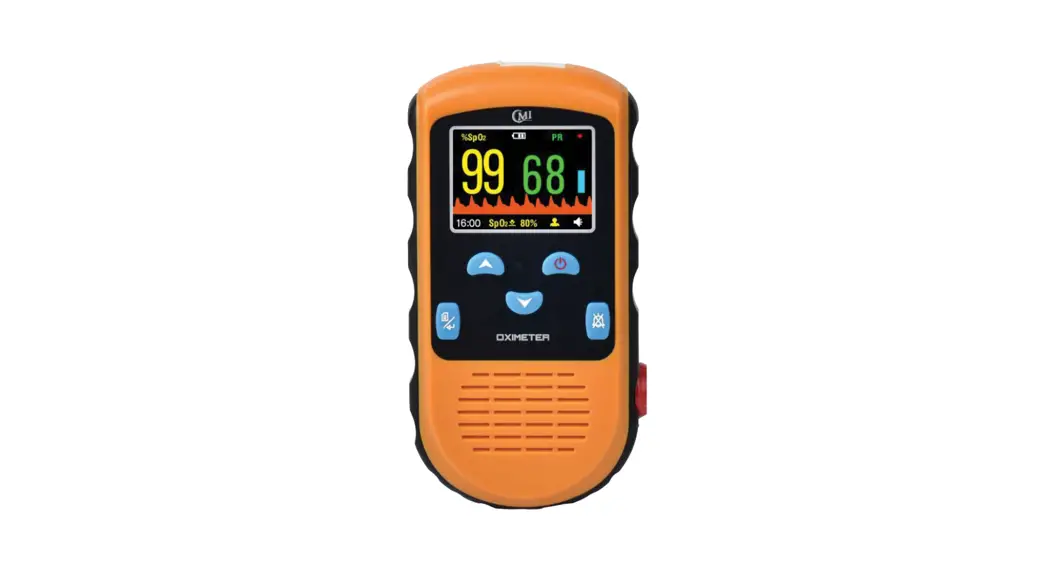
 PC-66H Quick Guide
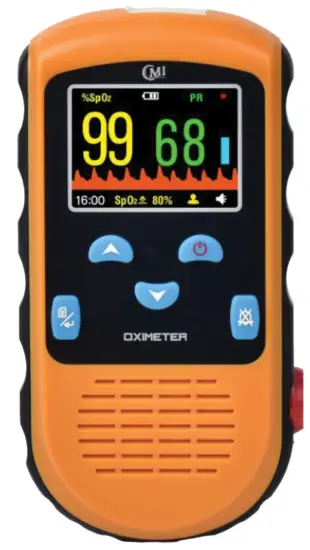
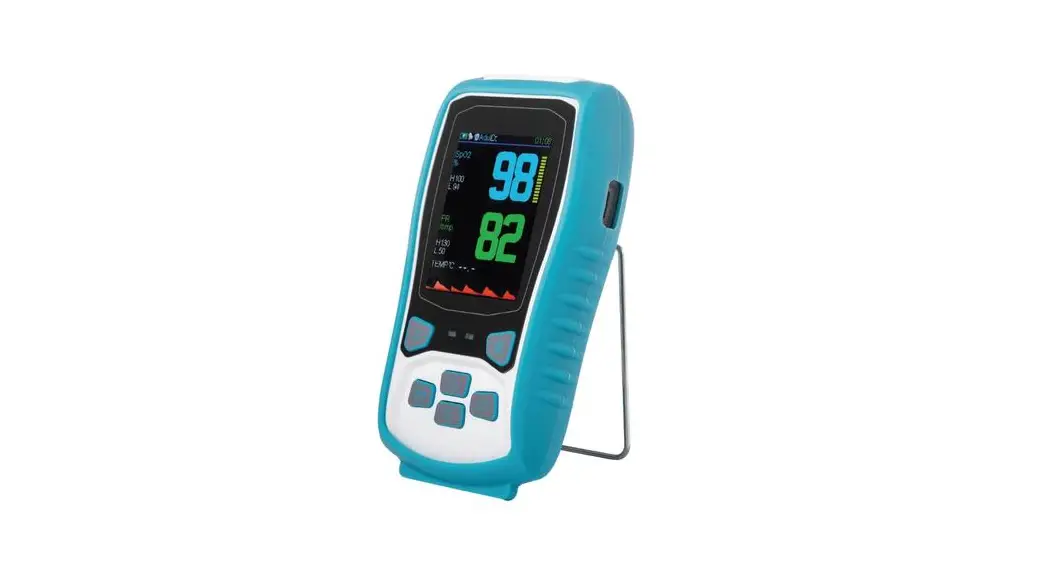
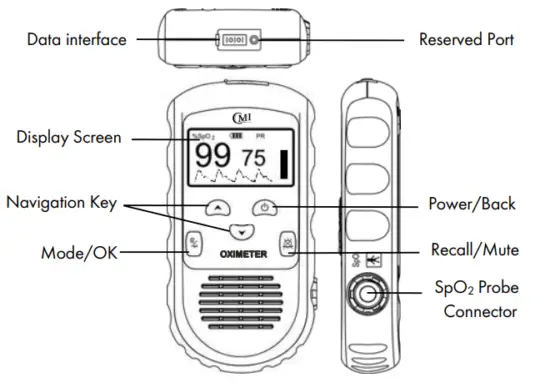
Product Overview
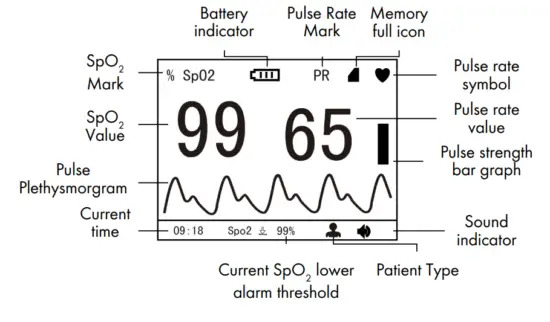
Screen Display
Changing Batteries
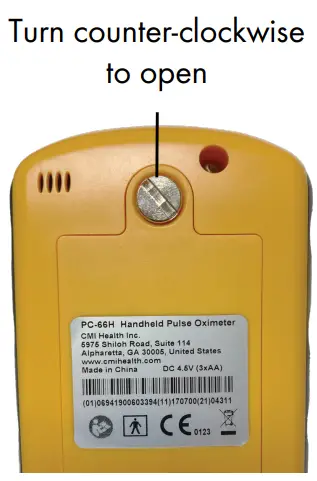
- Open the battery compartment with a coin. Turn the screw counter-clockwise to open.

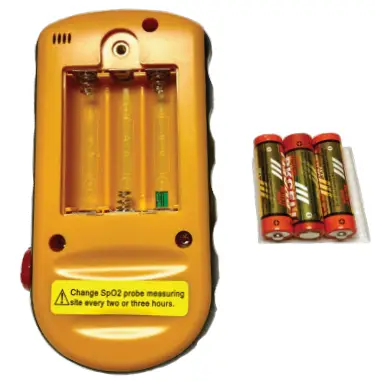
- Replace all three old batteries with three new batteries.
*Please DO NOT mix new and used batteries or use rechargeable AA batteries.
How to Use and Take a Measurement
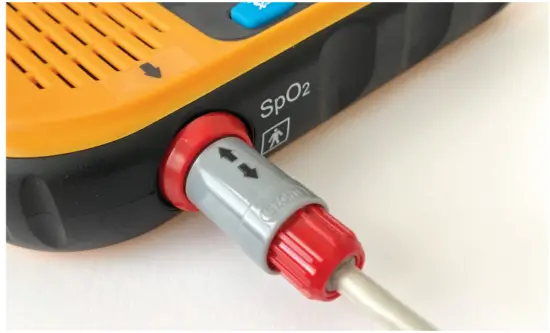
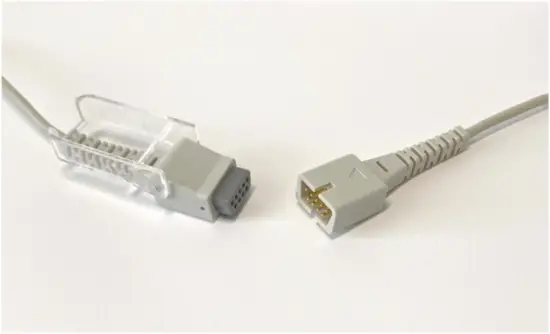
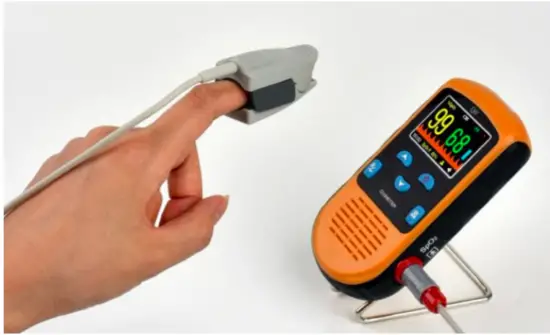
| Line up arrow signs, then insert the cord. | Open the cap and connect the converter cable with the other end of the SpO2 sensor. | Insert one finger into the sensor and start your measurements. |
 |  |  |
Alarm Set-up
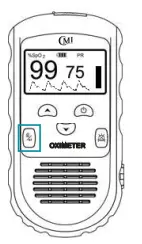 | 1. Press and hold ”Mode/OK” for 2 seconds to go to the menu. |
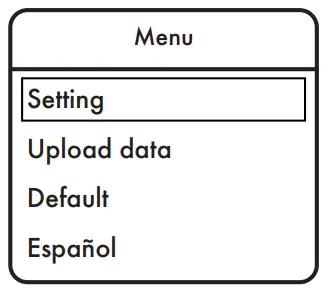 | 2. On the menu screen, select “Setting” and then press “Mode/OK.” |
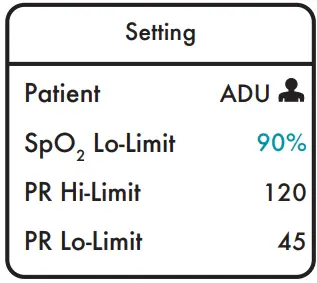 | 3. Use  to move the cursor and select the type of threshold for alarm. Example shows SpO2 Lo-limit. to move the cursor and select the type of threshold for alarm. Example shows SpO2 Lo-limit. |
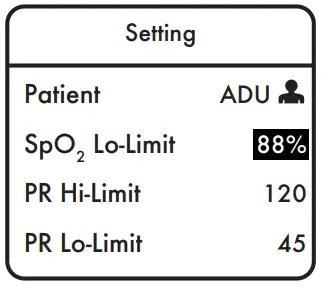 | 4. Press ‘Mode/OK” to change the default value. A highlight will show on the screen, and be used adjusted to the desired threshold value. (see pg.13 in the user manual for more details). |
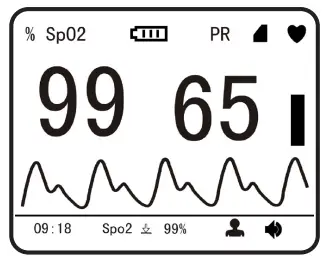 | 5. Once confirmed, press “Mode/OK” to save the change and (power/back) to exit from the alarm setting. |
Mute Beeping Sound
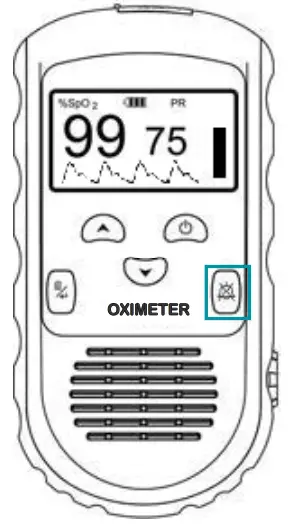
- Short press the mute button to mute the beeping sound.
- The alarm sound will go off if the measurement is out of the limit or the sensor fell off. You can adjust the alarm thresholds based on your need.
*Please be aware that the mute function would be overwritten by alarm onset or power off. Short press the mute button again if either situation occurs.