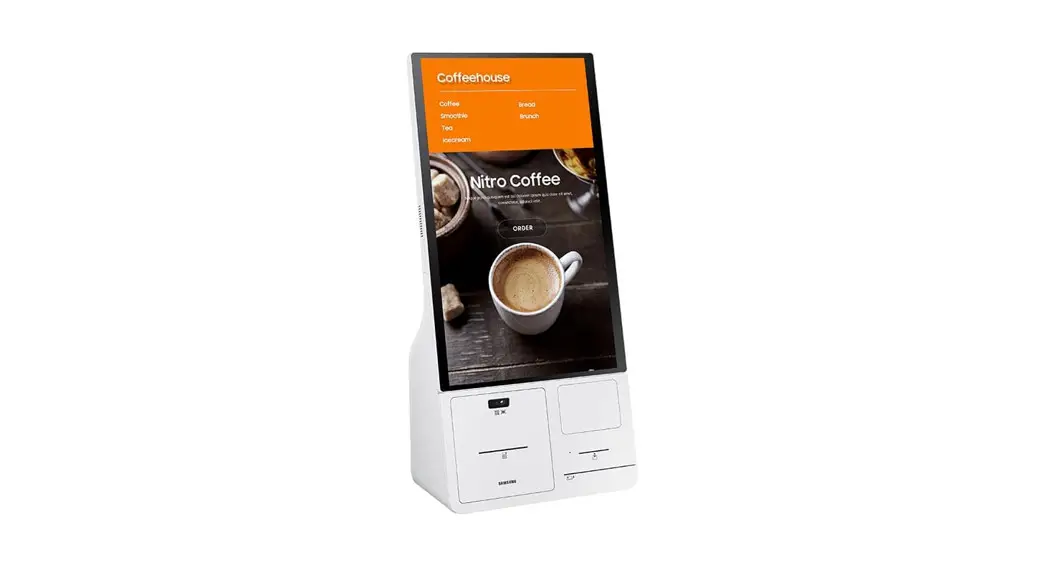
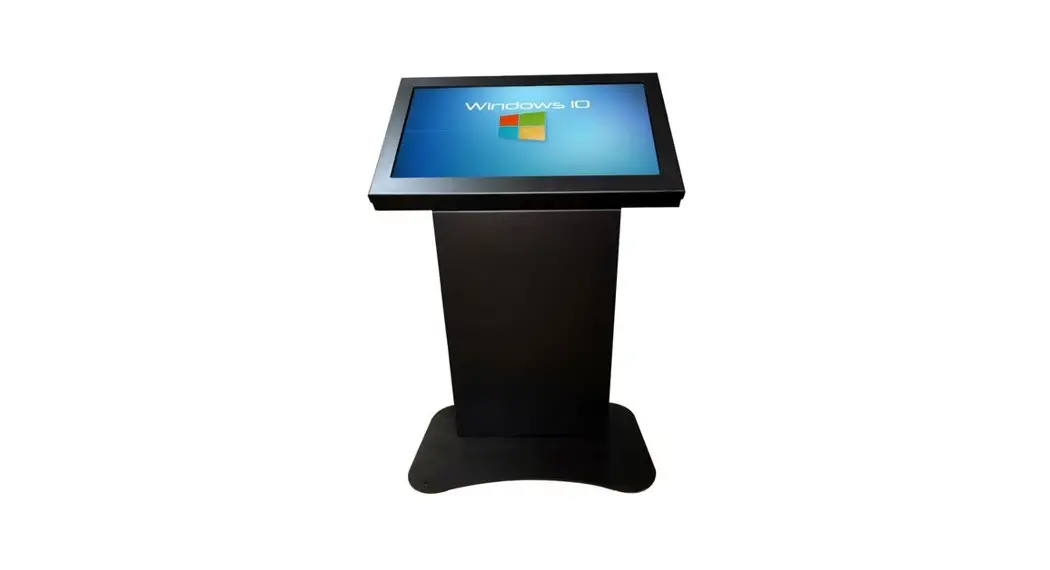
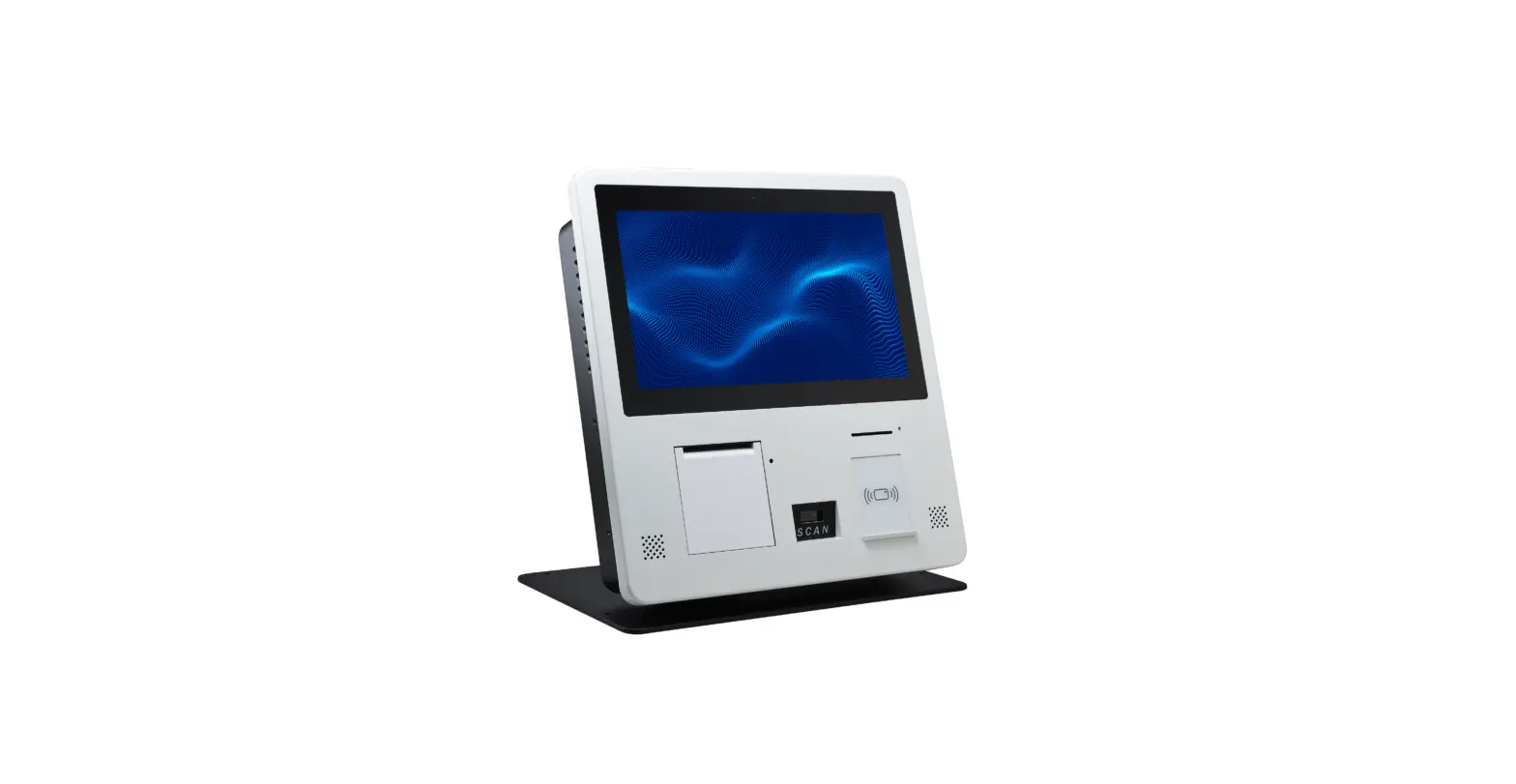
KMC-W (KM24C-3) Windows Kiosk
Product Information:
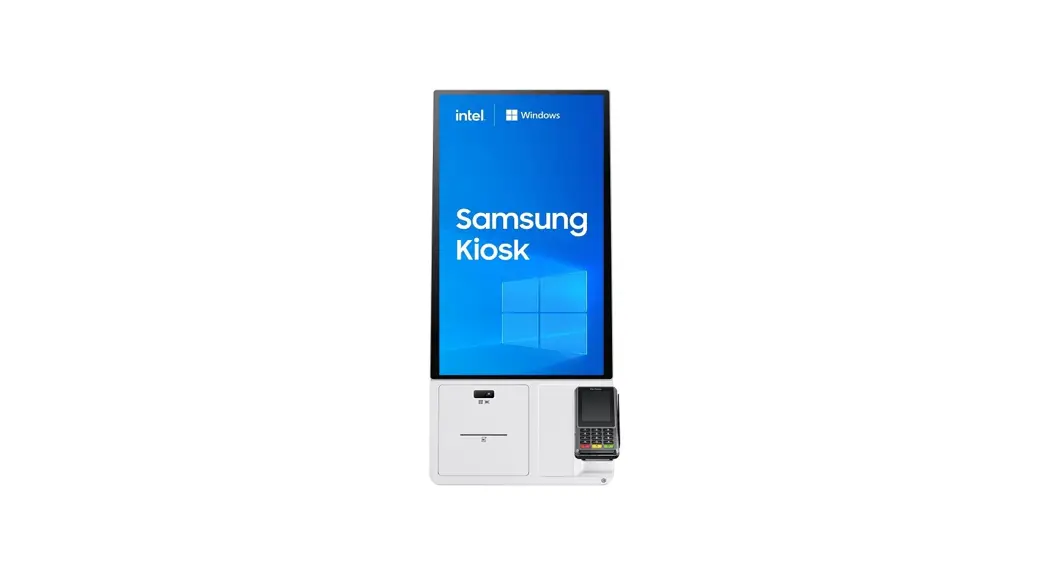
The product is the KMC-W (KM24C-3), a display with a Connection
Box. It is subject to change in color, appearance, and
specifications without prior notice to improve performance. The
recommended usage per day is under 16 hours, and exceeding this may
void the warranty. The user manual can be downloaded from the
website for further details.
The product comes with a cover holder and requires the separate
purchase and installation of a Kiosk stand. The package may contain
different components depending on the location of purchase. The
Connection Box has various ports for power, USB connection, and ONE
CONNECT cable connection.
It is compatible with the Verifone P400 EFT Terminal (not
provided or sold by Samsung). The product also includes a
wall-mount bracket for installation.
Product Usage Instructions:
- Ensure all components are present by contacting the vendor if
anything is missing. - Assemble the display by following the instructions in the user
manual downloaded from the website. - Connect the power cord after completing the assembling
process. - Use only the provided power strip with the Connection Box.
Retail power strips cannot be assembled, and safety is not
guaranteed. - Disconnect the power cord before connecting cables.
- Tighten the screws on the bottom of the Connection Box to
prevent tip-over. - To access display ports, disassemble the display from the
Connection Box. - Connect the display’s power adapter to the DC20V port.
- Use the TOUCH (SERVICE) port to connect a USB device, ensuring
not to exceed the maximum constant current of 1.0 A. - Connect the display and the Connection Box using the ONE
CONNECT port and an OCM cable. - For wall-mount installation, disassemble the rear cover of the
Connection Box and install the wall-mount bracket using the VESA
screw holes (200 x 200 mm). - Turn on the power using the main power button on the
display. - Refer to the user manual for information on using the display
jog button and touch screen gestures.
Quick Setup Guide Guide de démarrage rapide Guía de configuración rápida
KMC-W (KM24C-3)
English * The color and the appearance may differ depending on the product, and the specifications are subject
to change without prior notice to improve the performance. * Recommended hours of use per day of this product is under 16 hours. If the product is used for longer
than 16 hours a day, the warranty may be void. * Download the user manual from the website for further details.
http://www.samsung.com/displaysolutions Français * La couleur et l’aspect peuvent varier selon le modèle et ses spécifications peuvent être modifiées sans
préavis pour des raisons d’amélioration de la performance. * Il est recommandé d’utiliser ce produit moins de 16 heures par jour. Si l’appareil est utilisé pendant une
période supérieure à 16 heures par jour, la garantie peut être annulée. * Téléchargez le manuel de l’utilisateur du site Web pour obtenir de plus amples détails. Español * El color y el aspecto pueden variar según el producto; las especificaciones están sujetas a cambios sin
previo aviso para mejorar el rendimiento del producto. * Se recomienda usar este producto menos de 16 horas por día. Si el producto se usa durante más de 16
horas por día, la garantía puede quedar anulada. * Descargue el manual del usuario desde el sitio web si necesita más información.
BN68-16449A-00
Checking the Components Vérification des composants Comprobación de los componentes
English · Display: Quick setup guide / Warranty card (Not available in some locations) / Regulatory guide / Power cord / Power
adapter · Connection box: Power strip / OCM cable / Screw(M4, L12) x 7 / Screw(M3, L5) x 7 / Sheet cover x 2 / EFT Terminal
cover holder
* Contact the vendor where you purchased the product if any components are missing. * Components may differ in different locations. * The Kiosk stand is not provided. You must separately purchase and install the stand.
Français · Écran : Guide de démarrage rapide / fiche de garantie (non disponible dans certaines régions) / Guide de
réglementation / Cordon d’alimentation / Bloc d’alimentation · Boîte de connexion: Barre d’alimentation / Câble OCM / Vis(M4, L12) x 7 / Vis(M3, L5) x 7 / Recouvrement x 2 / Fixation
du couvercle du terminal de TEF
* Communiquez avec le fournisseur qui vous a vendu l’appareil s’il manque des composants. * Les composants peuvent varier selon les localités. * Le support de Kiosk n’est pas fourni. Vous devez acheter le support séparément et l’installer.
Español · Pantalla: Guía de configuración rápida / Tarjeta de garantía (no disponible en algunos lugares) / Guía de
reglamentaciones / Cable de alimentación / Adaptador de corriente · Caja de conexiones: Toma múltiple / Cable OCM / Tornillo(M4, L12) x 7 / Tornillo(M3, L5) x 7 / Cubierta x 2 / Soporte de
la cubierta del terminal EFT
* Si falta alguno de los componentes, contacte al distribuidor donde adquirió el producto. * Los componentes pueden variar según las localidades. * No se provee el soporte para el quiosco. Debe adquirir el soporte por separado e instalarlo.
Assembling the display and the Connection Box Assembler l’écran et la boîte de connexion Montaje de la pantalla y la caja de conexiones
1
2
2
1
5
6
3
4
Screw(M4, L12)
double- Power sided tape adapter
7
8
9
256.3 mm
105 mm
C
English
CAUTION: Connect the power cord after completing the assembling process. 3 CAUTION: Use the provided power strip only. Retail power strips cannot be
assembled to the Connection Box, and the safety is not guaranteed. 6 CAUTION: The power cord must be disconnected when you connect the
cable. 9 Tighten the screws on the bottom of the Connection Box to prevent tip-over.
C (mm)
Thread size
Quantity
13 (Min.) ~ 15 (Max.)
M5
4
Français
ATTENTION : Branchez seulement le cordon d’alimentation après avoir terminé le processus d’assemblage. 3 ATTENTION: Utilisez la barre d’alimentation fournie seulement. Les barres
d’alimentation vendues dans les magasins de détail ne peuvent pas être assemblées à la boîte de connexion; leur sécurité n’est donc pas garantie. 6 ATTENTION : Quand vous branchez le câble, le cordon d’alimentation ne doit pas être sous tension. 9 Serrez les vis au bas de la boîte de connexion pour éviter qu’elle ne bascule.
C (mm)
Taille du filetage
Quantité
13 (min.) ~ 15 (max.)
M5
4
Español
PRECAUCIÓN: Conecte el cable de alimentación después de completar el proceso de montaje. 3 PRECAUCIÓN: Utilice únicamente la toma múltiple proporcionada. No
se pueden usar tomas múltiples de comercios minoristas en la caja de conexiones ya que no se puede garantizar la seguridad. 6 PRECAUCIÓN: El cable de alimentación debe estar desconectado cuando conecte el cable. 9 Apriete los tornillos en la parte inferior de la caja de conexiones para evitar que se incline.
C (mm)
Tamaño de rosca
Cantidad
13 (Mín.) ~ 15 (Máx.)
M5
4
Ports Connecteurs Puertos
English To access the display ports, you must disassemble the display from the Connection Box.
Port
Description
DC20V
This port is for connecting the display’s power adapter.
TOUCH
This port is not a functioning port. · It is only used for an operation test during the manufacturing process.
(SERVICE)
Connects to a USB device. * The USB ports on the product accept a maximum constant current of 1.0 A. If the
maximum value is exceeded, USB ports may not work.
ONE CONNECT
Connects the display and the Connection Box using an OCM cable.
Français Pour accéder aux ports d’affichage, vous devez détacher l’écran de la boîte de jonction.
Port
Description
CC20V
Ce port permet de se brancher au bloc d’alimentation de l’écran.
TOUCH
Ce port n’est pas fonctionnel. · Il sert uniquement à effectuer un test de fonctionnement au cours du processus de
fabrication.
(SERVICE) ONE CONNECT
Se connecte à un périphérique USB. * Les ports USB de l’appareil supportent un courant constant maximal de 1,0 A. Si la
valeur maximale est dépassée, les ports USB peuvent ne pas fonctionner.
Établit la connexion entre l’écran et la boîte de jonction au moyen d’un câble OCM.
Español Para acceder a los puertos de la pantalla, debe desmontar la pantalla de la caja de conexiones.
Puerto
Descripción
DC20V
Este puerto es para conectar el adaptador de corriente de la pantalla.
TOUCH
Este no es un puerto operativo. · Solo se utiliza para una prueba de funcionamiento durante el proceso de fabricación.
(SERVICE)
Permite conectarse a un dispositivo USB. * Los puertos USB en el producto admiten una corriente constante máxima de 1.0 A. Si se
excede el valor máximo, es posible que los puertos USB no funcionen.
ONE CONNECT
Permite conectar la pantalla y la caja de conexiones mediante un cable OCM.
Installing EFT Terminal Installation du terminal de TEF Instalación de terminal de EFT
1
English
Compatible EFT Terminal: Verifone P400 (EFT Terminal is not provided or sold by Samsung.)
Français
Terminal de TEF compatible : Verifone P400 (le dispositif de paiement n’est ni fourni ni vendu par Samsung.)
Español
Terminal de EFT compatible: Verifone P400 (Samsung no proporciona ni vende el dispositivo de pago.)
2
Screw(M3, L5)
3
4
Screw (M3, L5)
+
Wall mount kit specifications Spécifications du nécessaire de support mural Especificaciones del kit de montaje mural
Disassemble the rear cover of the Connection Box, remove the sheets covering the VESA holes by pressing them with a pen from the inner side of the rear cover, and then install the wall-mount bracket.
1 Wall mount bracket 2 Product
C
3 Model KMC-W (KM24C-3)
4 VESA screw hole specs (A * B) (mm) 200 x 200
C (mm) 7.0 (Min.) ~ 9.0 (Max.)
5 Thread size M6
6 Quantity 4
Français
Désassemblez le couvercle arrière de la boîte de connexion, retirez les embouts recouvrant les trous de vis VESA en appuyant dessus avec un stylo sur le côté intérieur du couvercle arrière, puis installez le support de montage mural. 1 Support de montage mural / 2 Produit / 3 Modèle / 4 Spécifications de trou de vis VESA (A * B) (mm) / 5 Taille du filetage / 6 Quantité
Español
Desmonte la cubierta posterior de la caja de conexiones, retire las capas que cubren los orificios VESA presionándolas con un bolígrafo desde el lado interno de la cubierta y, luego, instale el soporte de montaje mural. 1 Soporte de montaje mural / 2 Producto / 3 Modelo / 4 Especificaciones de orificios para tornillos VESA (A * B) (mm) / 5 Tamaño de rosca / 6 Cantidad
BN68-16449A-00_QSG_KMC-W_NA_L03.indd 1
2023-02-14 3:02:14
English
Using the product
Turning the power on and off
Display jog button
Main power button
Main power button
· Press the Main power button to turn on the product. · Select the Windows START button ( ) Shutdown to safely turn the product off. · To force-shutdown the product, press and hold the Main power button. · When you turn on the product for the first time, make sure to turn on the display by pressing the jog button on the back
of the display.
* Force-shutdown and abnormal shutdown may cause data corruption and Samsung is not liable for such corrupted data. * For more information on the function of the display jog button, refer to page 14 of the user manual.
Touch screen gestures
Tap
Double-tap
To select menus, options, or applications, tap the touch screen. * It is similar to clicking on a mouse.
To open files or items, double-tap the touch screen. * It is similar to double-clicking on a
mouse.
Touch and hold (right-click)
To use additional options of an item, touch and hold it on the touch screen.
Drag
To move an item to another location, touch and hold it, and then drag it on the touch screen to the desired location. * It is similar to dragging a mouse.
Scroll
To scroll up, down, left, or right, swipe on the touch screen.
Français
Utiliser le produit
Allumer ou éteindre l’appareil.
Display jog button
Main power button
Main power button
· Appuyez sur le bouton Alimentation pour mettre le produit sous tension. · Appuyez sur le bouton DÉMARRER de Windows ( ) Fermeture pour mettre le produit sous tension de façon
sécuritaire.
· Pour forcer la fermeture du produit, appuyez sur le bouton d’alimentation et maintenez la pression. · Quand vous mettez le produit sous tension pour la première fois, assurez-vous de mettre aussi l’écran sous tension en
appuyant sur le bouton-poussoir à impulsion qui se trouve à l’arrière de l’écran. * Un arrêt forcé ou anormal peut provoquer une corruption des données pour laquelle Samsung ne pourra être tenu
responsable. * Pour en savoir plus sur la fonction du bouton JOG dans l’écran, reportez-vous à la page 14 du manuel de l’utilisateur.
Gestes pour l’écran tactile
Toucher
Pour sélectionner des menus, options ou applications, touchez l’écran tactile. * Ce geste s’apparente à l’action de
cliquer sur une souris.
Toucher à deux reprises
Pour ouvrir des éléments, touchez à deux reprises à l’écran tactile. * Ce geste s’apparente à l’action de
double-cliquer avec une souris.
Toucher et maintenir (clic de droite)
Pour utiliser des options additionnelles d’un élément, touchez-y et maintenez la pression sur l’écran tactile.
Faire glisser
Pour déplacer un élément, touchezle et en maintenant la pression, faites-les glisser vers l’endroit désiré sur l’écran. * Ce geste s’apparente à l’action de
faire glisser une souris.
Défiler
Pour faire défiler une page vers le haut, le bas, la gauche ou la droite, balayer l’écran tactile.
Specifications
Model Name
KMC-W (KM24C-3)
Panel
Size Display area
24 CLASS (23.8 inches / 60.4 cm) 527.04 mm (H) x 296.46 mm (V)
Power Supply
AC100-240V~ 50/60Hz Refer to the label at the back of the product as the standard voltage can vary in different countries.
Environmental considerations
Operating Storage
Temperature: 32 °F – 104 °F (0 °C – 40 °C) Humidity: 10% – 80%, non-condensing
Temperature: -4 °F – 113 °F (-20 °C – 45 °C) Humidity: 10% – 90%, non-condensing
* This is a class A product. In a domestic environment this product may cause radio interference in which case the user may be required to take adequate measures.
* For detailed device specifications, visit the Samsung website.
Spécifiations
Nom du modèle
KMC-W (KM24C-3)
Panneau
Taille Zone d’affichage
Classe 24″ (23,8 pouces / 60,4 cm) 527.04 mm (H) x 296.46 mm (V)
Alimentation électrique
AC100-240V~ 50/60Hz Reportez-vous à l’étiquette à l’arrière de l’appareil car la tension standard peut
varier d’un pays à l’autre.
Considérations environnementales
Utilisation Rangement
Température : 32 °F – 104 °F (0 °C – 40 °C) Humidite : 10% – 80%, sans condensation
Température : -4 °F – 113 °F (-20 °C – 45 °C) Humidite : 10% – 90%, sans condensation
* Cet appareil est un appareil de catégorie A. Dans un environnement domestique, il peut causer des interférences radio-
électriques. Dans ce cas, l’utilisateur peut avoir à prendre des mesures adaptées. * Pour connaître en détail les caractéristiques de l’appareil, consultez le site Web de Samsung.
Español
Uso del producto
Encendido y apagado
Display jog button
Main power button
Main power button
· Presione el botón de Encendido principal para encender el producto. · Seleccione el botón INICIO de Windows ( ) Apagar para apagar el producto de forma segura. · Para forzar el apagado del producto, mantenga presionado el botón de encendido principal. · Cuando encienda el producto por primera vez, asegúrese de encender la pantalla al presionar el botón jog en la parte
posterior de la pantalla.
* El apagado forzado y el apagado anormal pueden dañar los datos y Samsung no es responsable de dichos datos dañados. * Para obtener más información sobre la función del botón jog de la pantalla, consulte la página 14 del manual del usuario.
Gestos de la pantalla táctil
Pulsar
Para seleccionar menús, opciones o aplicaciones, pulse la pantalla táctil. * Es similar a hacer clic en un mouse.
Pulsar dos veces
Para abrir archivos o elementos, pulse dos veces la pantalla táctil. * Es similar a hacer doble clic en un
mouse.
Mantener pulsado (clic derecho)
Para usar las opciones adicionales de un elemento, manténgalo pulsado en la pantalla táctil.
Arrastrar
Para mover un elemento a otra ubicación, manténgalo pulsado y, luego, arrástrelo en la pantalla táctil hasta la ubicación deseada. * Es similar a arrastrar un mouse.
Desplazar
Para desplazarse hacia arriba, hacia abajo, hacia la izquierda o hacia la derecha, deslice el dedo en la pantalla táctil.
Especificaciones
Nombre del modelo
KMC-W (KM24C-3)
Panel
Tamaño
Clase 24 (60.4 cm / 23.8 pulgadas)
Área de visualización 52.704 cm (H) x 29.646 cm (V)
Consumo de energía (solo México)
80 W
Alimentación eléctrica
100-240V~ 50/60Hz Consulte la etiqueta en la parte posterior del producto, ya que el voltaje estándar
puede variar entre los países.
Consideraciones medioambientales
Funcionamiento Almacenamiento
Temperatura : 0 °C – 40 °C (32 °F – 104 °F) Humedad : del 10% al 80%, sin condensacion
Temperatura : -20 °C – 45 °C (-4 °F – 113 °F) Humedad : del 10% al 90%, sin condensacion
* Este es un producto de clase A. En un entorno doméstico este producto puede provocar interferencias de radio, en cuyo caso el usuario deberá tomar las medidas adecuadas.
* Para obtener especificaciones detalladas de cada dispositivo, visite el sitio web de Samsung.
Contact SAMSUNG WORLD WIDE Contacter SAMSUNG WORLDWIDE Contacte con SAMSUNG WORLD WIDE
Web site: http://www.samsung.com
Country
Customer Care Centre
U.S.A
1-800-SAMSUNG (726-7864)
CANADA
1-800-SAMSUNG(726-7864)
ARGENTINA
0800-555-SAMS(7267)
BOLIVIA
800 107 260
BRAZIL
0800 555 0000 (Demais cidades e regiões) 4004-0000 (Capitais e grandes centros)
CHILE
800 726 786
COLOMBIA
Bogotá en el 600 12 72 Sin costo en todo el pais 01 8000 112 112 Y desde tu celular #726
COSTA RICA
00-800-1-SAMSUNG (726-7864)
DOMINICAN REPUBLIC
1-800-751-2676
ECUADOR
1-800-SAMSUN (72-6786)
EL SALVADOR
8000-SAMSUNG (726-7864)
GUATEMALA
1-800-299-0033
HONDURAS
800-2791-9111
JAMAICA
1-800-SAMSUNG (726-7864)
MEXICO
800-SAMSUNG
NICARAGUA
001-800-5077267
PANAMA
800-0101
PARAGUAY
0800-11-SAMS(7267)
PERU
080077708 Desde teléfonos fijos, públicos o celulares
PUERTO RICO
1-800-682-3180
TRINIDAD & TOBAGO
1-800-SAMSUNG(726-7864)
URUGUAY
0800-SAMS(7267)
VENEZUELA
0-800-100-5303
Solo México
IMPORTADO POR :
SAMSUNG ELECTRONICS MÉXICO S.A. DE C.V
General Mariano Escobedo 476, Piso 8 Col. Anzures, Alcaldía Miguel Hidalgo, Ciudad de México CP. 11590 TEL : (55) 5747-5100 / 800 726 7864
BN68-16449A-00_QSG_KMC-W_NA_L03.indd 2
2023-02-14 3:02:15
 Galaxy Z Fold5 Folding Phone | Samsung US