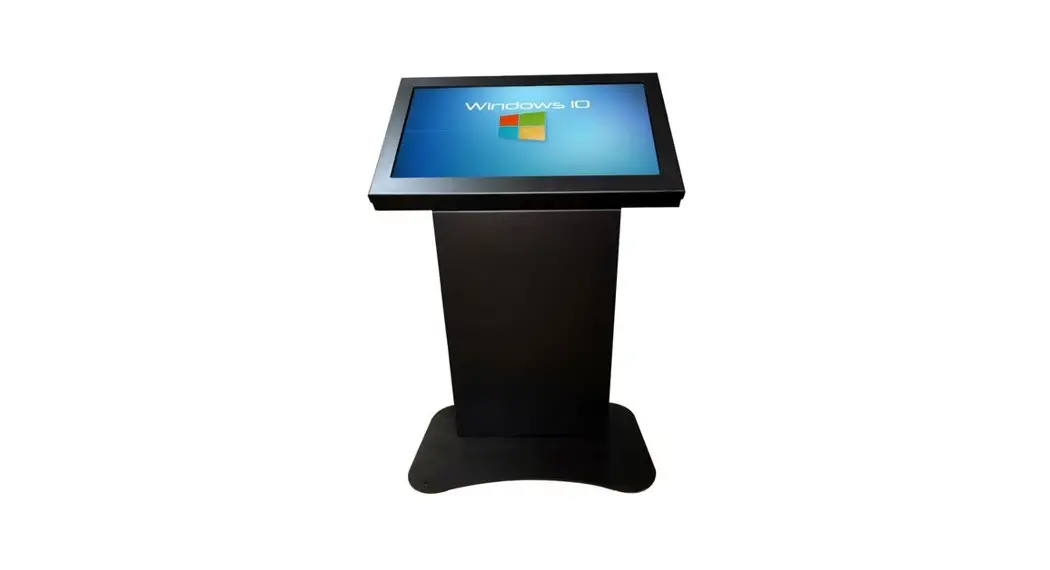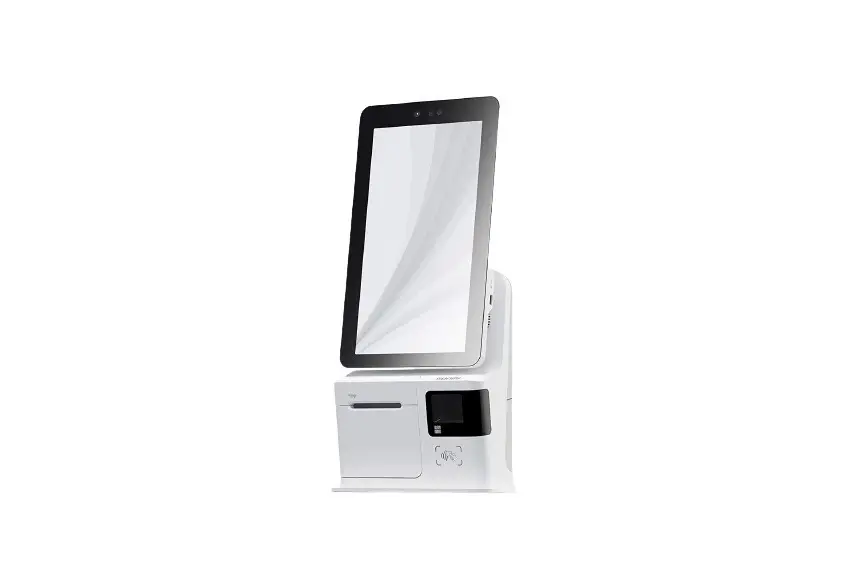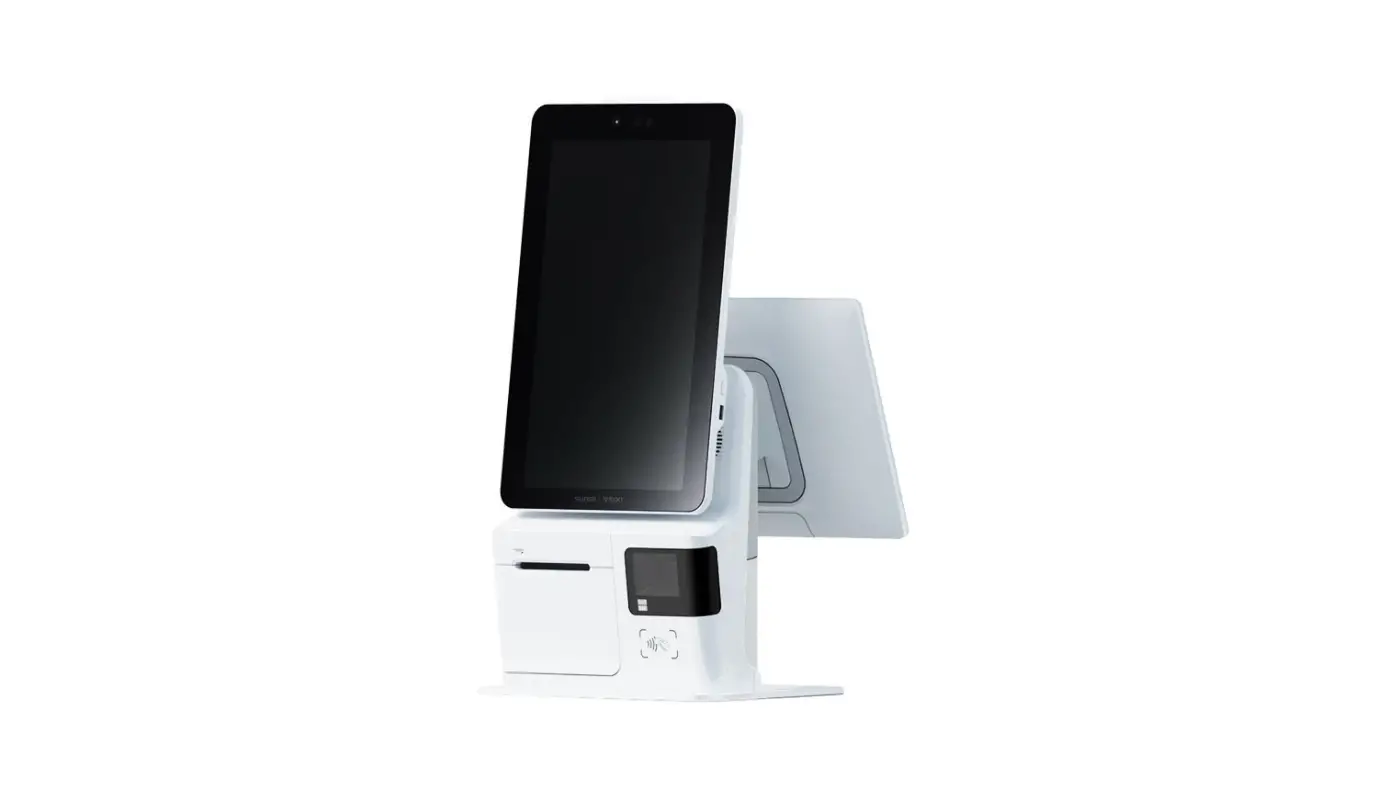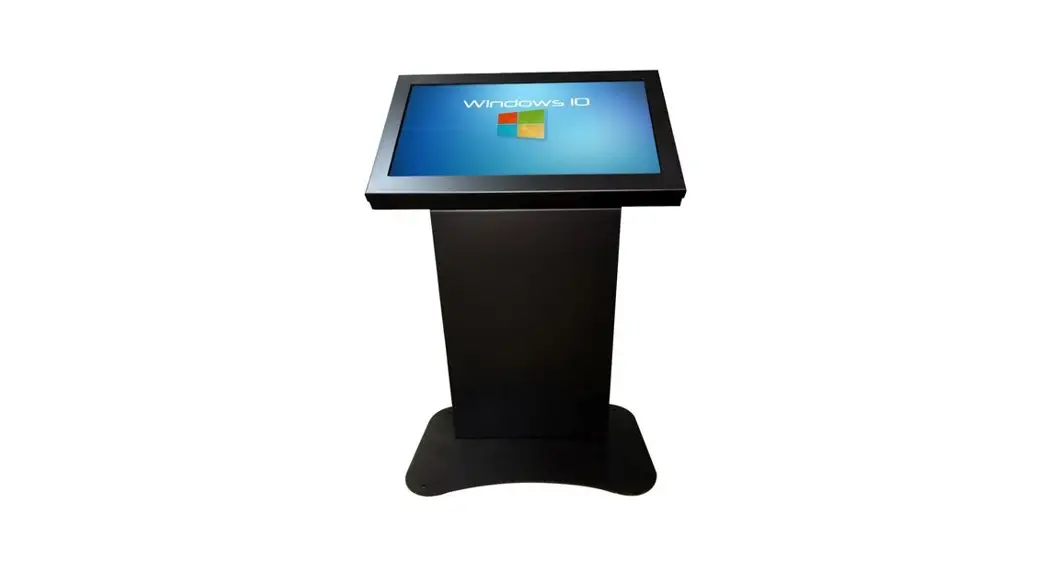
pic thrive Kiosks

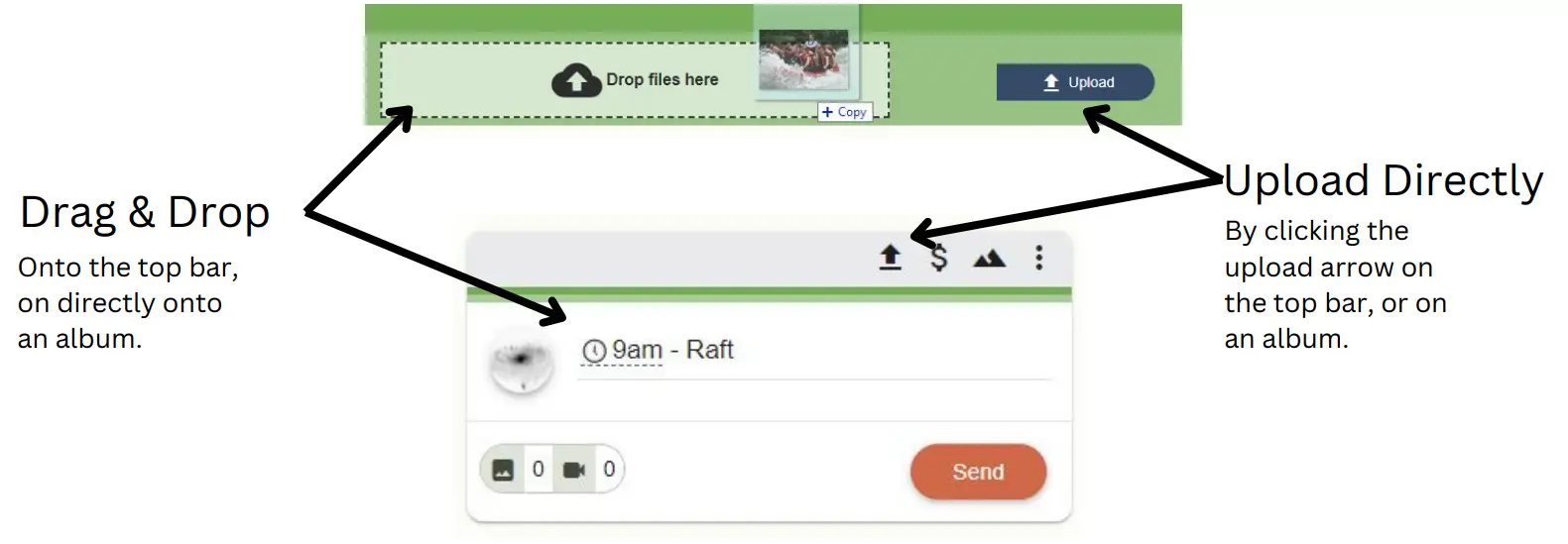
Uploading
Approving
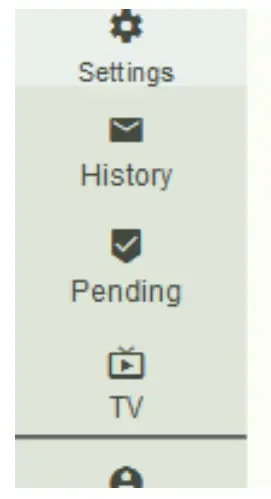
- Go to Pending
Switch to the Pending page using the navigation bar
- Confirm Details
Check their email, phone and # of photos/videos
- Collect Payment
Use your POS to accept payment
- Approve
The guest receives their purchase/link.

FAQ
How do I modify the album?
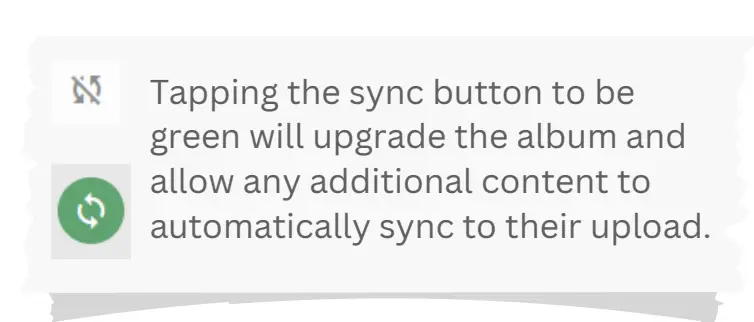
- To automatically sync to the full album click the sync icon until its green.
- Alternatively, click on the order to edit it. Then use the “Add” buttons to add more content.
- You can delete photos by editing the order.
What do Guests get?
- Online gallery sent directly to your phone & email to instantly view and share your photos/videos
- Unlimited downloads
- 1 Year of free storage
- Tech support for your purchase
Do Guests get prints?
- Guests can take the photos to their favorite print shop or to an online print store
Guest Support / Help
- Guests can reply to their email.
Email [email protected] - Visit guests.picthrive.com
Customer Support
Get more support at help.picthrive.com
 PicThrive Guest Support
 PicThrive