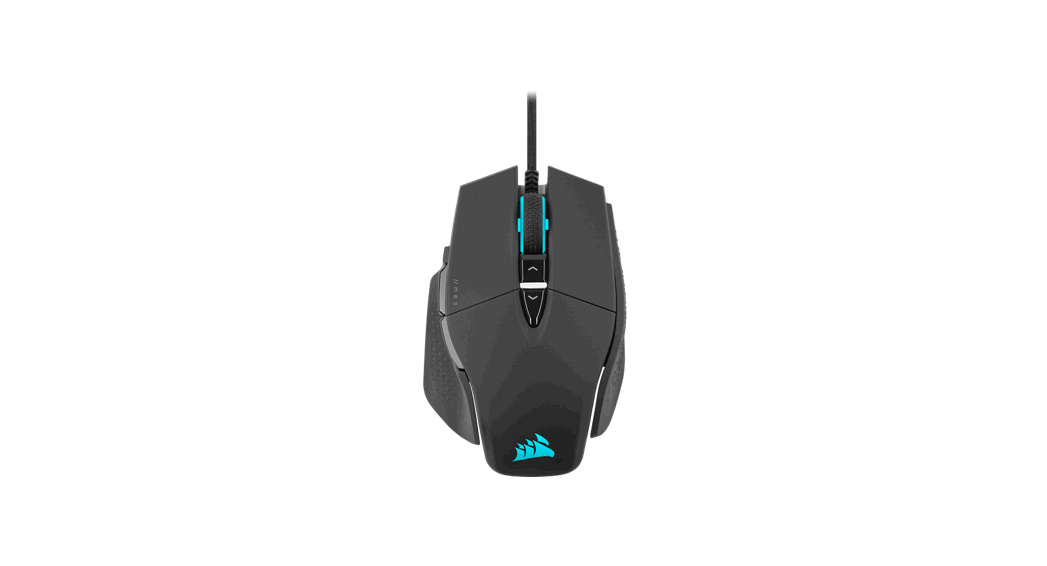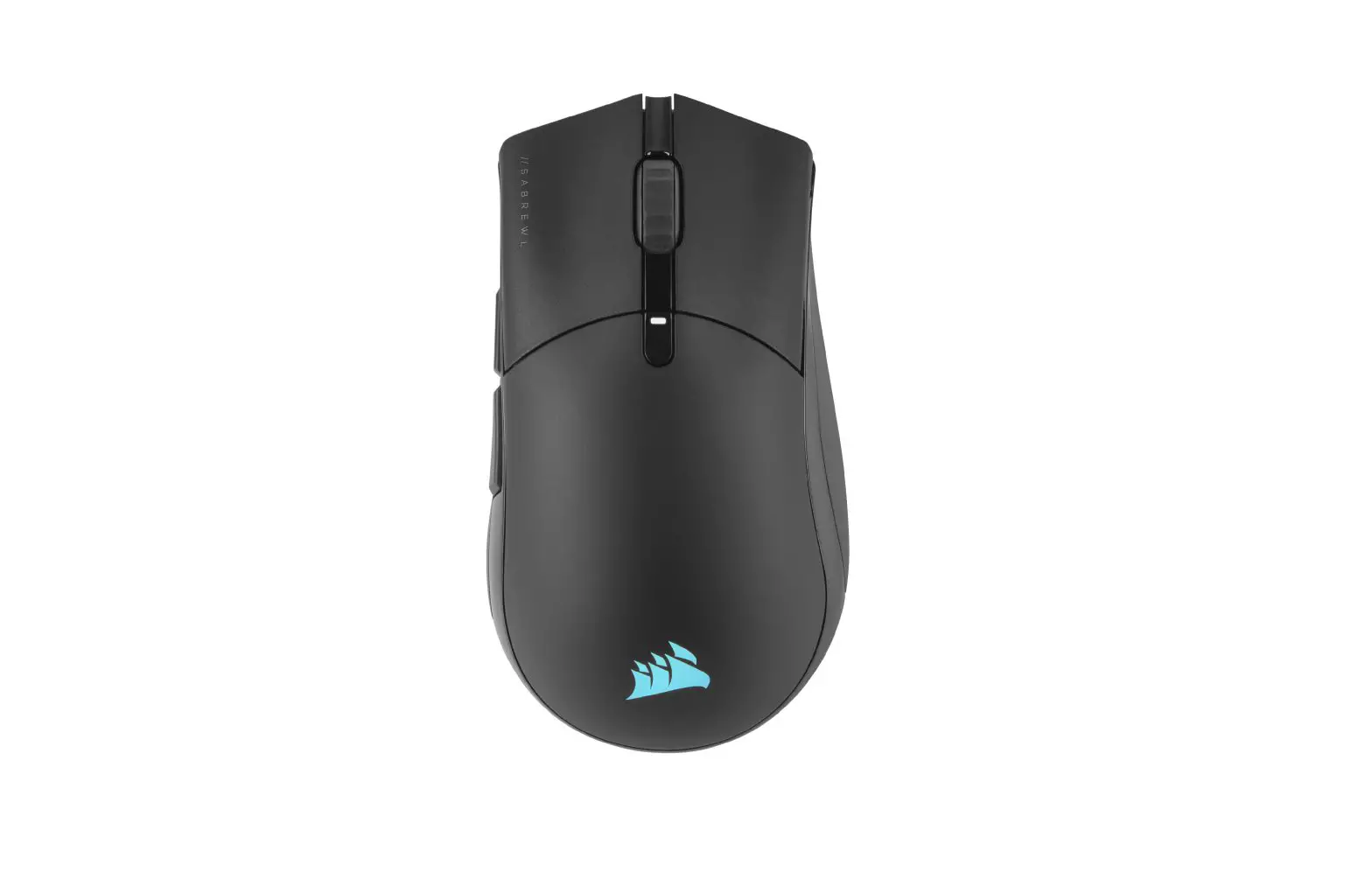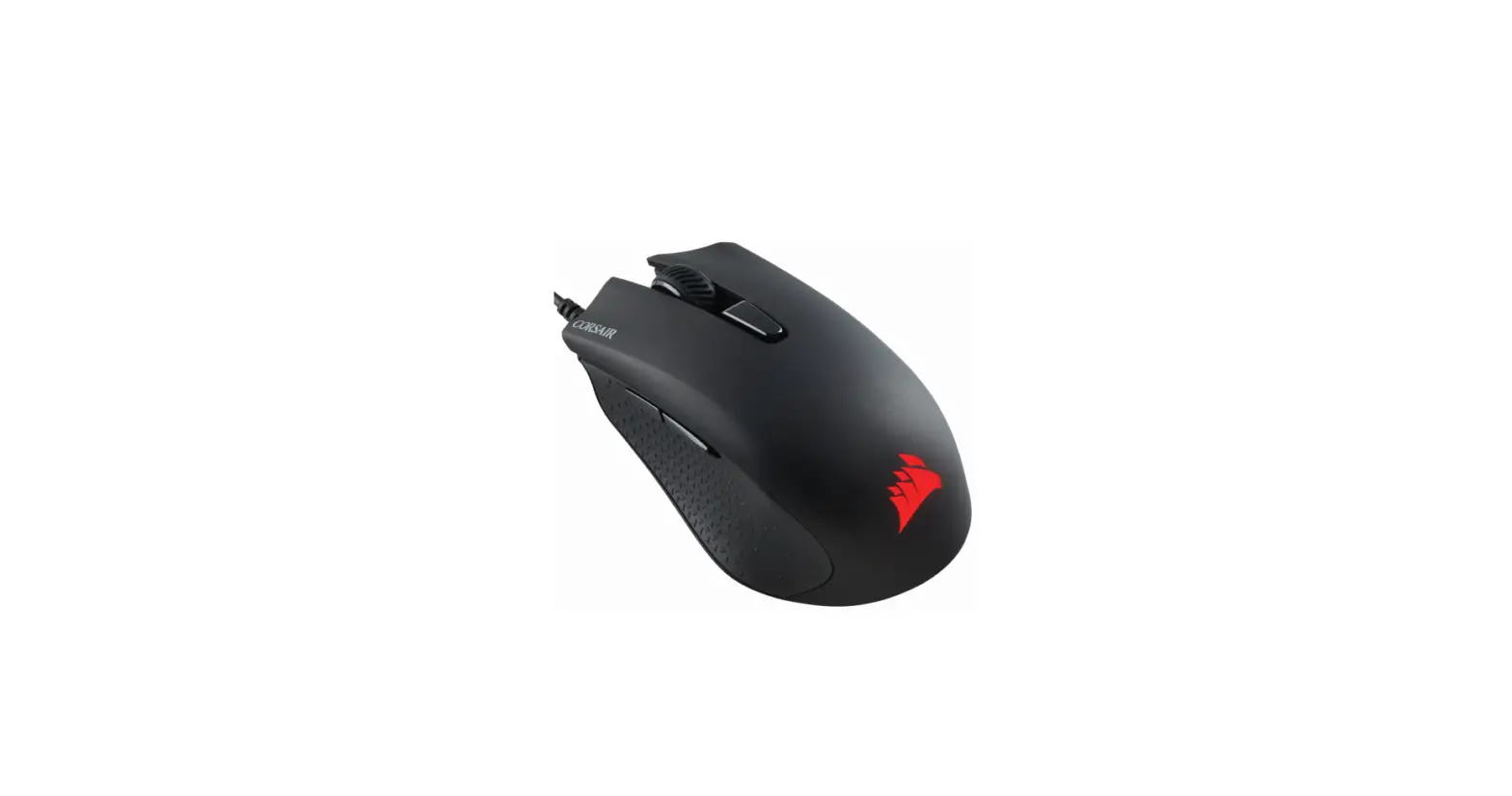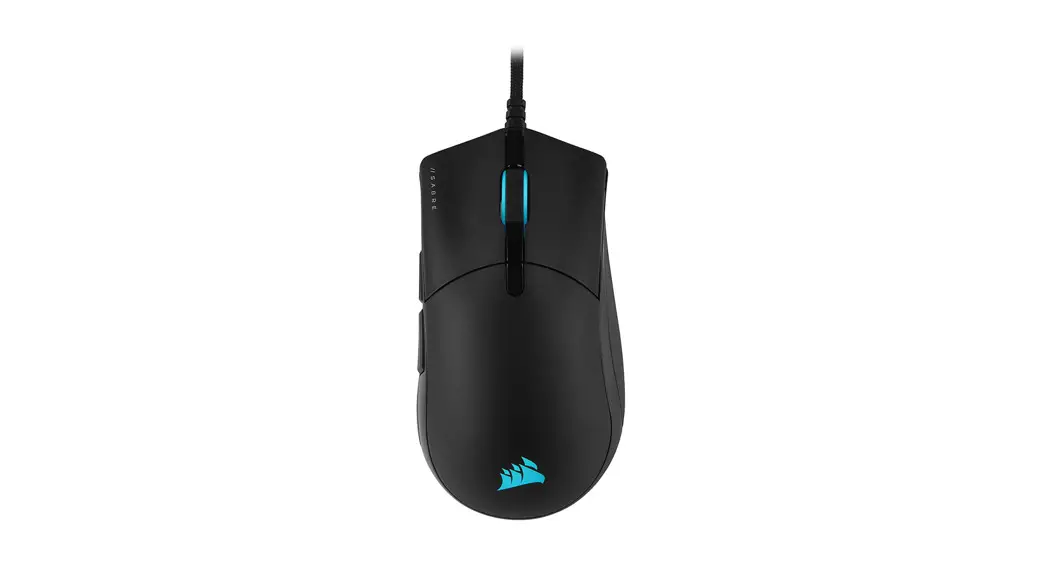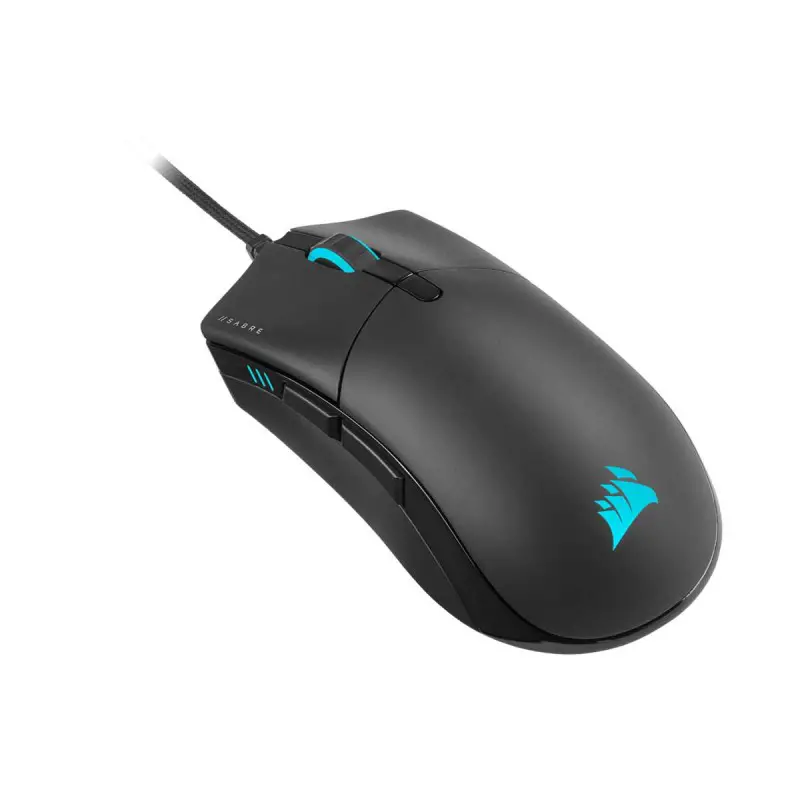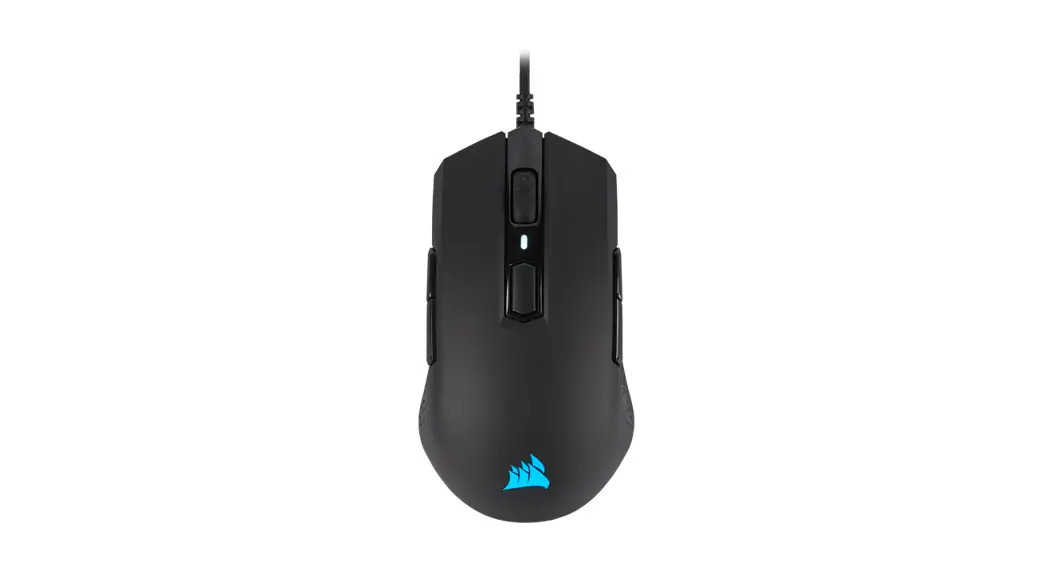
 M55 RGB PRO
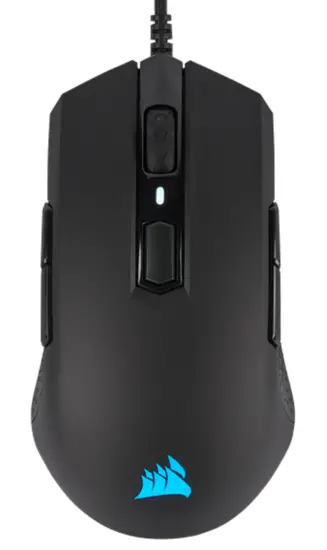 Ambidextrous Multi-Grip Gaming Mouse
GETTING TO KNOW YOUR MOUSE
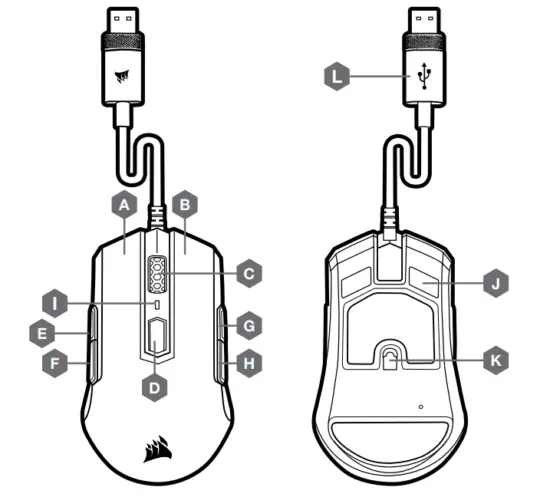
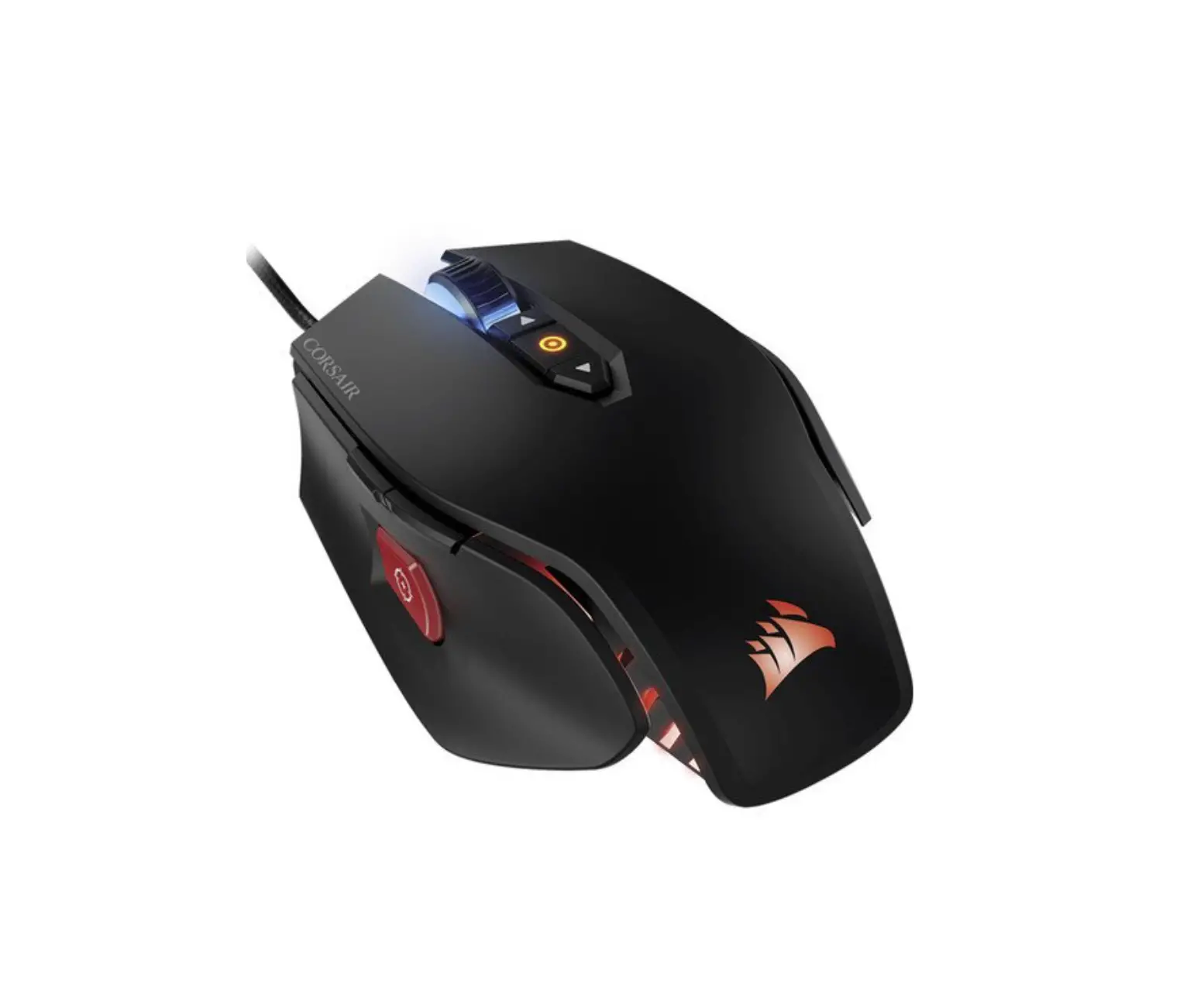
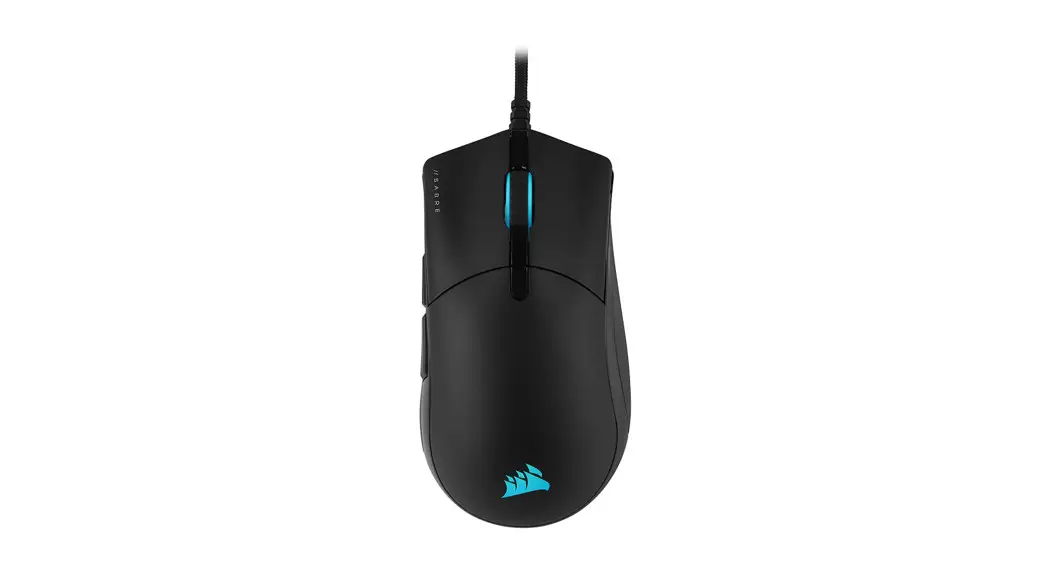
| A — LEFT-CLICK BUTTON B — RIGHT-CLICK BUTTON C — SCROLL WHEEL / MIDDLE CLICK BUTTON D — DPI CYCLE BUTTON E — LEFT FORWARD BUTTON F — LEFT BACKWARD BUTTON | G — RIGHT FORWARD BUTTON H — RIGHT BACKWARD BUTTON I — DPI LED INDICATOR J — PTFE GLIDE PADS K — OPTICAL GAMING SENSOR L — USB CONNECTION CABLE |
SETTING UP YOUR MOUSE
- Turn on your computer and connect the mouse to the available USB 2.0 or USB 3.0 port on your computer.
- Download the iCUE software from www.corsair.com/downloads.
- Run the installer program and follow instructions for installation.
RIGHT-HANDED MODE (FACTORY DEFAULT)
In right-handed mode, the Right Forward and the Right Backward buttons are disabled.
HOW TO SWITCH TO RIGHT-HANDED MODE WITH iCUE
- Go to Settings and select the M55 RGB PRO device icon.
- Turn off “Enable Left Handed Mode”.
HOW TO SWITCH TO RIGHT-HANDED MODE WITHOUT iCUE
- Press and hold the Right Forward and the Right Backward buttons simultaneously for 5 seconds.
- DPI LED and logo LED will blink red 3 times.
- Release the buttons.
LEFT-HANDED MODE
In left-handed mode, the Left Forward and the Left Backward buttons are disabled.
HOW TO SWITCH TO LEFT-HANDED MODE WITH iCUE
- Go to Settings and select the M55 RGB PRO device icon.
- Turn on “Enable Left Handed Mode”.
HOW TO SWITCH TO LEFT-HANDED MODE WITHOUT iCUE
- Press and hold the Left Forward and the Left Backward buttons simultaneously for 5 seconds.
- DPI LED and logo LED will blink red 3 times.
- Release the buttons.
WEB: corsair.com
PHONE: (888) 222-4346
SUPPORT: support.corsair.com
BLOG: corsair.com/blog
FORUM: forum.corsair.com
YOUTUBE: youtube.com/corsairhowto
© 2019-2021 CORSAIR MEMORY, Inc.
All rights reserved.
CORSAIR and the sails logo are registered trademarks in the United States and/or other countries.
All other trademarks are the property of their respective owners.
Products may vary slightly from those pictured.
49-002253 AA
 PC Components | Gaming Gear | CORSAIR
 Home - Corsair Community
 CORSAIR Downloads | CORSAIR iCUE Software