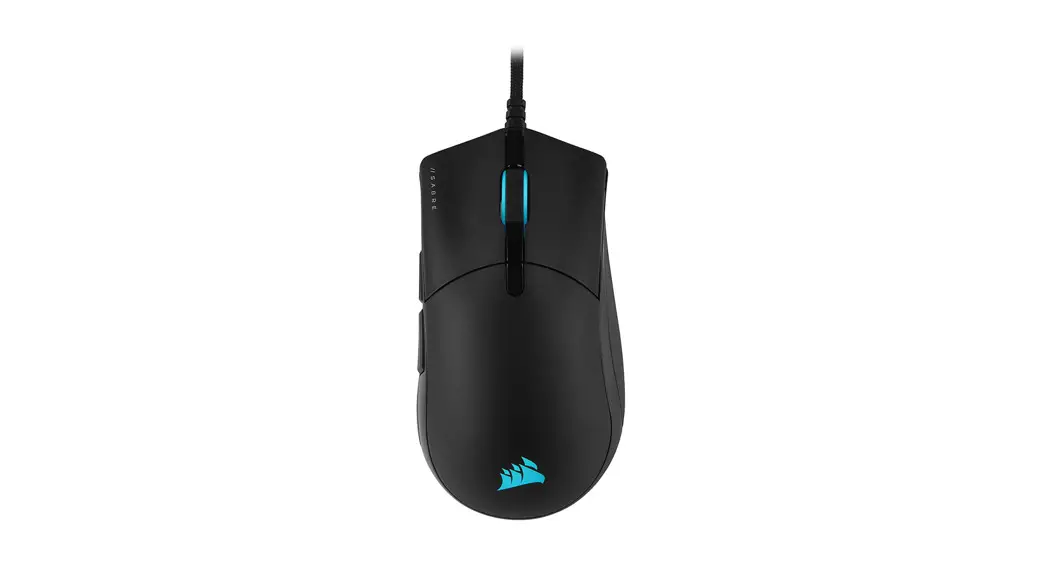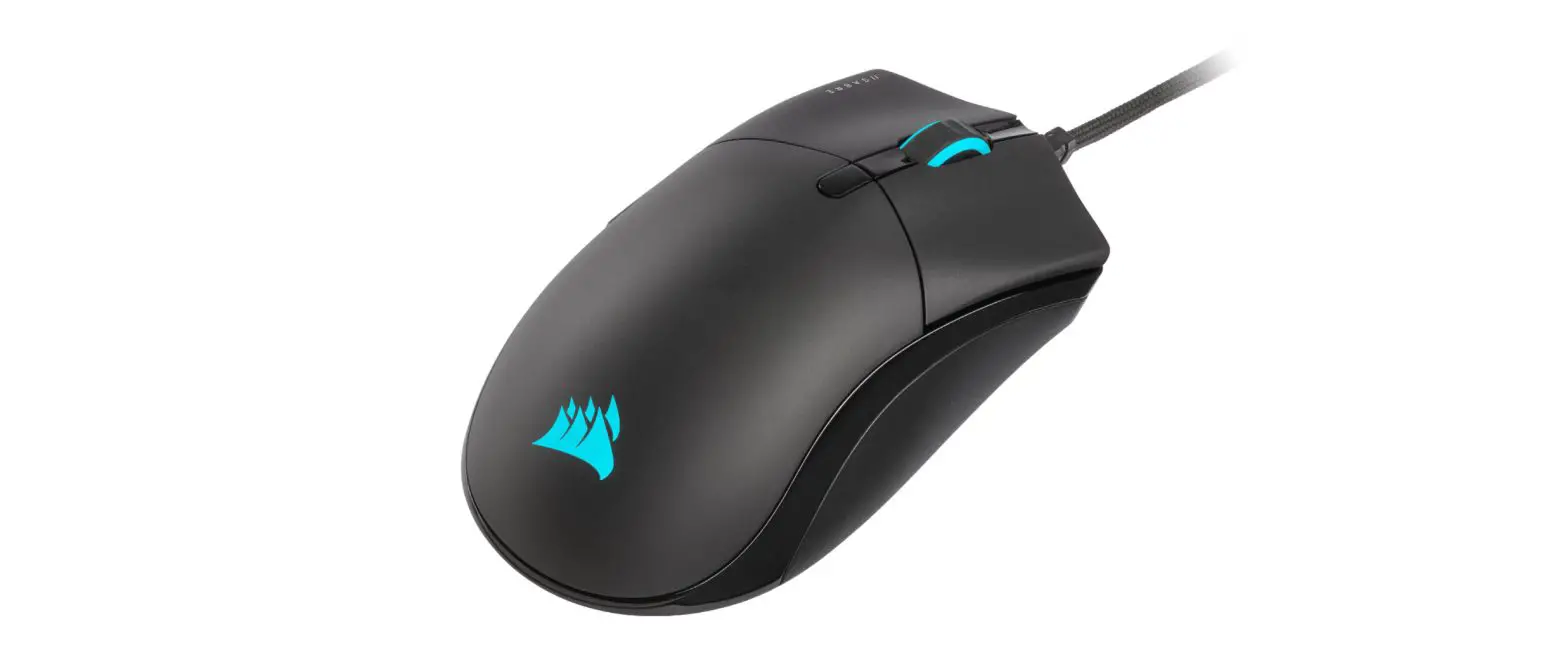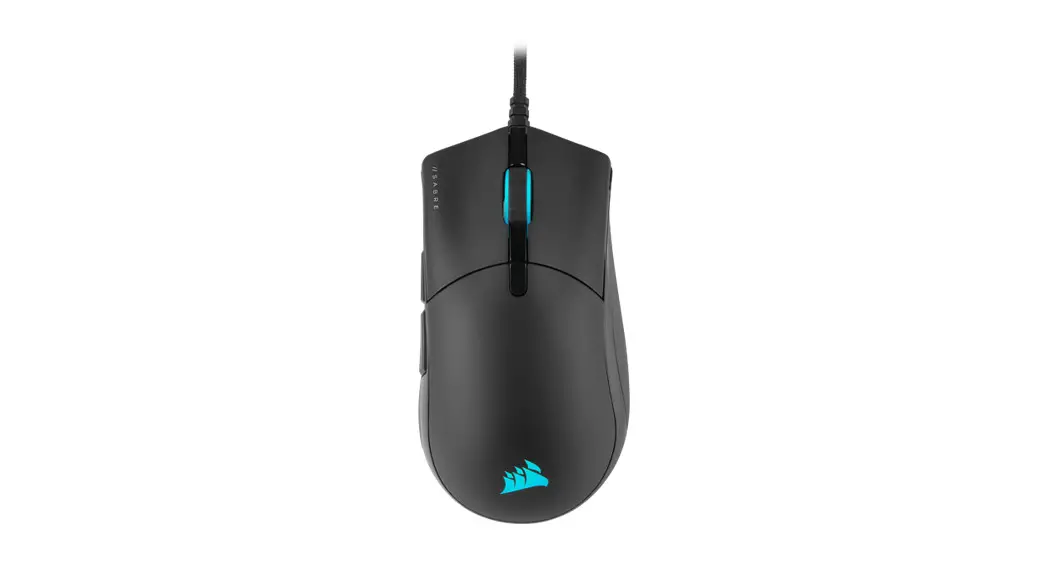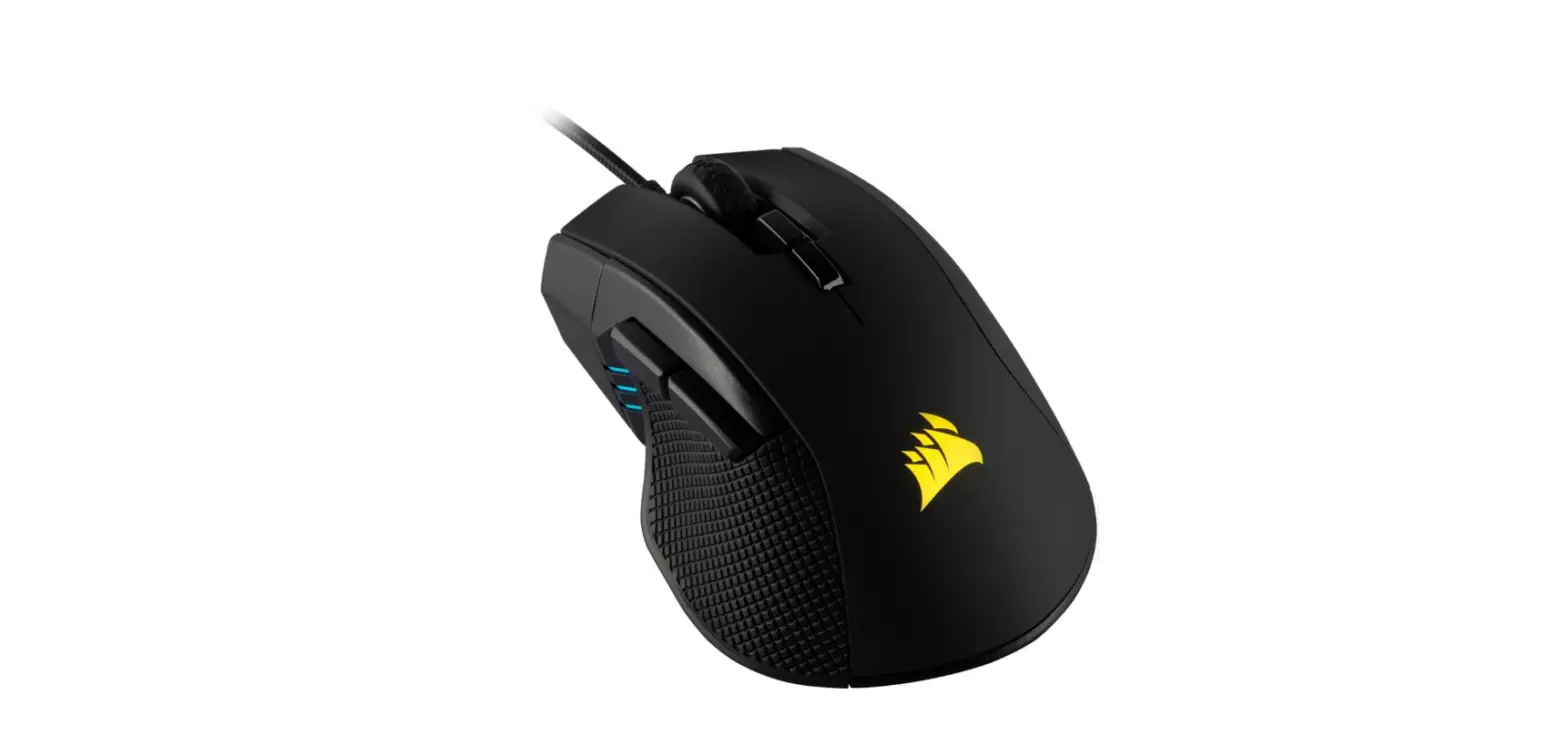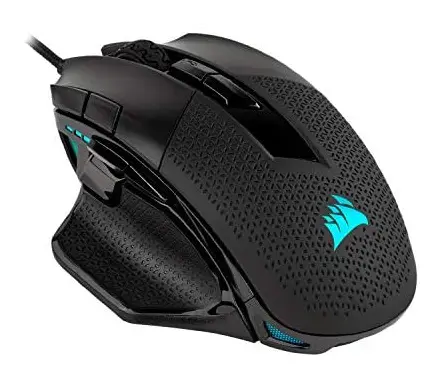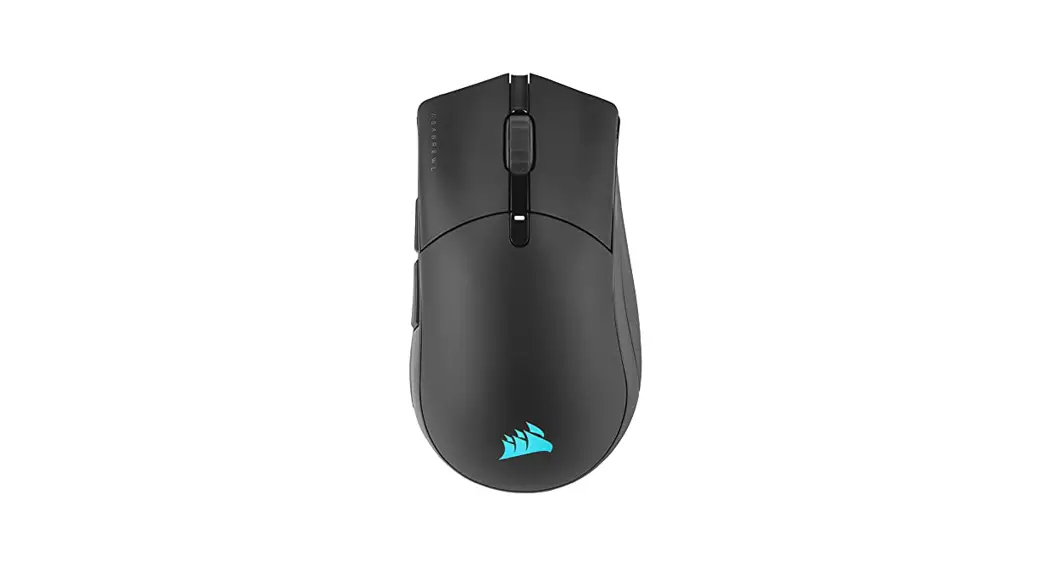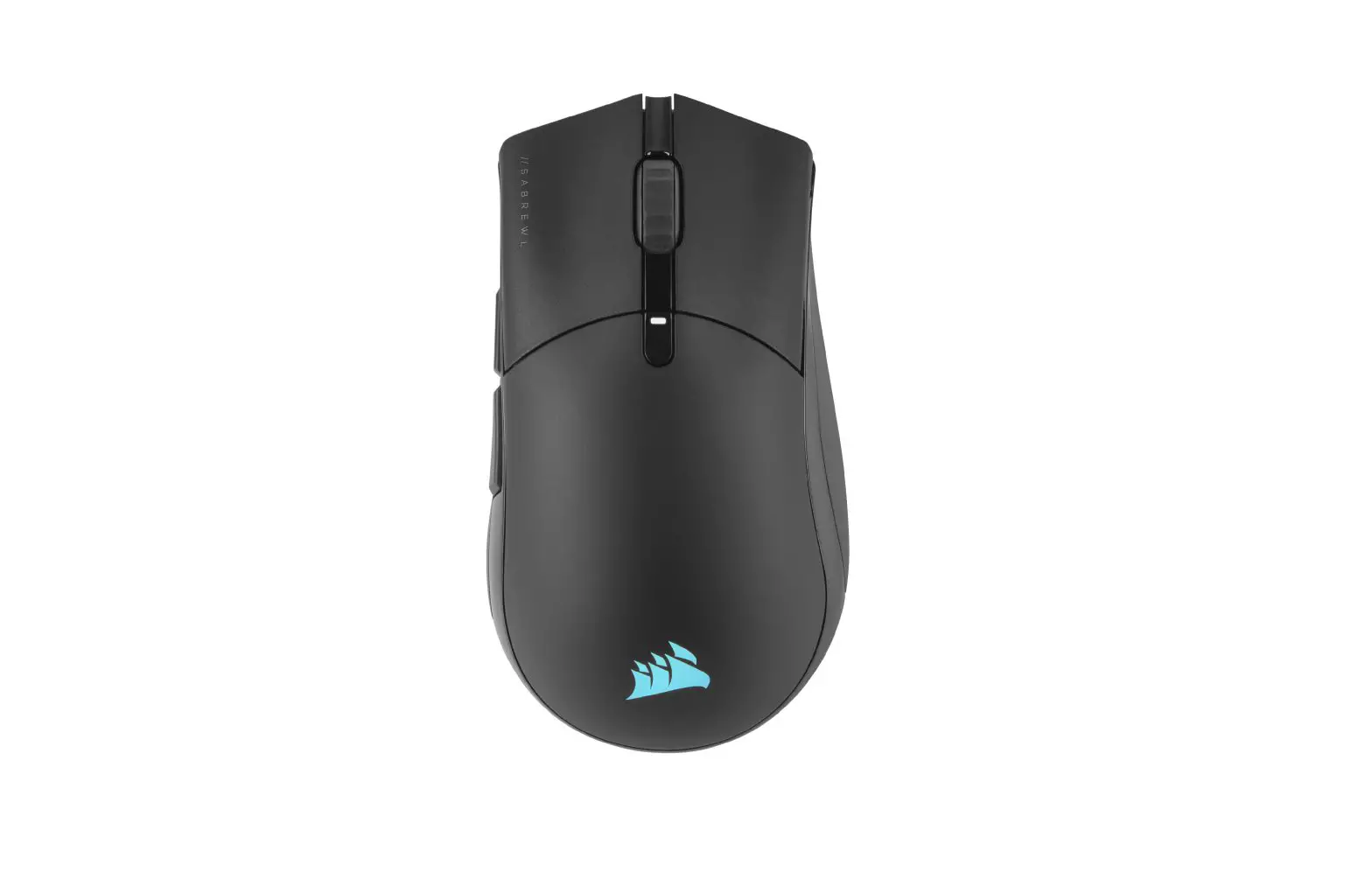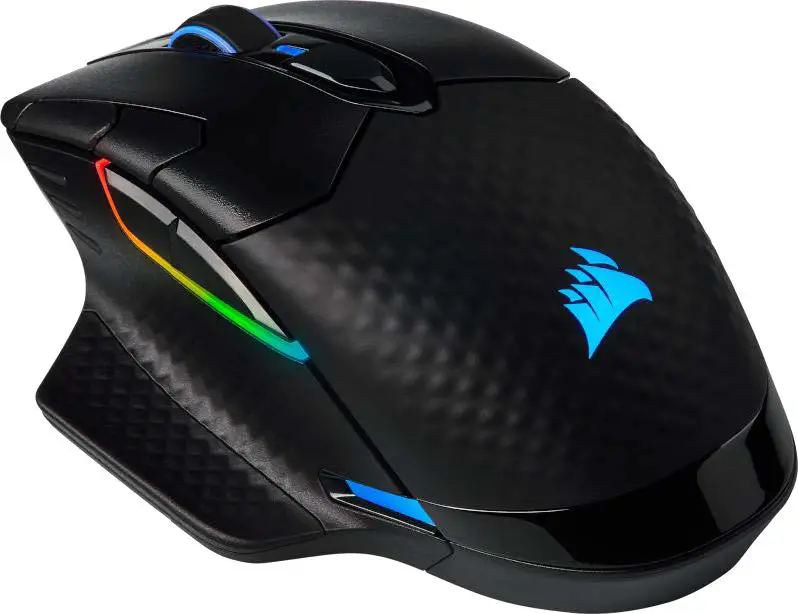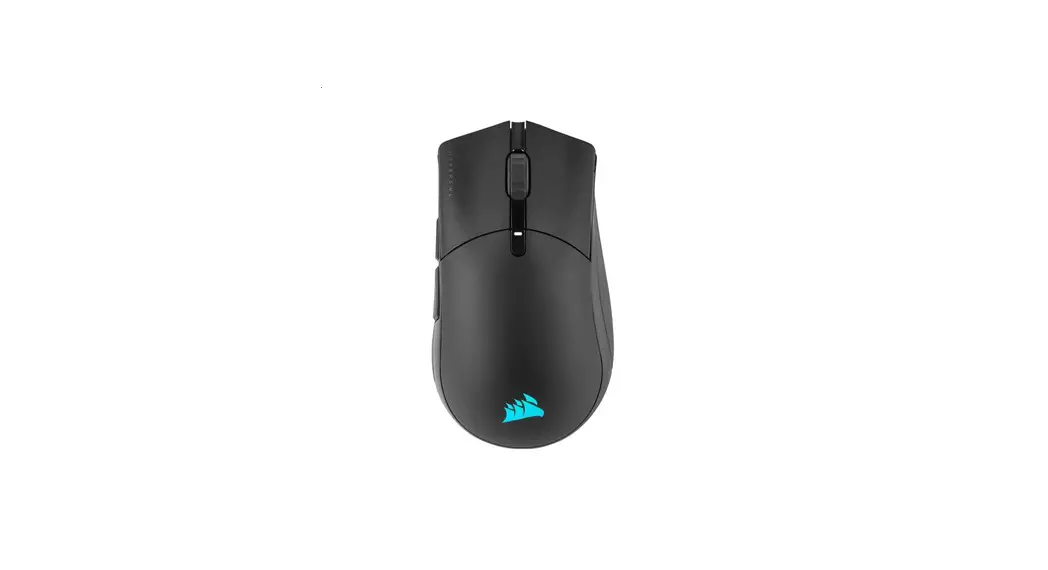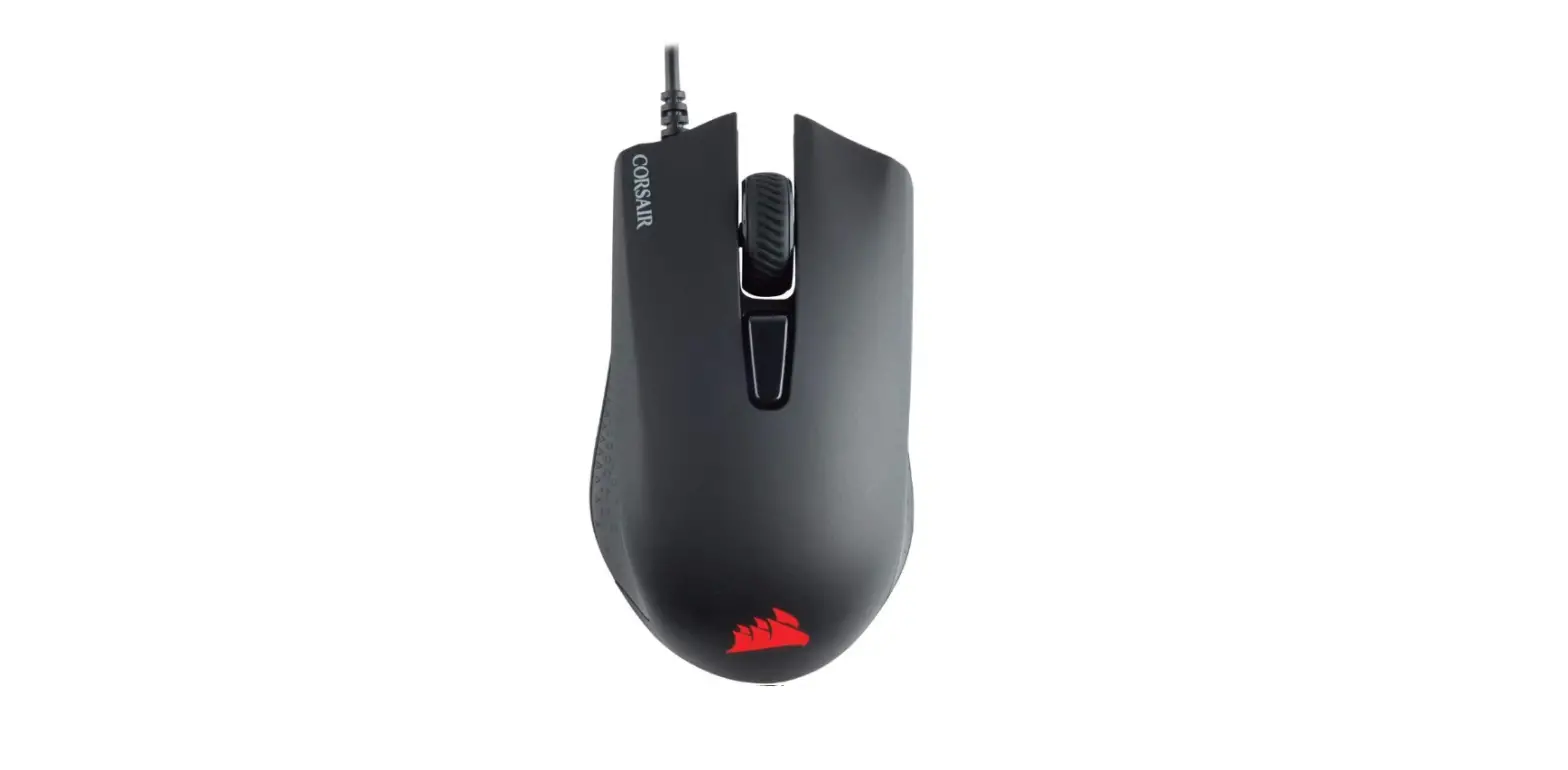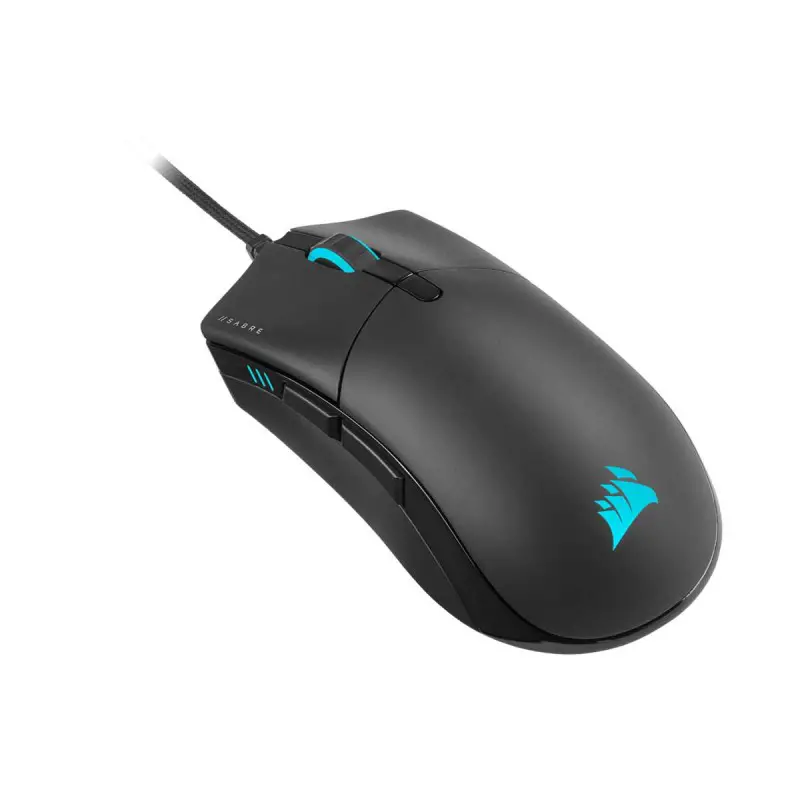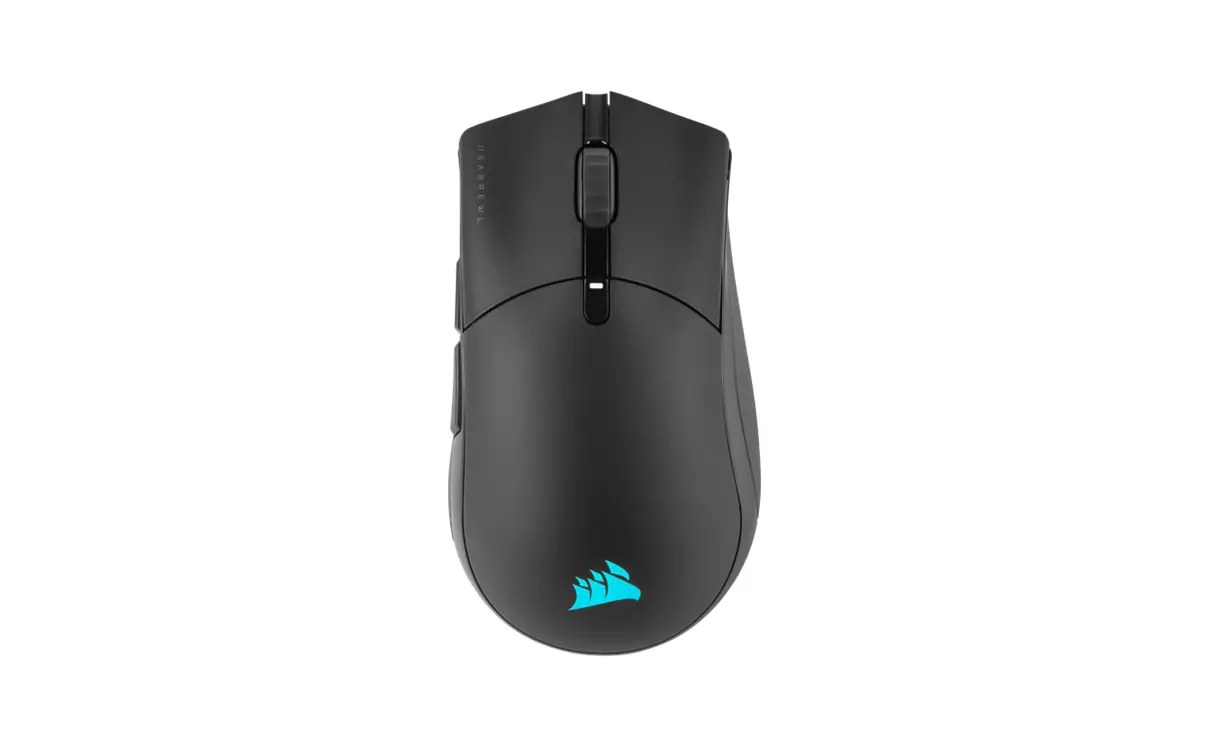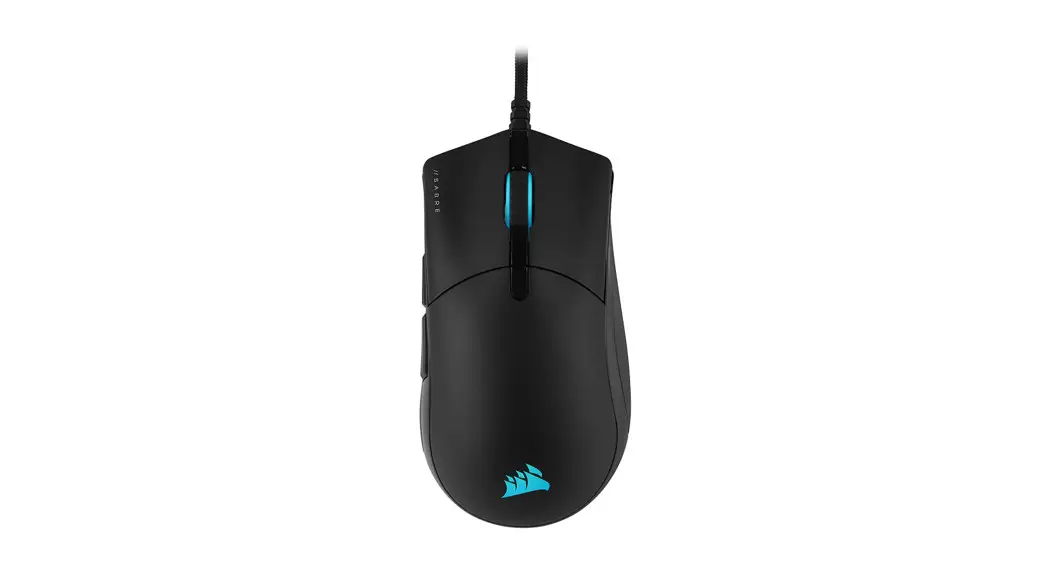


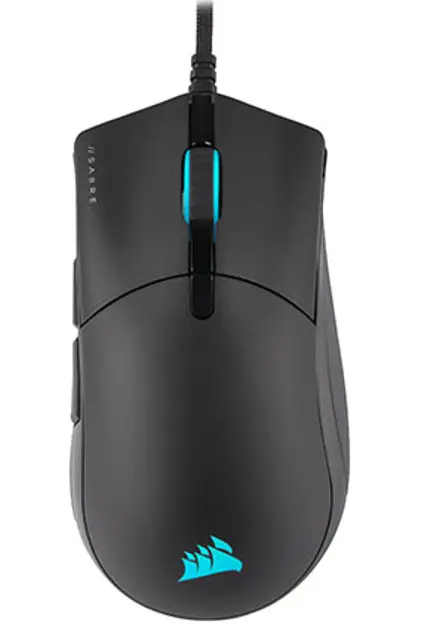
SABRE RGB PRO
FPS/MOBA Gaming Mouse
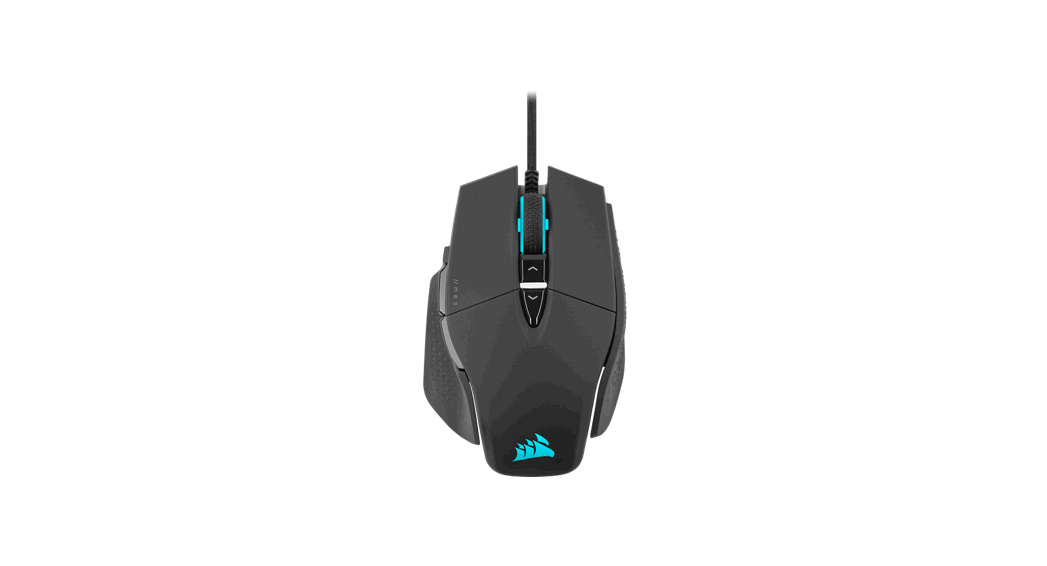
GETTING TO KNOW YOUR MOUSE
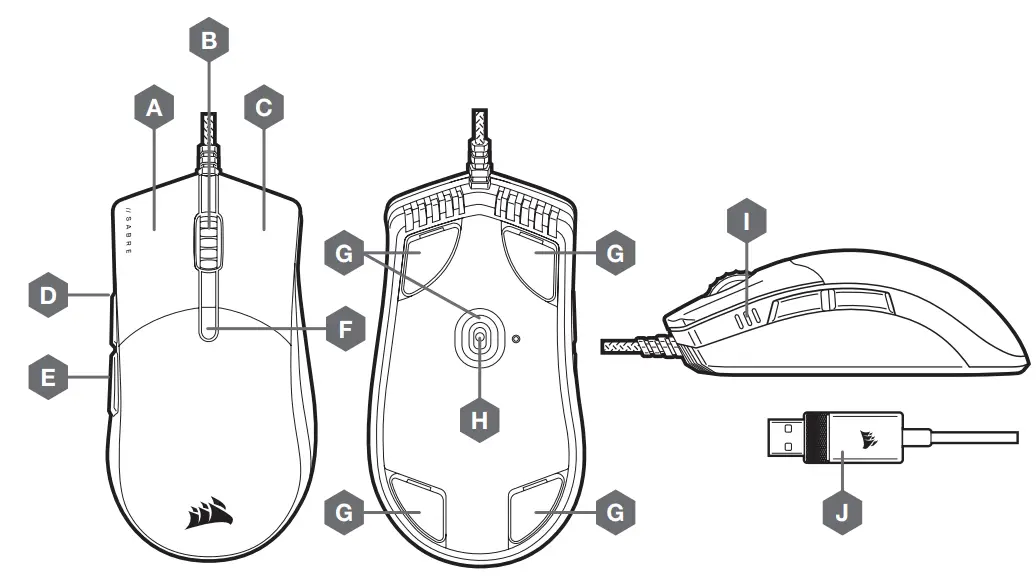
| A — QUICKSTRIKE LEFT-CLICK BUTTON | F — DPI CYCLE BUTTON |
| B — MIDDLE CLICK BUTTON / SCROLL WHEEL | G — REPLACEABLE PTFE GLIDE PADS* |
| C — QUICKSTRIKE RIGHT CLICK BUTTON | H — OPTICAL GAMING SENSOR |
| D — FORWARD BUTTON | I — DPI INDICATORS |
| E — BACK BUTTON | J — USB CONNECTION CABLE |
*Replacements are available at www.corsair.com.
SETTING UP YOUR MOUSE
Connect the USB connection cable (J) to an available USB 2.0 or better Type-A port on your Windows® PC, Apple Mac® , or Microsoft Xbox One®.*
www.corsair.com/xbox-one-support
DPI SETTINGS AND INDICATION
The mouse comes preloaded with common competitive DPI settings which can be cycled through by pressing the DPI cycle button (F) with the DPI indicator (I) LED’s backlighting to reflect the current stage.
| DPI STAGE | DPI SETTING | DPI INDICATOR |
| STAGE #1 | 400 |  |
| STAGE #2 | 800 |  |
| STAGE #3 | 1200 |  |
| STAGE #4 | 1600 |  |
| STAGE #5 | 3200 |  |
ON-THE-FLY DPI TUNING
The mouse also has a unique feature where you can adjust the current onboJard DPI stage setting in 50 DPI increments without the software so you can jump right into the action while you find the perfect sensitivity setting.
| FUNCTION | SHORTCUT | DPI INDICATOR |
| INCREASE DPI BY 50 | HOLD DPI CYCLE BUTTON (F) AND PRESS THE FORWARD BUTTON (D) | BLINKS GREEN ONCE |
| DECREASE DPI BY 50 | HOLD DPI CYCLE BUTTON (F) AND PRESS THE BACK BUTTON € | BLINKS RED ONCE |
| RESET DPI STORAGE | HOLD DPI CYCLE BUTTON (F) THEN BOTH FORWARD (D) AND BACK BUTTONS (E) FOR 2 SECONDS | BLINKS CURRENT DPI INDICATOR YELLOW THREE TIMES |
On-the-fly DPI changes are saved to the onboard memory and can be further adjusted in granular 1 DPI steps in iCUE. If iCUE is running, then changes are saved to the software profile directly.
SOFTWARE MODE
When iCUE is running the mouse operates in software mode and is controlled by iCUE where RGB backlighting color and effects can be programmed.
Install iCUE on a Windows PC or Apple Mac to connect all of your CORSAIR iCUE compatible products together in a single interface, giving you complete control of everything from key remaps to DPI settings. Download iCUE from
www.corsair.com/downloads.
SABRE RGB PRO
WEB: corsair.com
PHONE: (888) 222-4346
SUPPORT: support.corsair.com
BLOG: corsair.com/blog
FORUM: forum.corsair.com
YOUTUBE: youtube.com/corsairhowto
© 2020 CORSAIR MEMORY, Inc. All rights reserved. CORSAIR and the sails logo are registered trademarks in the United States and/or other countries. All other trademarks are the property of their respective owners. Product may vary slightly from those pictured. 49-002161 AA 
 PC Components | Gaming Gear | CORSAIR
 Home - Corsair Community
 corsair.com