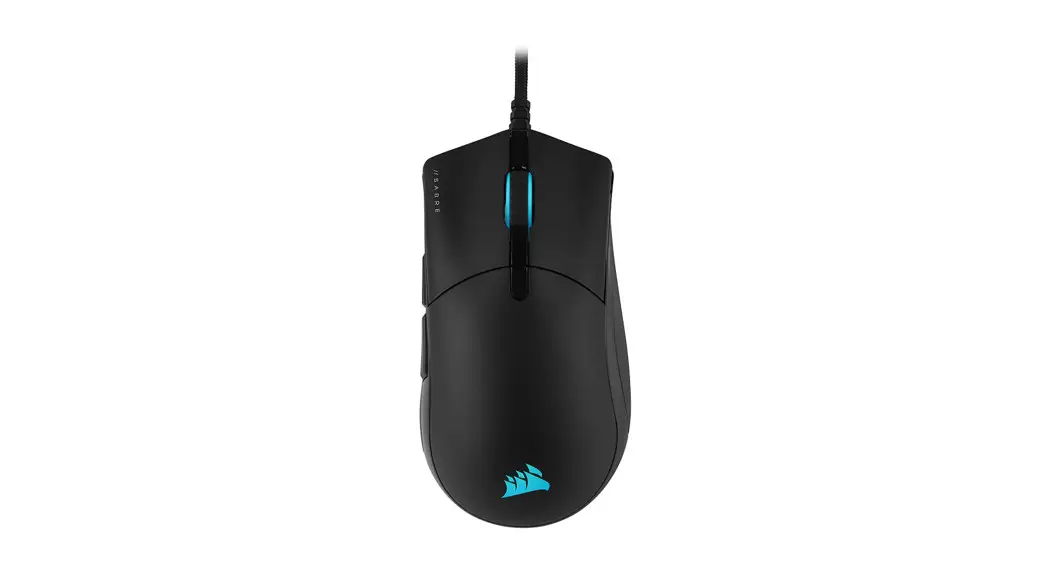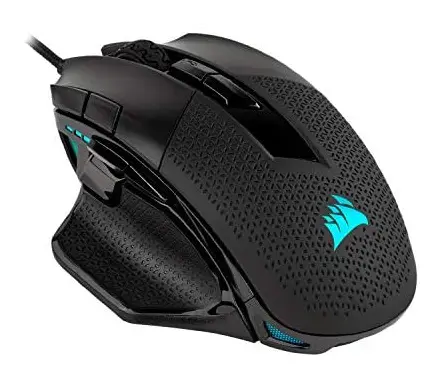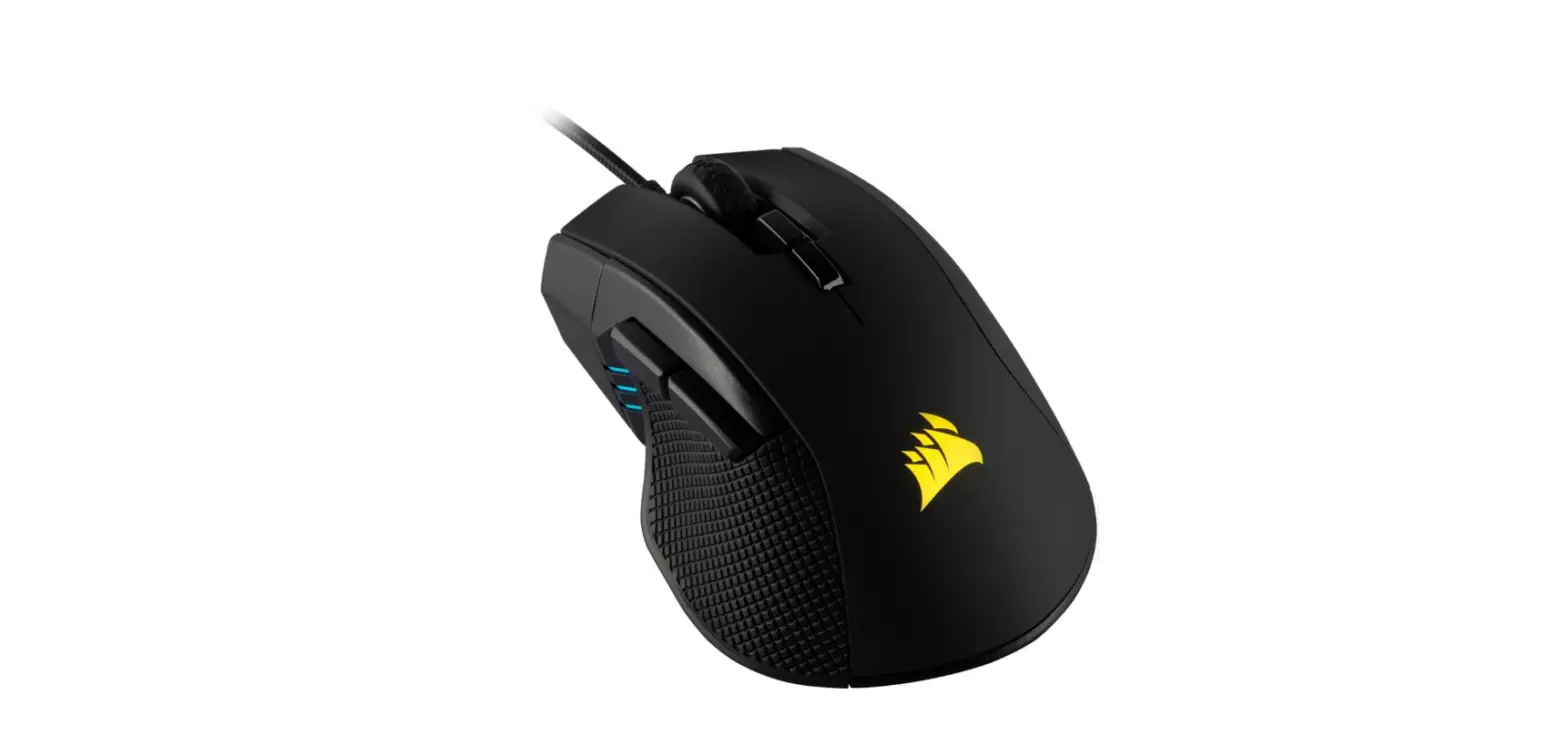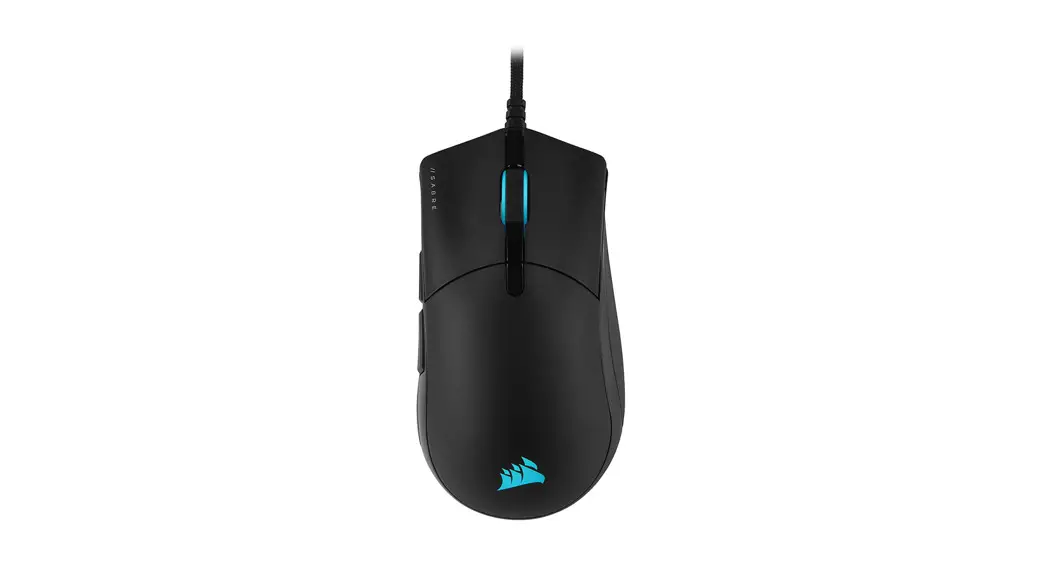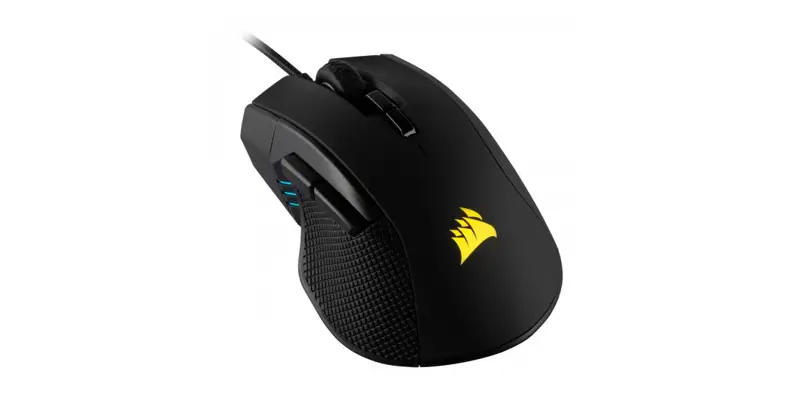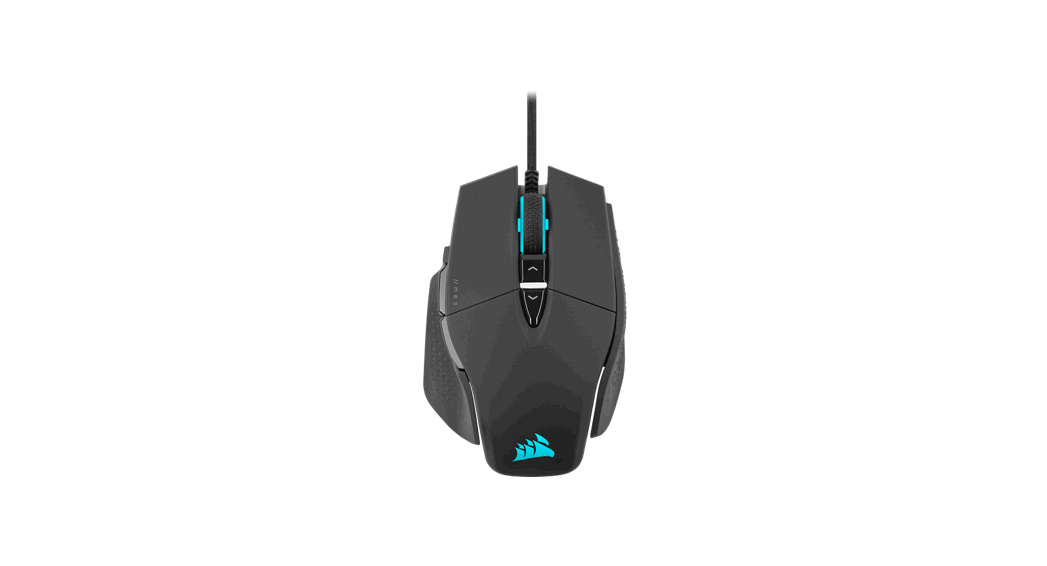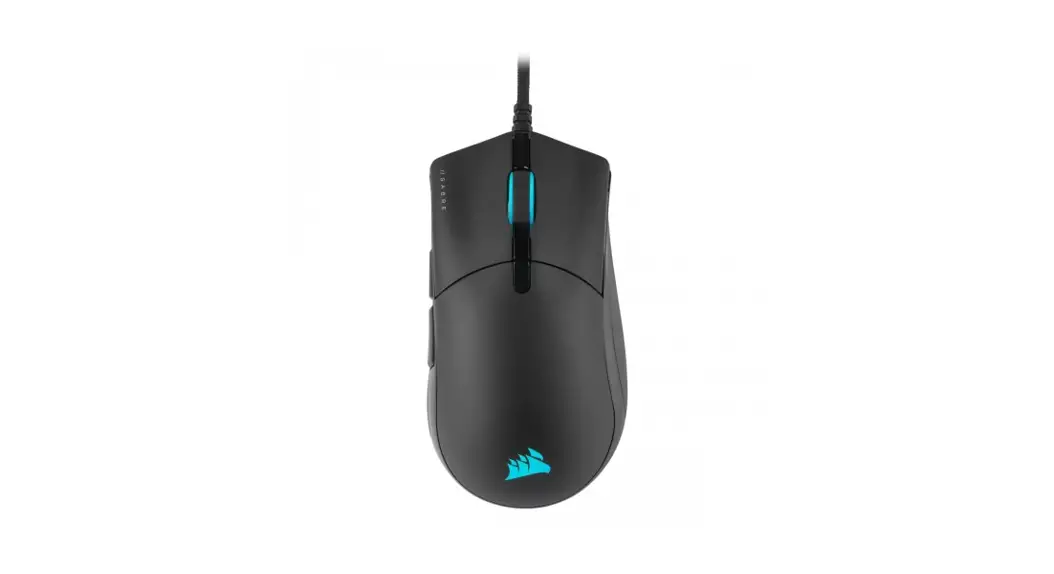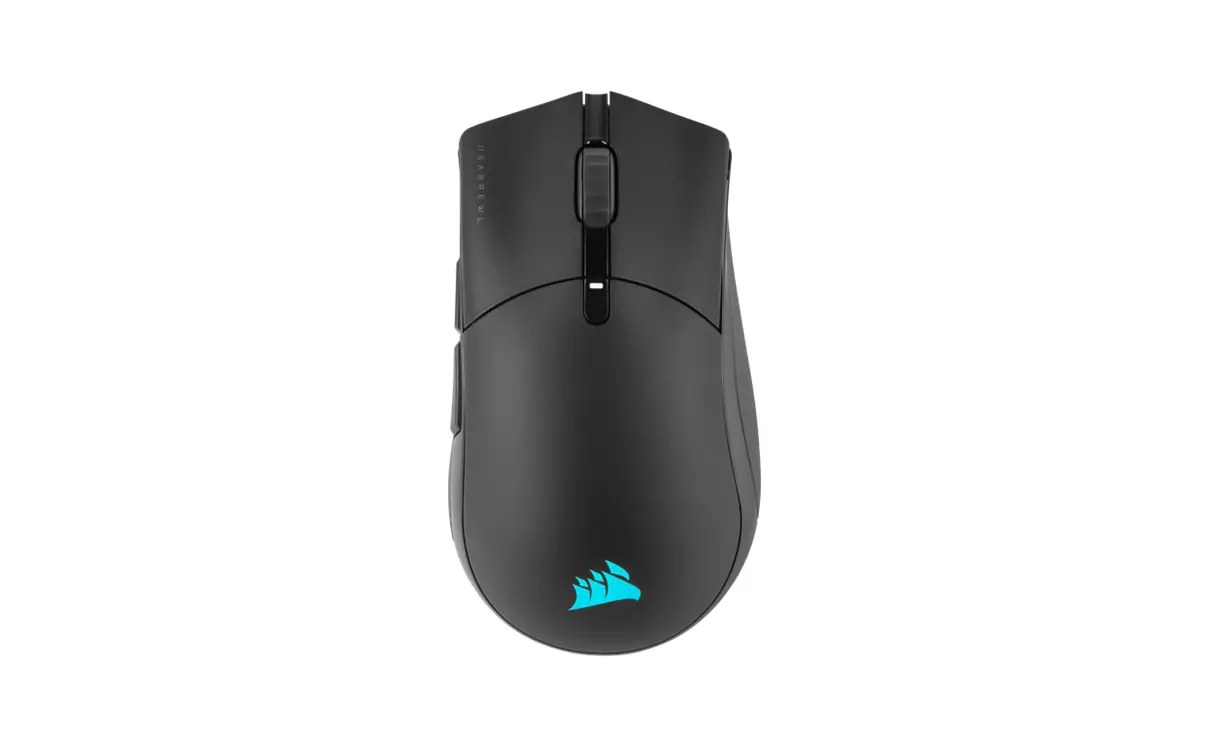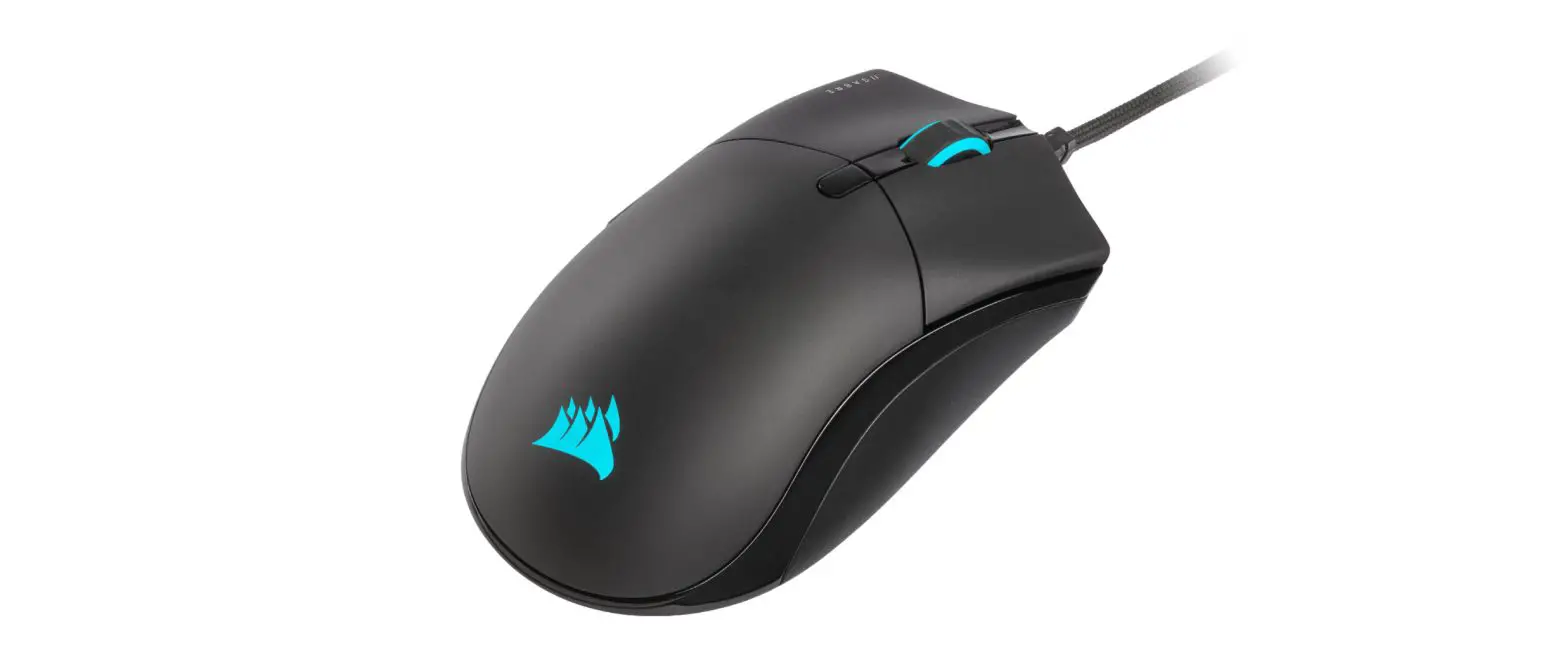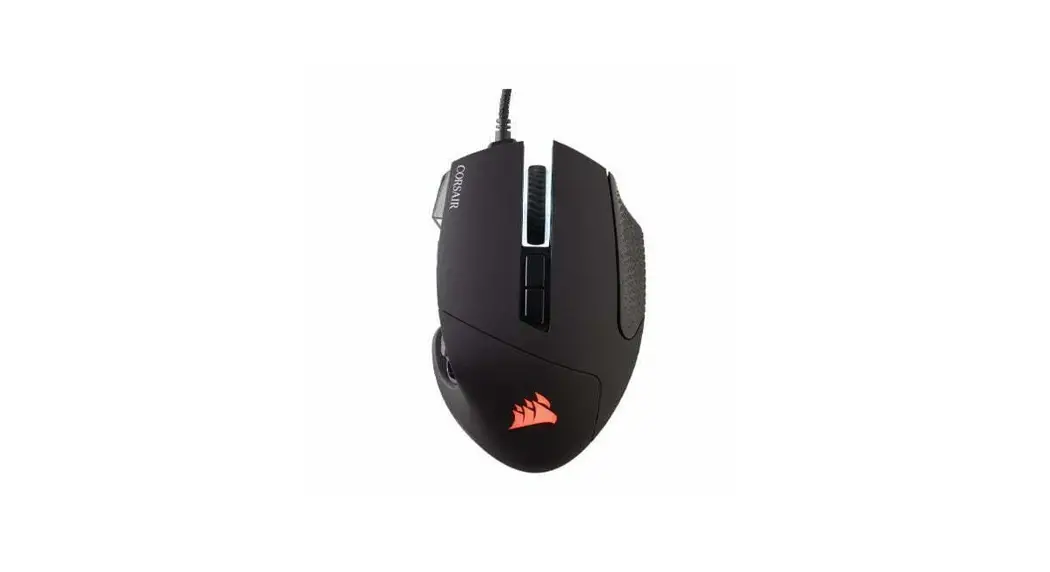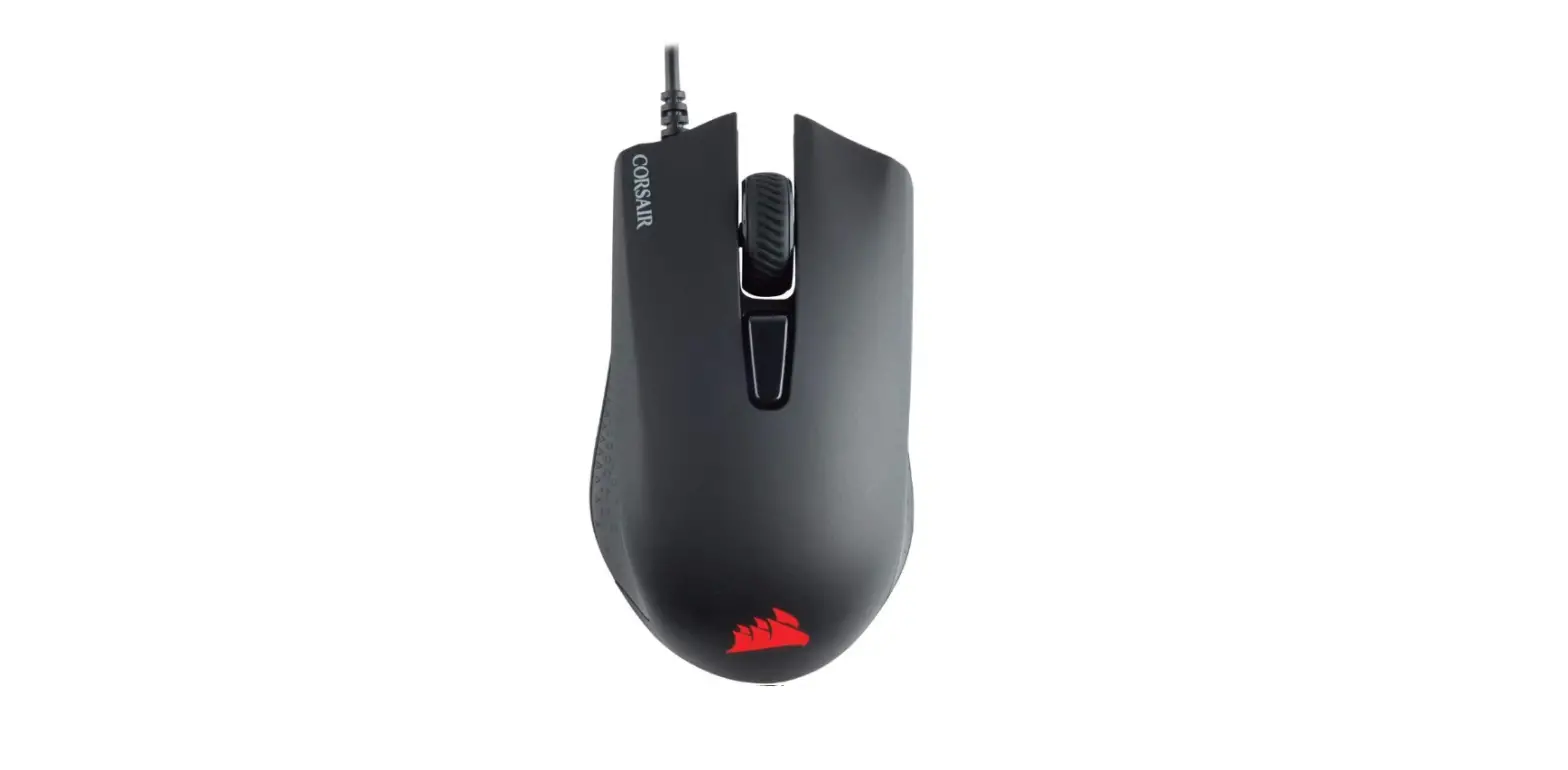

CORSAIR HARPOON RGB PRO Comfort FPS/MOBA Gaming Mouse
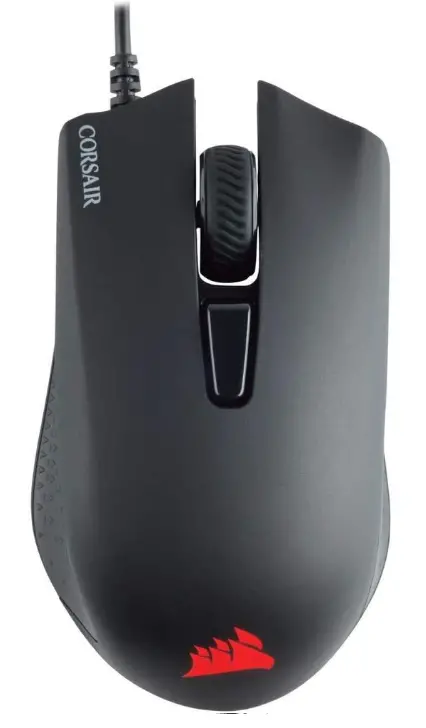
GETTING TO KNOW YOUR MOUSE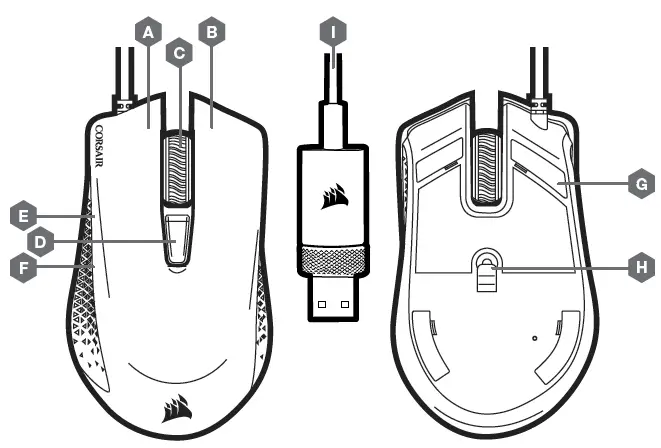
A LEFT-CLICK BUTTON
B RIGHT-CLICK BUTTON
C MIDDLE CLICK BUTTON
D DPI CYCLE BUTTON
E FORWARD BUTTON
F BACKWARD BUTTON
G PTFE GLIDE PADS
H OPTICAL GAMING SENSOR I — USB CONNECTION CABLE
SETTING UP YOUR MOUSE
- Turn on your computer and connect the mouse to the available USB 2.0 or USB 3.0 port on your computer.
- Download the iCUE software from www.corsair.com/downloads
- Run the installer program and follow instructions for installation.
 PC Components | Gaming Gear | CORSAIR
 Home - Corsair Community
 CORSAIR Downloads | CORSAIR iCUE Software