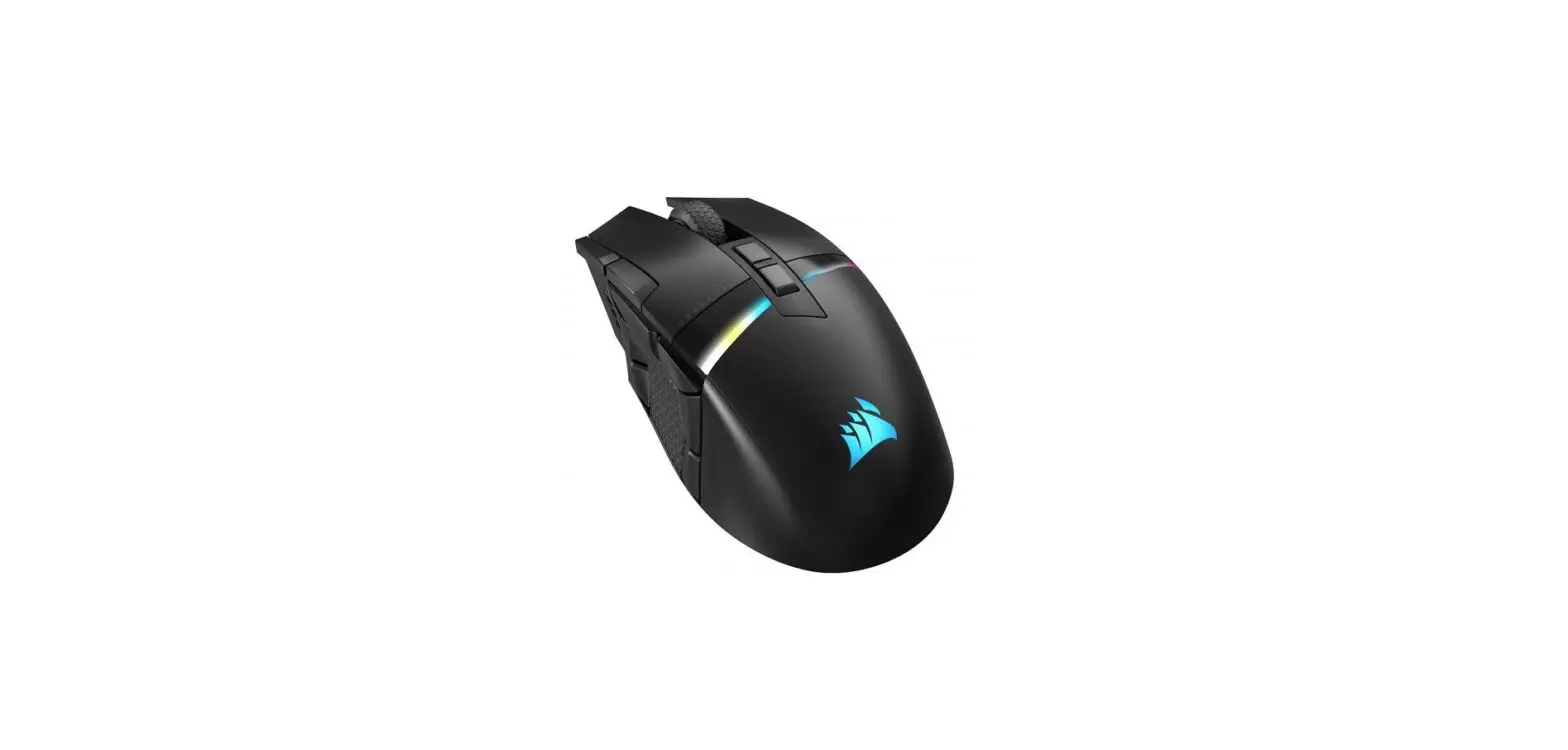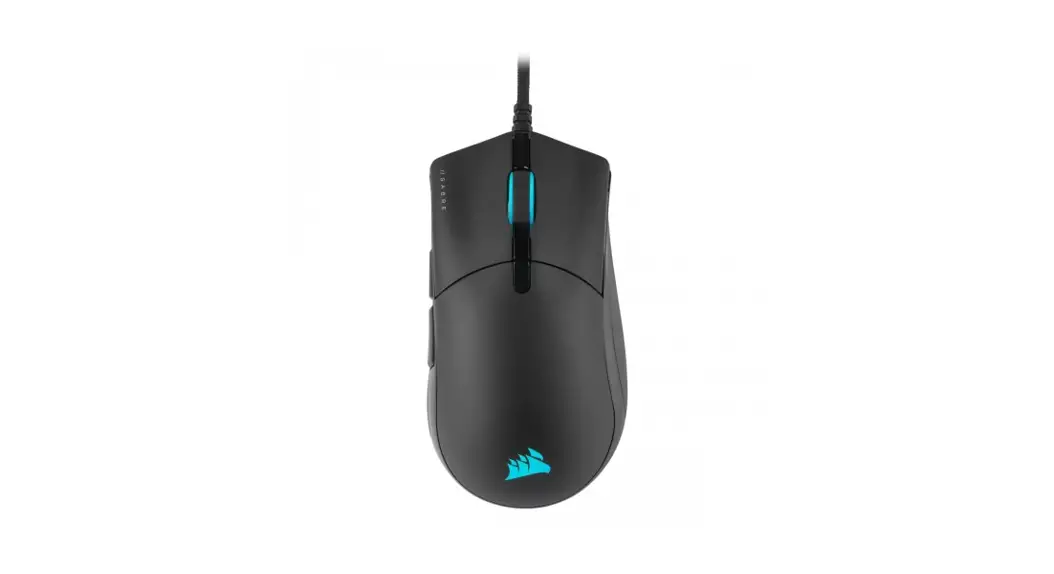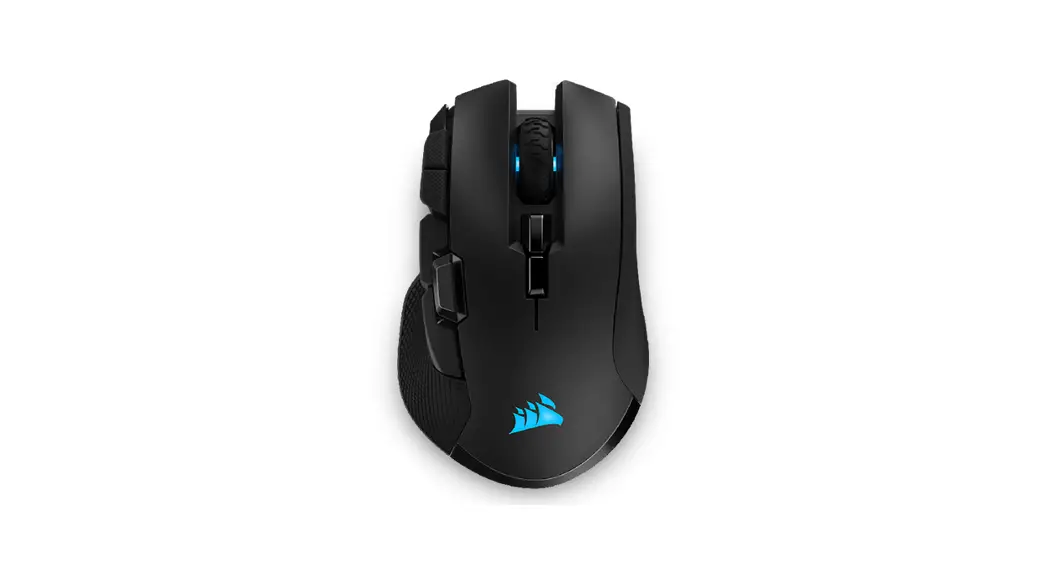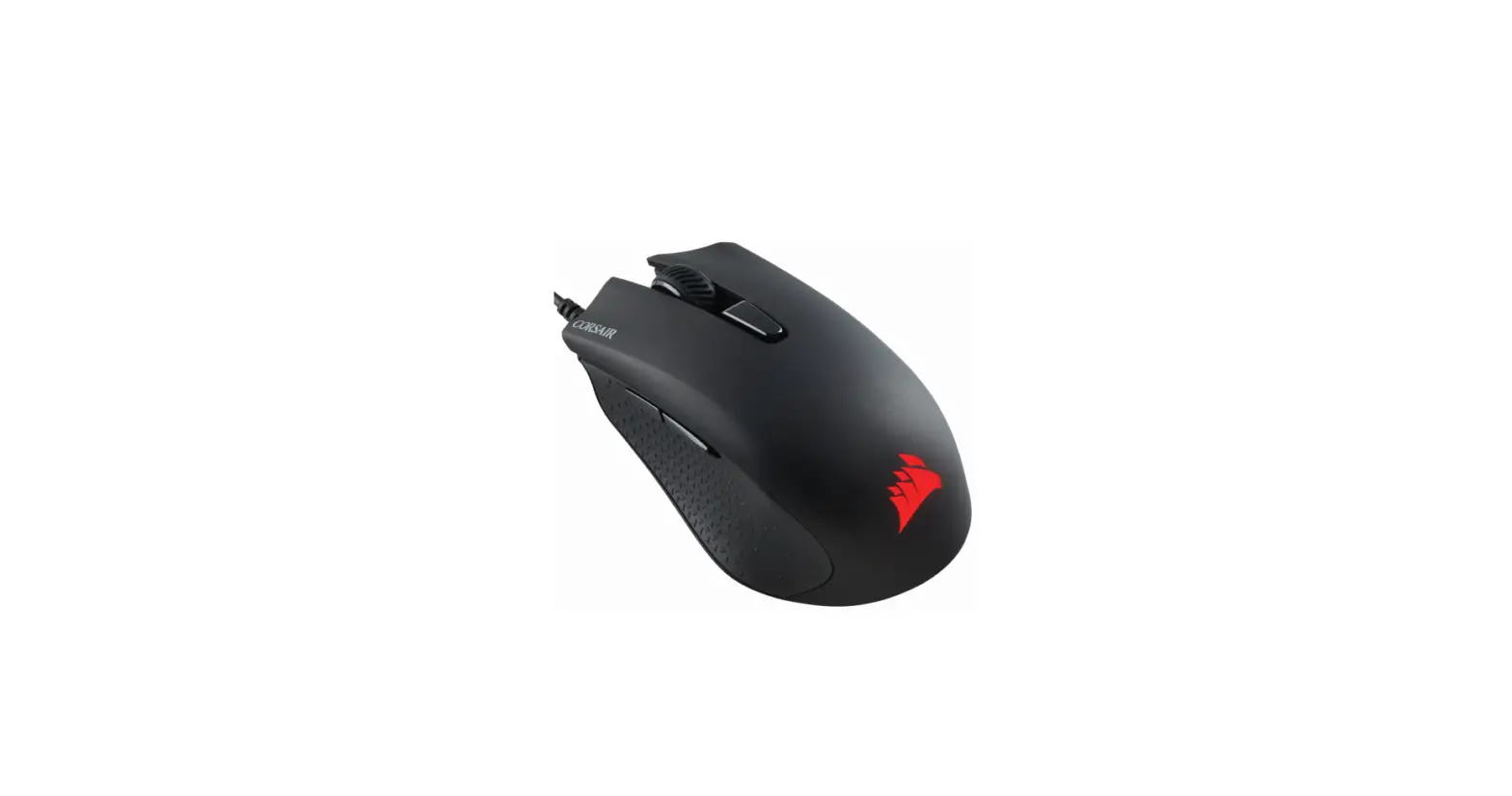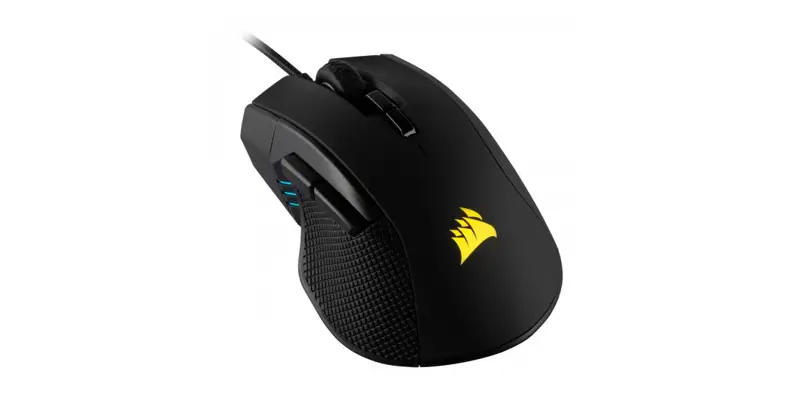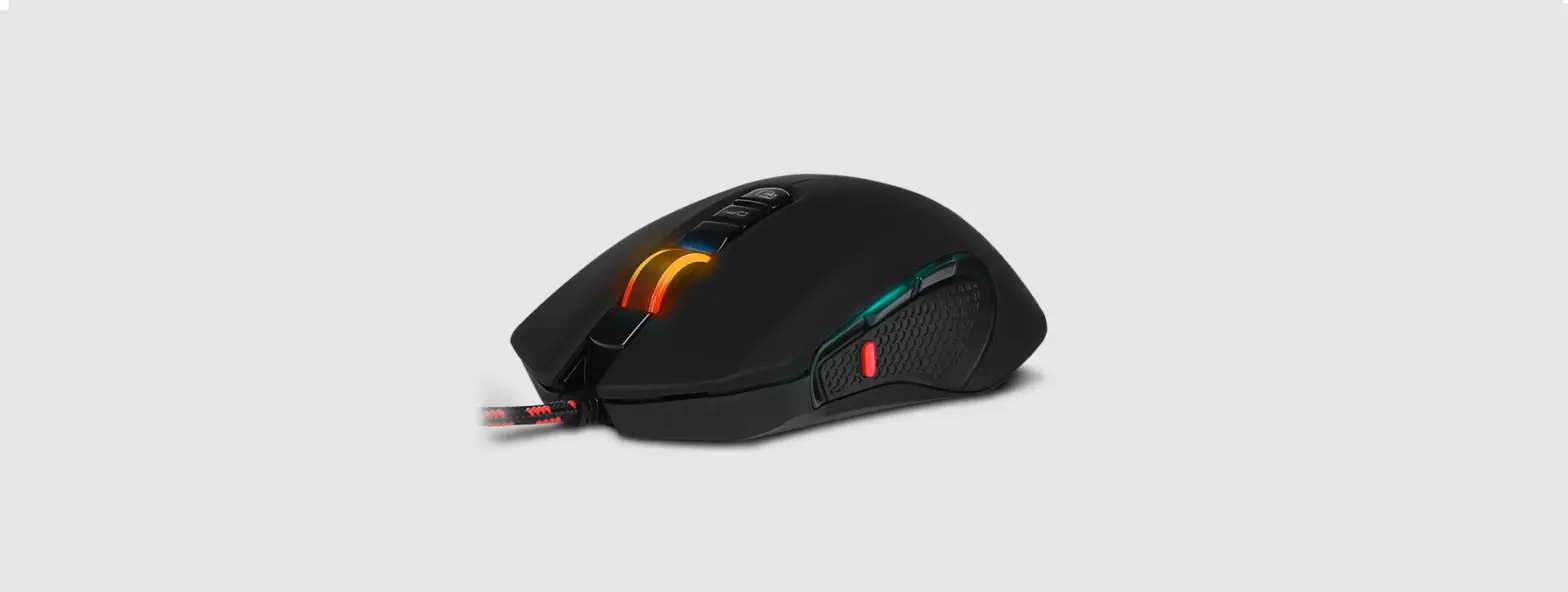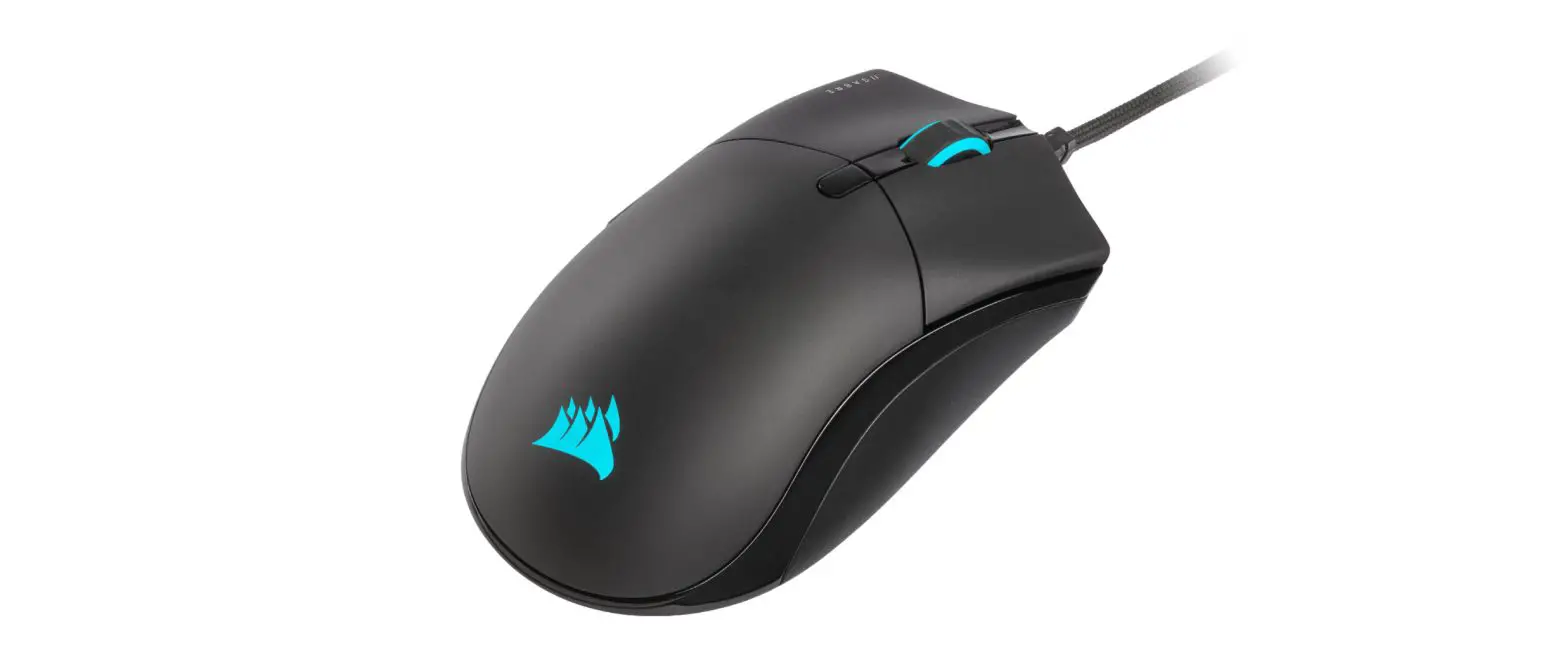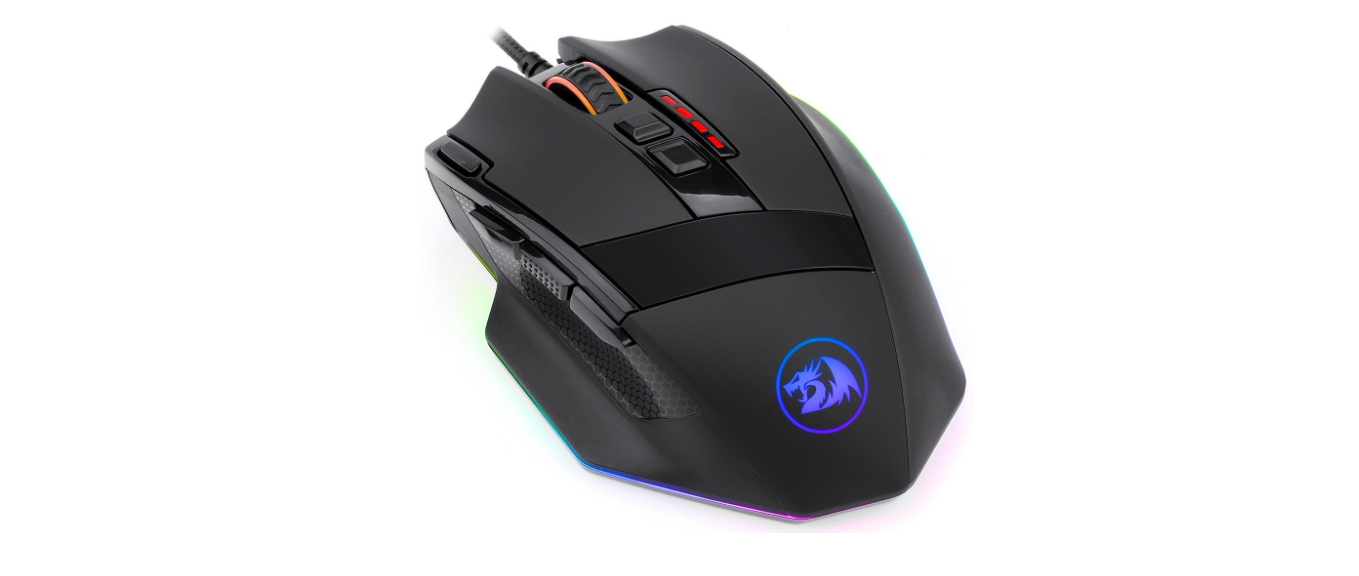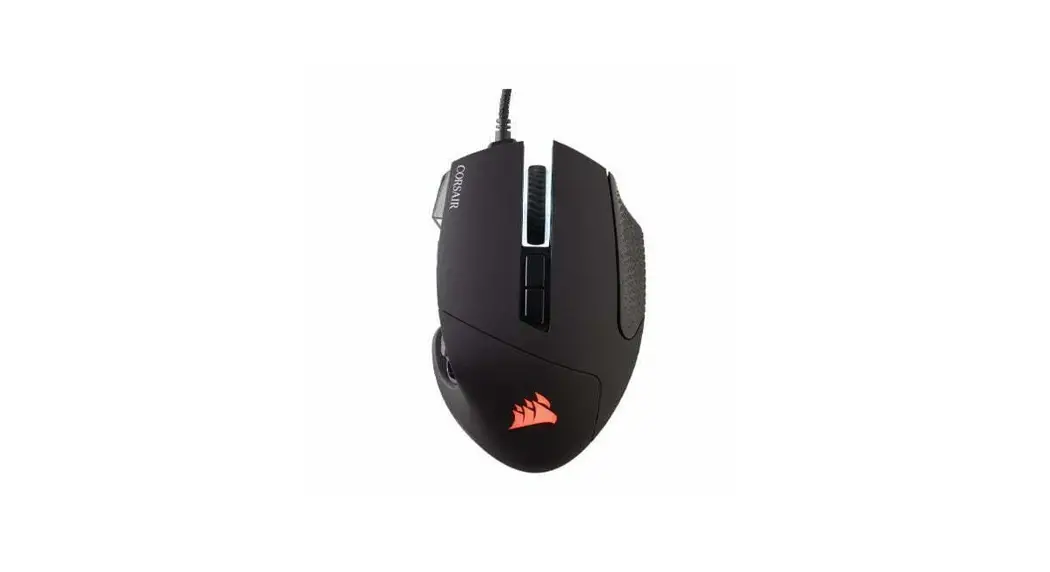

 MOBA/MMO Optical Gaming Mouse
User Manual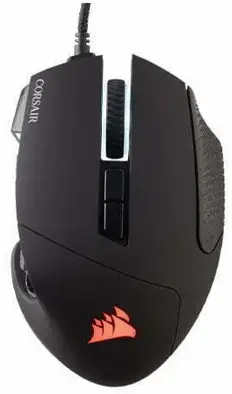 SCIMITAR RGB ELITE
MOBA/MMO GAMING MOUSE
GETTING TO KNOW YOUR MOUSE
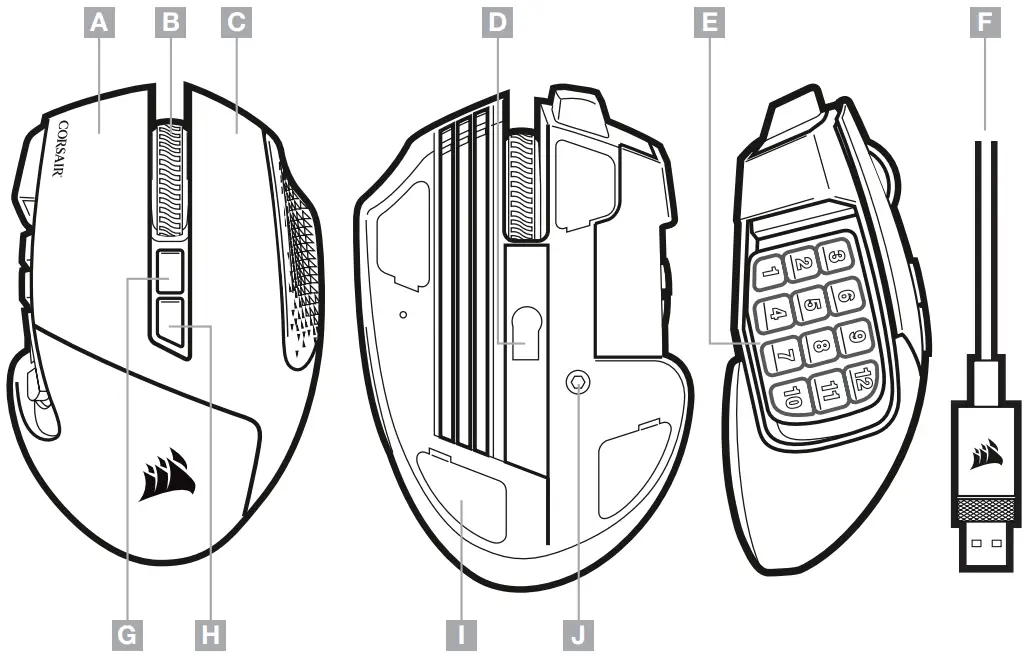
| A — LEFT CLICK BUTTON B — MIDDLE CLICK BUTTON C — RIGHT CLICK BUTTON D — OPTICAL GAMING SENSOR E — SIDE KEYPAD BUTTONS | F — USB CONNECTION CABLE G — PROFILE CYCLE BUTTON H — DPI CYCLE BUTTON I — PTFE GLIDE PADS J — KEYPAD SLIDER LOCK |
SETTING UP YOUR MOUSE
- Turn on your computer and connect the mouse to available USB 2.0 or USB 3.0 port on your computer.
- Download the iCUE software from www.corsair.com/downloads.
- Run the installer program and follow instructions for installation.
ADJUSTING THE KEY SLIDER
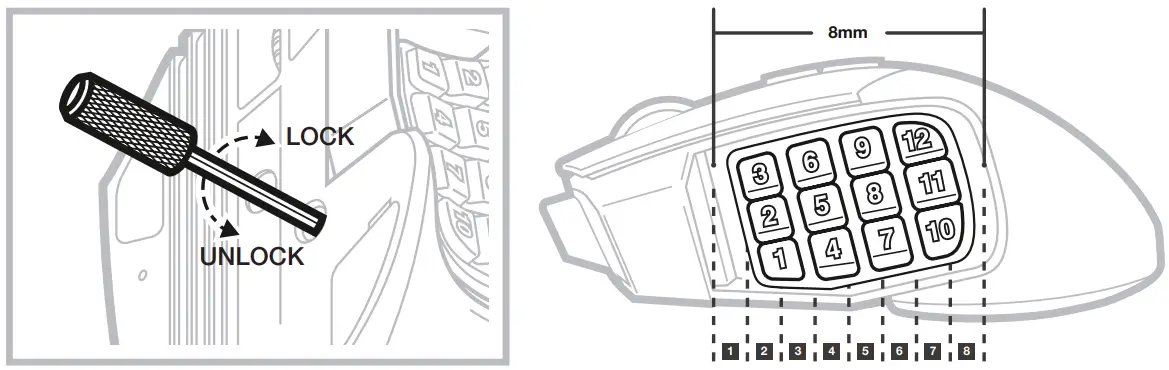
Patented Key Slider™ control system lets you reposition the 12 side buttons to comfortably fit your grip.
To adjust the keypad slider, please follow the steps below:
- Insert the included Allen key into the keypad slider lock located at the bottom of the mouse and turn it counterclockwise to unlock the keypad.
- Move keypad to desired position and turn the Allen key clockwise to lock the keypad.

ONBOARD PROFILES
Three onboard profile slots hold predefined DPI settings, button assignments and lighting effects. All those settings can be fully customized using iCUE software and stored back in onboard memory.
| PROFILE #1 | PROFILE #2 | PROFILE #3 | ||
| ONBOARD PROFILE STATUS LED | RED | GREEN | BLUE | |
| DPI STAGE STATUS | ||||
| STAGE #1 | RED | 800 DPI | 400 DPI | 800 DPI |
| STAGE #2 | WHITE | 1500 DPI | 800 DPI | 1500 DPI |
| STAGE #3 | GREEN | 3000 DPI | 1500 DPI | 4500 DPI |
| STAGE #4 | PURPLE | 6000 DPI | 3000 DPI | 9000 DPI |
| STAGE #5 | CAPRI | 9000 DPI | 6000 DPI | 18000 DPI |
| PROFILE #1 | PROFILE #2 | PROFILE #3 | |
| KEYPAD SLIDER MAPPING | |||
| BUTTON 1 | 1 | 1 | 1 |
| BUTTON 2 | 2 | 2 | 2 |
| BUTTON 3 | 3 | 3 | 3 |
| BUTTON 4 | 4 | 4 | 4 |
| BUTTON 5 | 5 | 5 | 5 |
| BUTTON 6 | 6 | 6 | 6 |
| BUTTON 7 | 7 | 7 | 7 |
| BUTTON 8 | 8 | 8 | 8 |
| BUTTON 9 | 9 | 9 | 9 |
| BUTTON 10 | 0 | 0 | 0 |
| BUTTON 11 | – | – | – |
| BUTTON 12 | = | = | = |
This Class B digital apparatus meets all requirements of the Canadian Interference-Causing Equipment Regulations. CAN ICES-3(B)/NMB-3(B) CAUTION!
The manufacturer is not responsible for any radio or TV interference caused by unauthorized modifications to this equipment. Such modifications could void the user authority to operate the equipment.
WARNING: Changes or modifications not expressly approved by CORSAIR MEMORY, Inc could void the user’s authority to operate the equipment.
This equipment has been tested and found to comply with the limits for a Class B digital device, pursuant to part 15 of the FCC Rules. These limits are designed to provide reasonable protection against harmful interference in a residential installation. This equipment generates, uses and can radiate radio frequency energy and, if not installed and used in accordance with the instructions, may cause harmful interference to radio communications. However, there is no guarantee that interference will not occur in a particular installation. If this equipment does cause harmful interference to radio or television reception, which can be determined by turning the equipment off and on, the user is encouraged to try to correct the interference by one or more of the following measures:
- Reorient or relocate the receiving antenna.
- Increase the separation between the equipment and receiver.
- Connect the equipment into an outlet on a circuit different from that to which the receiver is connected.
- Consult the dealer or an experienced radio/TV technician for help.
This device must not be co-located or operating in conjunction with any other antenna or transmitter.
Operation is subject to the following two conditions:
- This device may not cause harmful interference, and
- This device must accept any interference received, including interference that may cause undesired operation.
For use only with NRTL listed end product and mouse rating: 5V  170mA
170mA
| WEB: corsair.com PHONE: (888) 222-4346 SUPPORT: support.corsair.com | BLOG: corsair.com/blog FORUM: forum.corsair.com YOUTUBE: youtube.com/corsairhowto |
© 2019 CORSAIR MEMORY, Inc. All rights reserved. CORSAIR and the sails logo are registered trademarks in the United States and/or other countries. All other trademarks are the property of their respective owners. Product may vary slightly from those pictured. 49-001943 AA

 PC Components | Gaming Gear | CORSAIR
 Home - Corsair Community