
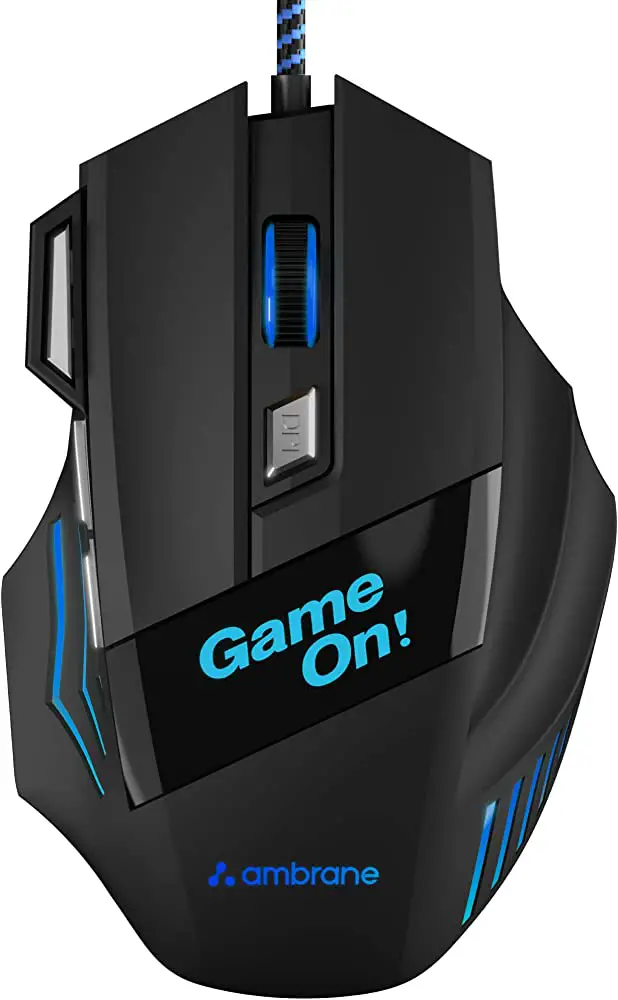
ambrane Trone RGB Gaming Mouse
Welcome Thank you for purchasing the Ambrane Trone mouse. We recommend you to read the instruction manual carefully before using the product.
Package contents
- 1 N Ambrane Trone Mouse
- l N User Manual Scan Card
- 1N Rating Card
Product Overview
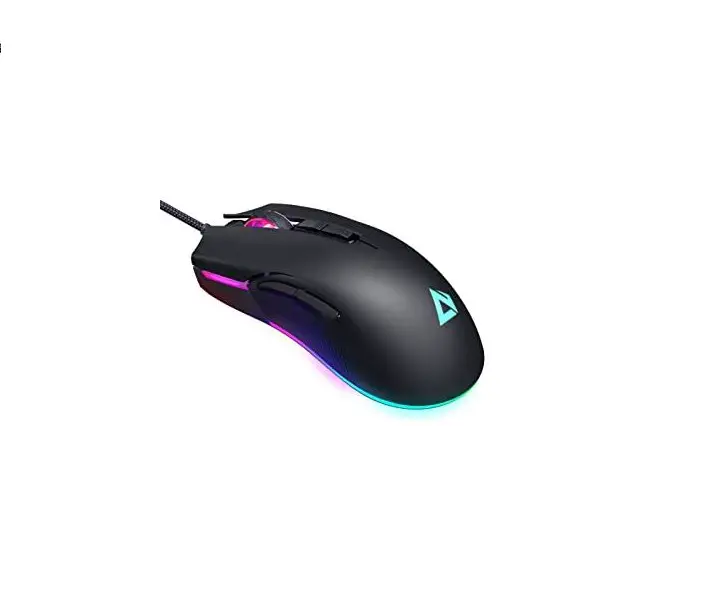
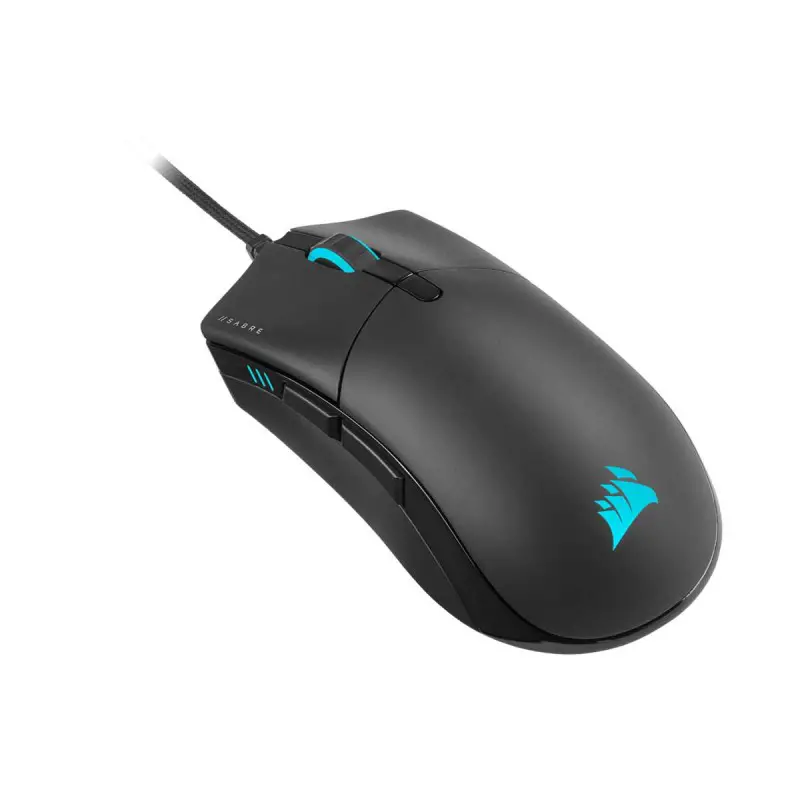
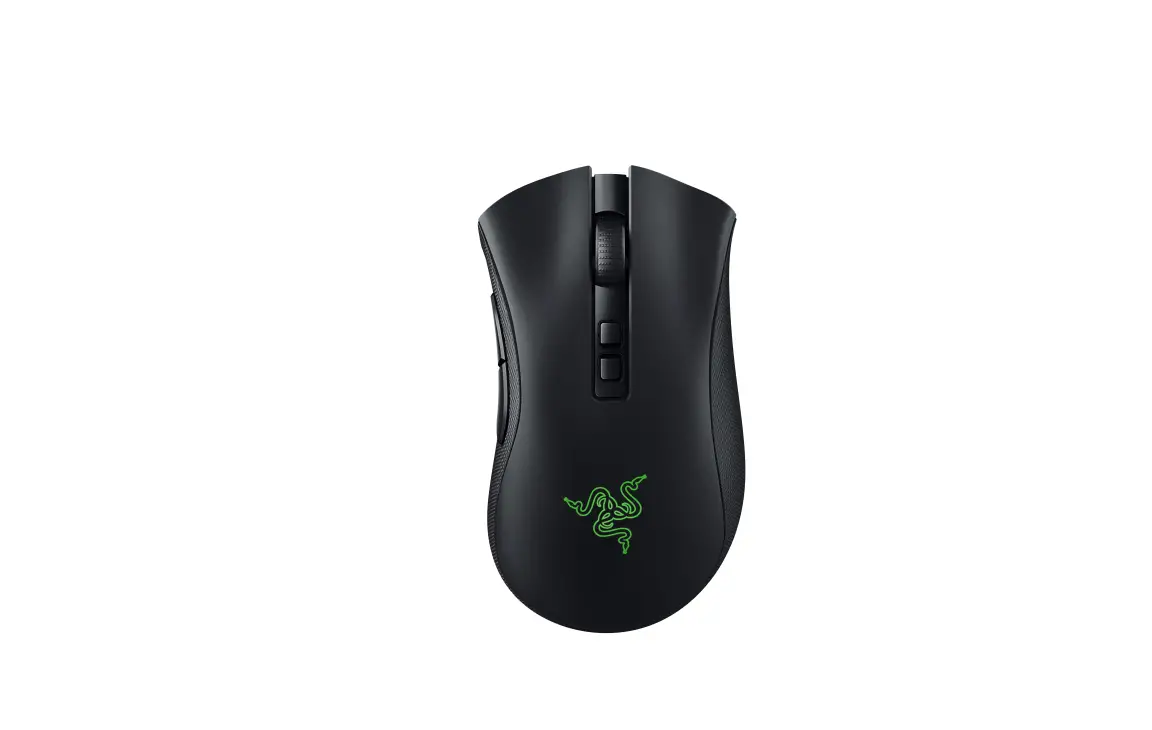
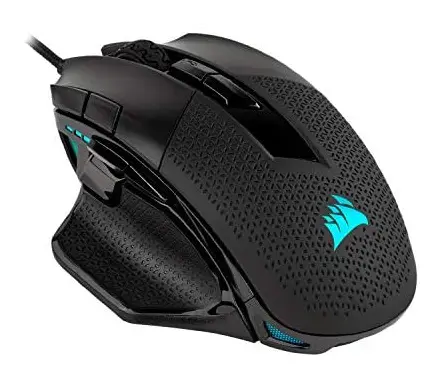
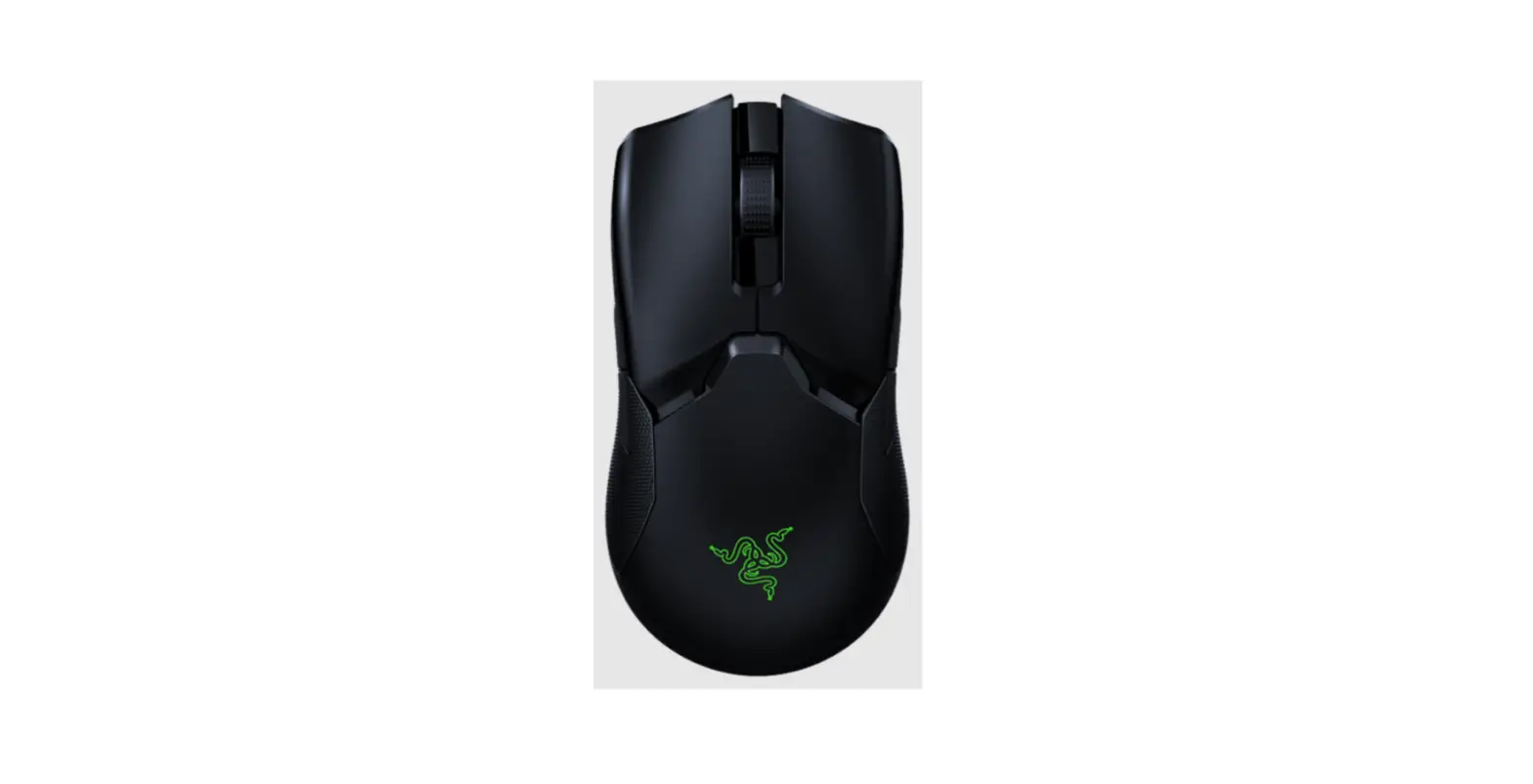
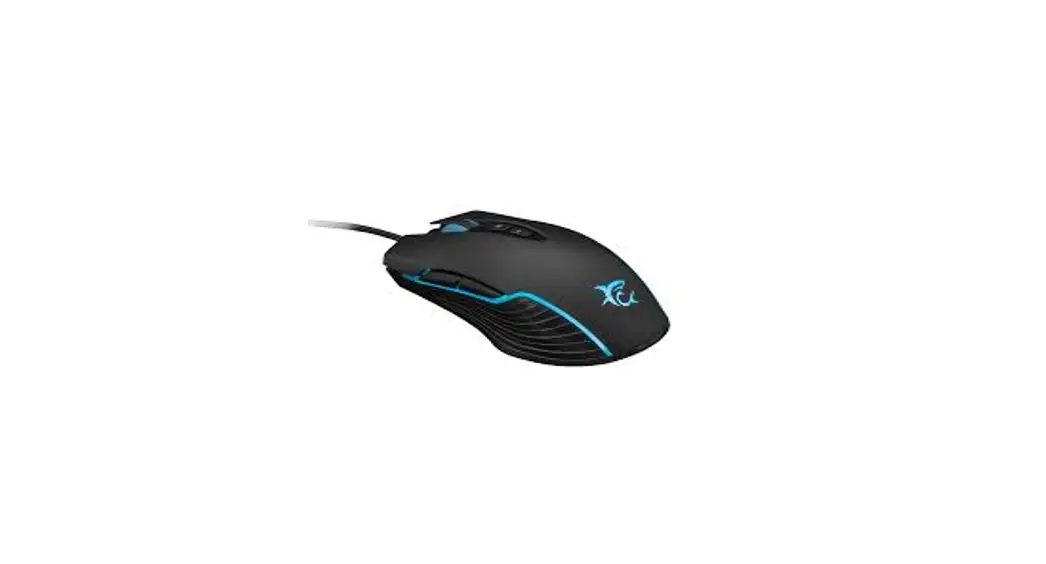
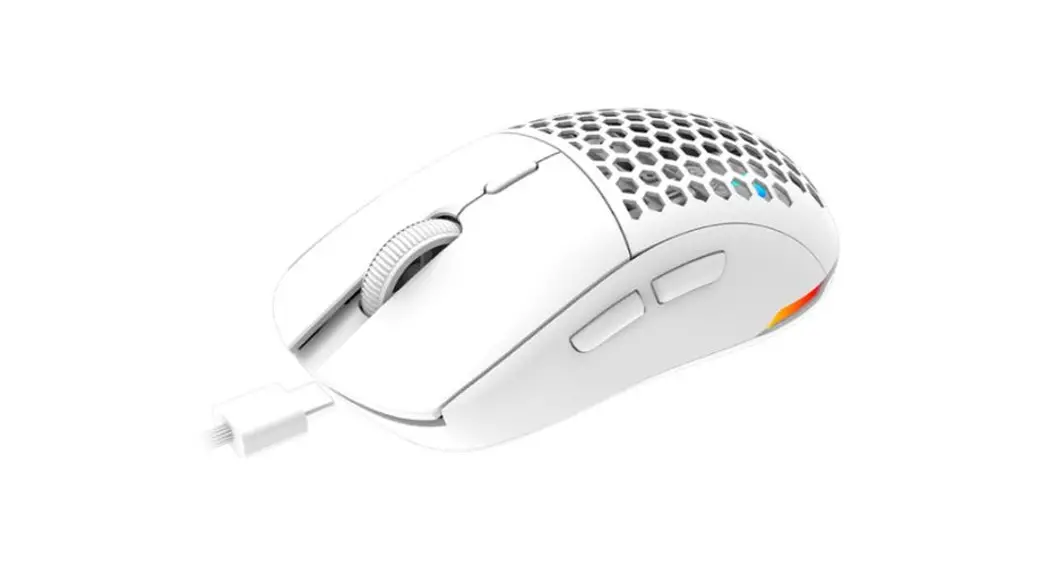
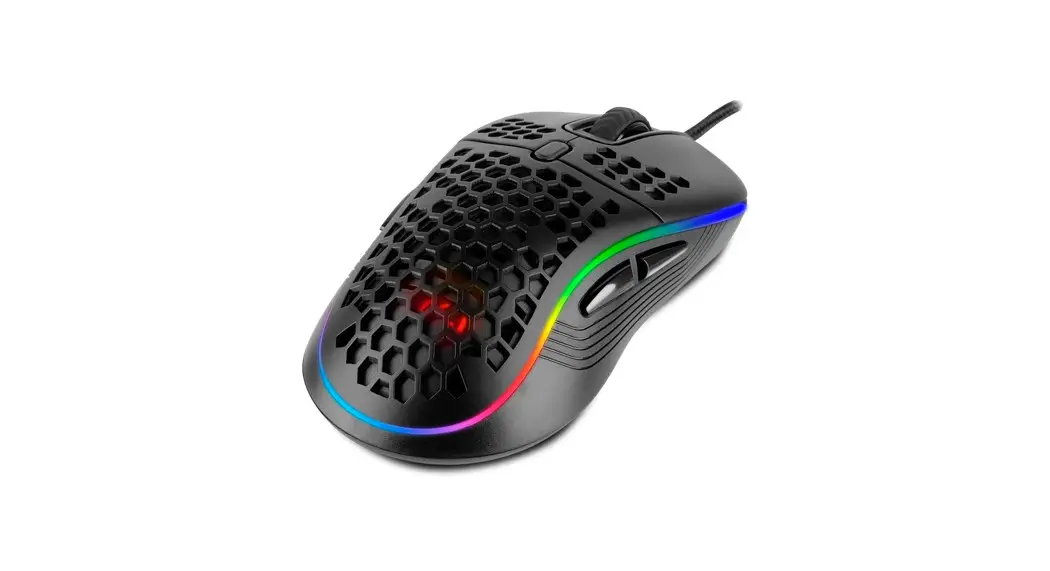
Ambrane Trone Gaming Mouse is equipped with advanced gaming features and 3 adjustable DPI levels. You may switch up to 3200 DPI as per your requirements. Trone is the perfect gaming mouse with high quality and 7 colour breathing lights. It comes with a highly accurate positioning chip that provides less response time, allowing you to play your optimum. With wide compatibility, ergonomic design and a long braided wire, it is built especially for gamers. So, pick up your Trone and conquer each game you play!
Product Specifications
- Wired Gaming Mouse
- Adjustable DPl:1200/2400/3600
- 7 Colour Breathing Lights
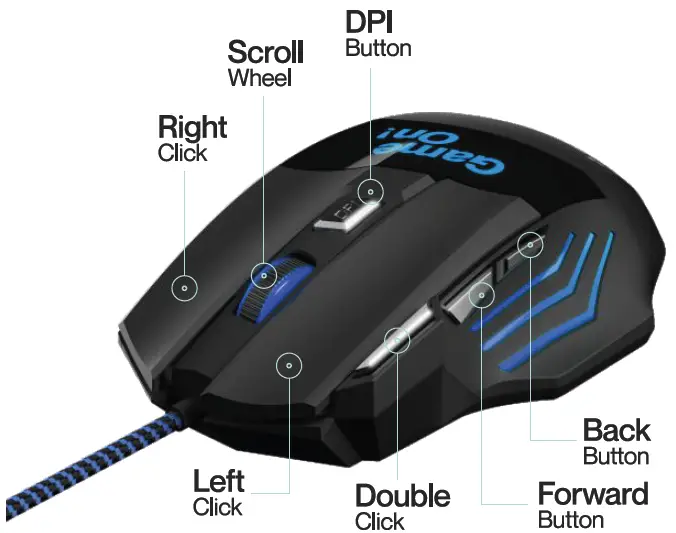
- 7 Pre-Programmed Keys
- Polling Rate: 125 Hz
- Response Time: Bms
- 1.5m long Copper Braided Wire
- USB2.0Compatibility
- Ergonomic Design
- High Precision Optical Sensor
- Weight: 120 Gms
- Product Size: 130*70*40 mm
How to Use
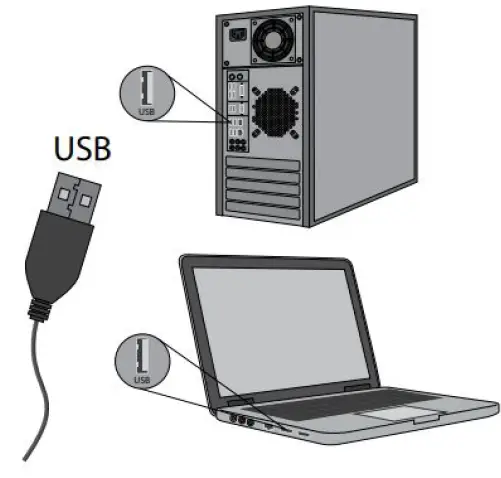
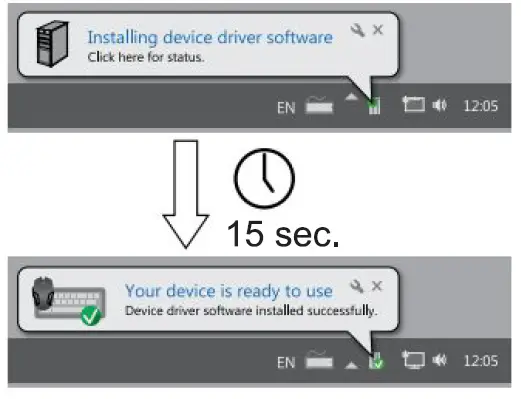
- Connect the mouse to an available USB port on your computer.

- When connecting for the first time, wait for around 15 seconds until the generic driver is installed.
- The mouse installation is now complete.

Compatibility
This mouse is compatible with USB-enabled MAC and Windows models.
How to Switch DPI
Click on the DPI button to switch between 3 DPI levels: 1200/2400/3600.
FAQ
- If the mouse is not responding, please check whether the mouse is plugged correctly into the corresponding computer’s USB port, or try another USB port.
- Make sure the device is compatible with your operating system.
- If the mouse is moving slowly, jumping or with delay, please try another surface. Dark, dirty, un-flat, bright surfaces may affect the performance of the mouse. A mouse pad is strongly recommended.
- If the problem persists, please contact customer support for assistance.
CAUTION
- Keep the equipment dry. Keep away from precipitation, humidity, all types of liquids and condensation. .
- Do not use the product with wet hands.
- Do not use or store the equipment in dusty or dirty areas.
- Do not store the equipment under high-temperature or lowtemperature conditions as this may damage it.
- Do not drop, knock, or shake the equipment as it may damage it.
Warranty Card and Terms & Conditions
- All warranty information, product features and specifications are subject to change without prior notice.
- All matters are subject to Delhi Jurisdiction.
- Ambrane Trone comes with 180 days warranty from the date of purchase.
Note: Any damage caused by physical impact, Water/liquid, fire etc caused by customer or nature shall not be covered under warranty. Only product design, feature and functionality related faults will be considered.
CUSTOMER CARE:
224, Second Floor, D-Mall, Netaji Subhash Place, Pitampura, Delhi, India -110034
- Contact No.: +9lll459lllll,
- E-mail: [email protected],
- Web: www.ambraneindia.com
Join the Ambrane Ally! @ambraneindia