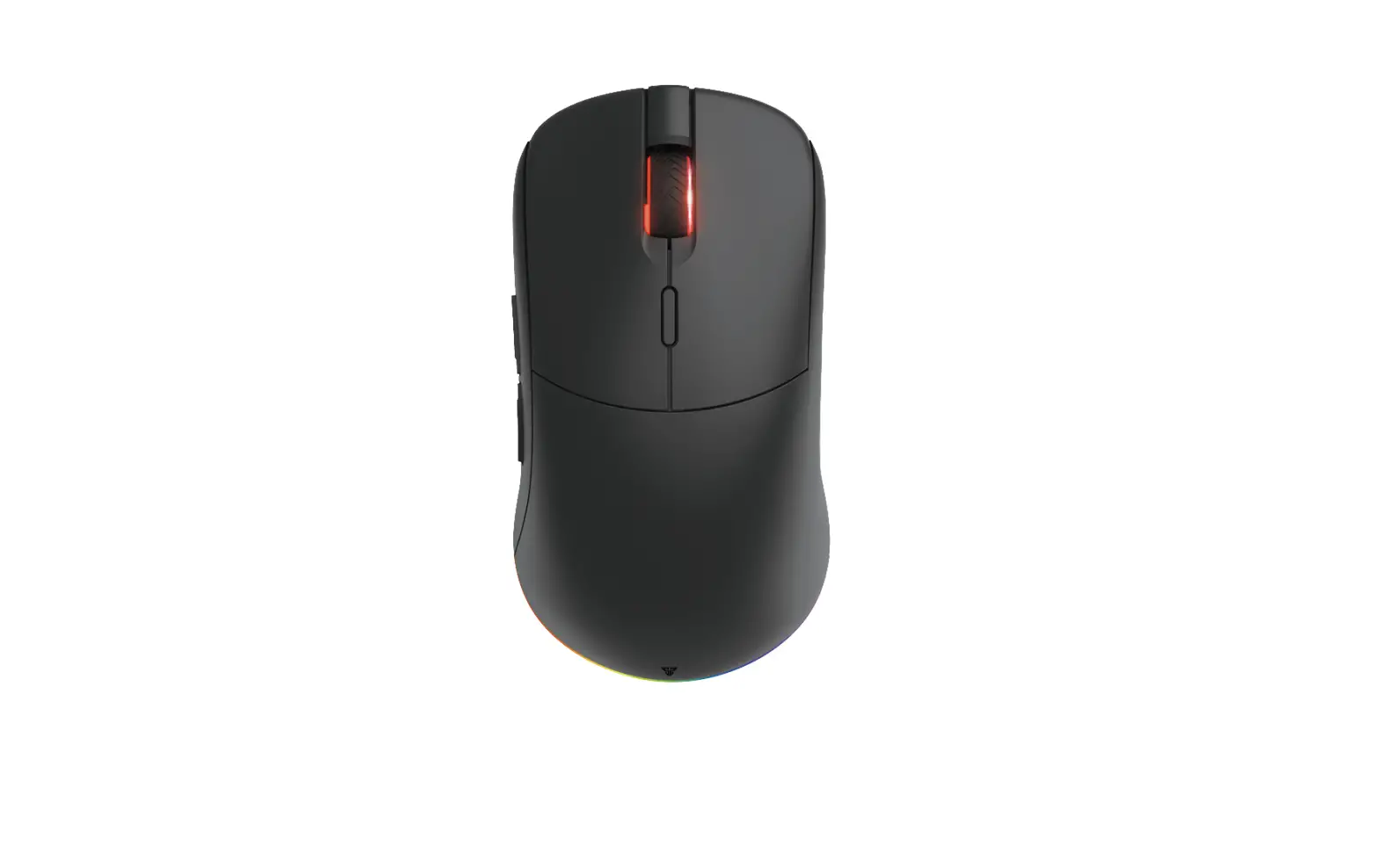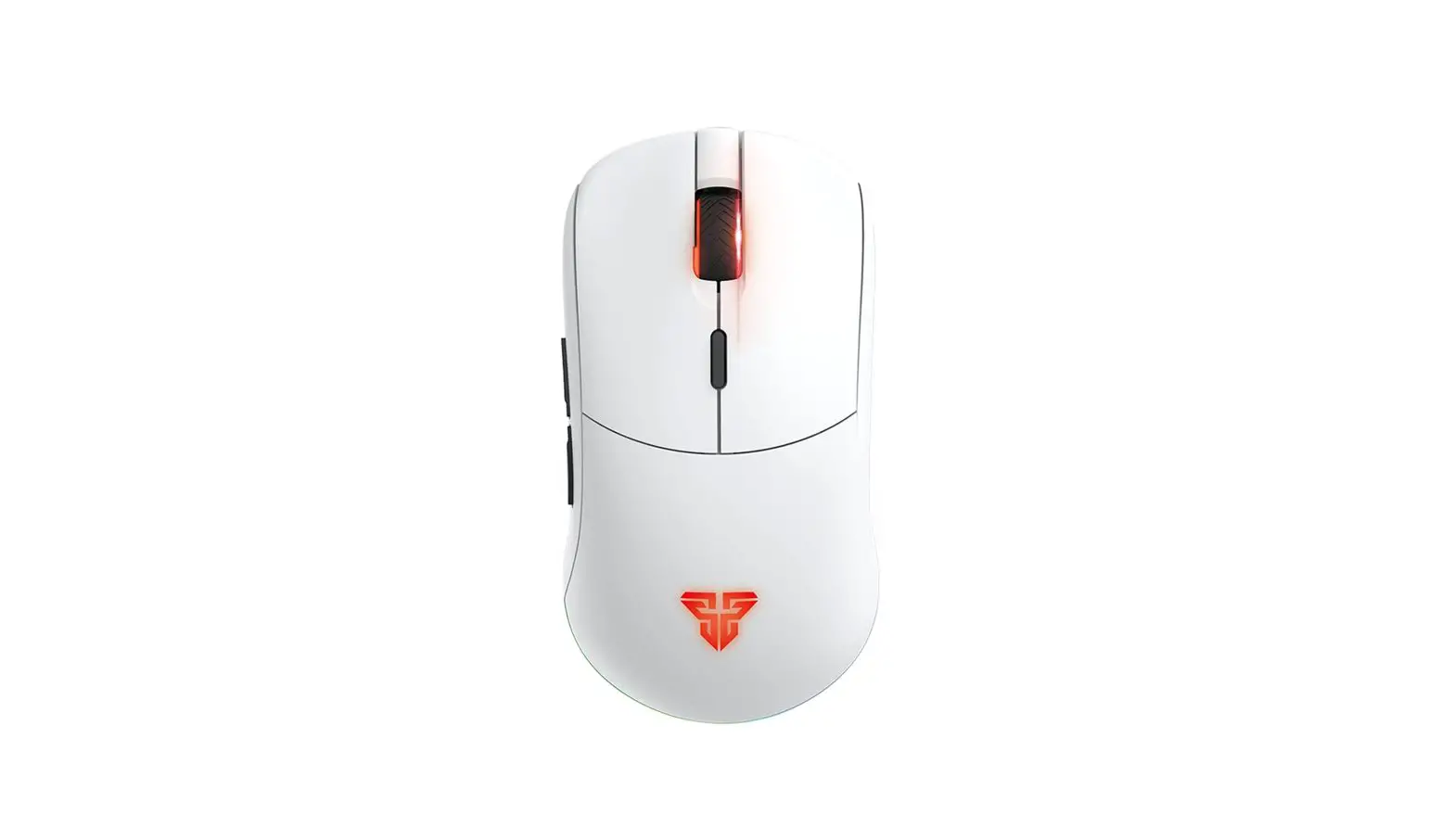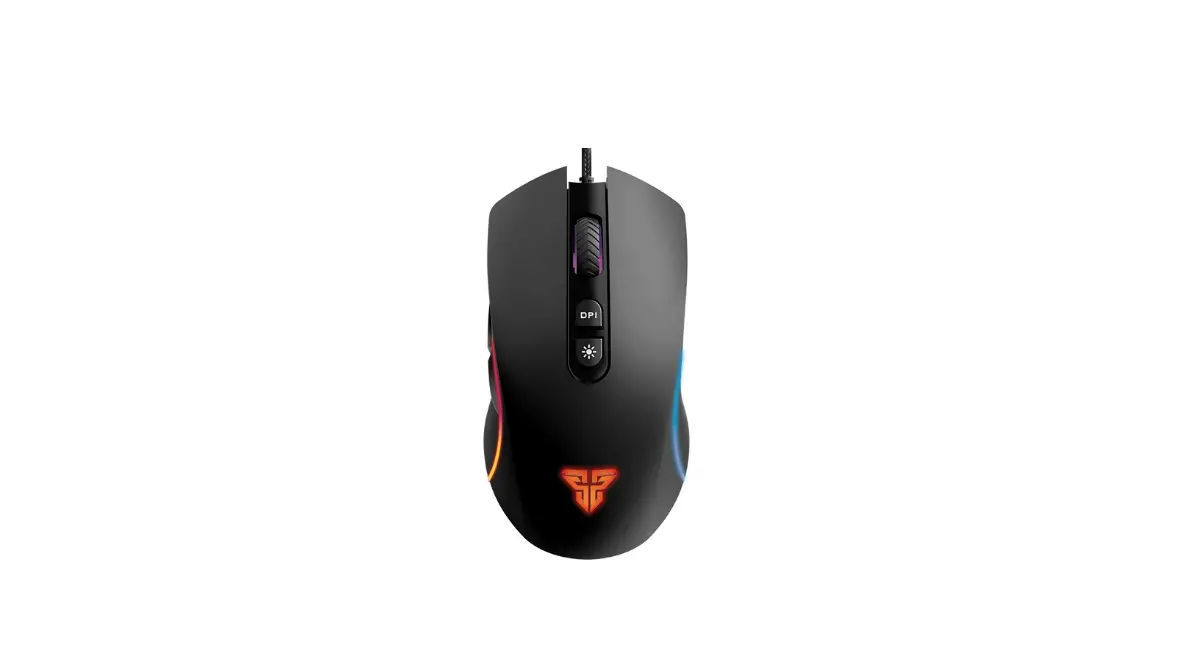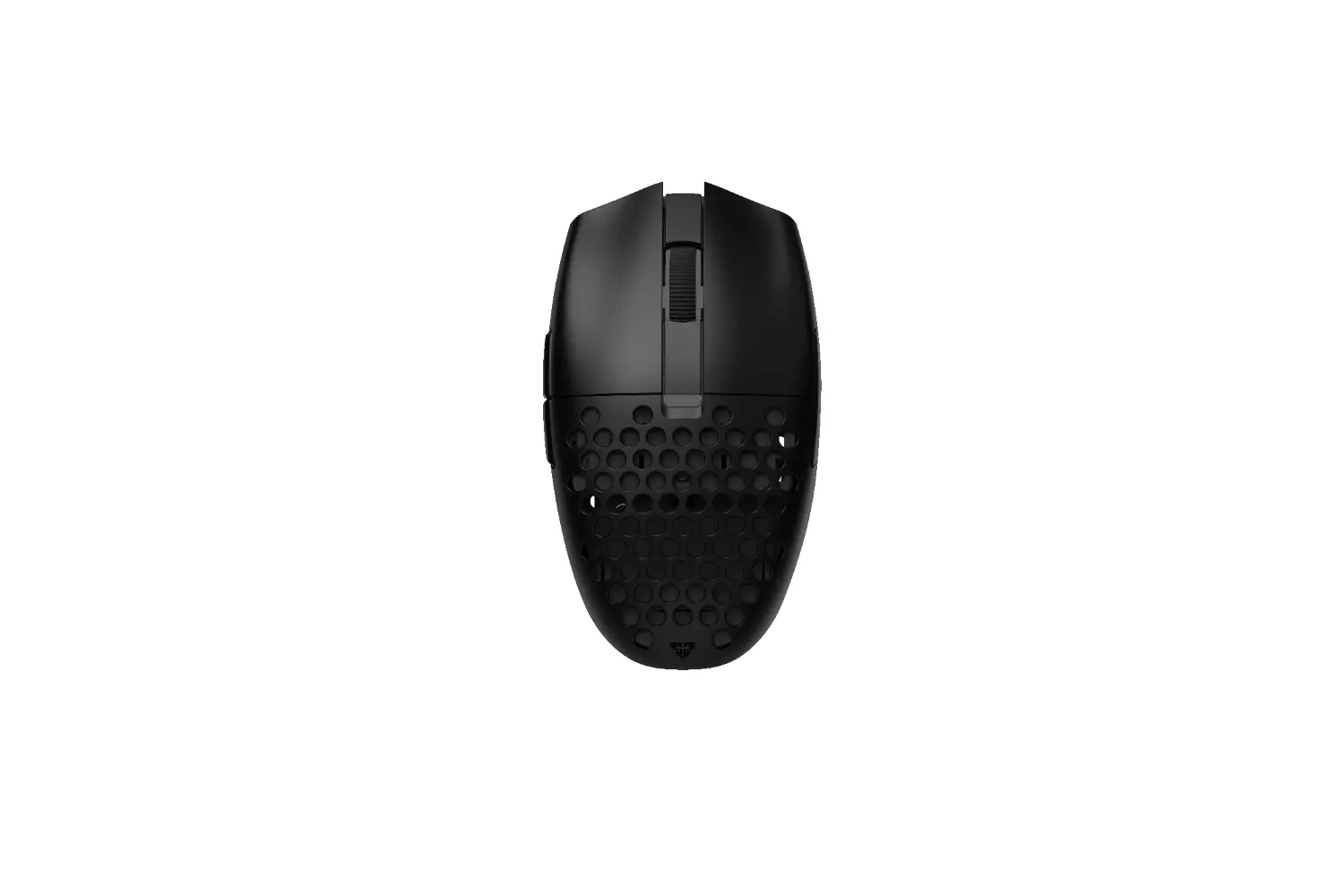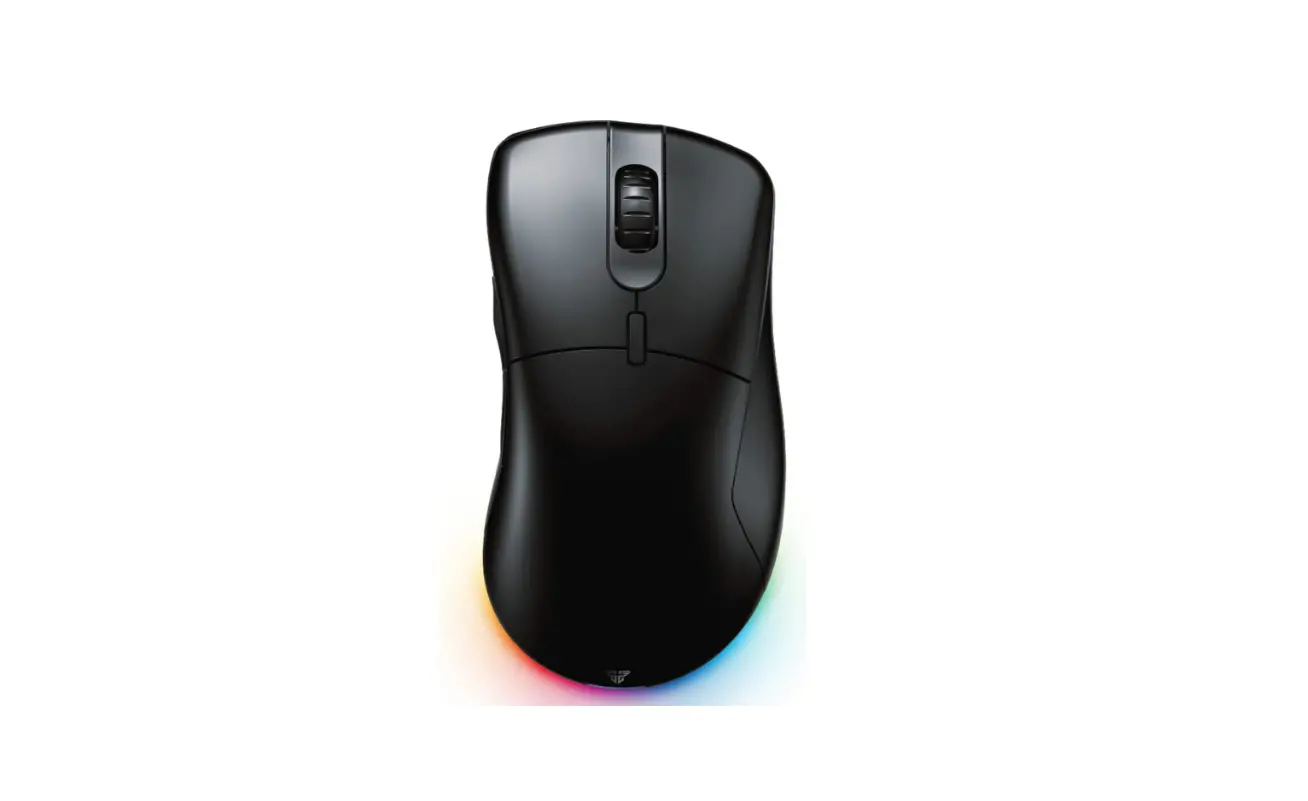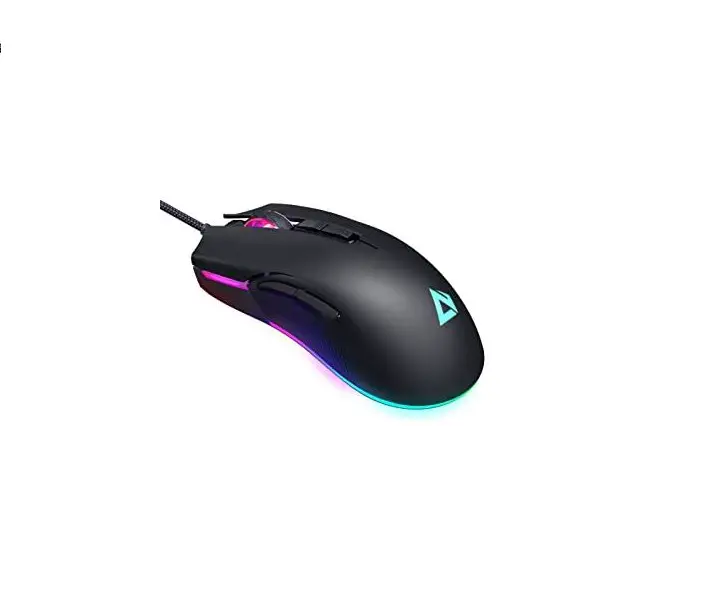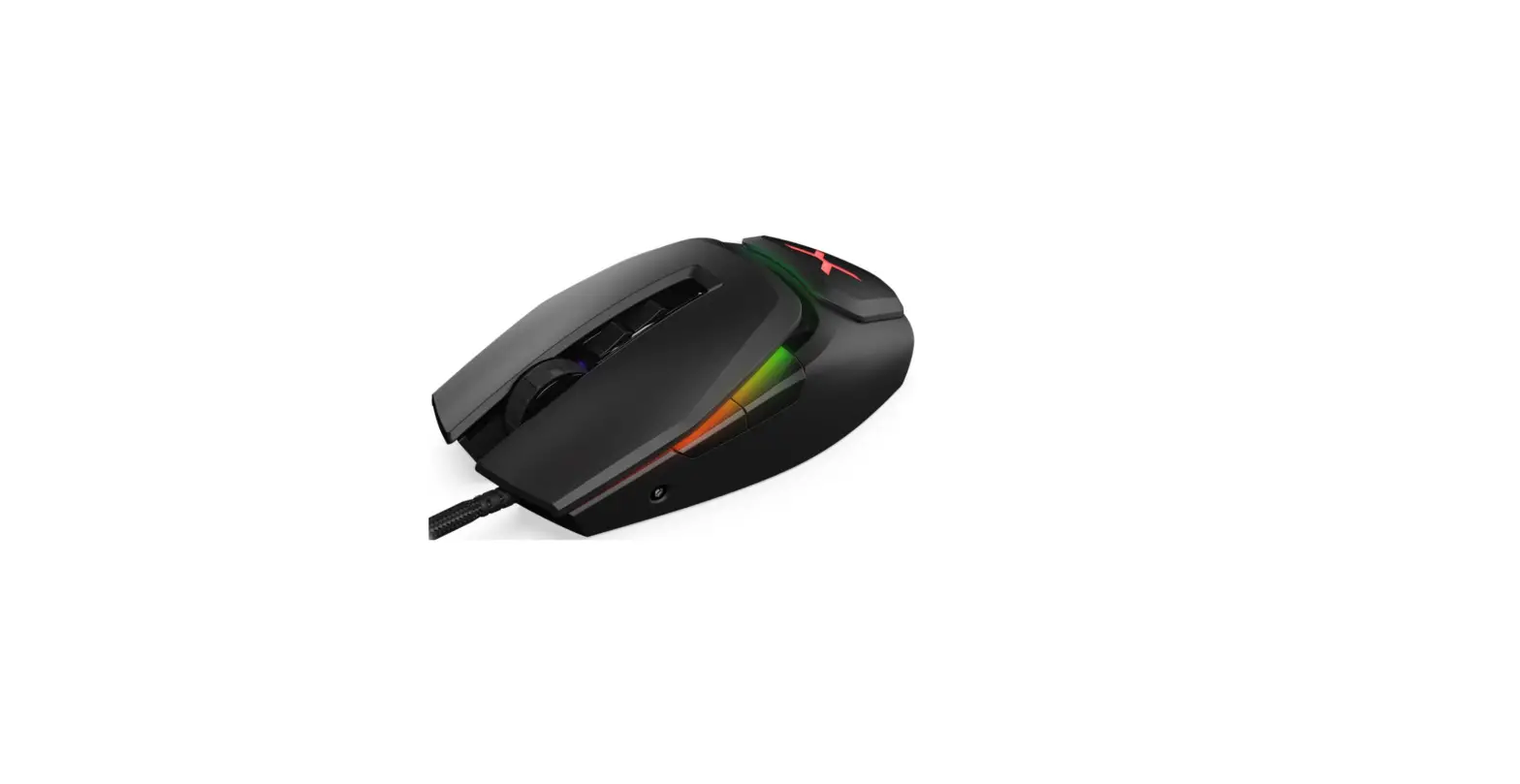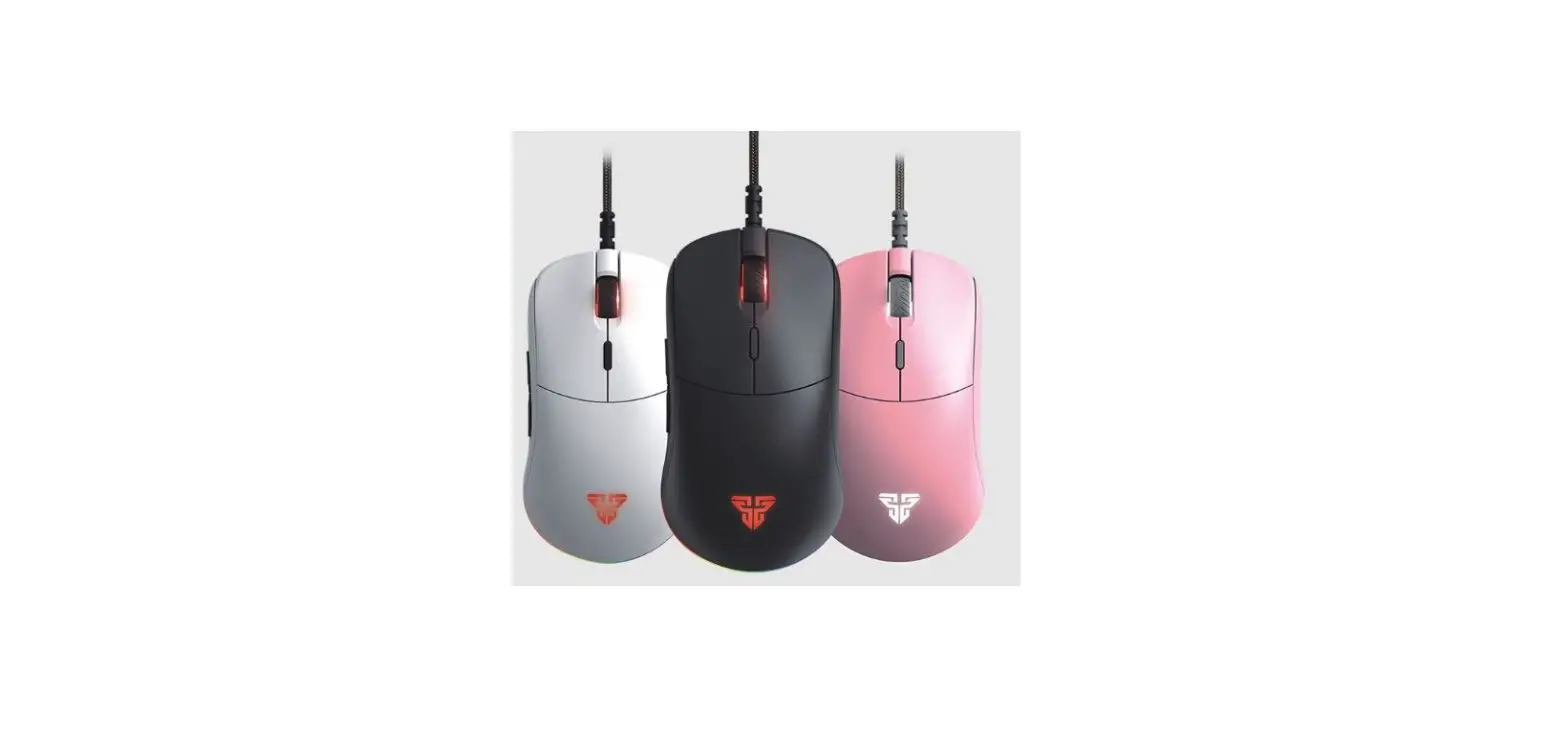
FANTECH Helios UX3 Ultimate RGB Gaming Mouse
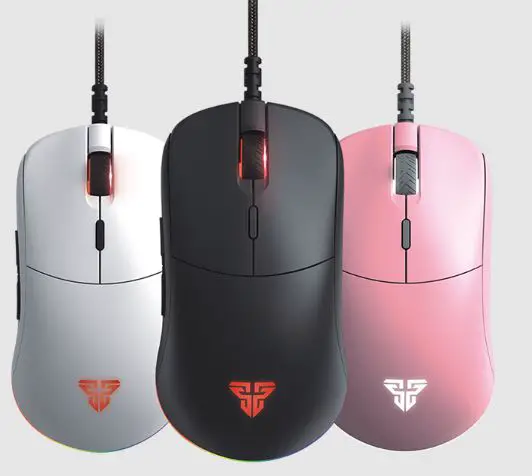
What’s included in the box
- FANTECH HELIOS UX3 UItimate RGB Gaming Mouse
- 1 set mouse skates
- User manual
System requirements
- Operating systems: Windows XP/7/8/10; MAC OS
- USB 2.0/3.0 port
Instruction manual
Thank you for purchasing FANTECH HELIOS UX3 Ultimate RGB Gaming Mouse.
FANTECH HELIOS UX3 has SO millions switches and also supports on-board memory which can save up to hundreds of different profiles.
FANTECH HELIOS UX3 is a plug and play USB interface programmable mouse, no need ta install any driver for your first use. For more enhanced settings and functions, you con installs the software from our website www.fanfechworld.com.
Technical specification®
- Pixart 3389 Gaming Optical Sensor
- 1OOOHz Polling Rate
- On-the-fly Adjustable DPI (100-1 6000]
- Up to -400IPS/50g acceleration
- Huang 50 million clicks
- Ergonomic both handed design
- 1.8m USB paracord
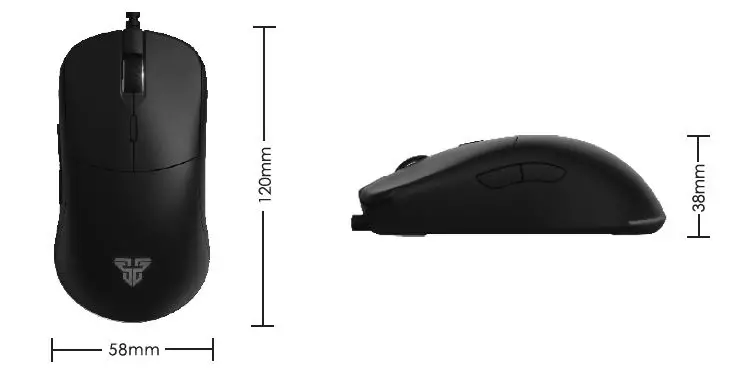
- Size: 120mm”58mm•38mm
- Weight: 69gr
- Color: Blade: motts
SIZE
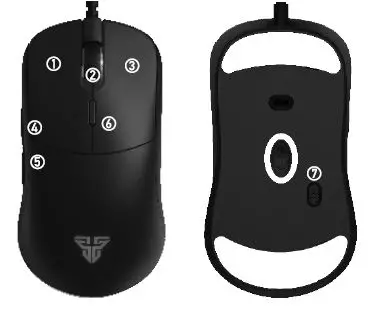
Keys Function Map
How to connect 
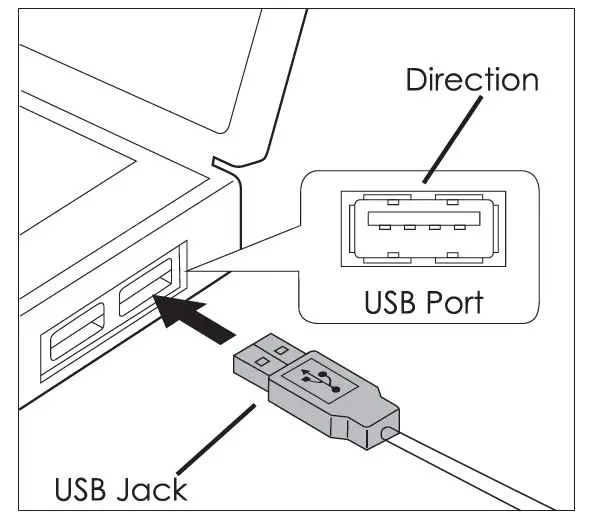
Its plug and play. Connect the mouse ta the computer by inserting the USB jock to your computer’s USB port.
How to use
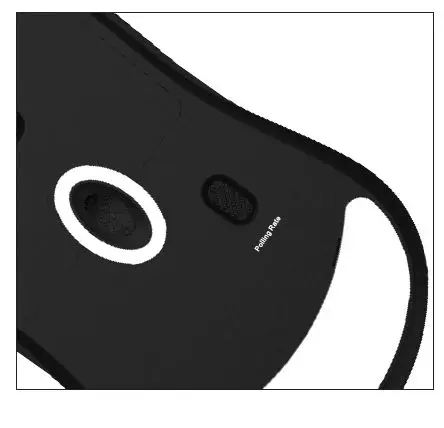
- Polling rate switch You con switch the polling rate between 125Hz(red], 500Hz(green), and l OOOHz[blue]

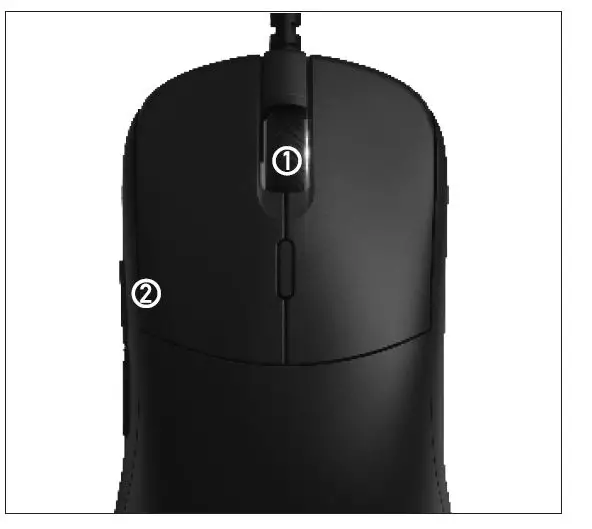
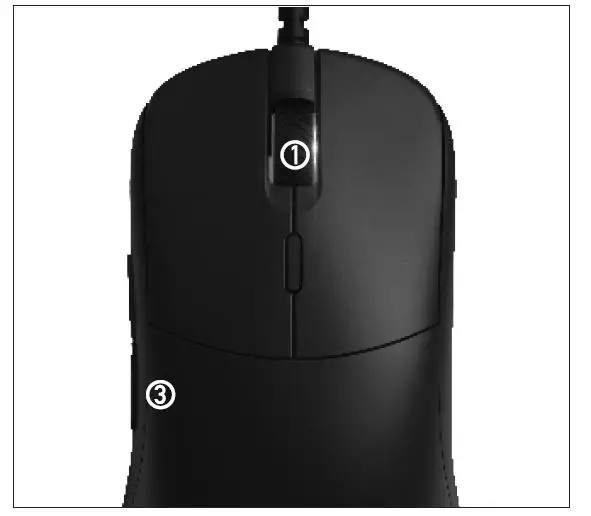
- LOO switch You con switch the LOD by pressing buttons together. There are 4 LOD stages that you con switch: 0.5mm, 1.0mm, 1.5mm, and 2mm.

- Spectrum switches You can switch up to l O spectrum mode by pressing and Cl) button together.

Software ®
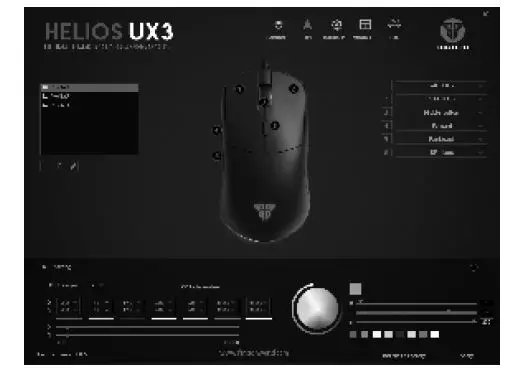
- Basic setup
- 6 Macros button assignment.
- 7 Stages DPI customization from 100- 16000DPI.

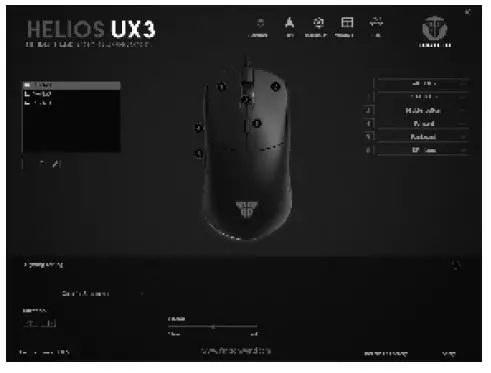
- Lighting setup
- Customize up to 10 different lighting setup
- Colorful Streaming, Single-color Steady, Breathing, Troll. Neon, Colorful Steady, Flicker, Twinking array, Wave in seven colors, LED OFF.

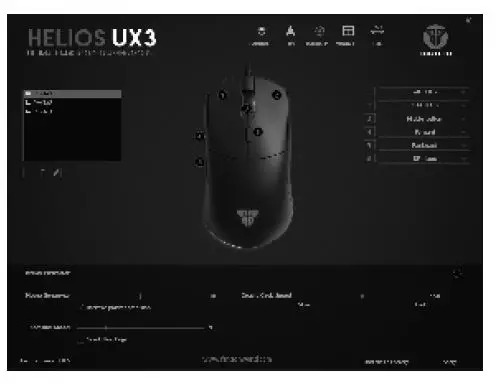
- Mouse parameter
- You can custom mouse sensitivity, 5Crolling speed, double-click speed, and Polling rate on the mouse parameter bar.

- You can custom mouse sensitivity, 5Crolling speed, double-click speed, and Polling rate on the mouse parameter bar.
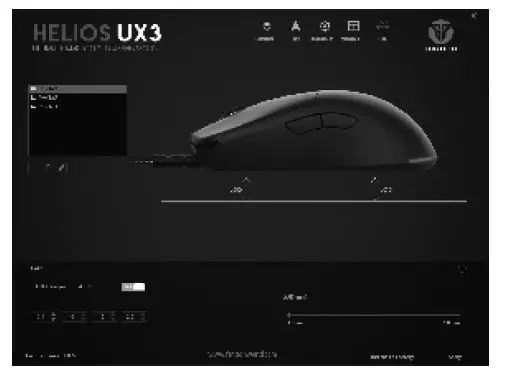
- LOO setup
- You con customize the LOD from 0.5mm to 2.0mm

- You con customize the LOD from 0.5mm to 2.0mm
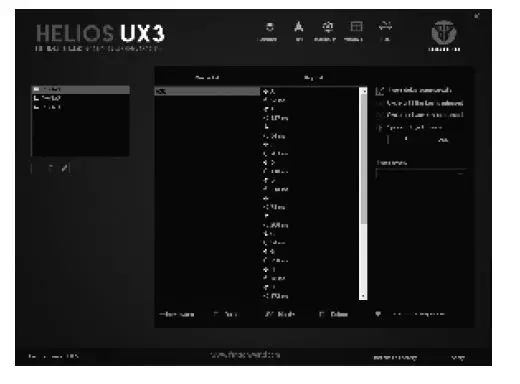
- Macro editor
- To create new macro, follow steps below:
- Select Macro editor bar
- Select the profile
- Right-click on the macro list bar and click new macro
- Input “Macro Nome” then dick “OK”
- Click ”Start record” to start recording and click ”Slop record” to stop recording the macro key (Deloy/cycle time con be edited/modified)

- Once click ”Stop record”. it will automatically save the macro key
To use the macro
- Select the designation button
- Salect macro and choose the “MACRO NAME”
- Click ‘OK”