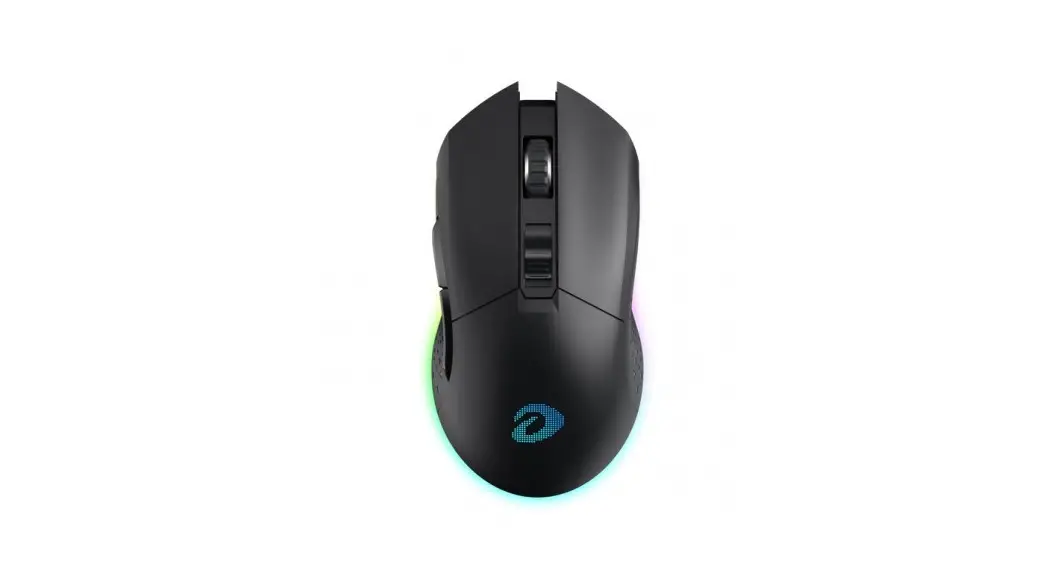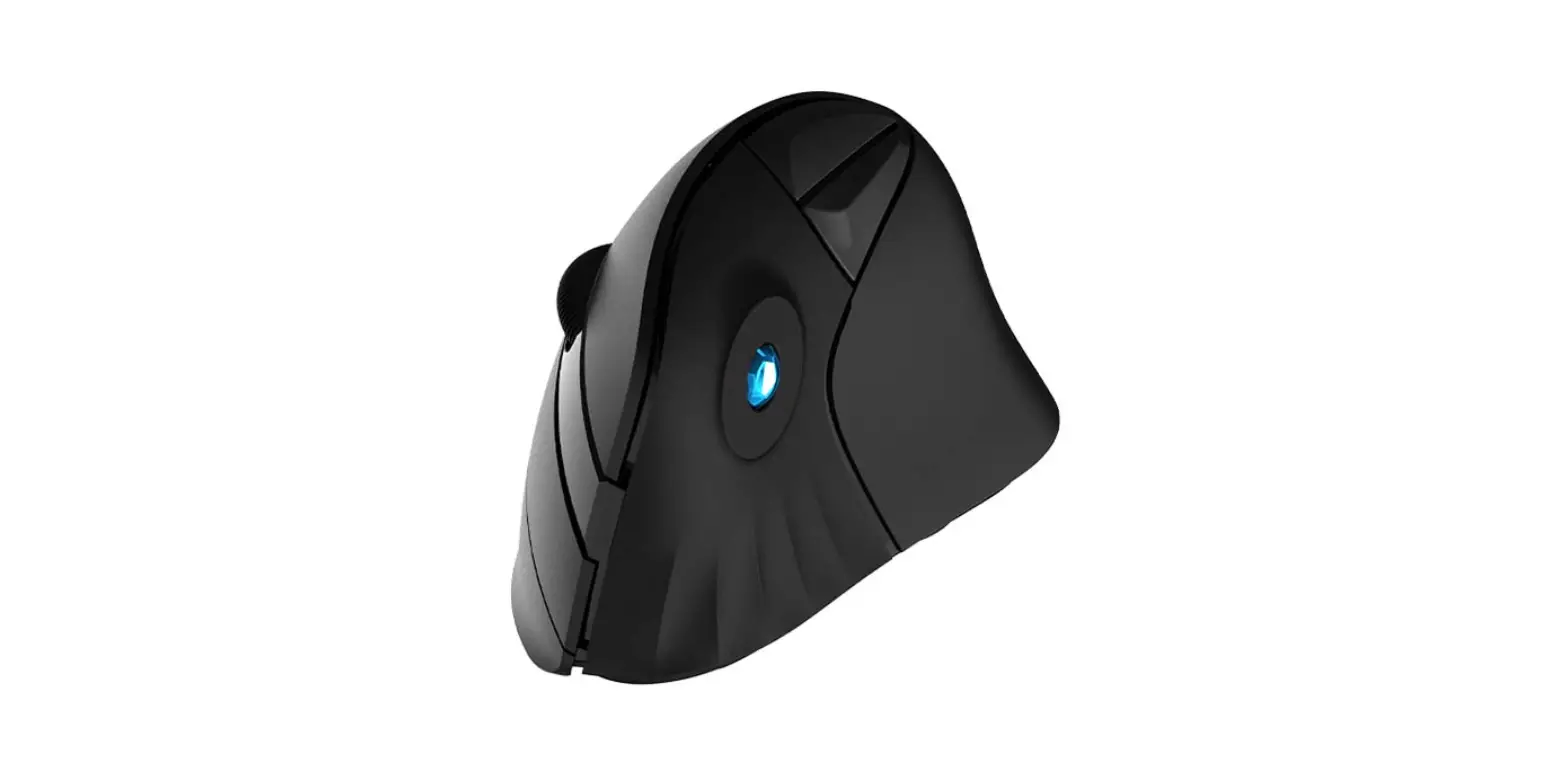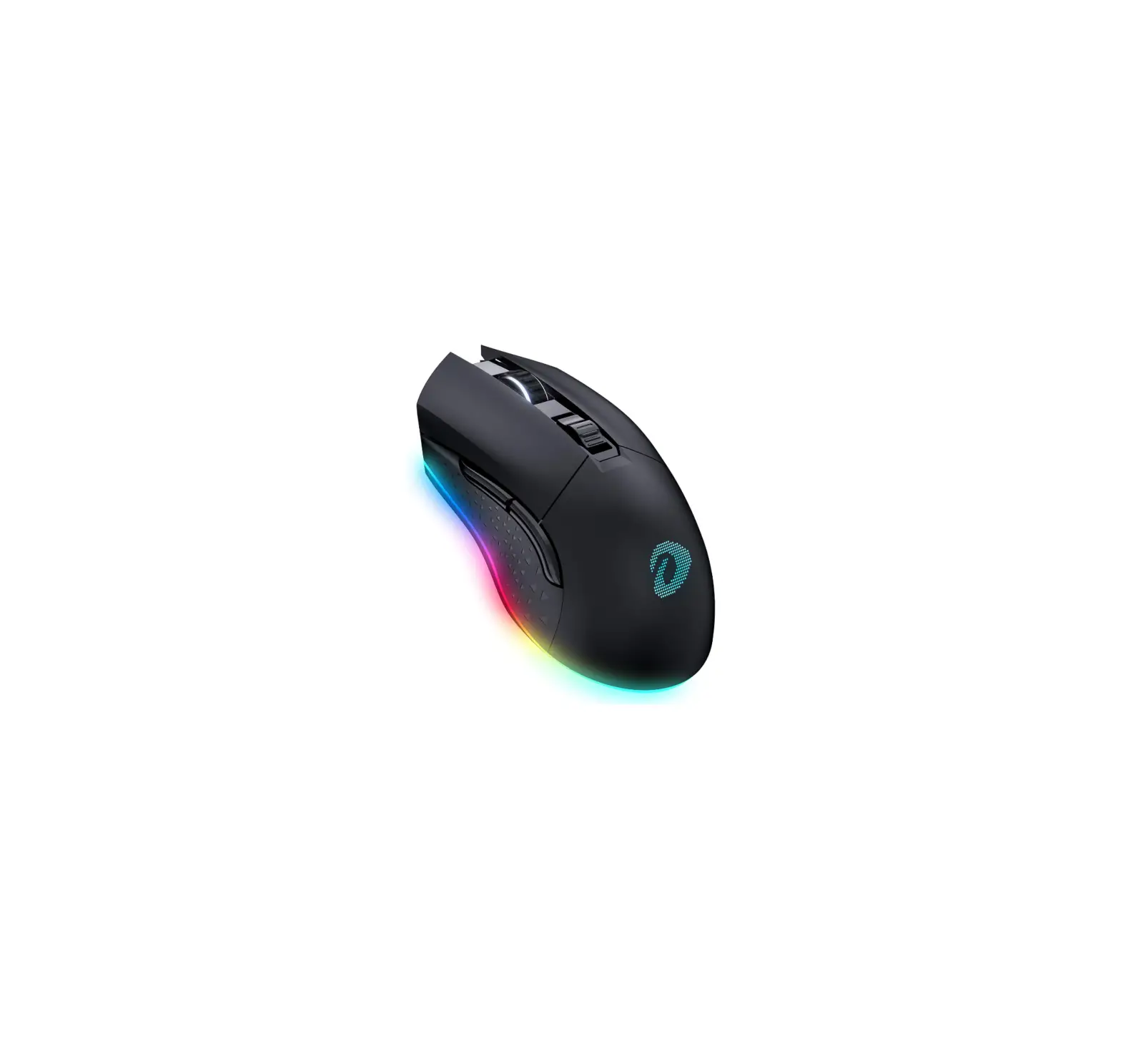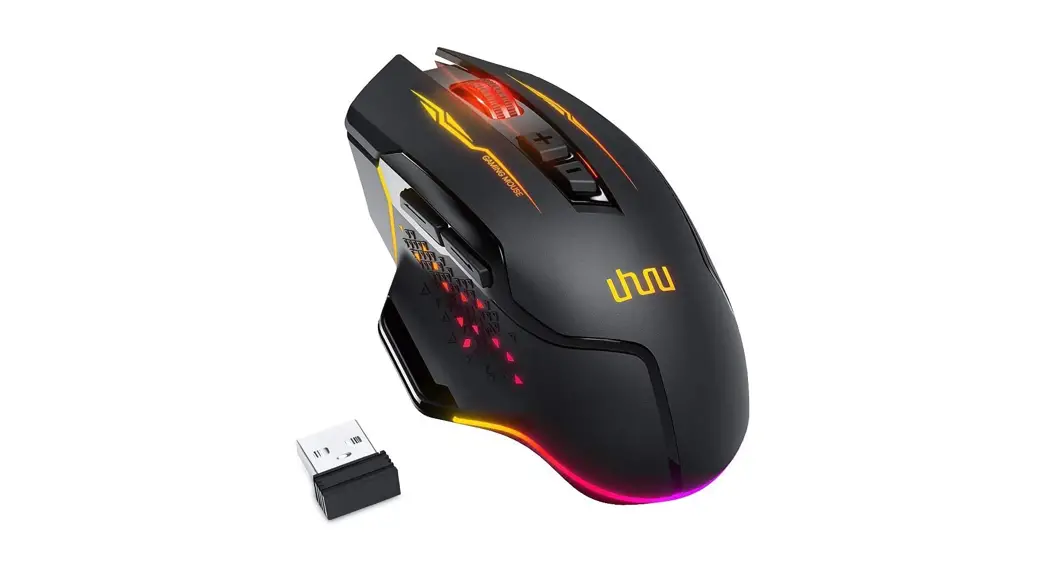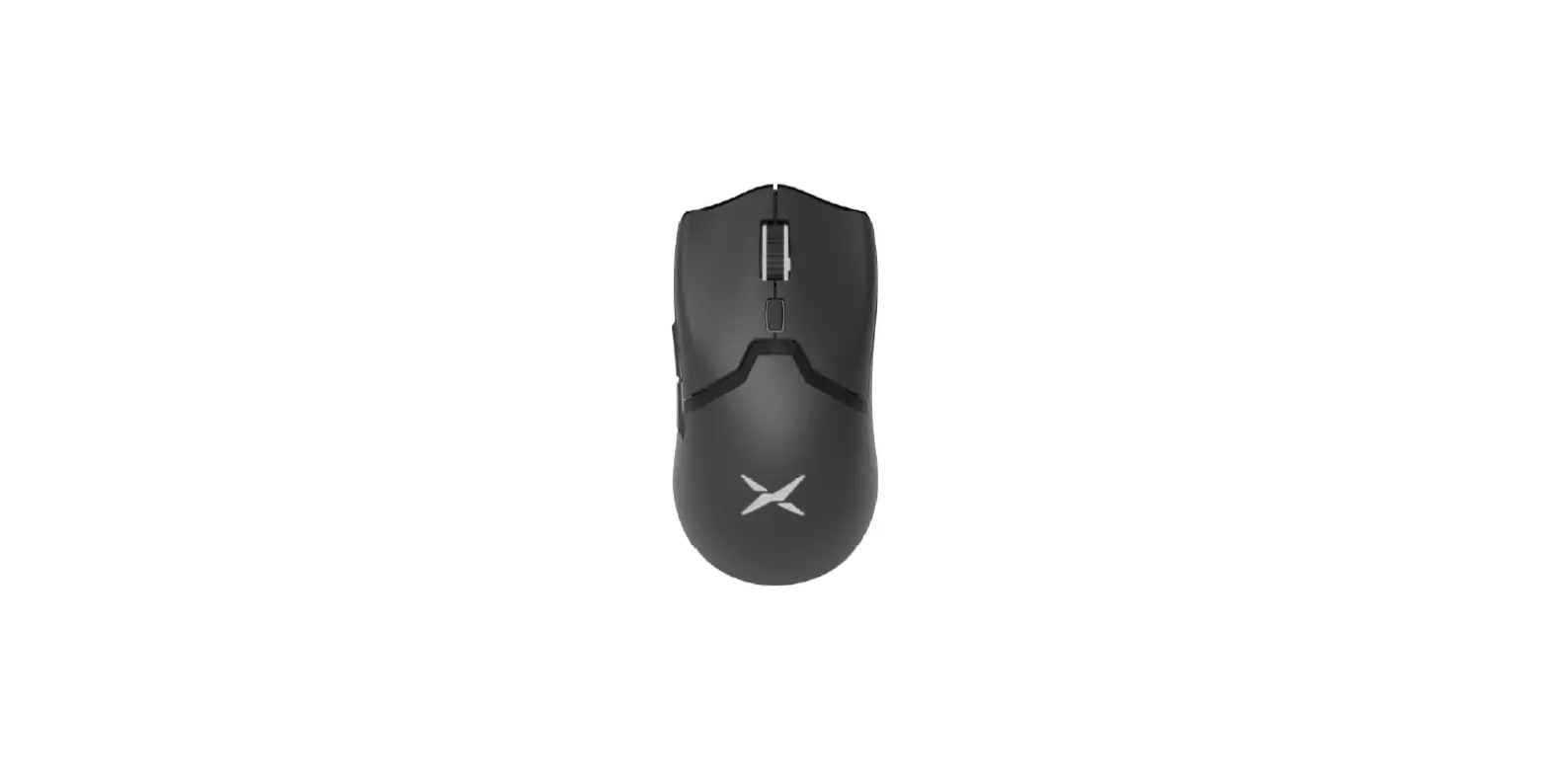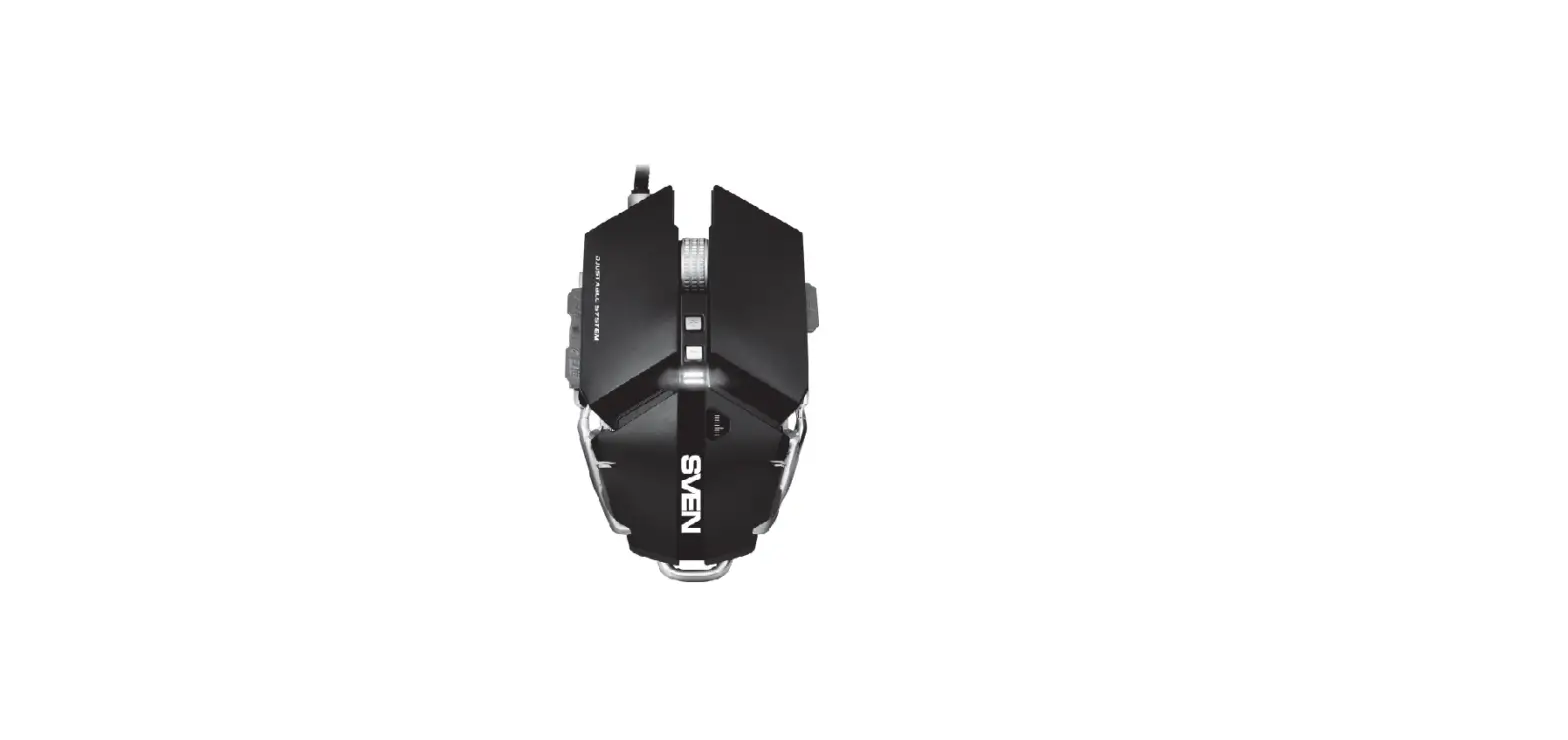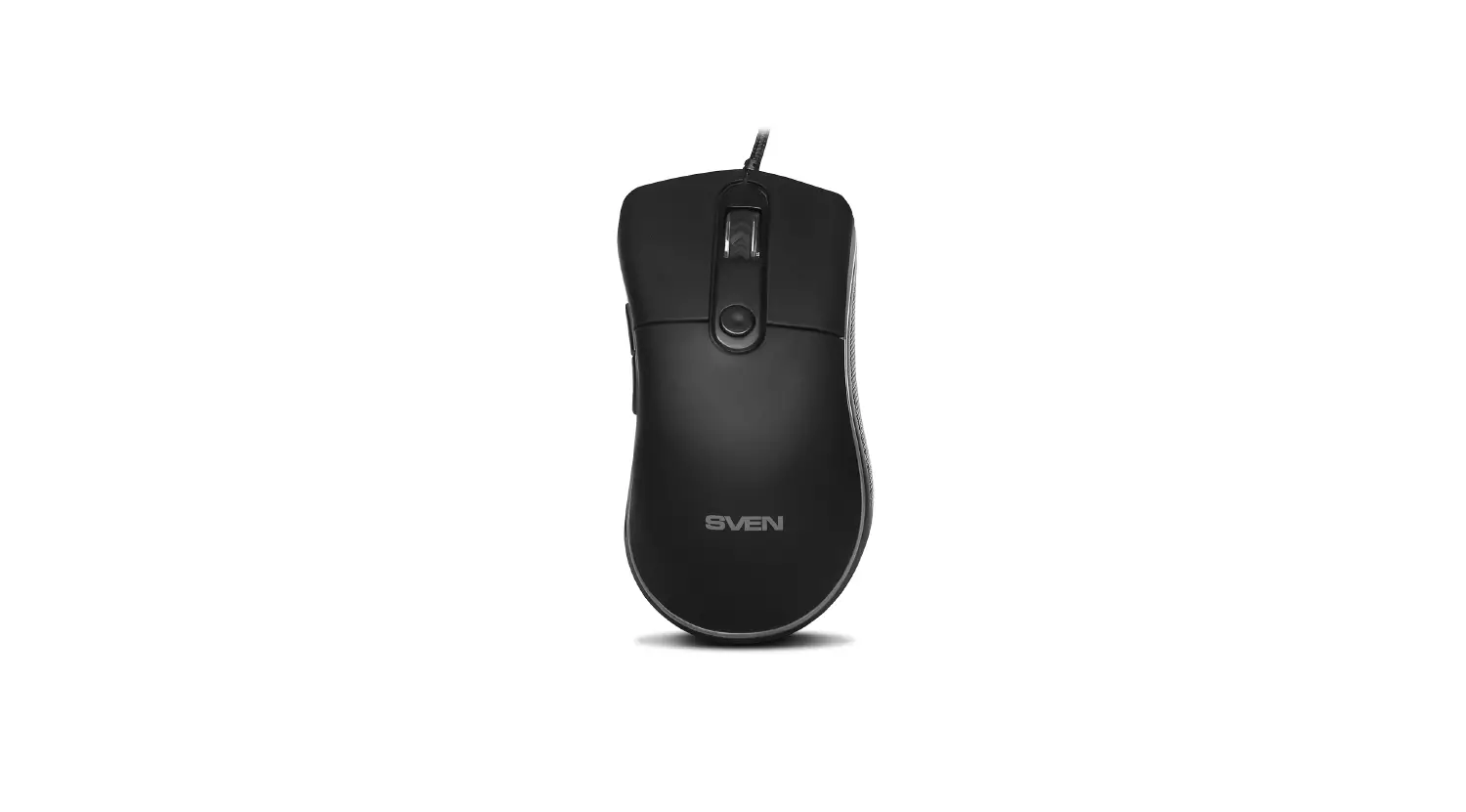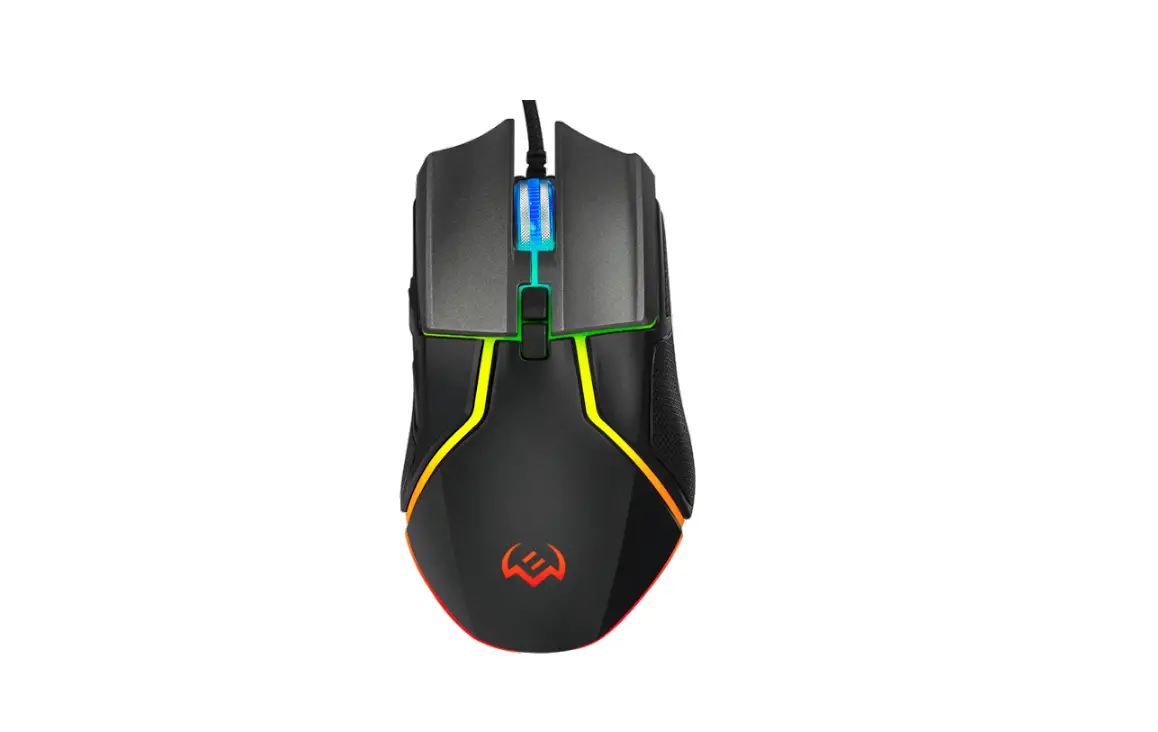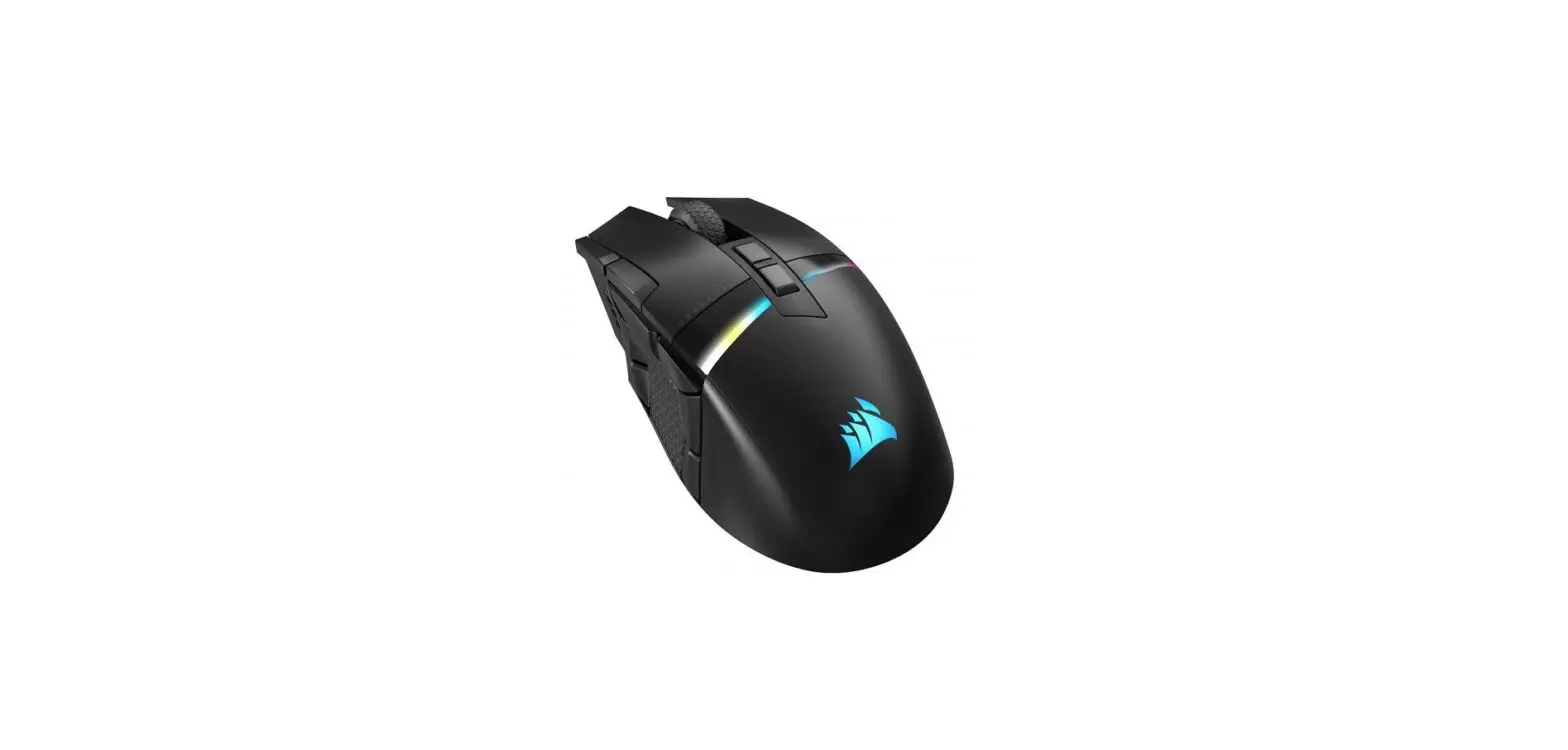

DAREU EM901X RGB Wireless Gaming Mouse
What’s inside
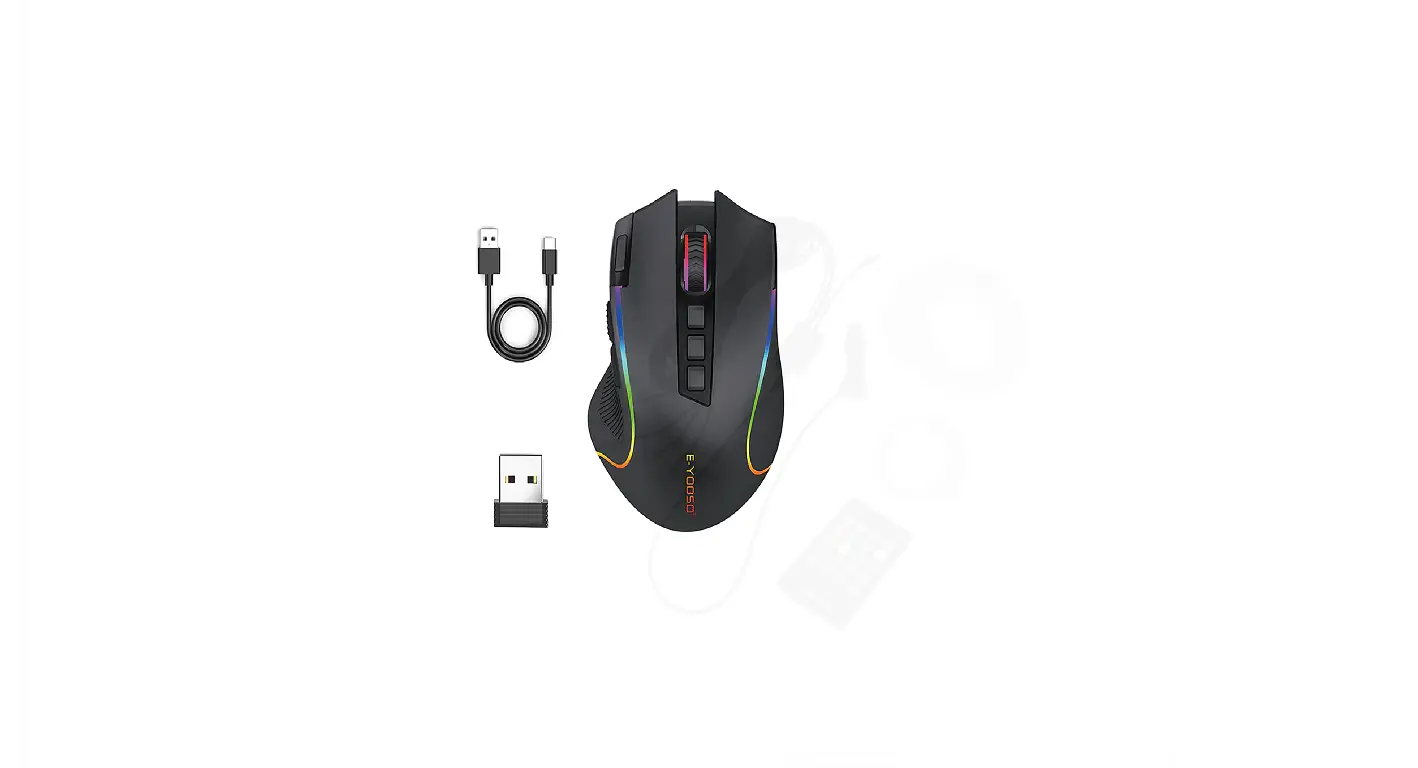
Accessories composition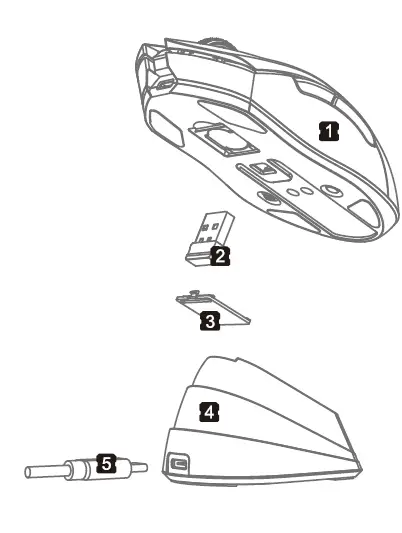
- EM901X Light-weighted Mouse
- 2.4G Receiver
- Receiver Bottom Case
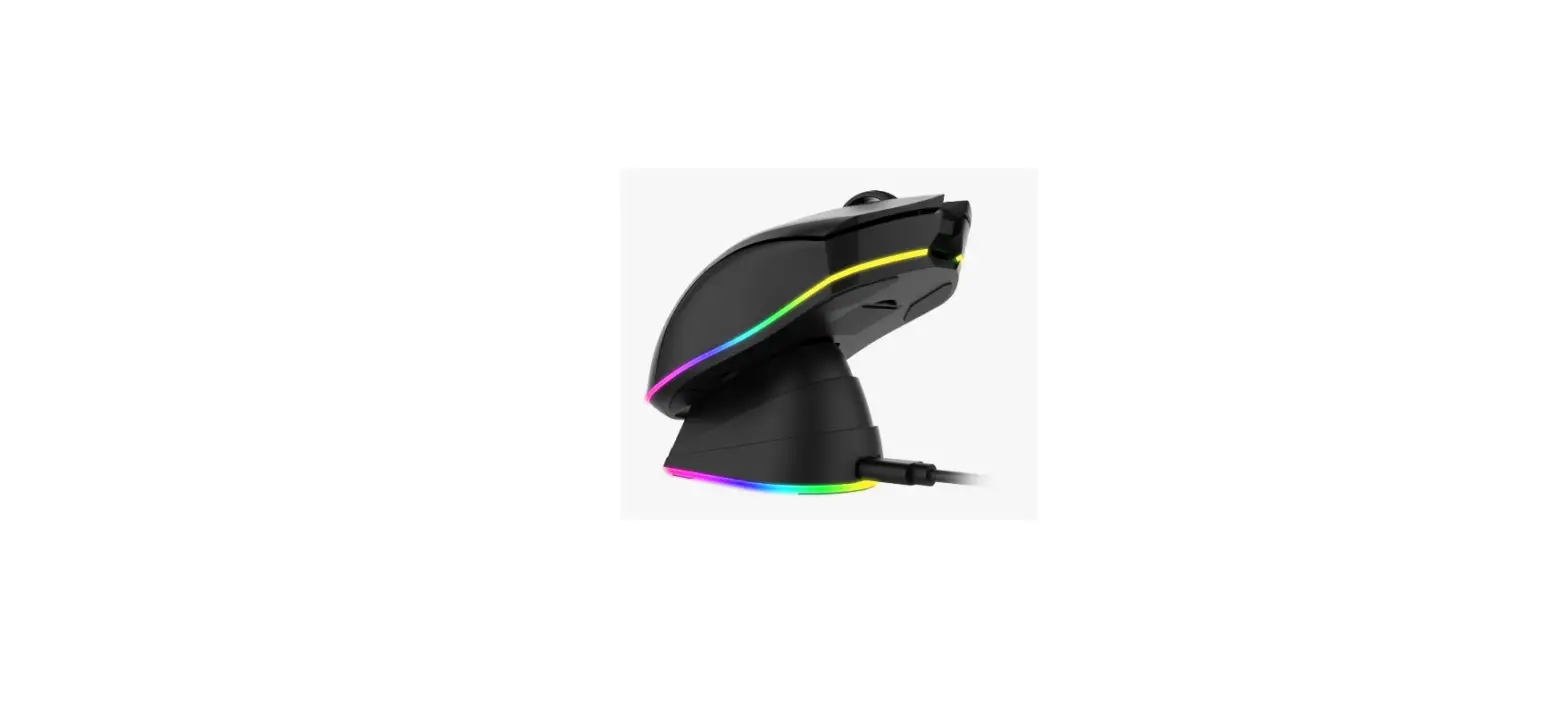
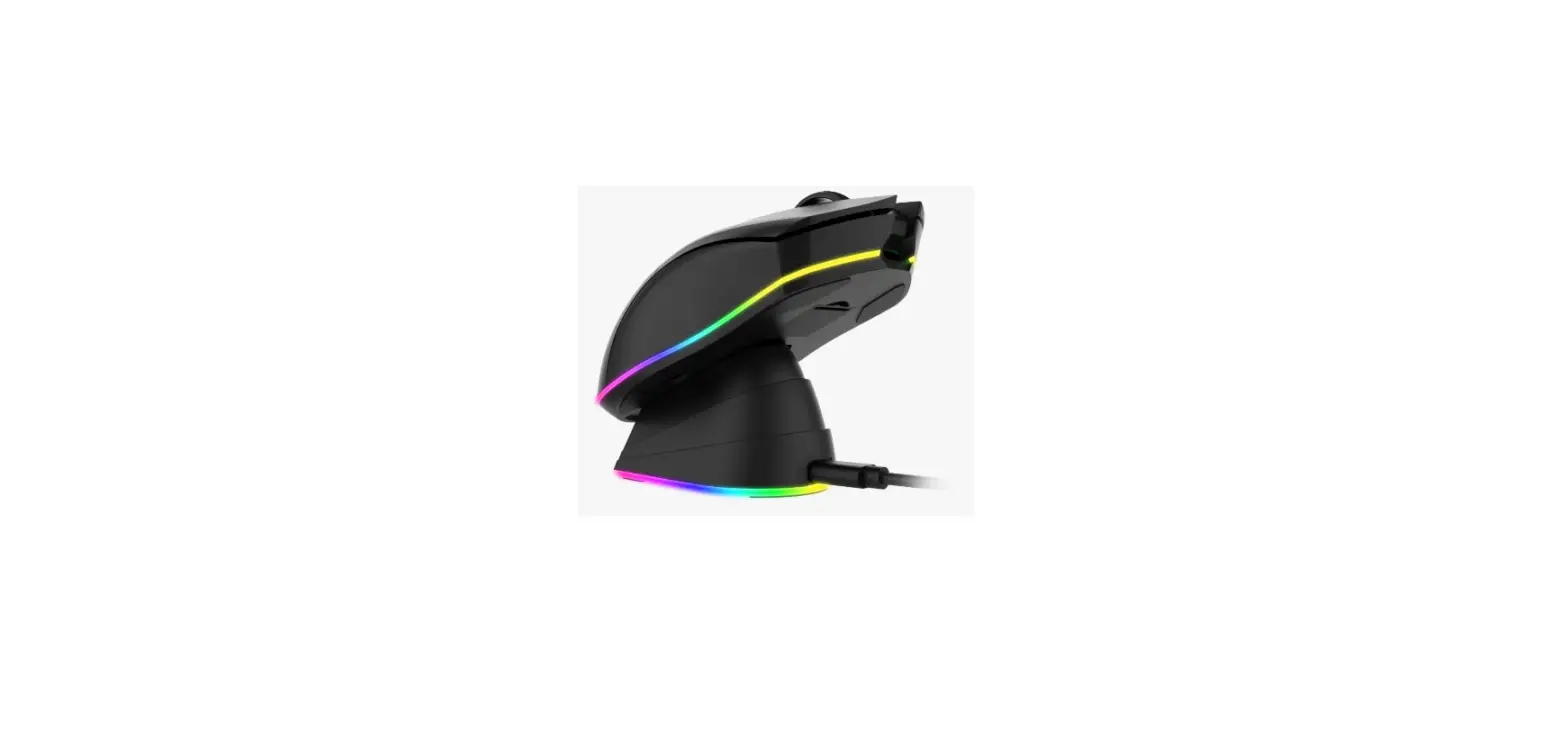
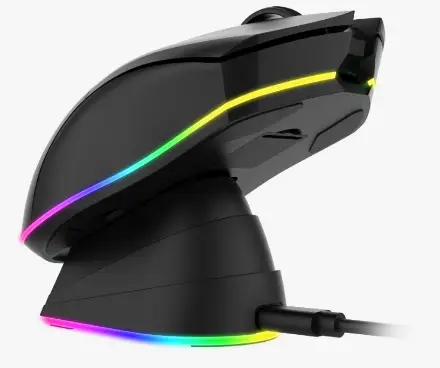
- RGB Charging Base
- TYPE-C cable
Basic Information
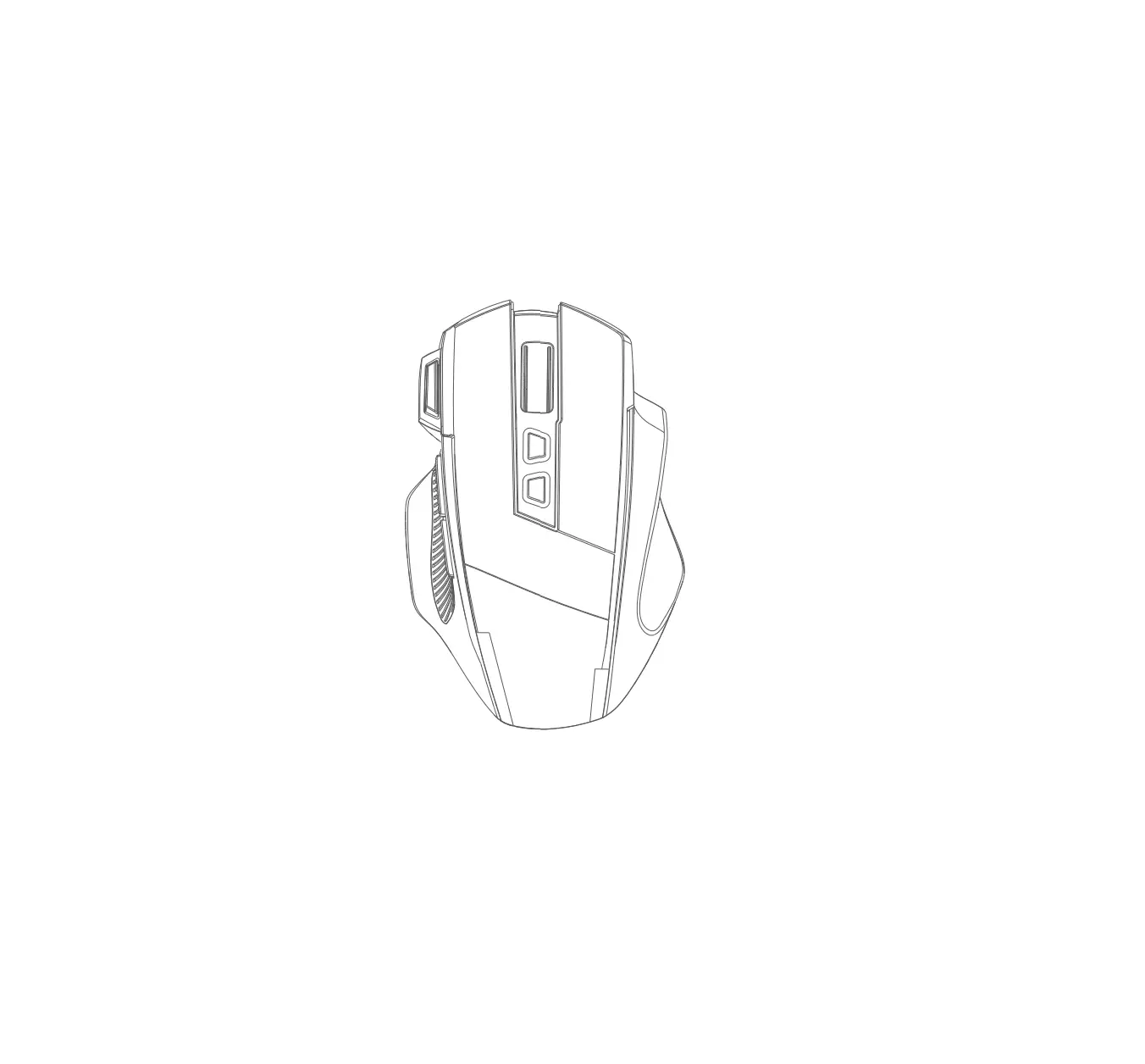
Button instruction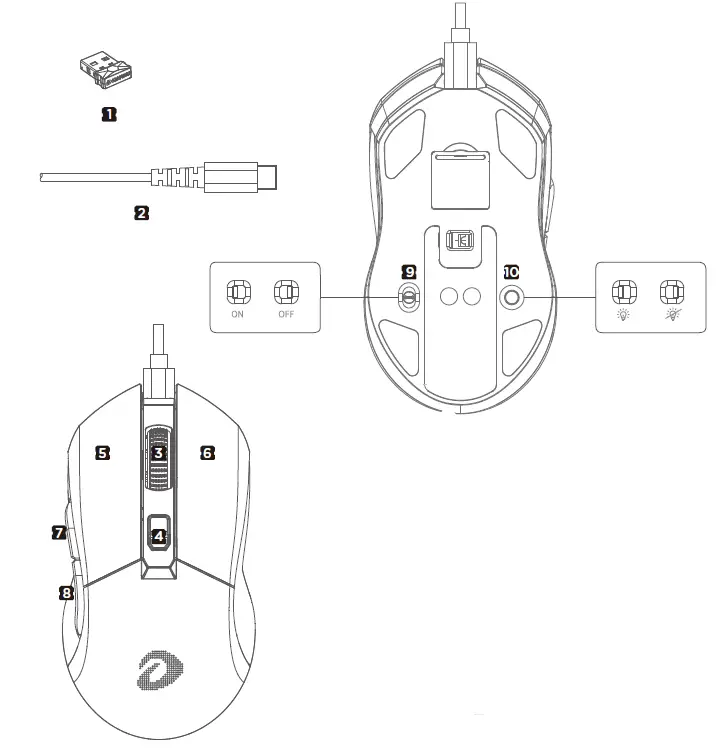
- NANO receiver
- Cable
- Scroll button
- DPI button
- Left button
- Right button
- Forward button
- Backward button
- Power ON/OFF
- Backlight ON/OFF
Further Knowing
Combination keys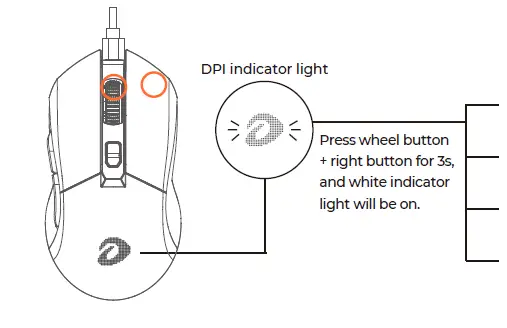
- White light flashes one time (Power-saving mode): 125Hz
- White light flashes twice (Office mode): 250Hz
- White light flashes three times (Gaming mode): 500Hz
- White light flashes four times (E-sport mode): 1000Hz
Mouse parameter
|
Wireless Mode | Working Mode | 2.4G wireless power saving mode / office mode | 2.4G wireless gaming mode / e-sport mode |
| Report Rate | 125/250Hz | 500/1000Hz | |
| Indicator Light | Indicator light will flash in red in 1Hz for reminding when voltage is lower than 10% | ||
| DPI | 600/1200/2400/3600/4800/10000dpi | ||
| Battery Capacity | 930mAh | ||
| Power Consumption | 30mAh (MAX) | ||
| Standby Mode | 5.5mA(after 20 minutes) | ||
| Charging time | 4 hours | ||
| Service durationv | 40hours(light off ) 20hours(light on) | ||
| Wired Mode | Product Name | EM901X (Dual Mode) | Max Speed | 100 IPS |
| IC | ATG 4090 | Max Acceleration | 20G | |
| Resolution | 125/250/500/1000Hz (Default :1000Hz) | Refresh Rate | 6000 fps | |
| Weight | 85g±5g | DPI value | 600/1200/2400/3600/4800/10000dpi | |
| Charging Current | 230mA | DPI color | Red/Blue/Green/Yellow/Orange/Purple |
Plugged cable, mouse is default in wired mode and begins charging. 0-10% charged mouse lights in red, 10-90% in yellow, and 90%-100% in green
Mouse installation & usage
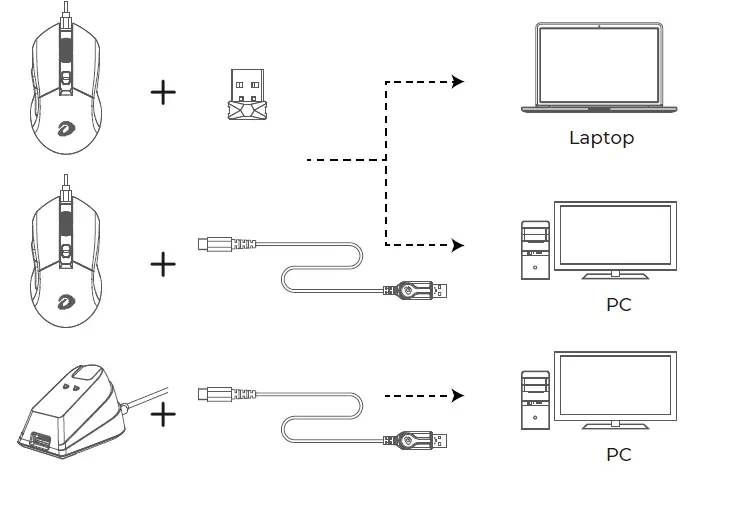
Professional operations
DPI value/lighting color
By default DPI is adjustable in 6 steps by DPI+/- button.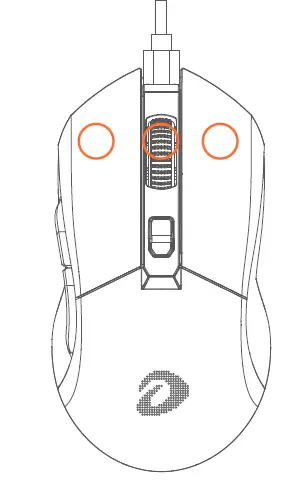
- Red (600dpi) Blue (1200dpi)
- Green (2400dpi) Yellow (3600dpi)
- Orange (4800dpi) Purple (10000dpi)
- Colors above are default color
Code matching
- Turn on mouse
- Press left/middle/right button (as picture shows) at the same time to enter matching mode and at this time Logo indicator light will flash in yellow.
- Plug receiver into computer USB port
- Put mouse close to receiver and wait for code matching finishing. When code is matched, LOGO indicator light will switch to constant color based on current DPI value.
How to use driver
- Driver
- Driver interface

- Marco interface

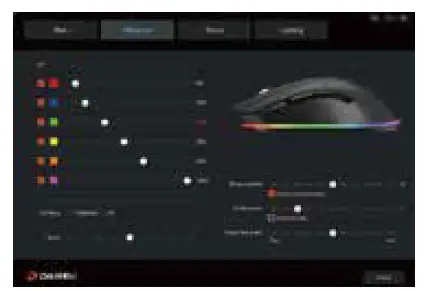

Download the driver from DAREU website if needed.
Dongguan Togran Electronics Technology Co., Ltd Add: No.262 Shidan Rd, 3rd Industrial Park, Juzhou Area, Shijie Town, Dongguan City, China 523290 Tel: +86 769 86308806 Fax: +86 769 86308826 Email: [email protected] [email protected] Web: www.dareu.com