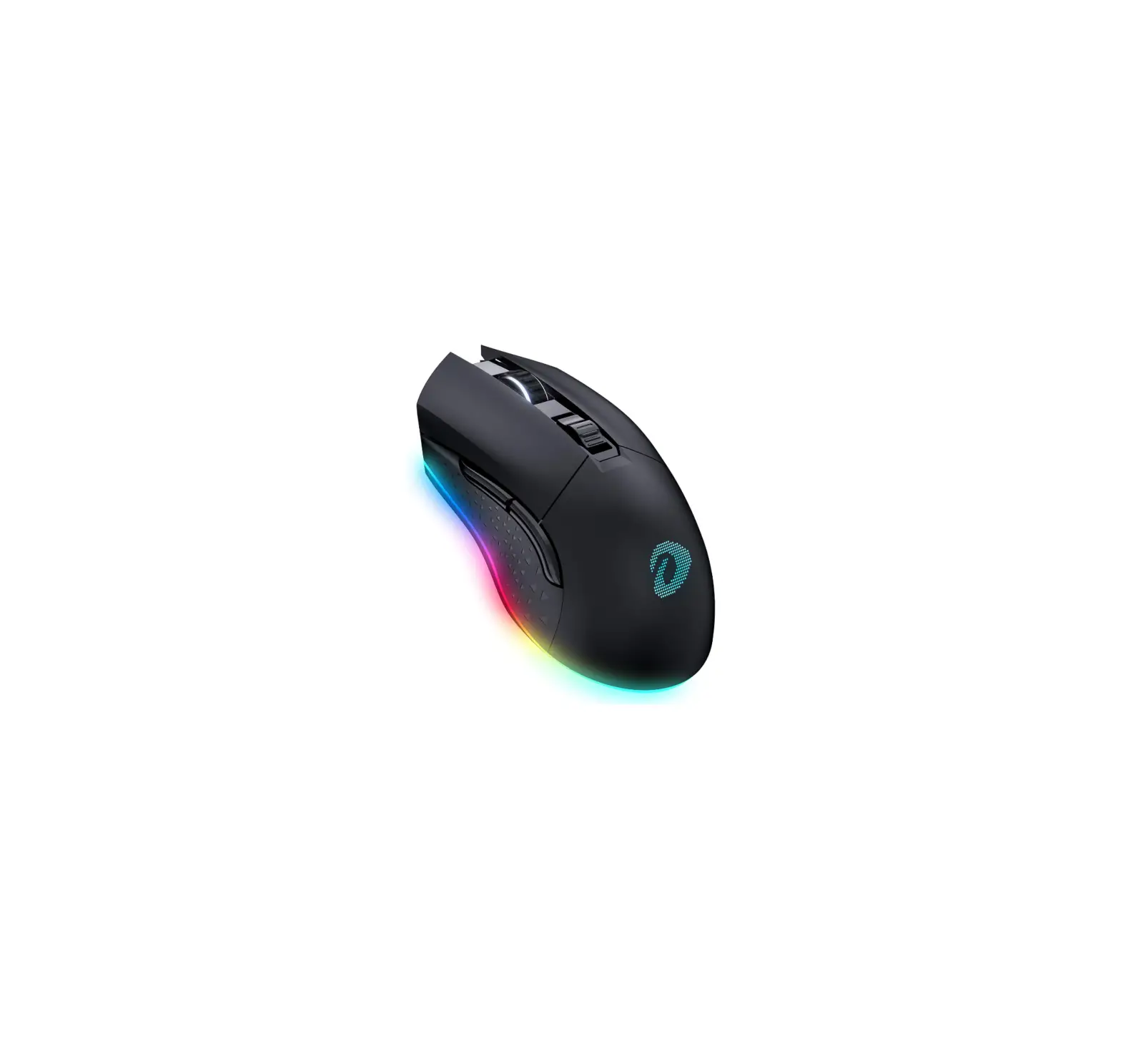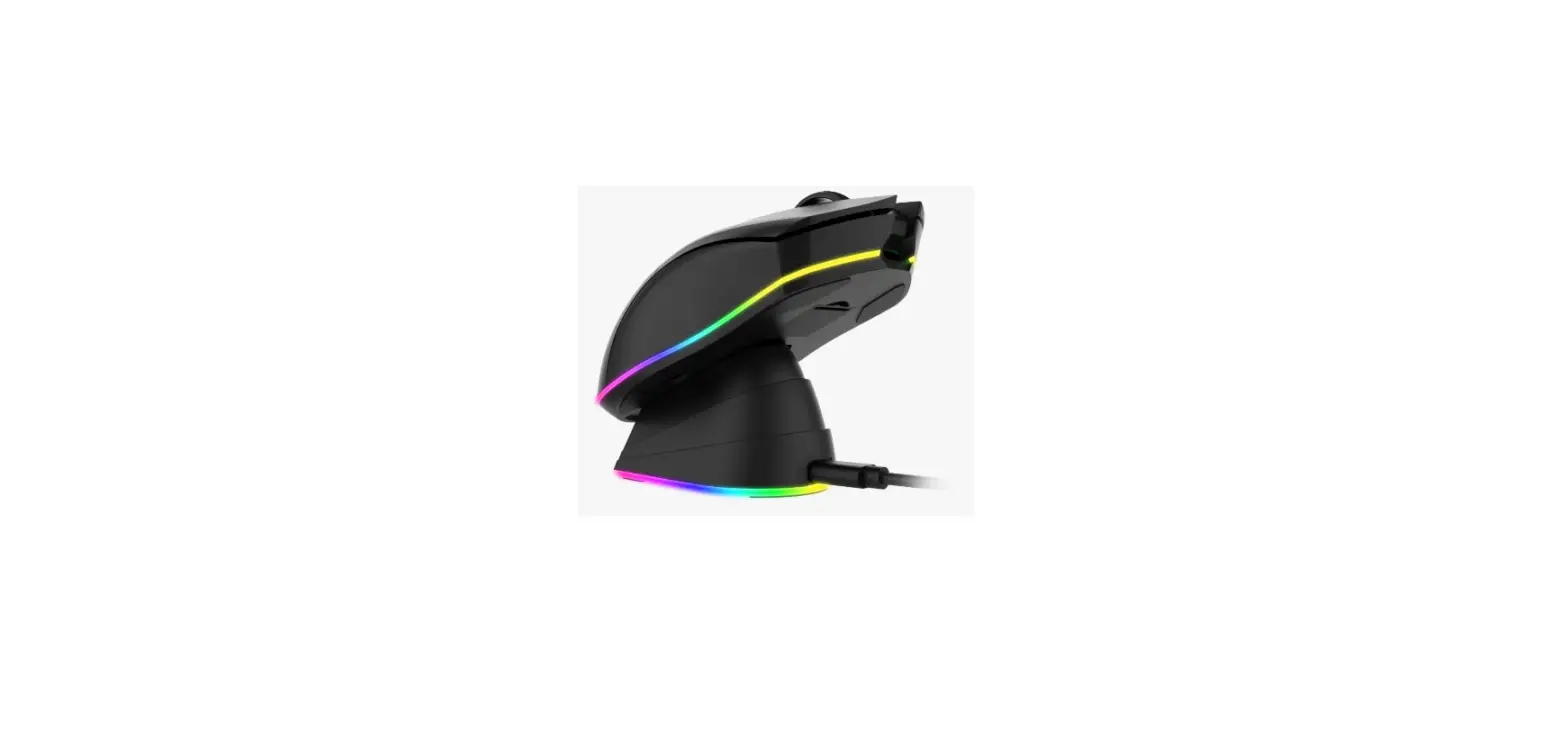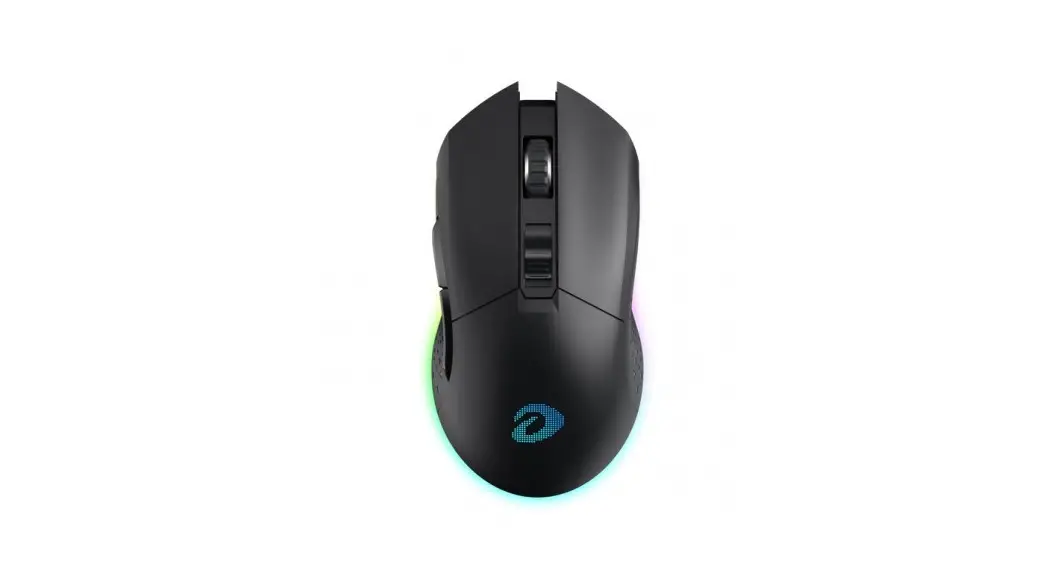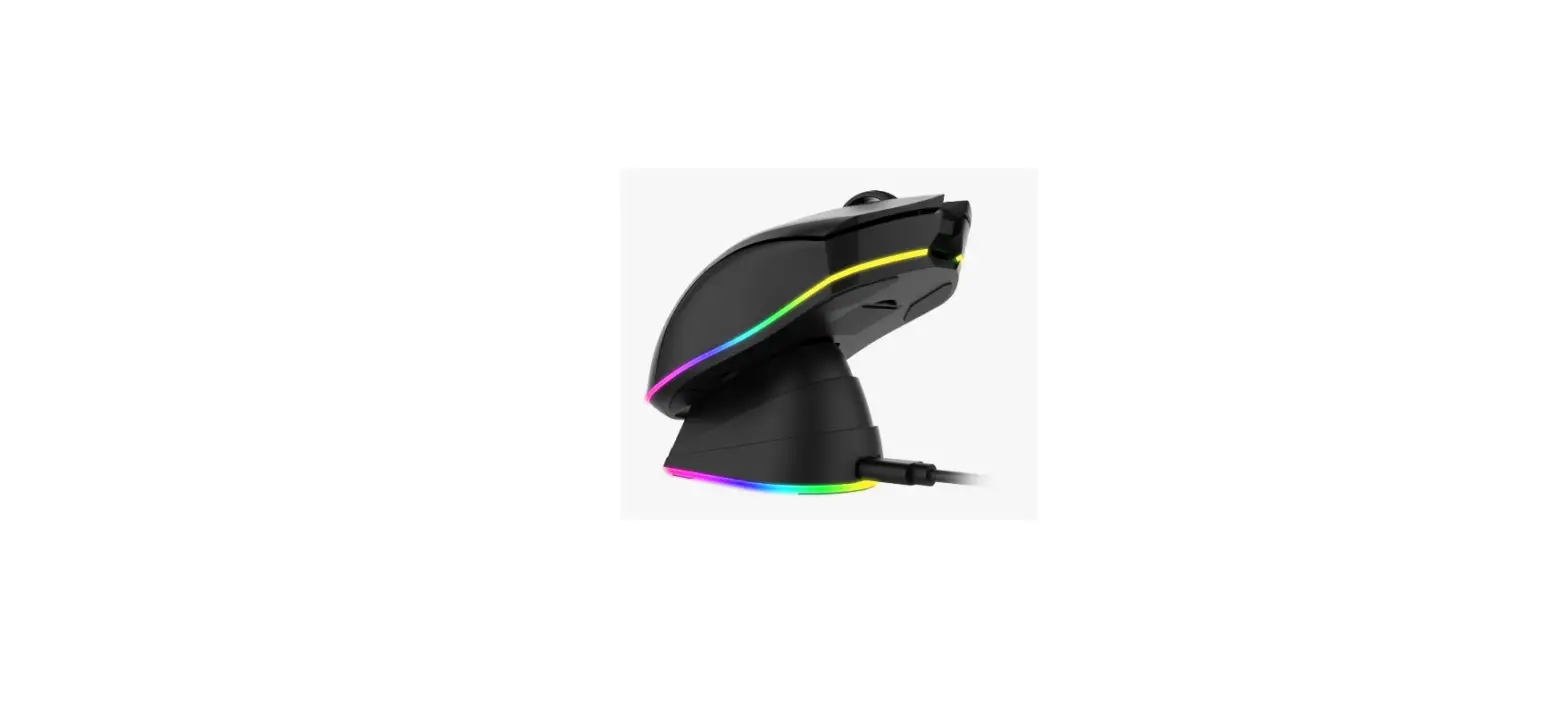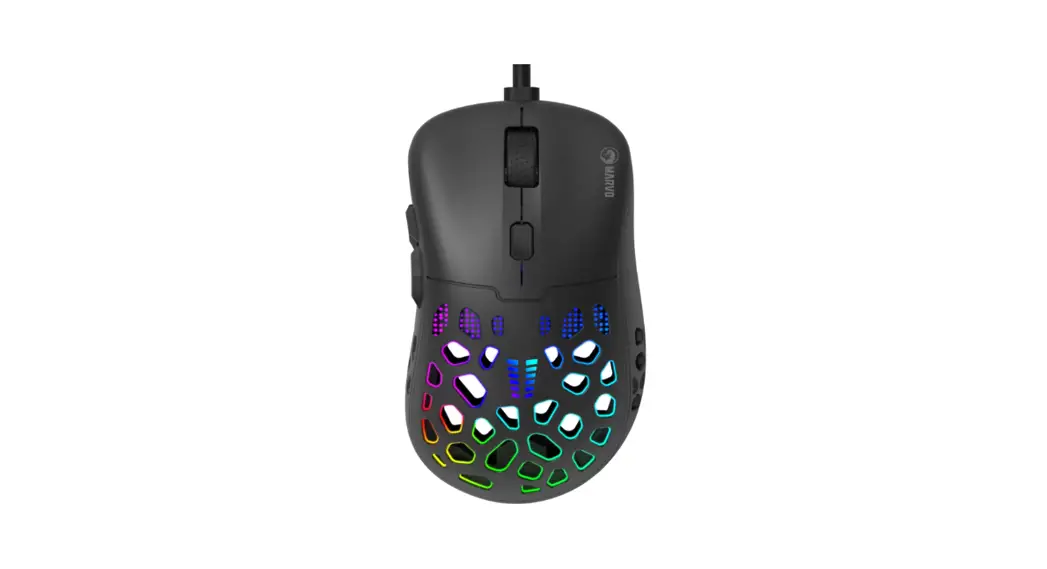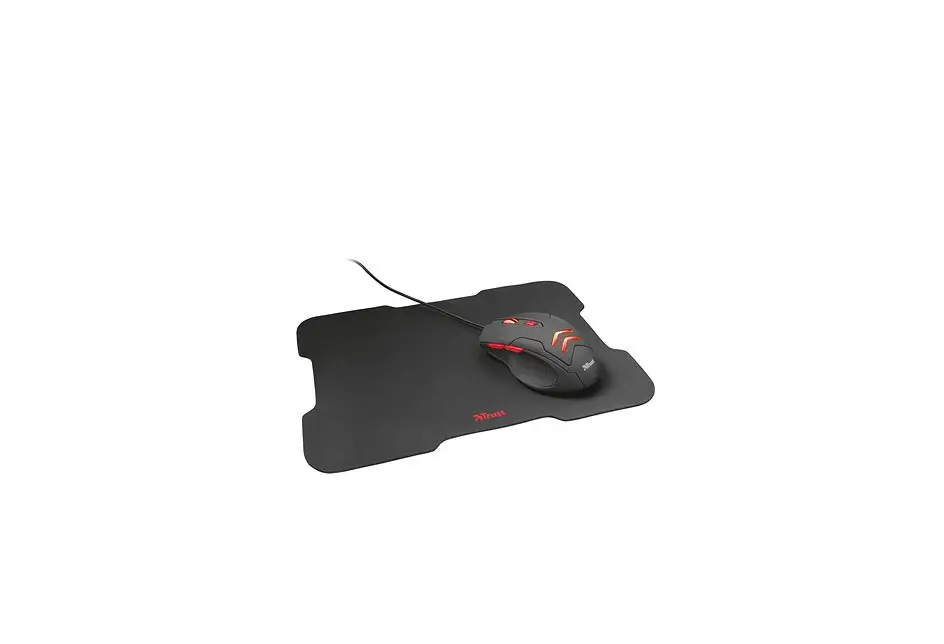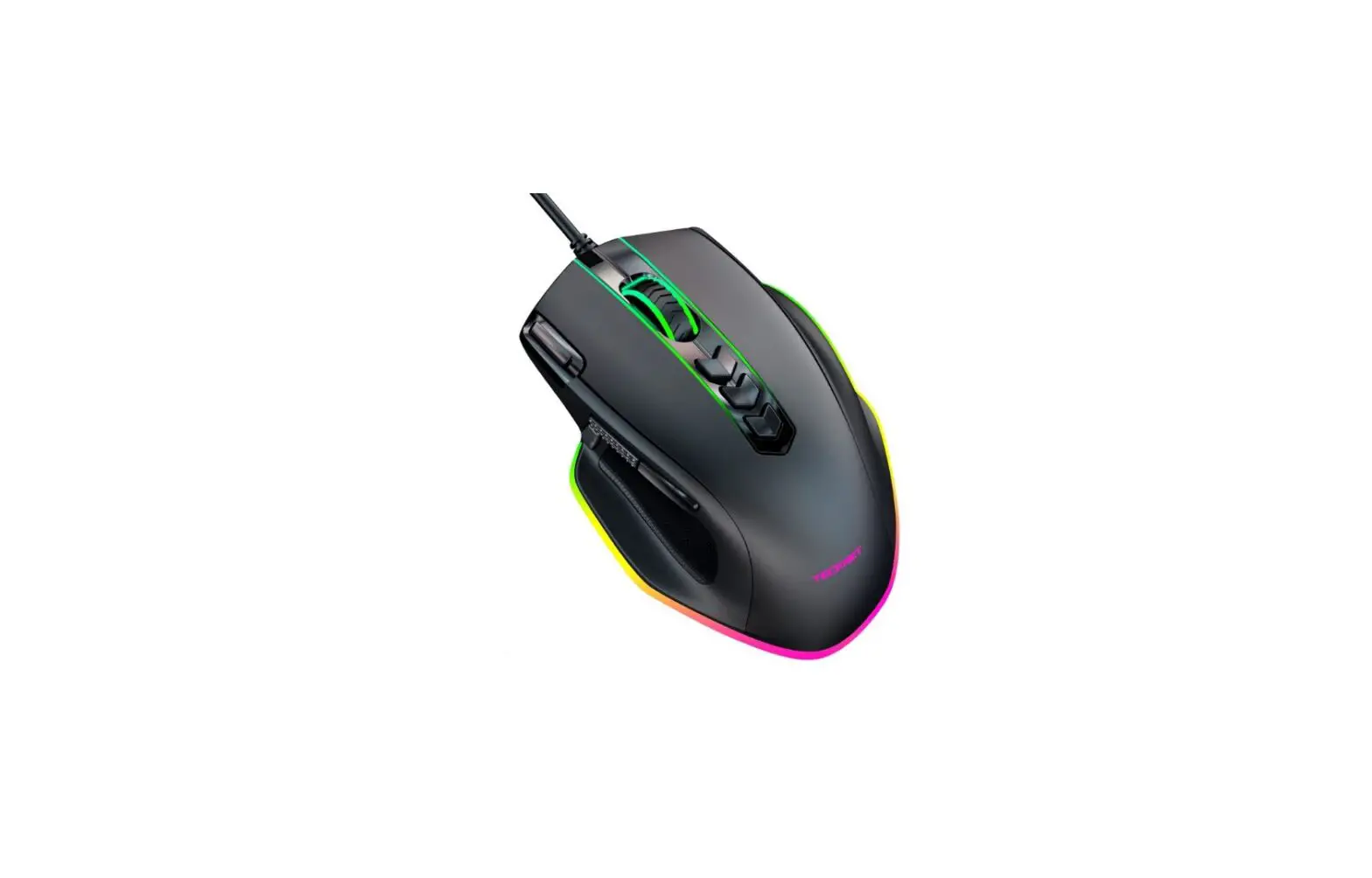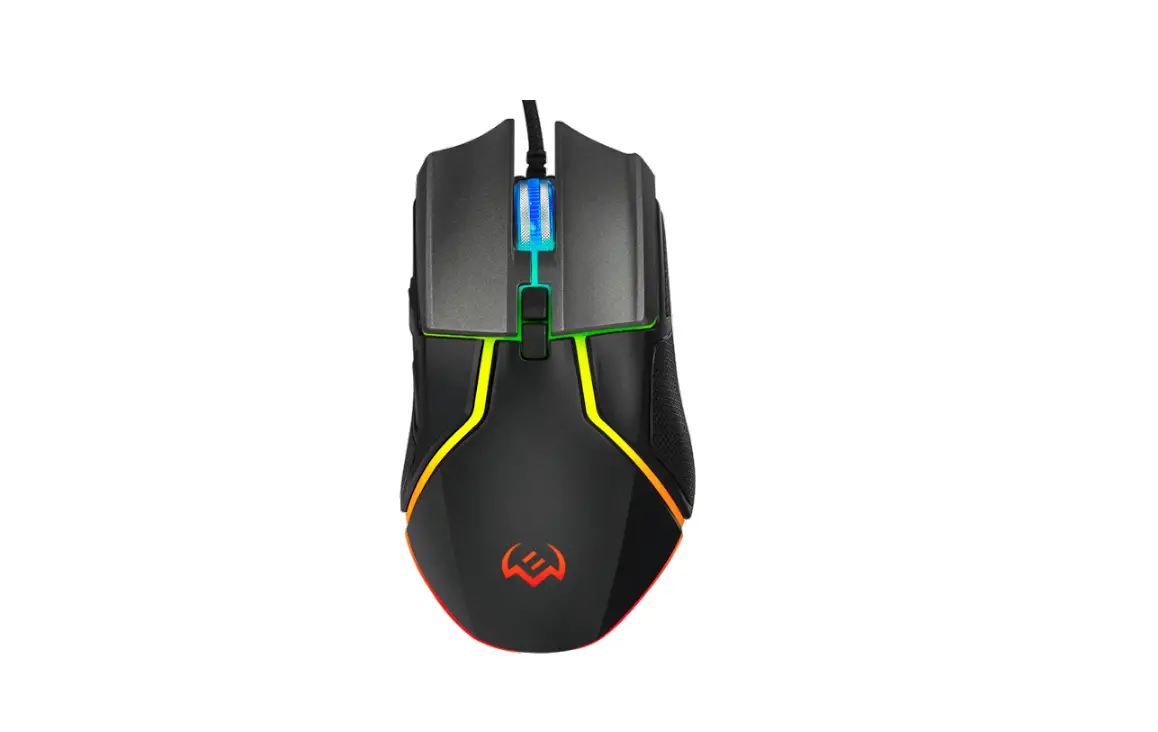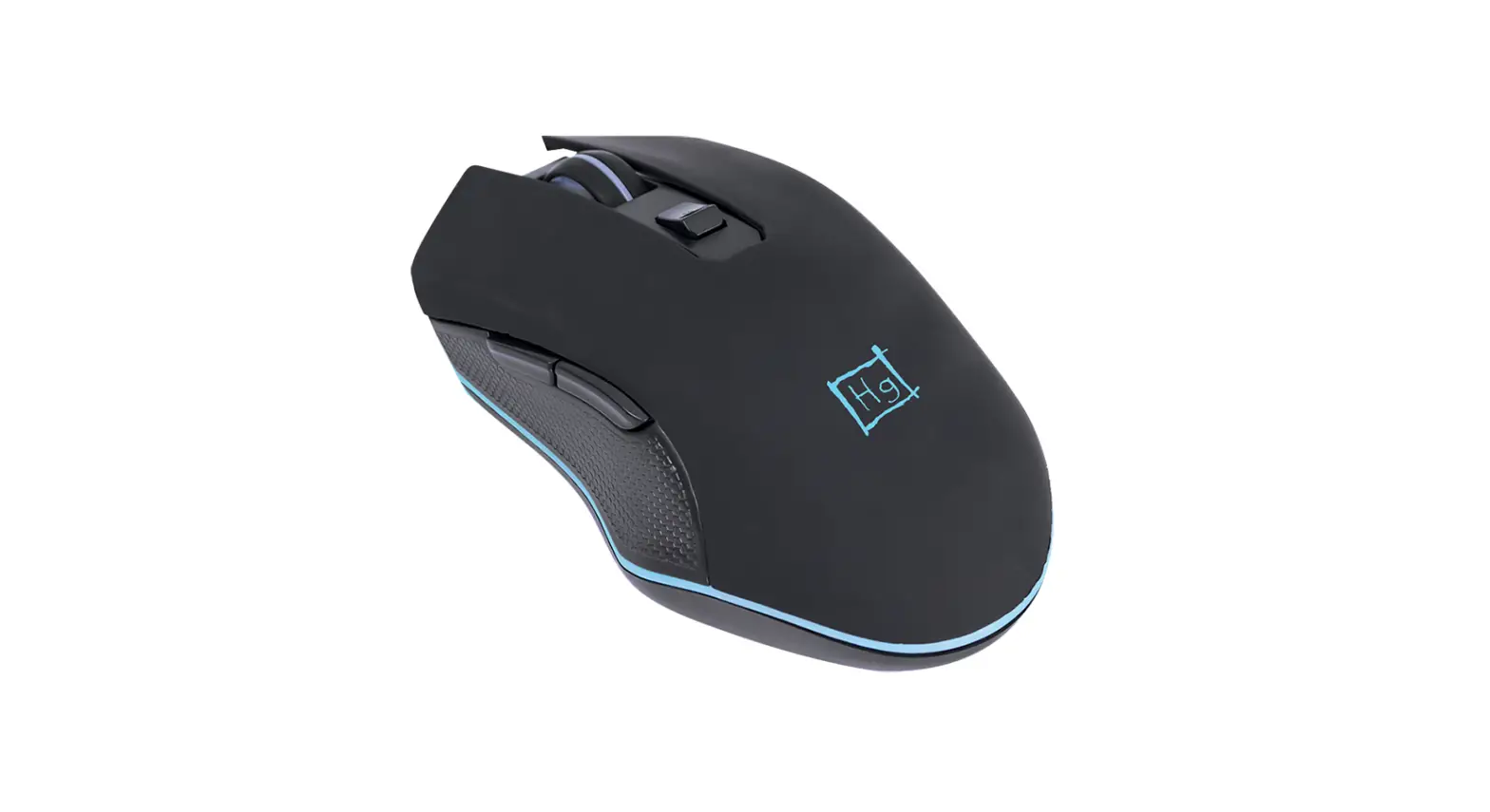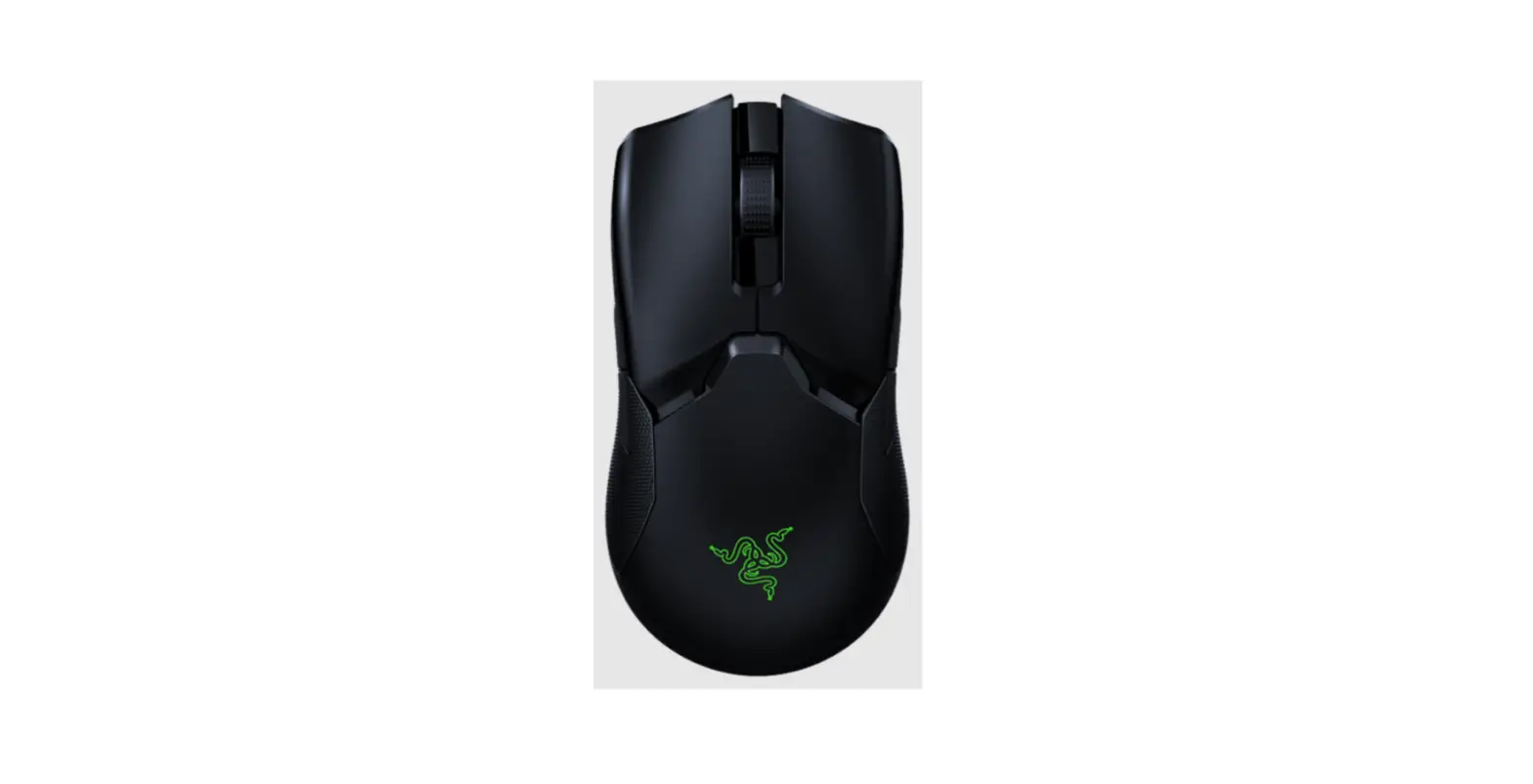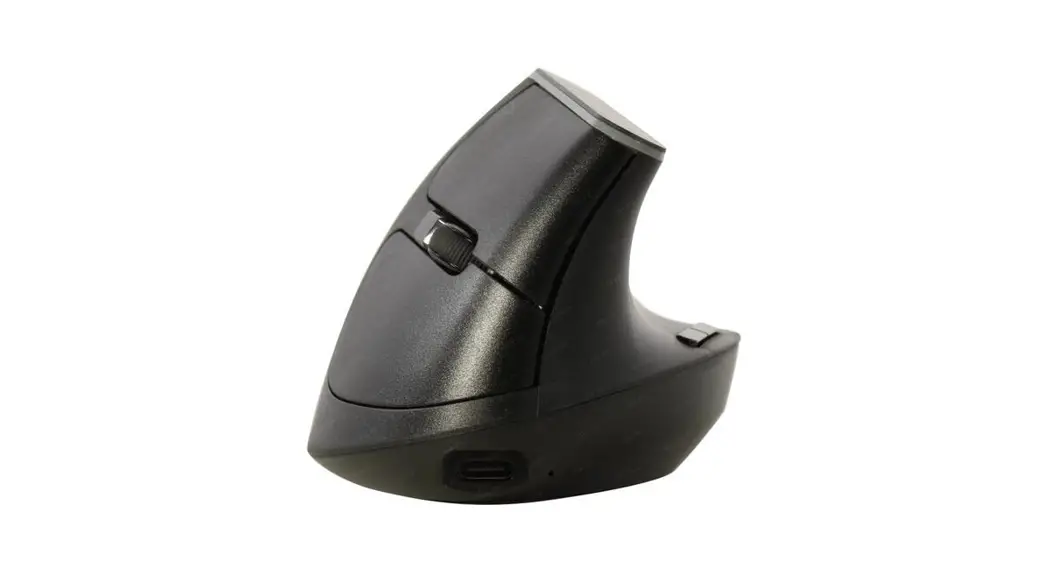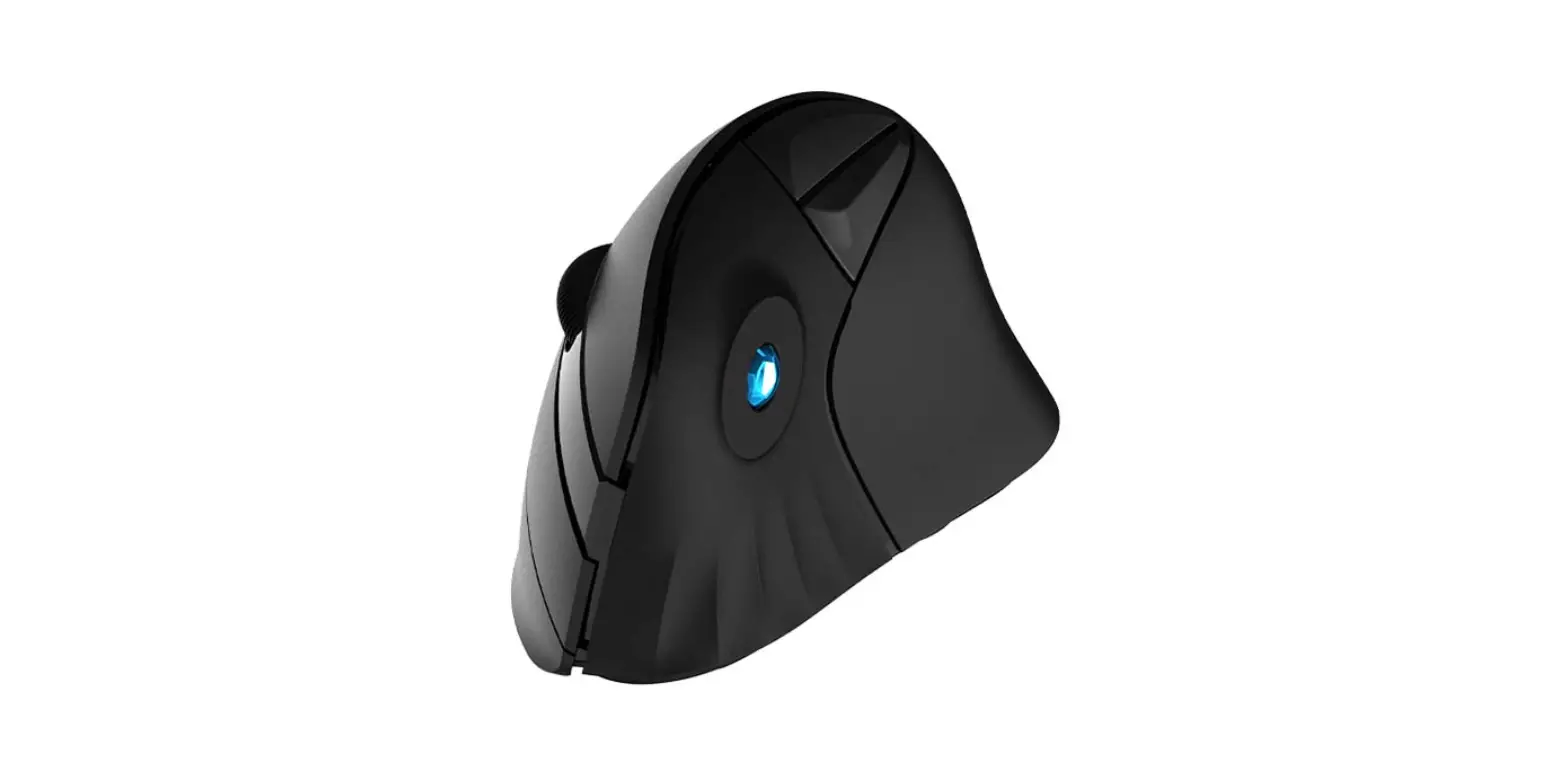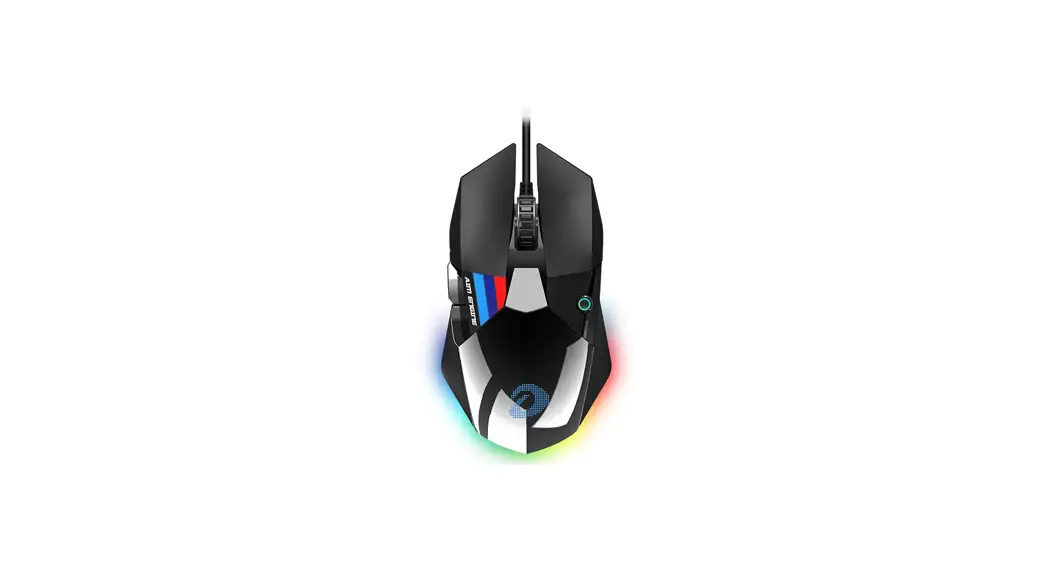
 A970 Wired Gaming Mouse
User Manual
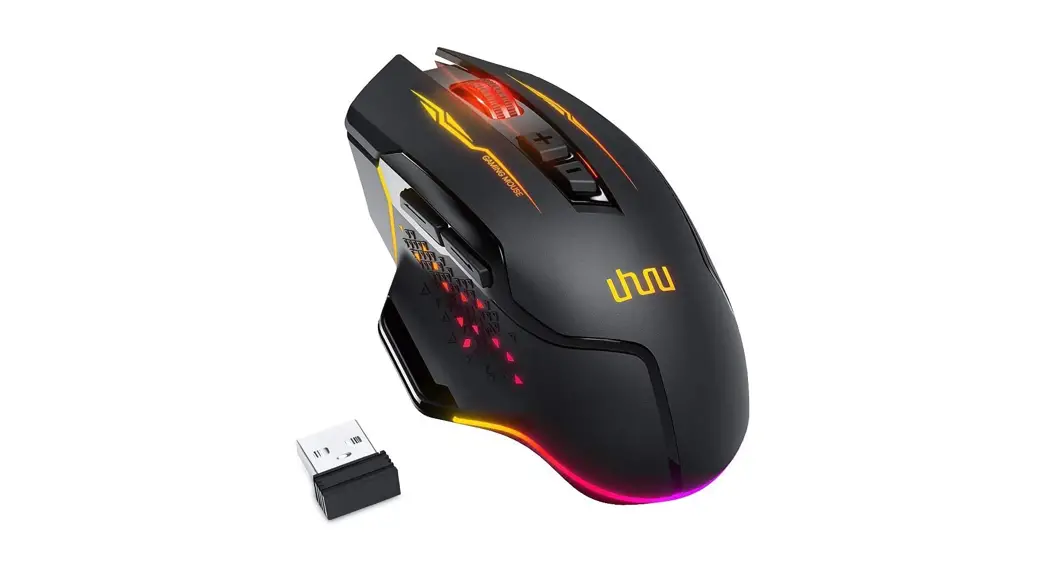
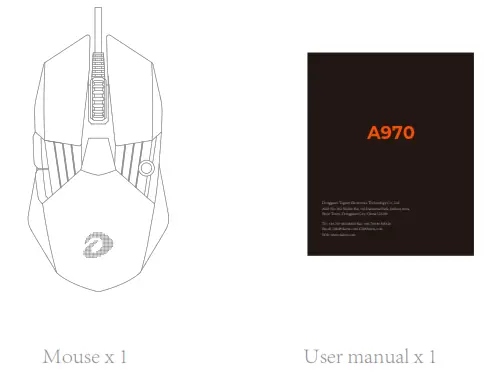
What’s in the box
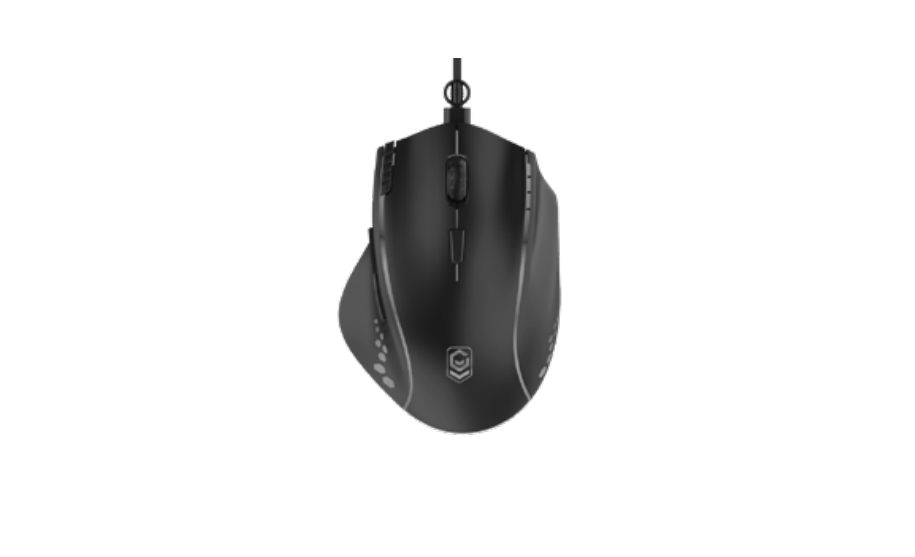
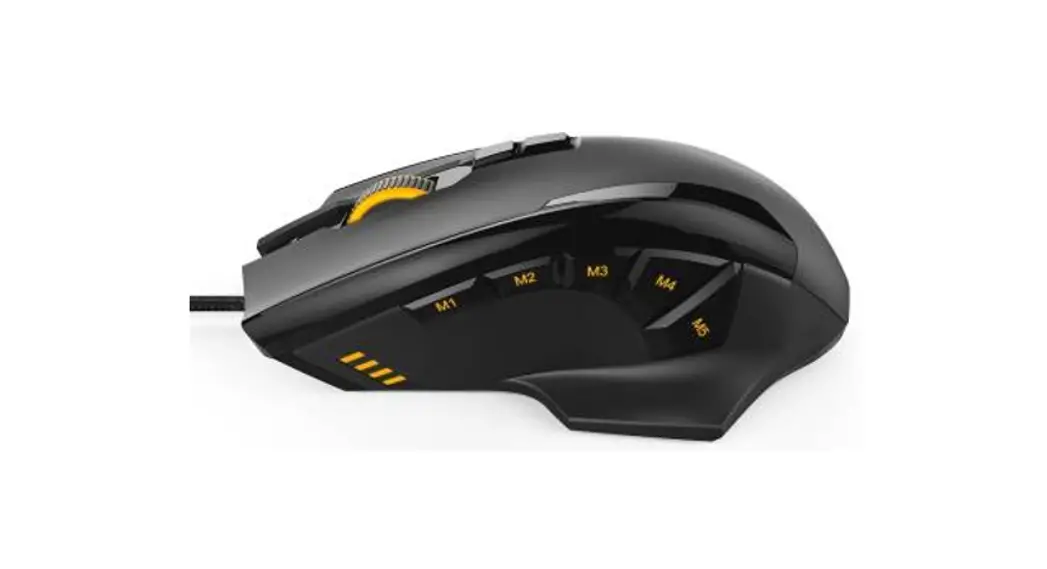
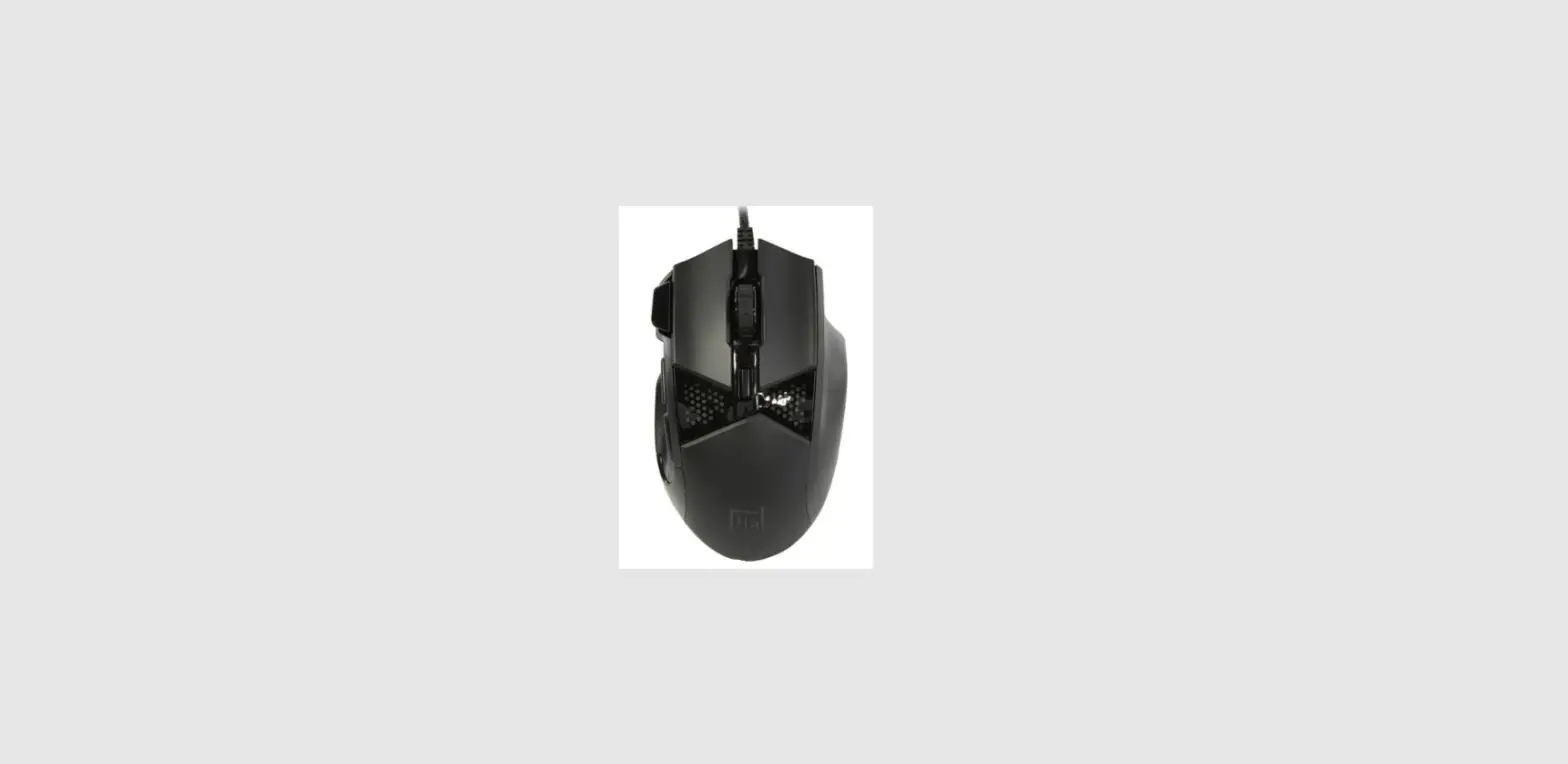
Product overview
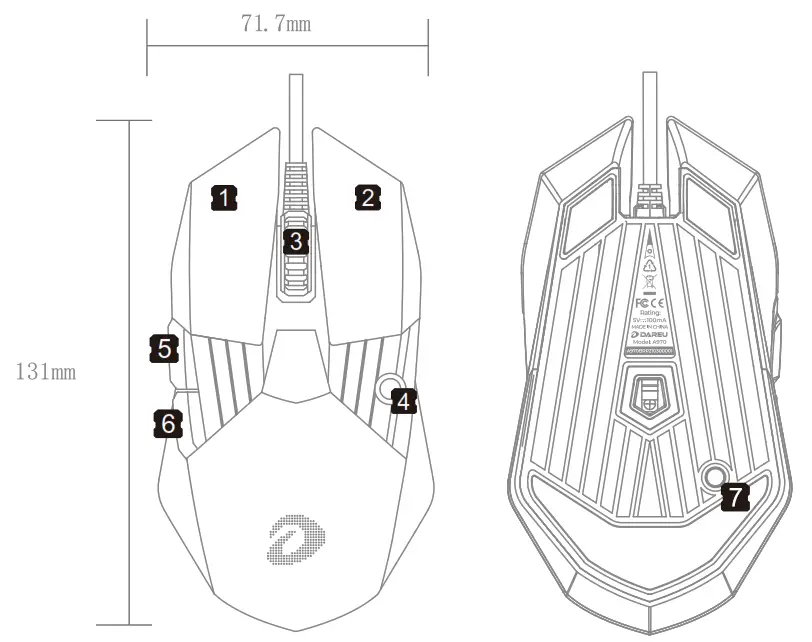
Buttons
- Left button
- Right button
- Scroll button
- DPI button
- Forward key
- Backward key
- Lighting button
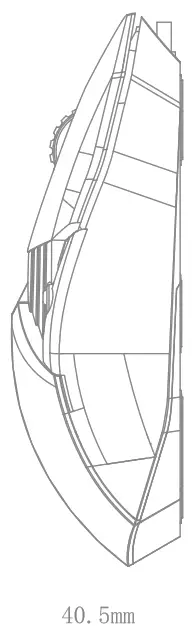
Parameter
Sensor: AIM
Acceleration: 50 G
Tracking speed: 400 IPS
Report rate: 1000/500/250/125Hz(default: 125Hz)
Resolution: 800/1200/2400/4000/18000 DPI
Lighting mode: Static/Breath/Neon/Finger/RGB
How to use driver
- Driver interface

- Marco interface

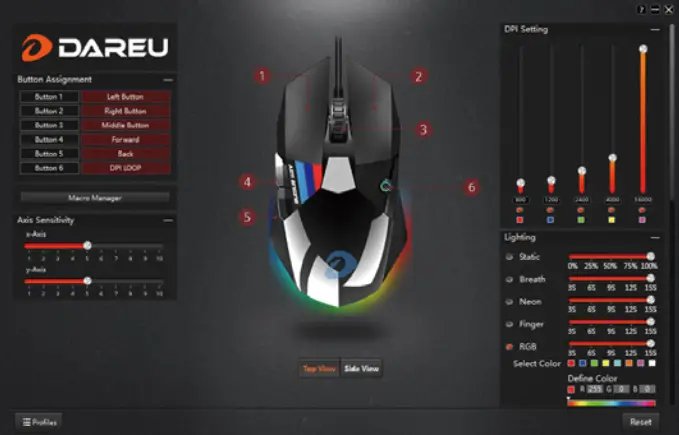
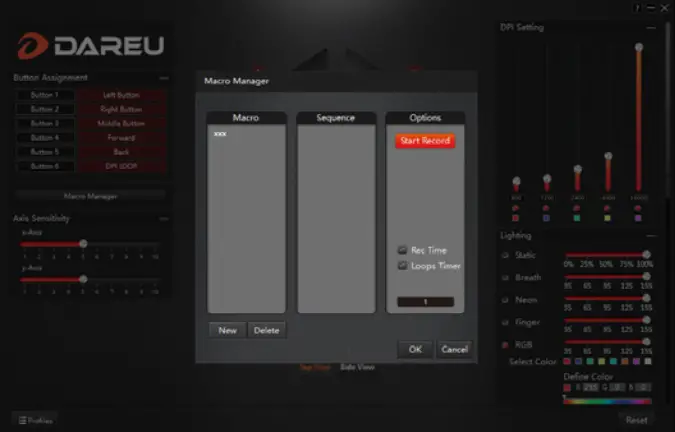
* Download the driver from DAREU website if needed.
Dongguan Togran Electronics Technology Co., Ltd
Add: No.262 Shidan Rd, 3rd Industrial Park, Juzhou Area,
Shijie Town, Dongguan City, China 523290
Tel: +86 769 86308806
Fax: +86 769 86308826
Email: [email protected] [email protected]
Web: www.dareu.com
 Dareu - Gaming Gear | Keyboard, Mouse, Headset & Controller