
Clutch
GAMING MOUSE
GM50
Introduction
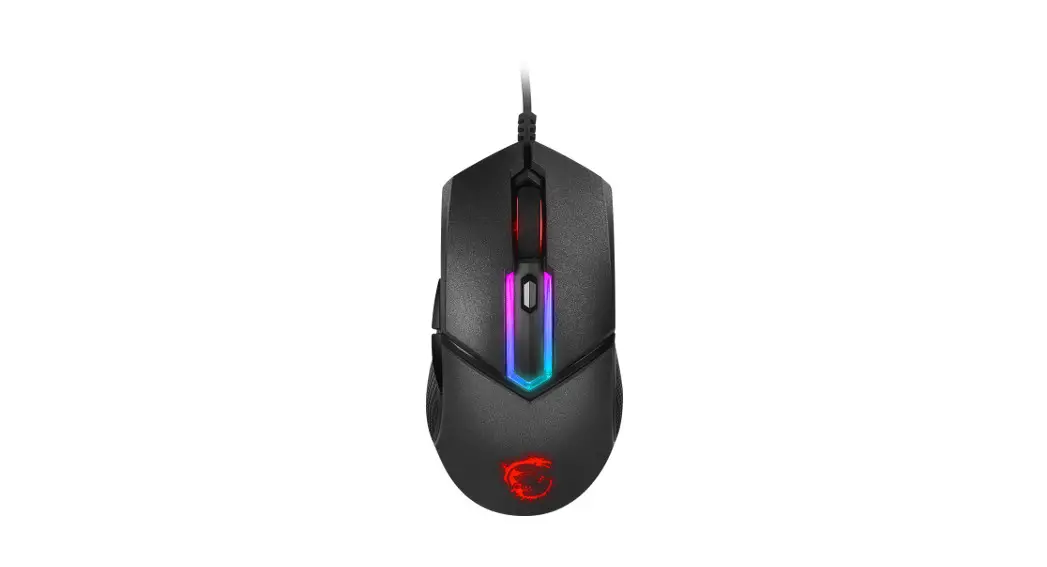
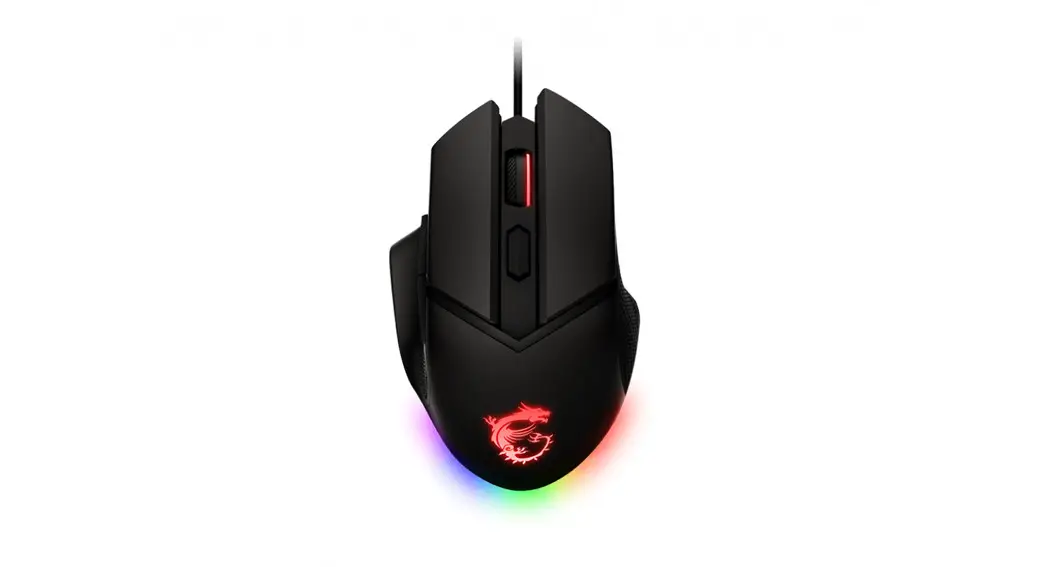
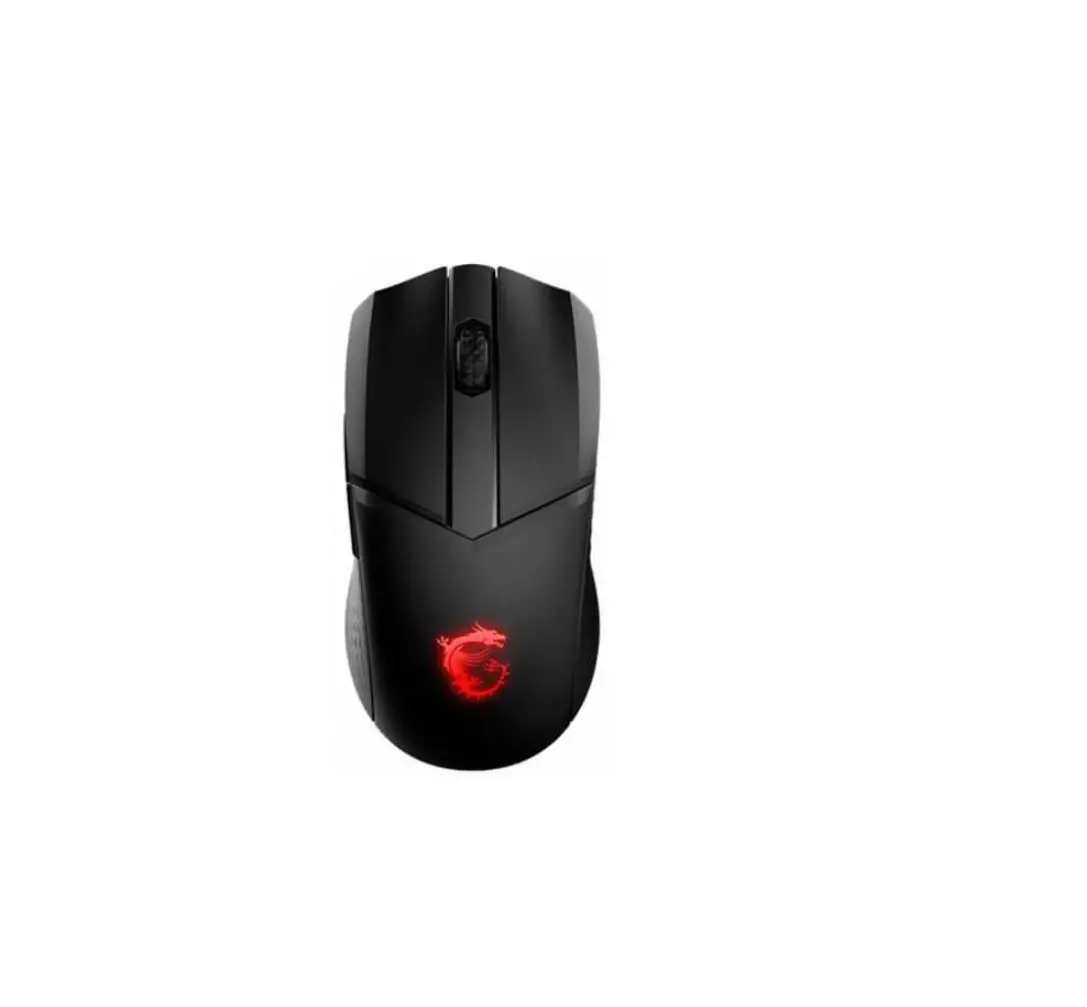
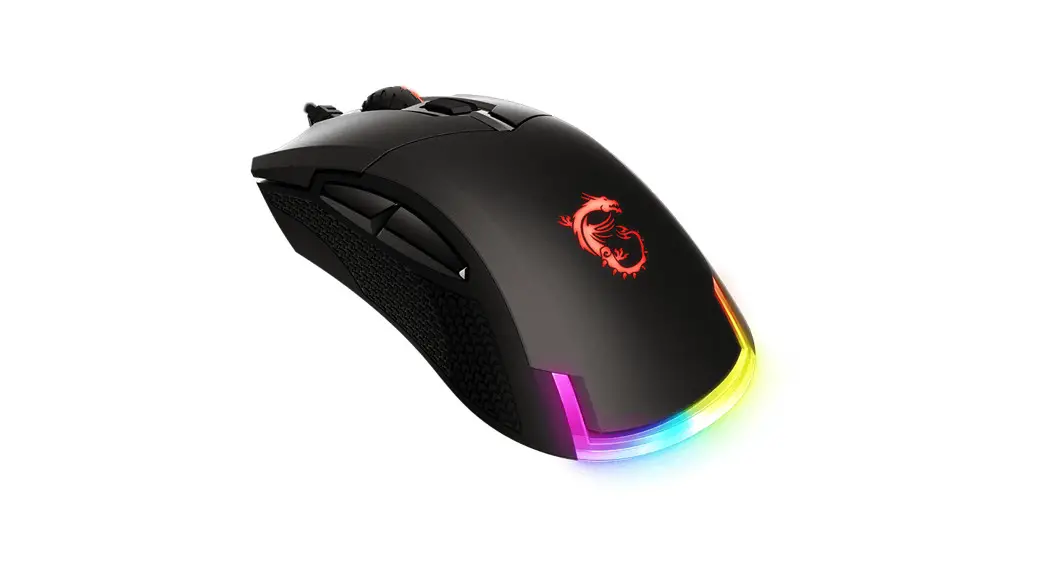
Thank you for choosing the gaming mouse with marvelous design, MSI Clutch GM50, to be your companion. This exquisite gaming mouse will surely give you a delightful and professional experience in PC games.
This guide provides instructions and illustrations to help you get the most from the mouse, and it is recommended to read this guide before using it.
Package Contents
- GAMING Mouse
- Multi-language Quick User Guide
System Requirements
- PC with available USB port
- Windows 10/8.1/8/7
Specifications
- Interface: USB
- Operating System: Windows 10/8.1/8/7
- Number of Keys: 6
- Sensor Type: Optical
- DPI Level : 400/ 800/ 1600 (default)/ 3200/ 6400, max. 7200 (by software)
- Cable Length: 2M TPE cable with gold-plated USB connector
- Dimension : 119 x 67 x 42 mm
Overview
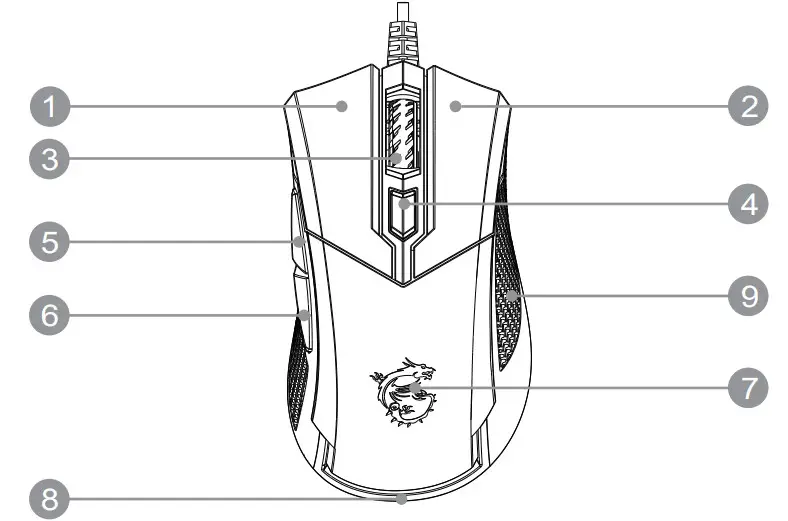
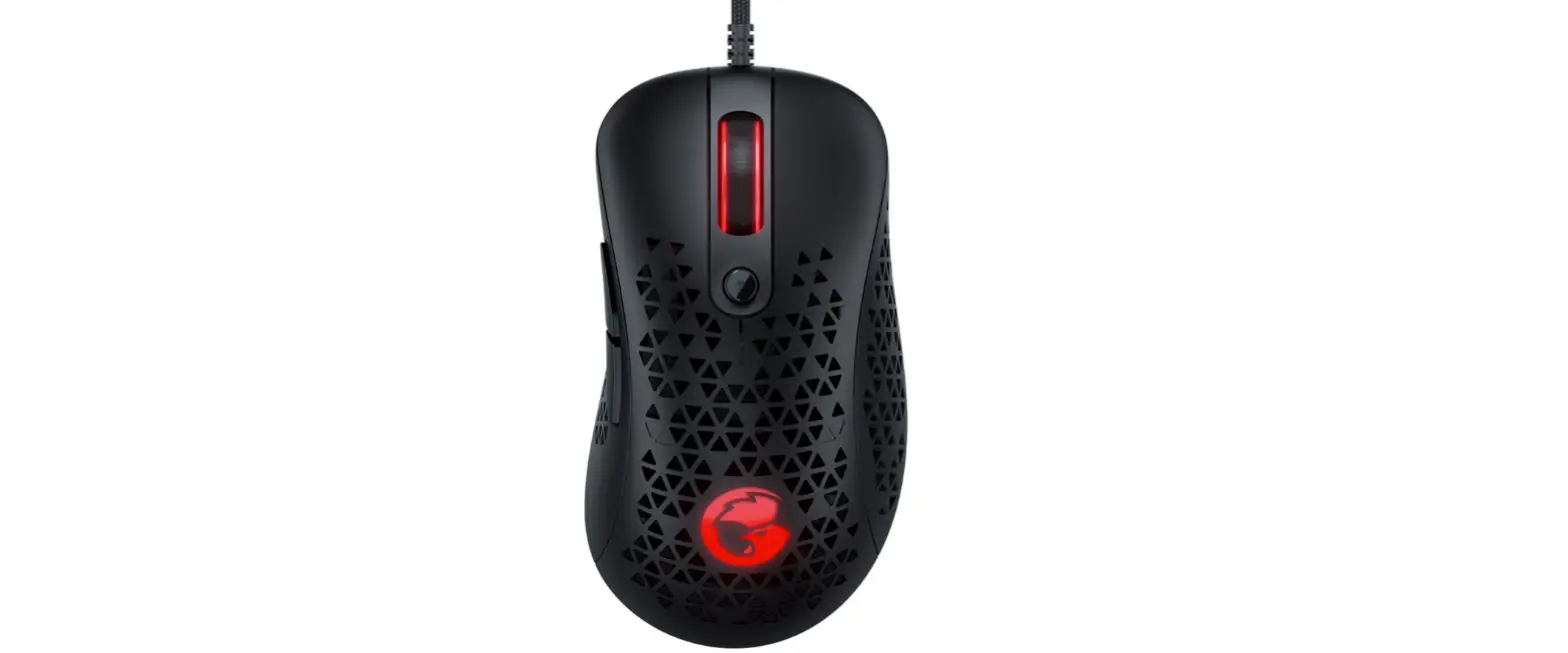
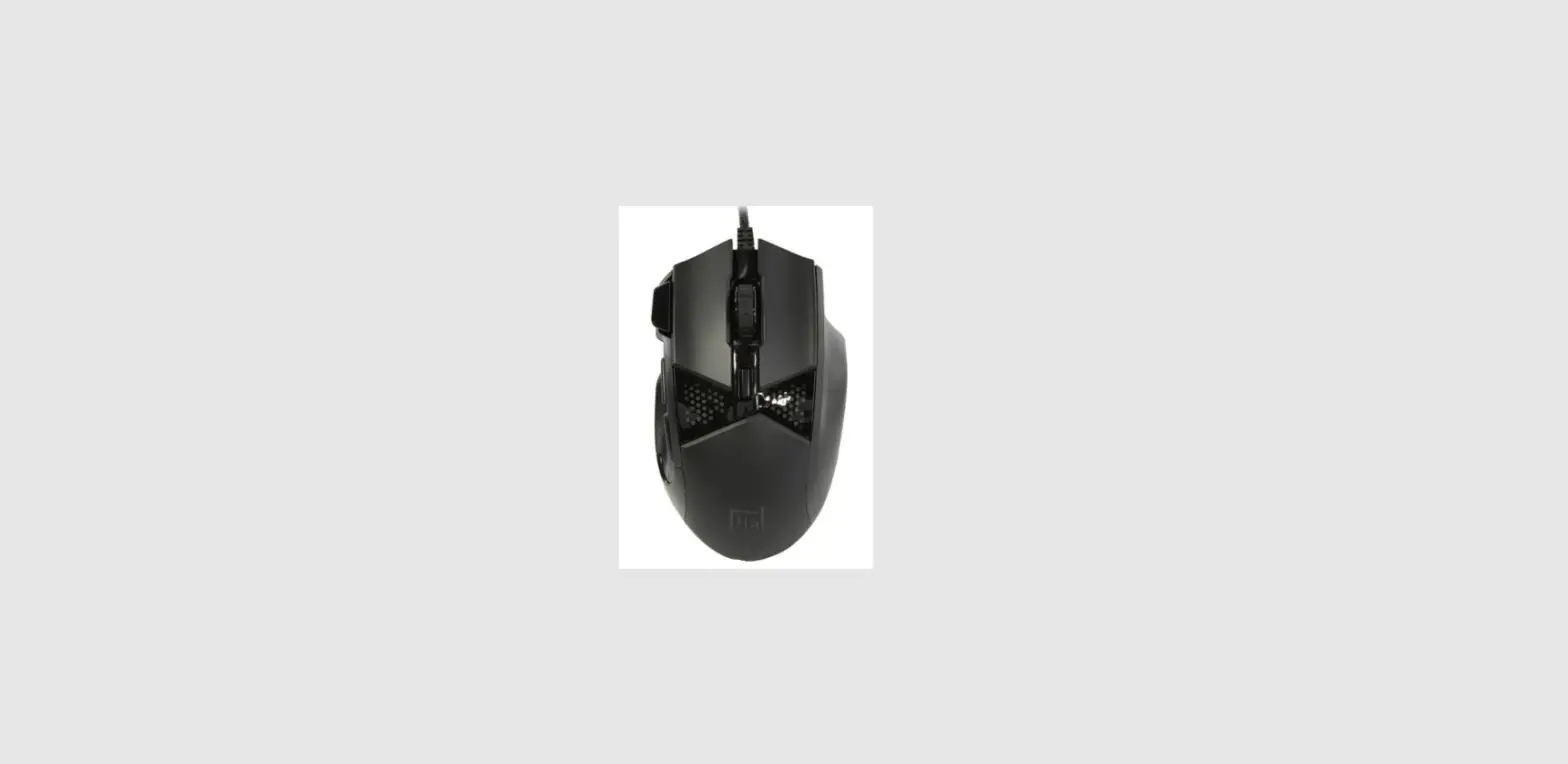
| 1. Left Button | 2. Right Button | 3. Scroll Wheel |
| 4. DPI Switch | 5. Side Button 1 | 6. Side Button 2 |
| 7. Dragon LED | 8. Bottom Ring LED | 9. Anti-slip Sidegrip |
LED Indicators Adjustment
- DPI + Left Button = Fade Out speed (Cycle)
- DPI + Right Button = Brightness (Cycle)
- DPI + Scroll Wheel = Mode (Cycle)
- DPI + Side Button 1 = Speed (Cycle)
- DPI + Side Button 2 = Direction or Color (Cycle)
Micro-Star INT’L CO., LTD. No.69, Lide St., Zhonghe Dist., New Taipei City 235, Taiwan tel:+886-2-3234-5599 fax:+886-2-3234-5488
www.msi.com