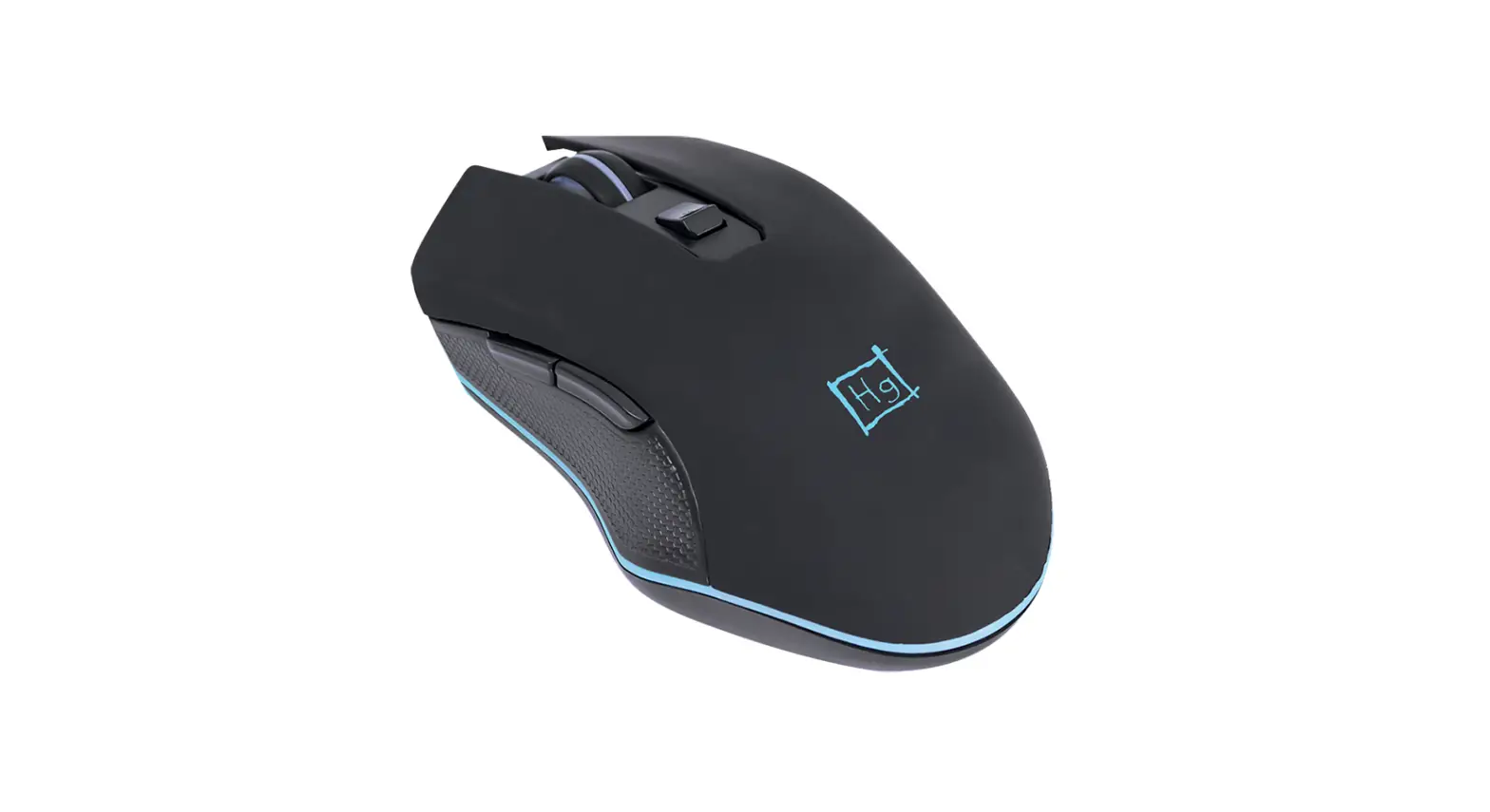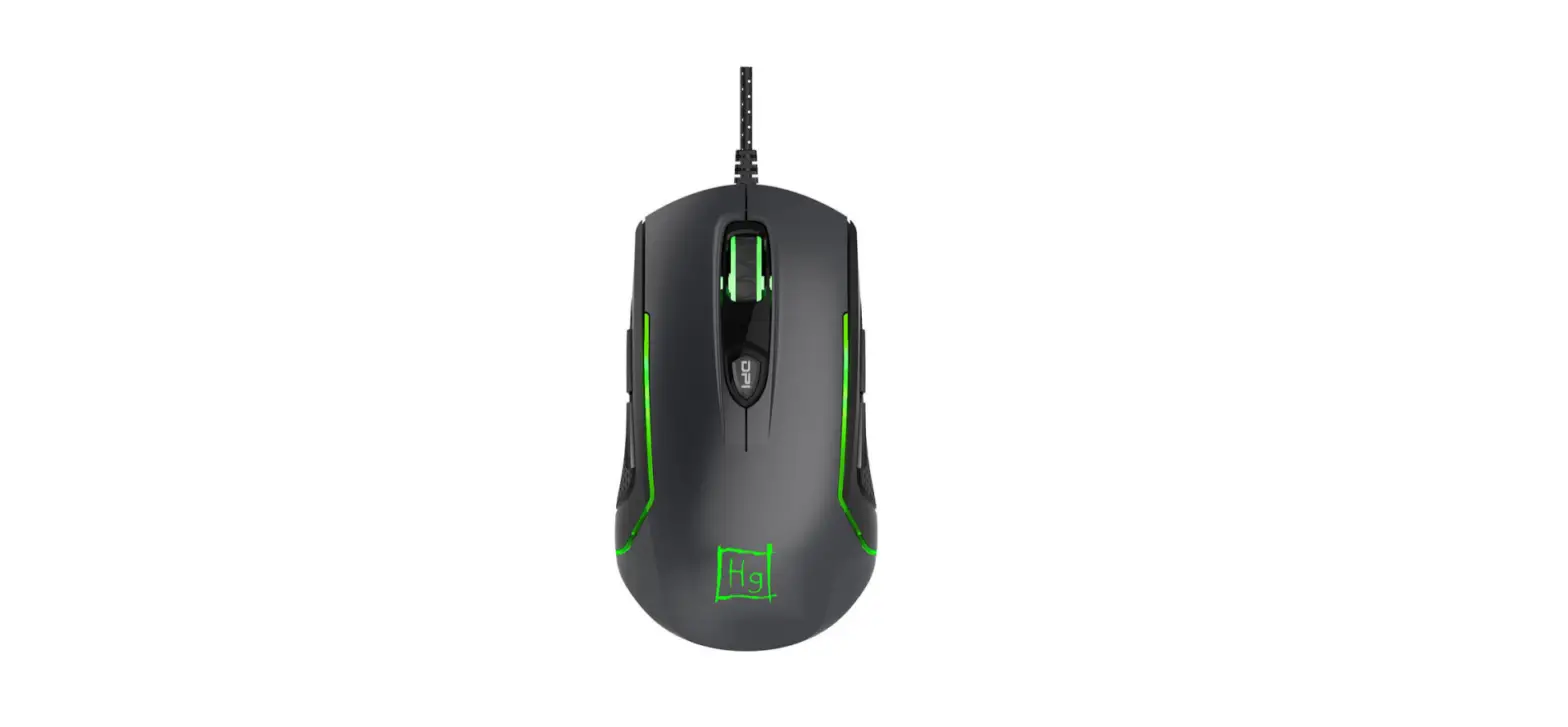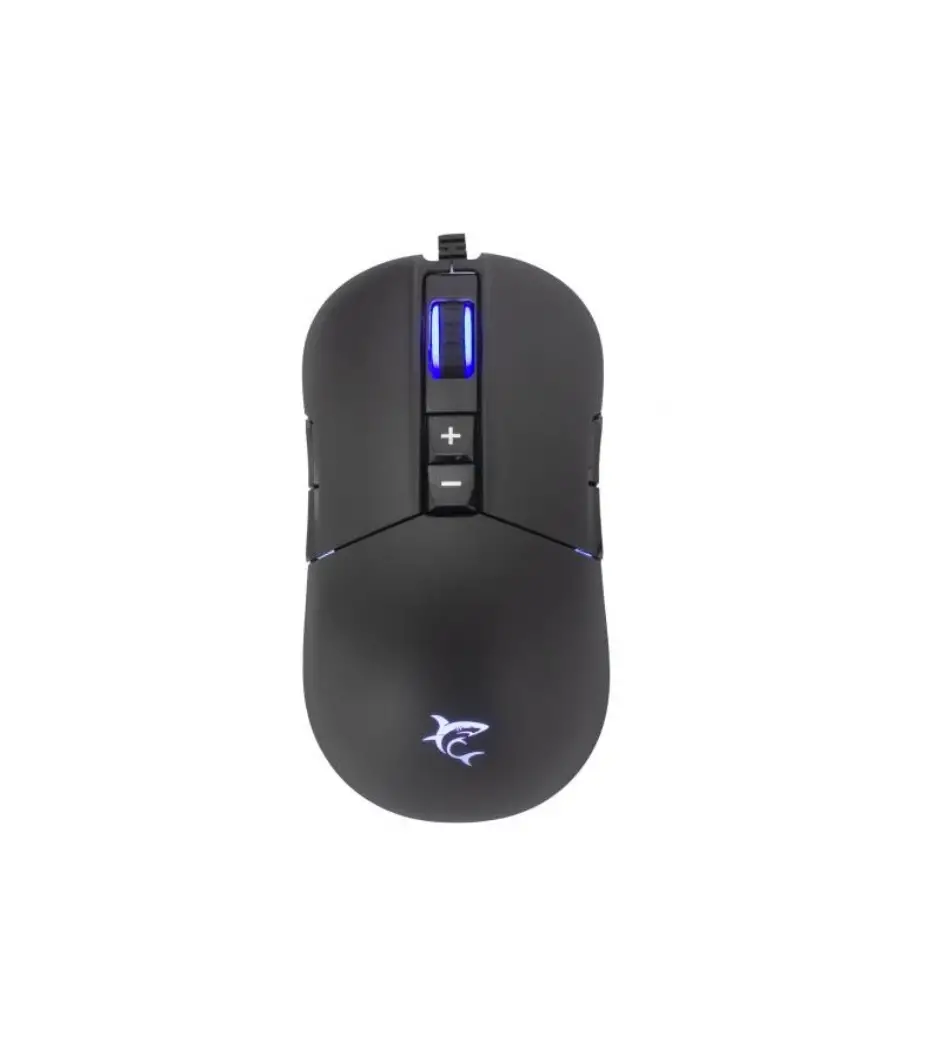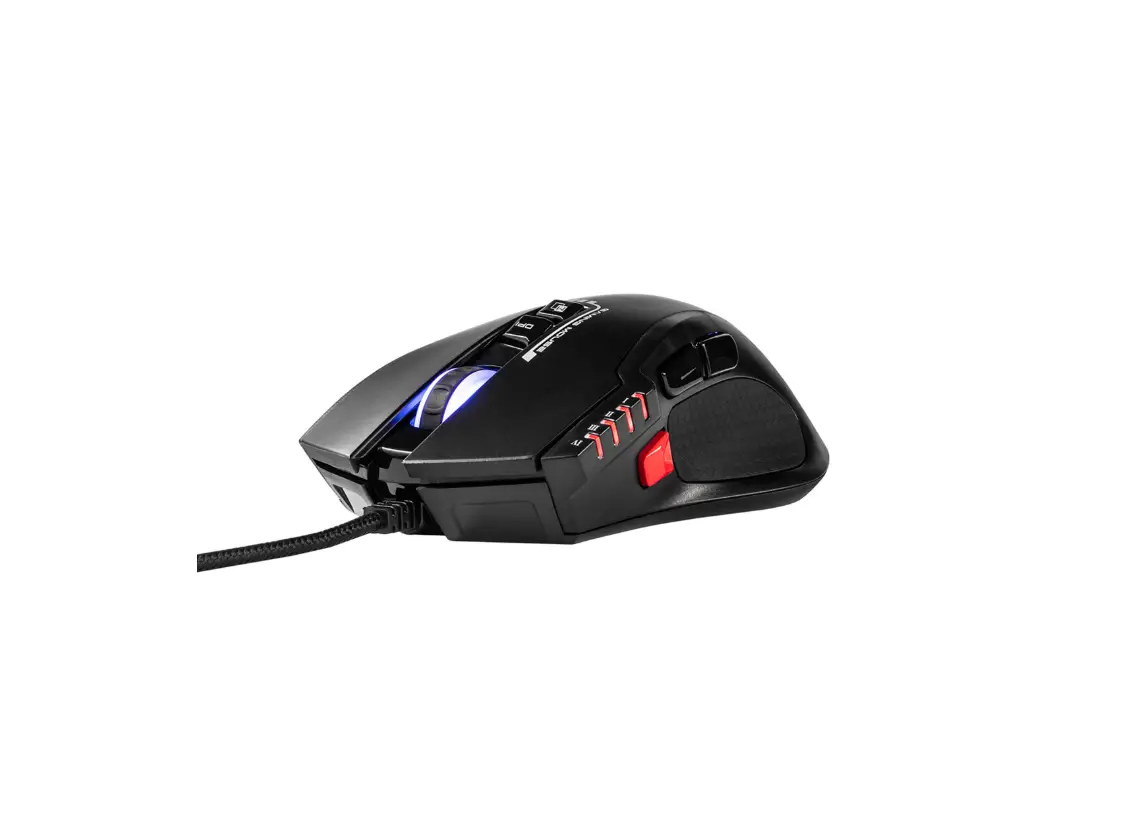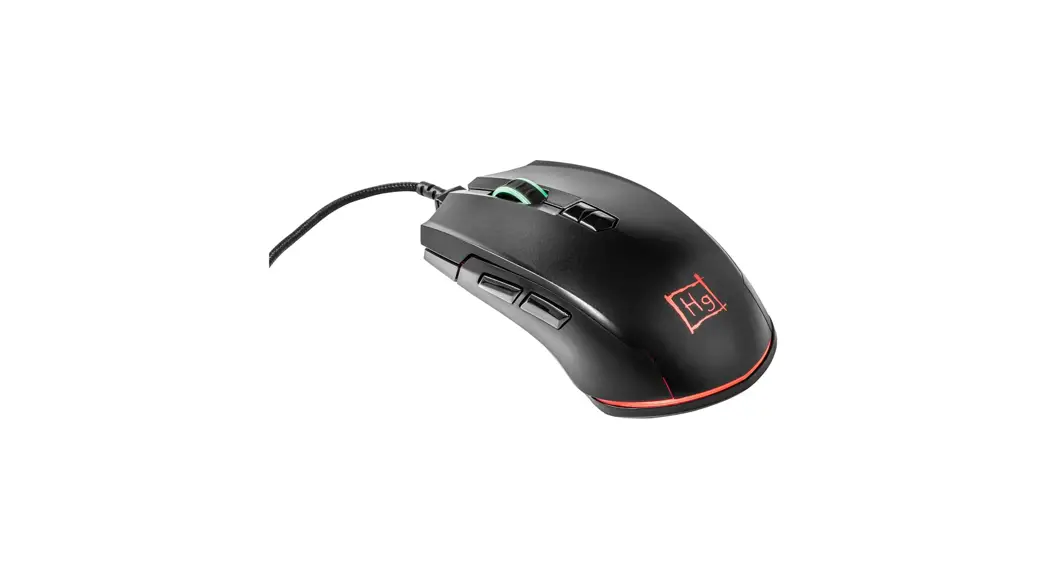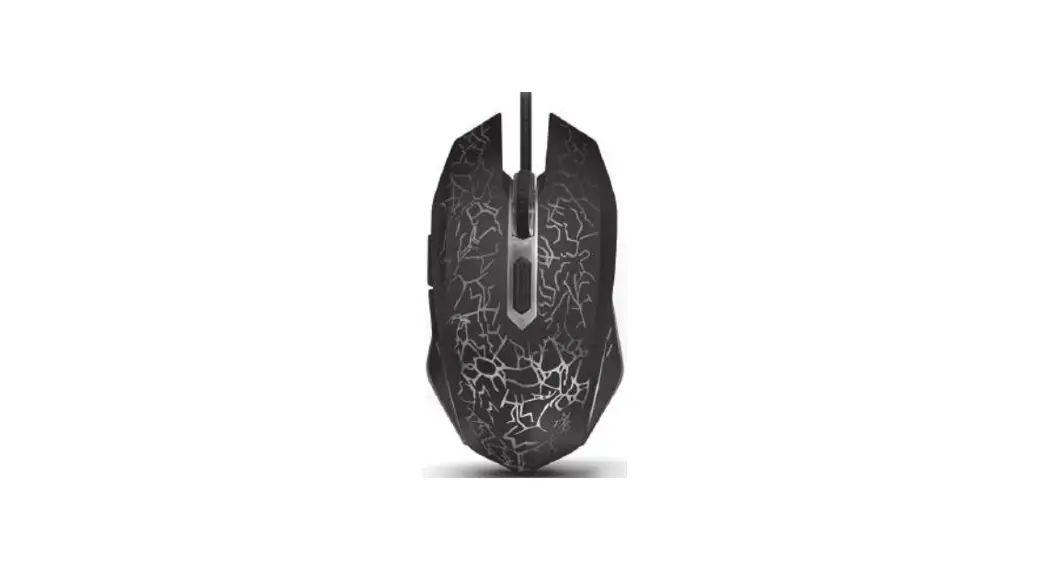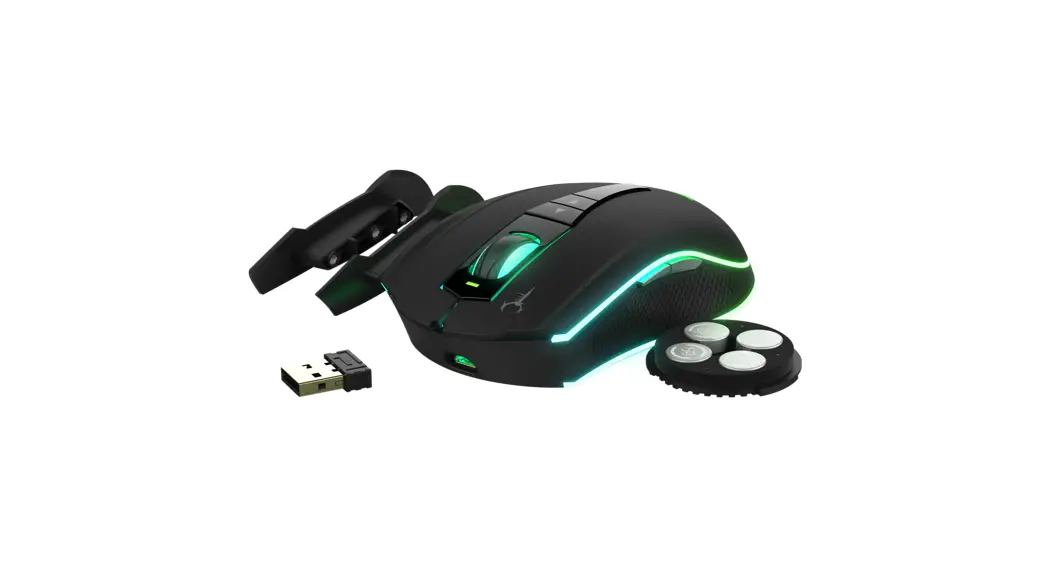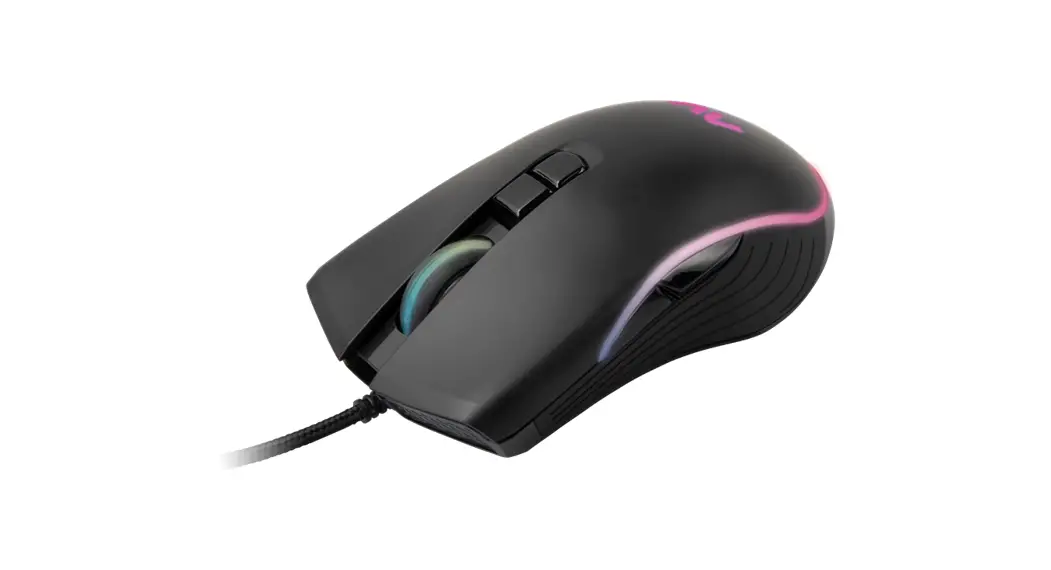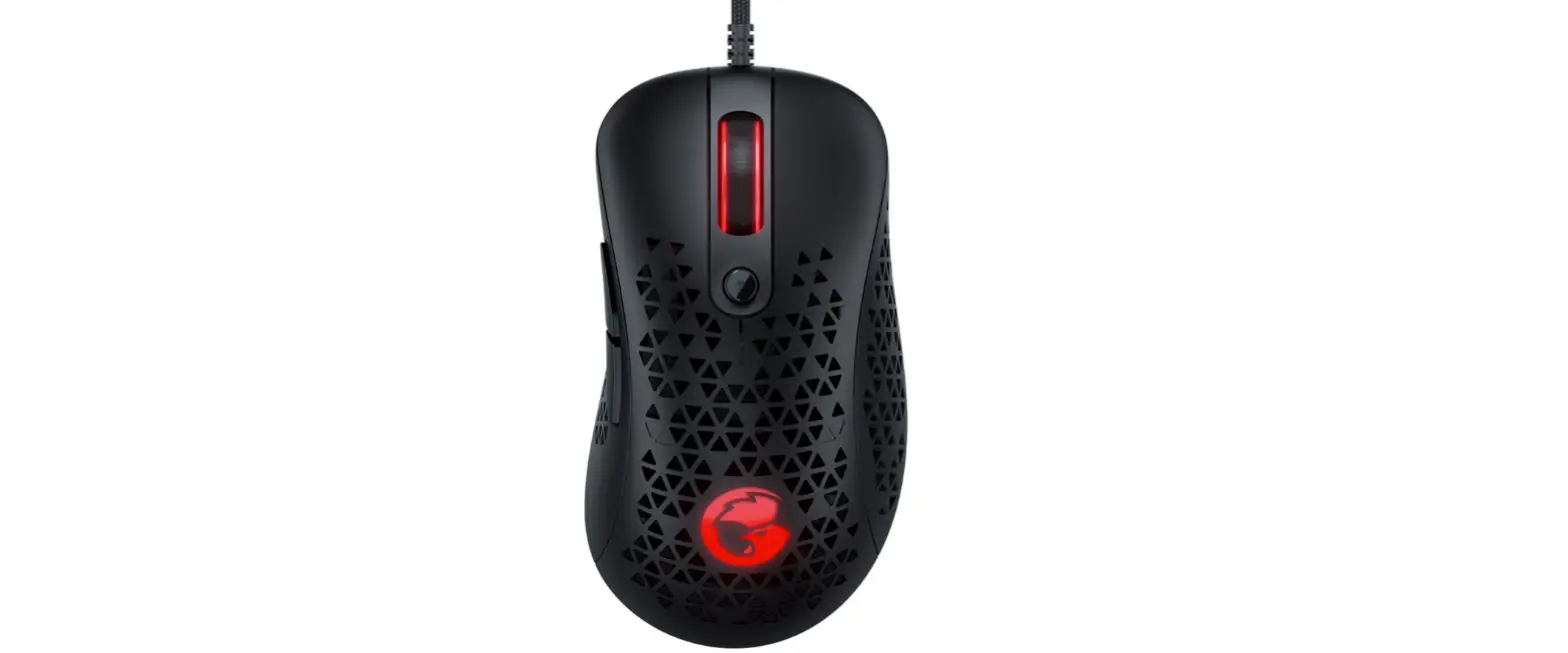

GAMESIR GM500 Gaming Mouse
GAMESIR GM500 GAMING MOUSE PRODUCT REQUIREMENTS
PC with one available USB port
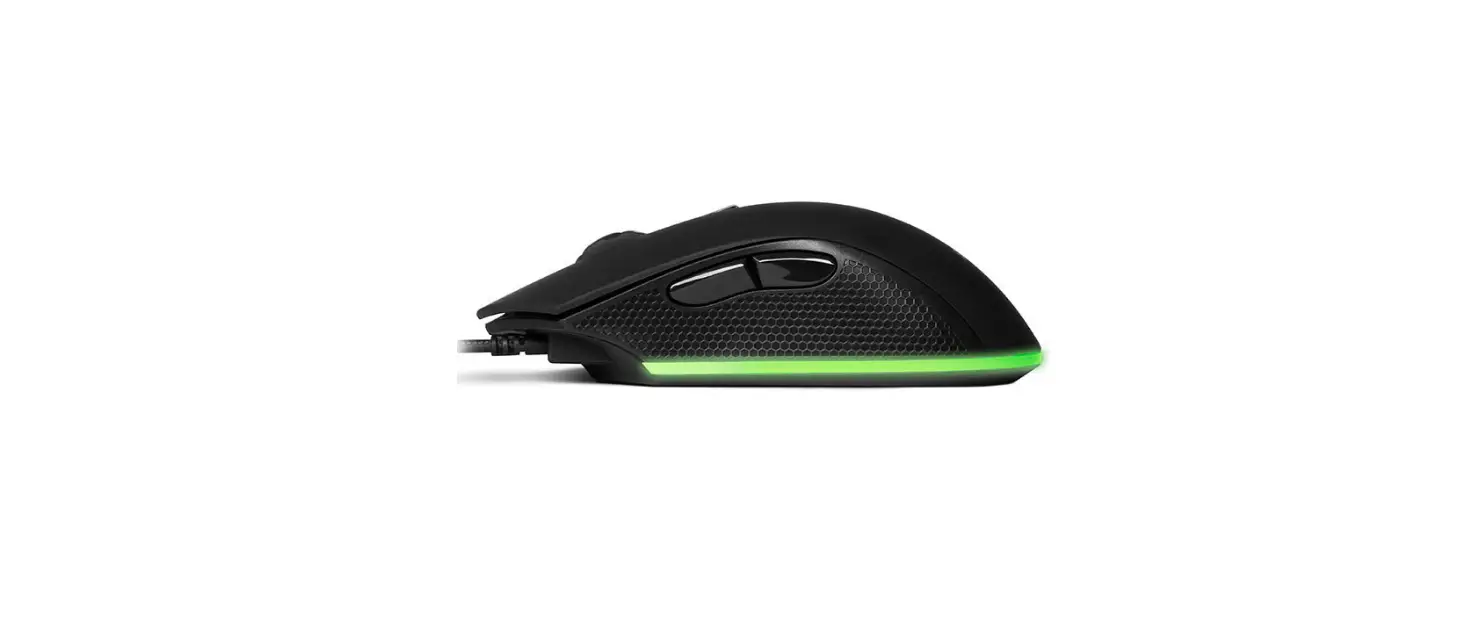
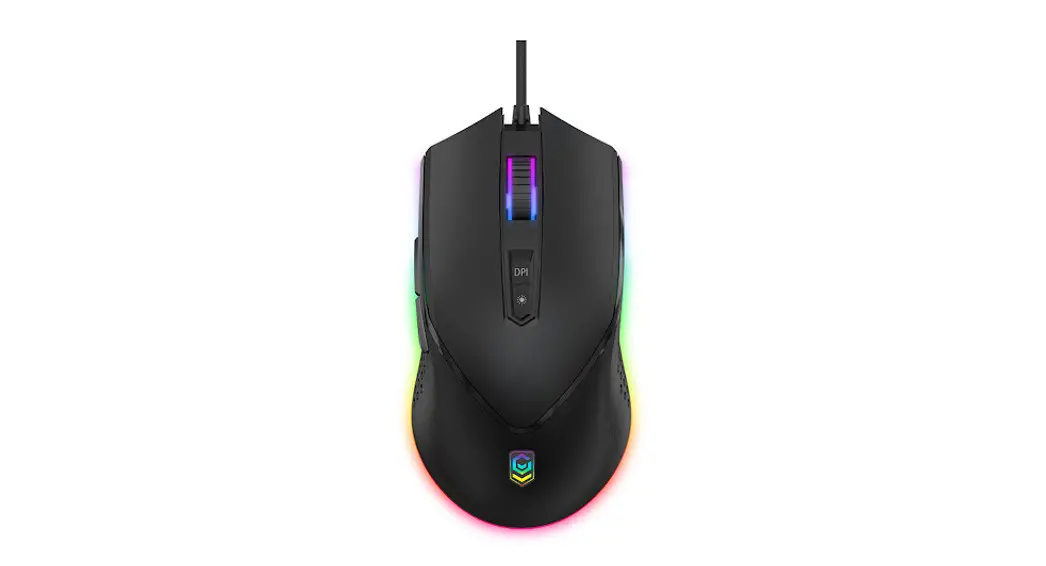
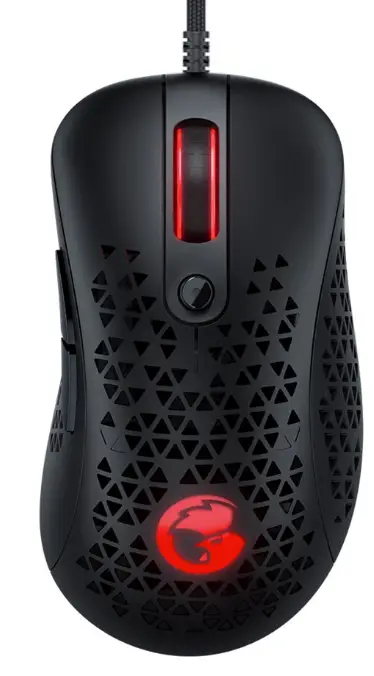
GAMESIR GM500 GAMING MOUSE KEY LAYOUT
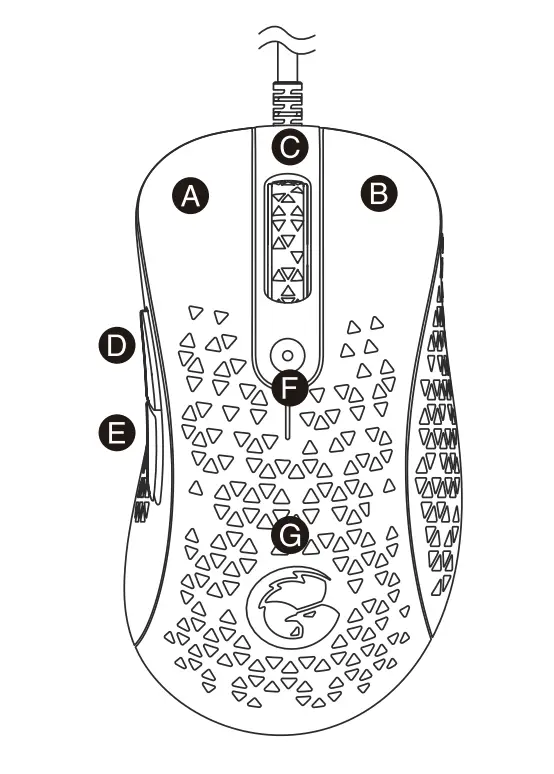
- Left button
- Right button
- Scroll wheel
- Mouse button 5
- Mouse button 4
- DPI button
- LOGO indicator light
GAMESIR GM500 GAMING MOUSE DPI ADJUSTMENT
| DPI | Indicator Color |
| 400 | Green |
| 800 | Red |
| 1600 | Blue |
| 2400 | Yellow |
| 3200 | Orange |
| 6400 | Purple |
| 12000 | White |
DPI refers to the cursor travel distance based on the mouse movement. The higher the DPI, the further the cursor travels with the same mouse movement. GameSir GM500 Gaming Mouse has a default DPI of 1600. Press the DPI Button on the back of the GM500 Mouse to cycle through seven DPI levels, 400/800/1600/2400/ 3200/6400/12000. As you switch, the backlight on the back of the GM500 Mouse will flash with the corresponding color.
GAMESIR GM500 GAMING MOUSE POLLING RATE ADJUSTMENT
| Polling Rate | Flashing Times |
| 125hz | White flashing 1 time |
| 250hz | White flashing 2 times |
| 500hz | White flashing 3 times |
| 1000hz | White flashing 4 times |
The higher the polling rate, the more frequently the computer receives information about the mouse status, thus shortening the response time of the mouse cursor. GameSir GM500 Gaming Mouse has a default polling rate of 1000Hz. Press the GM500 Scroll Wheel + DPI Button to switch among 4 polling rates, 125hz (8ms) / 250hz (4ms) / 500hz (2ms) / 1000hz (1ms). As you switch, the backlight will flash to indicate the level.
GAMESIR GM500 GAMING MOUSE LIGHTING ADJUSTMENT
Press the GM500 Mouse Button 5 + DPI Button to cycle through 3 levels of light effects.
Seven Colors (default)
- Monochrome Permanent
- Monochrome Breathing
Press the GM500 Mouse Button 4 + DPI Button to cycle through 3 levels of brightness.
- High
- Medium (default)
- Low
NOTICE Please read these Precautions carefully
CONTAINS SMALL PARTS. Keep out of reach of children under the age of 3. Seek immediate medical attention if swallowed or inhaled.
- DO NOT use the product near fire.
- DO NOT expose to direct sunlight or high temperatures.
- DO NOT leave the product in a humid or dusty environment.
- DO NOT impact the product or cause it to fall due to strong impact.
- DO NOT touch USB port directly or it might cause malfunctions.
- DO NOT strongly bend or pull cable parts.
- Use a soft, dry cloth while cleaning.
- DO NOT use chemicals such as gasoline or thinner.
- DO NOT disassemble, repair or modify.
- DO NOT use for purposes other than its original purpose. We are NOT responsible for accidents or damage when used for non-original purposes.
- DO NOT look directly at the optical light. It might damage your eyes.
- If you have any quality concerns or suggestions, please contact GameSir or your local distributor.
 小鸡手柄|Gamesir|盖世小鸡 - Gaming is Winning._小鸡手柄|Gamesir title_小鸡手柄|Gamesir|小鸡网