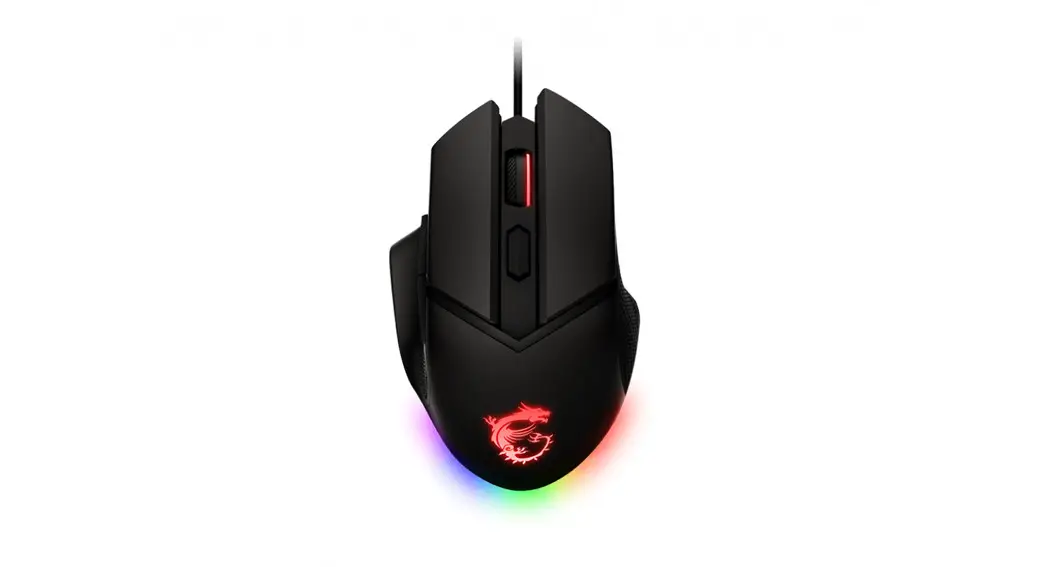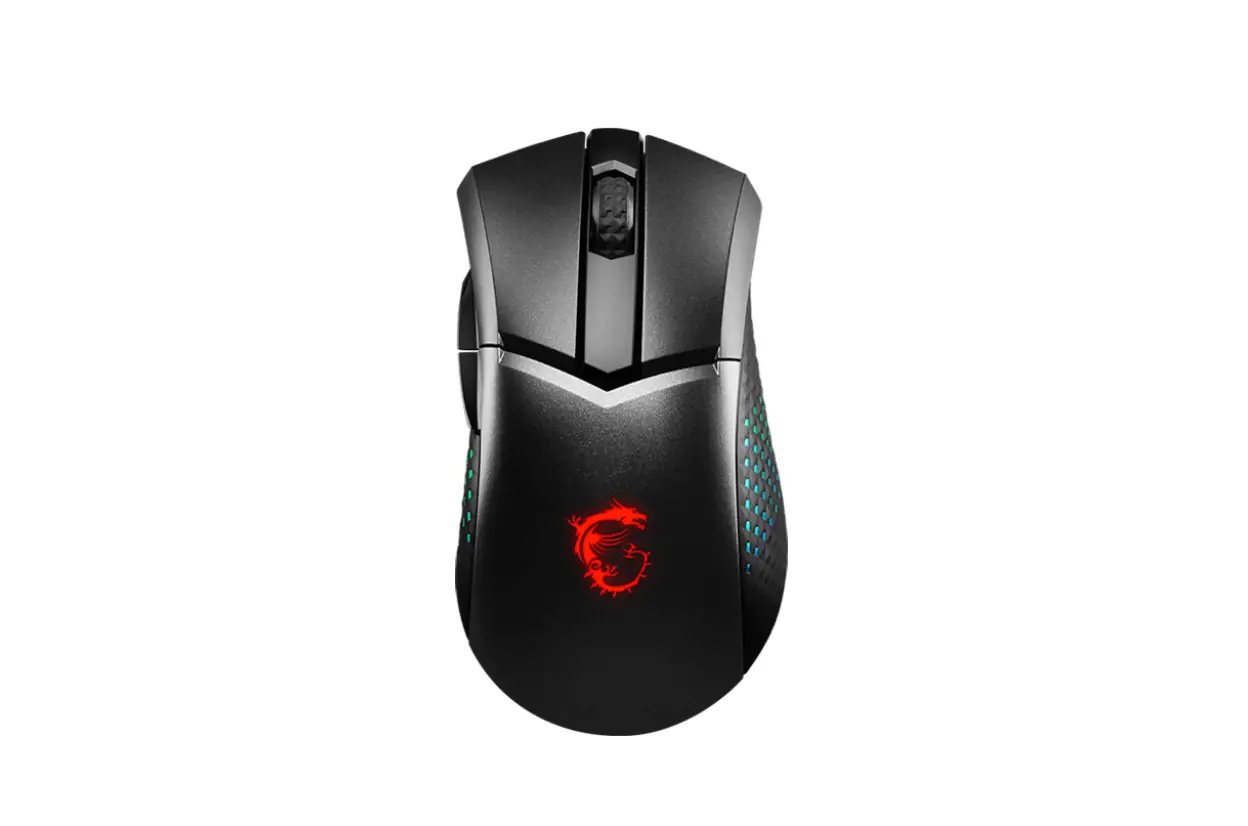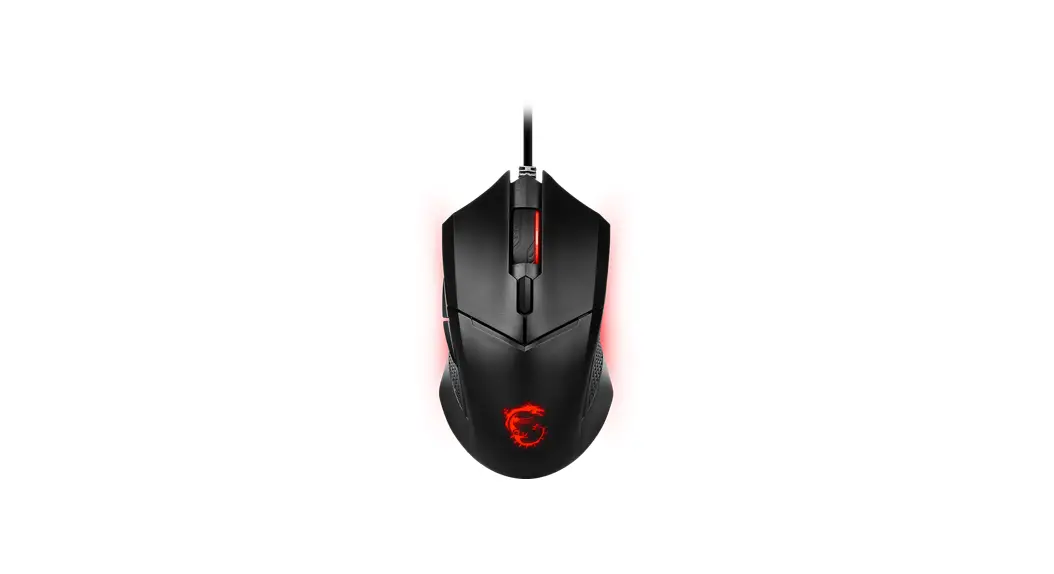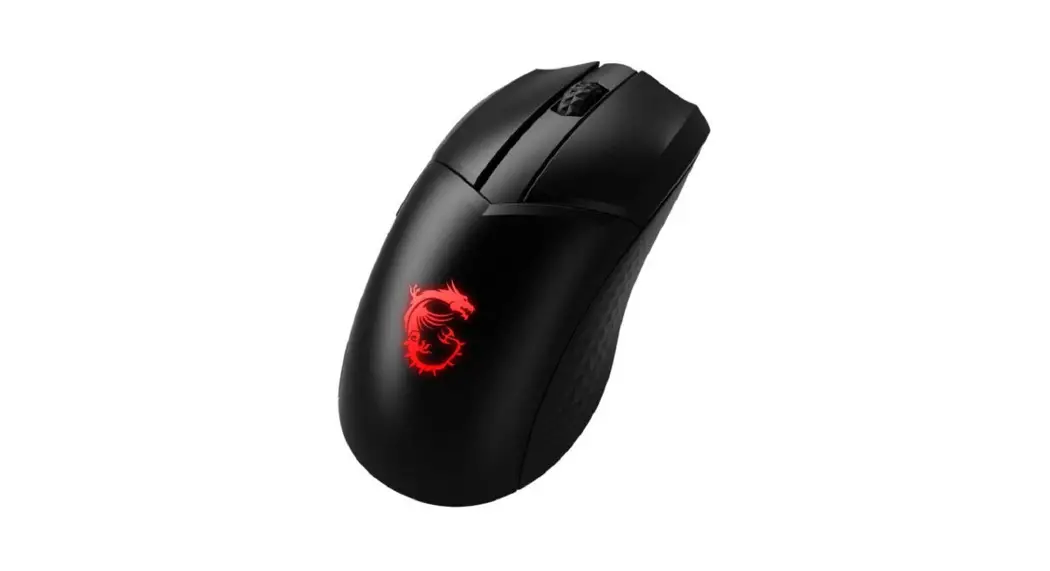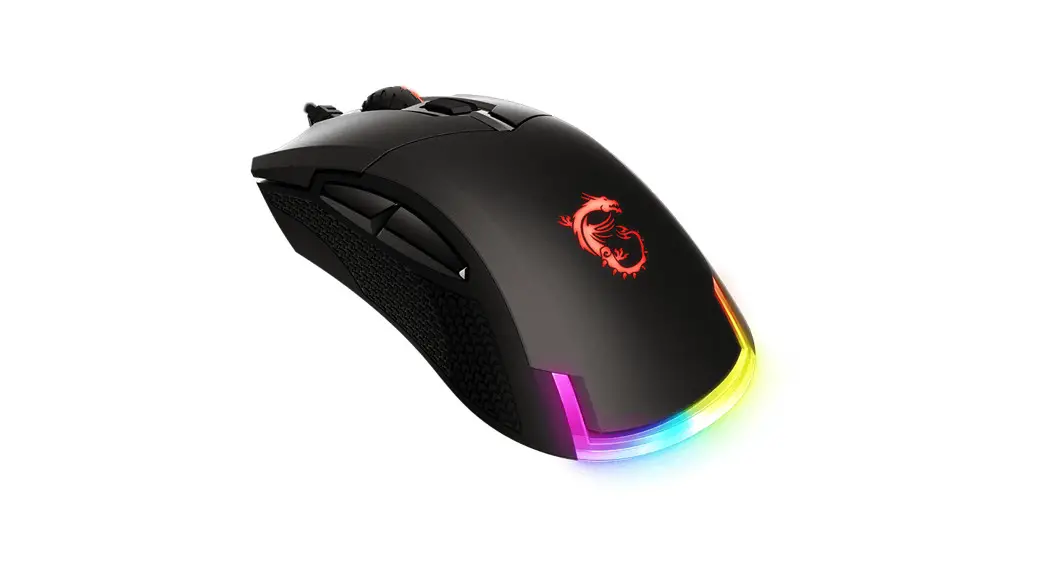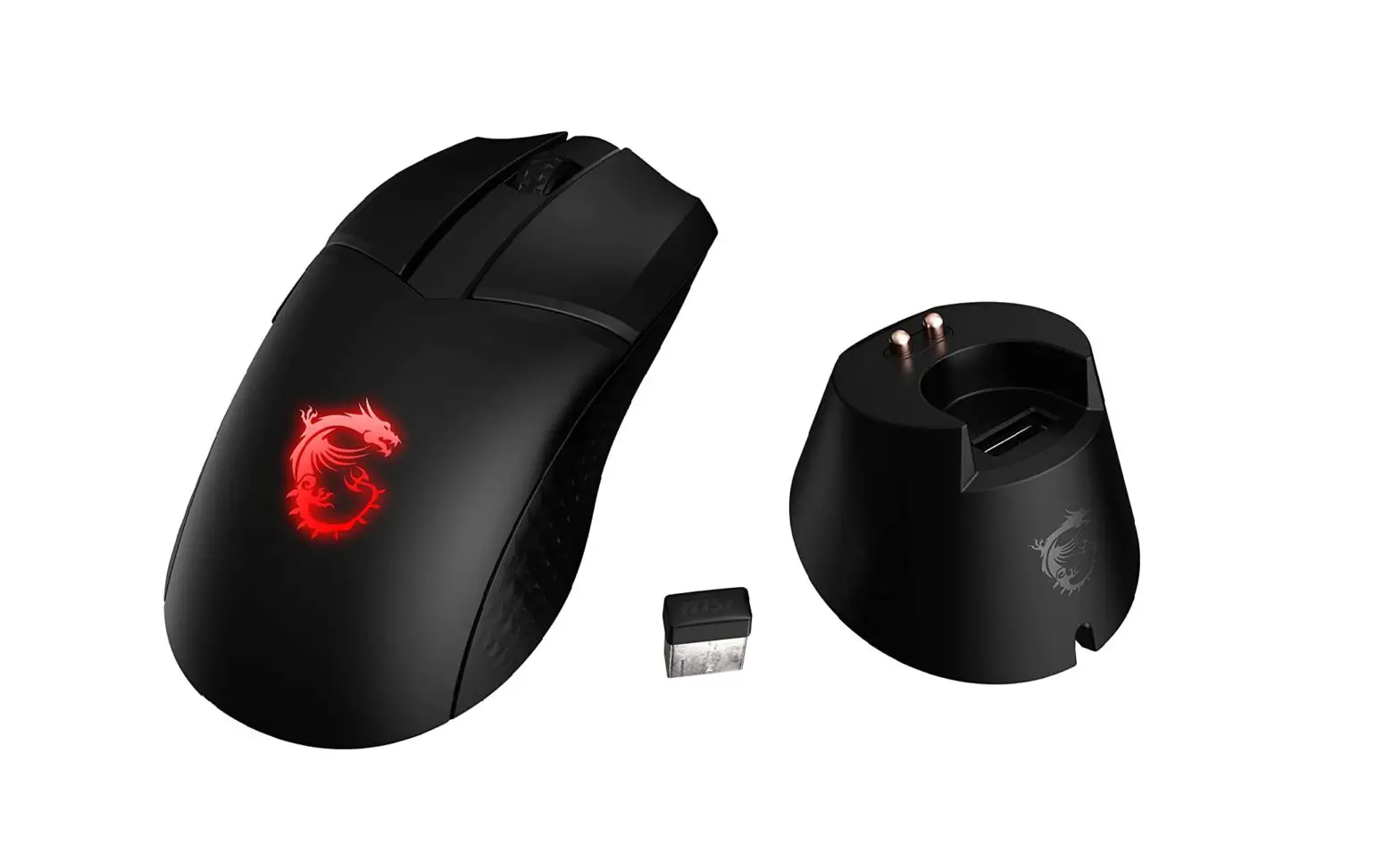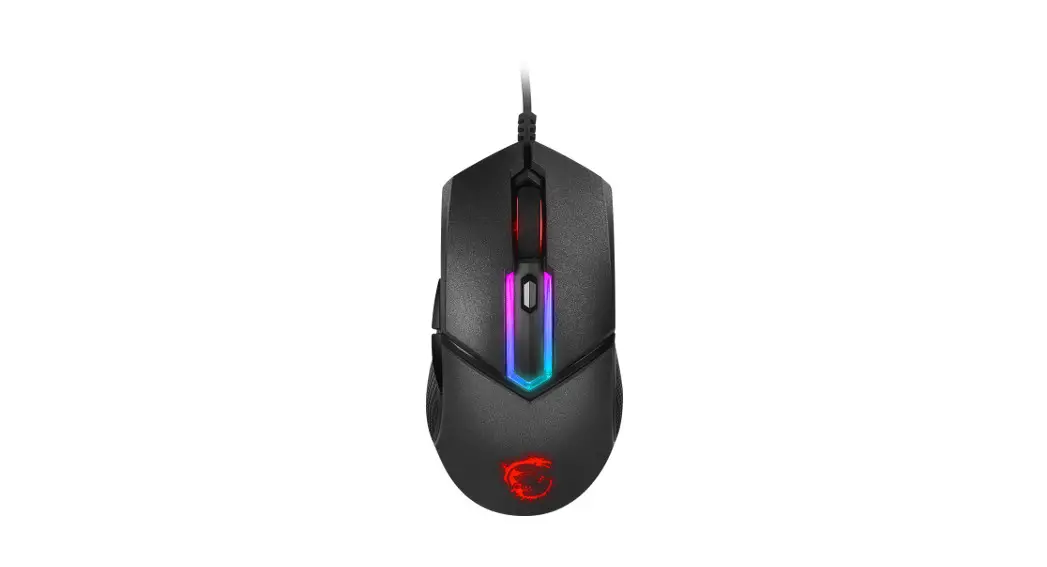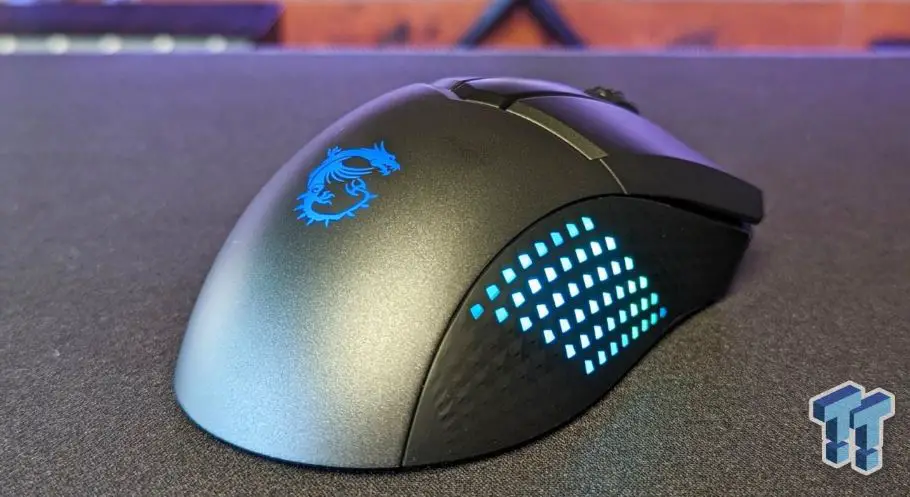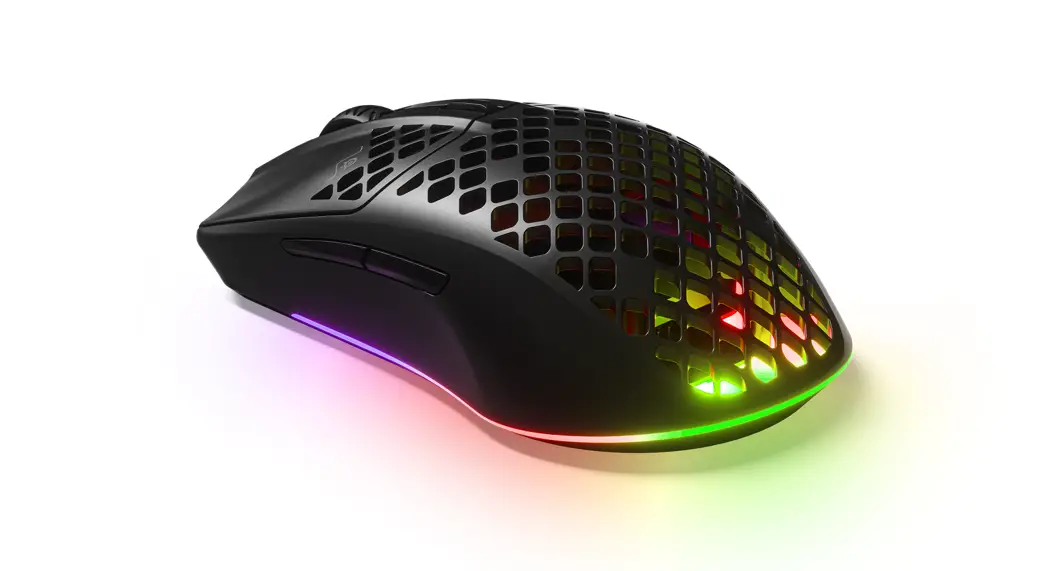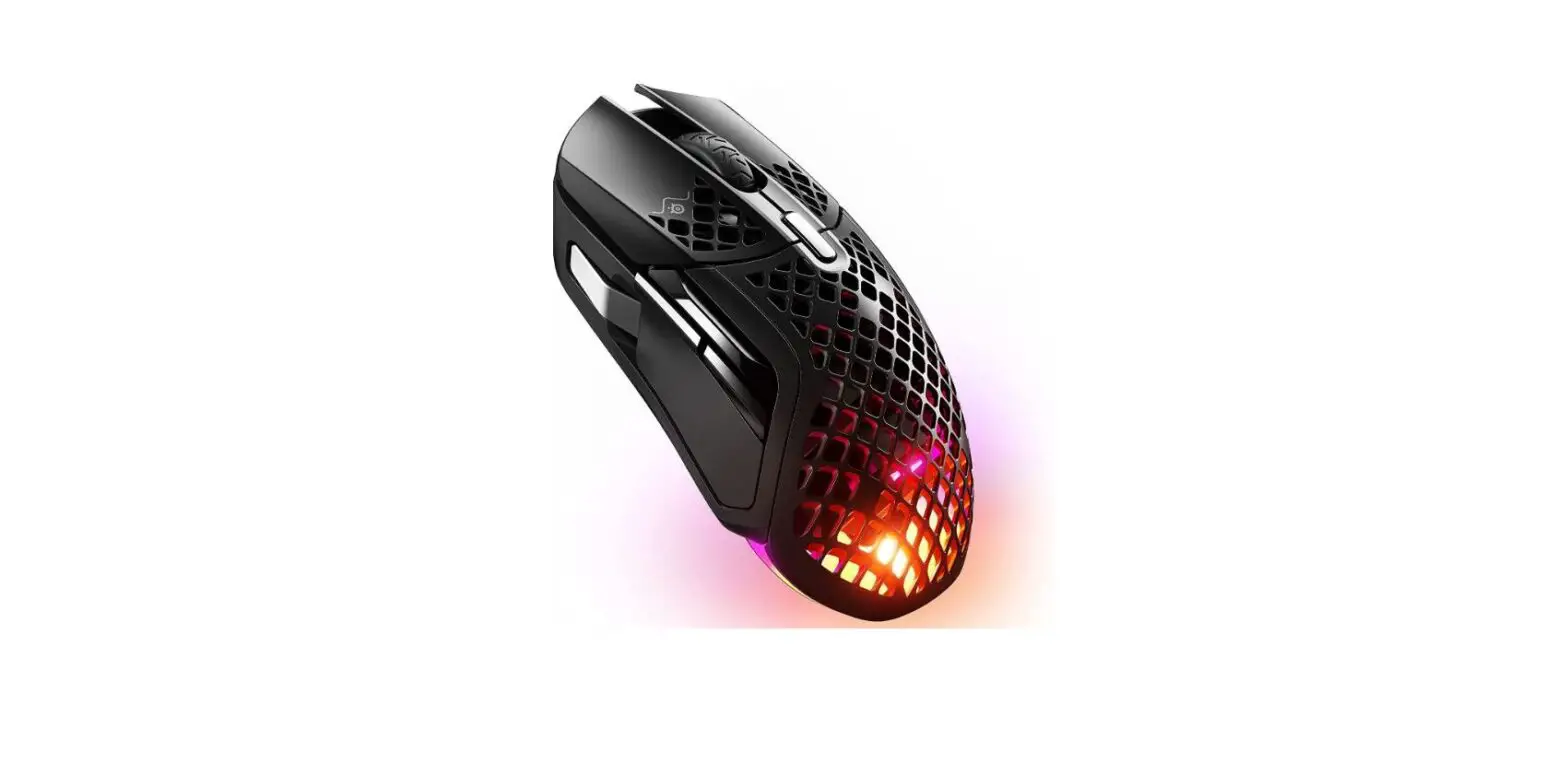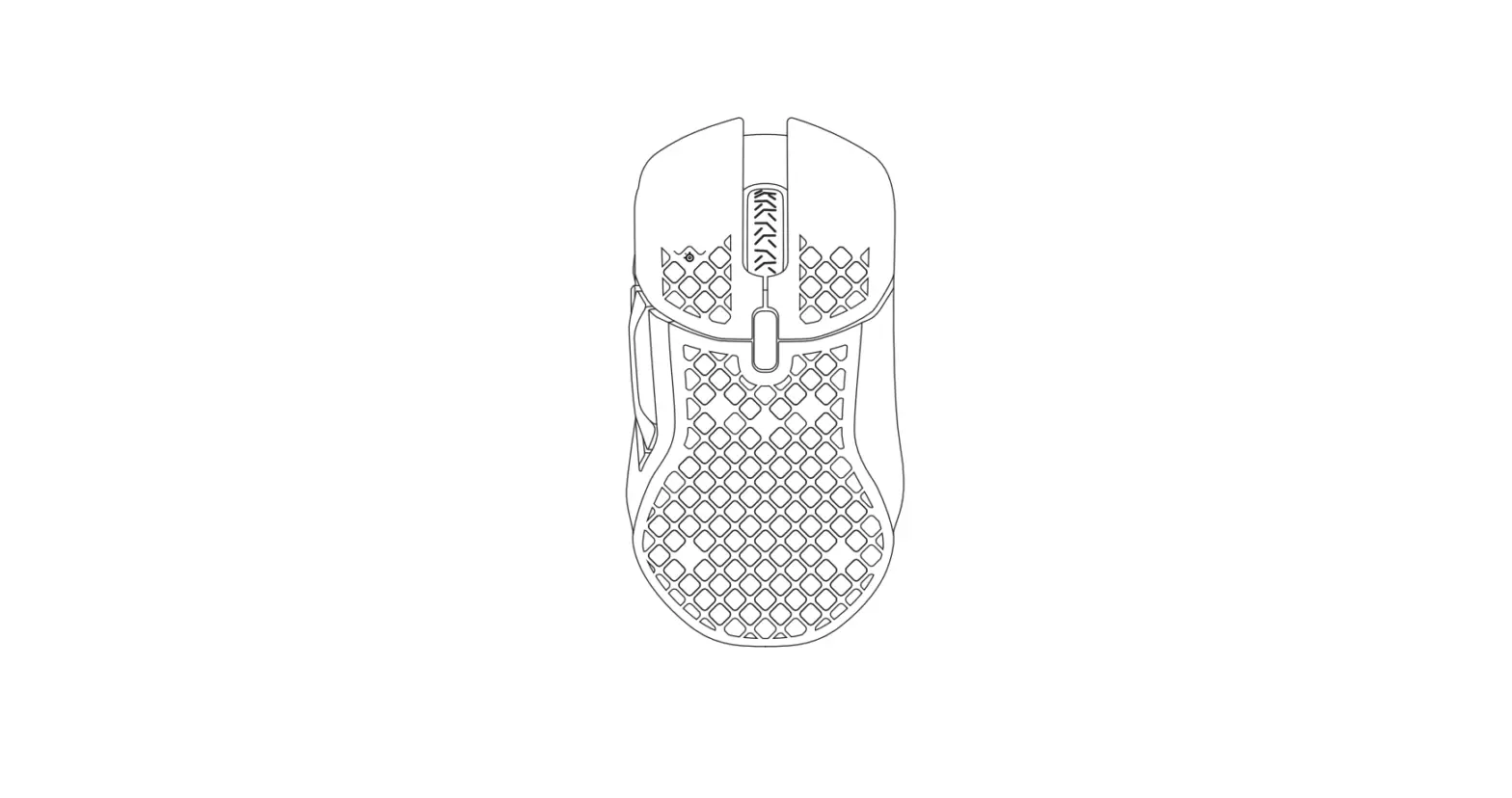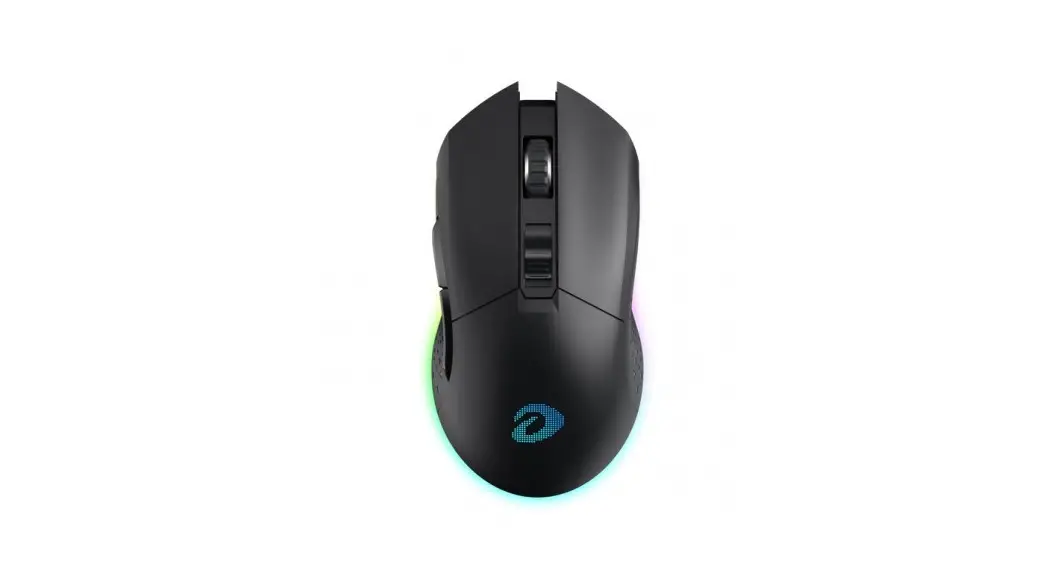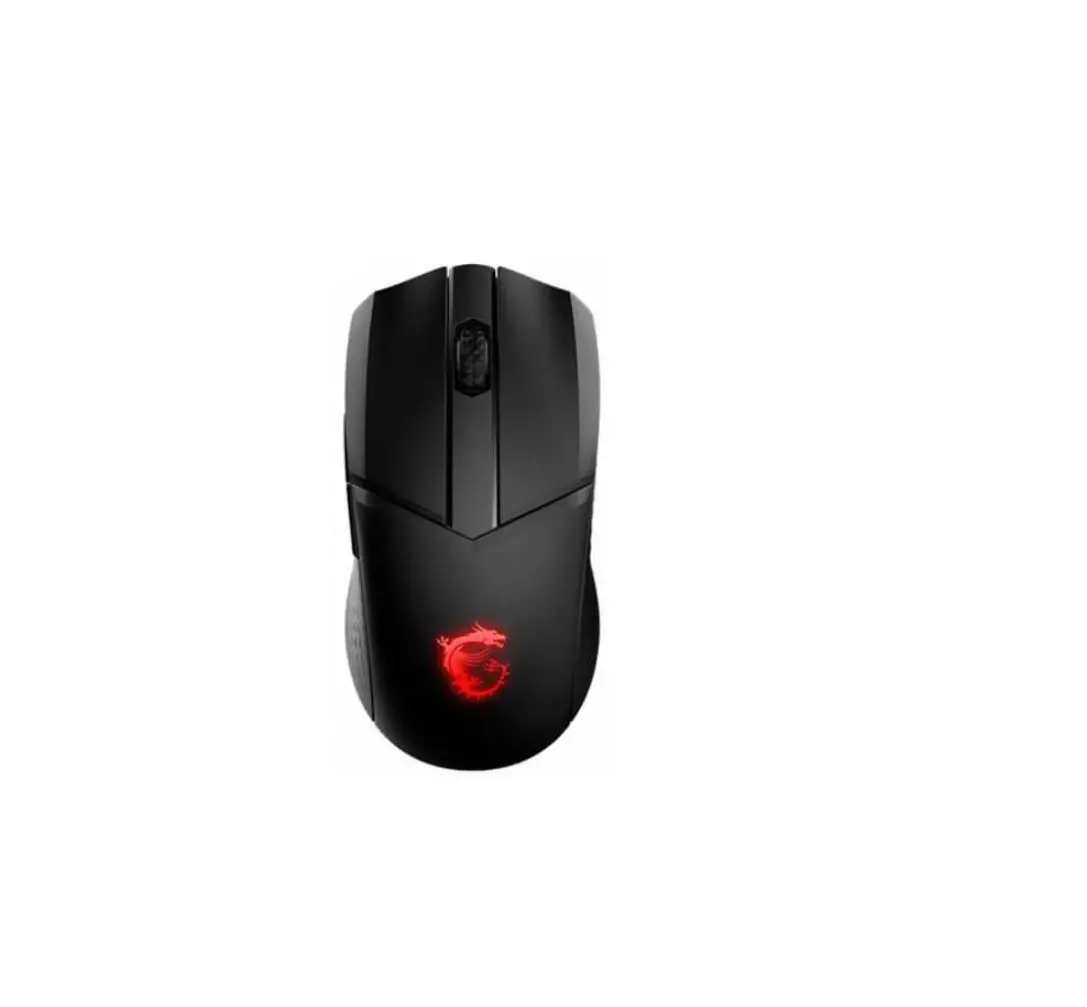

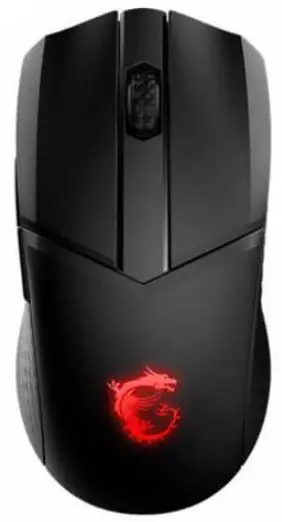
msi Clutch GM51 Lightweight Wireless Gaming Mouse
How to remove the battery
- Remove the PTFE feet from the bottom of the mouse.

- Remove the 4 screws from the bottom

- Separate the mouse’s top cover from the bottom, then unplug the battery connector from the PCBA board side.

- Pry the battery out. We recommend using a long flat metal tool.

- Remove the battery.

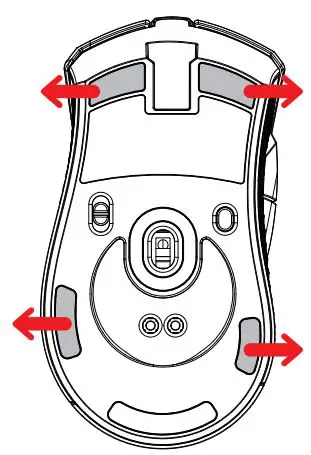
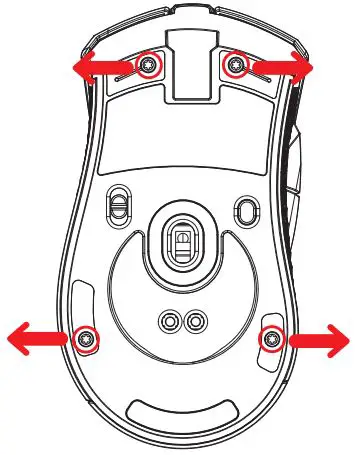
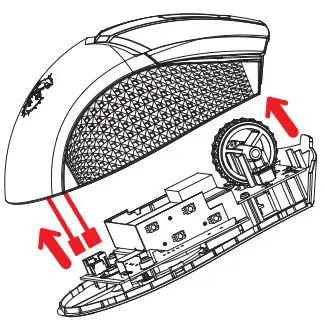
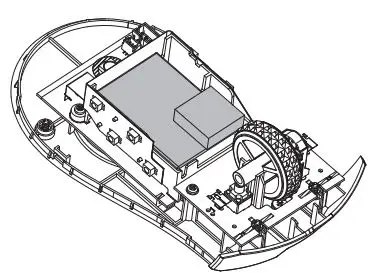
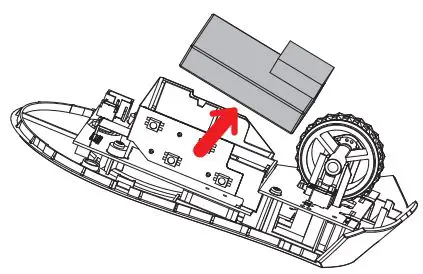
Battery Removal Instruction
The Battery Removal Instruction is only for users who intend to recycle the mouse and disassemble the battery for recycling.
* Please do not disassemble the mouse if it is not necessary to avoid damaging the mouse and violating the warranty policy.