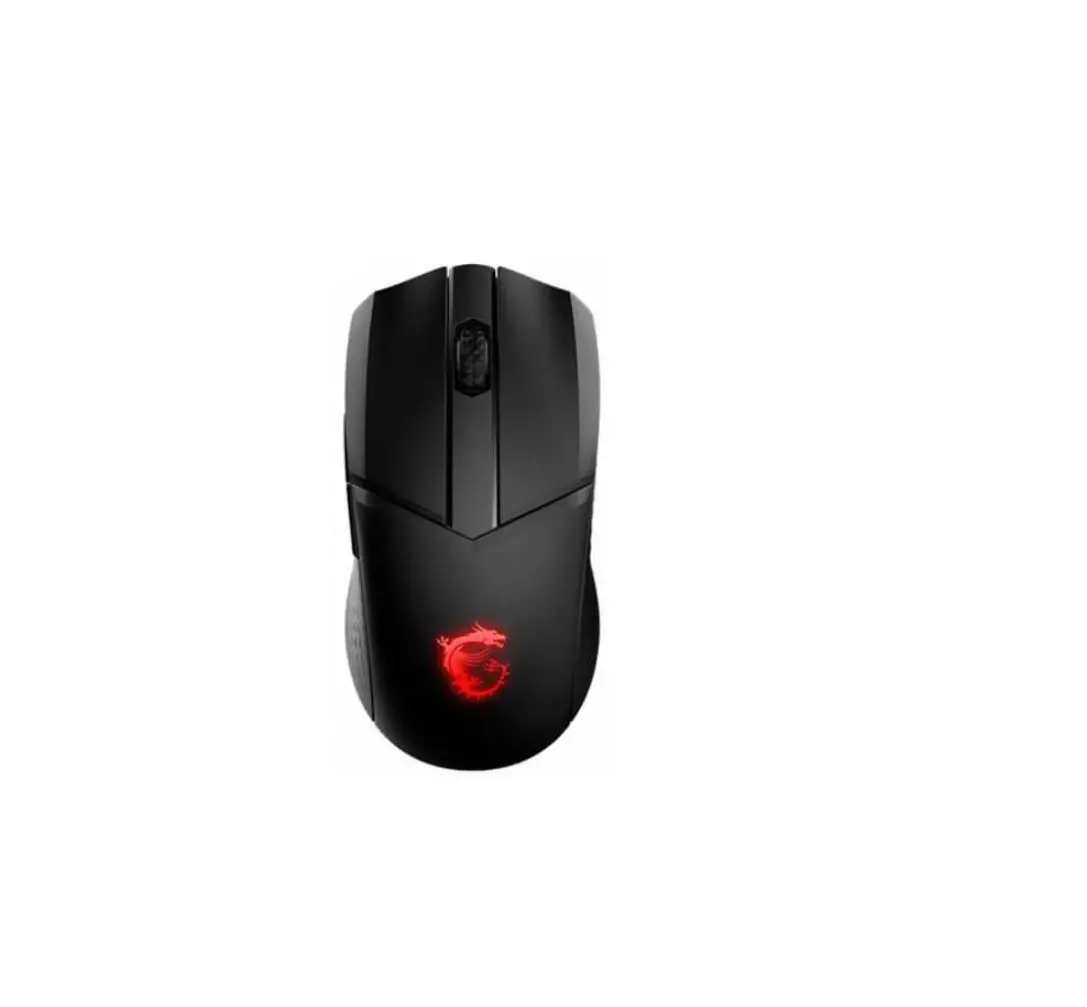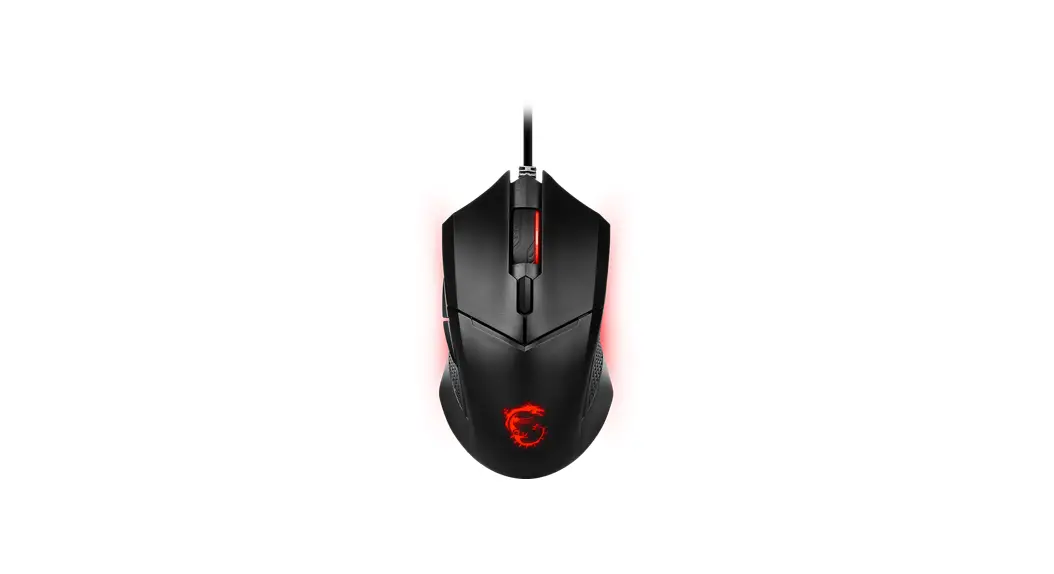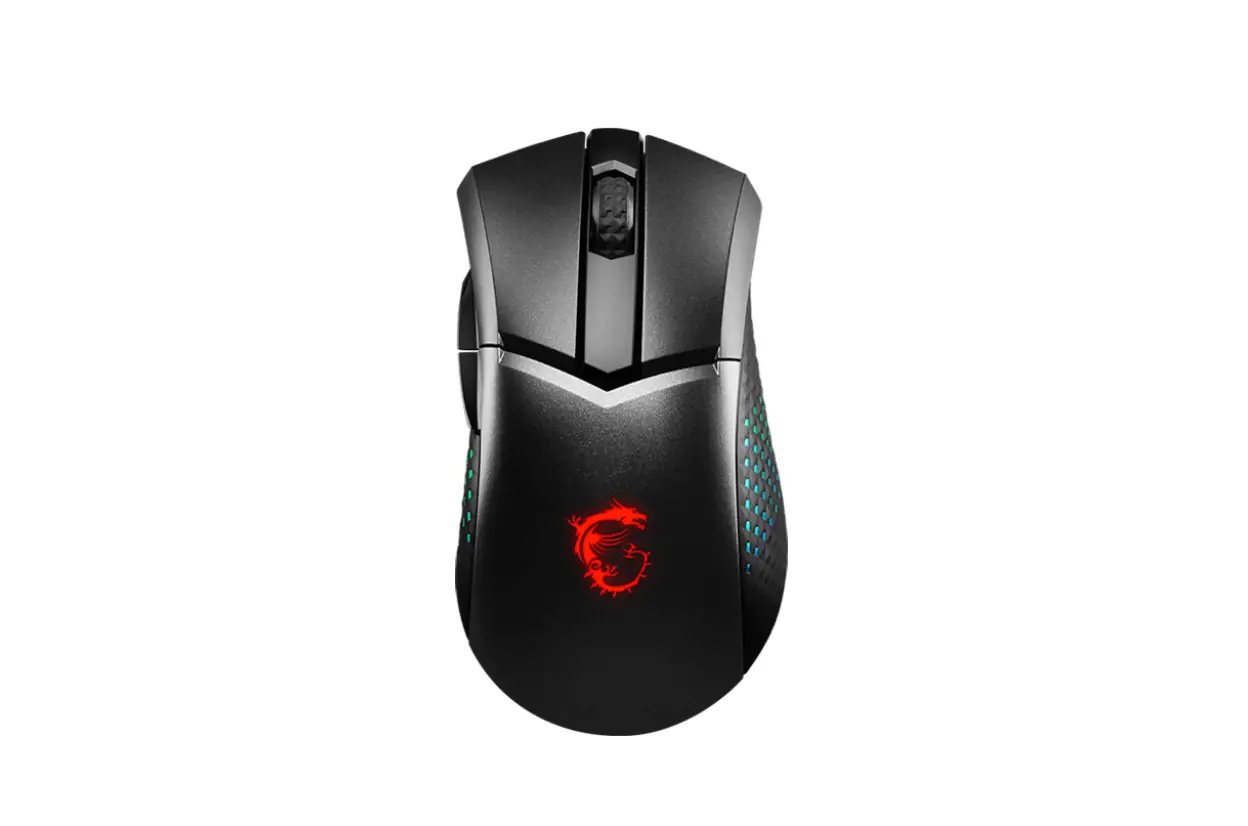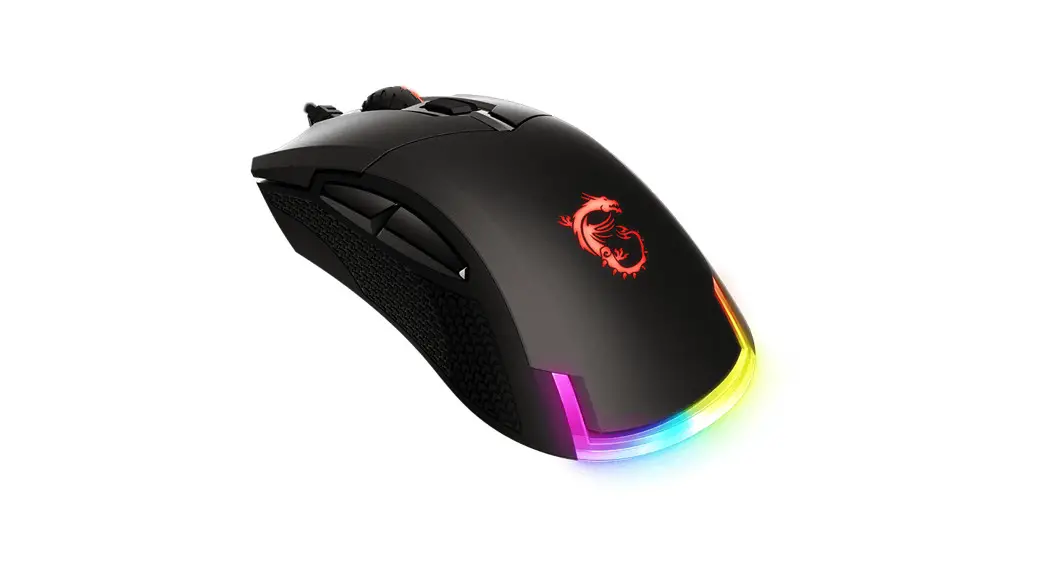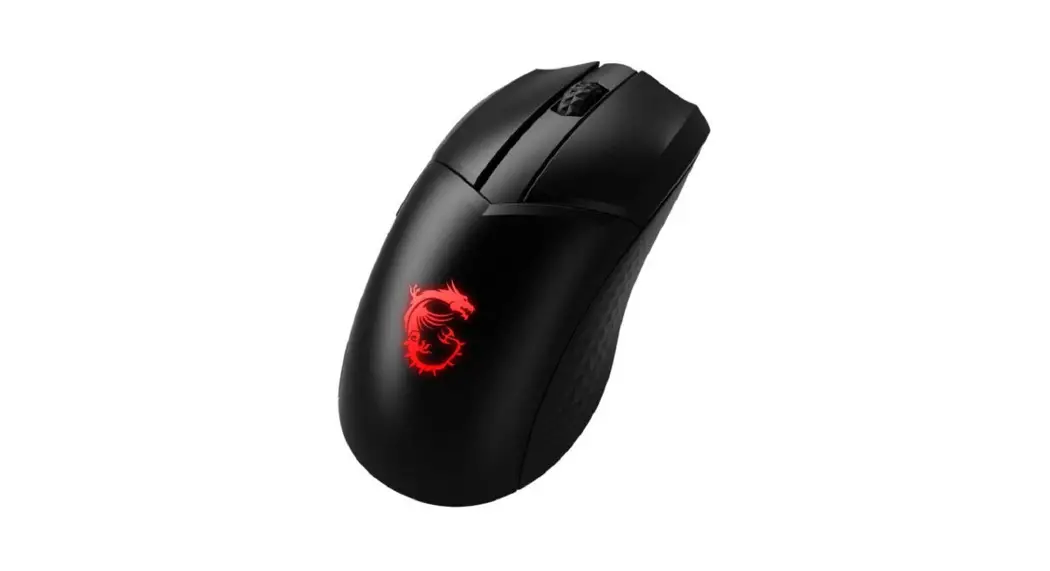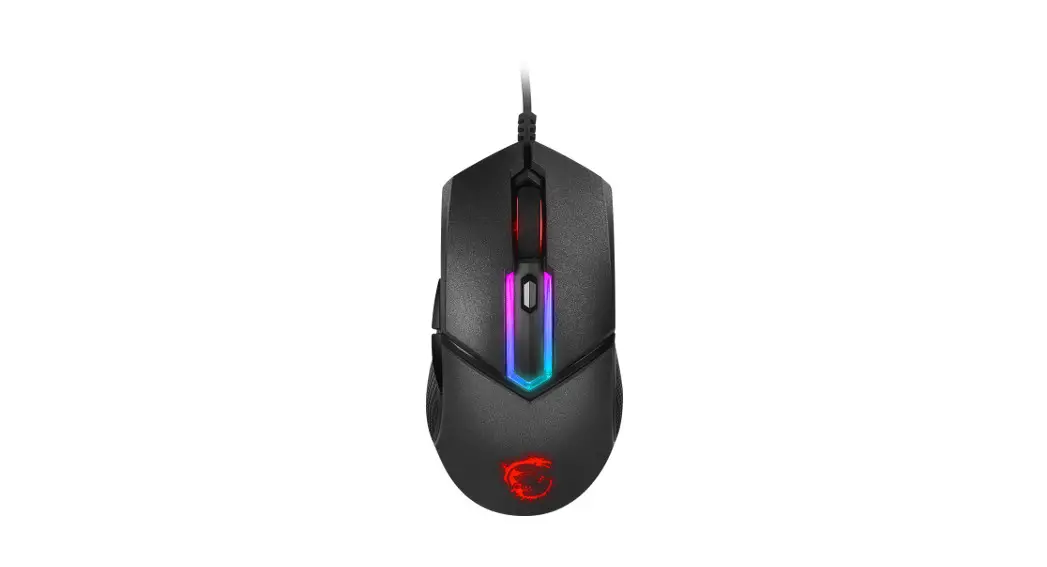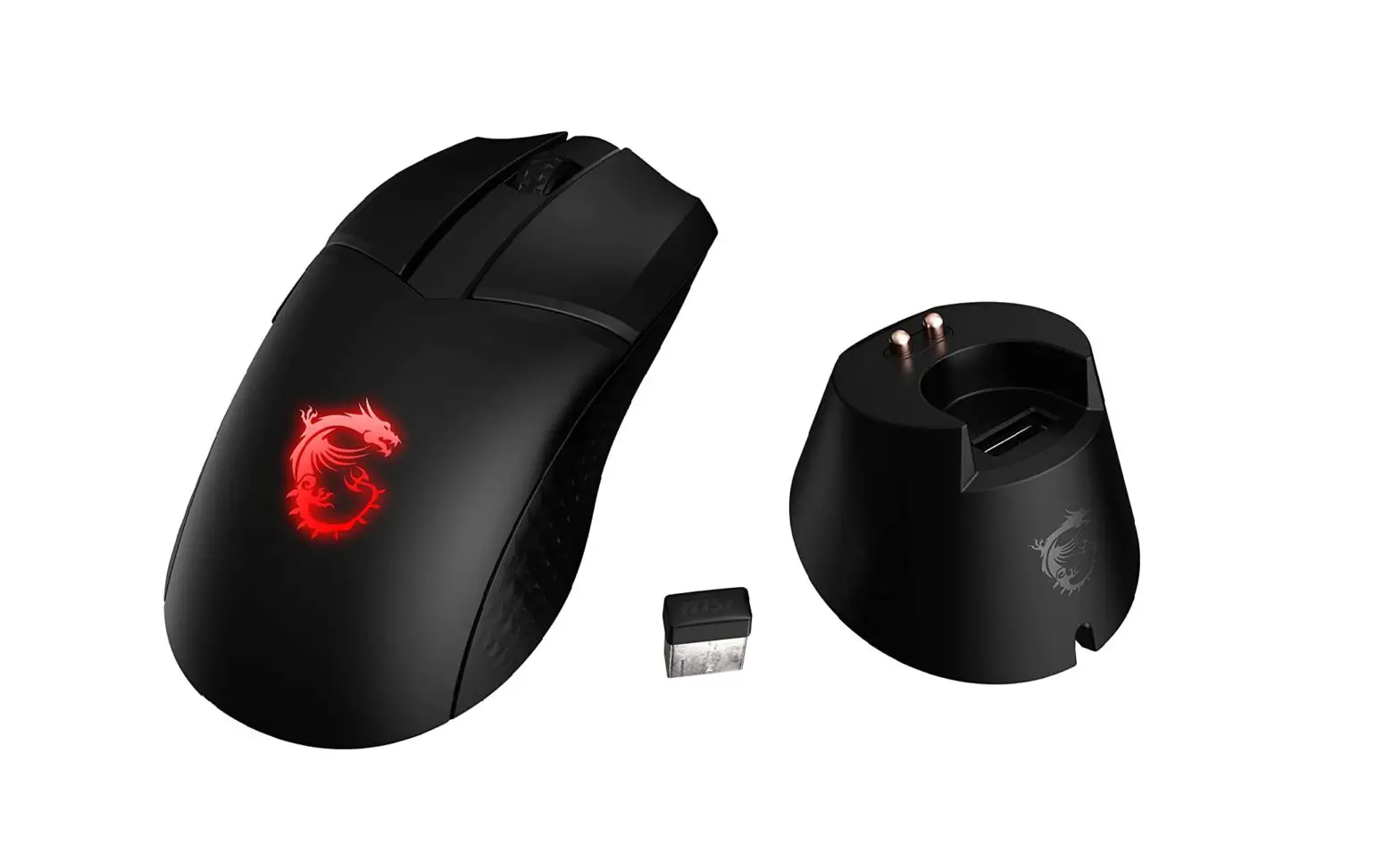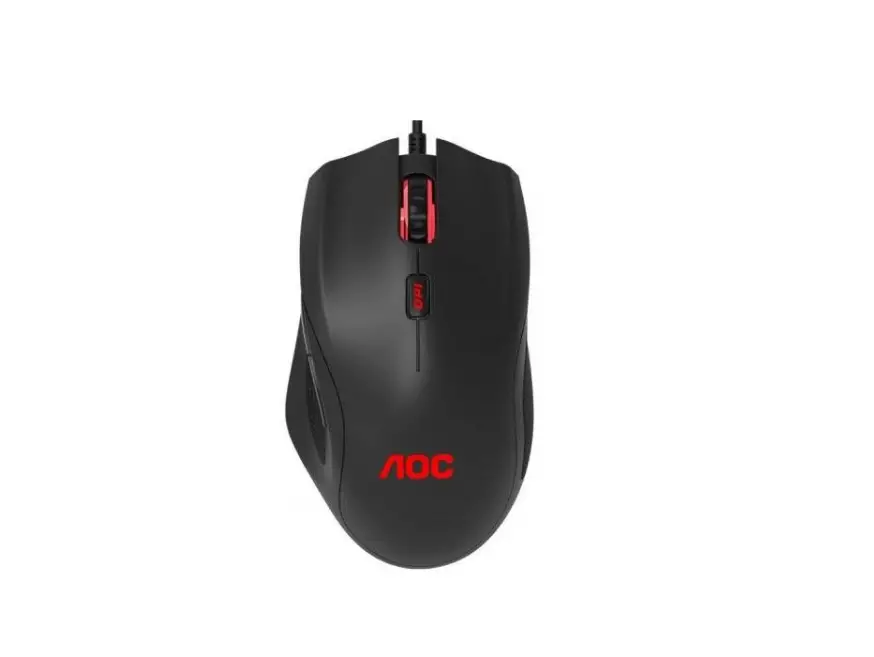
 Clutch
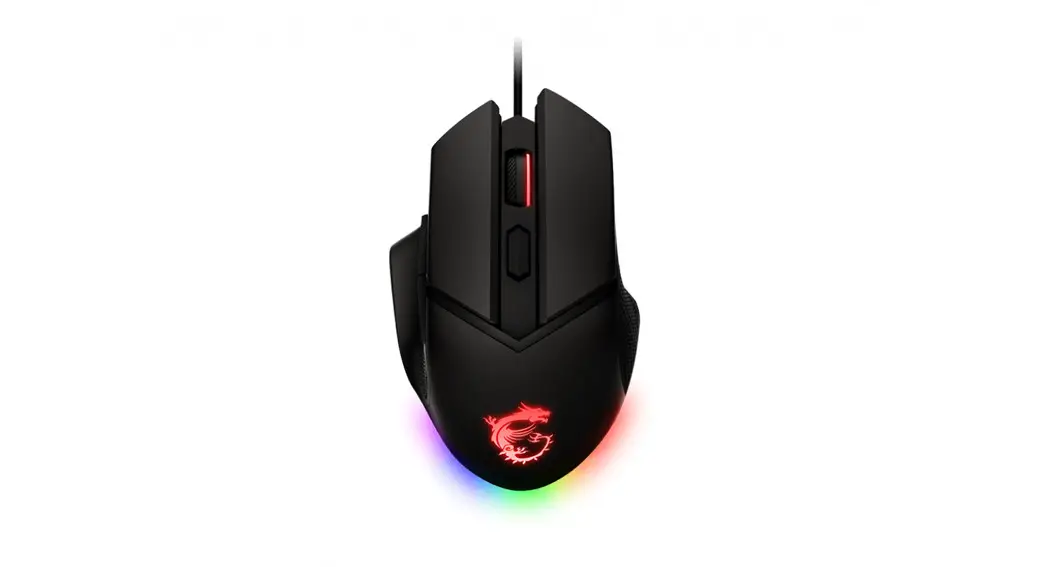
GM20 ELITE
GAMING MOUSE
Overview
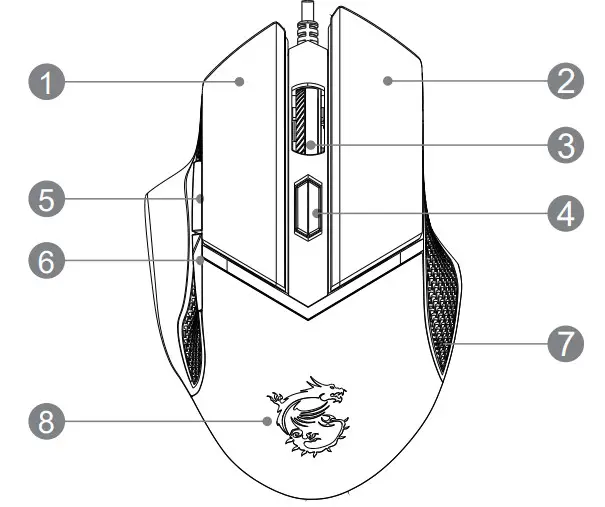
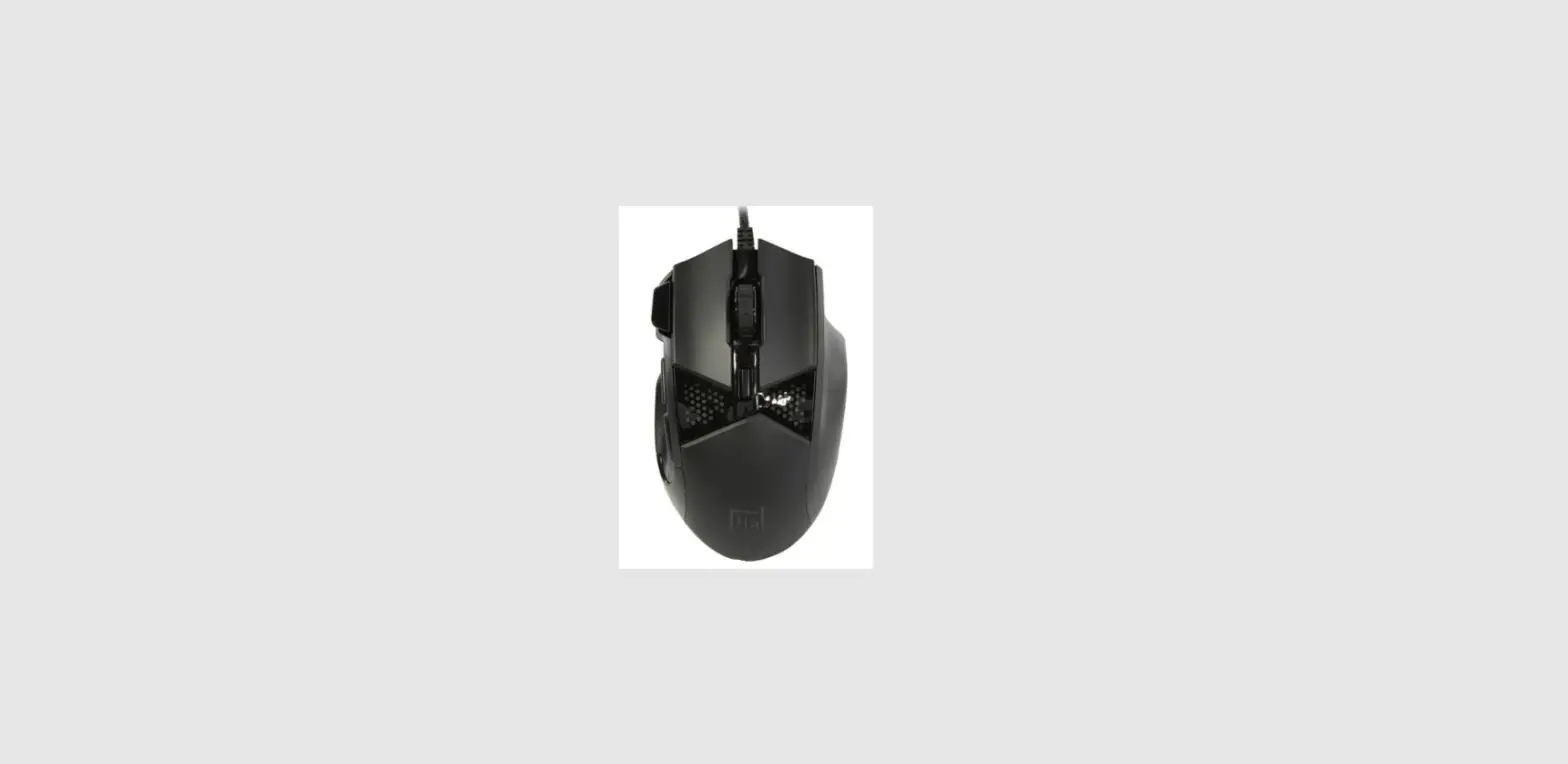
| 1. Left Button | 5. Side Button 1 (Default Setting: Next Page) |
| 2. Right Button | 6. Side Button 2 (Default Setting: Previous Page) |
| 3. Scroll Wheel | 7. Anti-slip Side Grip |
| 4. DPI Switch | 8. Dragon LED |
LED Indicators Adjustment
Use the following combination buttons repeatedly until a proper selection is made.
- DPI + Right Button = Brightness
- DPI + Scroll Wheel = Mode
- DPI + Side Button 1 = Speed
- DPI + Side Button 2 = Direction or Color
Preset Switchable DPI: 400/800/1600/3200/6400
※ For more information, please visit MSI official website.
Adjust the Weight
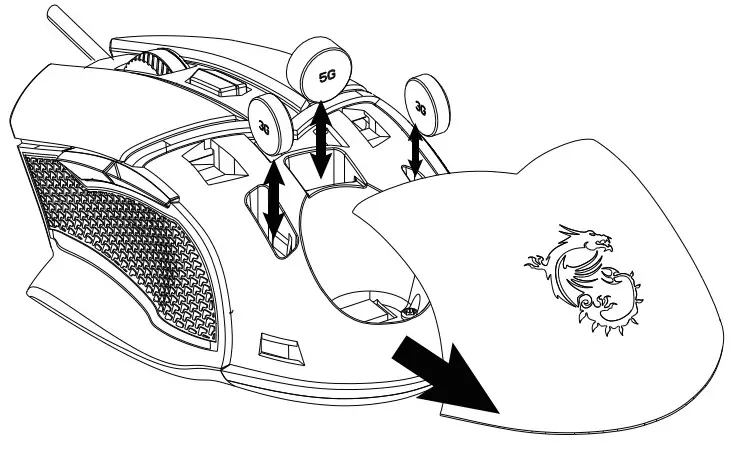
- Push and slide away from the upper cover.
- Place or take out the weight as needed.
- Install and close the upper cover.
RoHS Statements
| CLUTCH GM20 ELITE | |||||
| (Pb) | (Hg) | (Cd) | (Cr+6) | (PBB) | (PBDE) |
| - | O | O | O | O | O |
| O | O | O | O | O | O |
| O | O | O | O | O | O |
| O | O | O | O | O | O |
Micro-Star INT’L CO., LTD.
No.69, Lide St., Zhonghe Dist., New Taipei City 235,
Taiwan tel:-i-886-2-3234-5599
fax:+886-2-3234-5488
www.msi.corn
 MSI España