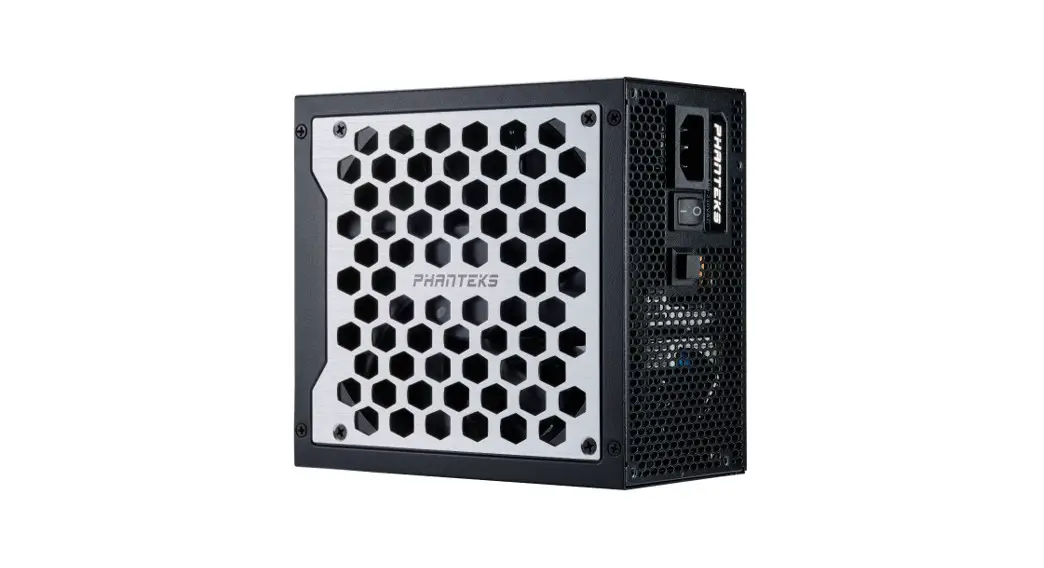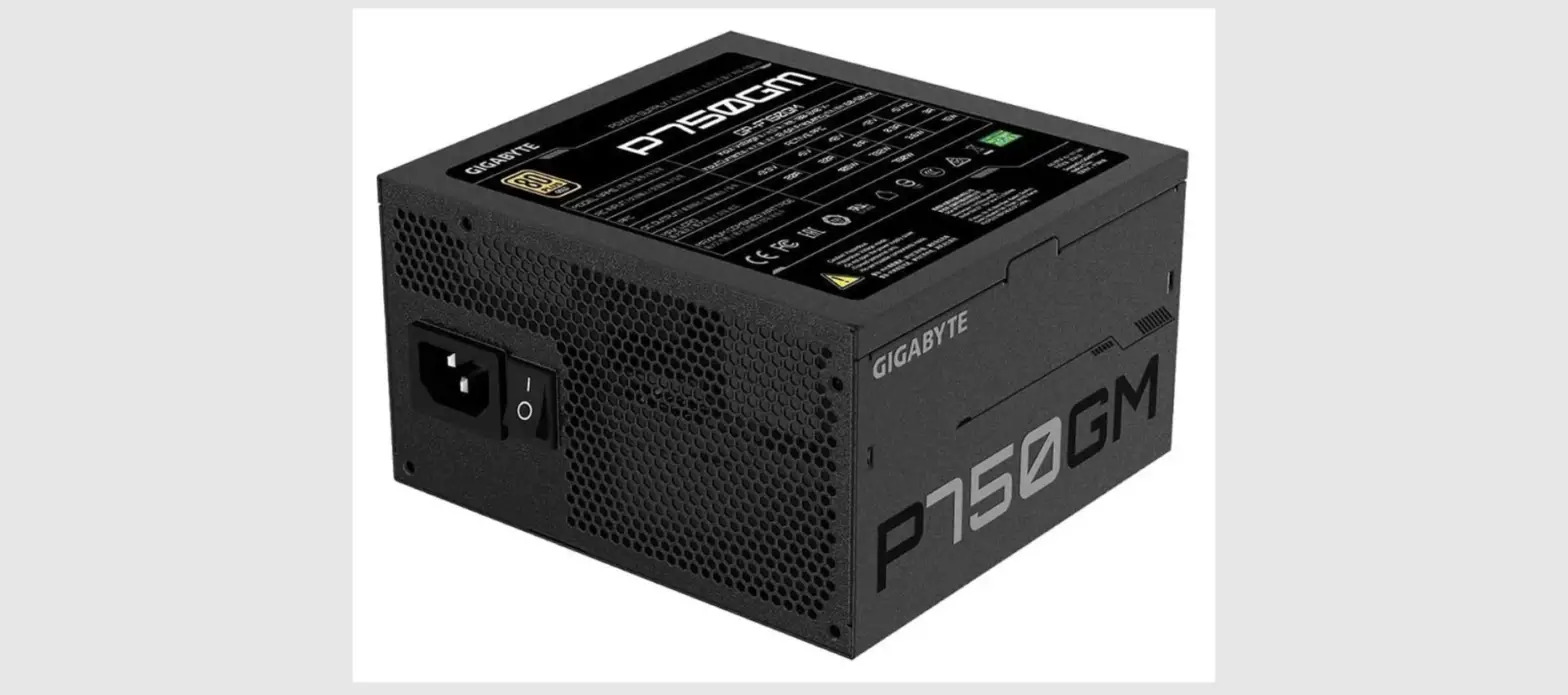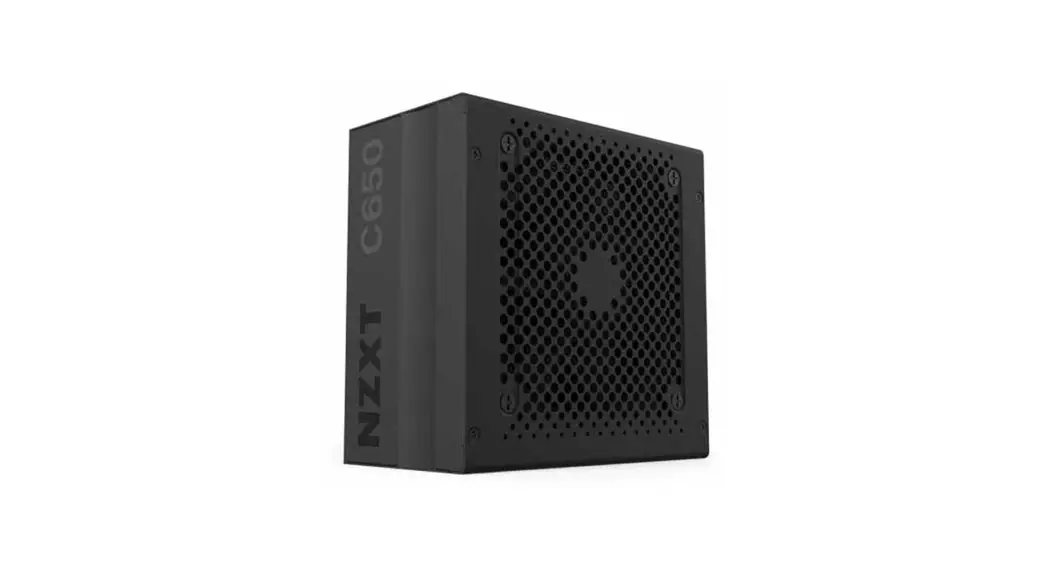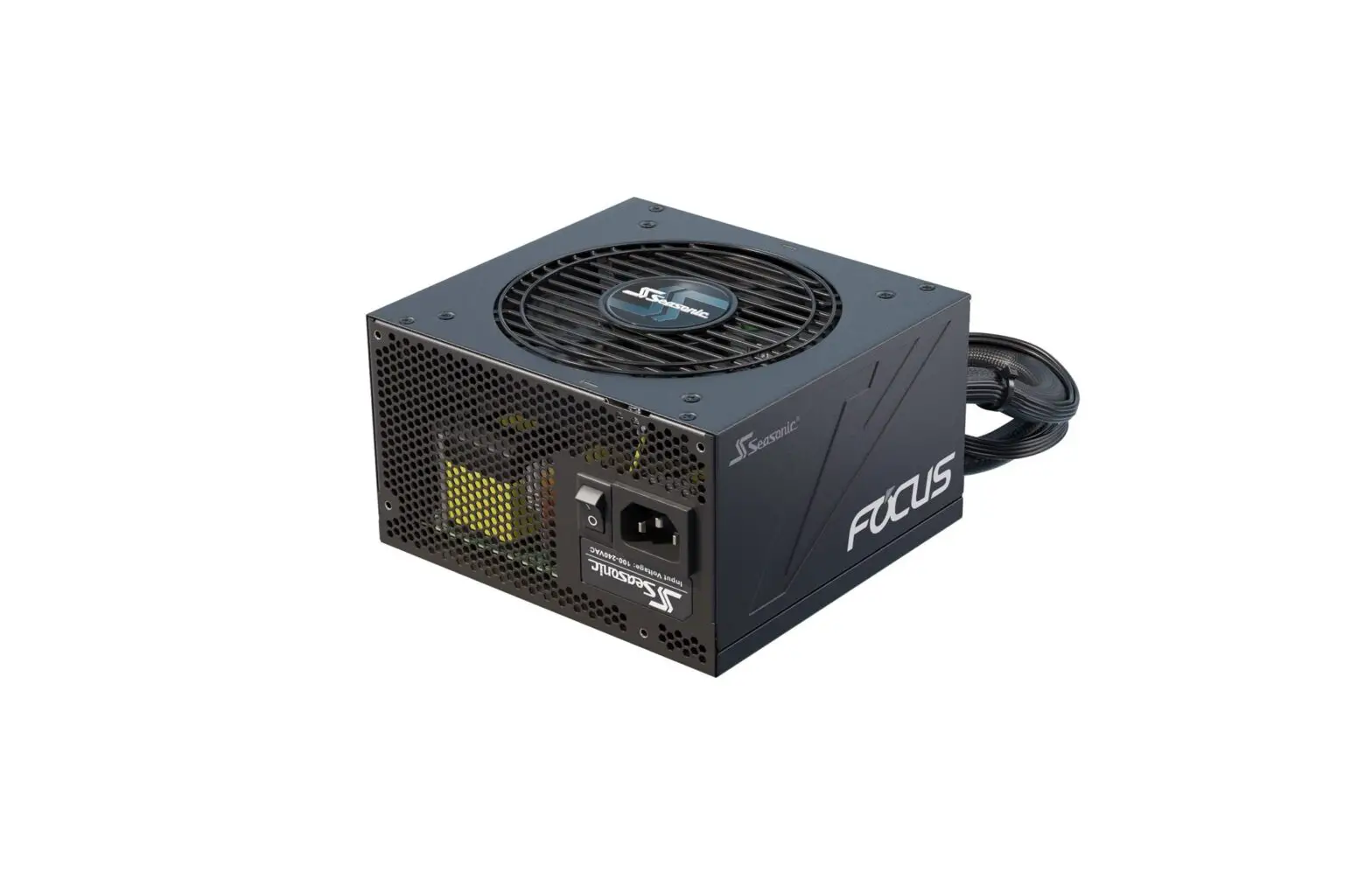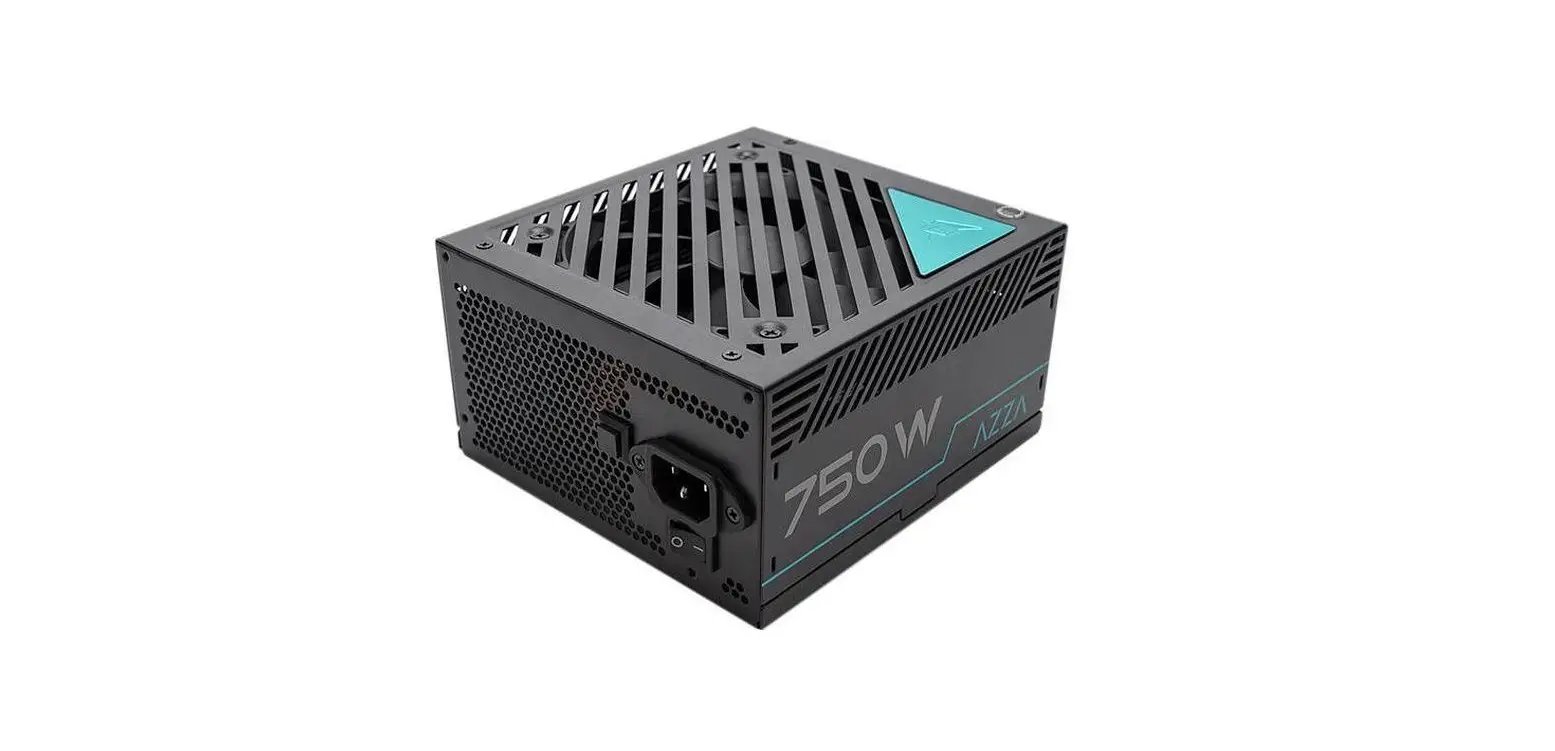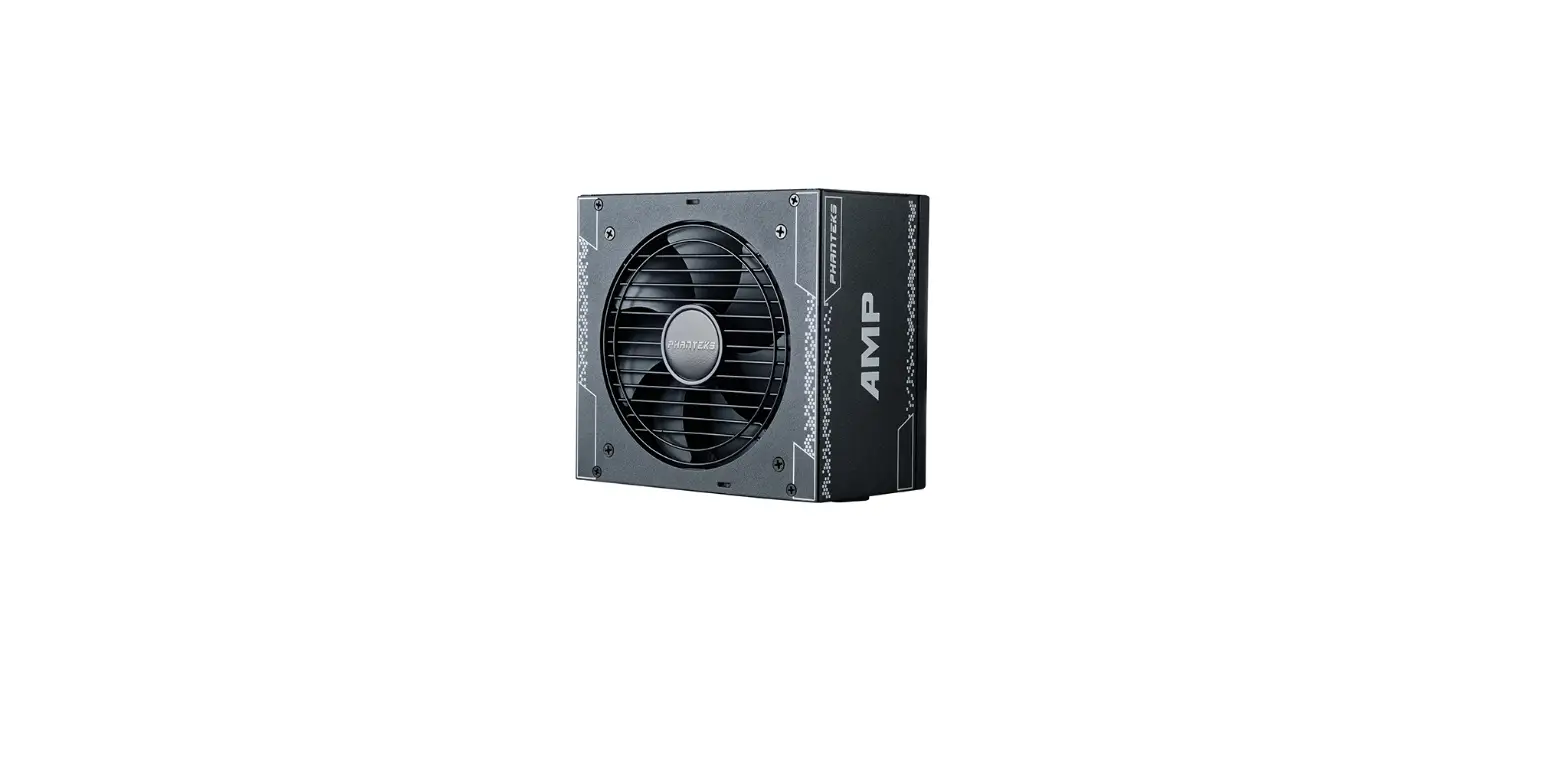

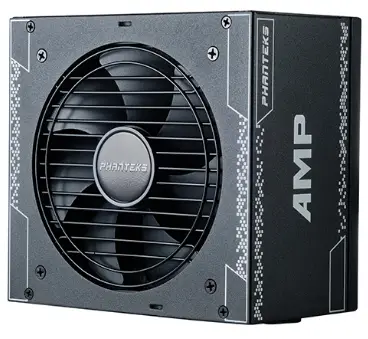
PHANTEKS PH-P650GH_01 AMP GH Modular Power Supply
Product Information
Phanteks AMP GH Power Supply
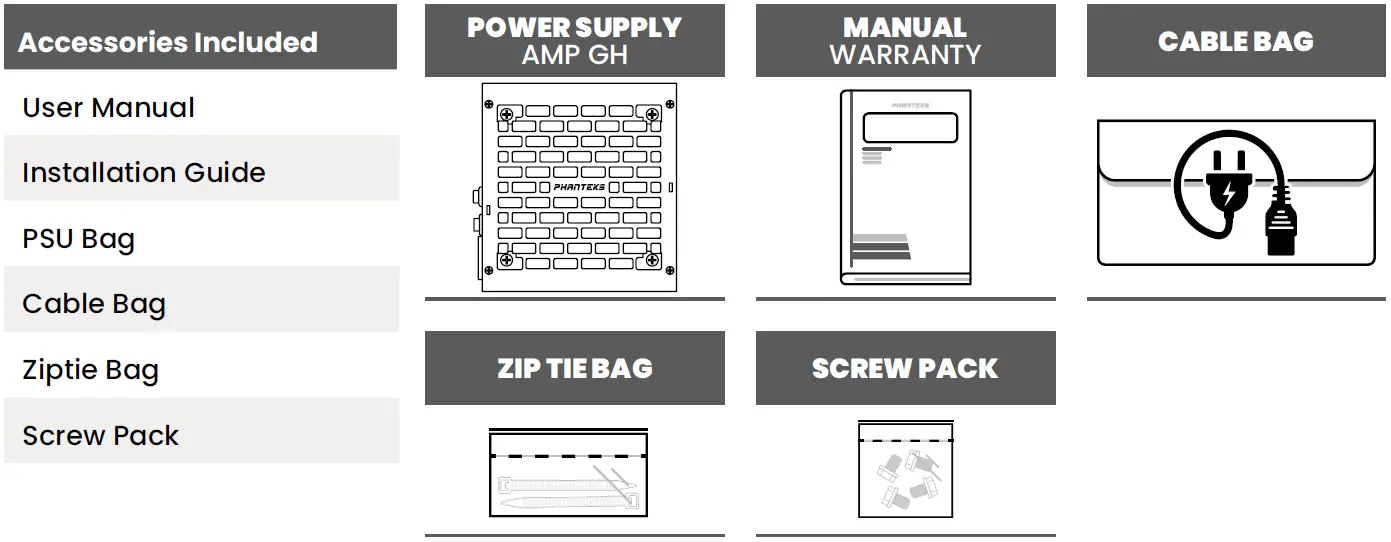
The Phanteks AMP GH Power Supply is available in six different models, including PH-P650GH_01, PH-P750GH_01, PH-P850GH_01, PH-P1000GH_01, PH-P1200GH_01, and PH-P1300GH_01. The power supply comes with various accessories, including an installation guide, PSU bag, cable bag, zip tie bag, screw pack, and user manual. It also includes several cables with different connectors such as motherboard 24-pin, CPU 4+4-pin, PCIe 6+2-pin, 12VHPWR 12+4-pin, SATA, SATA/Molex, and C13 power cable. The power supply uses a hybrid fan mode that unlocks 0RPM fan speed when the load is under 30%, making it completely silent when under low load and temperature levels. The exact connector layout and quantity may differ depending on the model of the power supply. Product Usage Instructions
- Secure the power supply with the 4 included PSU screws by installing it into the chassis. Refer to the PC chassis manual for further installation details.
- Connect all necessary cables to the power supply according to the overview below. The connector layout and quantity may vary depending on the model of the power supply:
- Motherboard 24-pin
- CPU 4+4-pin
- PCIe 6+2-pin
- SATA
- SATA/Molex
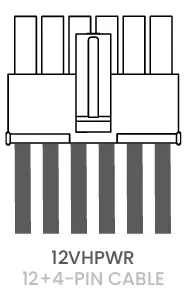
- 12VHPWR 12+4-pin
- Connect all power cables to the corresponding system components, following the manufacturer’s instructions for additional information.
- The AMP GH is equipped with a 12VHPWR PCIe Gen5 GPU connector and cable. Note that a compatible GPU is required.
- Connect the power cable to the power supply and a grounded power outlet respectively. Ensure that the power supply is turned off before connecting it to a power outlet.
- Use the Hybrid Fan Mode to unlock 0RPM fan speed when under 30% load. This will make the power supply absolutely silent under low load and temperature levels. Hybrid Fan Mode is turned on when the button is pressed in, and off when pressed again.
- Switch the power button to the ‘I’ position to turn on your system. When making any changes to the hardware, be sure that the power button is switched from the ‘I’ to the ‘O’ position so that the power supply is turned off.
- Only use Phanteks cables that are provided with the power supply. If there are any questions, please don’t hesitate to visit www.phanteks.com/FAQ for more details. Phanteks will not take responsibility for any damages incurred due to incorrect installation or usage of this product.
INSTALLATION GUIDE SUPPORTS
- PH-P650GH_01
- PH-P750GH_01
- PH-P850GH_01
- PH-P1000GH_01
- PH-P1200GH_01
- PH-P1300GH_01
INSTALL PSU INTO CHASSIS
Secure the power supply with the 4x included PSU screws. Check the PC chassis manual for more installation details.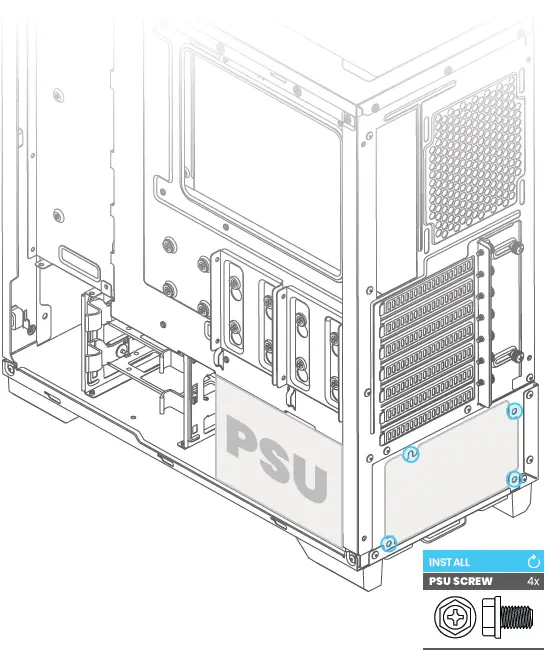
PRO TIP
Pre-connect all needed cables to the PSU before installing it into the chassis. See step 2
CONNECT CABLES TO PSU
Connect all needed cables to the power supply according to the overview below. The exact connector lay-out and quantity may be different depending on the model.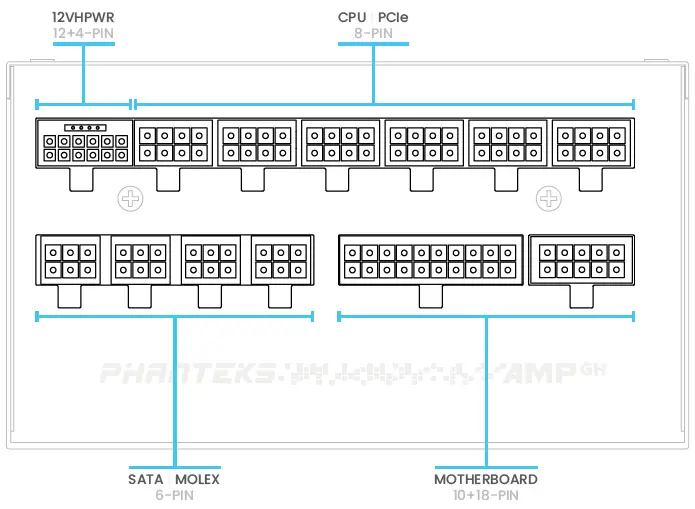
- Connectors may vary depending on model.
CONNECT CABLES TO SYSTEM COMPONENTS
Connect all power cables to the corresponding system components, please follow the manufacturers instructions for additional information.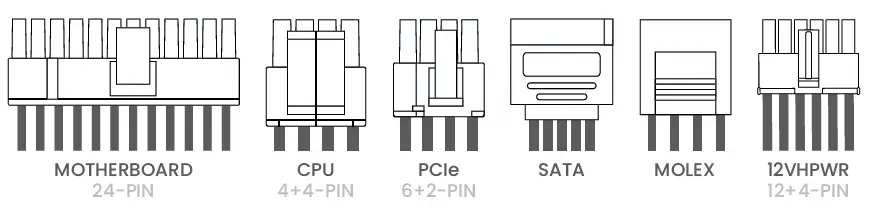
- The amount of cables may vary depending on model.
12VHPWR GPU CONNECTOR
The AMP GH is equipped with the 12VHPWR PCIe Gen5 GPU connector and cable. Note that a compatible GPU is required. The maximum power output depends on your AMP GH model:
| AMP Model | Output Watts |
| GH 1200 | Up to 600 |
| GH 1000 | Up to 600 |
| GH 850 | Up to 450 |
| GH 750 | Up to 450 |
| GH 650 | Not available |
CONNECT POWER CABLE
Connect the power cable to the power supply and a grounded power outlet respectively. Make sure the power supply is turned off O before connecting it to a power outlet.
HYBRID FAN MODE
Use the Hybrid Fan Mode to unlock the 0RPM fan speed when under 30% load. This will make the power supply absolutely silent under low load and temperature levels. Hybrid Fan Mode is turned on when the button is pressed in, and off when pressed again.
BE SAFE!
Switch the power button to the I position to turn on your system. When making any changes to the hardware, be sure that the power button is switched from the I to the O position so the power supply is turned off. Only use Phanteks cables that are provided with the power supply. If there are any questions, please donâ hesitate to visit www.phanteks.com/FAQ for more details. Phanteks will not take responsibility for any damages incurred due to incorrect installation or usage of this product.
ACCESSORIES INCLUDED
CABLES INCLUDED
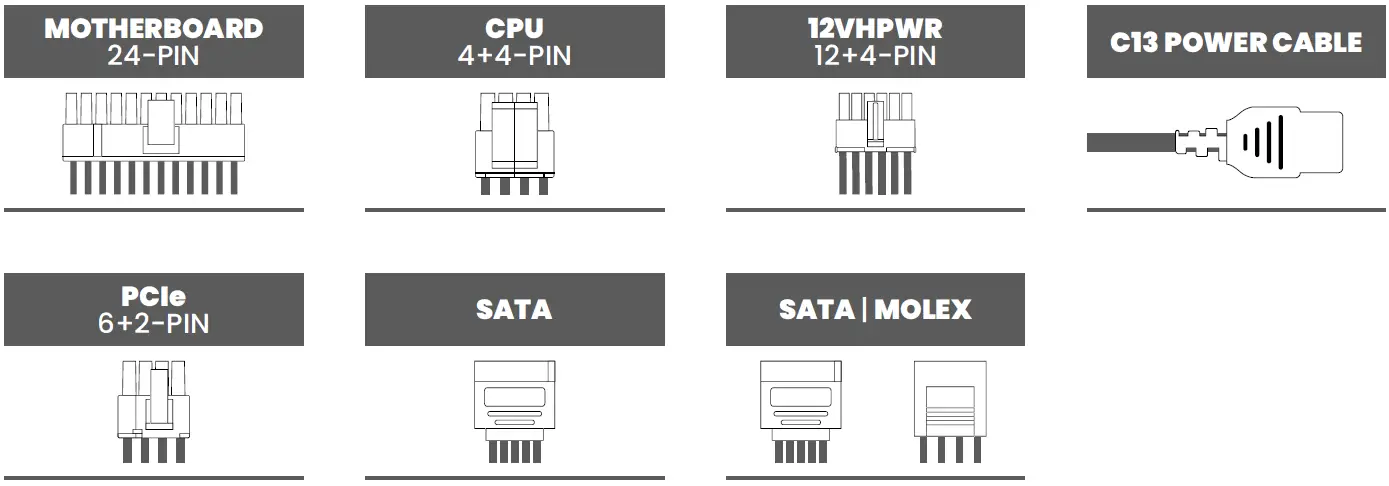
| Cable Type | Connectors per Cable | Length per Cable (mm) |
| Motherboard 24-PIN | 1 | 610 |
| CPU EPS 4+4-PIN | 1 | 650 |
| PCIe 6+2-PIN | 1 | 750 |
| 12VHPWR 12+4-PIN | 1 | 720 |
| SATA | 4 | 450 – 150 | 150 | 150 |
| SATA | Molex | 2 | 2 | 450 – 150 | 150 | 150 |
| C13 Power Cable | 1 | 1500 |
- The amount of cables may vary depending on model.
SOCIAL MEDIA
- Instagram
Phanteks - Facebook
Phanteks - YouTube
Phanteks - Twitter
@phanteks
SUPPORT
US & Canada
[email protected]
International
[email protected]