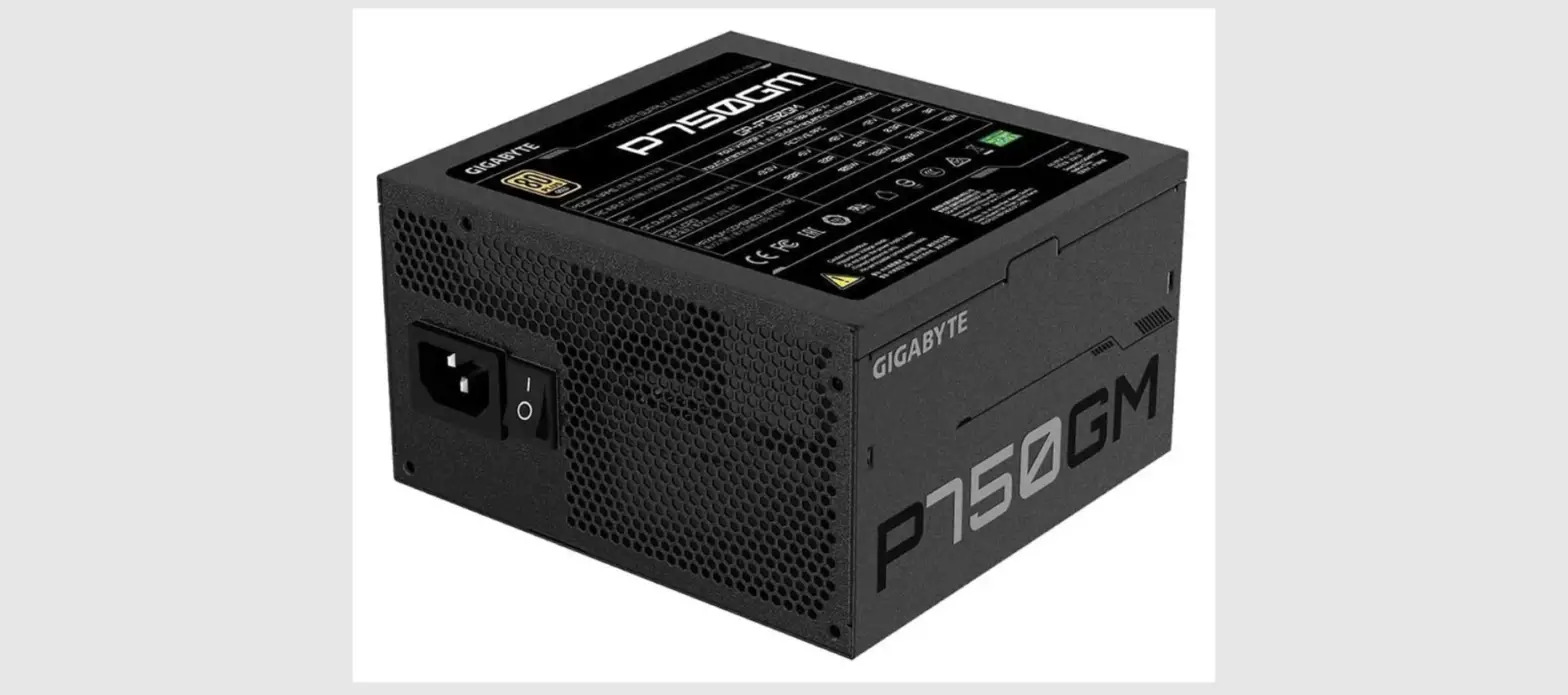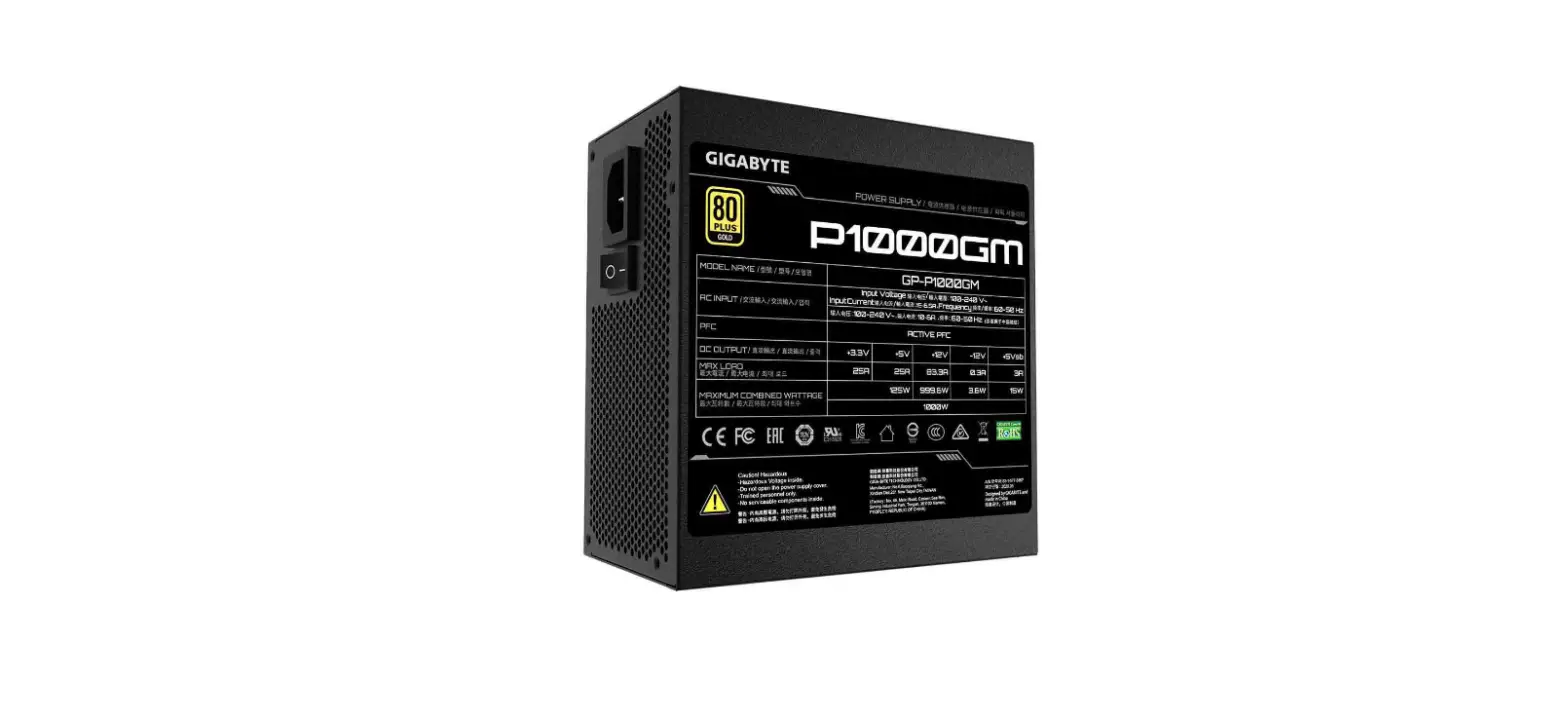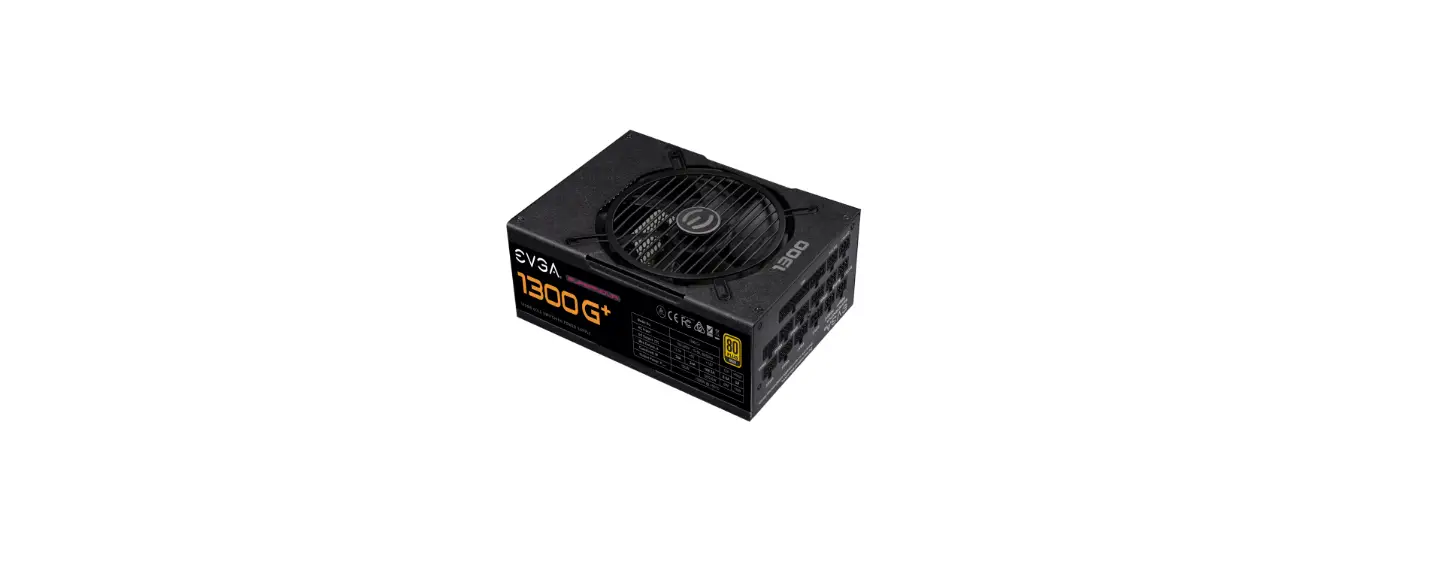

HELIOS P2 1300G Gold Fully Modular Power Supply
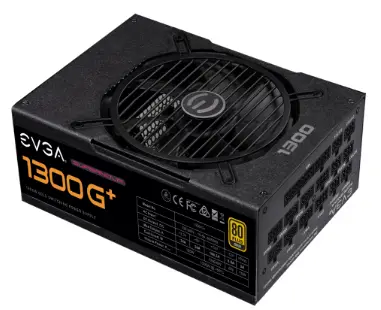
Product Information
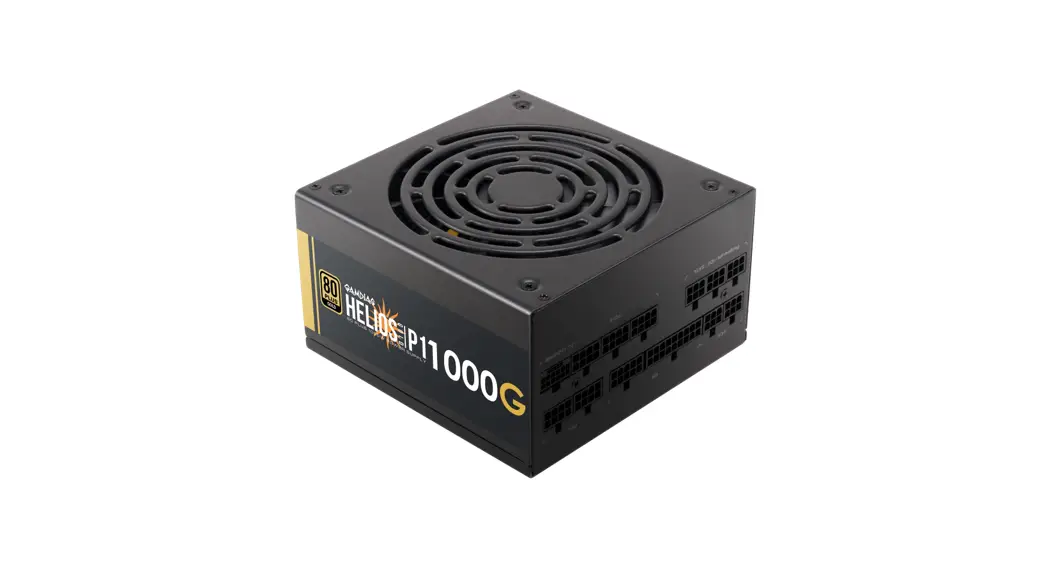
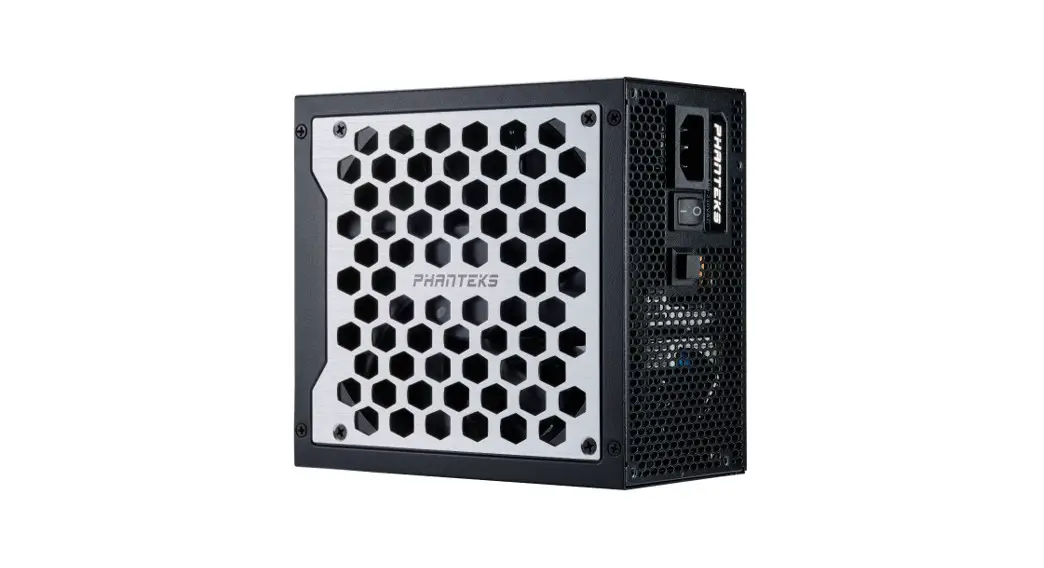
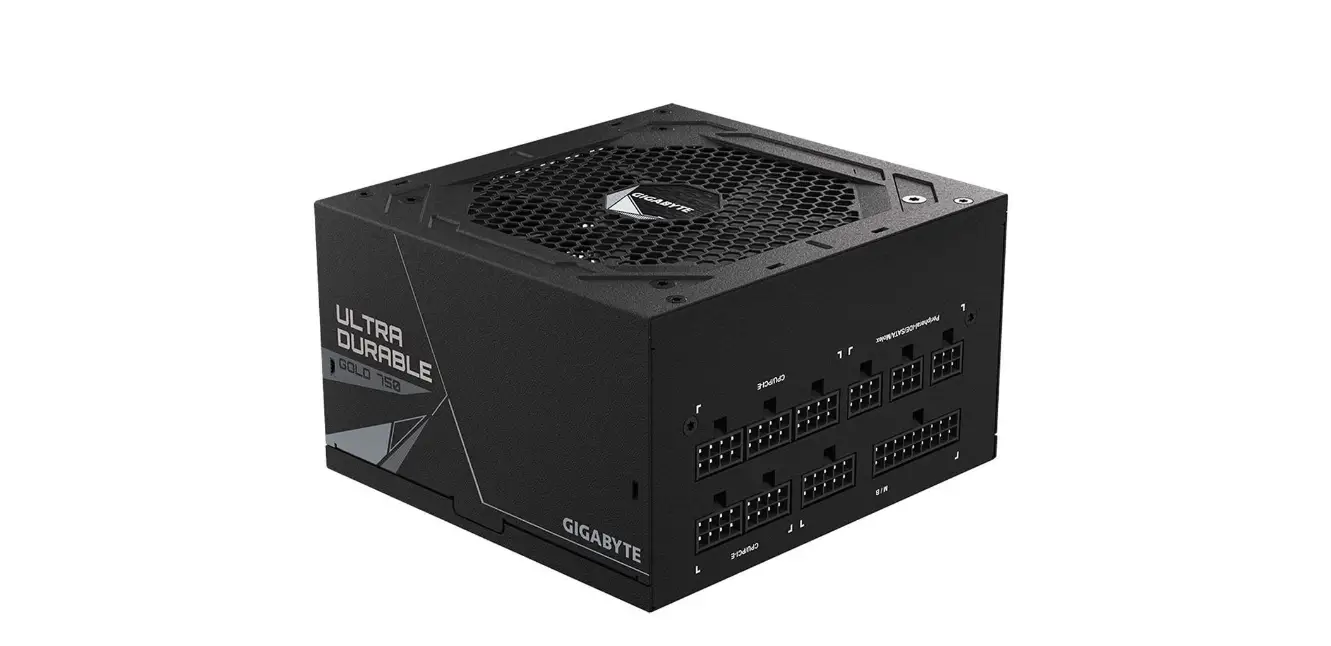
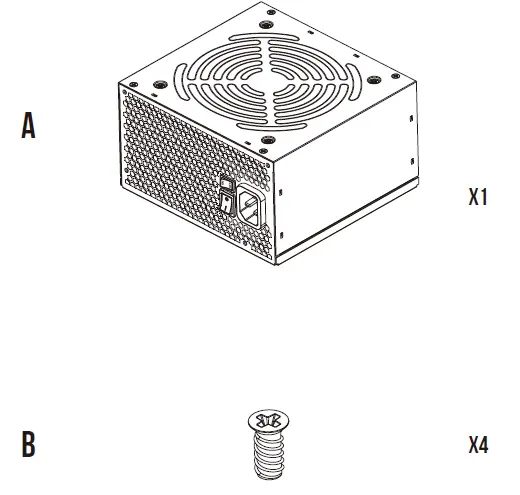
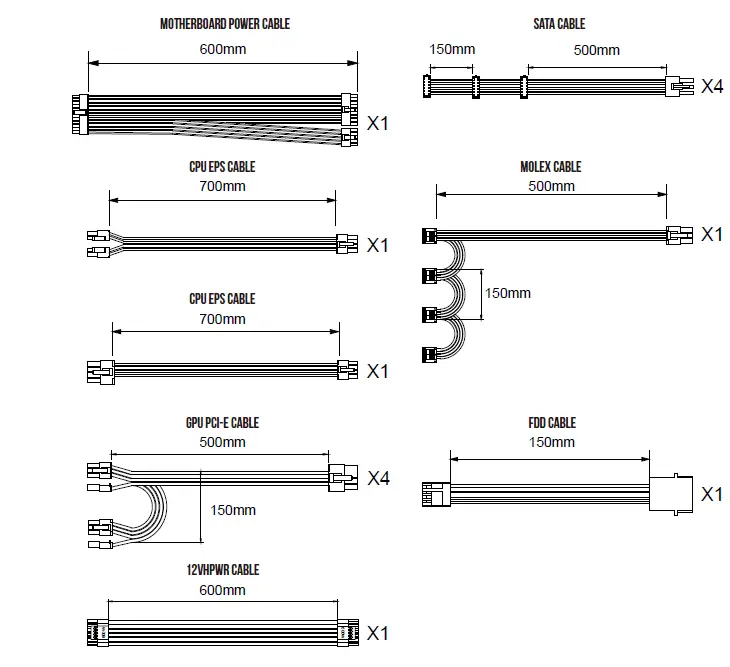
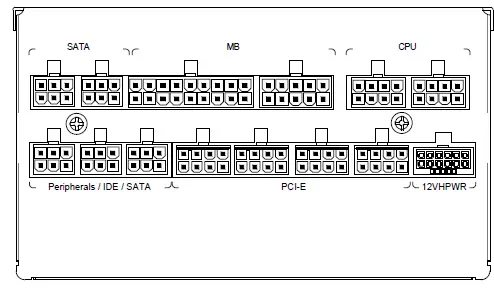
The HELIOS P2-1300G is a 90% efficiency power supply with a gold rating, suitable for high-performance computers. It has a maximum output power of 1300W, with a total power of 120W. The power supply has various connectors, including SATA, MB, CPU, Peripherals/IDE/SATA, PCI-E, and 12VHPWR. The package contents include a motherboard power cable, SATA cable, CPU EPS cable, molex cable, GPU PCI-E cable, FDD cable, and 12VHPWR cable.
Product Usage Instructions
- Ensure that the power supply is powered by the source indicated on the rating label.
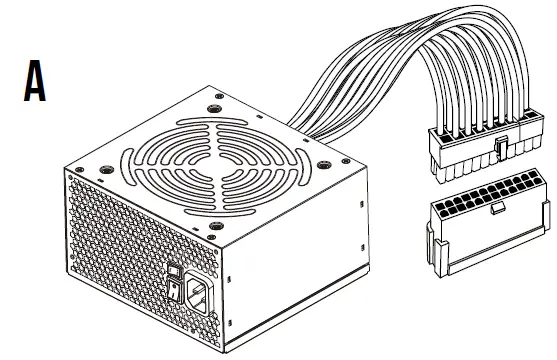
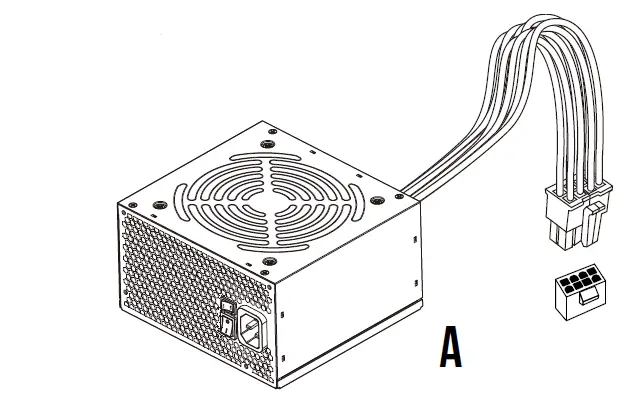
- Connect the motherboard power cable to the motherboard connector (A3) and the CPU EPS cable to the CPU connector (A4).
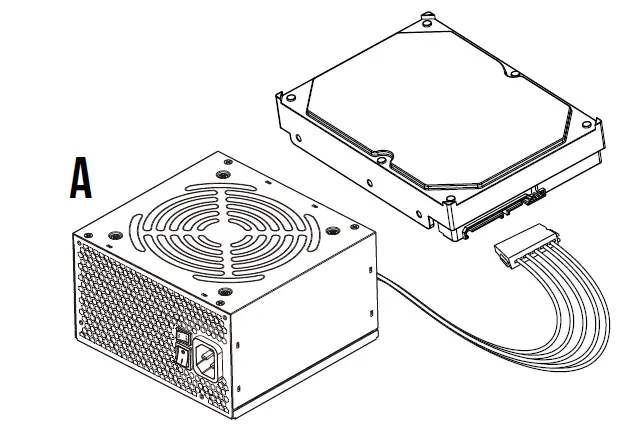
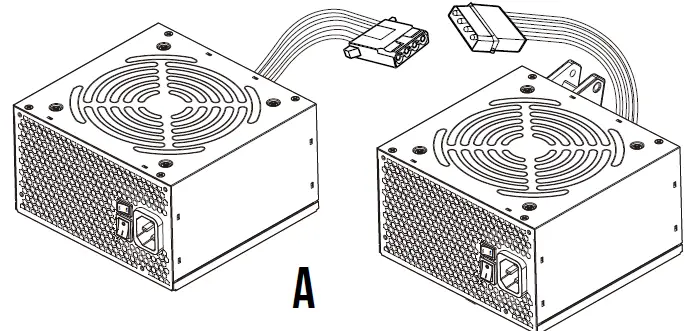
- Connect the SATA cable to the SATA connector (A6) and the molex cable to the molex connector (A7).
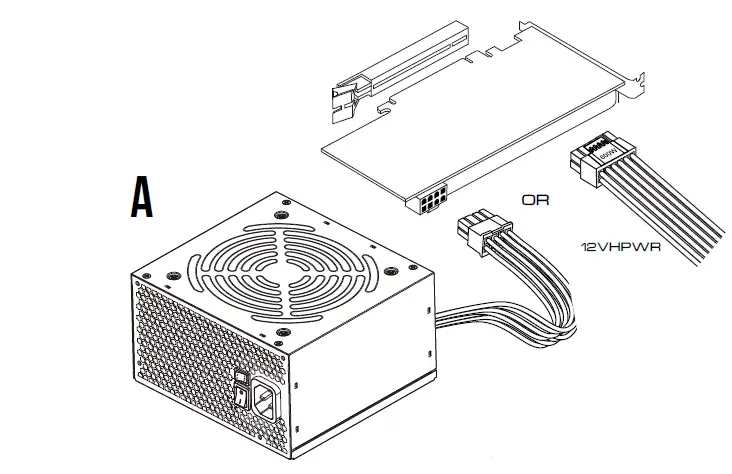
- Connect the GPU PCI-E cable to the PCI-E connector (A5).
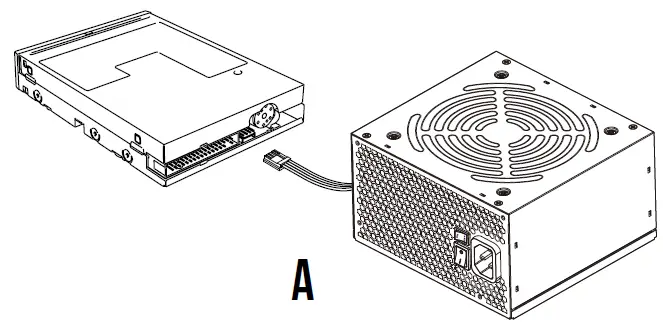
- Connect the FDD cable to the FDD connector (A8) and the 12VHPWR cable to the 12VHPWR connector (A9).
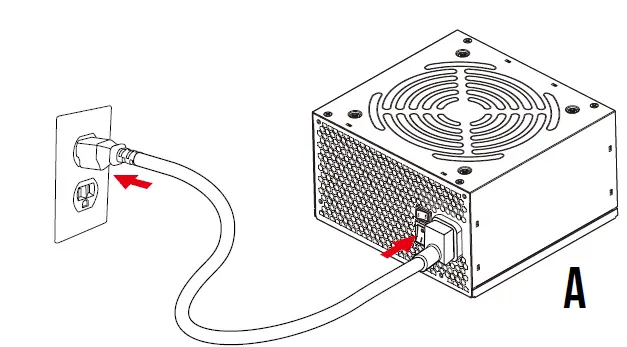
- Plug in the AC power cord (A1).
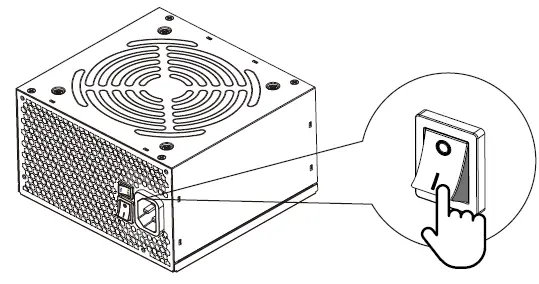
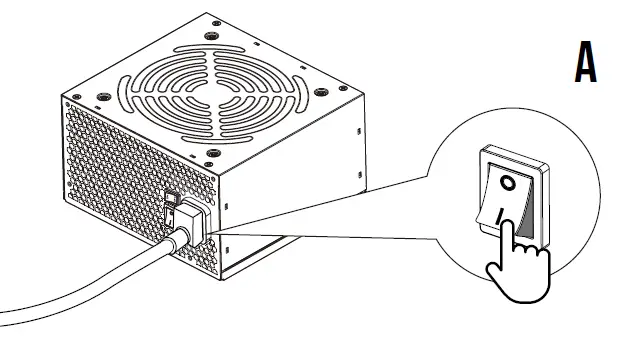
- Turn on the PSU after installing by pushing I/O switch to I position (A10).
Package Contents
| Model Name | HELIOS P2-1300G | ||||
| AC Input | 100-240V~ ,15-8A,50-60Hz | ||||
| DC Output | +3.3V | +5V | +12V | -12V | +5Vsb |
| Max. Output Current | 24A | 24A | 108.3A | 0.5A | 3A |
| Max. Output Power | 120W | 1300W | 6W | 15W | |
| Total Power | 1300W | ||||
The power supply should be powered by the source indicated on the rating label
Connector Interface
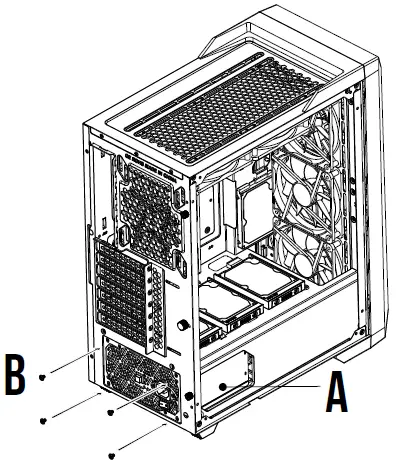
INSTALLATION INSTRUCTIONS
- Turn off the PSU before installing by pushing I/O switch to “O” position


- Motherboard

- CPU

- PCIE

- SATA

- Molex

- FDD

- Plug in the AC power cord.

- Turn on the PSU after installing by pushing I/O switch to “I” position.