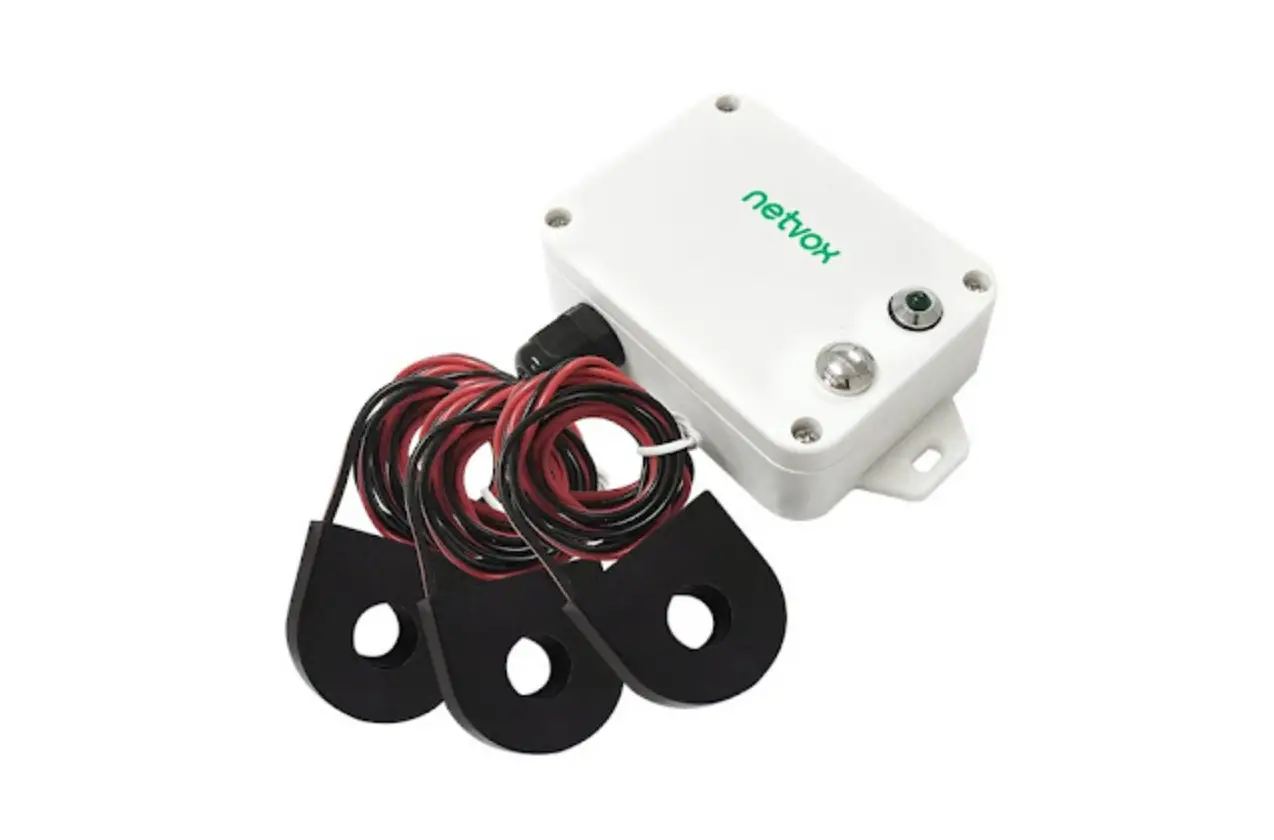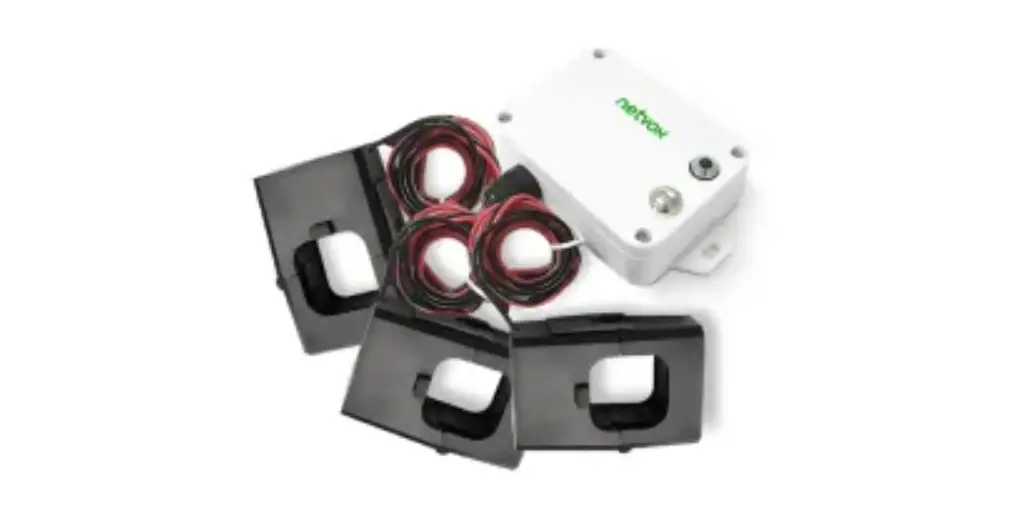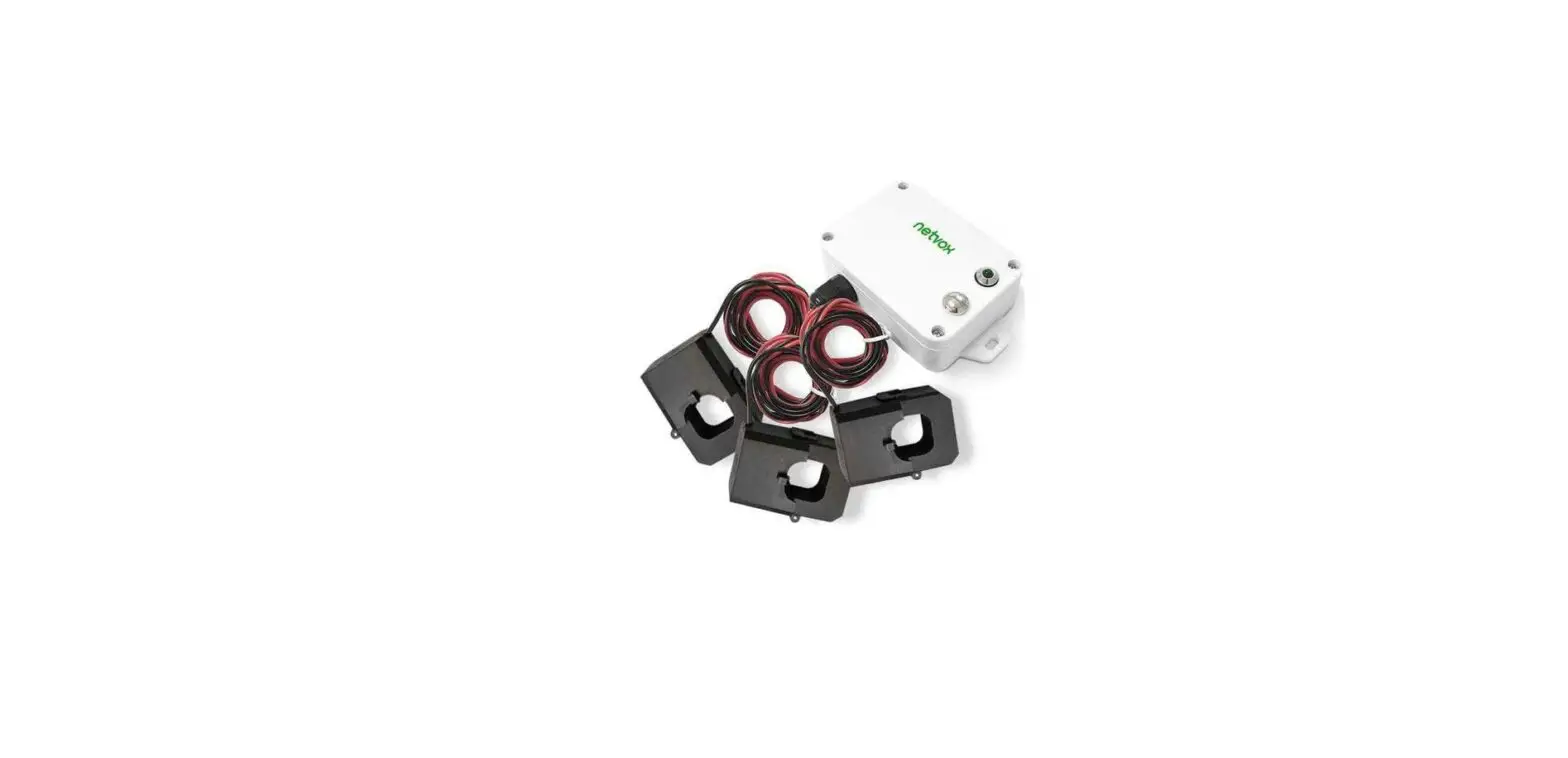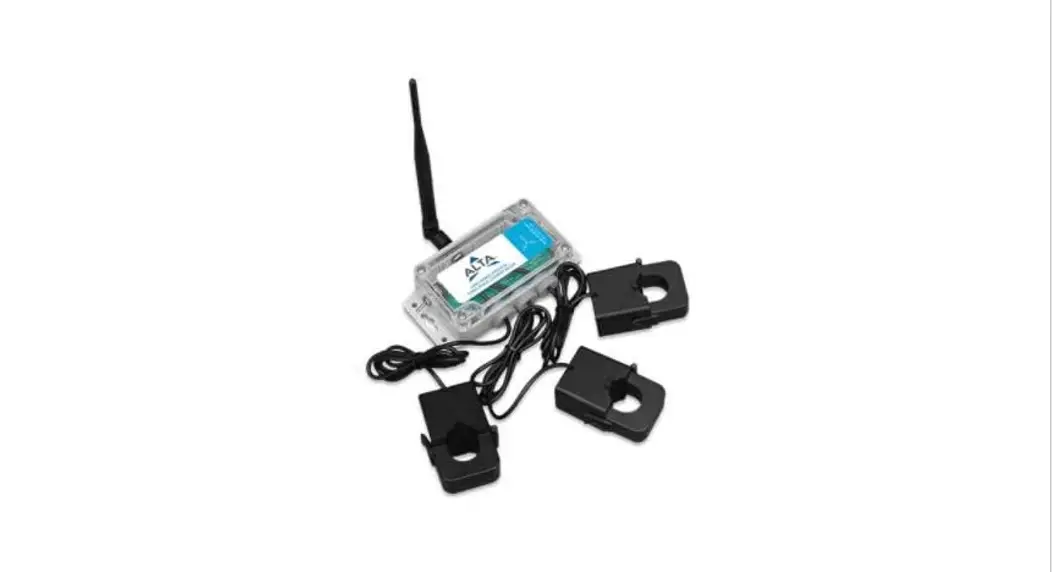

Quick Start Guide for the 20 / 100 / 150 Amp Three-Phase Current Meter
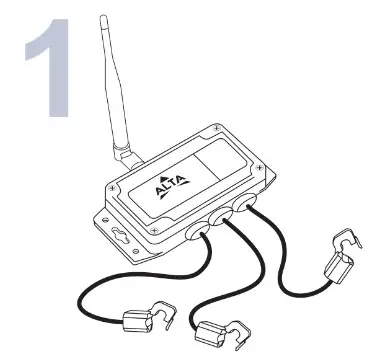
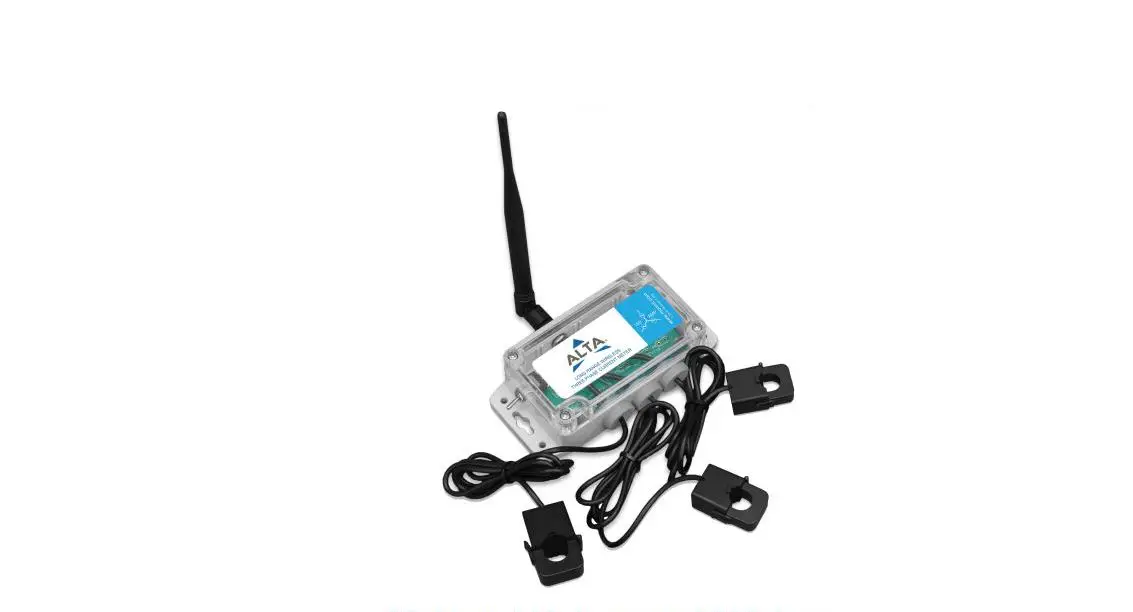
Remove your sensor from the package and install the antenna.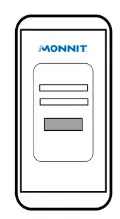
Open iMonnit and verify the sensor is checking in and reporting data. Verify the sensor has a full battery level.
If you don’t see the sensor checking in, press the button on the gateway and power cycle the sensor. Create or log in to your iMonnit account
and register your sensor. Find the device ID on the label and click “Add Device”.
Next, power the sensor on and verify it checks into iMonnit.
We recommend powering the sensor on near the gateway then moving to the installation location, checking signal strength along the way.
NOTE
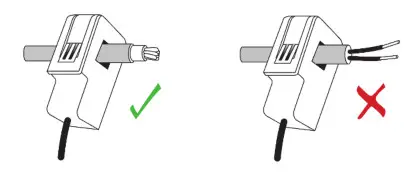
The CTs are designed to clip around a single current-carrying wire. Ensure that the CT is NOT wrapped around a cable with a common and live wire otherwise, the sensor will read approximately 0.00 amps. See the diagram below for appropriate CT installation.
For more information on this Monnit product, click this link: https://www.monnit.com/support/MonnitCorporation
3400 South West Temple Salt Lake City, UT 84115 801-561-5555
www.monnit.com
Monnit, iMonnit and all other trademarks are property of Monnit,
Corp. © 2020 Monnit Corp. All Rights Reserved.
3P-QSG-01 (07/20)
 Remote Monitoring Solutions with Wireless Sensors for IoT