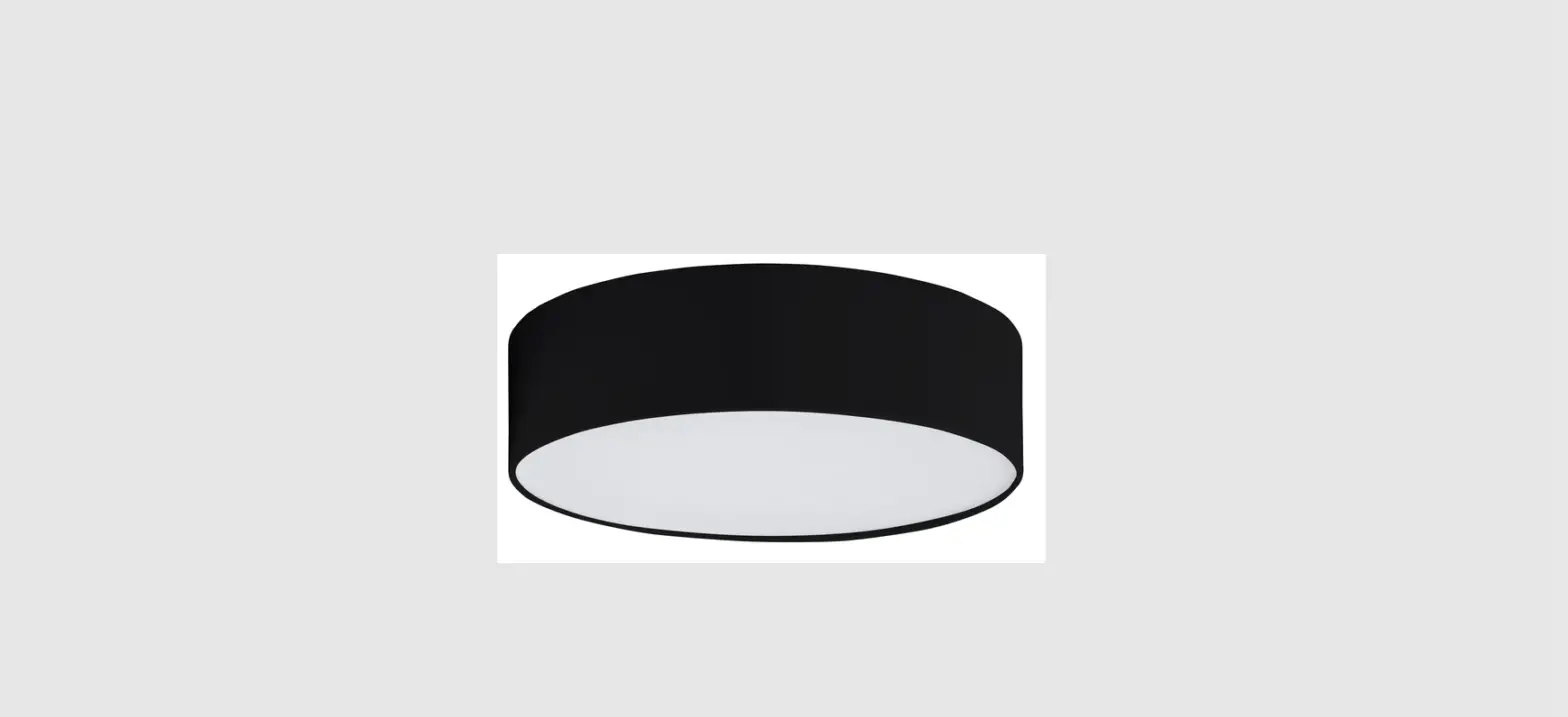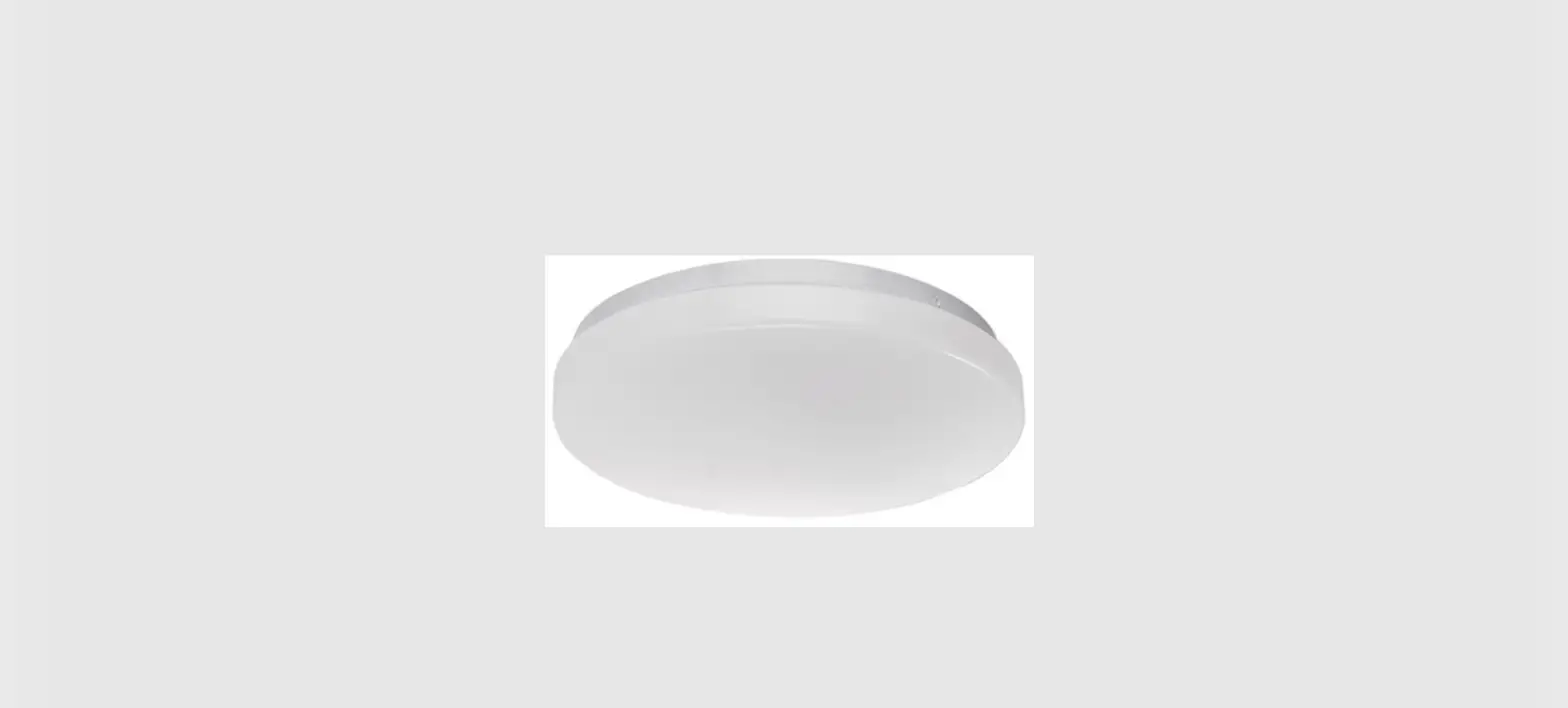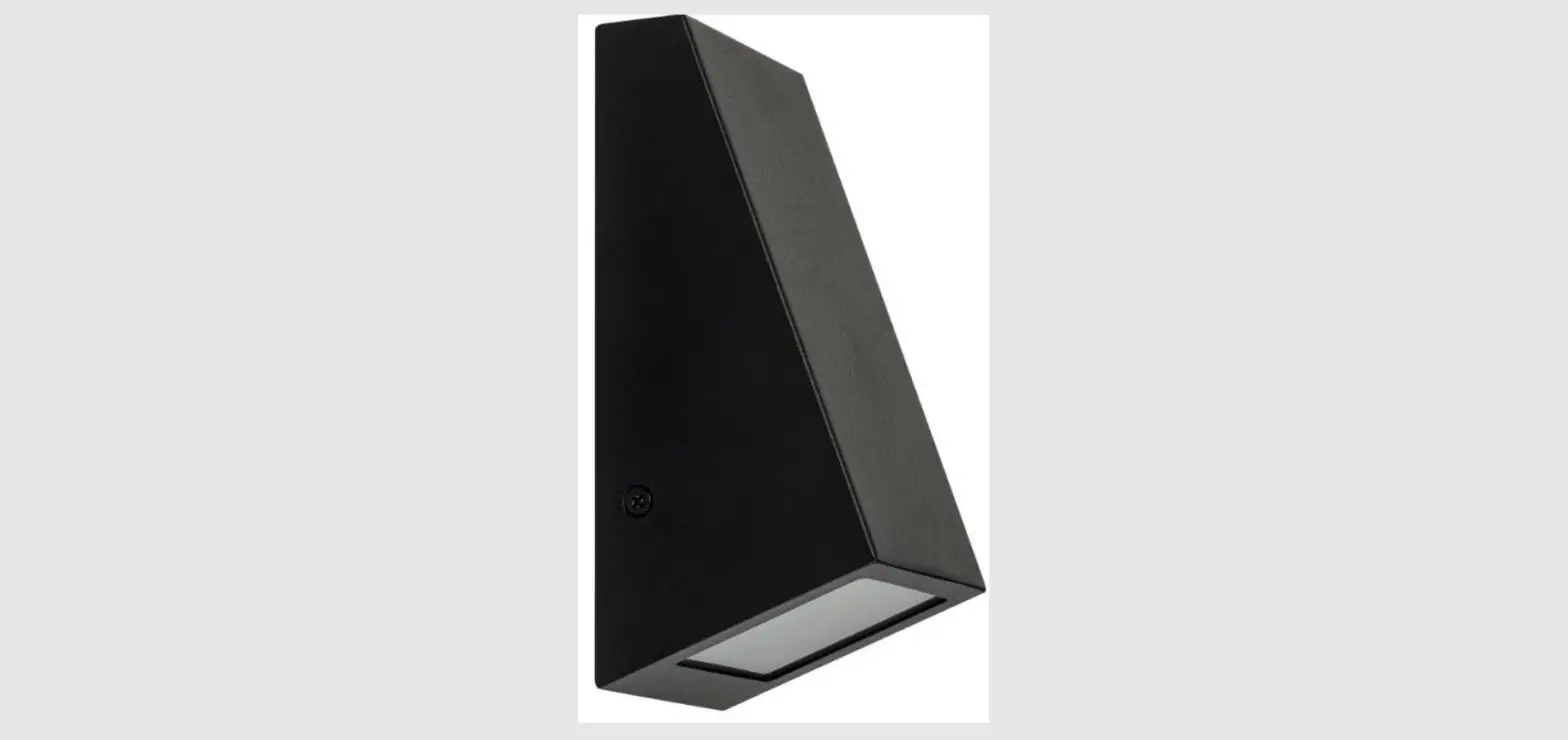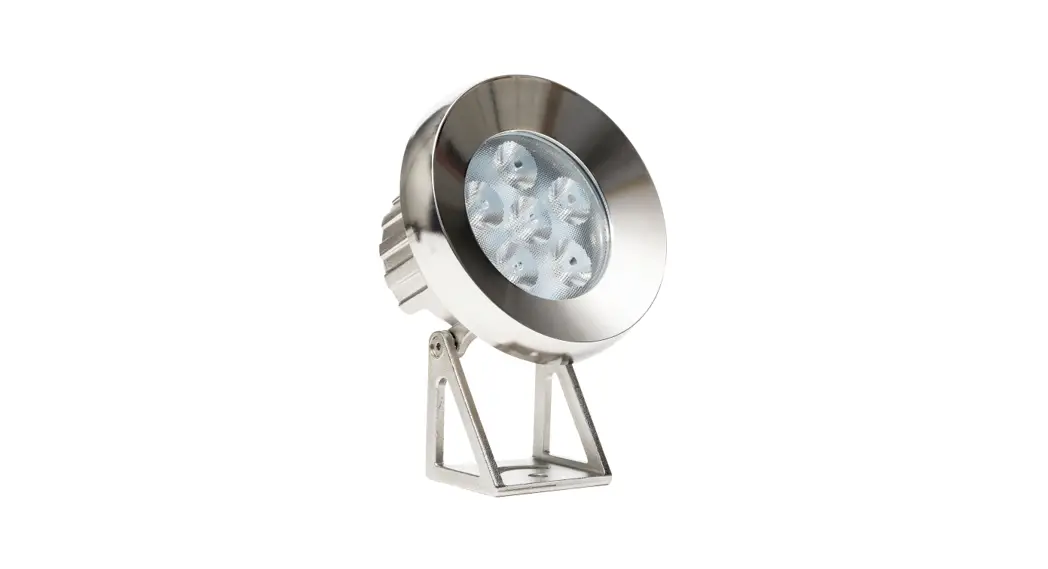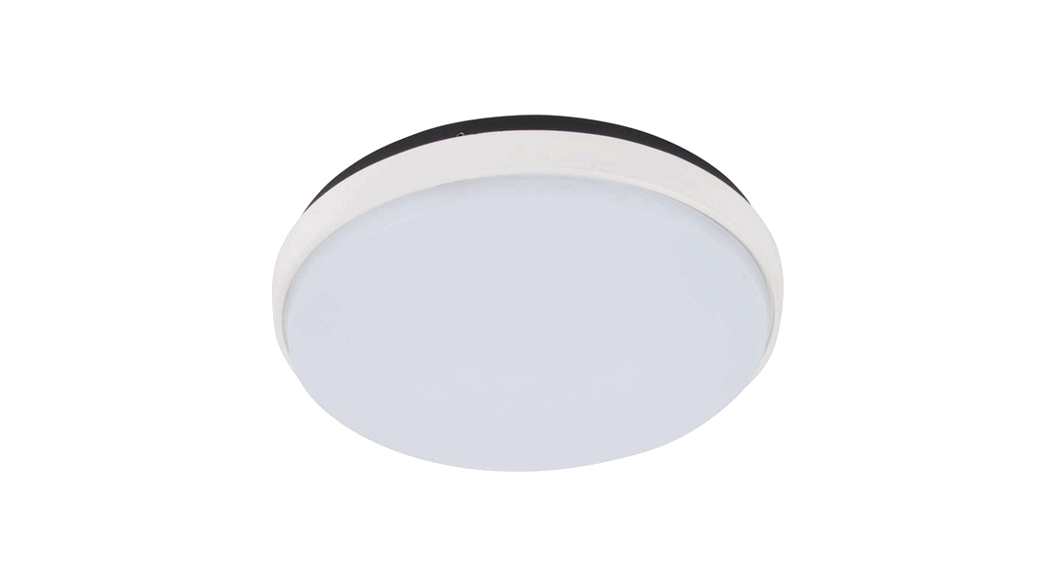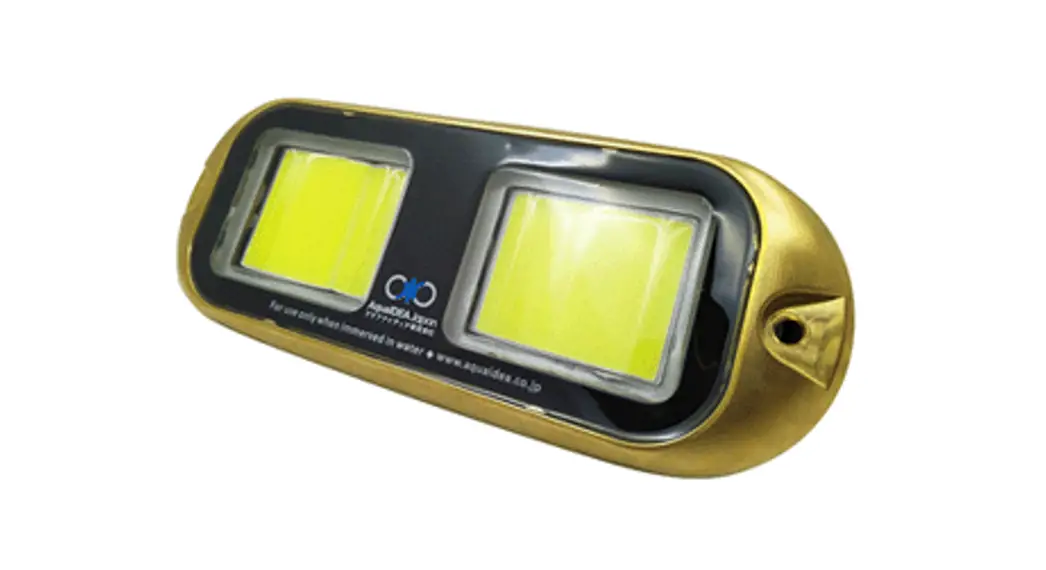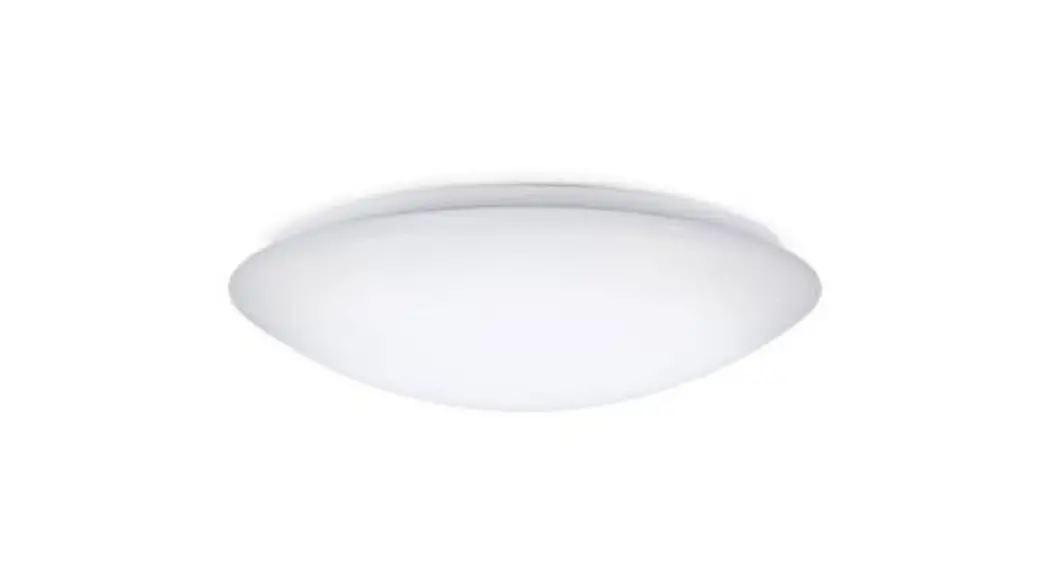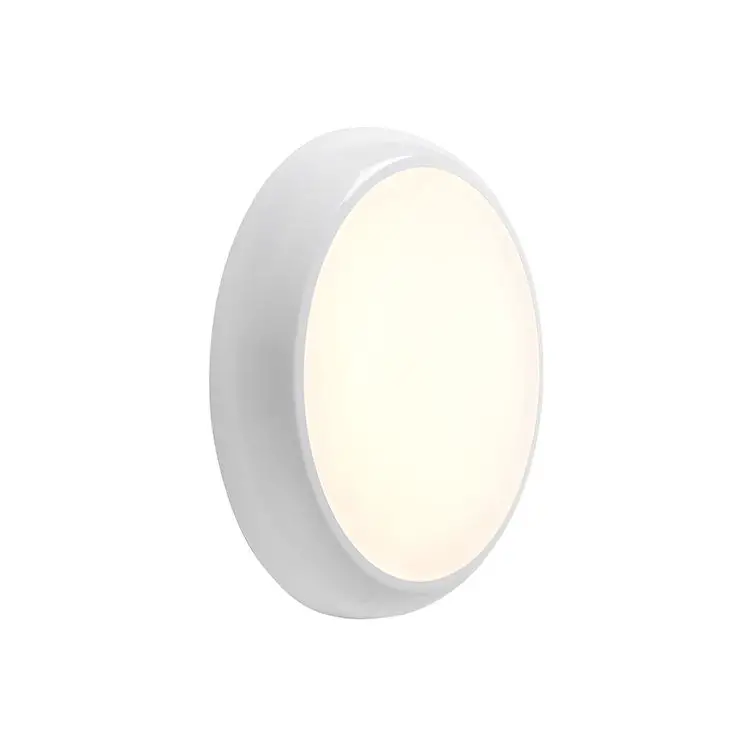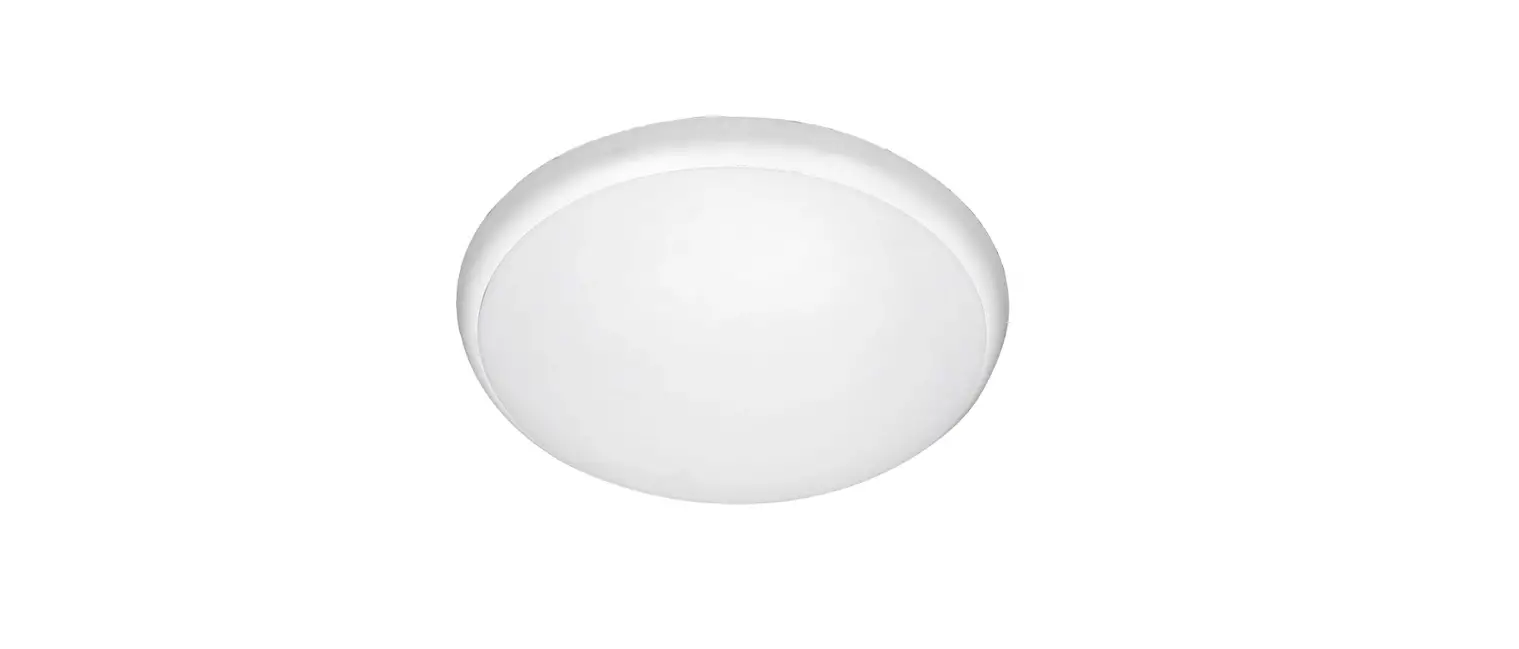

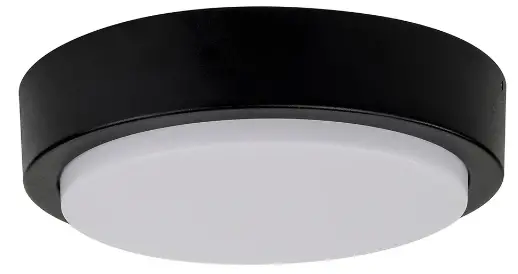
HAVIT HV36051-BLK Liptor Oyster Light
Important Safety Issues:
- This product must be installed by a qualified electrician according to AS/NZS 3000.
- Ensure all electrical mains are disconnected before any installation.
- Modification of this product will void any warranty.
- Havit Lighting does not take responsibility for wrong installation, incorrect use, or use of installation material that does not belong to the system.
- Aluminium and 304SS fittings must not be installed within 5km of any salt water environments.
- When installing copper fittings, gloves must be worn to avoid any oils transferring to fitting.
- All O-rings and seals must be in place correctly to maintain warranty
- This form may be updated at any time due to product improvements, please check online installation form for most current version.
Product Specifications
| Model No. | HV36501T-BLK | HV36051T-WHT | HV36052T-BLK | HV36052T-WHT | HV36053T-BLK | HV36053T-WHT |
| Name | Liptor | |||||
| Material | Aluminium | |||||
| Colour | Black | White | Black | White | Black | White |
| IP Rating | IP54 | |||||
| Input Voltage | 240v AC | |||||
| Lamp Base | Built in LED | |||||
| Lamp Wattage | 1x 10w | 1x 20w | 1x 30w | |||
| Colour Temp | TRI Colour – 3000k, 4000k, 5500k | TRI Colour – 3000k, 4000k, 5500k | TRI Colour – 3000k, 4000k, 5500k | |||
| Lumens | 440lm, 480lm, 450lm | 1130lm, 1360lm, 1310lm | 1320lm, 1600lm, 1490lm | |||
| CRI | > 80 | |||||
| Dimmable | No | |||||
| Warranty | 3 Years Replacement* | |||||
Dimensions
HV36051
Dimensions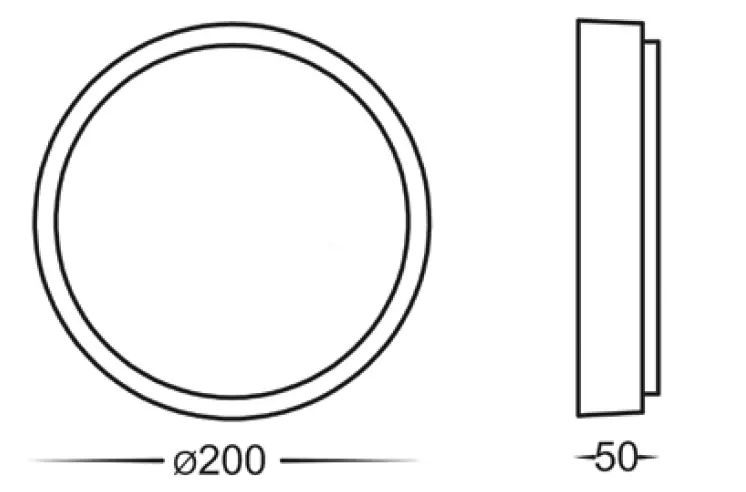 Mounting Base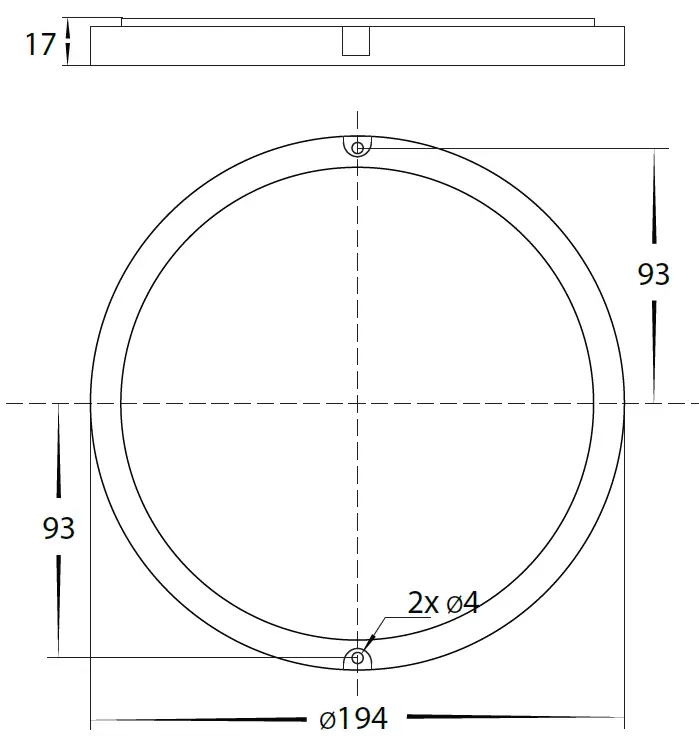
HV36052
Dimensions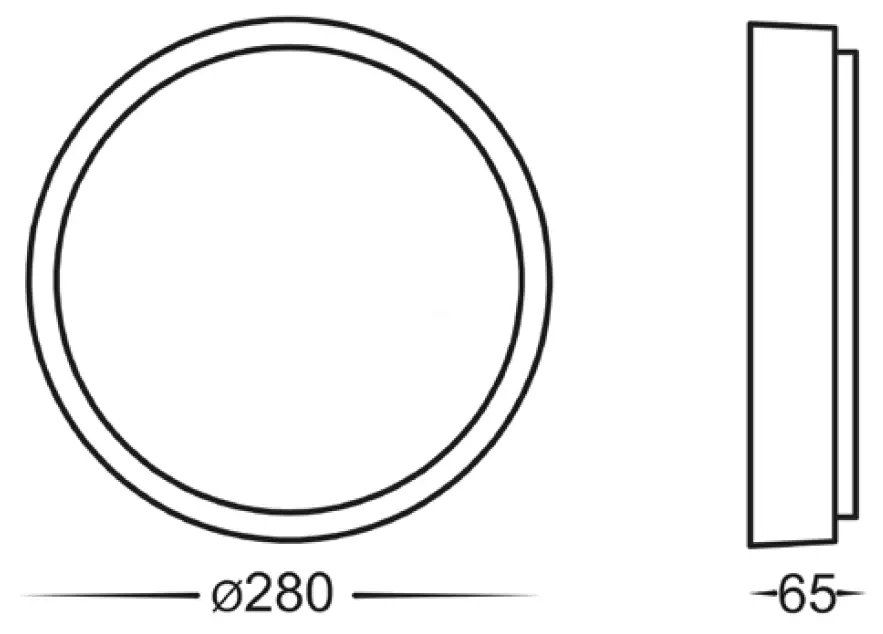 Mounting Base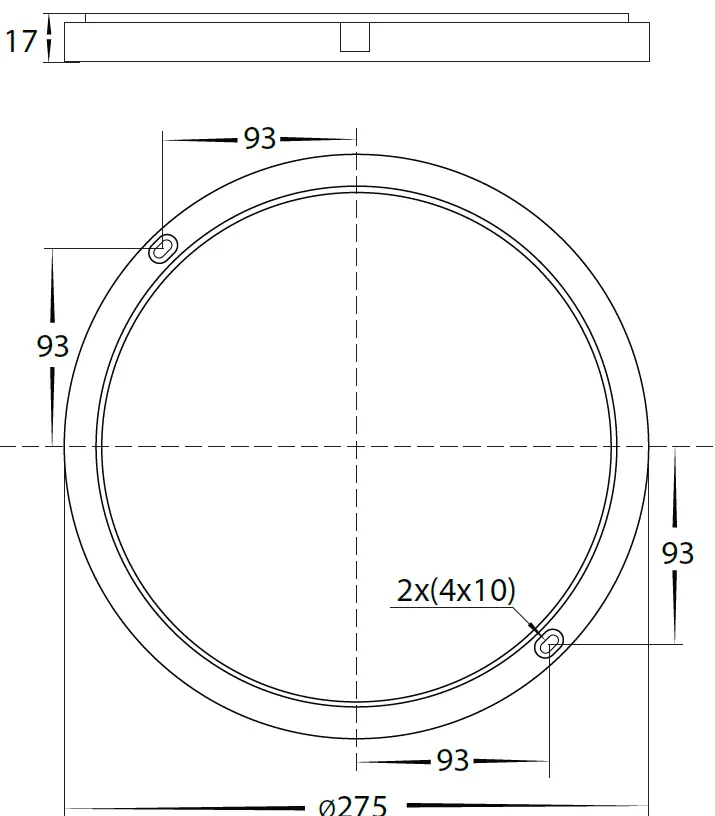
HV36053
Dimensions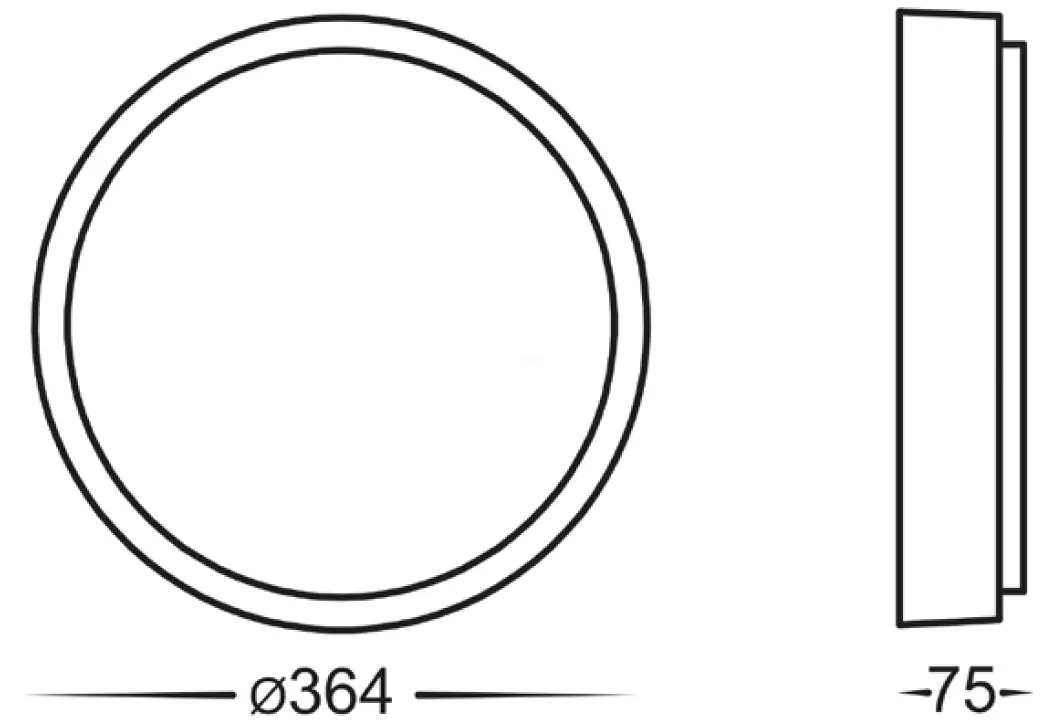 Mounting Base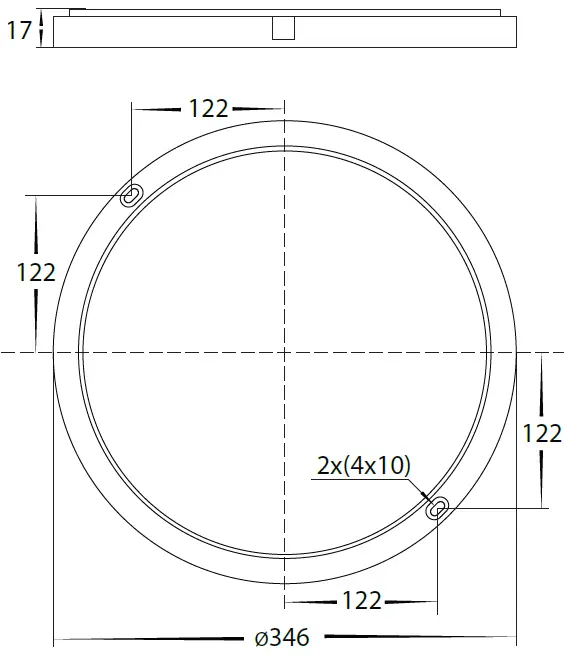
Steps for Installation:
- Make sure that the electrical circuit is free of voltage (master switch off )
- Loosen allen screws from side of fitting and remove outer ring and set aside.
- Connect the cable – use wire with earth; connect the earth first, then live and neutral wire
- Attach mounting base in desired location.
- Loosen screws on front of cover, Remove cover and set aside.
- Fitting is preset to 3000k, Locate switch on front of LED PCB and slide to desired colour temperature
- Reattach cover making sure screws are tight to and seals are still in place to avoid water penetration.
- Reattach outer ring and tighten allen screws on side.
- Apply silicon around edge of fitting to prevent any water from getting inside to electrical connections.
- All connections must be carried out carefully, inspect all contacts before switching back on the electric circuit.
Steps for Installation for Changing Colour Temperature After Installation:
- Make sure that the electrical circuit is free of voltage (master switch off )
- Loosen allen screws from side of fitting and remove outer ring and set aside.
- Loosen screws on front of cover, Remove cover and set aside.
- Locate switch on front of LED PCB and slide to desired colour temperature
- Reattach cover making sure screws are tight to and seals are still in place to avoid water penetration.
- Reattach outer ring and tighten allen screws on side.
Contact Details:
143 Beauchamp Road
Matraville NSW 2036
Australia
Tel: 02 9381 8300
Fax: 02 9666 8881
Email: [email protected]
Web: www.havit.com.au