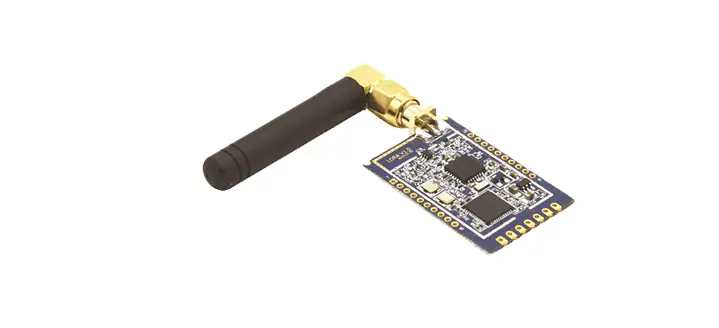
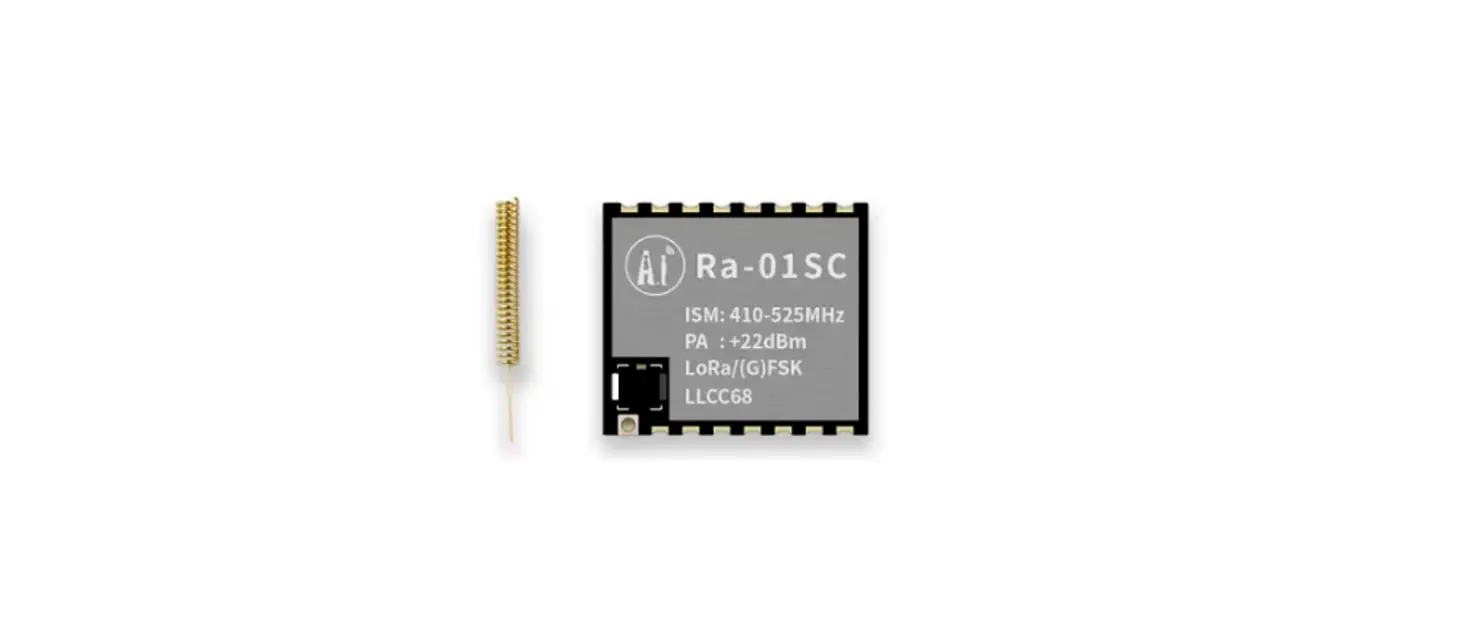
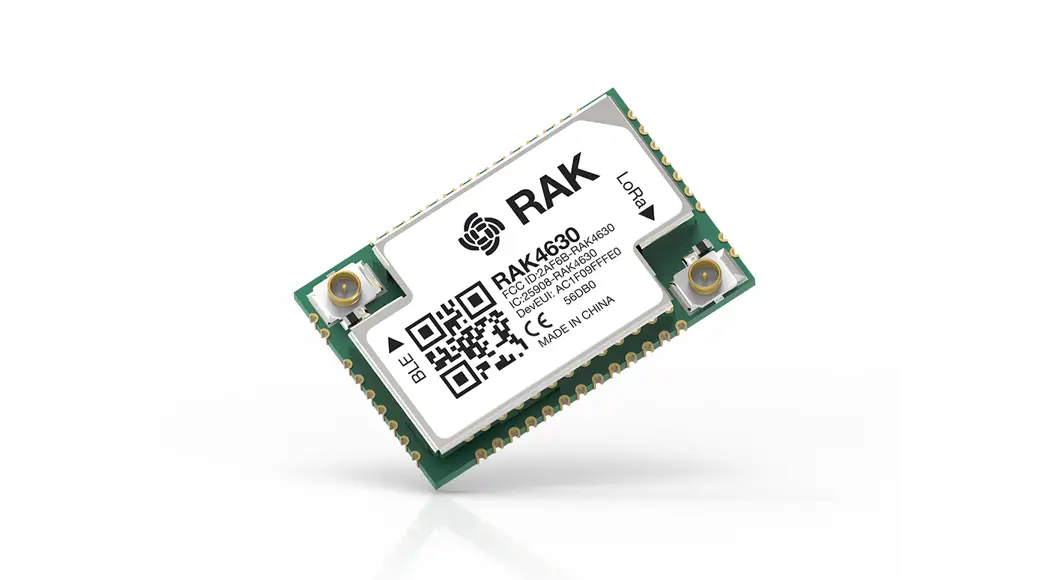
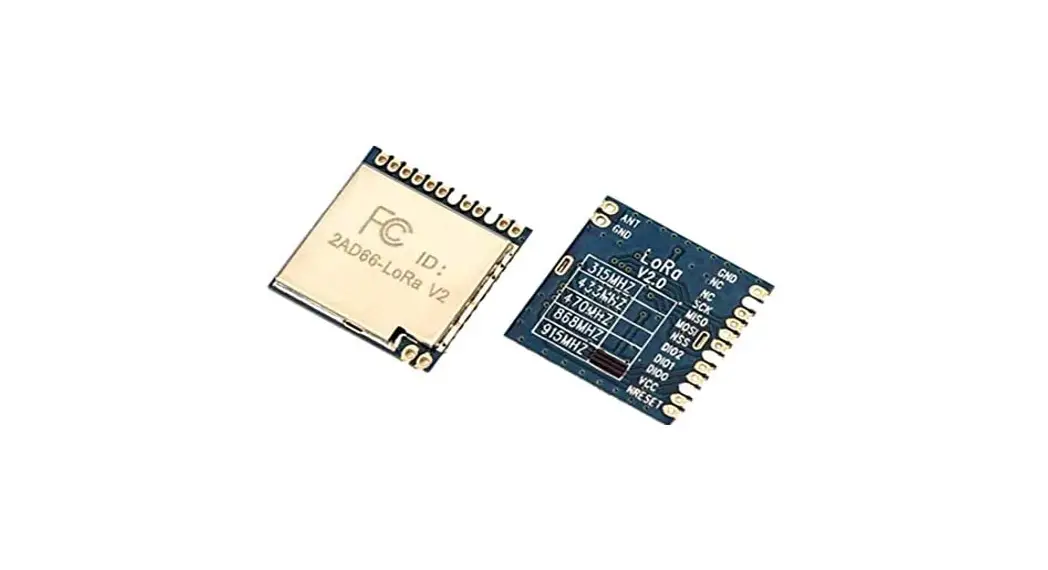
HLK-L06-915 LoRa Module
Product Information
Product Introduction
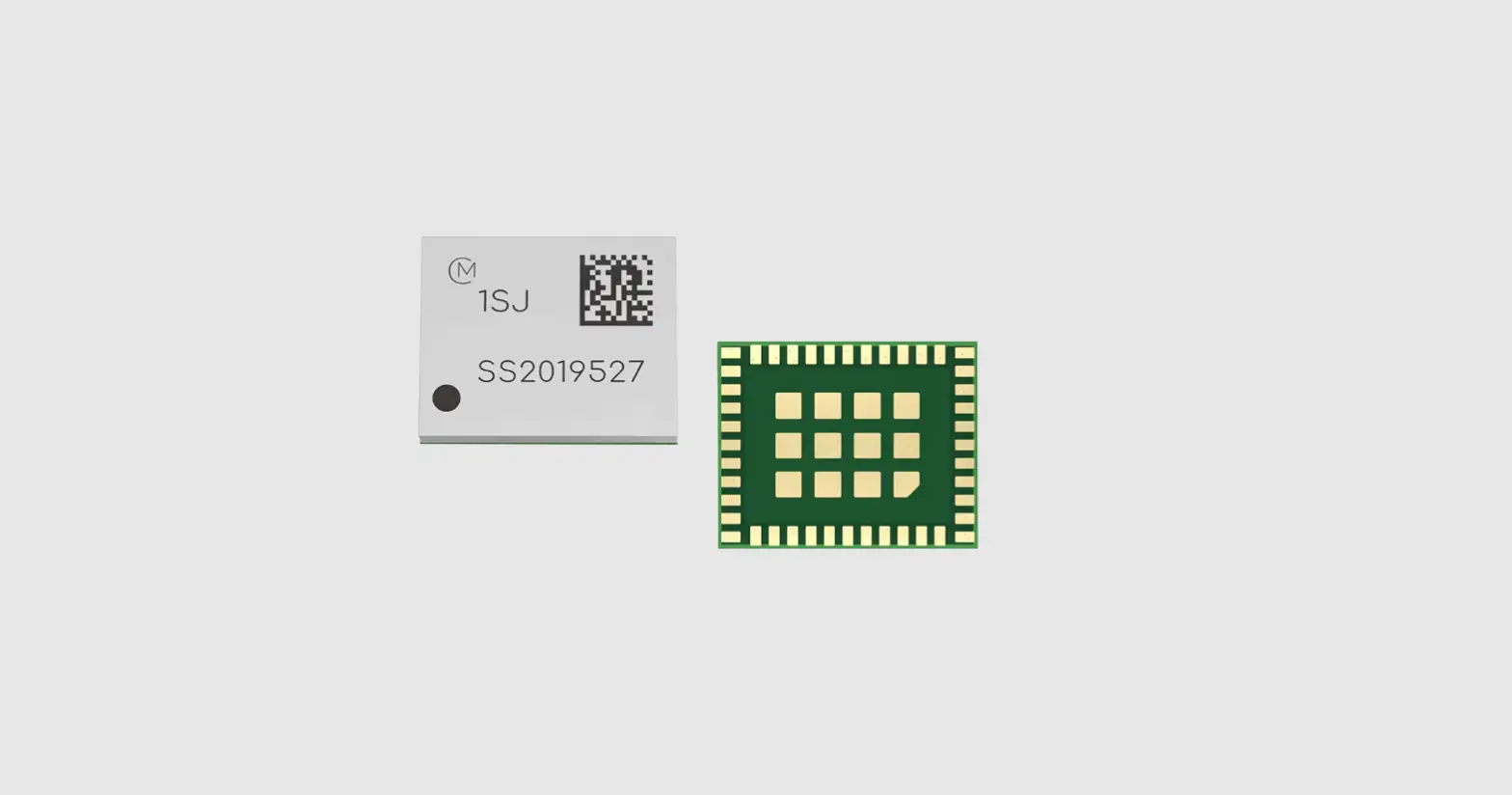
The HLK-L06-915 is a wireless communication module manufactured
by Shenzhen Hi-Link Electronic Co., Ltd. It utilizes Lora chip
technology to enable data transmission from a serial port to a Lora
wireless radio frequency. The module offers long transmission
distance, low power consumption, strong anti-interference ability,
and ease of use.
Product Features
- Supports serial port to Lora RF data conversion
- Main frequency supports 32MHz
- Main control uses PY32F003 as the main control
- Lora communication uses LLCC68 with a frequency range of
903-927MHz for long-distance transmission - Working voltage is 3.0-3.6V, with a typical value of 3.3V
- Compatible with B36 module package and has an external
antenna - Supports configuration of transmission rate and power using AT
commands - Maximum transmit power is 14.29dBm
- Supports LoRa modulation mode
- Supports both one-to-one and one-to-many communication
Technical Specifications
| Module | Wireless parameters | Hardware parameters | Serial transparent transmission | |||
|---|---|---|---|---|---|---|
| Model encapsulation | LoRa | 903-927MHz | Maximum 14.29dBm | -129dBm | External: I-PEX connector | UART |
Pin Introduction
| Pin | Network name | Type | Illustrate |
|---|---|---|---|
| 1 | RESET | I | Chip reset pin, low level reset |
| 2 | SWDIO | I/O | SWDIO |
| 3 | SWCLK | SWCLK | |
| 4 | BOOT0 | I | BOOT0 (keep Hanging) |
Shenzhen Hi-Link Electronic Co.,Ltd
HLK-L06-915 User Manual
VersionV1.03
Date: March 18th.2023
Copyright@Shenzhen Hi-link Electronic Co.,Ltd
Contents
1. Product Introduction …………………………………………………………………………………………………. 1 1.1. Overview ………………………………………………………………………………………………………..1 1.2. Product Features …………………………………………………………………………………………….. 1 1.3. Technical specifications …………………………………………………………………………………… 1 1.4. Pin introduction ……………………………………………………………………………………………….3 1.5. Product package ……………………………………………………………………………………………… 4 1.6. Block Diagram ……………………………………………………………………………………………….. 4 1.7. Bottom plate description ………………………………………………………………………………….. 5 1.8. Indicator light description ………………………………………………………………………………… 5
2. Functional description ………………………………………………………………………………………………..5 2.1. One-to-one communication ……………………………………………………………………………… 6 2.2. One-to-many communication …………………………………………………………………………… 6
3. AT command description …………………………………………………………………………………………… 7 3.1. Version query: at+ver ……………………………………………………………………………………….7 3.2. Set serial port mode: at+mode ………………………………………………………………………….. 8 3.3. Set serial port parameters: at+uart …………………………………………………………………….. 8 3.4. Restore factory settings: at+default …………………………………………………………………… 9 3.5. Restart command: at+reboot ……………………………………………………………………………..9 3.6. Set the module transmit power level: at+power ………………………………………………….. 9 3.7. Set the air baud rate level of the module: at+rf_baud ………………………………………….10 3.8. Set the working channel of the module: at+rf_channel ………………………………………. 11 3.9. Set the module work ID: at+pid ……………………………………………………………………….11
4. Test Demo ……………………………………………………………………………………………………………… 12
1. Product Introduction
1.1. Overview
HLK-L06-915 uses Lora chip as wireless communication to realize data transparent transmission from serial port to Lora wireless radio frequency. It has the characteristics of long transmission distance, low power consumption, strong anti-interference ability, and easy to use.
1.2. Product Features
Support serial port to Lora RF data conversion The main frequency supports 32MHz The main control uses PY32F003 as the main control Lora uses LLCC68 for communication, 903-927Mhz communication frequency, long
transmission distance Working voltage 3.0-3.6V, typical value 3.3v Compatible with B36 module package, external antenna Support the configuration transmission rate and power of at command Maximum transmit power14.29dBm Support LoRa modulation mode Supports one-to-one and one-to-many communication
1 / 15
1.3. Technical Specifications
Module
Wireless parameters
Hardware parameters
Serial transparent transmission
Table 1 Product Specification
Model encapsulation Modulation Frequency Range
transmit power
Receiver sensitivity Antenna form
hardware interface
HLK-L06-915 DIP/SMD LoRa 903-927Mhz
Maximum14.29dBm
-129dBm External: I-PEX connector UART
Remark
Programmable adjustment
Operating Voltage
Communication rate
3.3V ( 3.0-3.6v )
LoRa modulation method: 1.11 ~ 18.23 Kbps
Working current
Operating temperature
Under continuous transmission : ~ 12 0mA, the maximum transmission power
In receive mode : 5 mA
-40 °C ~ 85 °C
Transmission rate
9600 – 115200 bps
user configuration
AT+ command set
2 / 15
1.4. Pin Introduction
Table 2 Module pin interface
Pin
Network name
Type
Illustrate
1
RESET
I
Chip reset pin, low level reset
2
SWDIO
I/O SWDIO
3
SWCLK
SWCLK
4
BOOT0
I
BOOT0 ( keep Hanging )
5
PB6
ES0, enter at command mode/restore I/O
factory settings, please pull up if not in use
6
PB7
7
NC
8
3.3V
9
GND
10
NC
11
NC
12
NC
13
RX1
14
TX1
15
RX2
16
TX2
I/O PB7 ( keep Hanging )
I/O NC
P
3.3V power supply
P
GND
I/O
NC
I/O
NC
I/O NC
I/O RX0
I/O TX0, log print
UART1, command setting and transparent I/O
transmission
UART1, command setting and transparent I/O
transmission
3 / 15
1.5. Product Packaging
1.6. Block Diagram
Unit: mm
Figure 1 HLK-L06-915 package size
32MHz
3.3V
UART
HLK-L06-915
SWD
1IPEX Connector
FLASH(48K)
GPIO
RESET
Figure 2 HLK-L06-915 module architecture diagram
4 / 15
1.7. Bottom Plate Description
L06 module
Running indicator light
ES0 button
USB Interface
Power indication Reset button
Figure 3 Bottom plate illustration Reset button: reset and restart the module ES0 button: Short press to enter command mode, long press for more than 6 seconds will automatically restore to the default configuration
1.8. Indicator Light Description
Description of the running indicator light: The LED light flashes at intervals of three flashes and one off, indicating that the program is running
Power indicator light: always on after power on When the module is tested on the test board, there is an LED indicator light, and the module itself has no LED light.
2. Functional Description
HLK-L06-915 supports serial port to radio frequency, one-to-one communication and one-to-many communication.
If the two modules need to communicate, it is necessary to set the air baud rate level, module working channel and working ID to be the same before data transmission can be carried out.
5 / 15
2.1. One-to-one Communication
Figure 4 one-to-one communication The module converts the serial port data of the device into a LoRa modulated signal, which spreads in the air, and another module prints out the data from the serial port after receiving the data. Two modules with the same working ID can perform one-to-one communication, and other modules with different working IDs will directly discard the received data.
2.2. One-to-many Communication
Figure 5 One-to-many communication When multiple modules communicate at the same time, all modules need to be set to the same work ID, and when one module sends data, all modules can receive data.
6 / 15
3. AT Command Description
After HLK-L06-915 is powered on, the default is the transparent transmission mode. By pulling down the pin ES0 (PIN5) for more than 50ms to enter the at command mode, the module will process the received data as an at command, and send the at command to let The module enters the transparent transmission mode. Before the ES0 pin is pulled low, the data received by the serial port will be transmitted as transparent transmission data.
Send at command
power on
Transparent mode
AT command mode
Pull down the low pin for 50ms
Figure 6 Serial working mode conversion
3.1. Version Query: at+ ver
Command type
Grammar
query command
at+ ver = ?
Return and instructions
at+ver=? HLK-L06-915(a.3.10.120230111221438) Description: Return the current software version
7 / 15
3.2. Set the Serial Port Mode: at+mode
Command type
Grammar
execute order
at+ mode = 1
query command
at+ mode =?
Return and instructions
at+ mode = 1 ok Description: Jump from at command mode to transparent transmission mode at+ mode =? 0 Description: Query the current mode 0: at command mode 1: Transparent transmission mode
3.3. Set Serial Port Parameters: at+uart
Command type
Excuting an order
Grammar at+uart=115200,8,n,1
query command
at+uart=?
Return and instructions
at+uart=115200,8,n,1 Ok Description: Set the serial port parameters to 115200 baud rate, 8 data bits, no parity, and 1 data stop bit Baud rate range: 9600 ~ 115200 at+uart=? 115200,8,n,1 Description: Query serial port parameters
8 / 15
3.4. Restore Factory Settings: at+default
Command type
Grammar
execute order
at+ default = 1
Return and instructions
at+ default = 1 ok Note: Restore factory settings, after executing this command, the module will restart
3.5. Reboot Command: at+reboot
Command type
Grammar
execute order
at+ reboot = 1
Return and instructions
at+ reboot = 1 ok Note: Restart the module, before starting, the module will save the data
3.6. Set the Module Transmit Power Level: at+power
Command type Grammar
Return and instructions
execute order
at + power = 1
at + power = 1 ok Description: Set the power level to 0 Description of power level: 0: -3dBm 1: 0dBm 2: 5dBm 3: 10dBm 4: 14.29dBm
query command at+ power =?
at+ power =? 4 Description: query the current power level is 5, that is 14.29dBm
9 / 15
3.7. Set the Air Baud Rate Level of the Module: at+rf_baud
Comman Grammar d type
execute order
at+ rf_baud = 2
query command
at + rf_baud = ?
Return and instructions
at+ rf_baud = 2 ok Description: Set the air baud rate level to 2 Description of air baud rate level: 0: 1.11kbps 1: 1.46kbps 2: 2.60kbps 3: 4.56kbps 4: 9.11kbps 5: 18.75kbps For data transmission, the slower the speed, the greater the delay in the air
at+rf_baud=? 1 Description: Query the current air baud rate level is 1, that is, 1.46kbps
10 / 15
3.8. Set the Working Channel of the Module: at+rf_channel
Command type
Grammar
execute order
at+ rf_channel = 0
Return and instructions
at+ rf_channel = 0 ok Description: Set the working channel of the module to 0 Description of power level: 0: 903Mhz 1: 904Mhz 2: 905Mhz … 25: 927Mhz
query command
at+ rf_channel =?
at+ rf_channel =? 0 Description: Query the working channel of the current module is 0, that is, 915Mhz
3.9. Set the Module Work ID: at+pid
Command type
Grammar
execute order
at + pid = 1
query command
at+ pid =?
Return and instructions
at + pid = 1 ok Description: Set the module work ID to 1 ID range: 0~255, the working id is used to distinguish each module, only modules with the same id can communicate with each other at+ pid =? 1
11 / 15
4. Test Demo
Power on the two modules, connect the transparent serial ports of the modules respectively, send data from one module, and receive data from the other module. The maximum packet transmitted by the module in the air is 64 bytes, and the maximum packet sent by the serial port at one time is 1000 words. Section, after the module serial port receives the data, if it is less than 64 bytes, it will be sent directly, if it is larger than 64 bytes, it will be split into 64 bytes and transmitted in the air.
12 / 15
Appendix A Document Revision Record
Version number
Scope of revision
V1.00
first edition
V1.01
Add AT command description
V1.02
Add led instructions and demonstration instructions
V1.03
Add job ID function description
Date
2022-12-30 2023-3-1 2023-3-8 2023-3-18
13 / 15
FCC Caution: Any Changes or modifications not expressly approved by the party responsible for compliance could void the user’s authority to operate the equipment.
This device complies with part 15 of the FCC Rules. Operation is subject to the following two conditions: (1) This device may not cause harmful interference, and (2) this device must accept any interference received, including interference that may cause undesired operation.
IMPORTANT NOTE:
NOTE: This equipment has been tested and found to comply with the limits for a Class B digital device, pursuant to part 15 of the FCC Rules. These limits are designed to provide reasonable protection against harmful interference in a residential installation. This equipment generates, uses and can radiate radio frequency energy and, if not installed and used in accordance with the instructions, may cause harmful interference to radio communications. However, there is no guarantee that interference will not occur in a particular installation. If this equipment does cause harmful interference to radio or television reception, which can be determined by turning the equipment off and on, the user is encouraged to try to correct the interference by one or more of the following measures: –Reorient or relocate the receiving antenna. –Increase the separation between the equipment and receiver. –Connect the equipment into an outlet on a circuit different from that to which the receiver is connected. –Consult the dealer or an experienced radio/TV technician for help.
FCC Radiation Exposure Statement: This equipment complies with FCC radiation exposure limits set forth for an uncontrolled environment .This equipment should be installed and operated with minimum distance 20cm between the radiator& your body.
OEM/Integrators Installation Manual
List of applicable FCC rules This module has been tested and found to comply with part 15.247 requirements for Modular Approval. Summarize the specific operational use conditions This module can be applied in Smart home, Instrumentation; Wi-Fi Remote monitoring/control; Toy field; Color LED control; Intelligent integrated management of fire protection and security; Smart card terminals, wireless POS machines, handheld devices. The input voltage to the module should be nominally 3.3 VDC, typical value 3.3VDC and the ambient temperature of the module should not exceed 80. Limited module procedures N/A Trace antenna designs N/A Antennas The module of HLK-L06 has one Antenna port and the antenna gain as below: Lora, DTS 500kHz mode: 3.85dBi;
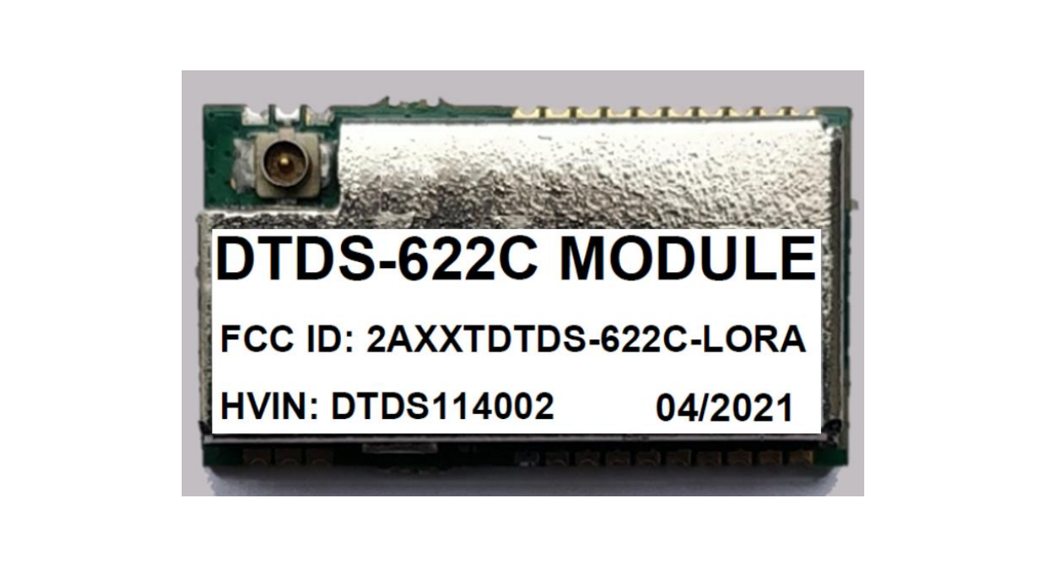
Label and compliance information When the module is installed in the host device, the FCC ID label must be visible through a window on the final device or it must be visible when an access panel, door or cover is easily re-moved. If not, a second label must be placed on the outside of the final device that contains the following text: Contains Transmitter Module FCC ID: 2AD56HLK-L06-915, the FCC ID can be used only when all FCC ID compliance requirements are met.
Information on test modes and additional testing requirements a) The modular transmitter has been fully tested by the module grantee on the required number of channels, modulation types, and modes, it should not be necessary for the host installer to re-test all the available transmitter modes or settings. It is recommended that the host product manufacturer, installing the modular transmitter, perform some investigative measurements to confirm that the resulting composite system does not exceed the spurious emissions limits or band edge limits (e.g., where a different antenna may be causing additional emissions). b) The testing should check for emissions that may occur due to the intermixing of emissions with the other transmitters, digital circuitry, or due to physical properties of the host product (enclosure). This investigation is especially important when integrating multiple modular transmitters where the certification is based on testing each of them in a stand-alone configuration. It is important to note that host product manufacturers should not assume that because the modular transmitter is certified that they do not have any responsibility for final product compliance. c) If the investigation indicates a compliance concern the host product manufacturer is obligated to mitigate the issue. Host products using a modular transmitter are subject to all the applicable individual technical rules as well as to the general conditions of operation in Sections 15.5, 15.15, and 15.29 to not cause interference. The operator of the host product will be obligated to stop operating the device until the interference has been corrected.
Additional testing, Part 15 Subpart B disclaimer The final host / module combination need to be evaluated against the FCC Part 15B criteria for unintentional radiators in order to be properly authorized for operation as a Part15 digital device. The host integrator installing this module into their product must ensure that the final composite product complies with the FCC requirements by a technical assessment or evaluation to the FCC rules, including the transmitter operation and should refer to guidance in KDB 996369. For host products with certified modular transmitter, the frequency range of investigation of the composite system is specified by rule in Sections 15.33(a)(1) through (a)(3), or the range applicable to the digital device, as shown in Section 15.33(b)(1), whichever is the higher frequency range of investigation. When testing the host product, all the transmitters must be operating. The transmitters can be enabled by using publicly available drivers and turned on, so the transmitters are active. In certain conditions it might be appropriate to use a technology-specific call box (test set) where accessory devices or drivers are not available. When testing for emissions from the unintentional radiator, the transmitter shall be placed in the receive mode or idle mode, if possible. If receive mode only is not
possible then, the radio shall be passive (preferred) and/or active scanning. In these cases, this would need to enable activity on the communication BUS (i.e., PCIe, SDIO, USB) to ensure the unintentional radiator circuitry is enabled. Testing laboratories may need to add attenuation or filters depending on the signal strength of any active beacons (if applicable) from the enabled radio(s). See ANSI C63.4, ANSI C63.10 and ANSI C63.26 for further general testing details.