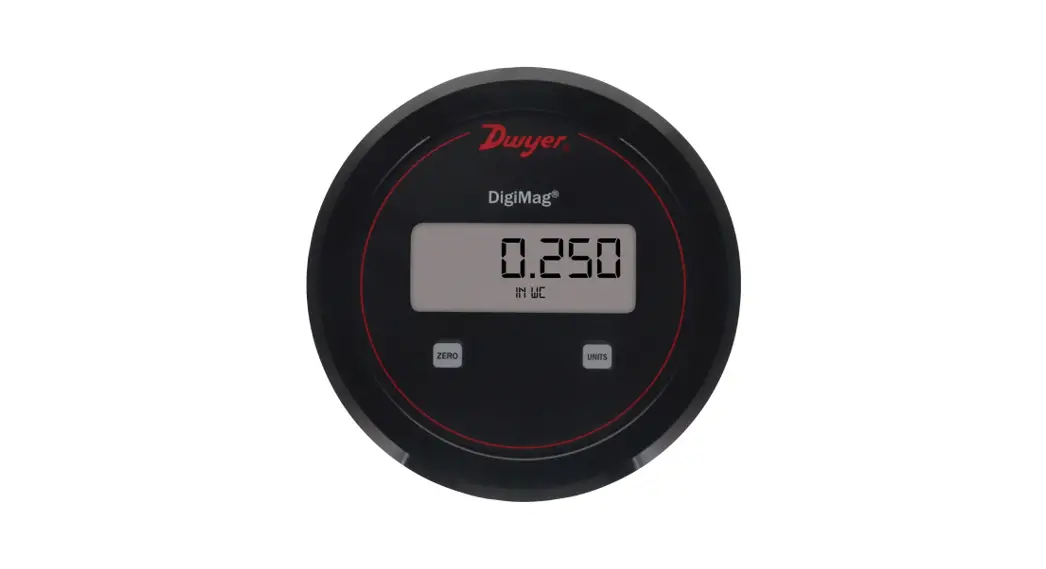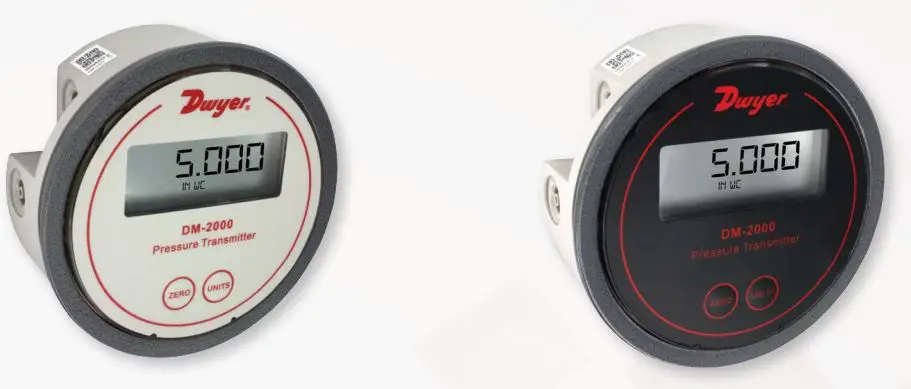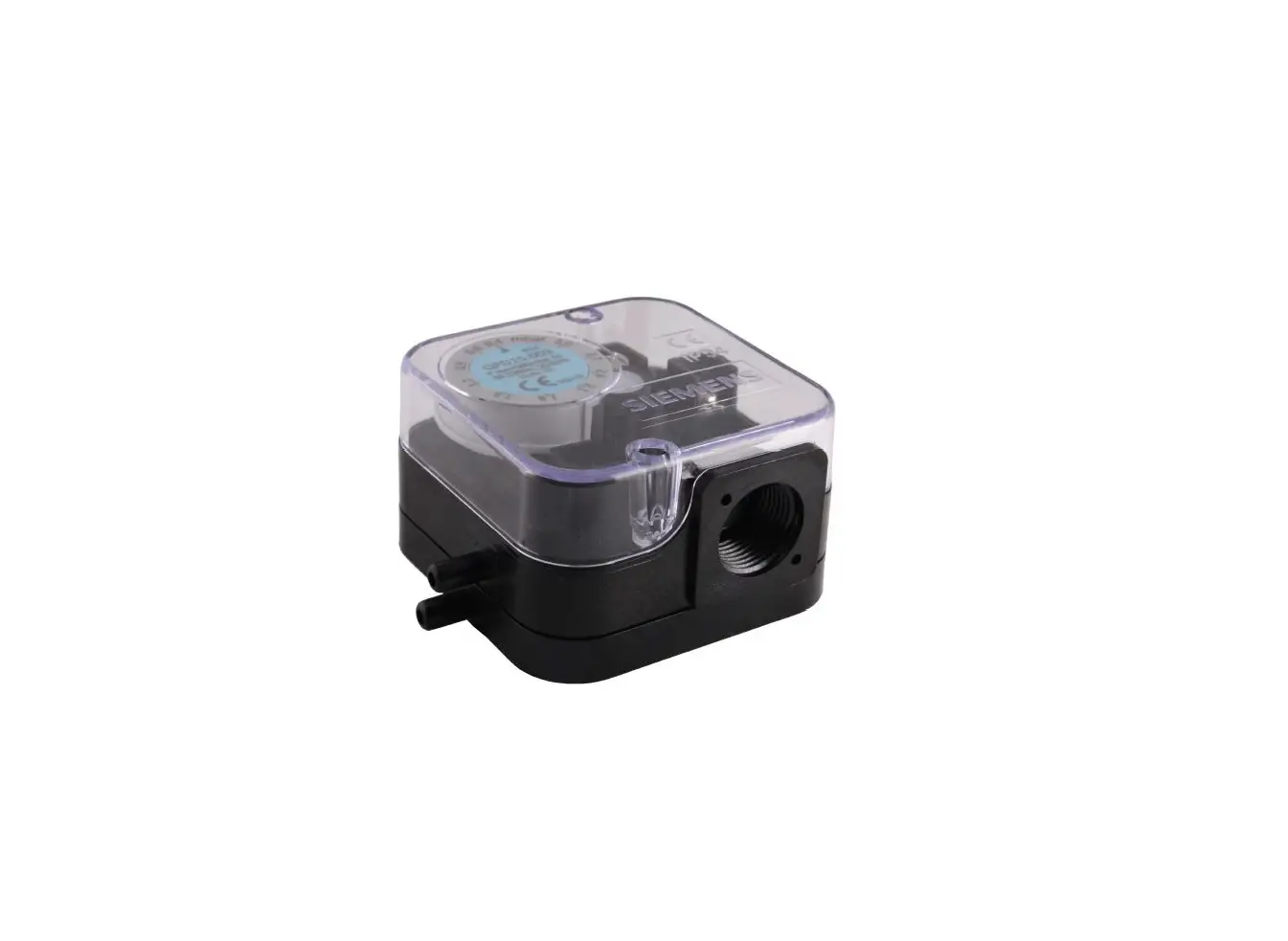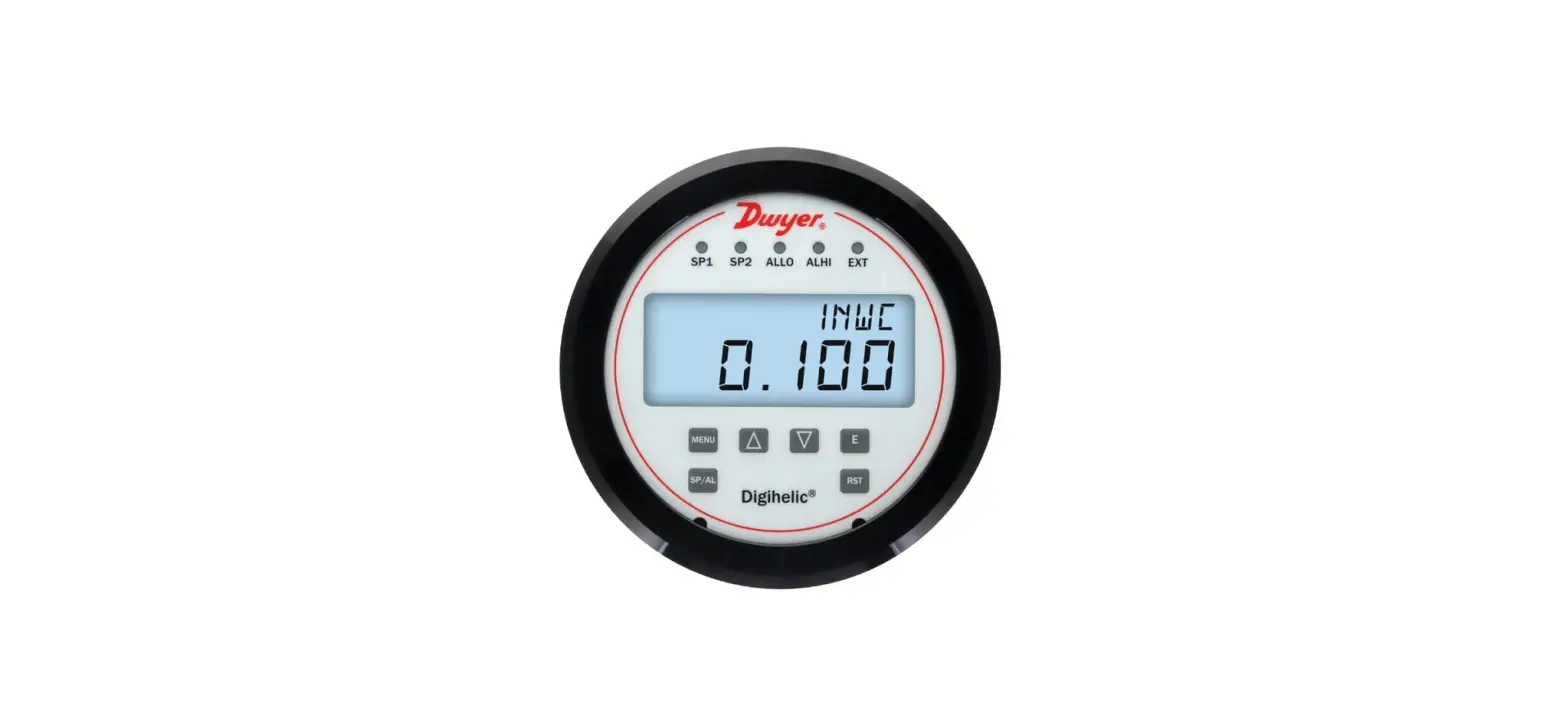

Dwyer Bulletin P-DHC-QS Series DHC Digihelic Differential Pressure Controller
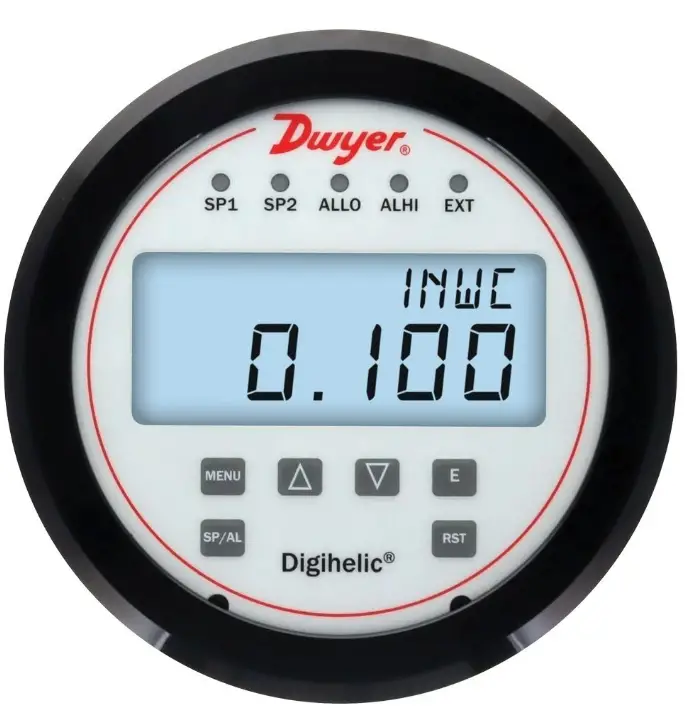
QUICK START GUIDE
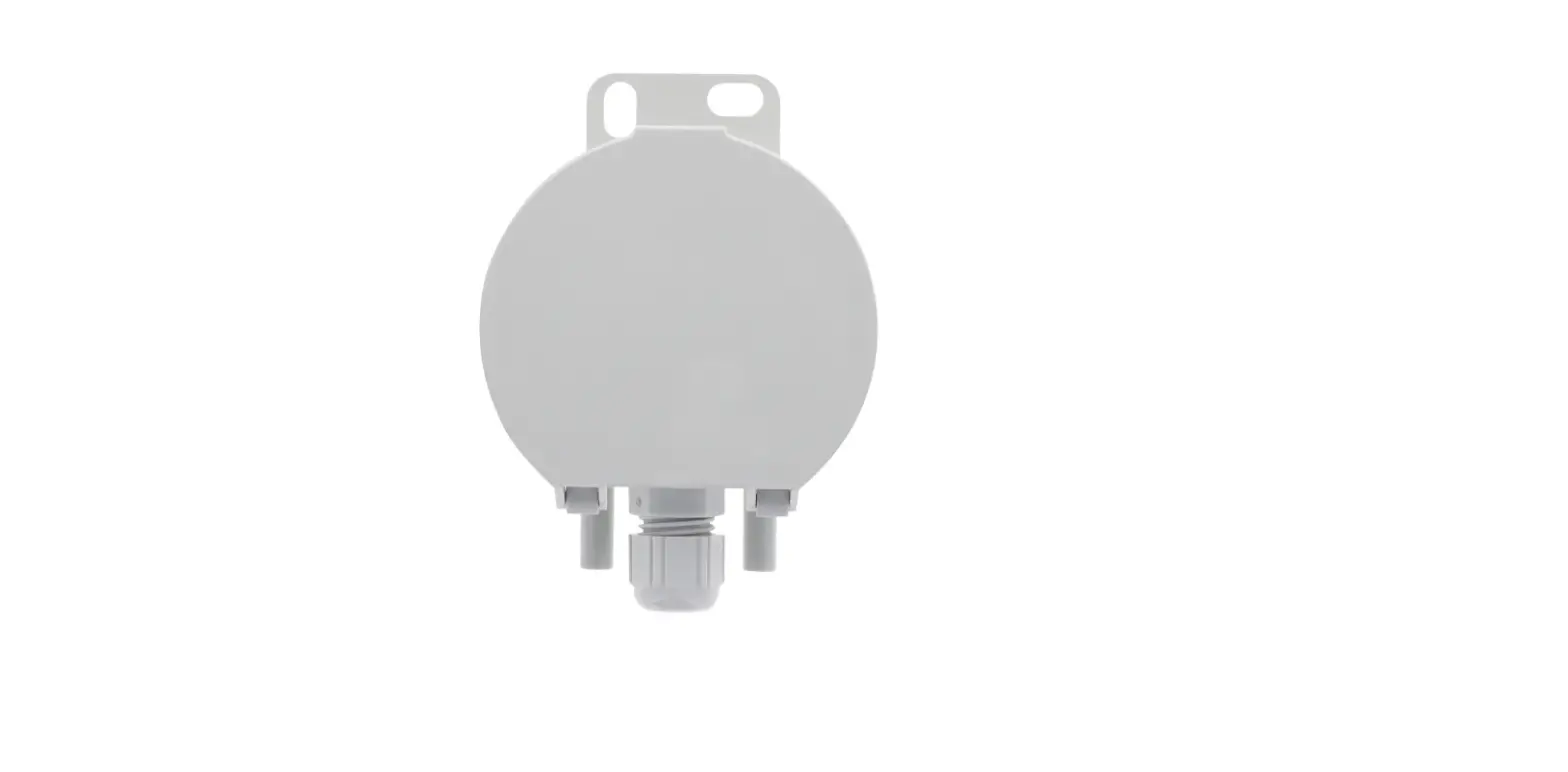
- Mount on the surface or in the panel using provided screws and mounting lugs.
- Attach provided cable and wire using the table on the reverse side.
- Set zero calibration. Apply zero pressure to both ports and navigate the menu to zero the device. Menu -> CAL -> ZERO ->Hit enter button.
- Scan the QR code with a smart device to open the product web page for additional resources.


WIRING INFORMATION
| Function | 15 Pin Connector Terminal | Cable Color |
| 12-28 VAC/VDC Power | 1 | Brown |
| 12-28 VAC/VDC Power | 6 | Yellow |
| 4-20 mA Output Signal | 11 | Red |
| 0-10 V Output Signal | 7 | Light Purple |
| External Input Signal | 8 | Light Green |
| Signal Common | 2 | Black |
| Relay #1 N/O | 12 | Violet |
| Relay #1 Common | 13 | Grey |
| Relay #1 N/C | 14 | White |
| Relay #2 N/O | 15 | Dark Blue |
| Relay #2 Common | 10 | Dark Green |
| Relay #2 N/C | 5 | Orange |
| RS-485 B(+) | 4 | Tan |
| RS-485 A(-) | 3 | Pink |
| RS-485 Common | 9 | Light Blue |
- Printed in U.S.A. 6/22 FR# 444695-00
- ©Copyright 2022 Dwyer Instruments, LLC