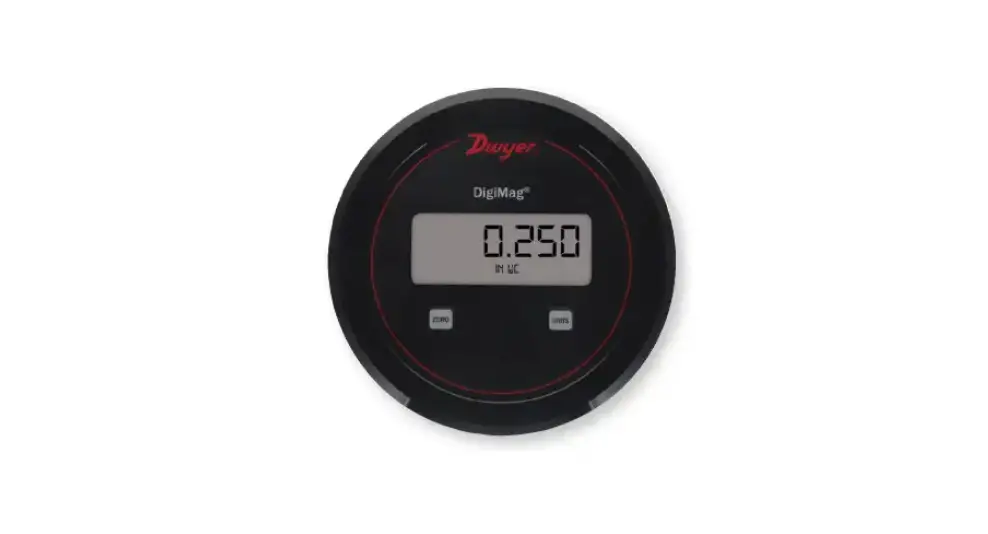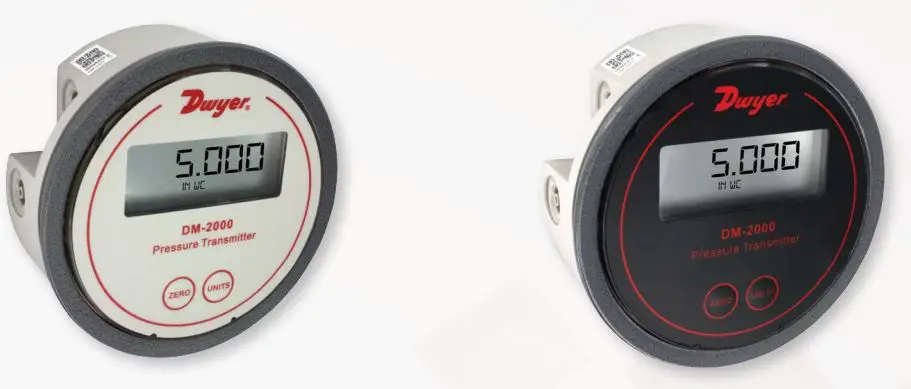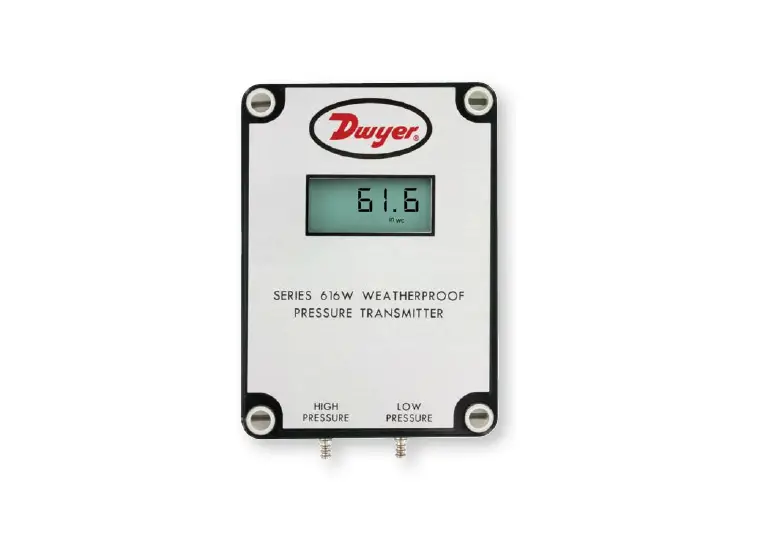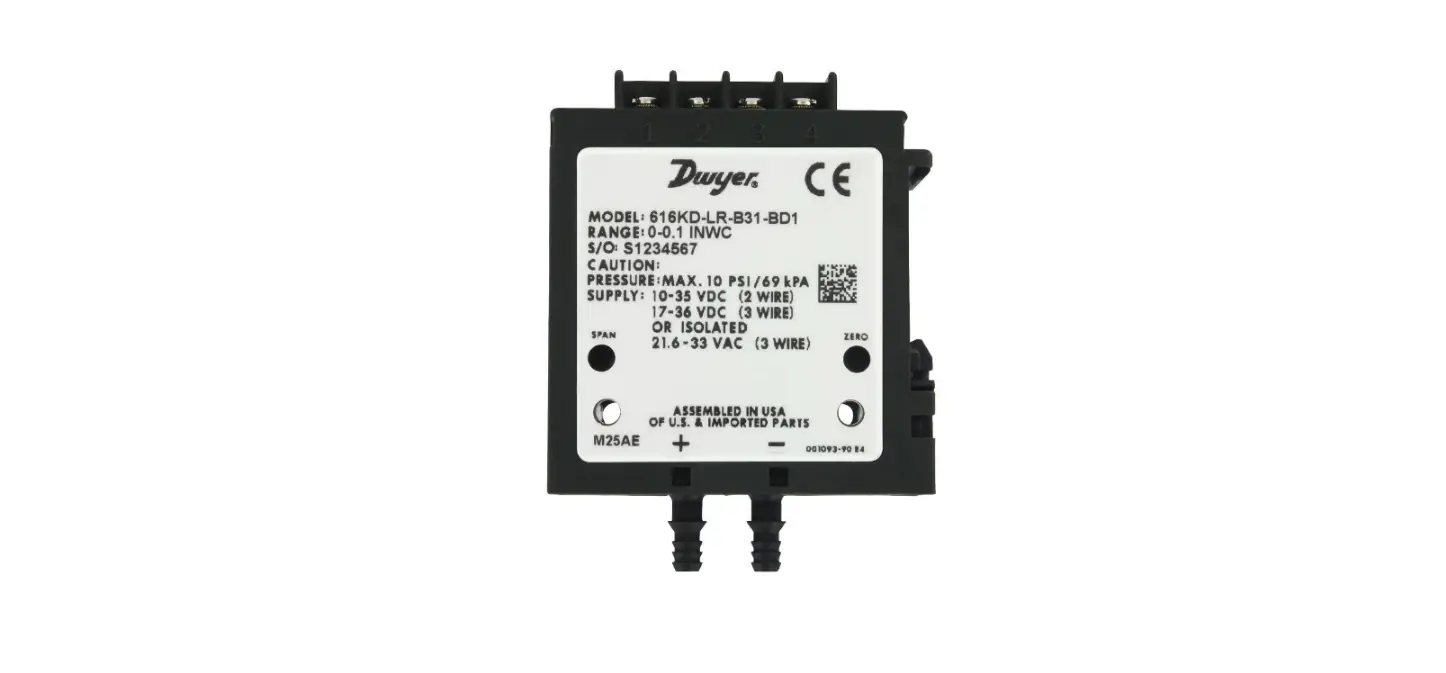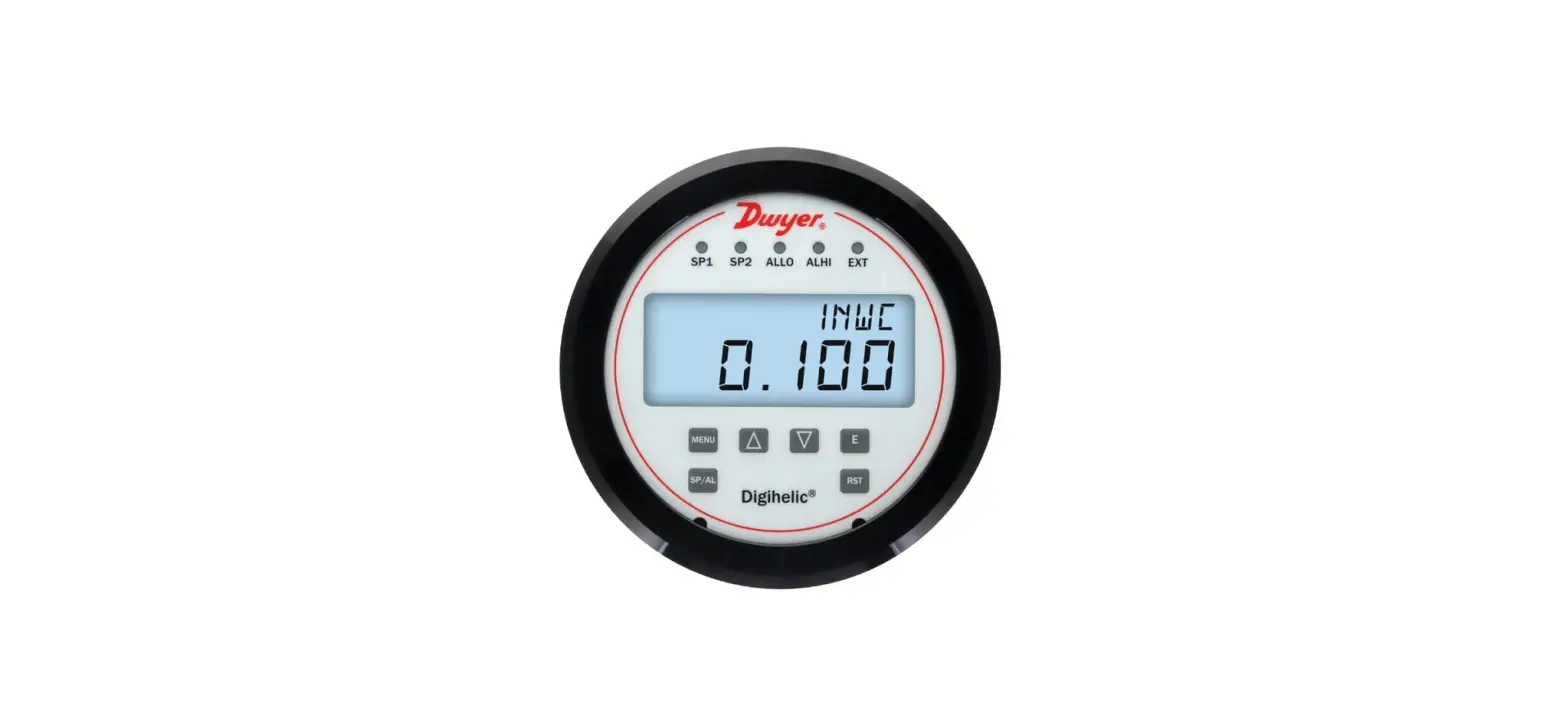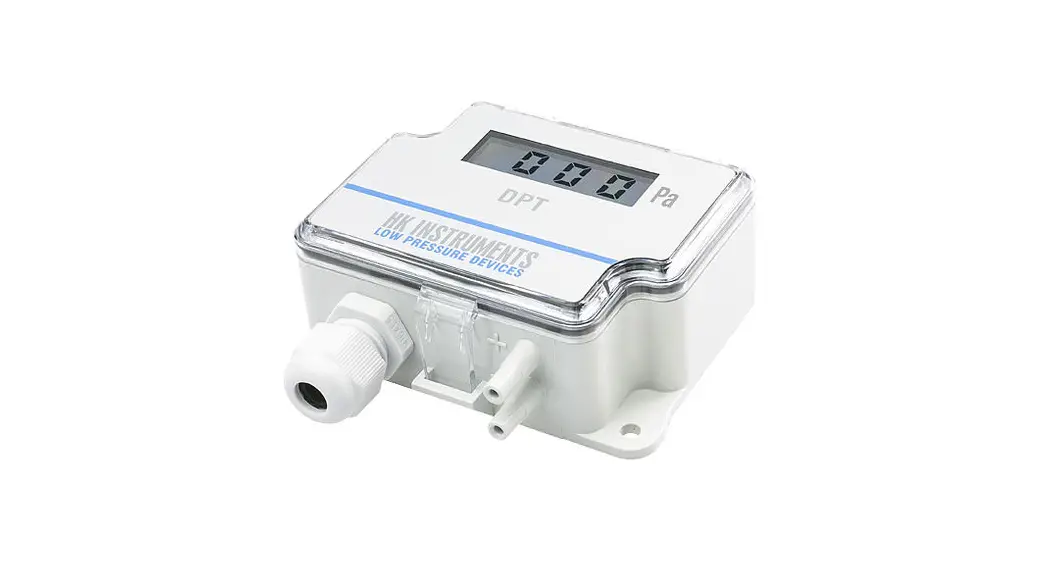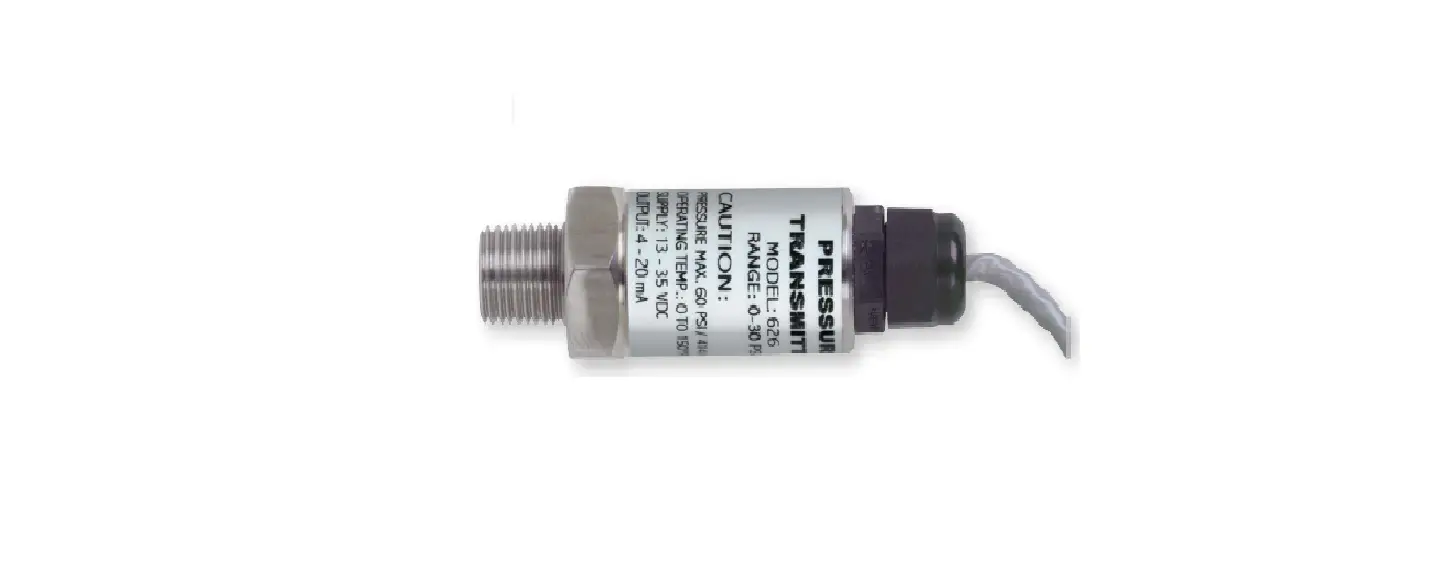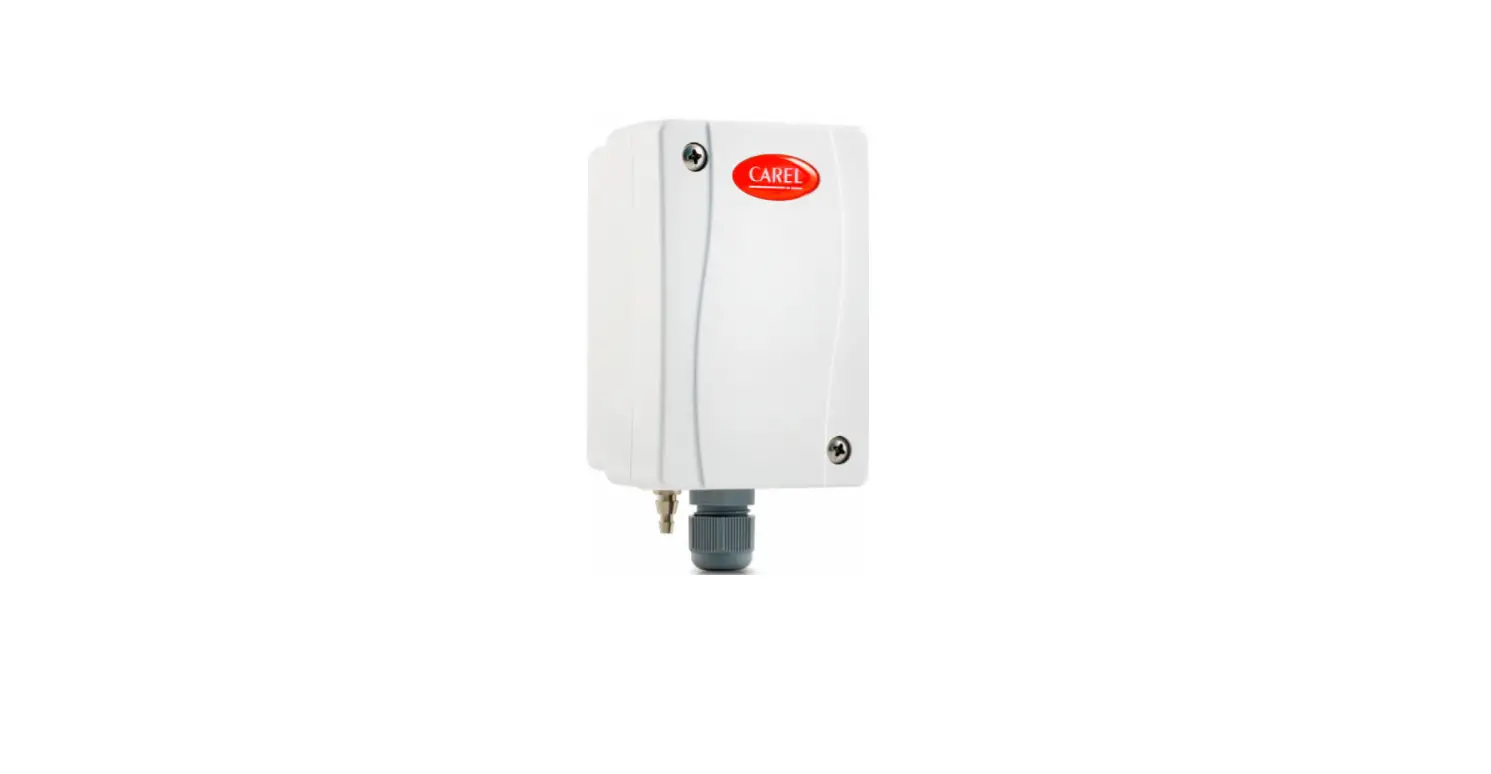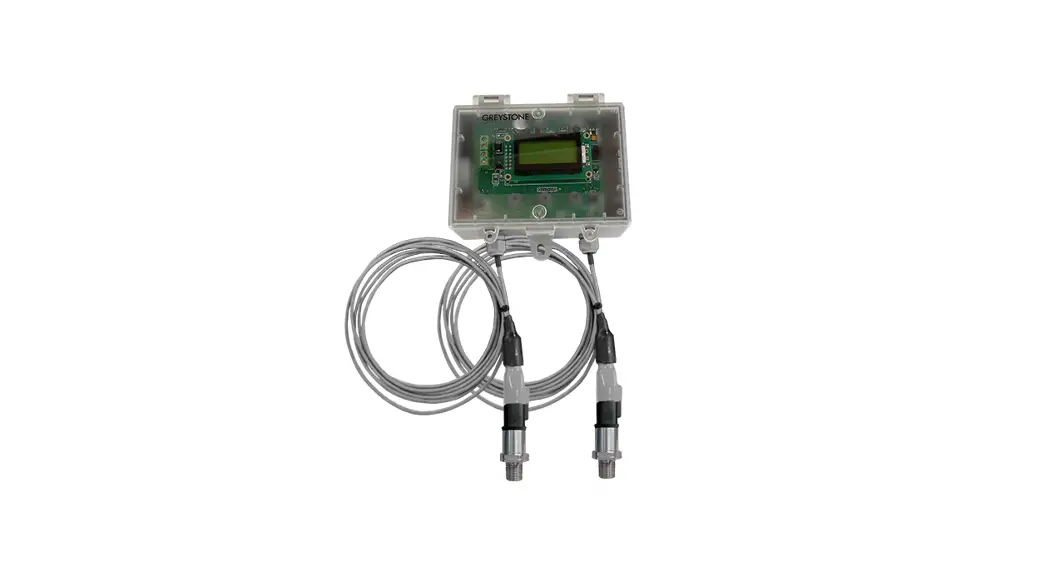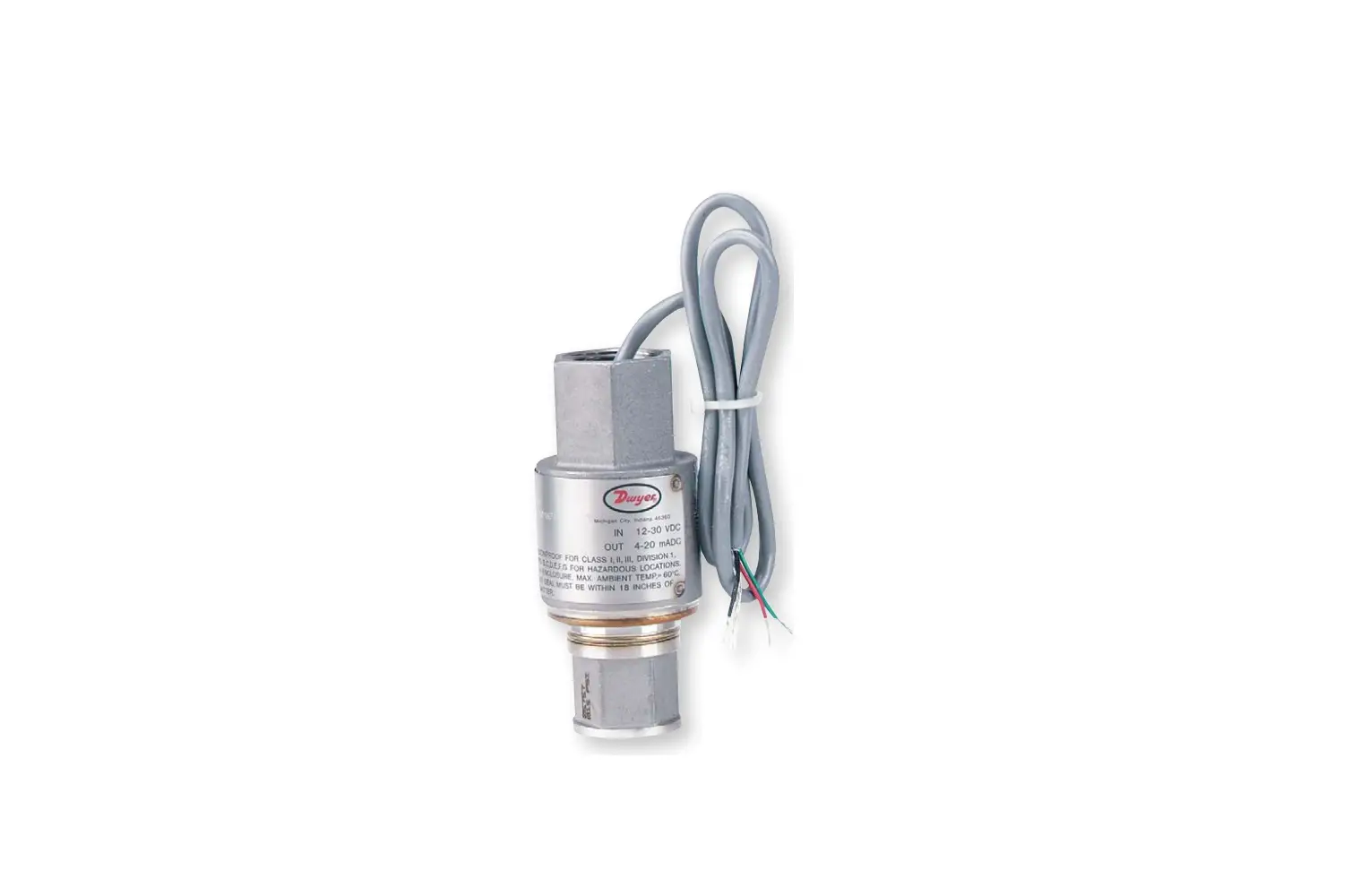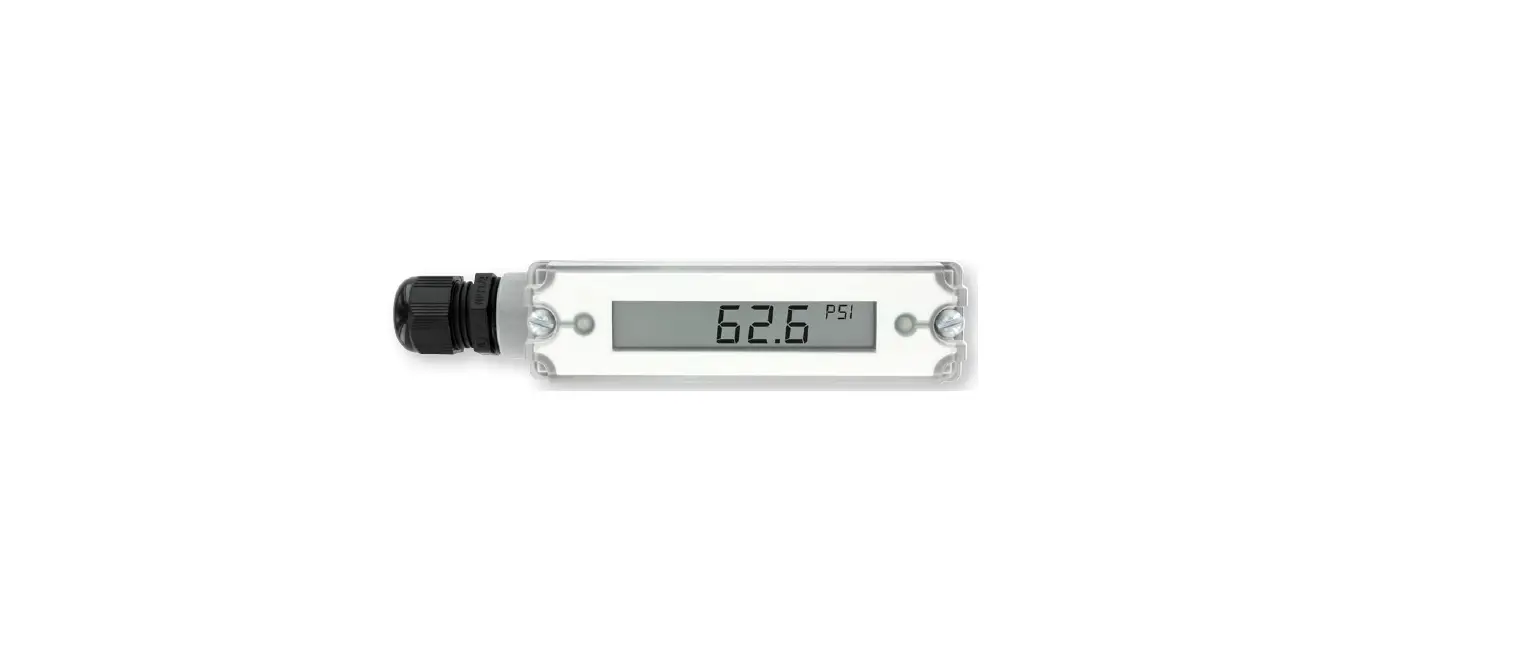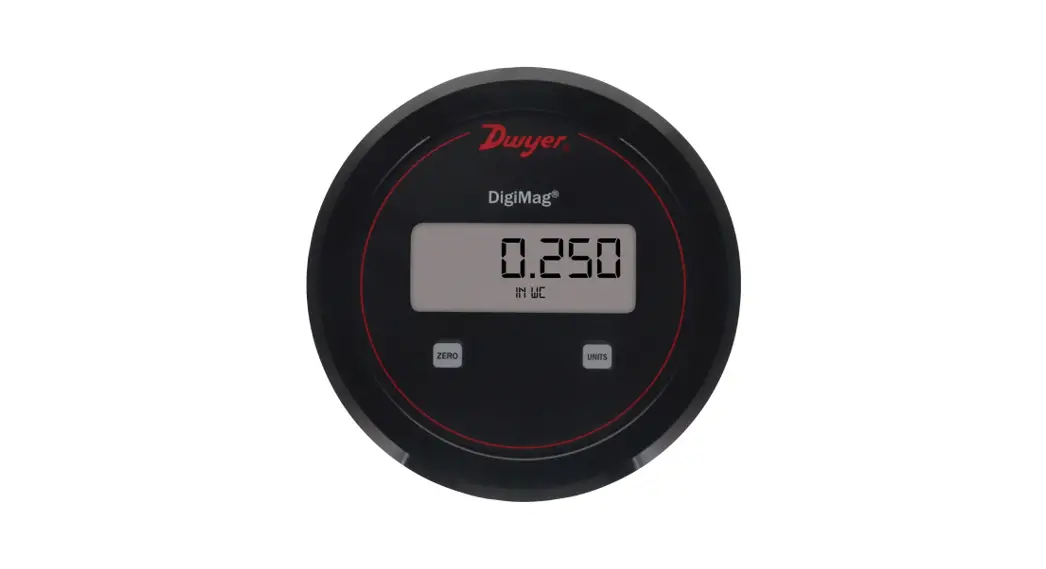
 Series DM DigiMag Differential
Pressure Transmitter
User Guide
QUICK START GUIDE
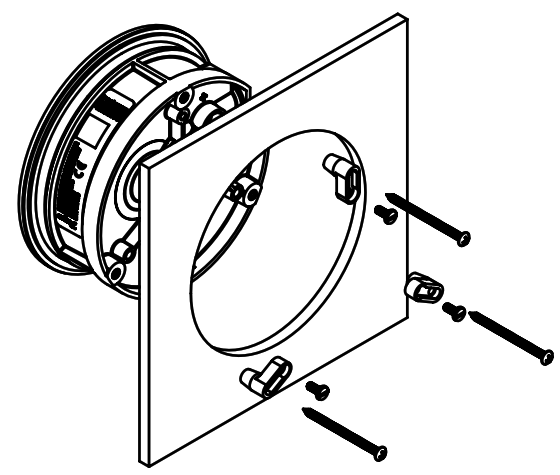
- Mount on the surface or in the panel using provided screws and mounting lugs.
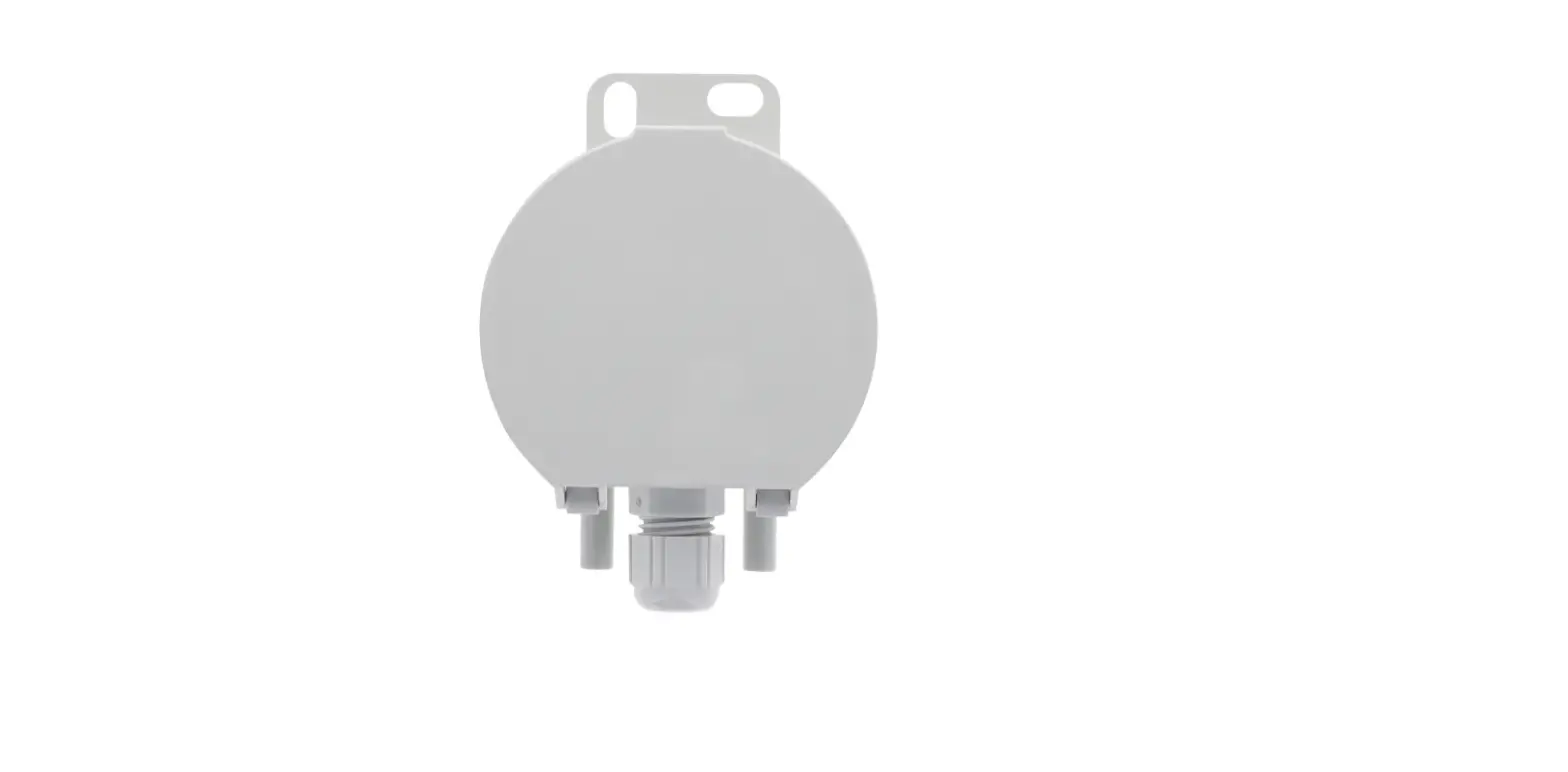
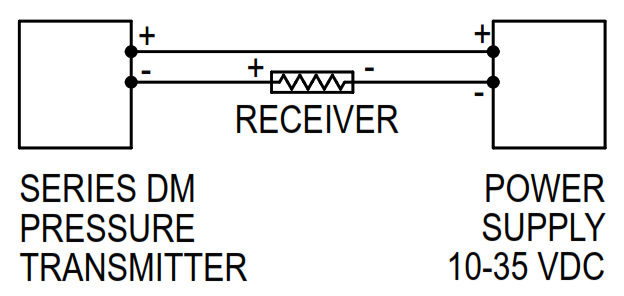
- Attach wires following diagram on the reverse side.
- Set zero calibration. Apply zero pressure to both pressure ports and press the zero button for 3 seconds.
- Scan the QR code with a smart device to open the product web page for additional resources.

http://www.dwyer-inst.com/QS/SeriesDM
WIRING INFORMATION
Panel mount
Printed in U.S.A. 9/21
FR# 444630-00
©Copyright 2021 Dwyer Instruments, Inc.