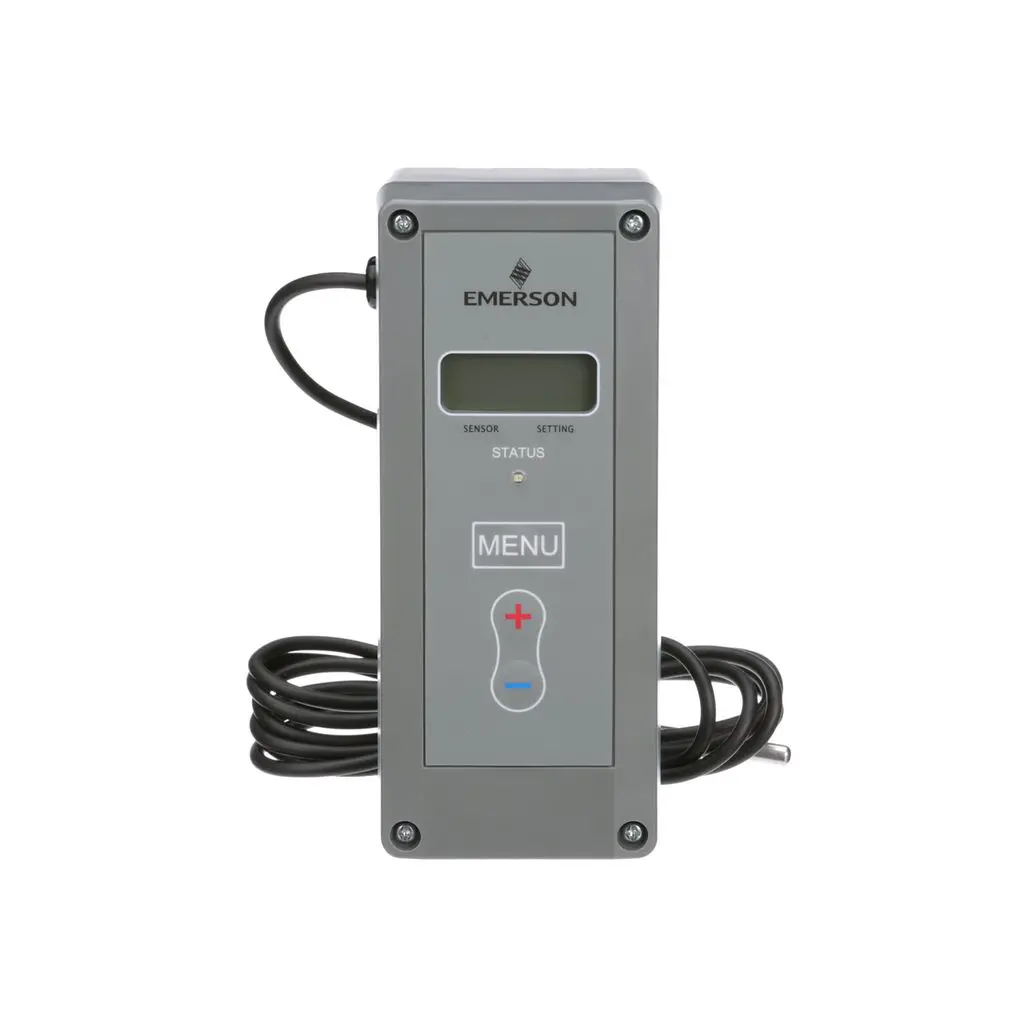
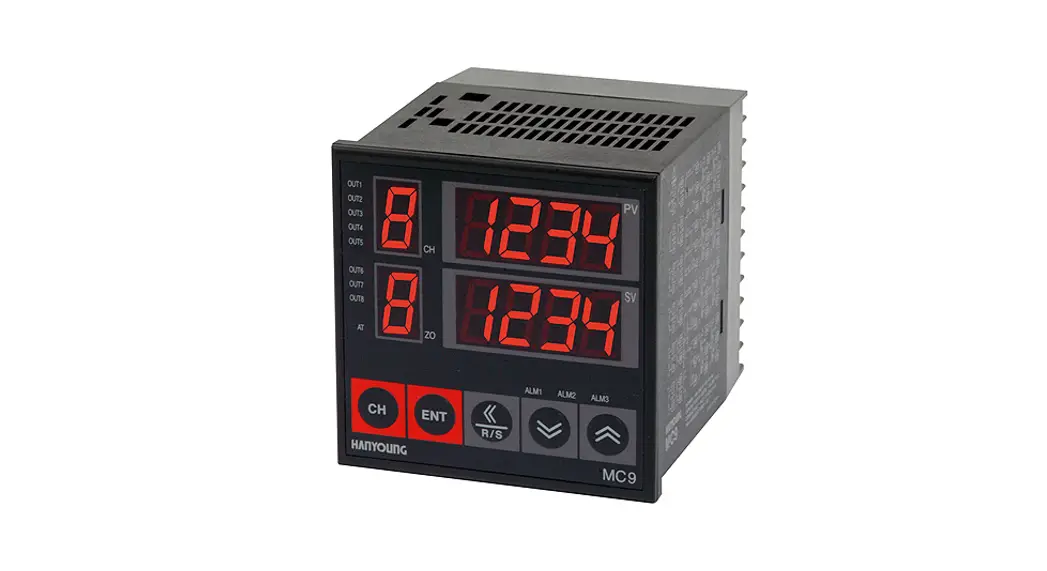
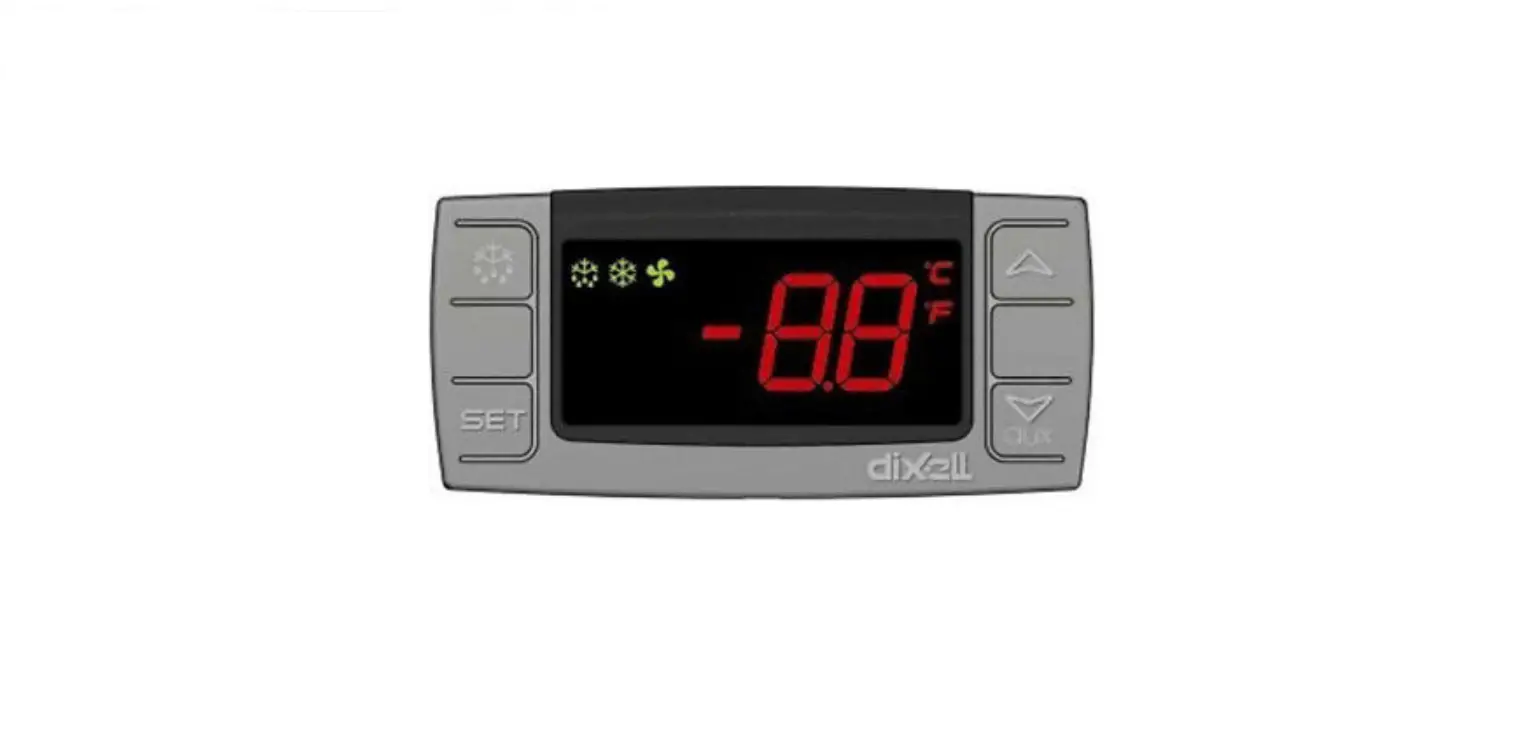
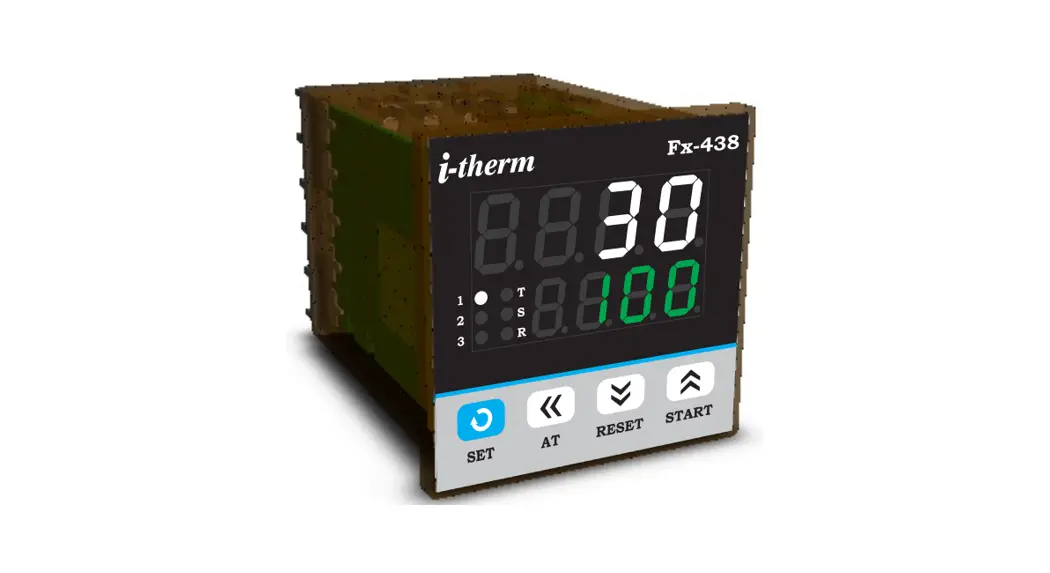
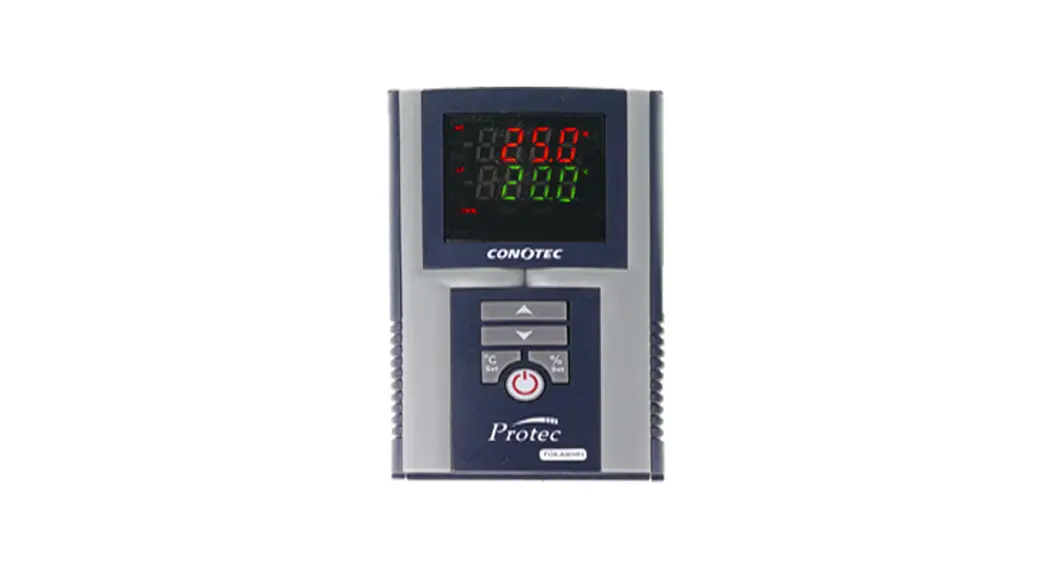
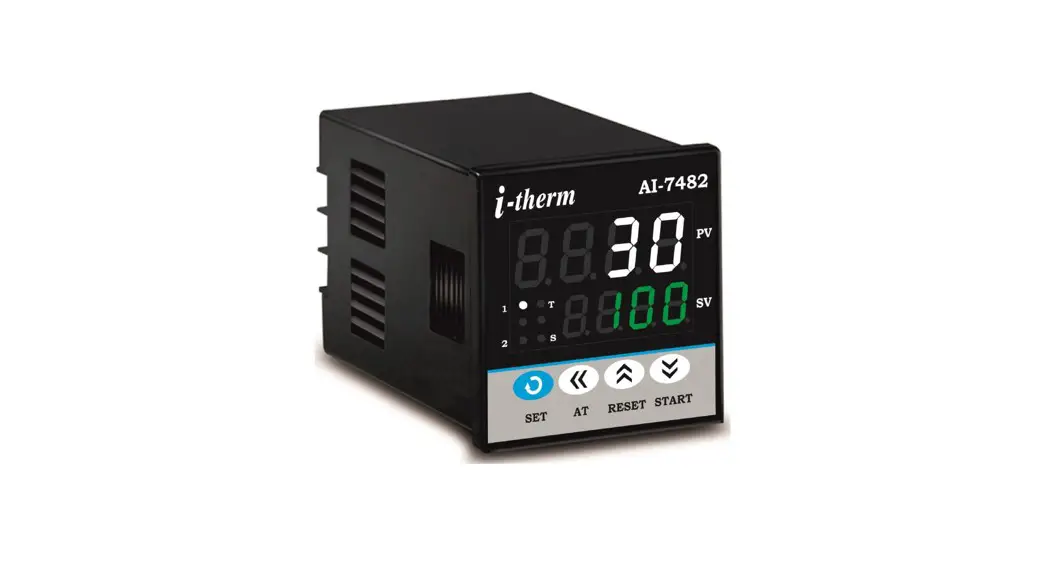
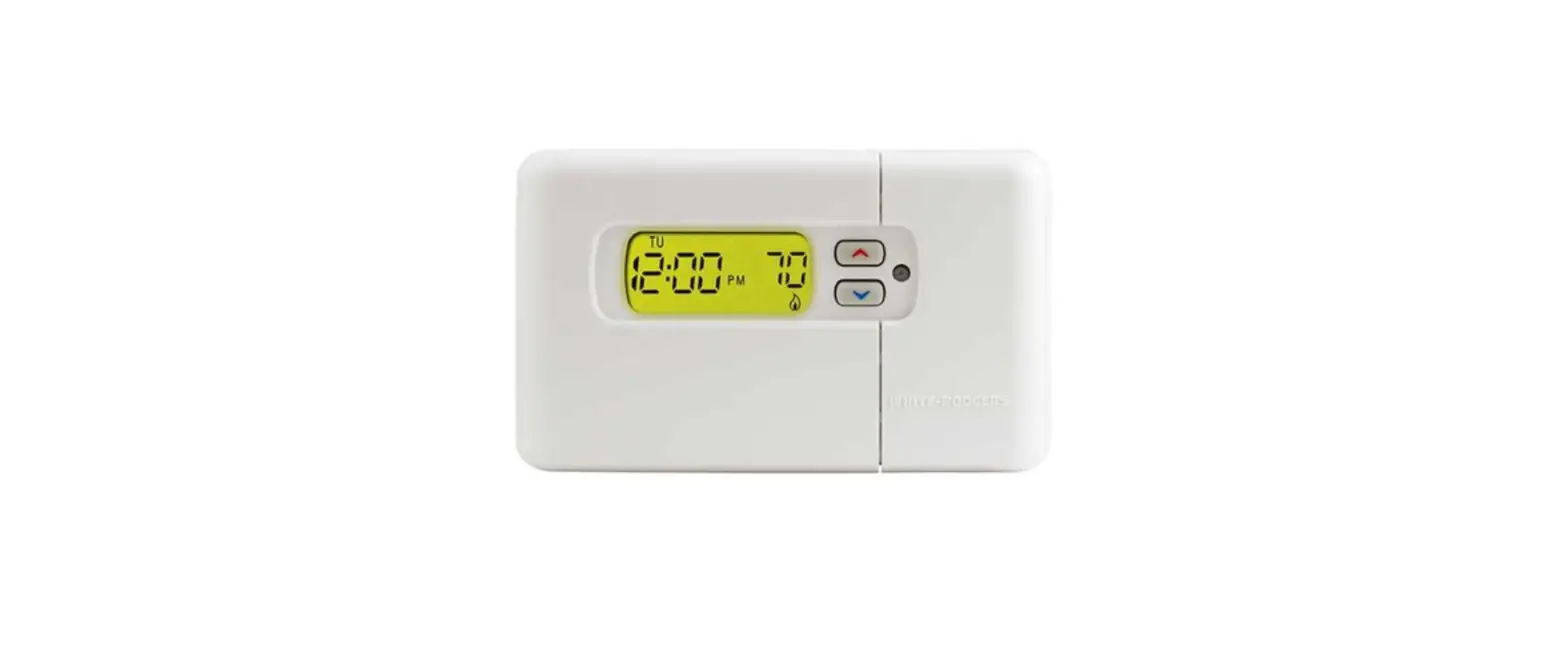
XR02CX Dixell Electronic Digital Display Temperature Controller
Product Information:
The XR02CX is a digital controller designed for refrigeration
applications at normal temperature. It is a digital thermostat with
off cycle defrost functionality. The controller has a compact size
of 32 x 74 x 50 mm and is equipped with a relay output to drive the
compressor. It also features 1 NTC probe input for temperature
measurement. The instrument is fully configurable through special
parameters that can be easily programmed using the keyboard or the
HOT-KEY.
Product Usage Instructions:
- Before using the controller, make sure to read the manual and
keep it near the instrument for easy reference. - Ensure that the supply voltage is correct before connecting the
instrument. - Do not expose the controller to water or moisture. Use it only
within the specified operating limits and avoid sudden temperature
changes with high atmospheric humidity to prevent
condensation. - Disconnect all electrical connections before performing any
maintenance on the instrument. - Install the probe in a location that is not accessible by the
end user. - Do not open the instrument. In case of failure or faulty
operation, send it back to the distributor or Dixell S.r.l. with a
detailed description of the fault. - Check the maximum current that can be applied to each relay as
mentioned in the technical data. - Ensure that the wires for probes, loads, and power supply are
separated and kept at a sufficient distance from each other without
crossing or intertwining. - In industrial environments, consider using mains filters in
parallel with inductive loads to improve performance (e.g., Dixell
mod. FT1). - Dixell Srl reserves the right to change the composition of its
products without notice, while ensuring the same
functionality. - The regulation output of the controller is based on the
temperature measured by the thermostat probe. When the temperature
increases and reaches the set point plus differential, the
compressor is started. It is turned off when the temperature
reaches the set point value again. - In case of a fault in the thermostat probe, the start and stop
of the compressor are timed through parameters CY and Cn. - Defrost is performed by simply stopping the compressor. The
interval between defrost cycles is controlled by parameter id,
while the length of each defrost cycle is controlled by parameter
Md. - The front panel commands of the controller include:
- (DEF): Used to start a manual defrost.
- (UP): In programming mode, it is used to browse parameter codes
or increase the displayed value. - (DOWN): In programming mode, it is used to browse parameter
codes or decrease the displayed value. - (AUX): To display target set point, select a parameter, or
confirm an operation in programming mode.
- On: Compressor enabled.
- Flashing: Anti short cycle delay enabled (AC parameter).
DIGITAL CONTROLLER
XR02CX
1 GENERAL WARNINGS ………………………………………………………………………………………………………………….. 1 2 GENERAL DESCRIPTION……………………………………………………………………………………………………………… 1 3 REGULATION……………………………………………………………………………………………………………………………….. 1 4 DEFROST …………………………………………………………………………………………………………………………………….. 1 5 FRONT PANEL COMMANDS …………………………………………………………………………………………………………. 1 6 PARAMETERS ……………………………………………………………………………………………………………………………… 1 7 DIGITAL INPUT …………………………………………………………………………………………………………………………….. 2 8 INSTALLATION AND MOUNTING…………………………………………………………………………………………………… 2 9 ELECTRICAL CONNECTIONS……………………………………………………………………………………………………….. 2 10 HOW TO USE THE HOT KEY ………………………………………………………………………………………………………… 2 11 ALARM SIGNALLING …………………………………………………………………………………………………………………….. 2 12 TECHNICAL DATA………………………………………………………………………………………………………………………… 2 13 CONNECTIONS…………………………………………………………………………………………………………………………….. 2 14 DEFAULT SETTING VALUES ………………………………………………………………………………………………………… 2
1 GENERAL WARNINGS
1.1 PLEASE READ BEFORE USING THIS MANUAL
This manual is part of the product and should be kept near the instrument for easy and quick reference.
The instrument shall not be used for purposes different from those described hereunder. It cannot be used as a safety device.
Check the application limits before proceeding.
1.2 SAFETY PRECAUTIONS
Check the supply voltage is correct before connecting the instrument. Do not expose to water or moisture: use the controller only within the operating limits avoiding sudden
temperature changes with high atmospheric humidity to prevent formation of condensation Warning: disconnect all electrical connections before any kind of maintenance. Fit the probe where it is not accessible by the End User. The instrument must not be opened. In case of failure or faulty operation send the instrument back to the distributor or to “Dixell S.r.l.” (see
address) with a detailed description of the fault. Consider the maximum current which can be applied to each relay (see Technical Data). Ensure that the wires for probes, loads and the power supply are separated and far enough from each
other, without crossing or intertwining. In case of applications in industrial environments, the use of mains filters (our mod. FT1) in parallel
with inductive loads could be useful. Dixell Srl reserves the right to change the composition of its products, even without notice, ensuring
the same and unchanged functionality.
2 GENERAL DESCRIPTION
Model XR02CX, format 32 x 74 x 50 mm, is a digital thermostat, with off cycle defrost, designed for refrigeration applications at normal temperature. It provides a relay output to drive the compressor. It is also provided with 1 NTC probe input. The instrument is fully configurable through special parameters that can be easily programmed through the keyboard or the by HOT-KEY.
3 REGULATION
3.1 THE REGULATION OUTPUT
The regulation is performed according to the temperature measured by the thermostat probe with a positive differential from the set point: if the temperature increases and reaches set point plus differential the compressor is started and then turned off when the temperature reaches the set point value again.
In case of fault in the thermostat probe the start and stop of the compressor are timed through parameters CY and Cn.
4 DEFROST
Defrost is performed through a simple stop of the compressor. Parameter id controls the interval between defrost cycles, while its length is controlled by parameter Md.
5 FRONT PANEL COMMANDS
To display target set point, in programming mode it selects a
parameter or confirm an operation
(DEF) To start a manual defrost
(UP) In programming mode it
browses the parameter codes or
increases the displayed value
(DOWN) In programming mode it
browses the parameter codes or
AUX
decreases the displayed value
KEYS COM BI N ATI ON
+ + +
To lock or unlock the keyboard To enter in programming mode To return to room temperature display
LED MODE
MEANING
On
Compressore enabled
Flashing Anti short cycle delay enabled (AC parameter)
On Flashing
On Flashing
On Flashing
Defrost in progress Dripping in progress Measurement unit Programming mode Measurement unit Programming mode
5.1
HOW TO SEE THE SET POINT
1. Push and immediately release the SET key, the set point will be showed; 2. Push and immediately release the SET key or wait about 5 sec to return to normal visualisation.
5.2
HOW TO CHANGE THE SETPOINT
1. Push the SET key for more than 2 sec to change the Set point value; 2. The value of the set point will be displayed and the “°C” or “°F” LED starts blinking; 3. To change the Set value, push the o or n arrows within 10 sec. 4. To memorise the new set point value push the SET key again or wait for 10 sec.
5.3 HOW TO START A MANUAL DEFROST
Push the DEF key for more than 2 sec and a manual defrost will start.
5.4 HOW TO CHANGE A PARAMETER VALUE
To change the parameter’s, value operate as follows: 1. Enter the Programming mode by pressing the SET+DOWN keys for 3 sec (“°C” or “°F” LED starts
blinking). 2. Select the required parameter. Press the SET key to display its value 3. Use UP or DOWN to change its value. 4. Press SET to store the new value and move to the following parameter.
To exit: press SET+UP buttons or wait for 15 sec without pressing any key. NOTE: the set value is stored even when the procedure is exited by waiting the time-out to expire.
5.5 TO LOCK THE KEYBOARD
1. Keep pressed for more than 3 sec the UP and DOWN keys. 2. The “OF” message will be displayed and the keyboard will be locked. If a key is pressed more
than 3 sec the “OF” message will be displayed.
5.6 TO UNLOCK THE KEYBOARD
Keep pressed together for more than 3 sec the UP and DOWN keys till the “on” message will be displayed.
6 PARAMETERS
REGULATION
Hy Differential: (0.1 to 25°C; 1 to 45°F) differential for set point. Compressor Cut IN is SET POINT + differential (Hy). Compressor Cut OUT is when the temperature reaches the set point.
LS Minimum SET POINT: (-55°C to SET; -67°F to SET) sets the minimum value for the set point. US Maximum SET POINT: (SET to 99°C; SET to 99°F) set the maximum value for set point. ot First probe calibration: (-9.9 to 9.9°C; -17 to 17°F) allows to adjust possible offset of the first probe. F5 Filter probe enabling: (nu; AL; do) set the field of action of the internal measurement filter. nu=not
used; AL=the filter will always works on all probes; do=the filter will only works on all probes for 30 sec after opening of the door. od Outputs activation delay at start up: (0 to 99min) this function is enabled at the initial start up of the instrument and inhibits any output activation for the period of time set in the parameter. AC Anti-short cycle delay: (0 to 50 min) minimum interval between the compressor stop and the following restart. Cy Compressor ON time with faulty probe: (0 to 99min) time during which the compressor is active in case of faulty thermostat probe. With Cy=0 compressor is always OFF. Cn Compressor OFF time with faulty probe: (0 to 99min) time during which the compressor is OFF in case of faulty thermostat probe. With Cn=0 compressor is always active.
DISPLAY
CF Measurement unit: (°C; °F) °C =Celsius; °F =Fahrenheit. WARNING: When the measurement unit is changed the SET point and the values of the parameters Hy, LS, US, oE, o1, AU, AL have to be checked and modified if necessary.
rE Resolution (only for °C): (dE; in) dE= decimal between -9.9 and 9.9°C; in= integer. dy Display delay: (0 to 15min) when the temperature increases, the display is updated of 1°C or
1°F after this time.
DEFROST
id Interval between defrost cycles: (0 to 99min) Determines the time intervals between two consecutives cycles of defrost.
Md Maximum length for defrost: (0 to 99min, 0 means no defrost) when P2=n, (not evaporator probe: timed defrost) it sets the defrost duration, when P2 = y (defrost end based on temperature) it sets the maximum length for defrost.
dF Display during defrost: (rt; it; SP; dF) rt= real temperature; it= start defrost temperature; SP= SET-POINT; dF= label dF.
ALARMS
AU Maximum temperature alarm: (AL to 99°C; AL to 99°F) when this temperature is reached the alarm is enabled, after the “Ad” delay time.
AL Minimum temperature alarm: (-55°C to AU; -67°F to AU) when this temperature is reached the alarm is enabled, after the Ad delay time.
Ad Temperature alarm delay: (0 to 99min) time interval between the detection of an alarm condition and alarm signalling.
dA Exclusion of temperature alarm at startup: (0 to 99min) time interval between the detection of the temperature alarm condition after instrument power on and alarm signalling.
DIGITAL INPUT
iP Digital input polarity: (oP; CL) oP=activated by closing the contact; CL=activated by opening the contact.
di Digital input alarm relay: (0 to 99 min) it represents the delay to activate the door open alarm.
SZ 1598030450 XR02CX RWD GB r1.0 29.08.2013.doc
XR02CX
1/2
OTHER
d1 Room probe instant value (read only) rS Real Set Poin value (read only) Pt Parameter code table (read only) rL Software release (read only)
7 DIGITAL INPUT
7.1
DOOR SWITCH
When the door is open and after the delay time set through parameter di, the door alarm will be enabled: the display will show the message “dA”. The alarm will stop as soon as the external digital input is disabled again. With the door open, the high and low temperature alarms are disabled.
8 INSTALLATION AND MOUNTING
Storage temperature: -30 to 85°C (-22 to 185°F) Relative humidity: 20 to 85% (not condensing) Measuring and regulation range: NTC -40 to 110°C (-40 to 230°F). Resolution: 0.1°C or 1°C or 1°F (selectable) Accuracy (ambient temp. 25°C): ±0.7°C ±1 digit
13 CONNECTIONS
13.1 20A COMPRESSOR RELAY
Instrument XR02CX shall be mounted on vertical panel, in a 29×71 mm hole, and fixed using the special bracket supplied. The temperature range allowed for correct operation is 0 to 60°C. Avoid places subject to strong vibrations, corrosive gases, excessive dirt or humidity. The same recommendations apply to probes. Let air circulate by the cooling holes.
9 ELECTRICAL CONNECTIONS
The instrument is provided with screw terminal block to connect cables with a cross section up to 2.5mm2. Before connecting cables make sure the power supply complies with the instrument’s requirements. Separate the probe cables from the power supply cables, from the outputs and the power connections. Do not exceed the maximum current allowed on each relay, in case of heavier loads use a suitable external relay.
9.1
PROBES
The probes shall be mounted with the bulb upwards to prevent damages due to casual liquid infiltration. It is recommended to place the thermostat probe away from air streams to correctly measure the average room temperature. Place the defrost termination probe among the evaporator fins in the coldest place, where most ice is formed, far from heaters or from the warmest place during defrost, to prevent premature defrost termination.
10 HOW TO USE THE HOT KEY
10.1 HOW TO PROGRAM THE HOT KEY FROM THE INSTRUMENT (UPLOAD)
1. Program one controller with the front keypad. 2. When the controller is ON, insert the “Hot-key” and push UP key; the “uP” message appears followed
a by flashing “En” 3. Push “SET” key and the “En” will stop flashing. 4. Turn OFF the instrument and then remove the “Hot-key”. After that turn it ON again.
NOTE: the “Er” message is displayed for failed programming. In this case push again o key if you want to restart the upload again or remove the “Hot-key” to abort the operation.
10.2 HOW TO PROGRAM AN INSTRUMENT USING HOT KEY (DOWNLOAD)
1. Turn OFF the instrument. 2. Insert a programmed “Hot Key” into the 5-PIN receptacle and then turn the Controller ON. 3. Automatically the parameter list of the “Hot-key” is downloaded into the Controller memory, the “do” message is blinking followed a by flashing “En”. 4. After 10 sec the instrument will restart working with the new parameters. 5. Remove the “Hot-key”.
NOTE: the “Er” message is displayed for failed programming. In this case push again o key if you want to restart the upload again or remove the “Hot-key” to abort the operation.
11 ALARM SIGNALLING
Mess. Cause P1 Room probe failure HA Maximum temperature alarm LA Minimum temperature alarm
Outputs Compressor output according to Cy e Cn Outputs unchanged Outputs unchanged
5.1
ALARM RECOVERY
Probe alarm “P1” starts some seconds after the fault in the related probe; they automatically stop some seconds after the probe restarts normal operation. Check connections before replacing the probe. Temperature alarms “HA” and “LA” automatically stop as soon as the temperature returns to normal values.
12 TECHNICAL DATA
Housing: self extinguishing ABS Case: frontal 32×74 mm; depth 60mm Mounting: panel mounting in a 71x29mm panel cut-out Protection: IP20 Frontal protection: IP65 Connections: disconnectable terminal block 2.5 mm2 wiring and 6.3mm fast-on Power supply: according to the model ±10%; 230Vac 10%, 50/60Hz, 110Vac 10%, 50/60Hz Power absorption: 3.5 VA max Display: 2 digits, red LED, 14.2 mm high; Inputs: 2 NTC Relay outputs: compressor: 20(8)A 250Vac Data storing: on the non-volatile memory (EEPROM). Kind of action: 1B Pollution degree: 2 Software class: A Rated impulsive voltage: 2500V Overvoltage Category: II Operating temperature: 0 to 60°C (32 to 140°F)
NOTE: in case of 110Vac model, connect power supply to terminals 6-7.
14 DEFAULT SETTING VALUES
LABEL Hy LS US ot F5 od AC Cy Cn CF rE dy id Md dF AU AL Ad
dA
iP di d1 rS Pt rL
DESCRIPTION
Differential
Minimum Set Point Maximum Set Point First probe calibration Filter probe enabling Outputs activation delay at start up Anti-short cycle delay Compressor ON time faulty probe Compressor OFF time faulty probe Measurement units Resolution (only for °C) Display delay Interval between defrost cycles Maximum length for defrost Display during defrost Maximum temperature alarm Minimum temperature alarm Temperature alarm delay Exclusion of temperature alarm at startup Digital input polarity Digital input alarm delay Room probe display Real set point Parameter code table Firmware release
RANGE 0.1 to 25°C; 1 to 45°F -55°C to SET; -67°F to SET SET to 99°C; SET to 210°F -9.9 to 9.9°C; -17 to 17°F
nu; AL; do 0 to 99 min 0 to 50 min 0 to 99 min 0 to 99 min
°C; °F dE; in 0 to 15 min 0 to 99 hours 0 to 99 min. rt; in; dE ALL to 99°C; ALL to 210°F -55°C to ALU; -67°F to ALU 0 to 99 min
0 to 99 min
oP; CL 0 to 99 min Read Only Read Only Read Only Read Only
SZ 1598030450 XR02CX RWD GB r1.0 29.08.2013.doc
XR02CX
2/2
 Material para Hostelería y Comercio - Productos y Maquinaria