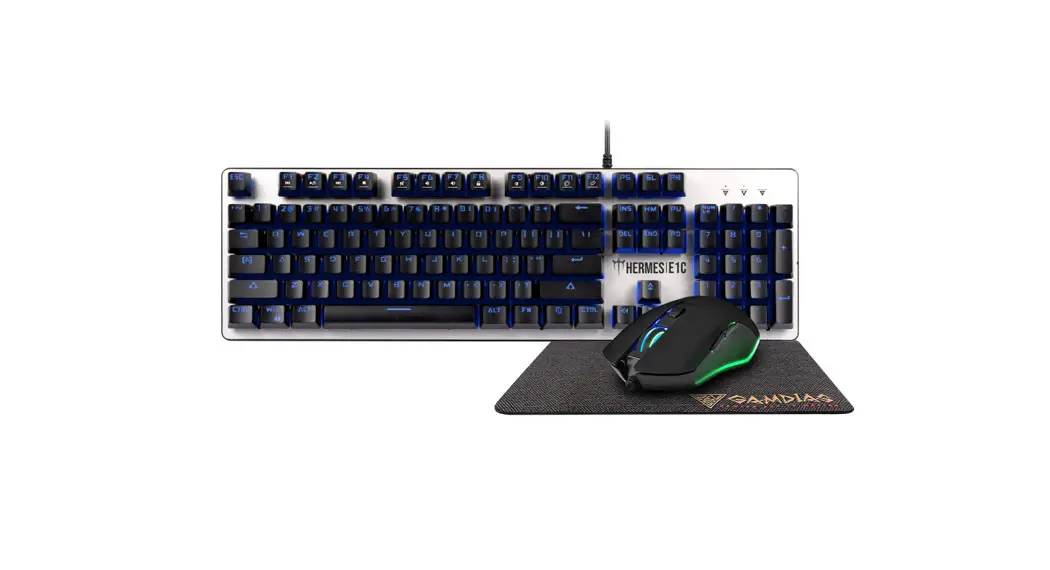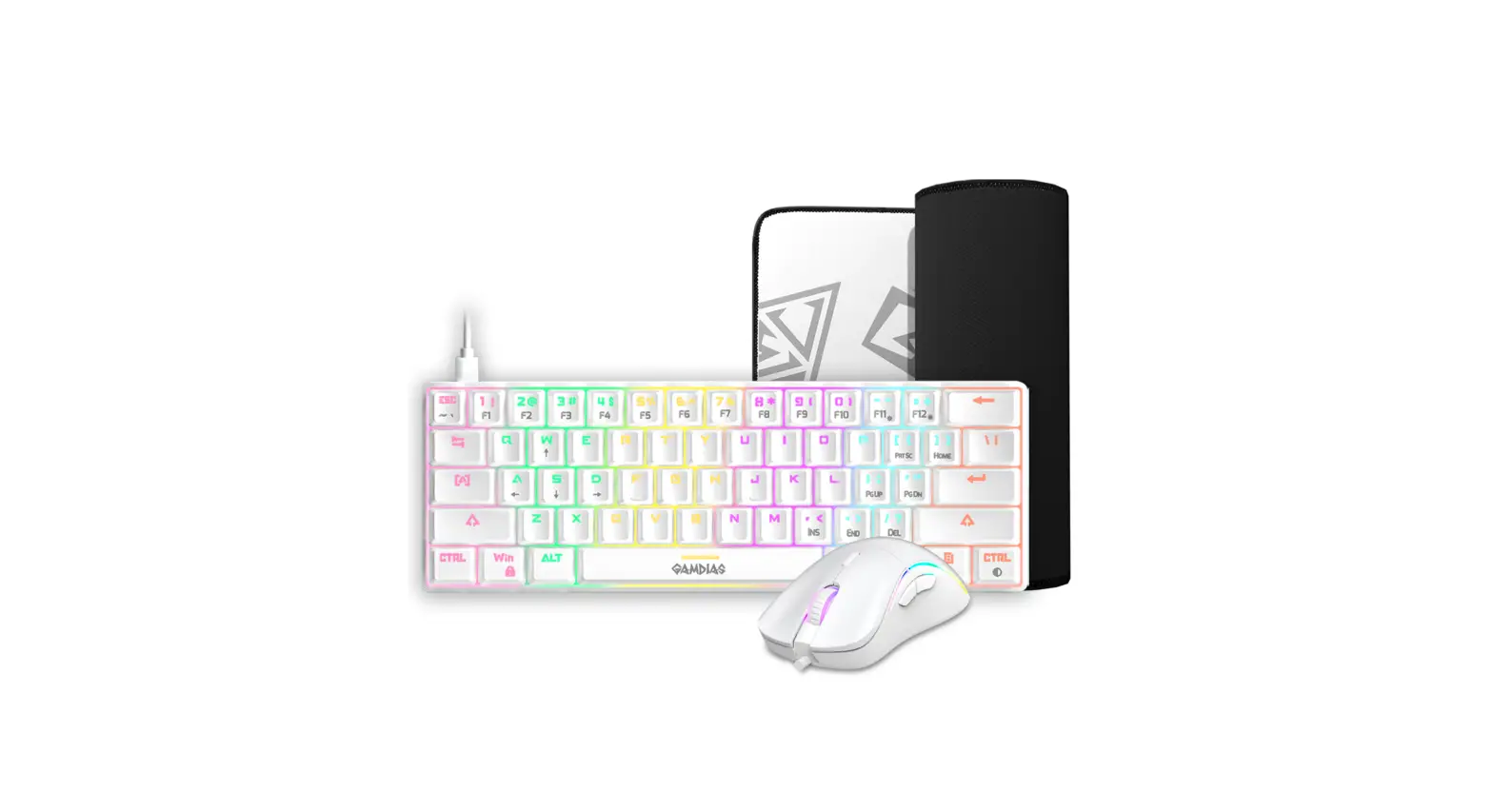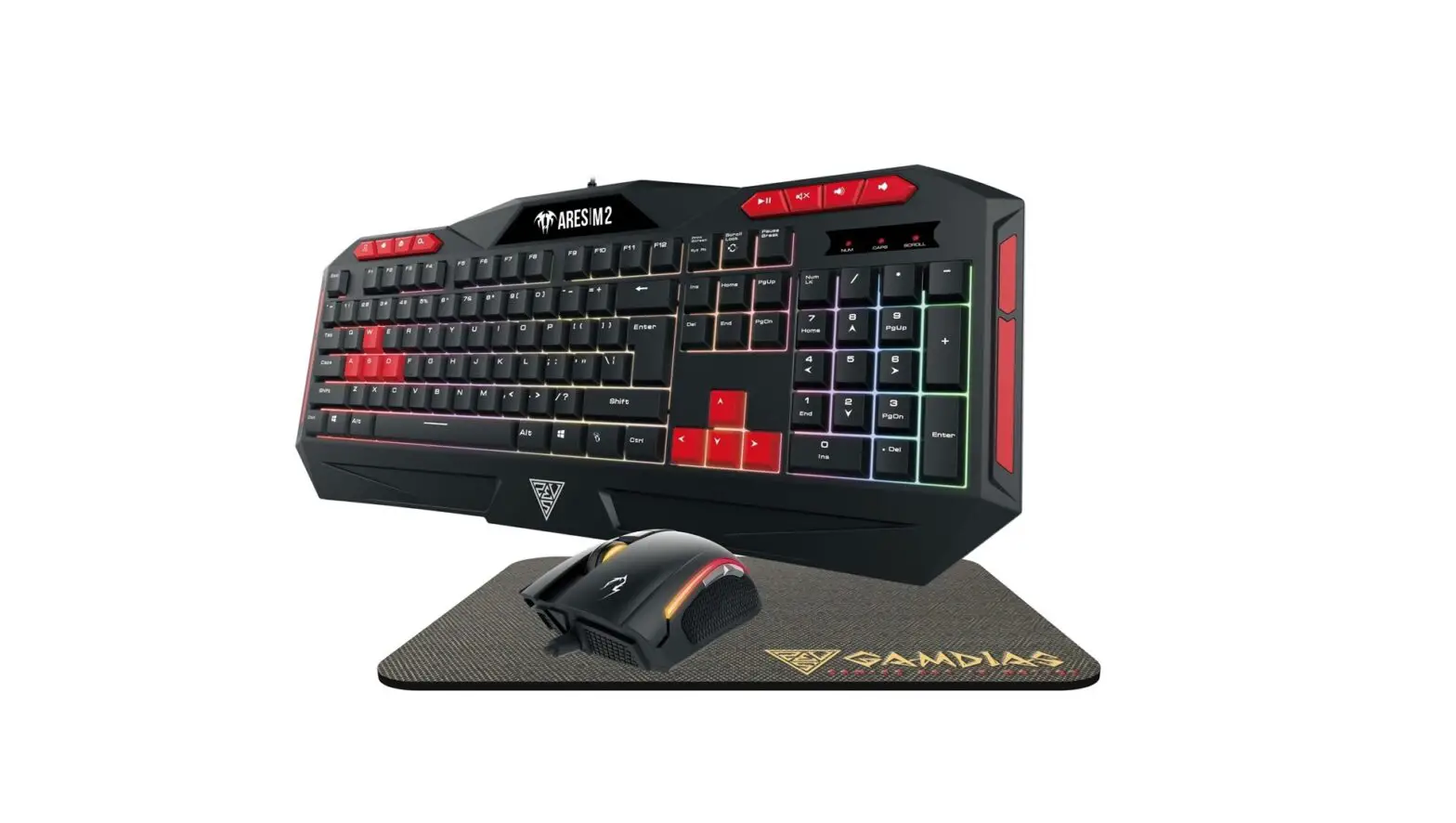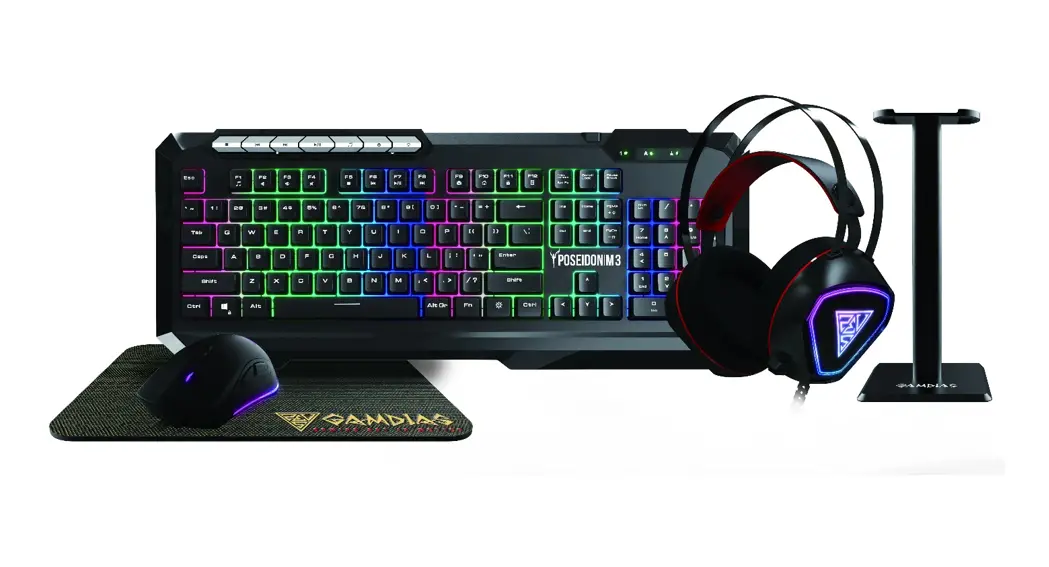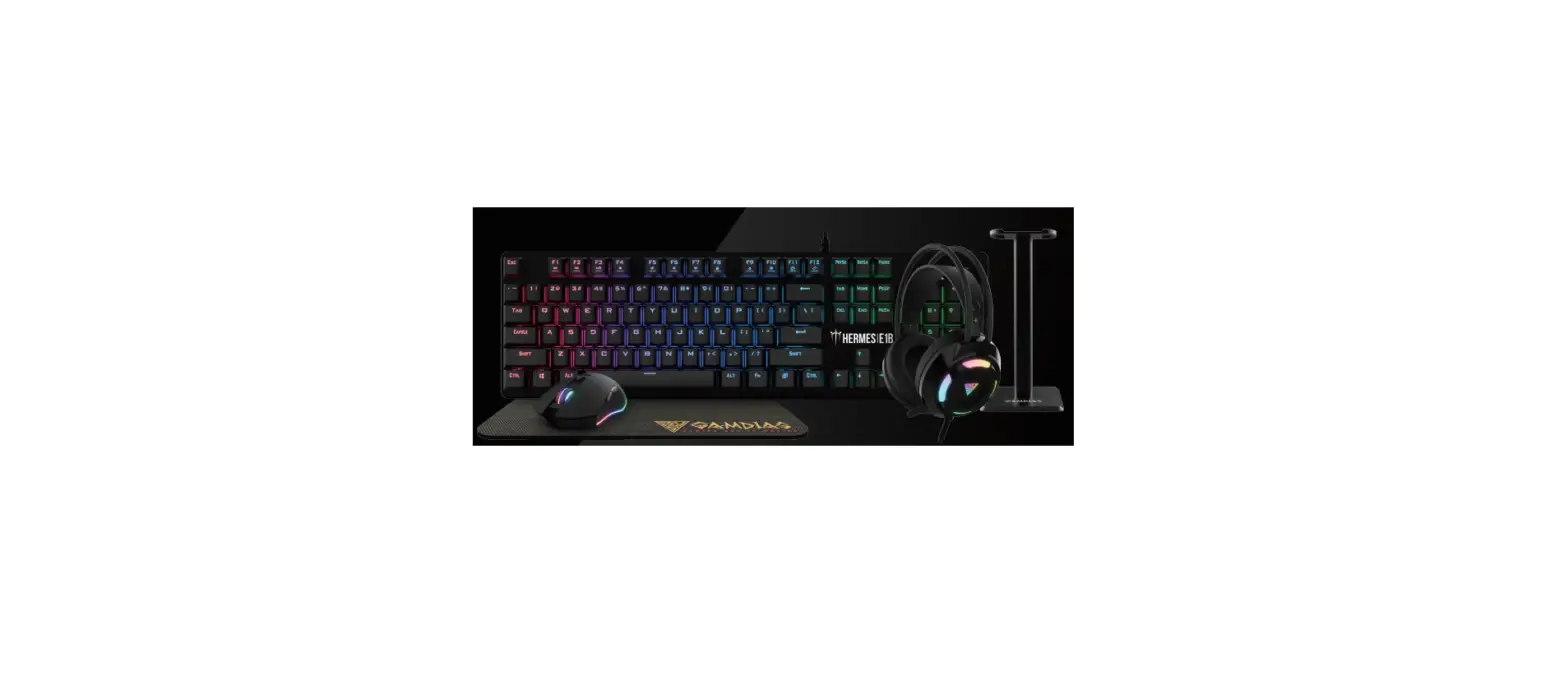
 HERMES E1B Elite Gaming Combo
 HERMES E1B Elite Gaming Combo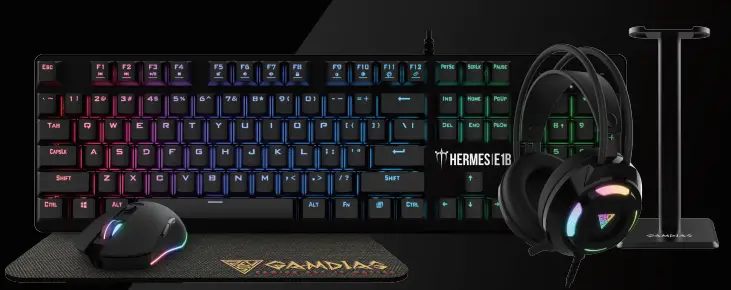
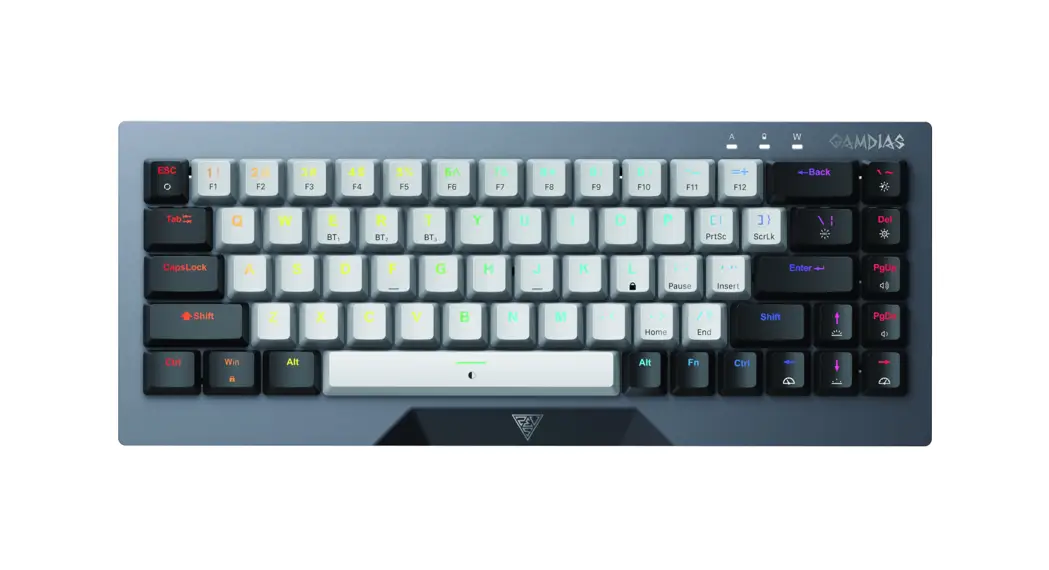
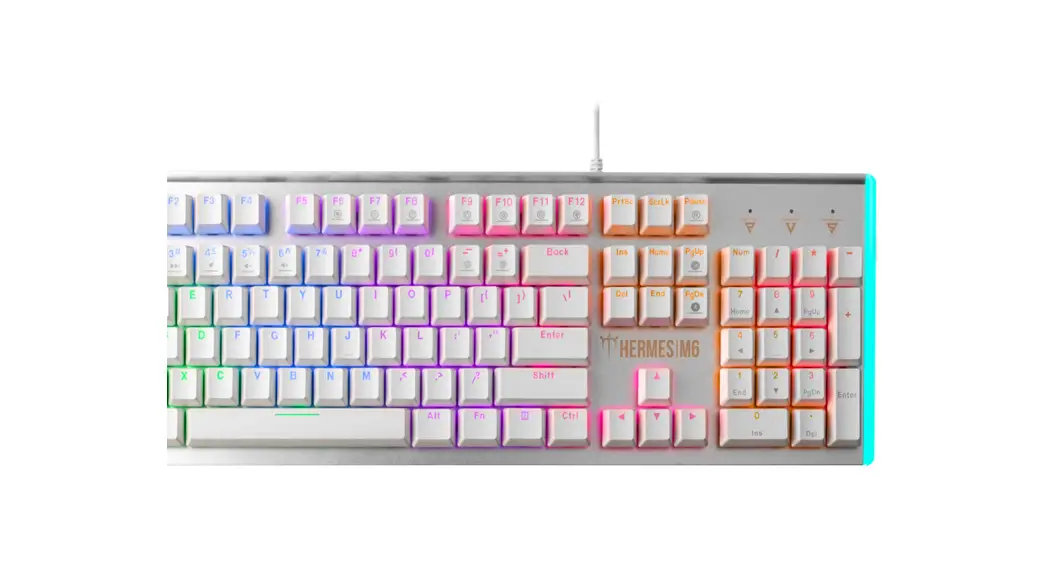
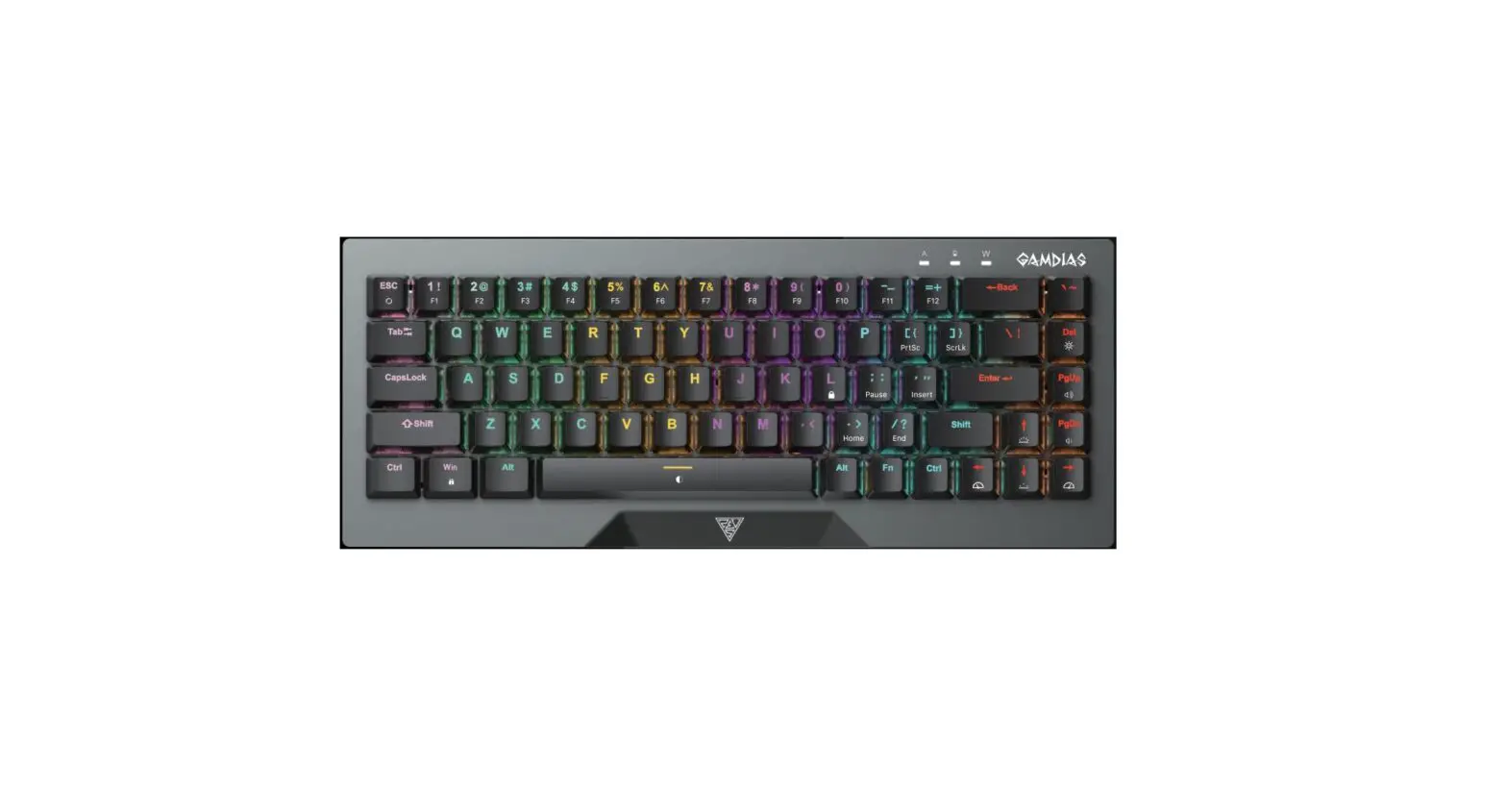
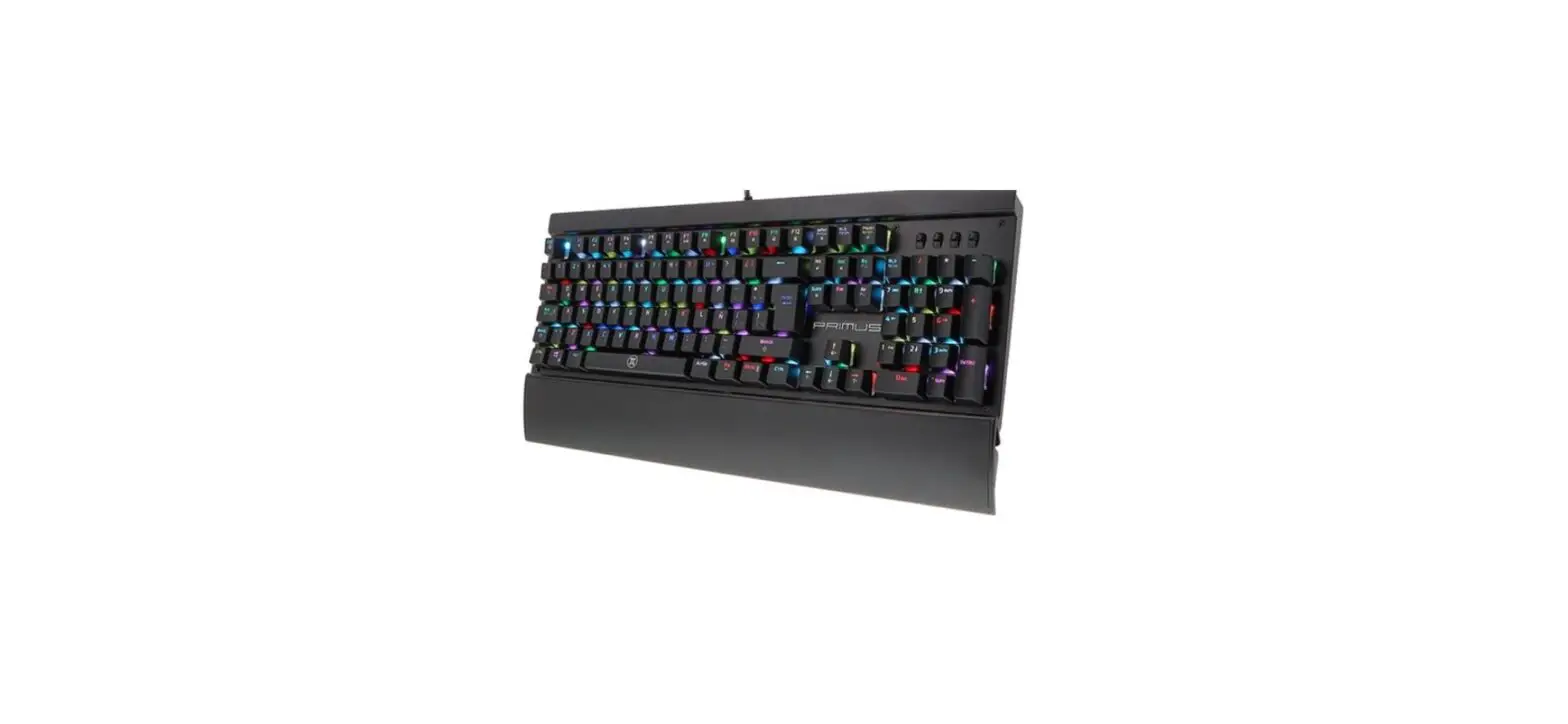
Thank you for purchasing the GAMDIAS™ HERMES E1B Elite mechanical keyboard. The HERMES E1B Elite focuses on the basic features users demand and applies this to the distinct design elements of the HERMES series. This small, lightweight and easy-to-use keyboard allows for extended use and flexibility.
System Requirements
- Windows ® XP/ Vista / 7 / 8 / 10
- PC with USB ports
Introduction to HERMES E1B Elite Keyboard Configuration
A. Seven multimedia shortcut keys: Previous track, play/pause, next track, stop , mute, decrease volume, increase volume

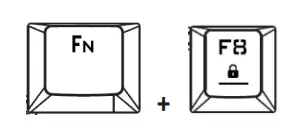
B. Game mode: Press [Fn + F8] once to lock the Windows key so there will be no response when they are pressed. Press again to unlock the keys
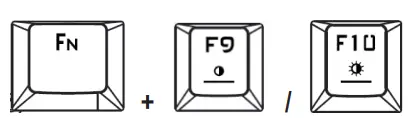
C. Keyboard backlight brightness level adjustment: Under the constant light mode, use [Fn + F10] increases brightness, [Fn + F9] decreases brightness. There are 4 phases for brightness level adjustment; OFF / 50% / 70% / 100% + /
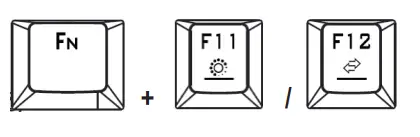
D. Lighting mode: There are two lighting modes, Press [Fn + F11] to switch to
color breathing modes, Press [Fn + F12] to switch to 7-color constant light modes.
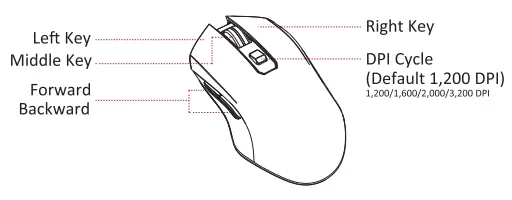
Mouse Default Settings
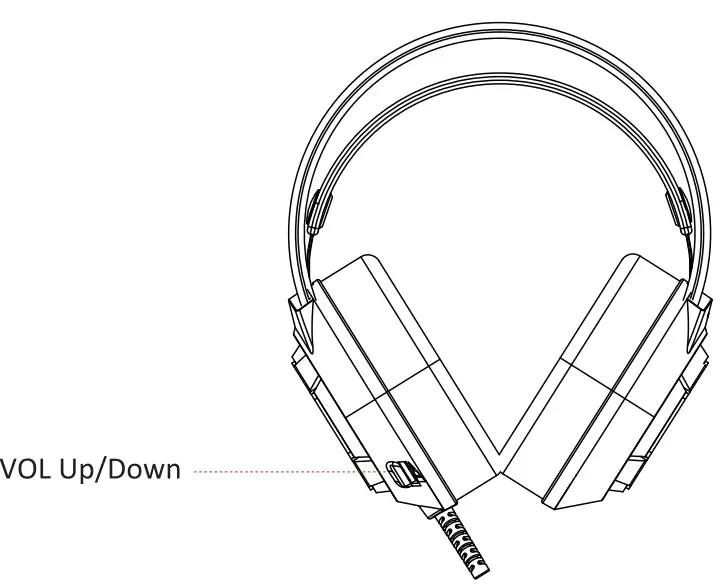
Headset Default Settings
Register your GAMDIASTM HERMES E1B Elite 5-in-1 Gaming Combo Please visit www.GAMDIAS.com for online product registration
 GAMDIAS Gaming PC Components & Peripherals | GAMDIAS