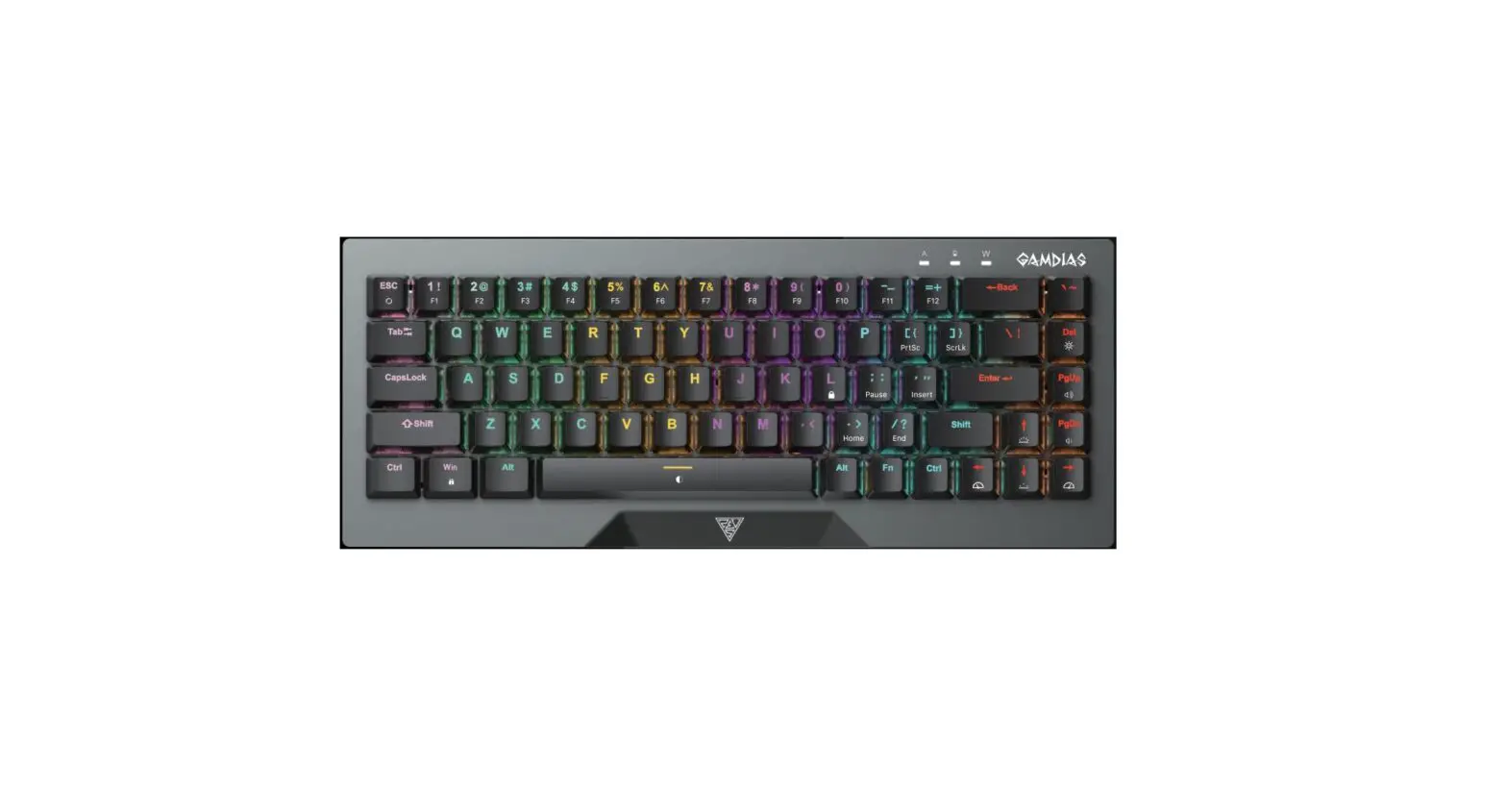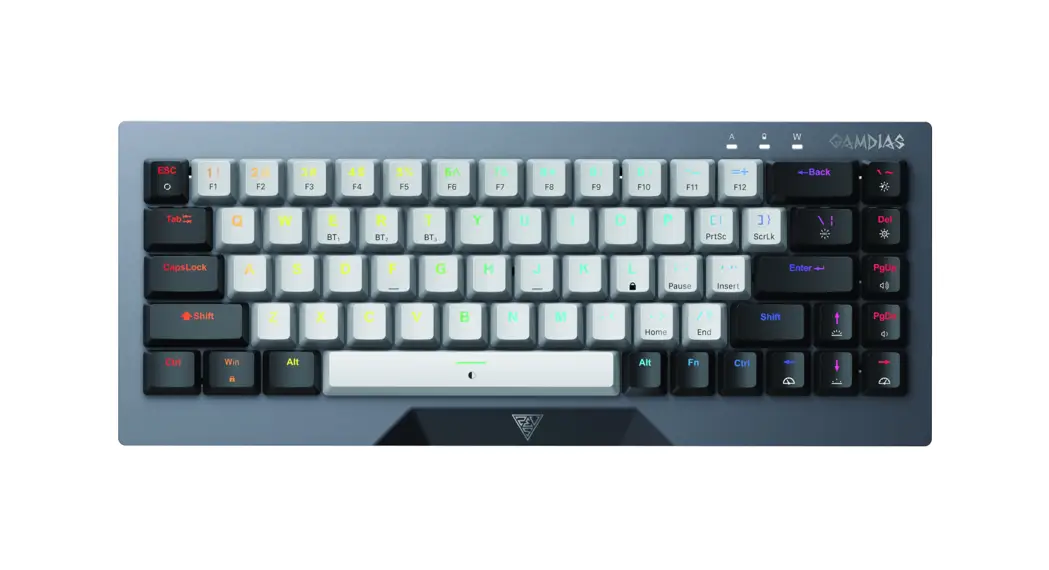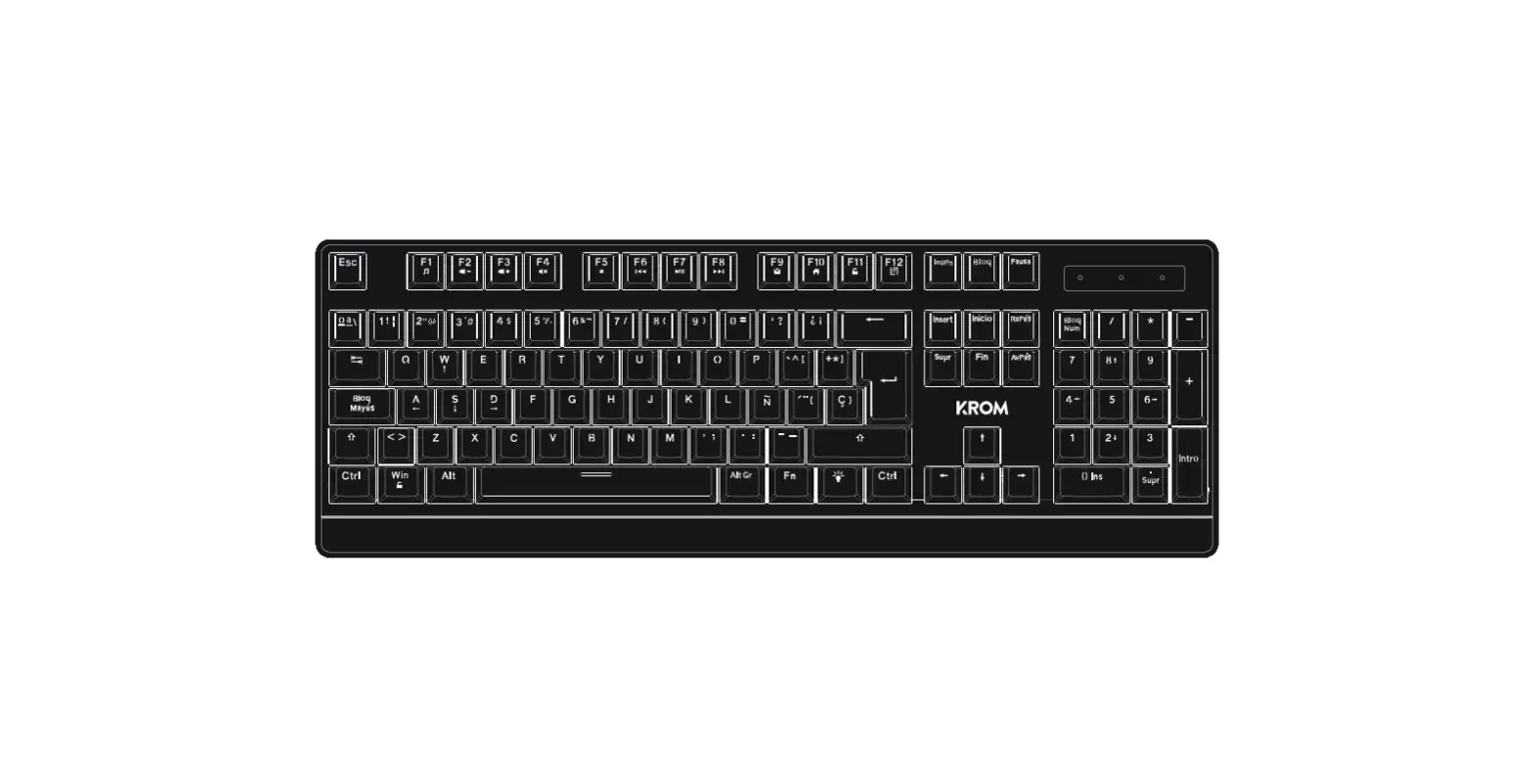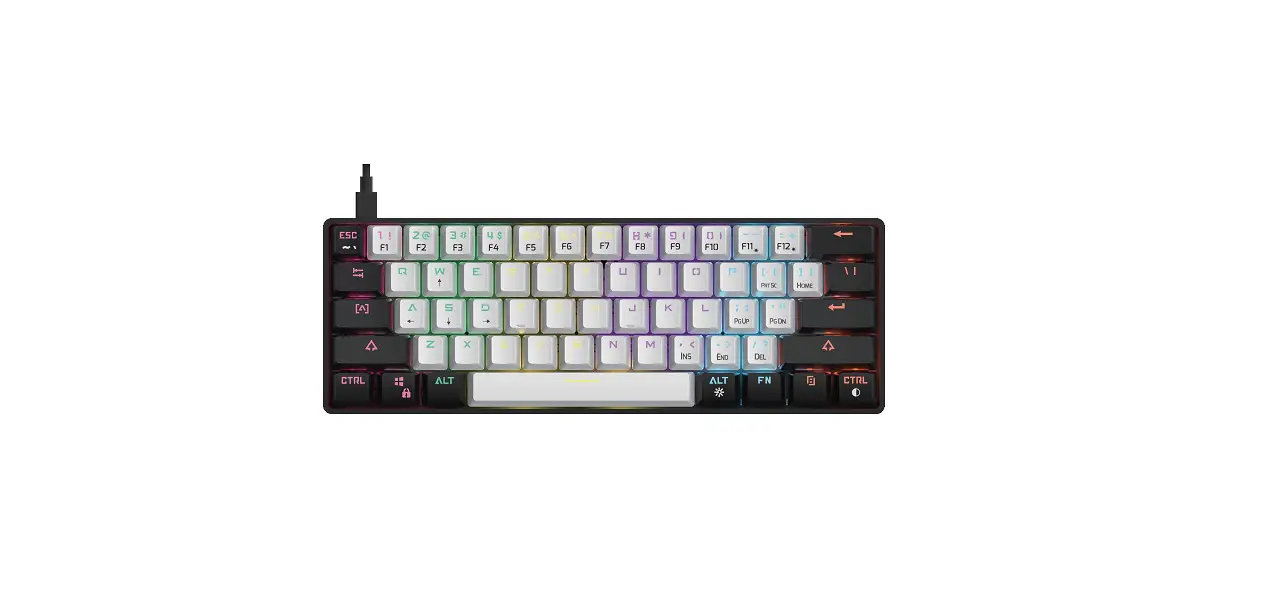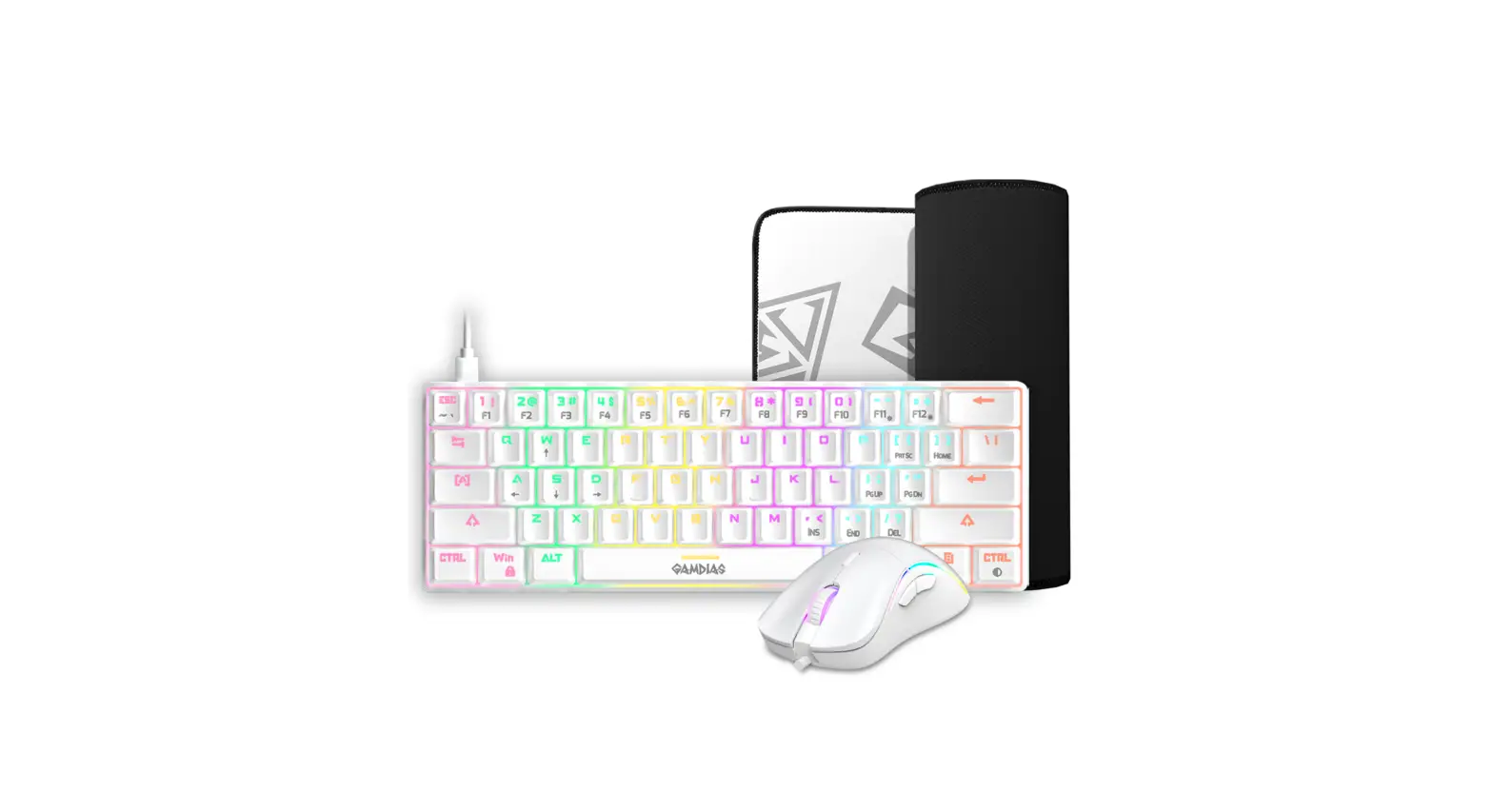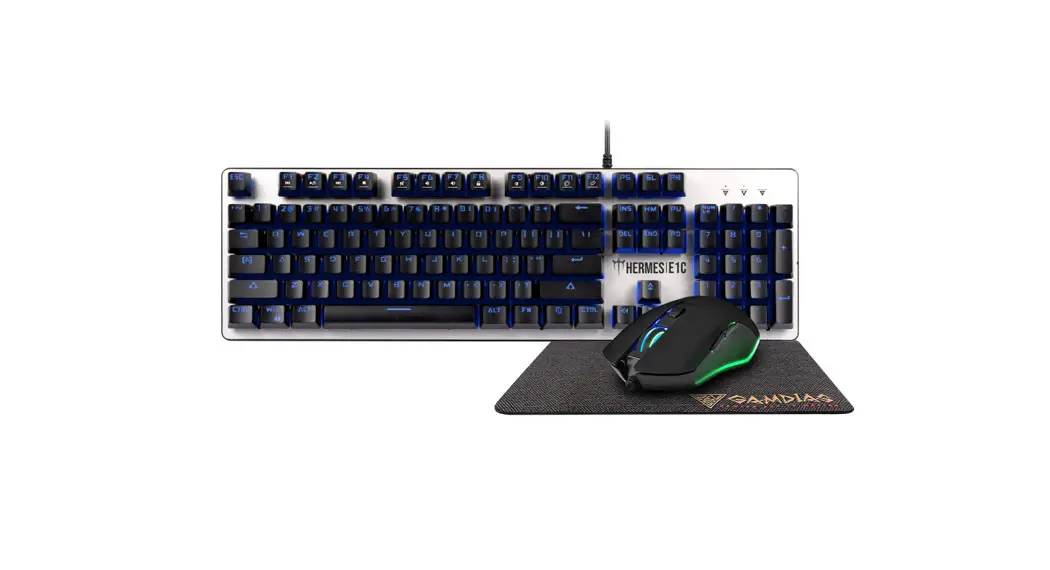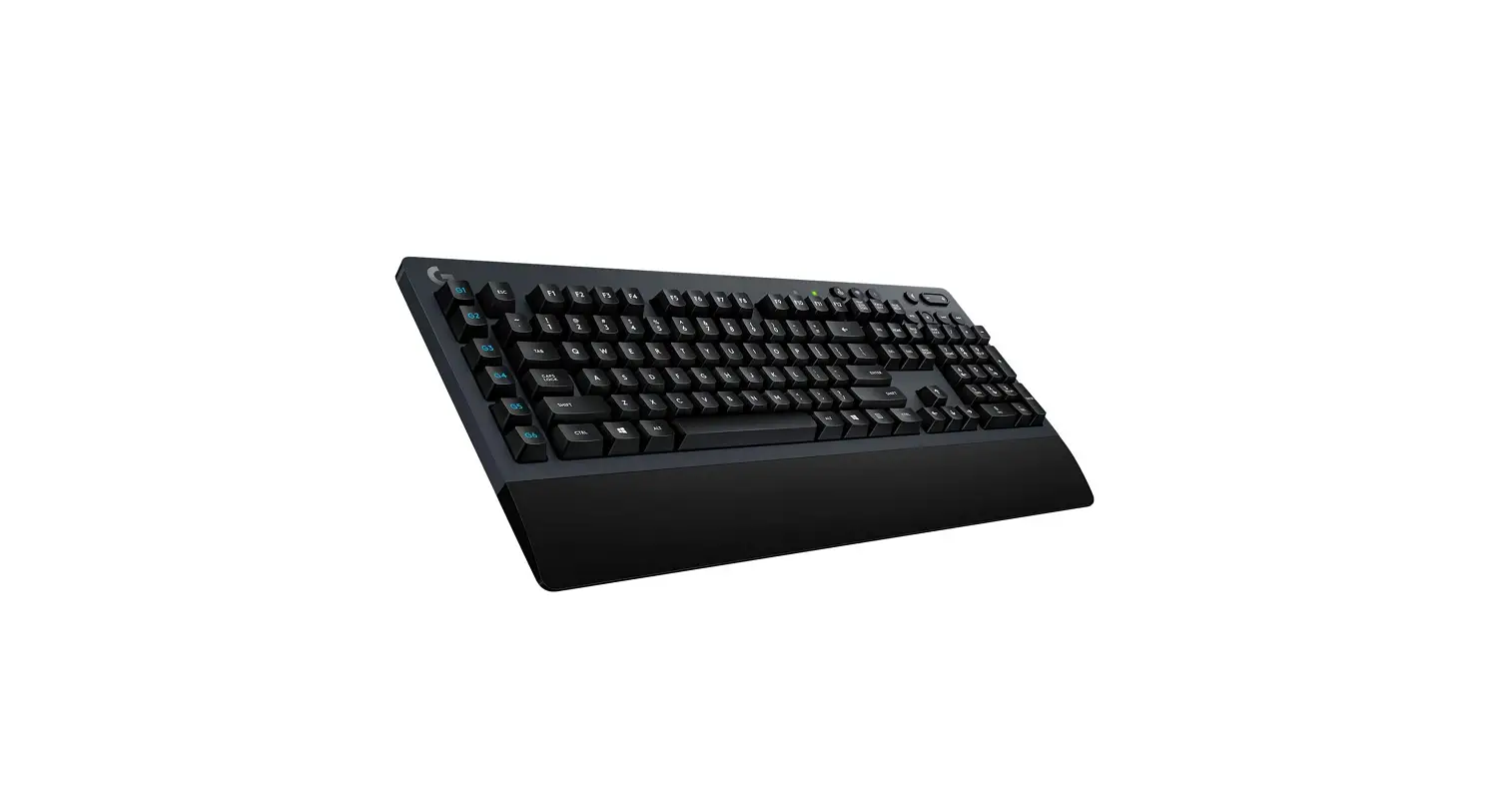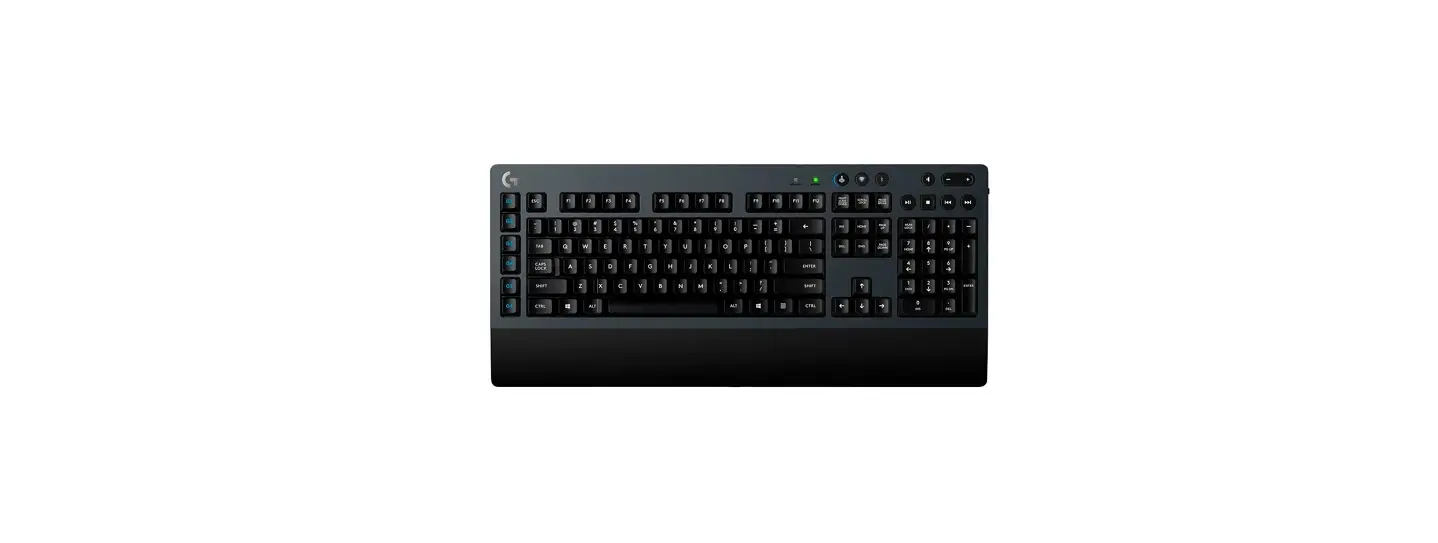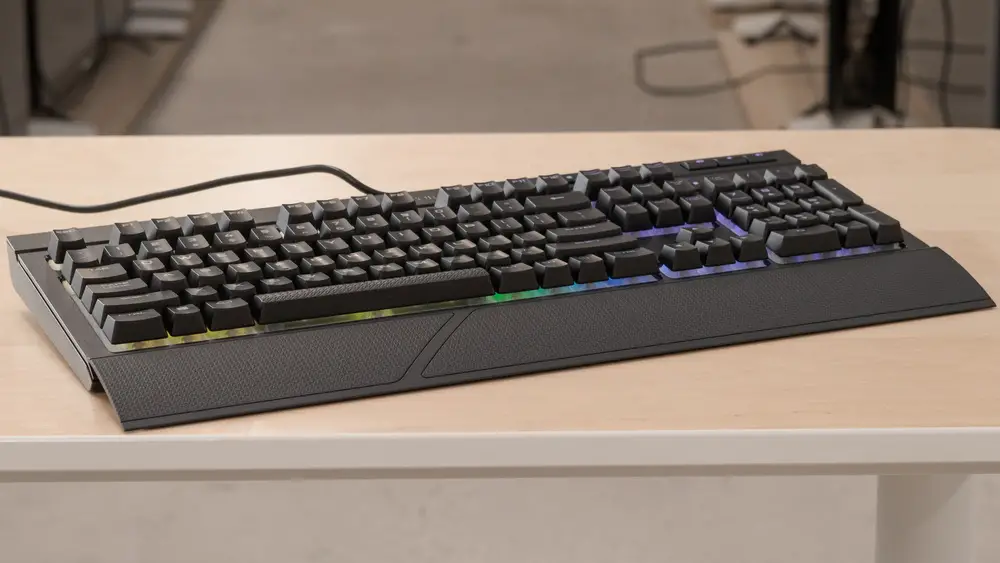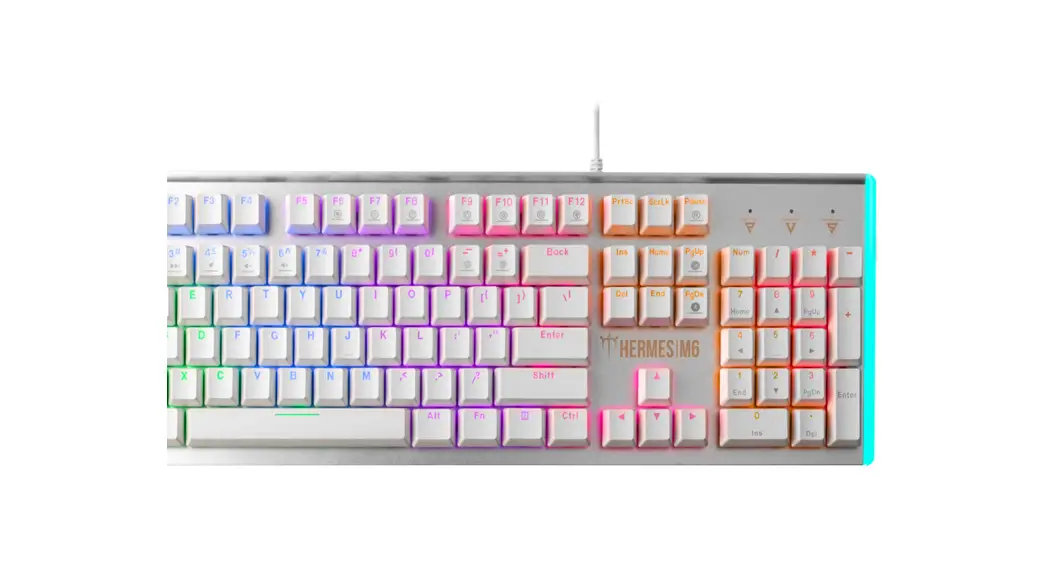
 HERMES M6 Mechanical Gaming Keyboard
Installation Guide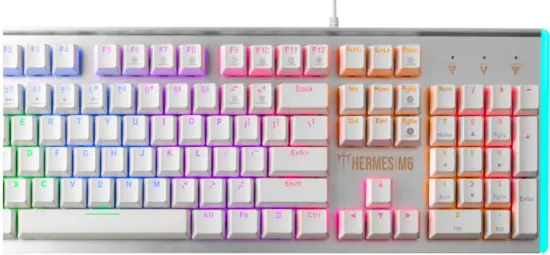
Thank you for purchasing the GAMDIAS™ HERMES M6 mechanical keyboard. The HERMES M6 focuses on the basic features users demand and applies this to the distinct design elements of the HERMES series. This easy-to-use keyboard allows for extended use and flexibility to give you optimal gaming performance.
System Requirements
- WindowsXP/ Vista /7/8/10
- PC with USB ports
Package Contents
- GAMDIAS™ HERMES M6 Mechanical Keyboard
- Keycap puller
Introduction to HERMES M6 Keyboard Configuration
 |
| Seven shortcut keys for switching among Seven keyboard light effects |
 |
| 6 multimedia shortcut keys: (Play/Pause), previous, next, mute, decrease volume, increase the volume |
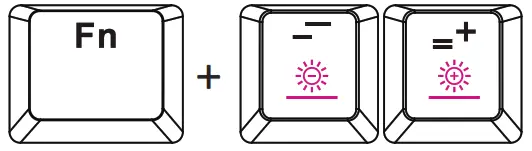 |
| Keyboard backlight brightness level adjustment: There are 5 phases for brightness level adjustment; OFF / 25% / 50% / 75% / 100% |
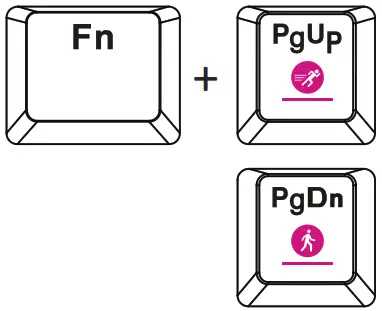 |
| Speed adjustment of shortcut key |
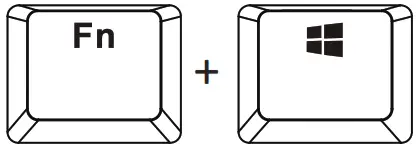 |
| Game mode: Press [Fn + Win] once to lock the Windows key so there will be no response when it is pressed. Press again to unlock the key |
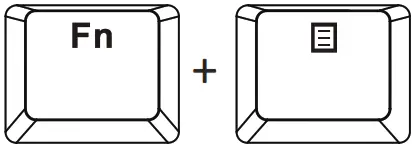 |
| Light bar effect (wave, constantly on, breathing, turning off the light) |
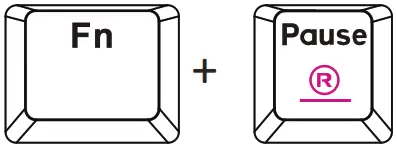 |
| Restore the default setting by pressing FN+PAUSE for 3 seconds. (Default model: Wave Effect) |
Register your GAMDIAS™ HERMES M6 Mechanical Keyboard Please visit: www.GAMDIAS.com for online product registration
 GAMDIAS Gaming PC Components & Peripherals | GAMDIAS